














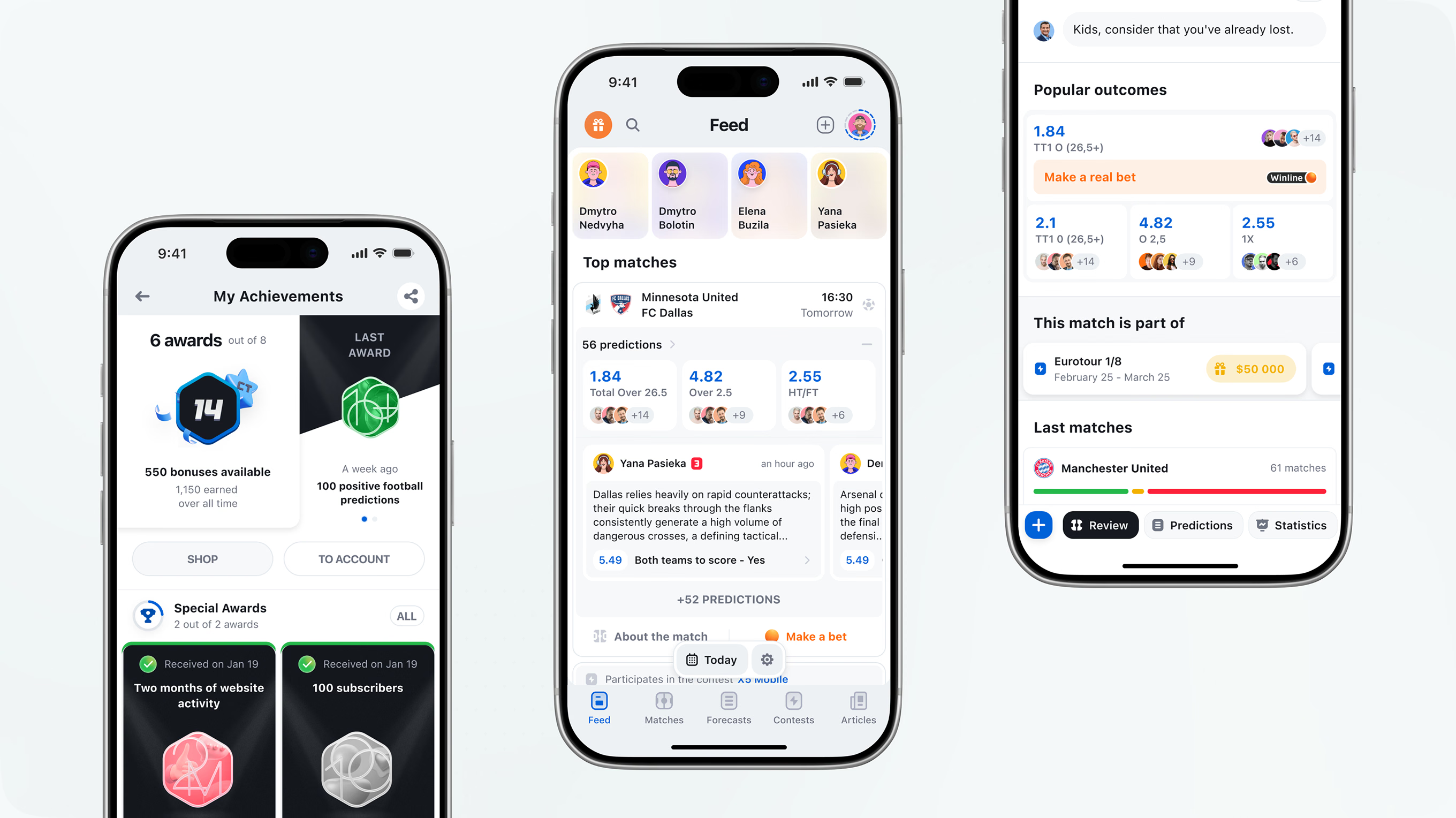

Flatstudio designed the Stavka iOS app, the mobile product of a sports prediction platform with 3M monthly visits that we have designed since 2017. Over one year, we brought the web feature set to iPhone – user-generated forecasts, contests with prize tables, predictioner profiles and ratings, match pages, and partner placements – and rebuilt each flow around iOS patterns: a five-tab bar, Stories for forecasts and ads, filter sheets, and SF Pro typography. The app uses the same 3,500+ component design system as the web platform, so contests and new features reach both from one foundation. We designed the app and reviewed the build; Stavka's own team developed it.
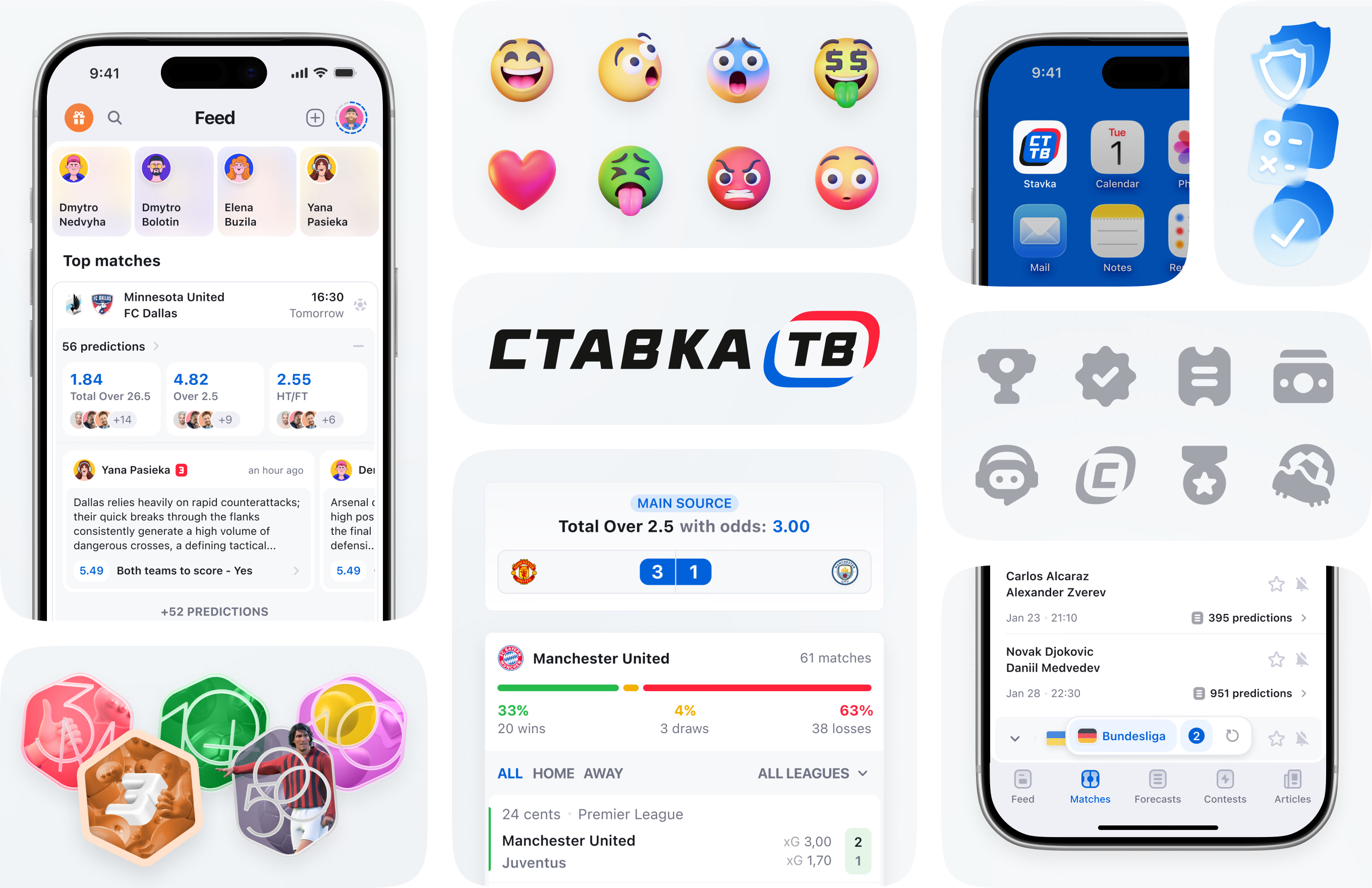
An overview of Stavka’s iOS design – shared icons, reward badges, and a brand system extended onto the home screen – previews the feed, odds, and prediction modules covered in later sections.
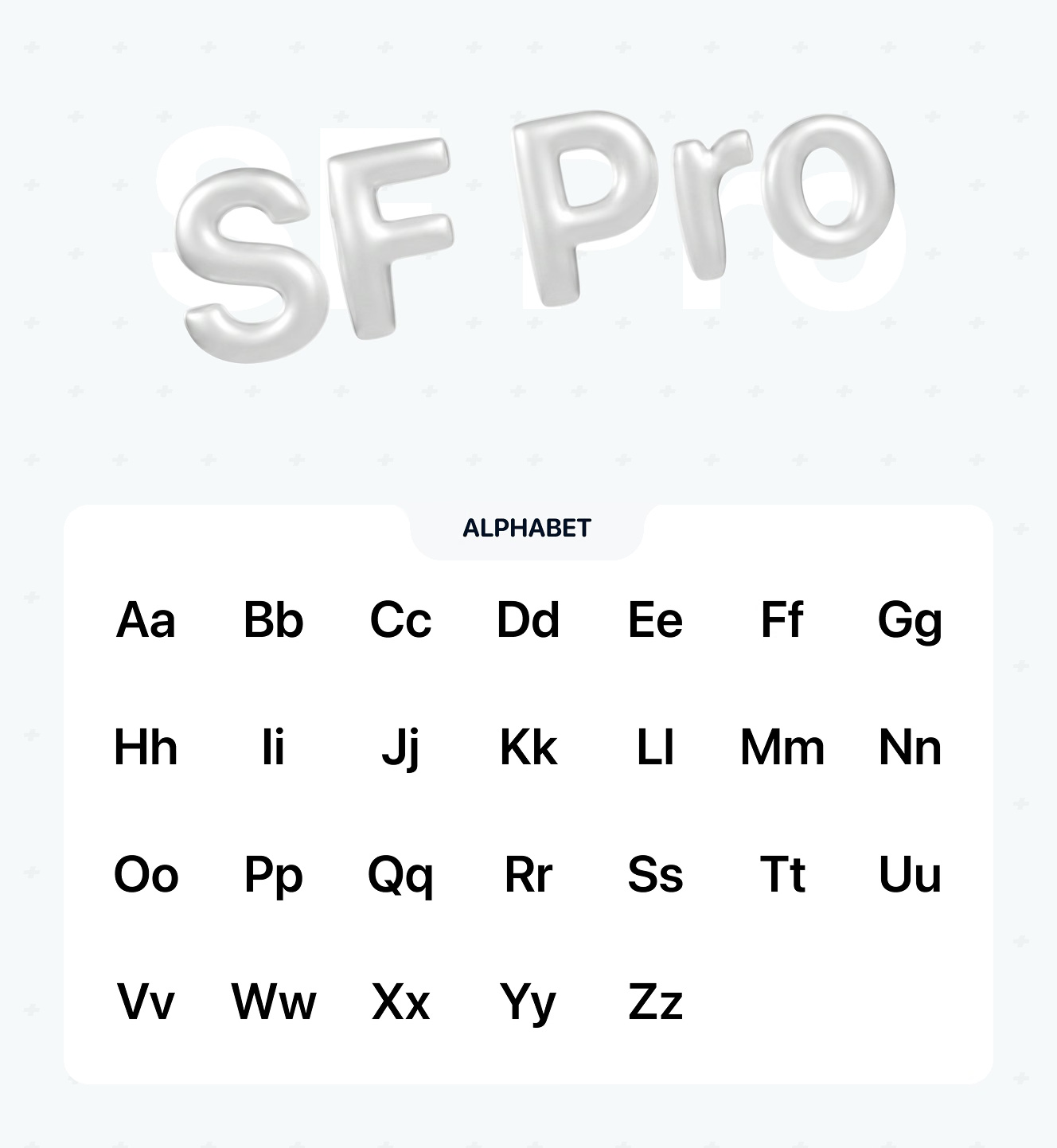
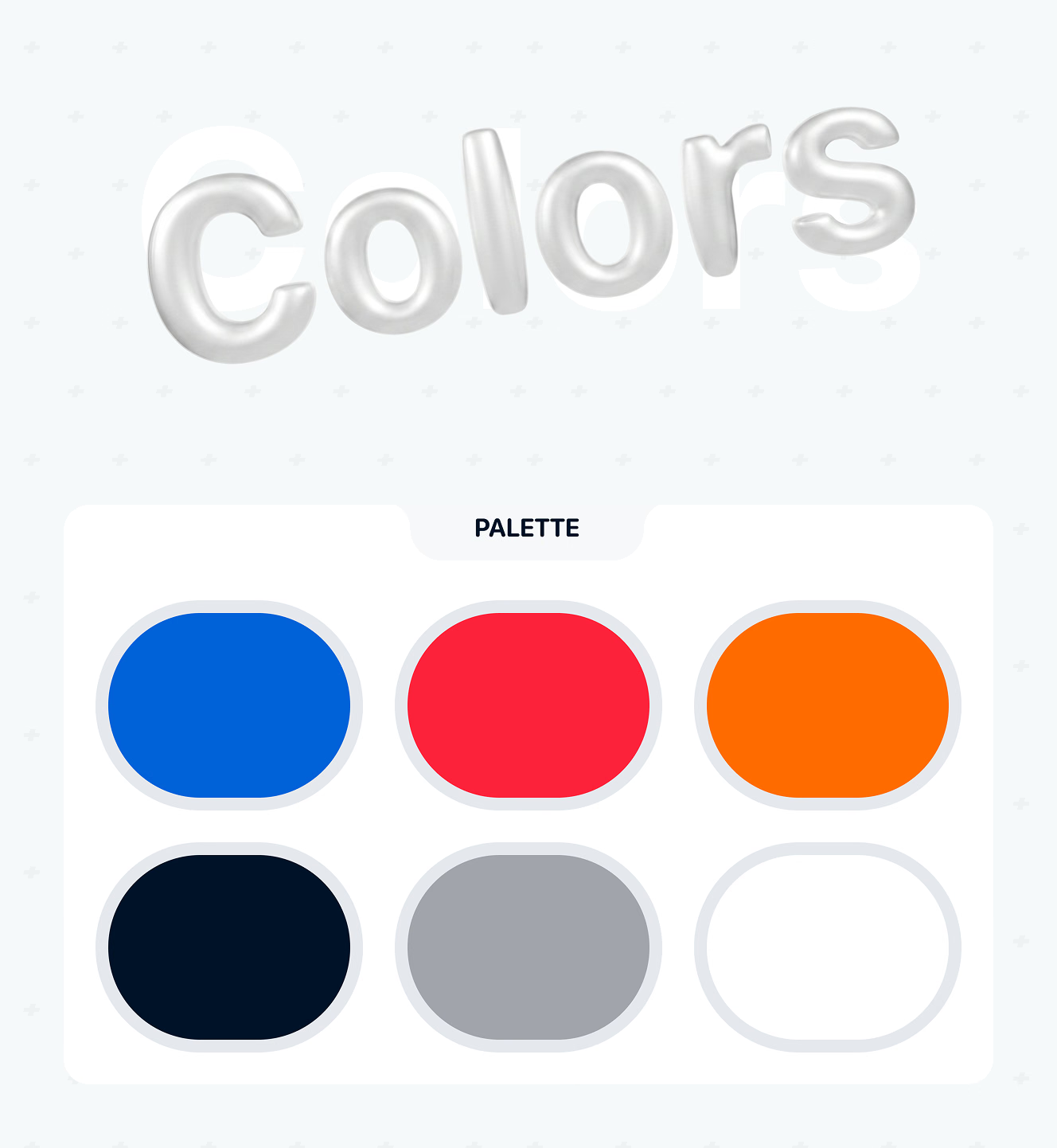
Typography and color tokens from the shared design system, adapted to Apple’s SF Pro and iOS conventions. The six-color palette carries over from the web platform for visual consistency.
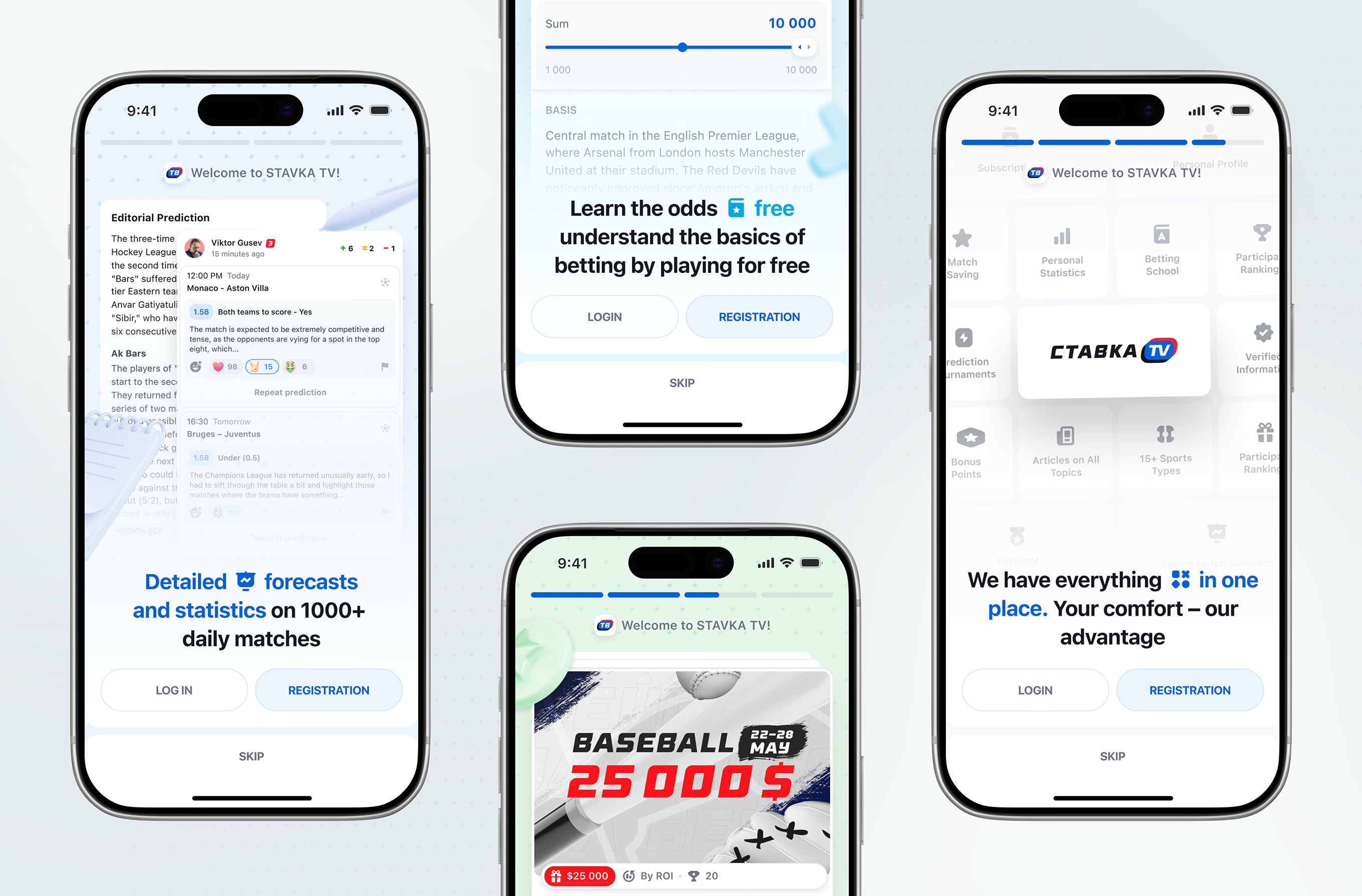
A four-step onboarding carousel introduces odds basics, the app’s section hub, and a live contest prize pool before sign-up.
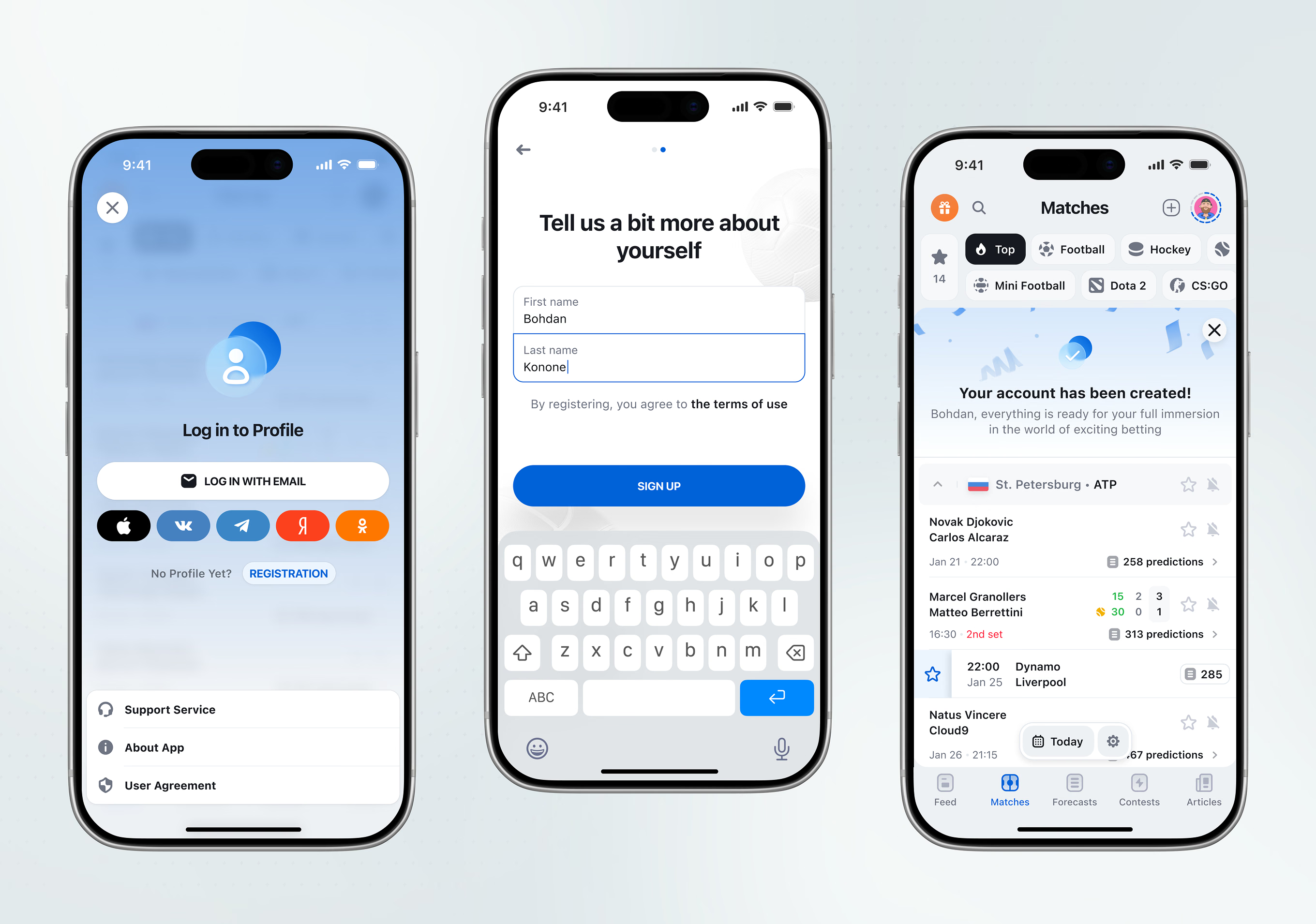
Registration for the sports prediction app supports social login alongside a first-and-last-name form and terms acceptance. A confirmation screen greets the new user by name once the account is created.
Five bottom tabs – Feed, Matches, Forecasts, Contests, Articles – structure the iOS app’s main navigation, mirroring the web platform’s top-level sections. Each tab stays persistent and reachable from anywhere in one tap.
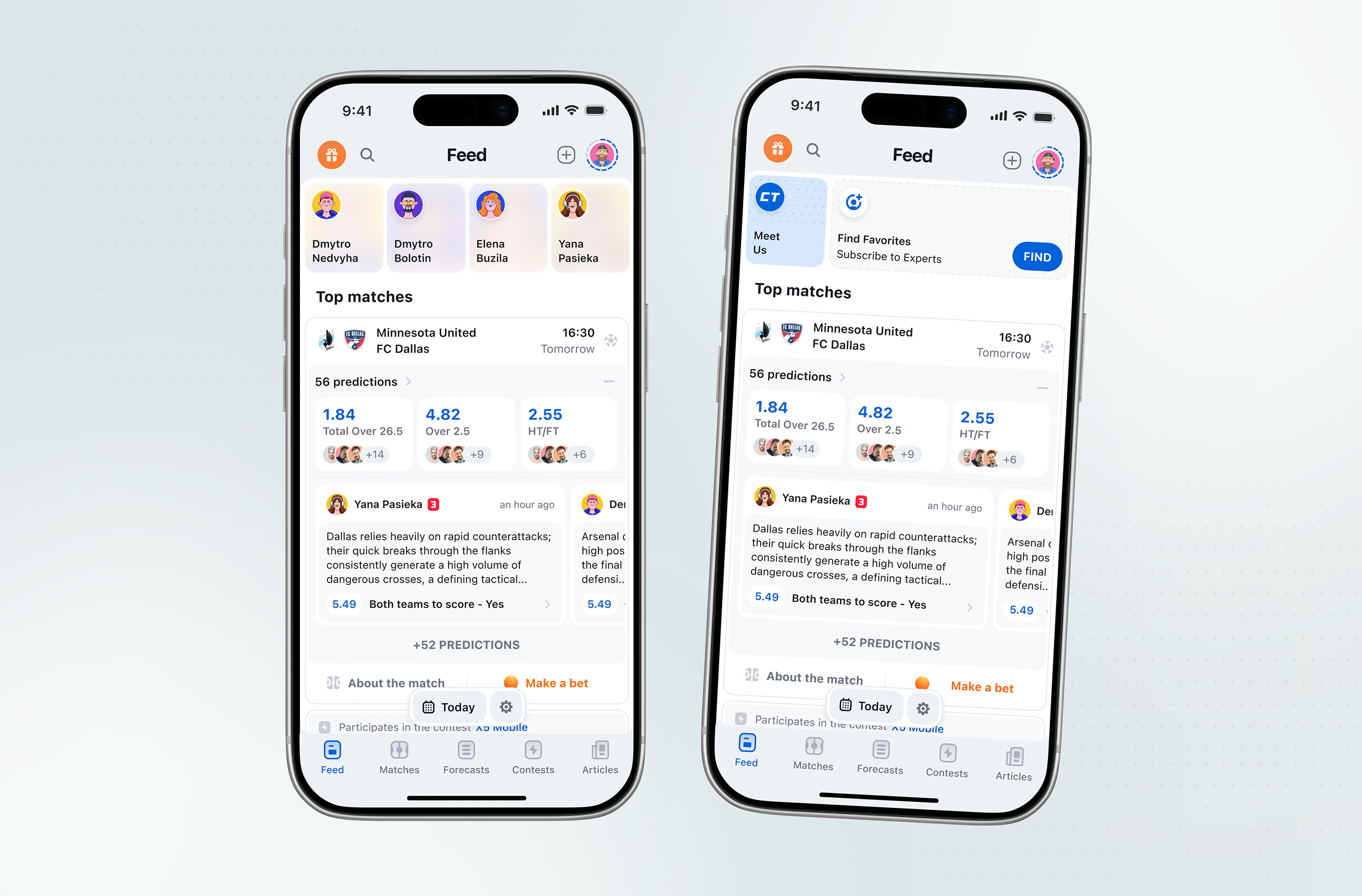
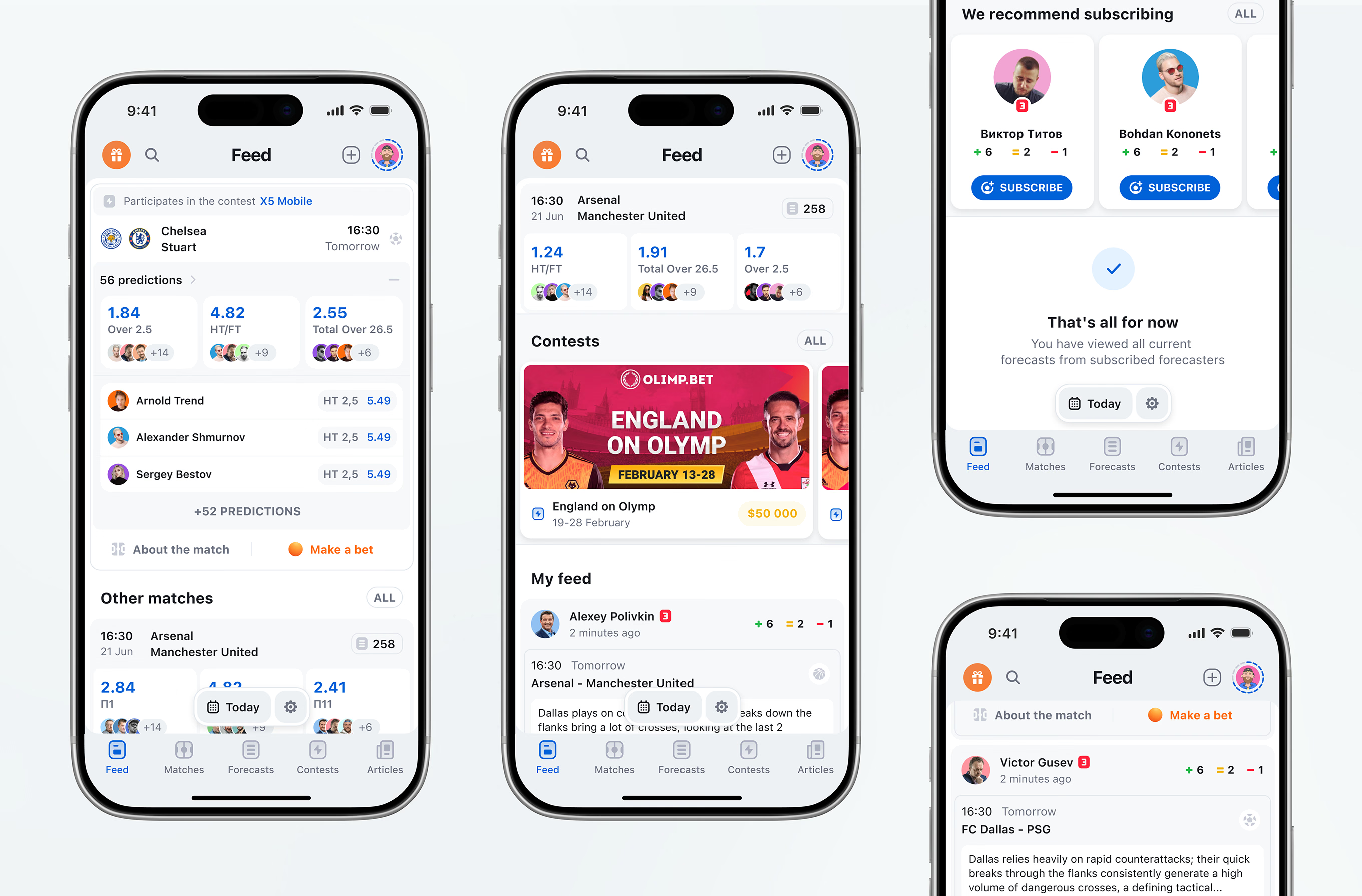
The main feed combines several modules in one scroll: a top-matches list, a sponsored contest banner, a personalized “My feed” section, a “recommend subscribing” carousel, and an end-of-feed state once every forecast is viewed.
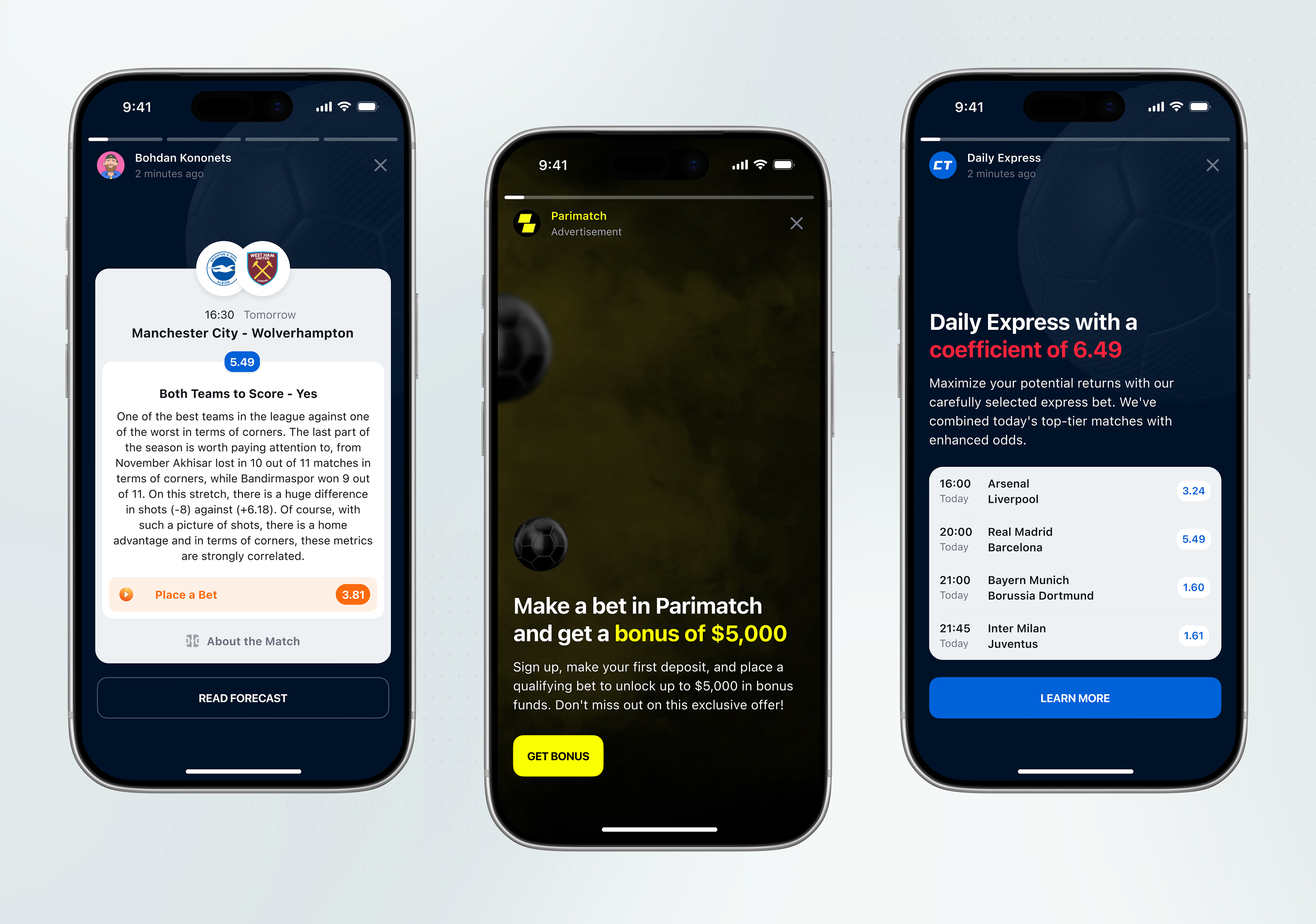
Stavka’s Stories format delivers full-screen, tap-to-advance slides instead of a feed scroll. The same pattern carries a predictioner’s forecast, a bookmaker ad, and a curated daily accumulator.
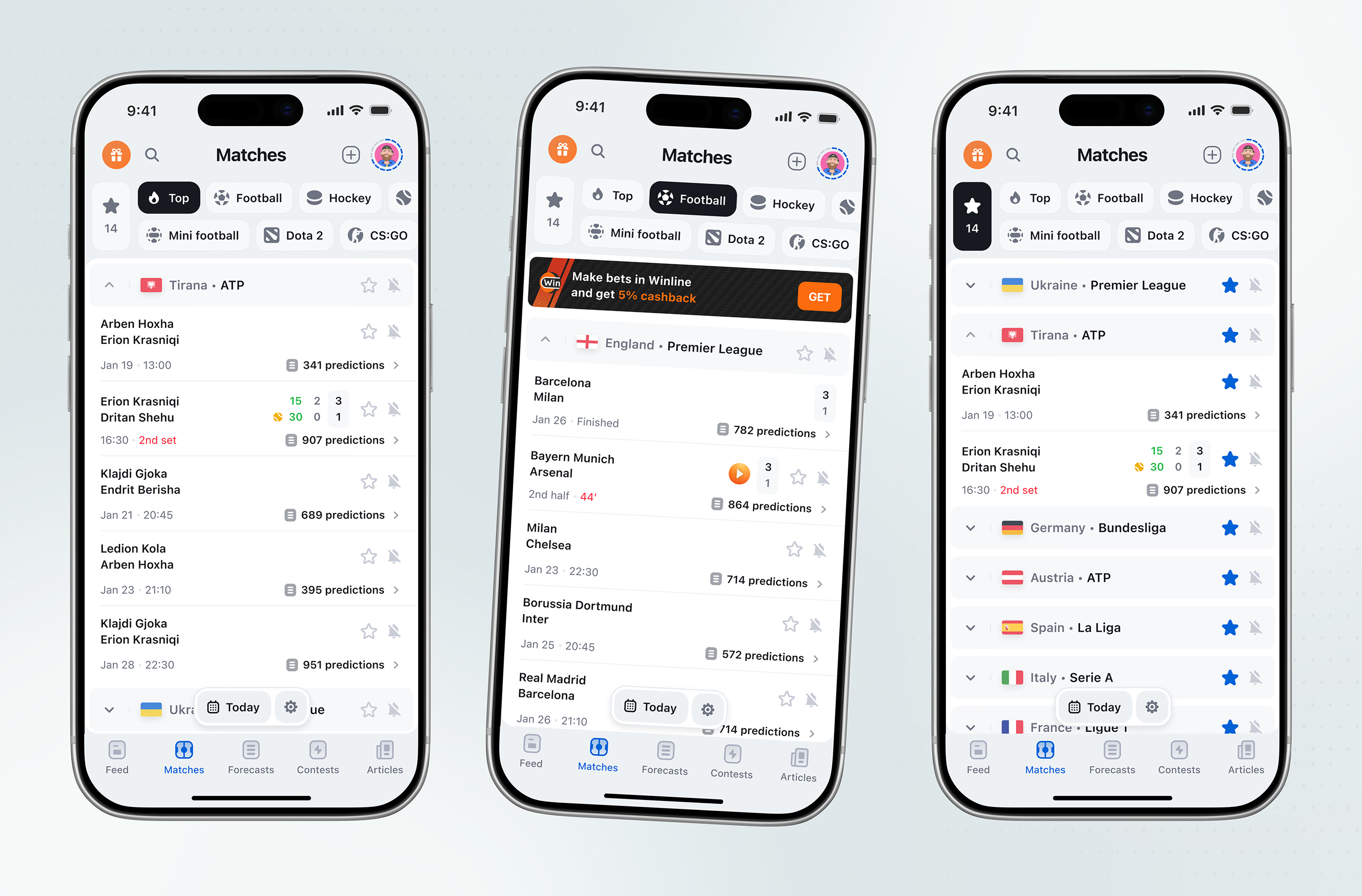
Matches are grouped under league headers across football, hockey, and esports, each match showing a live prediction count. Users star teams and leagues to pin them above the rest.
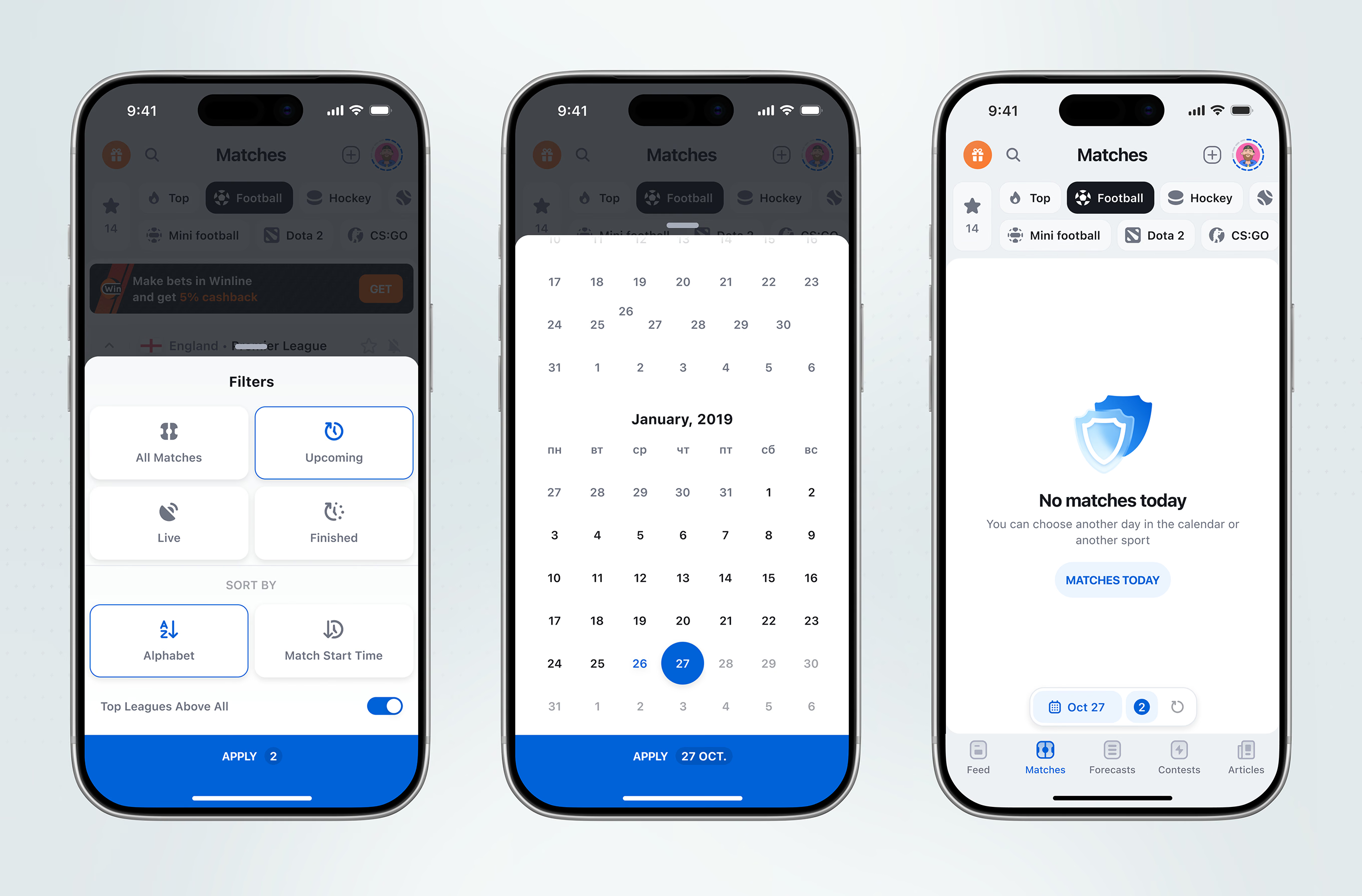
A filter sheet combines match status, sort order, and a leagues-first toggle, counting active filters on its Apply button. A calendar picker and a no-matches state handle date navigation.
The match page layers an editorial forecast and lineup diagram over squad news, a broadcast-source list, head-to-head history, and a community prediction feed, closing on comments with popular odds.
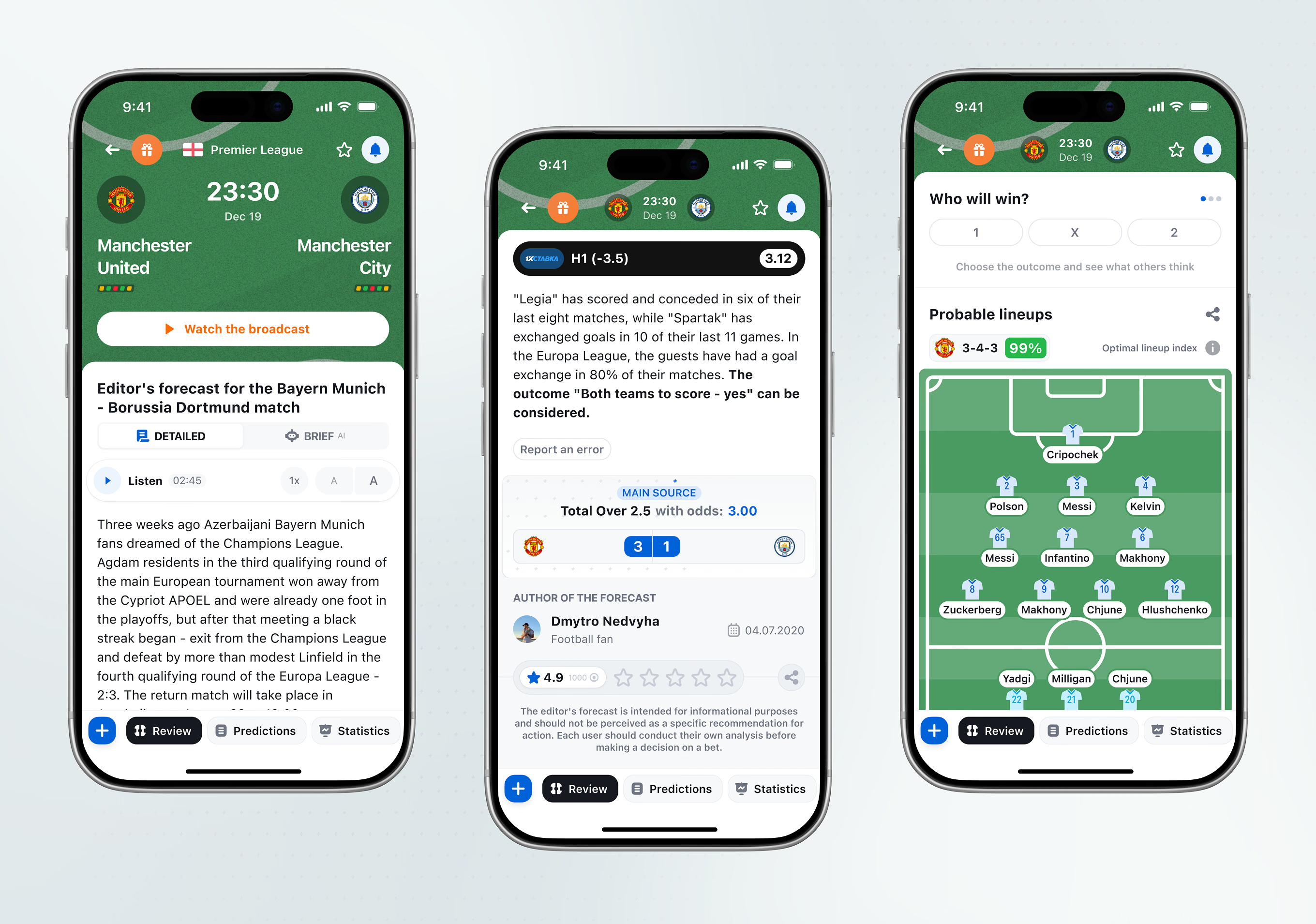
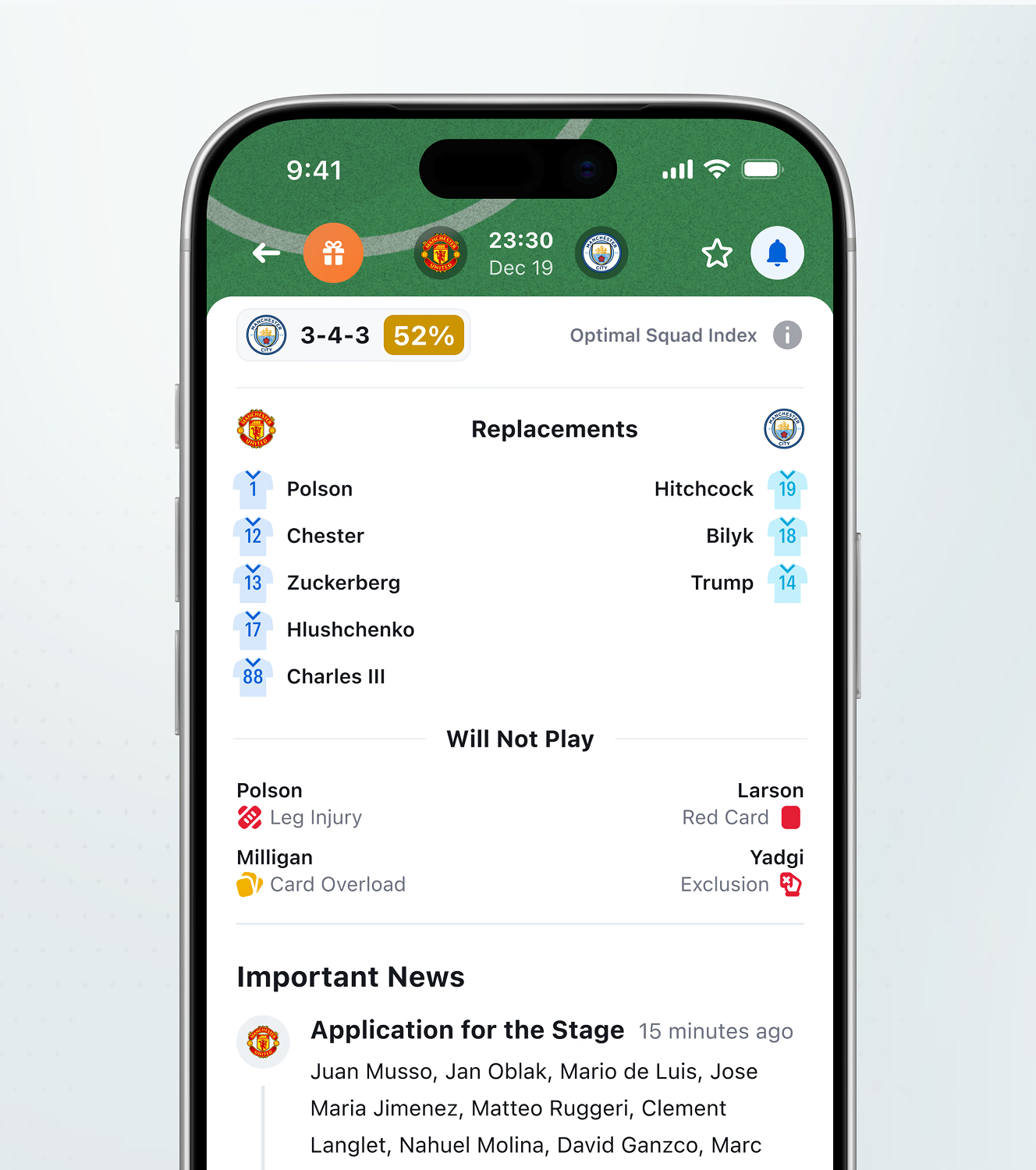
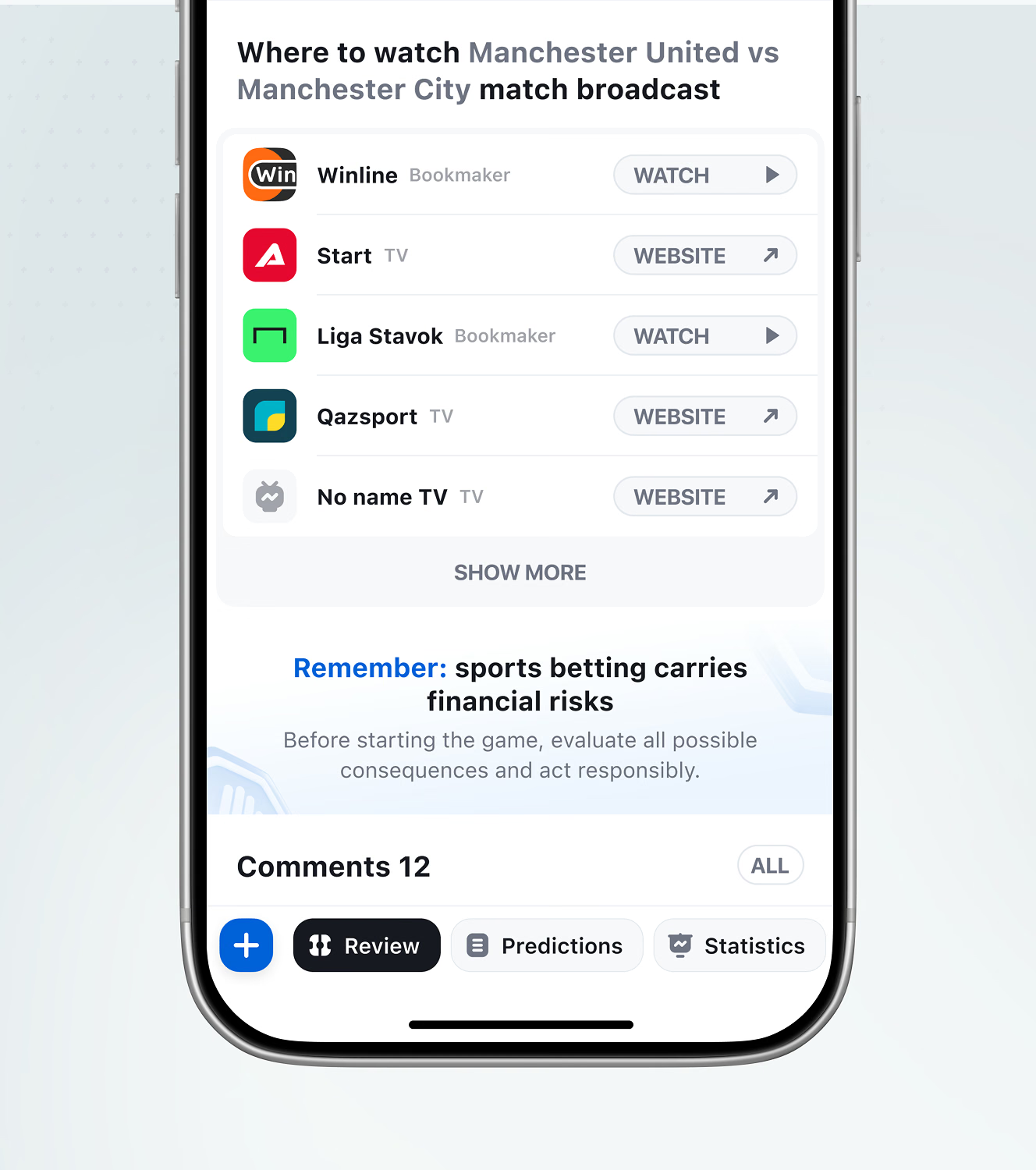
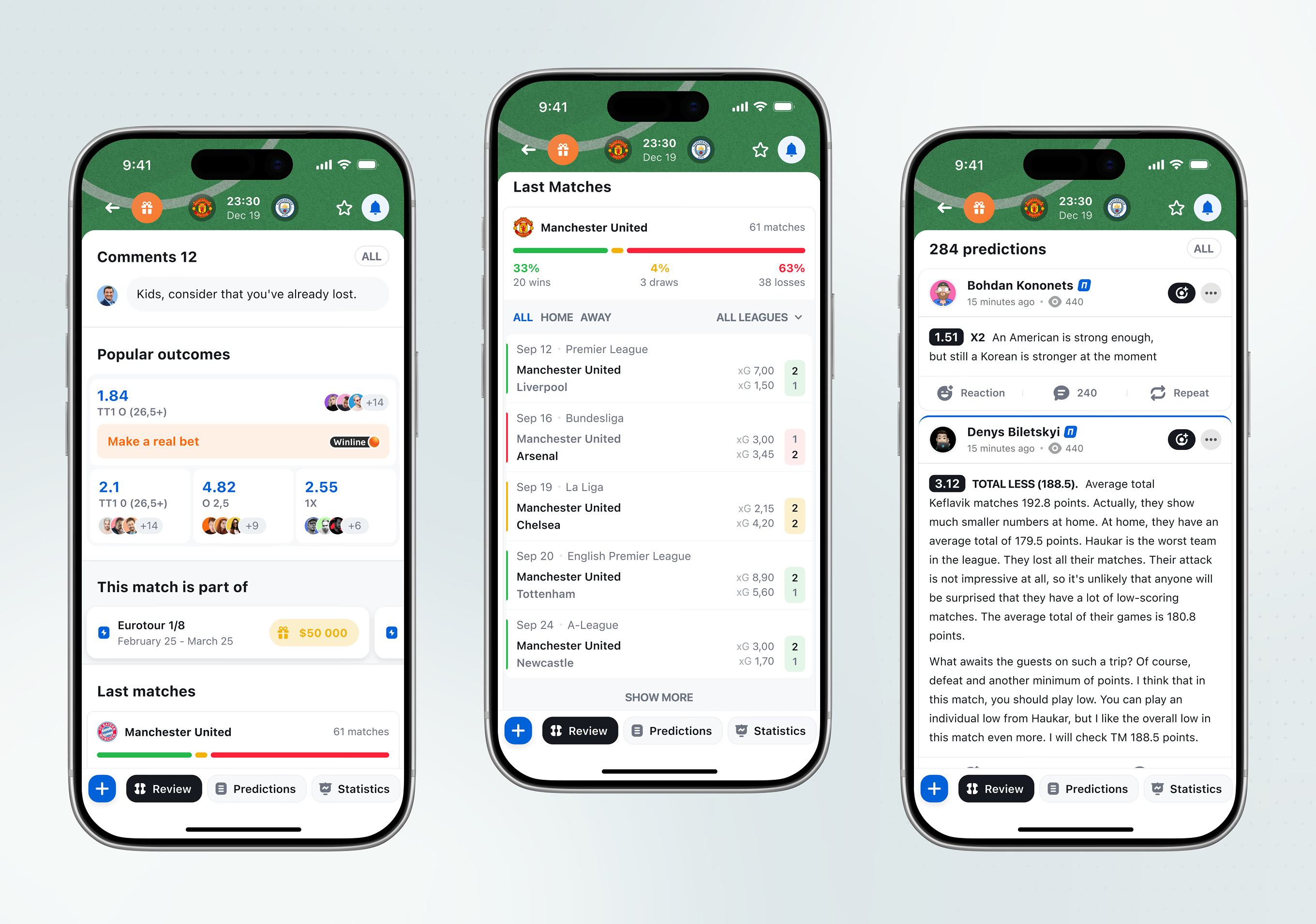
A live match header updates the running minute and score, with a text commentary feed below. After full time, a statistics tab breaks down possession, shots, and scorers by half.
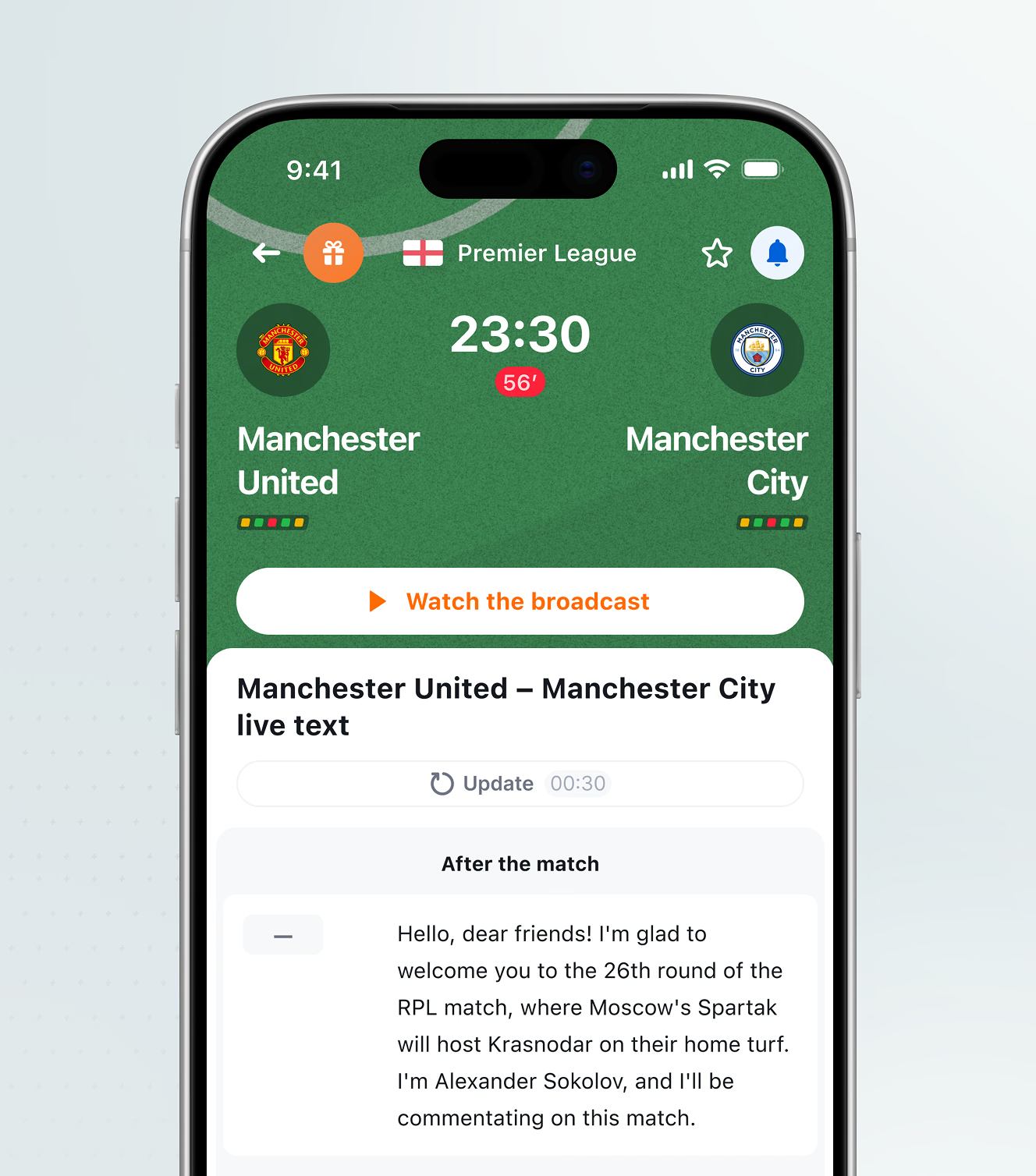
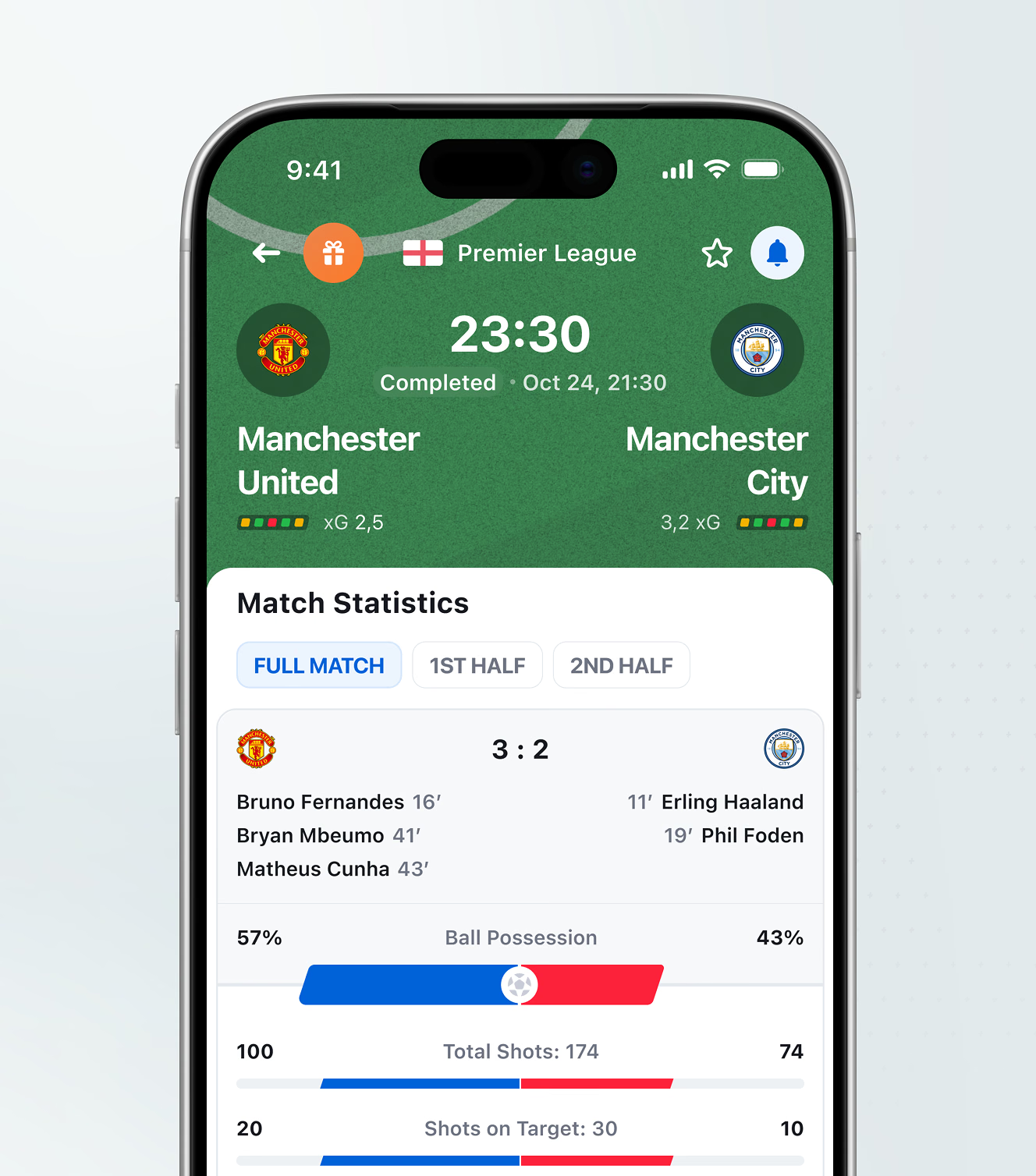
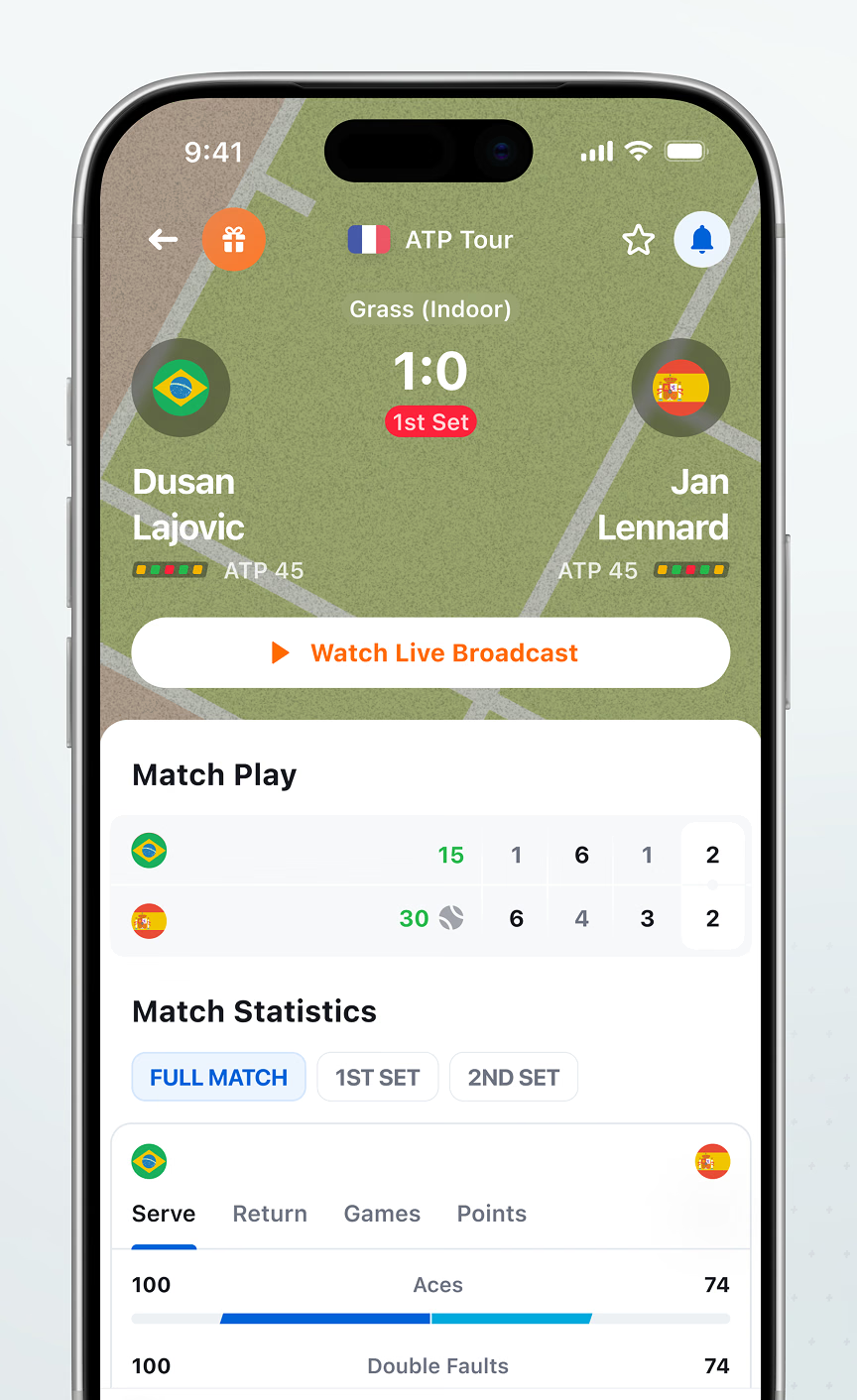
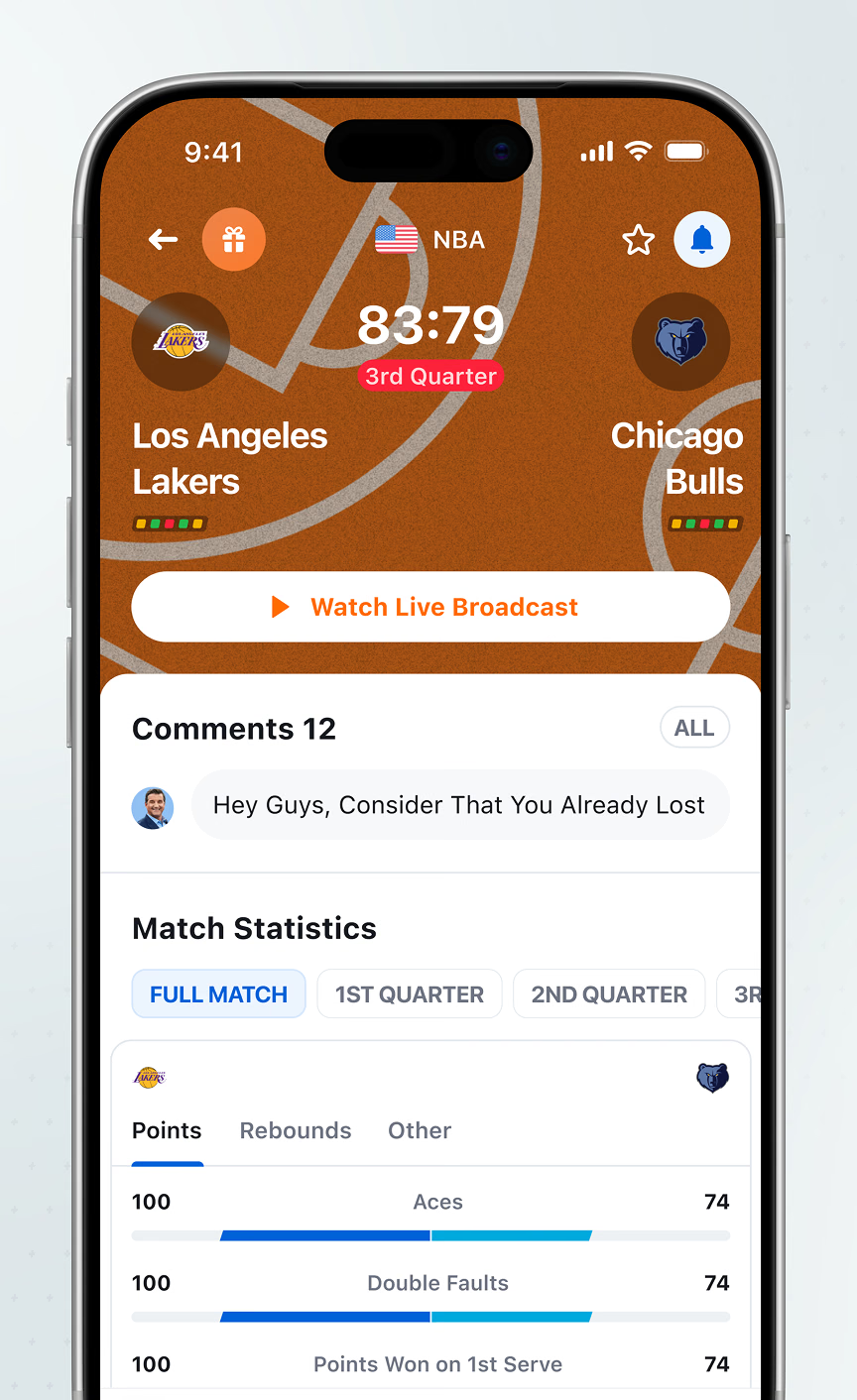
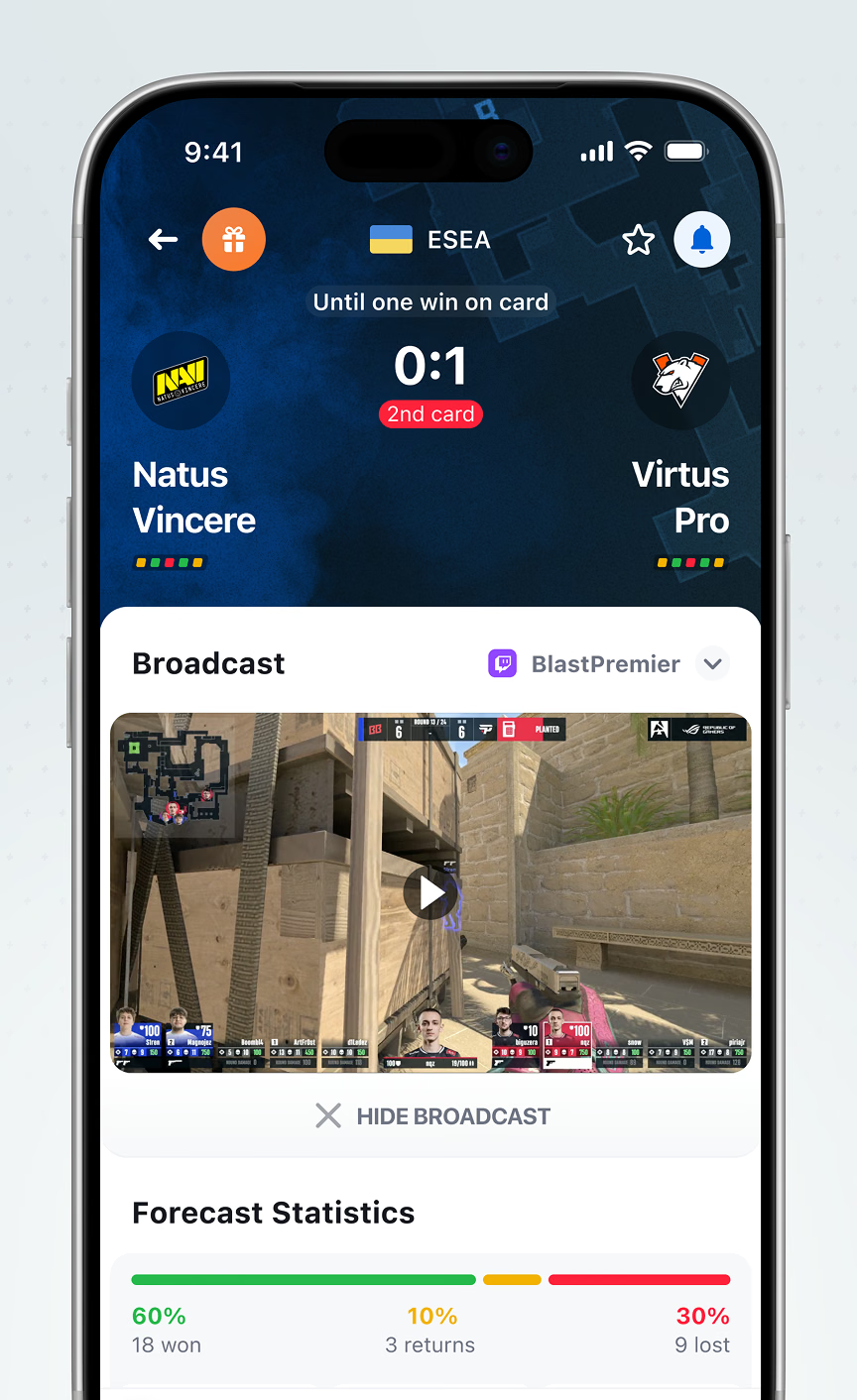
The same match-page structure extends to tennis, basketball, and esports, each keeping a Watch Live Broadcast action and sport-specific stats. An esports match embeds the broadcast instead of linking out.
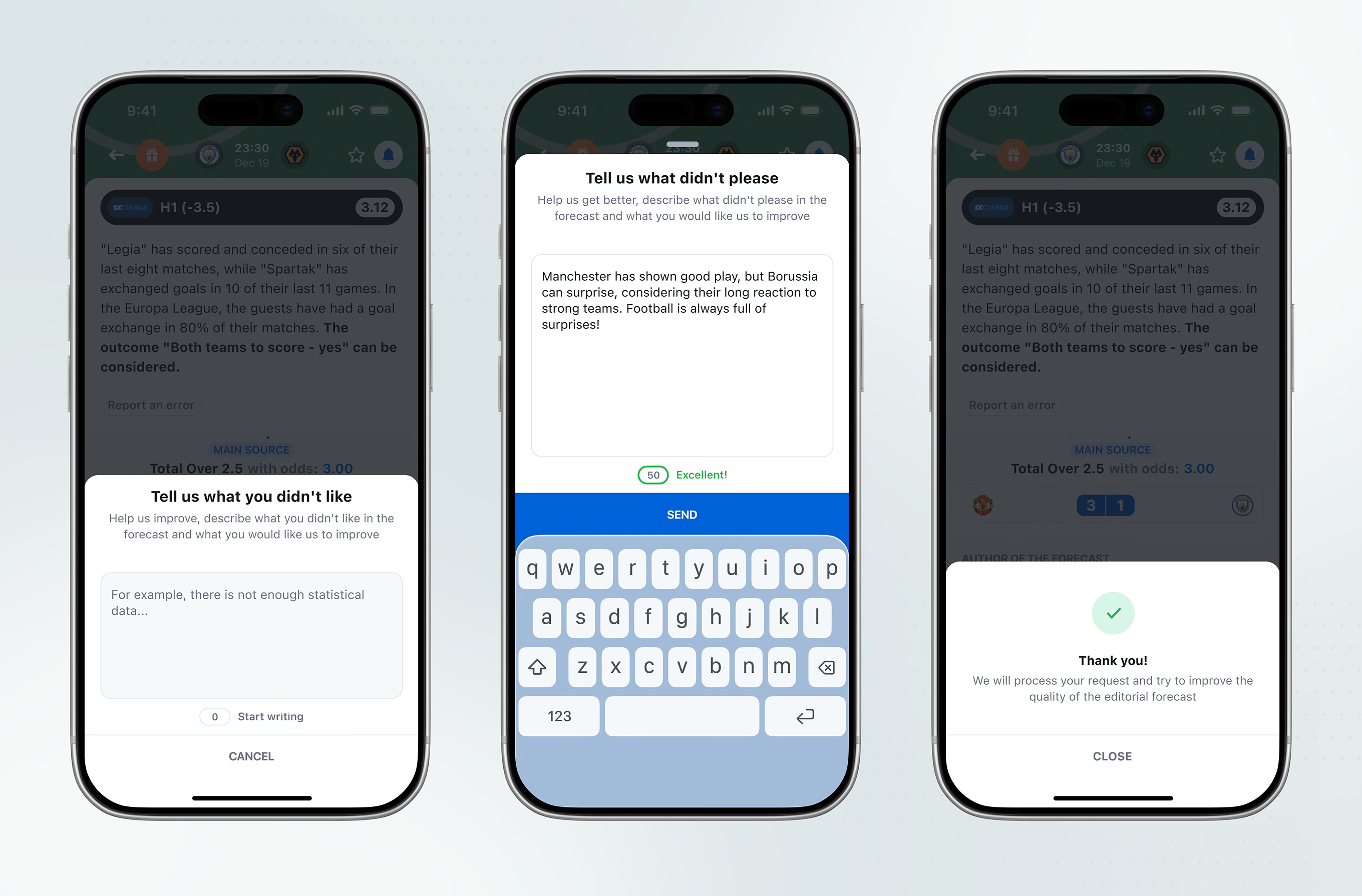
Users can flag a forecast they disagree with through a short feedback form. The flow ends with a confirmation screen.
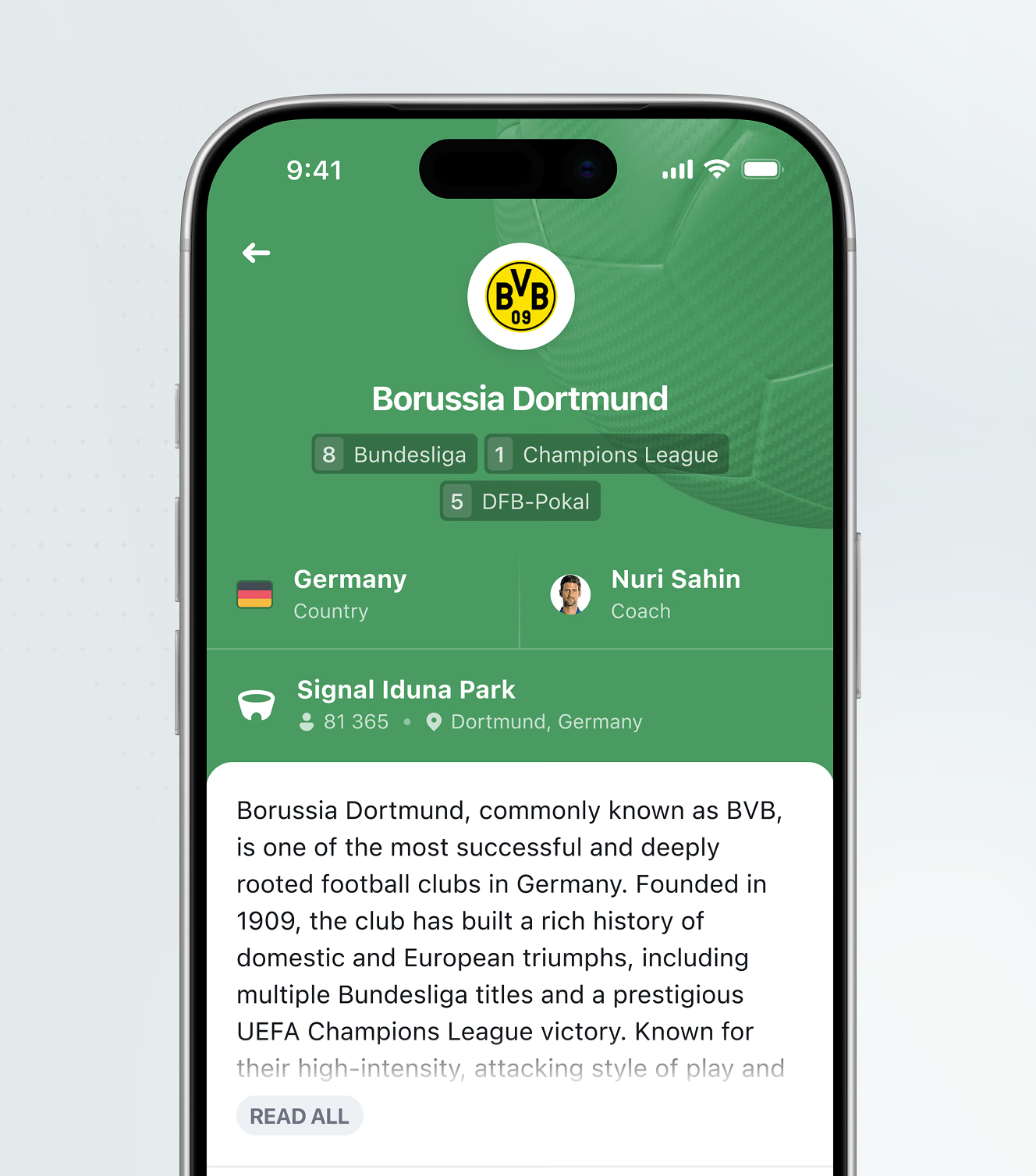
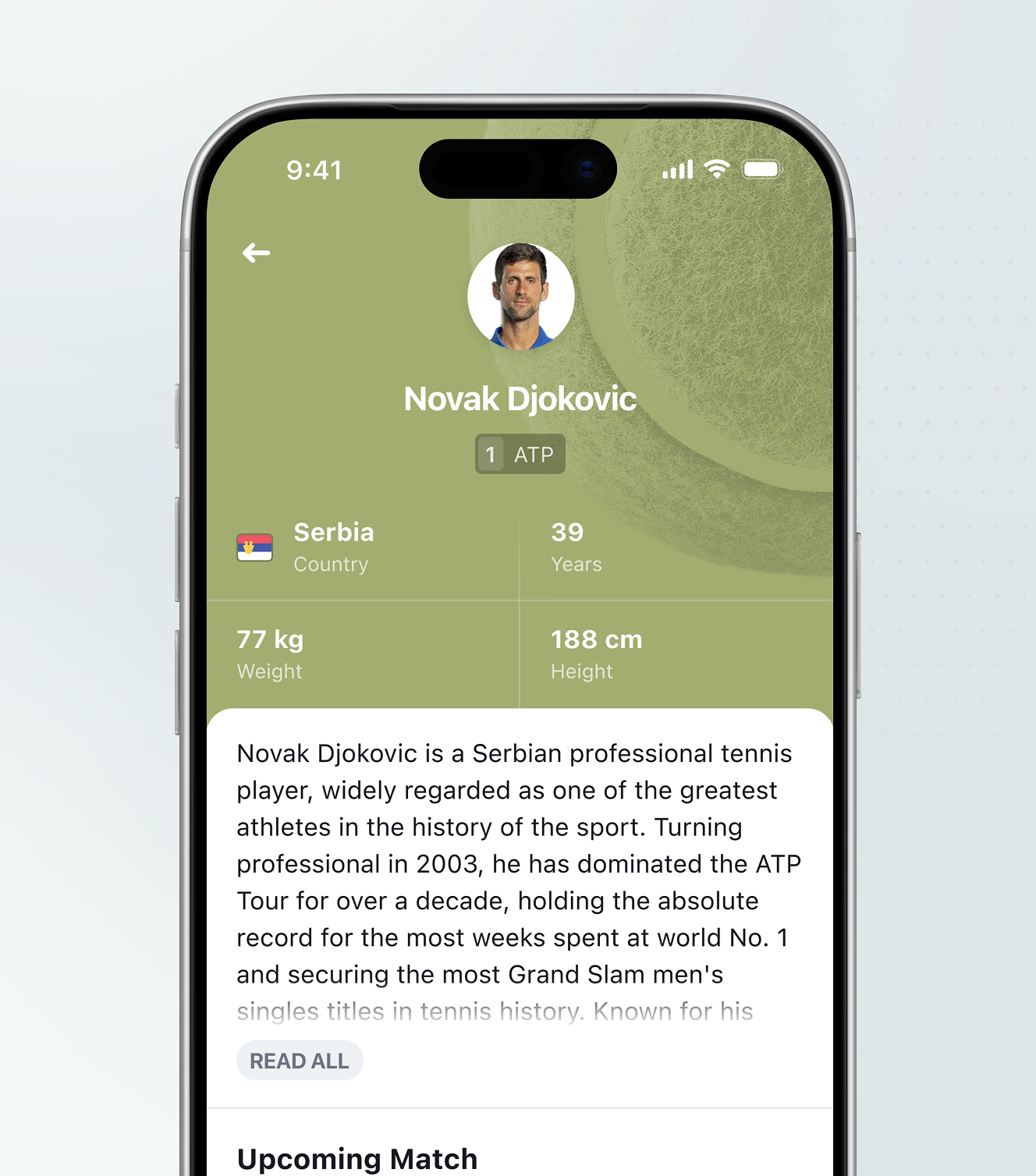
Club pages list trophies, country, coach, and stadium; player pages list ranking, age, weight, and height. Both cap the biography behind a Read All toggle for a consistent card height.
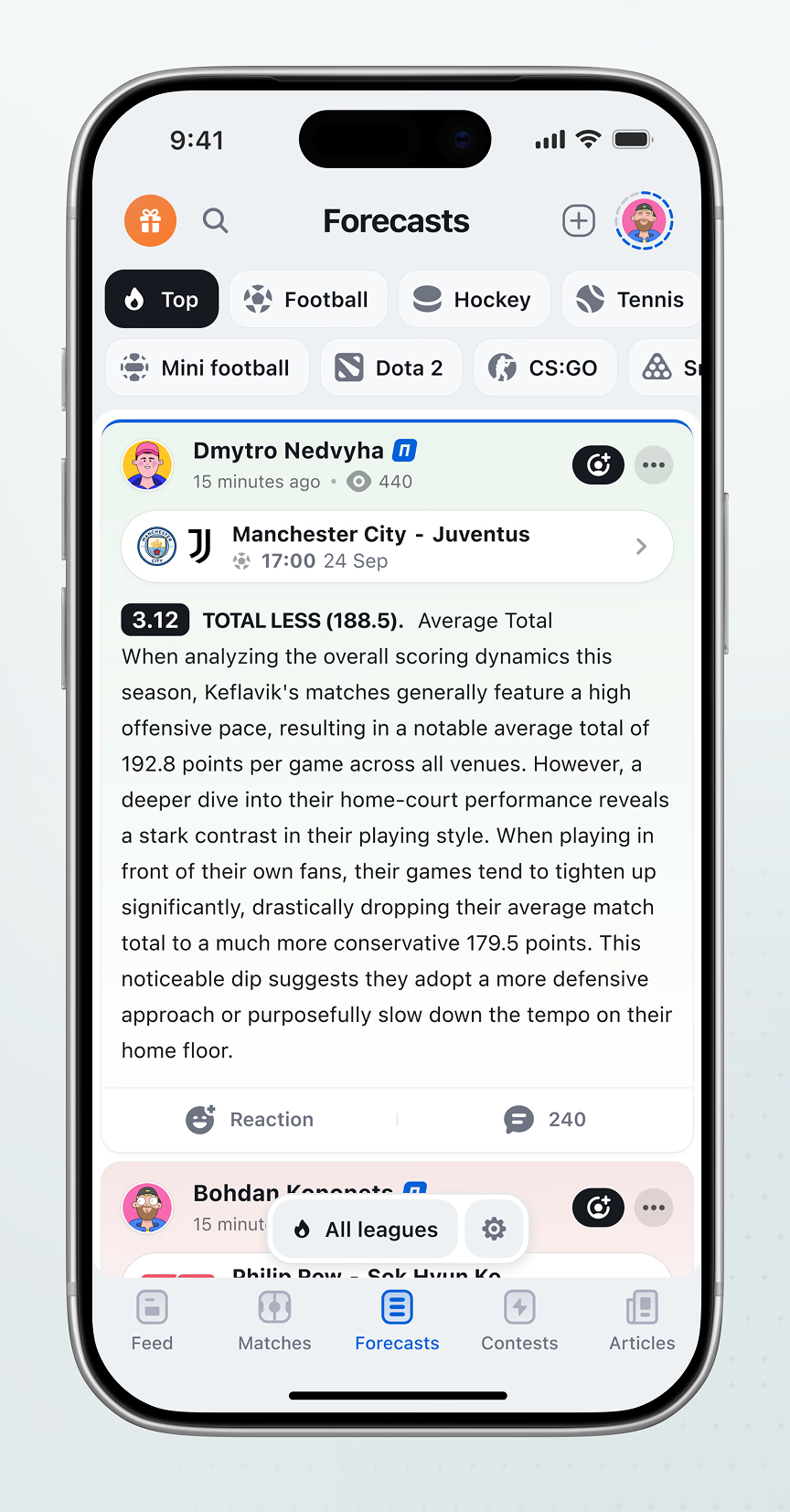
Each forecast pairs a statistical rationale with reaction and comment counts on one card. A settings prompt lets users choose where new forecasts notify them, from push to messaging apps.

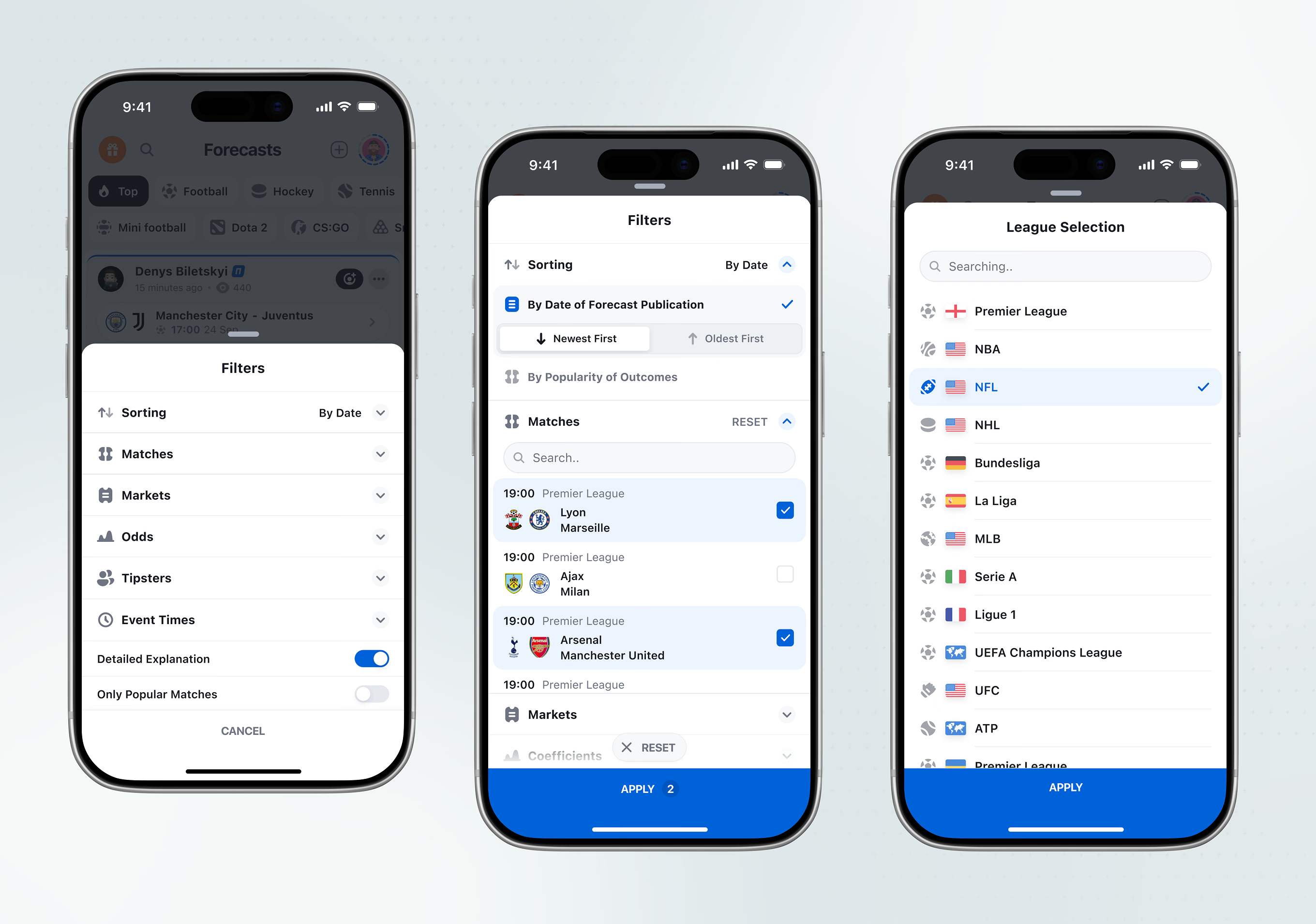
A filter panel narrows the sports prediction feed by sorting, match, market, odds range, and tipster, plus toggles for explanation depth and popularity, across a searchable multi-sport league list.
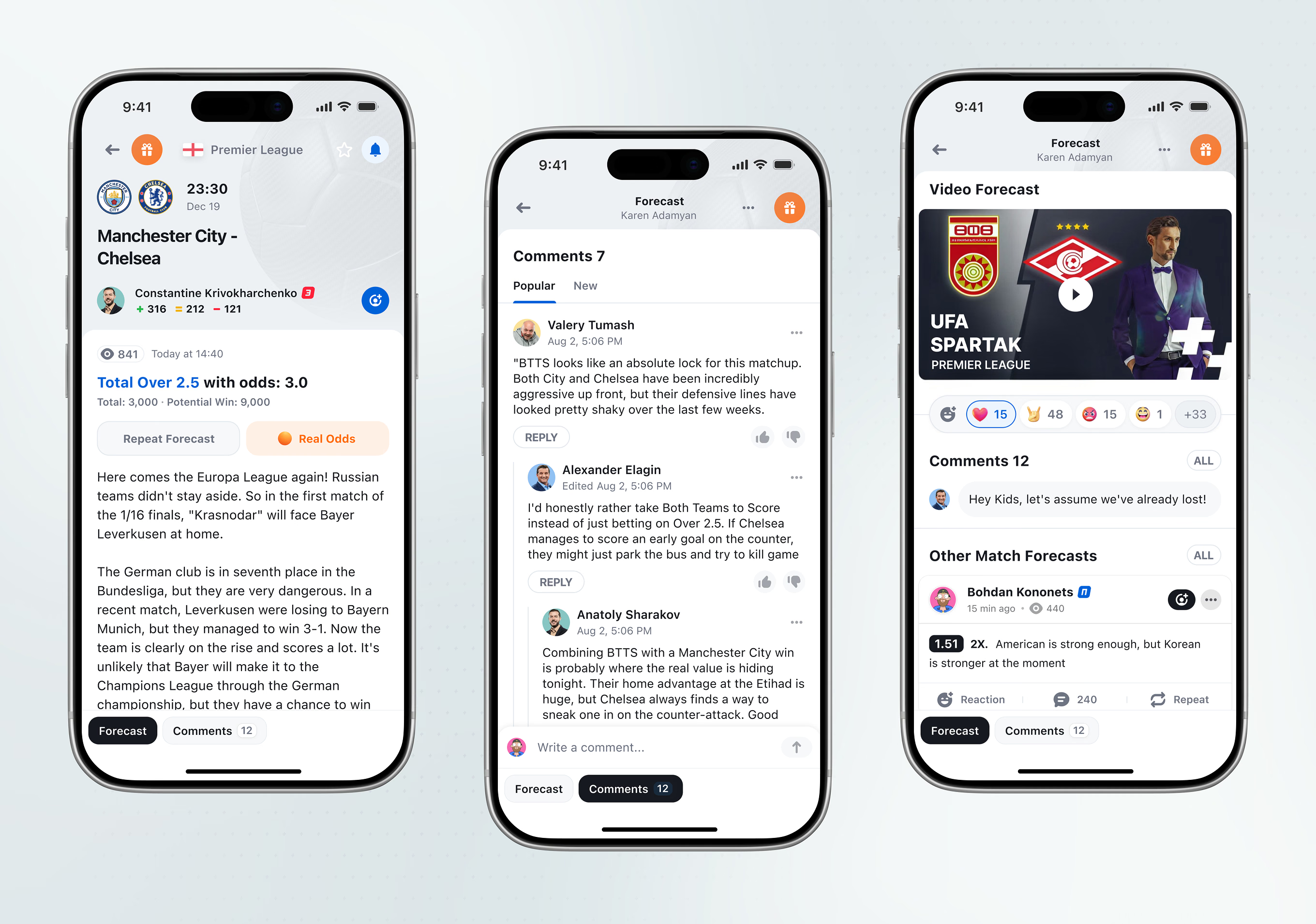
The forecast detail screen pairs potential-win math with Repeat Forecast and Real Odds actions below the analysis. Comment threads support replies, and a video-forecast format adds its own reactions.
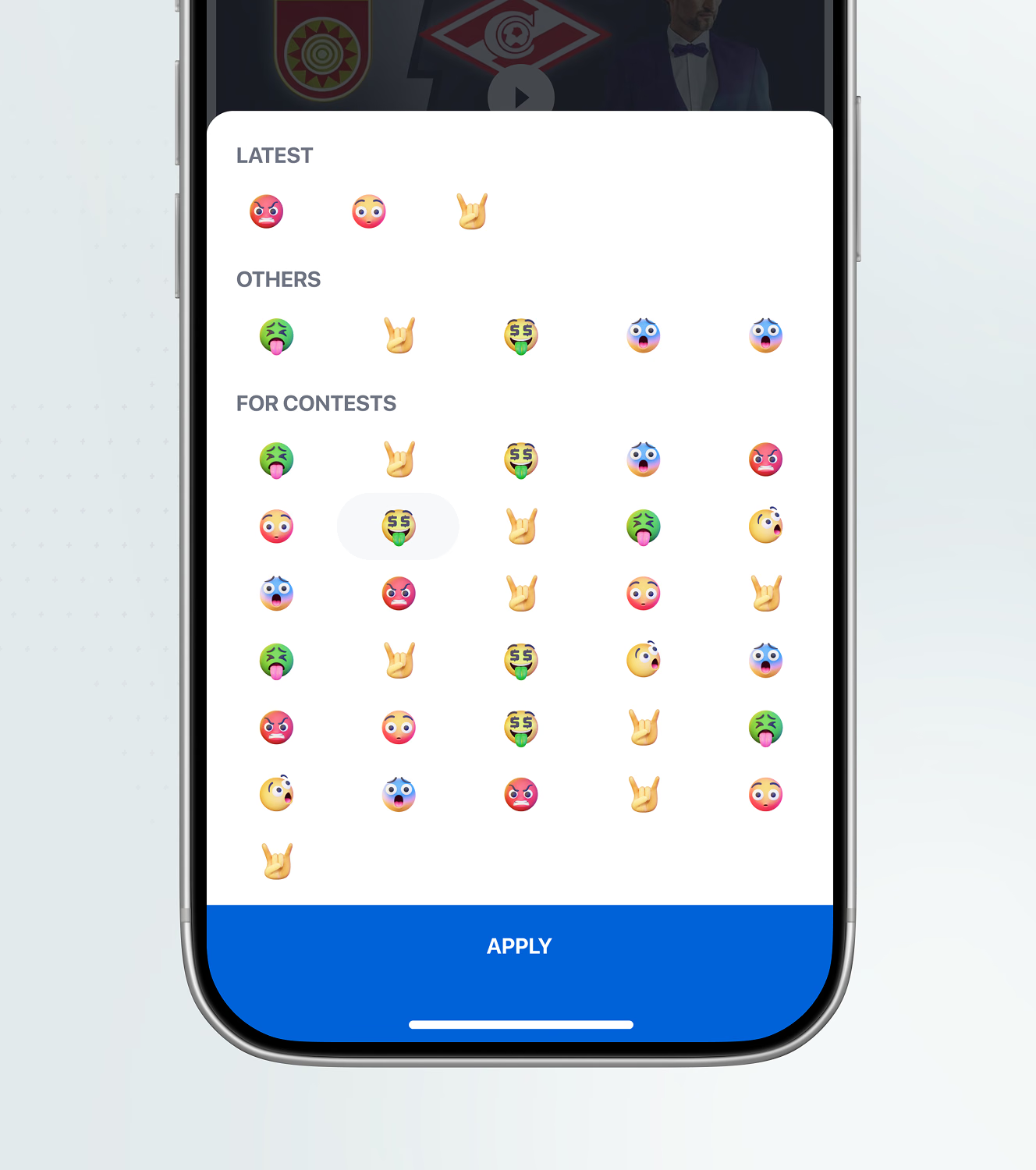
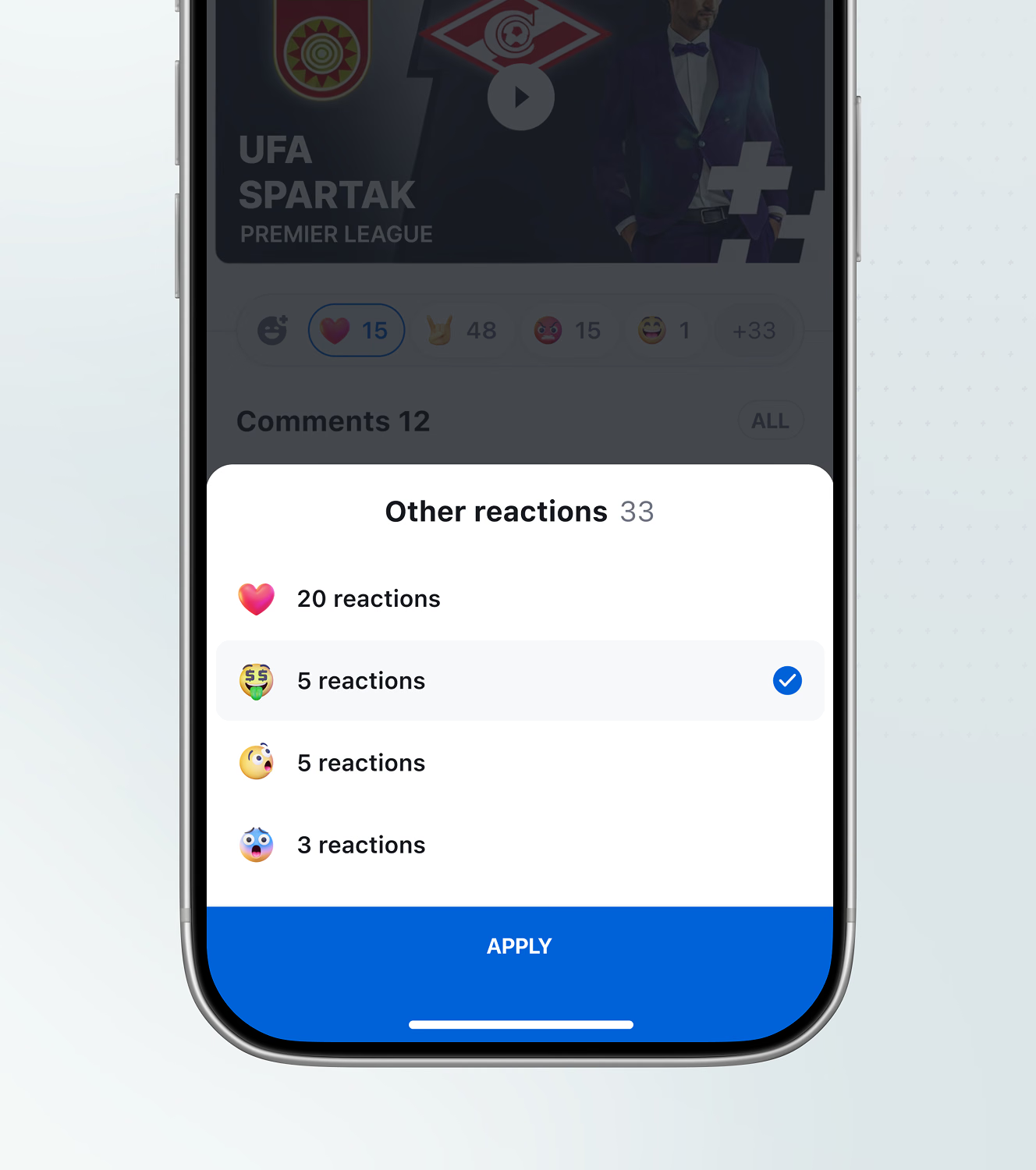
A grouped emoji picker separates everyday reactions from contest-only ones, with a tally screen breaking down how many times each was used. The chosen reaction stays checked until Apply confirms it.
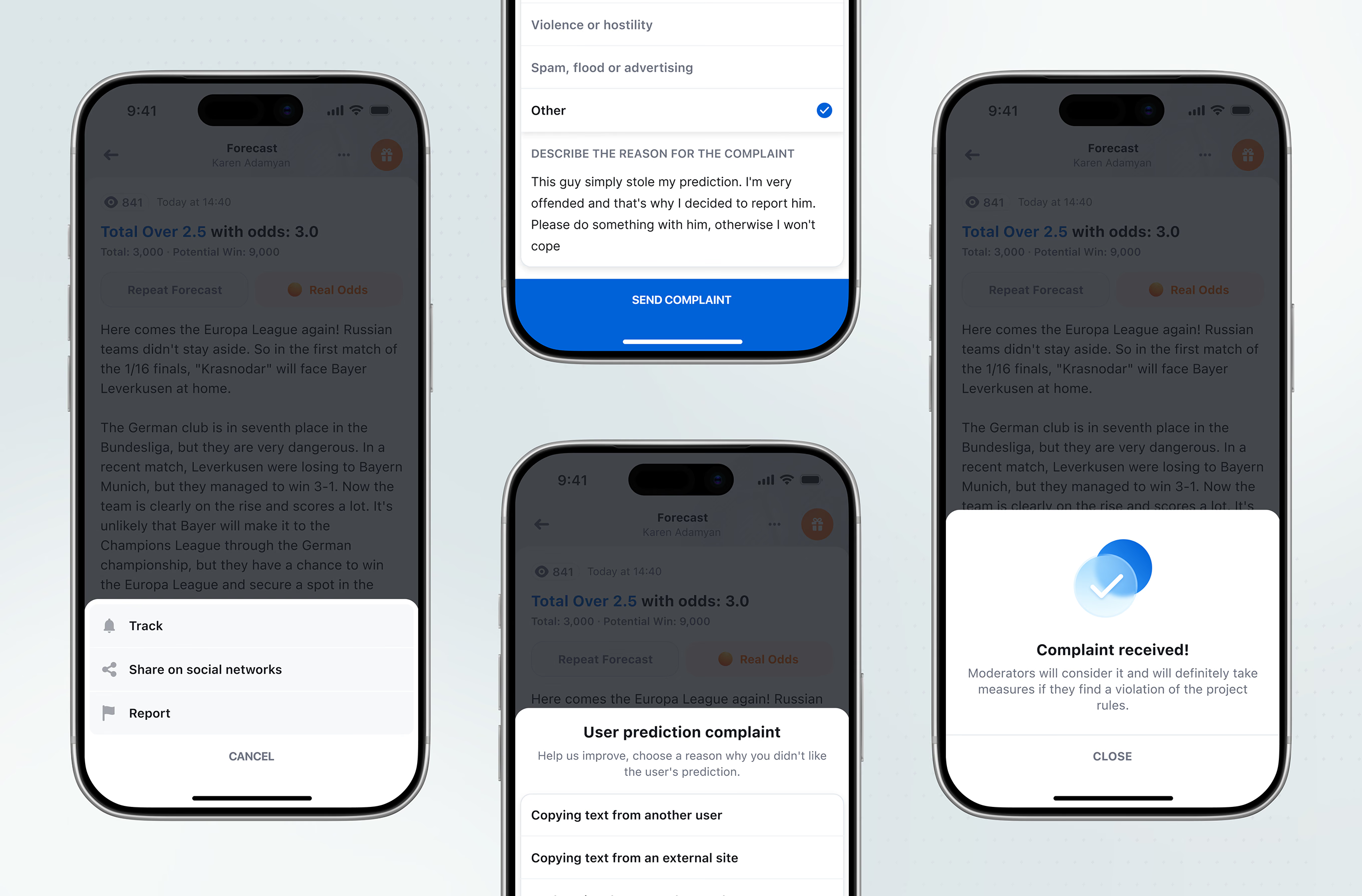
Every forecast has a menu to track, share, or report it. Reporting covers plagiarism, abuse, and spam, each confirmed once a moderator reviews the complaint.
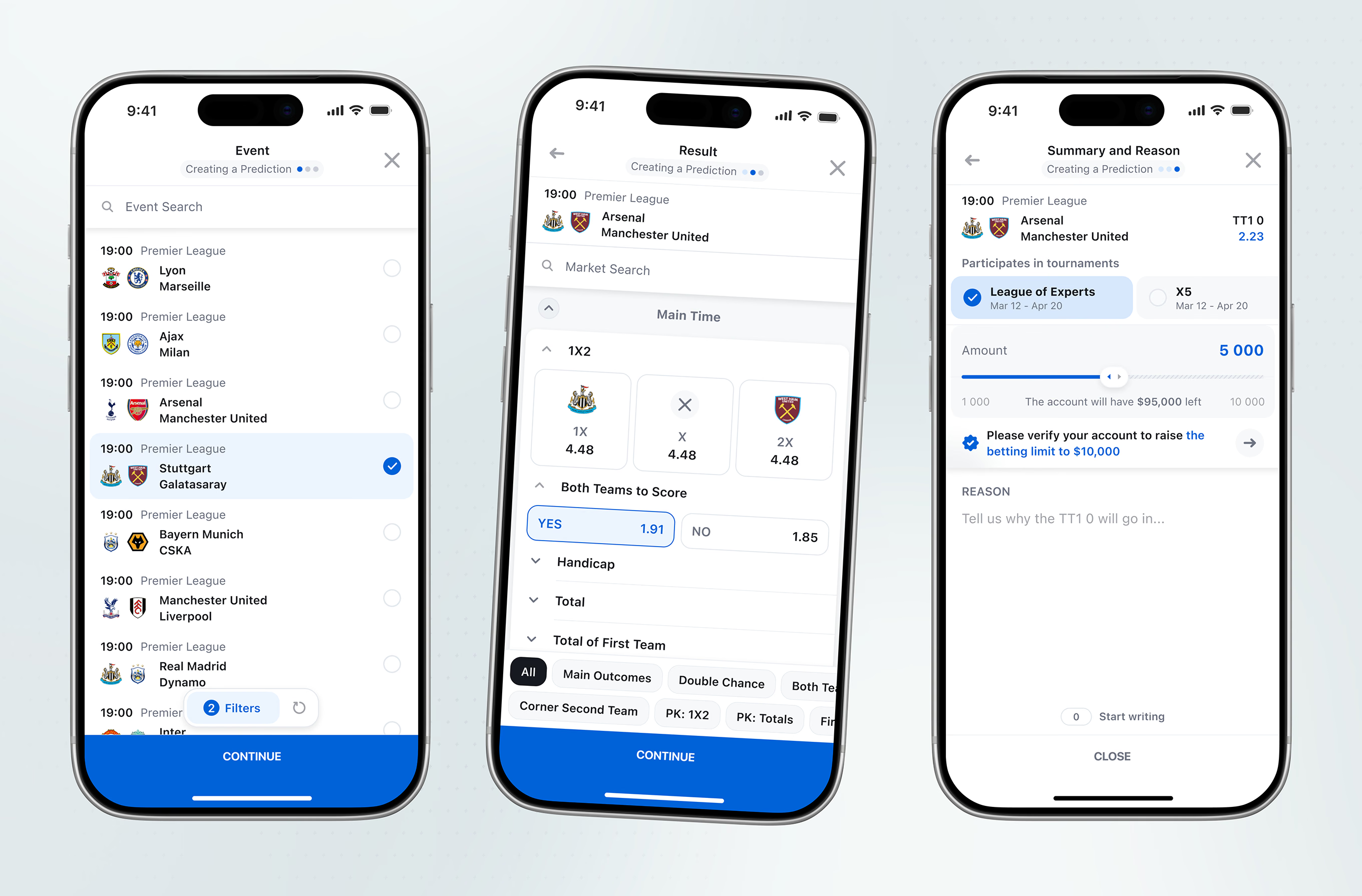
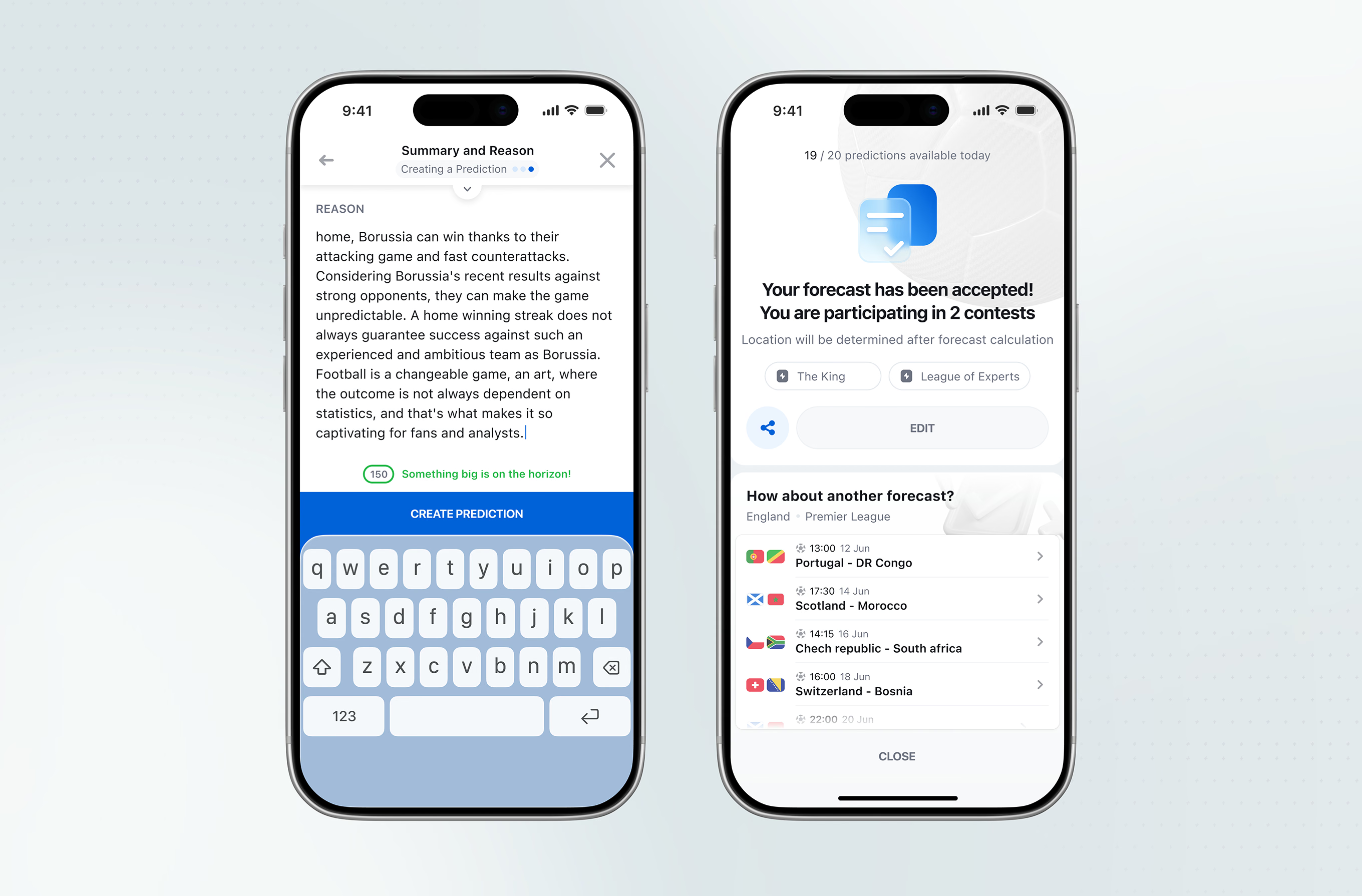
The prediction creation flow moves from event search to a market picker, then a stake slider capped by the user’s verified limit.
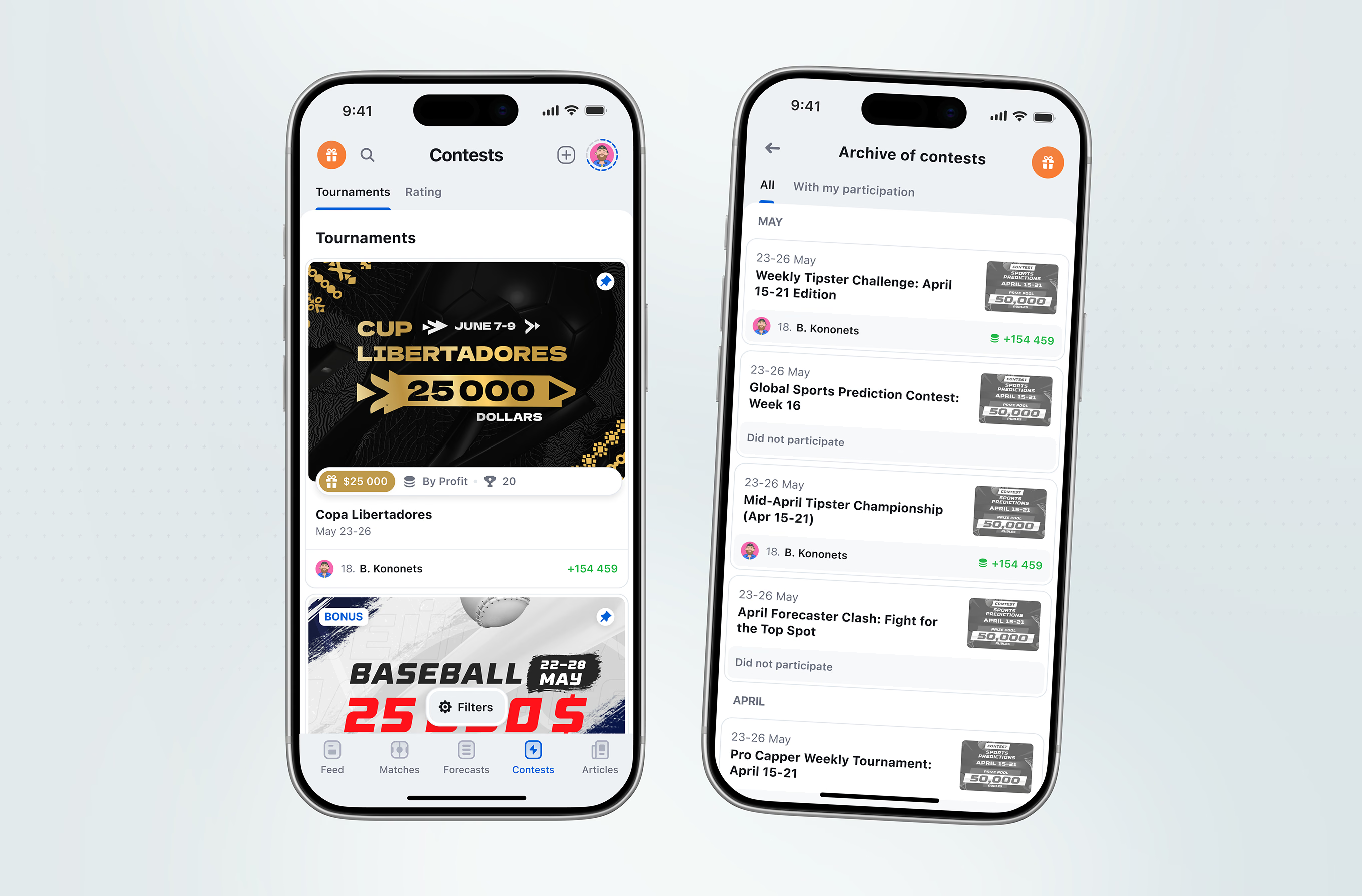
Tournaments and Rating sit as sub-tabs under Contests. An archive view filters past contests by participation and groups them by month, showing payout where the user placed.
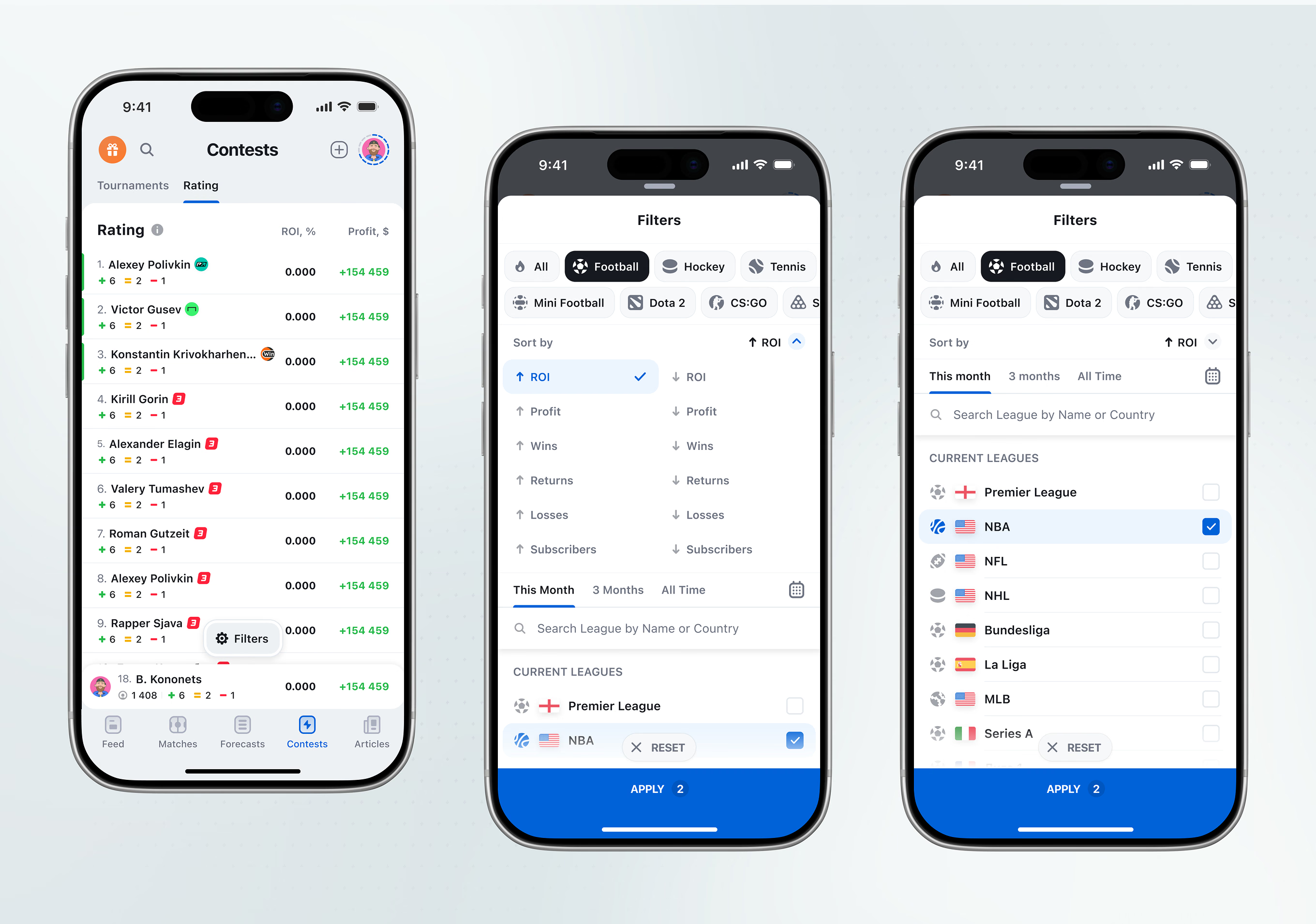
The Rating tab ranks users by ROI and profit, filtered by sport, sort direction, time period, and a searchable league list. Filters apply as a count badge rather than a full-screen reload.
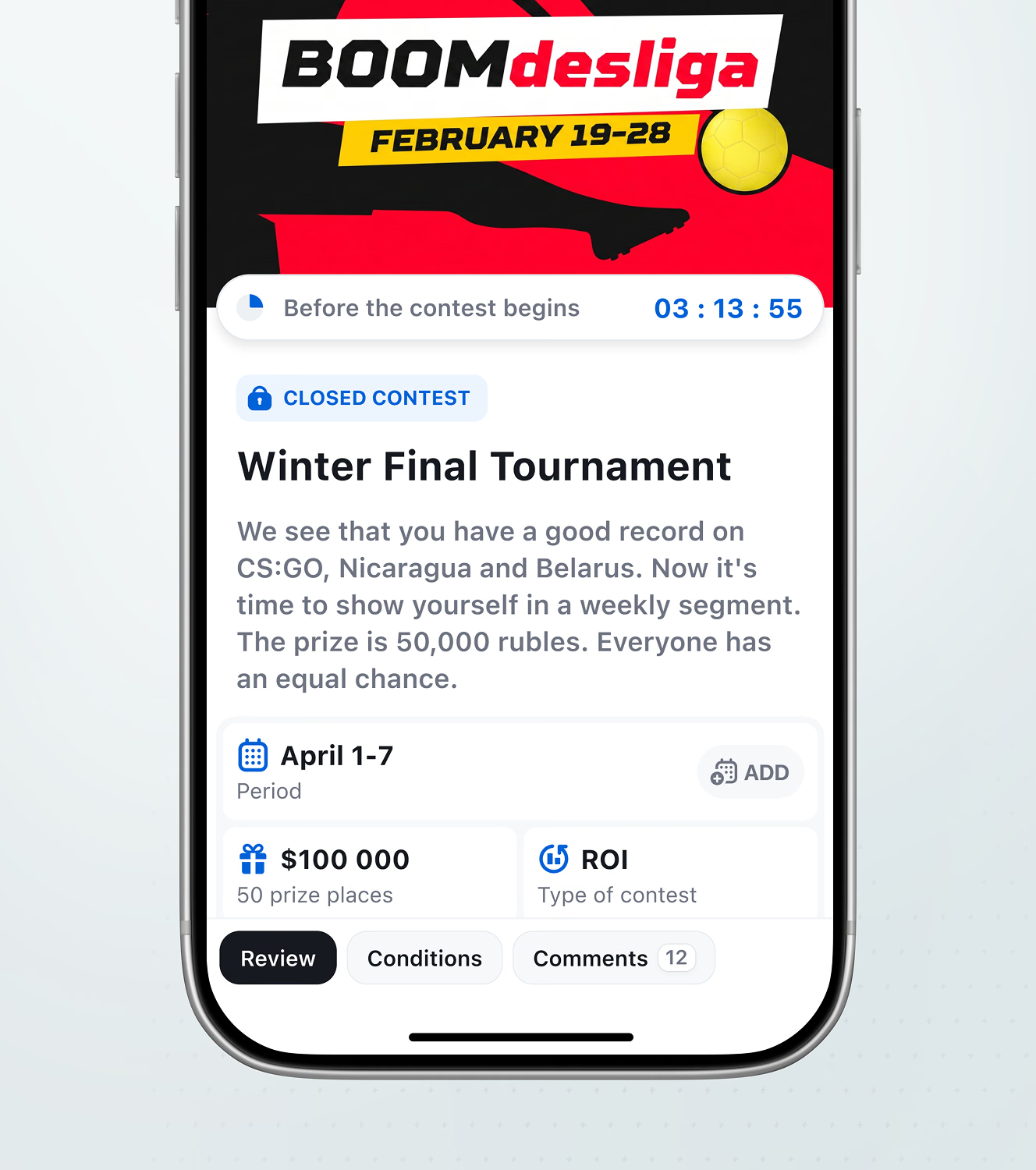
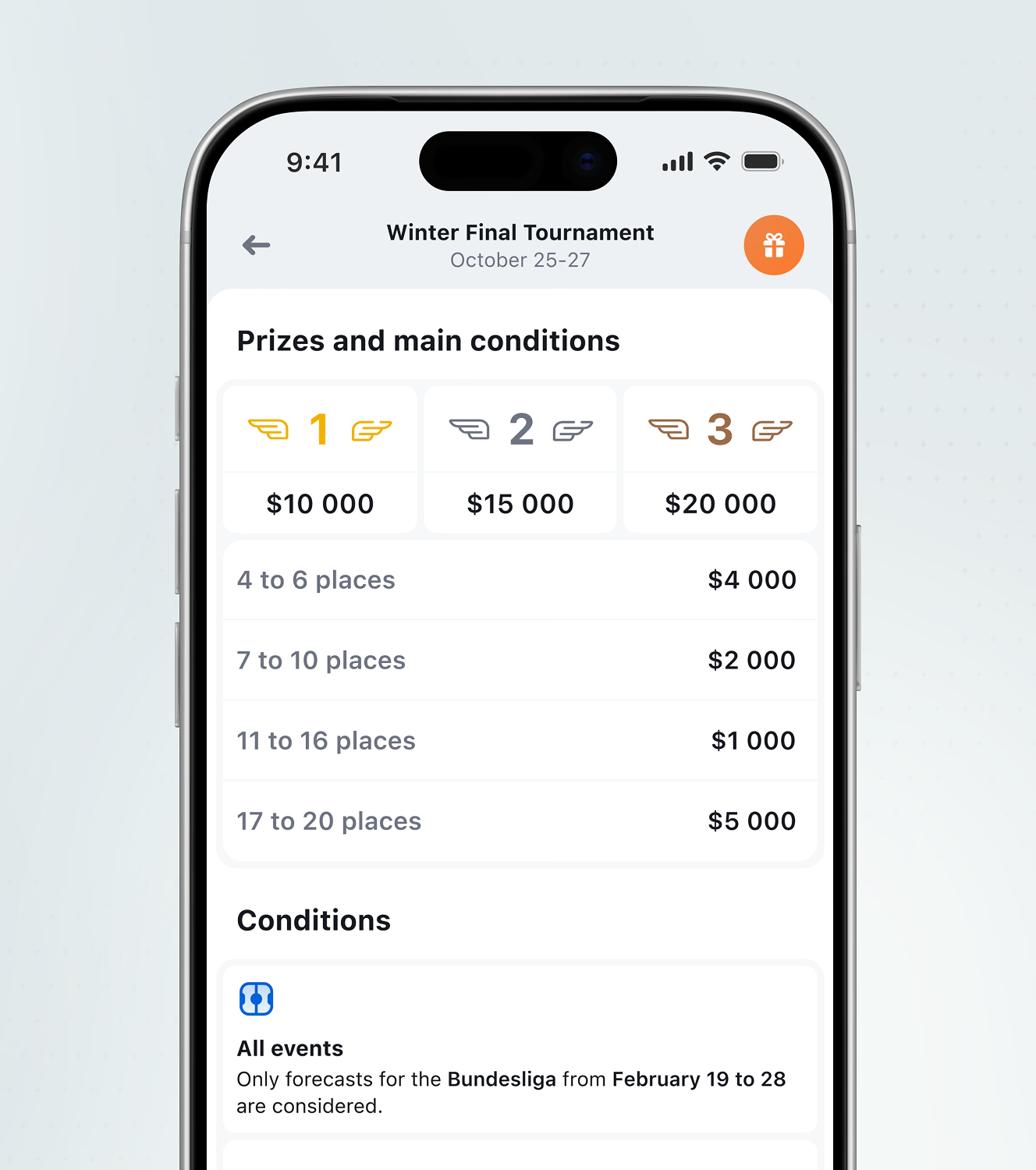
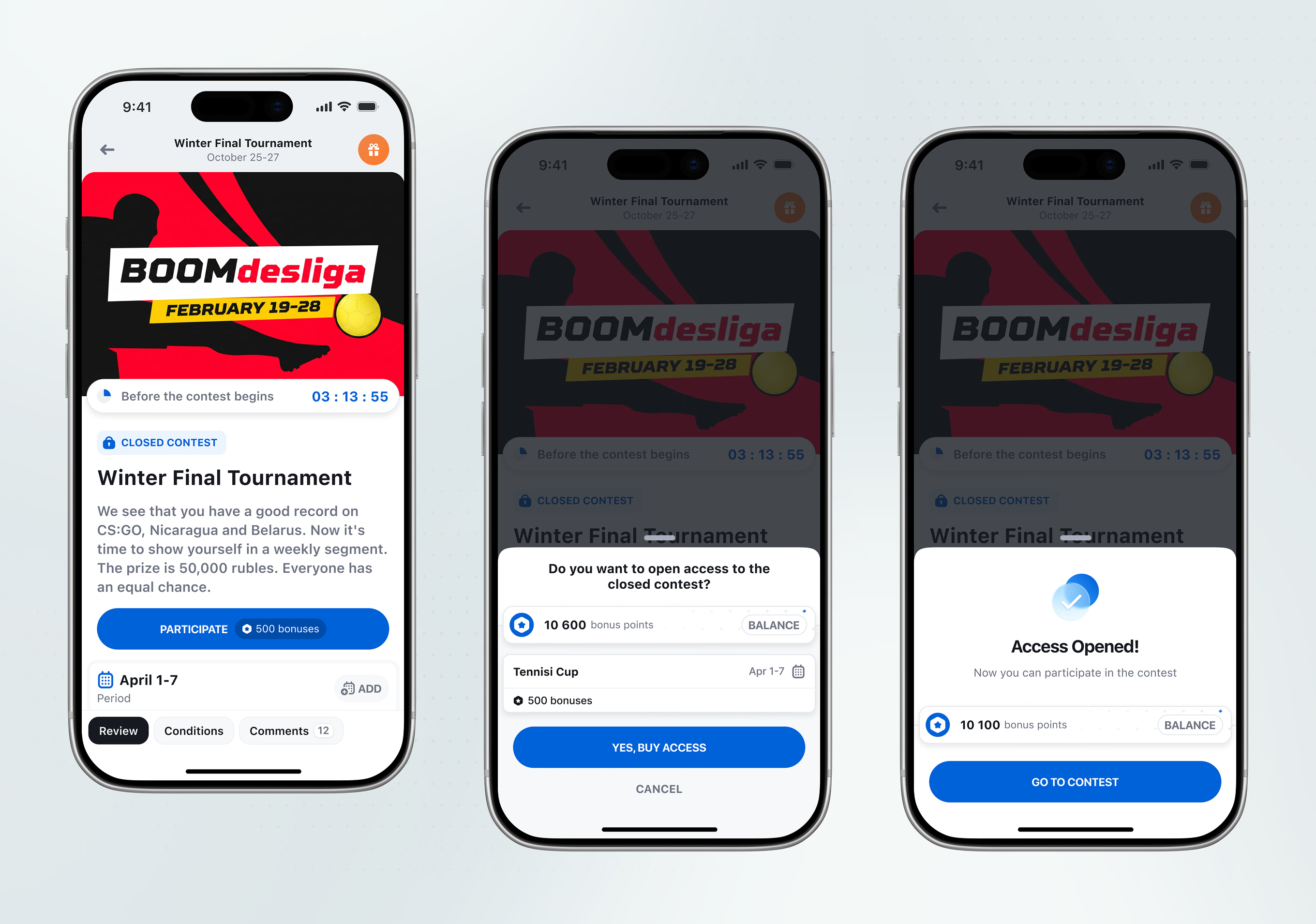
A contest countdown and closed-contest lock sit above a place-by-place prize table. A conditions section restricts which forecasts count toward it.
A locked contest can be unlocked with bonus points instead of real money, with the current balance shown before and after the spend. Access opens instantly into the contest on confirmation.
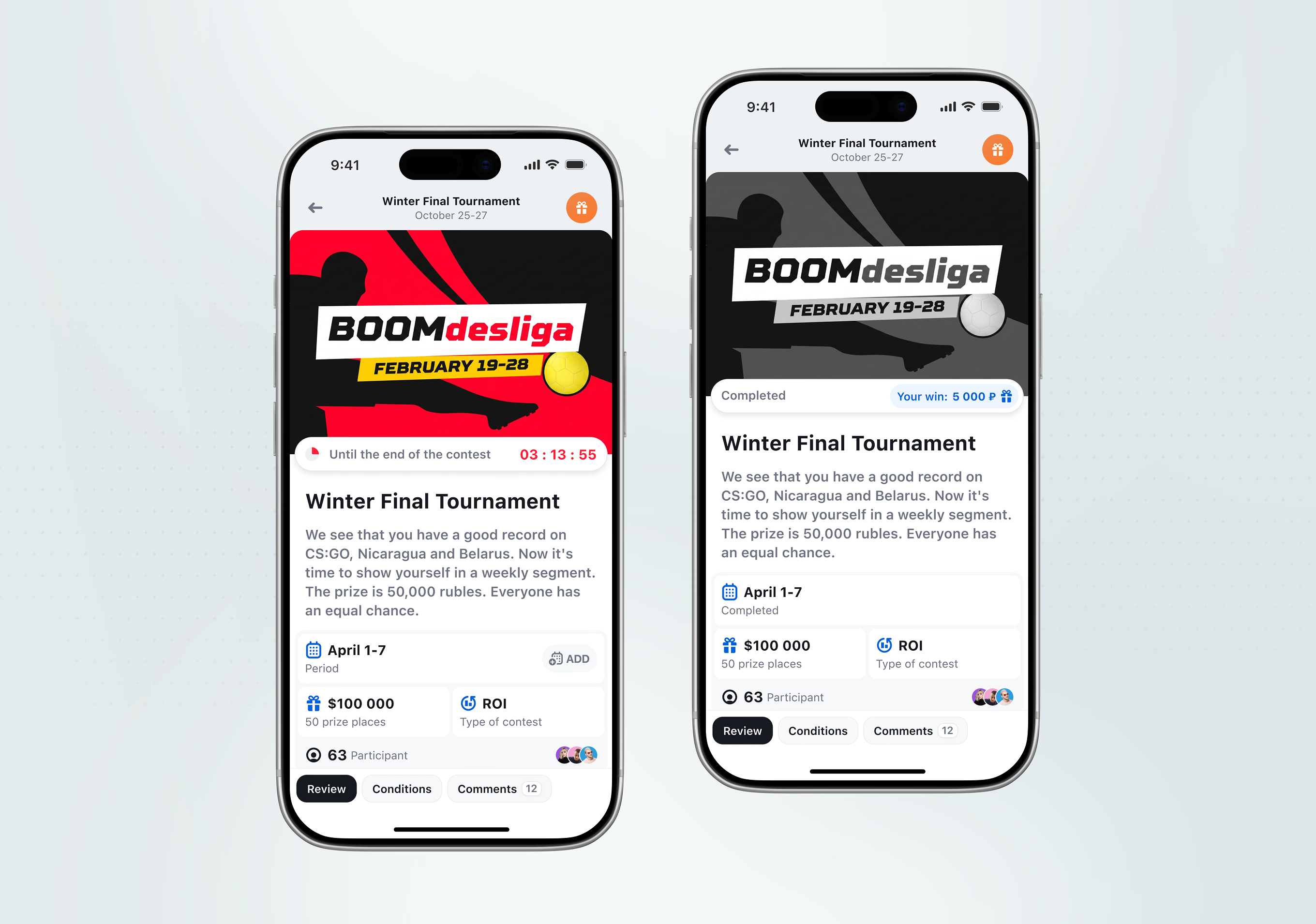
An active contest shows a countdown, participant count, and avatar stack above Review, Conditions, and Comments tabs. Once finished, the same layout swaps the countdown for the user’s exact payout.
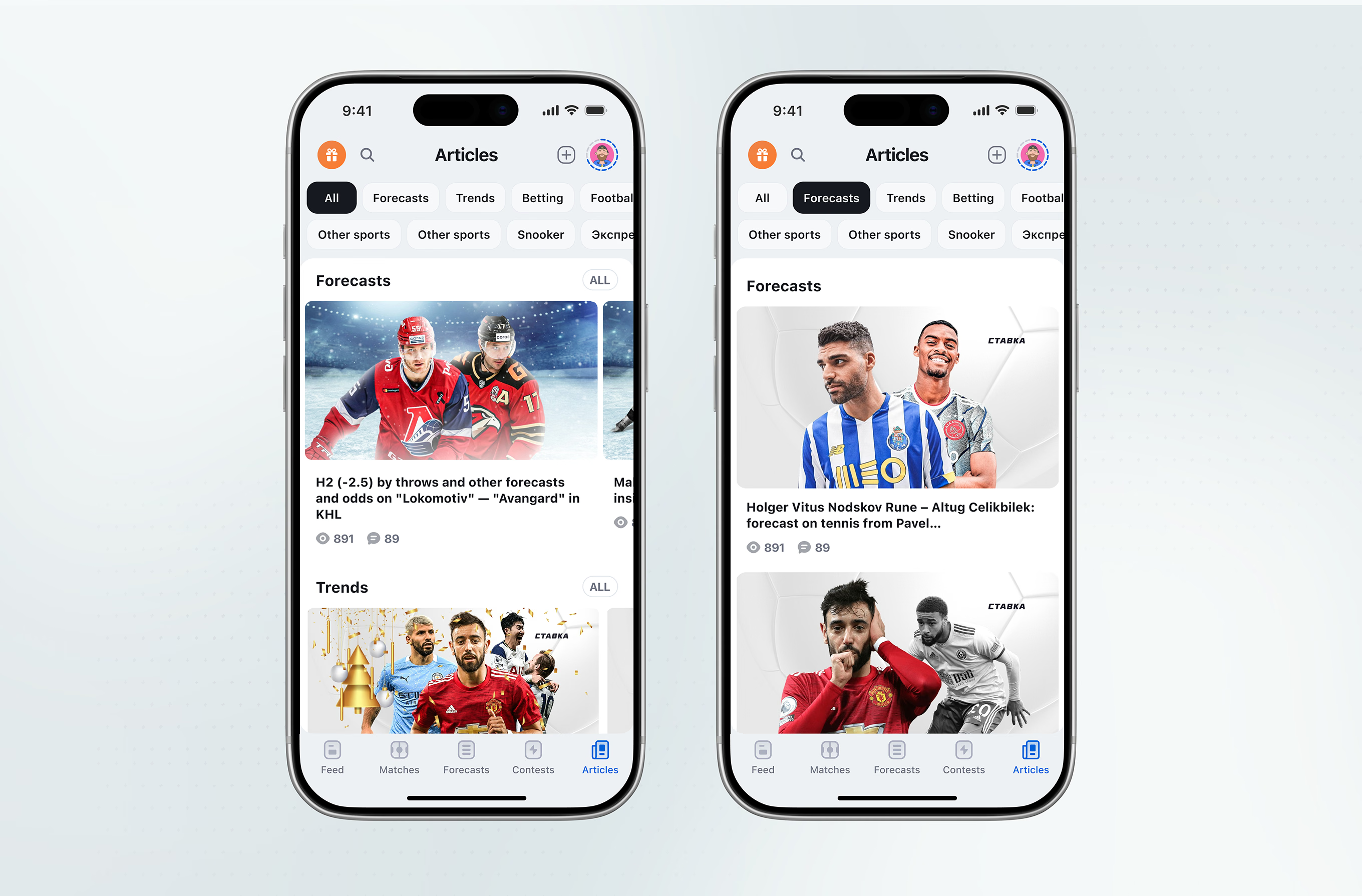
Articles are organized into content categories and sport types through a row of filter chips, each category running its own list rather than one combined feed.
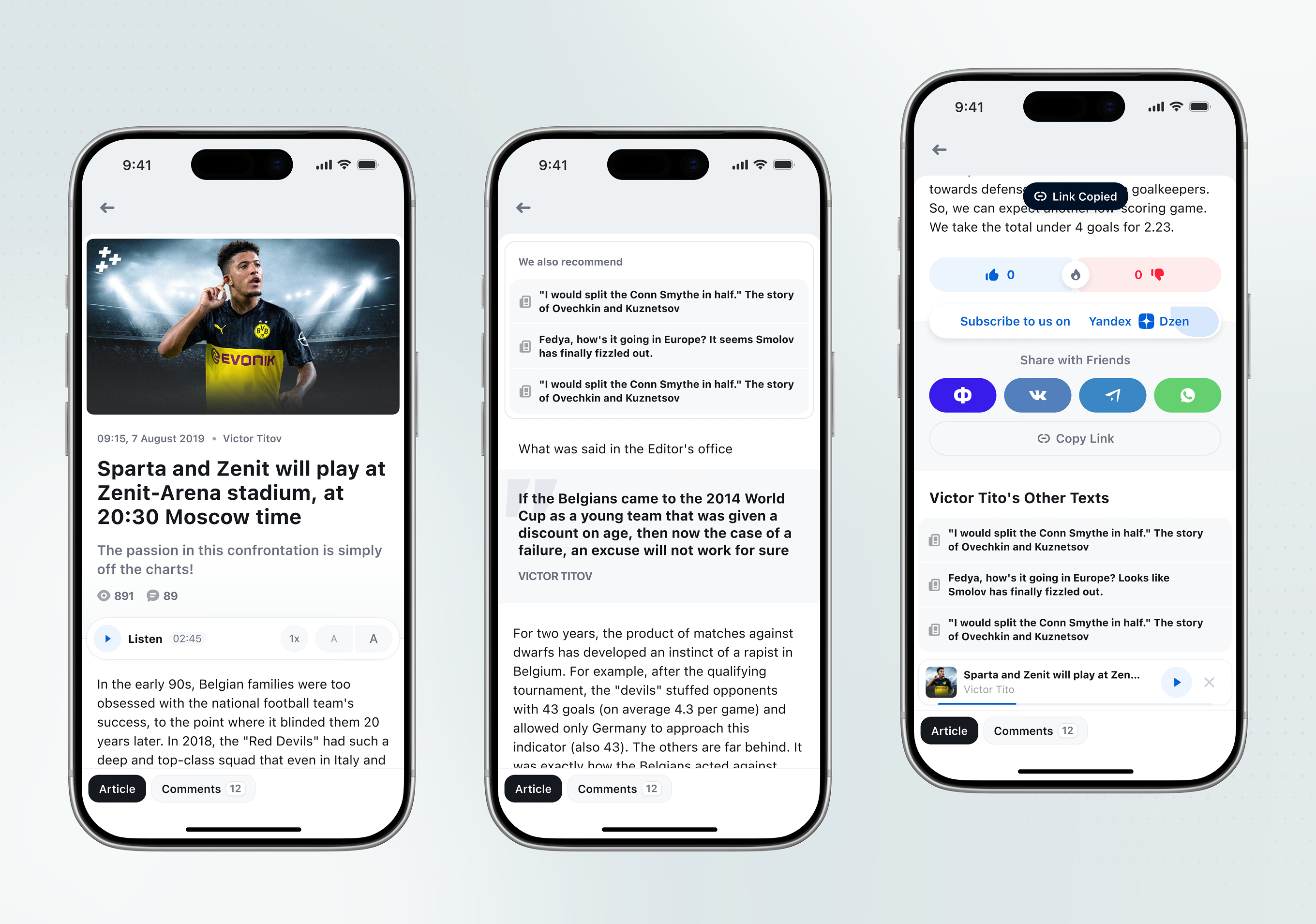
An article page combines a Listen control with text-size buttons, three reaction icons, and share or copy-link actions. A persistent audio mini-player stays docked at the bottom while the reader scrolls or navigates back.
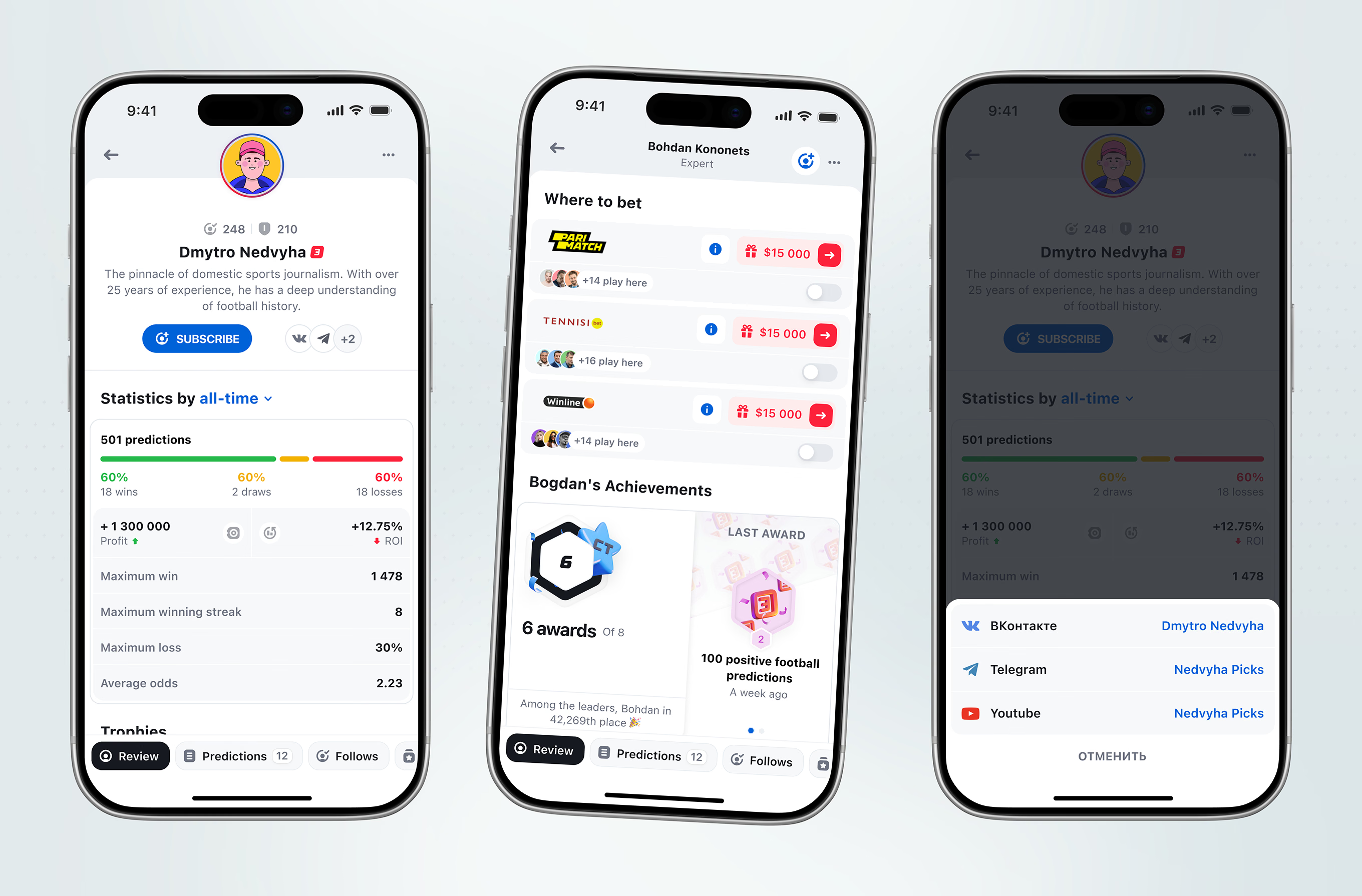
A public predictioner’s profile pairs lifetime win-loss stats and ROI with a list of recommended bookmakers, each carrying its own bonus and social-proof count, next to an achievements panel and a share sheet.
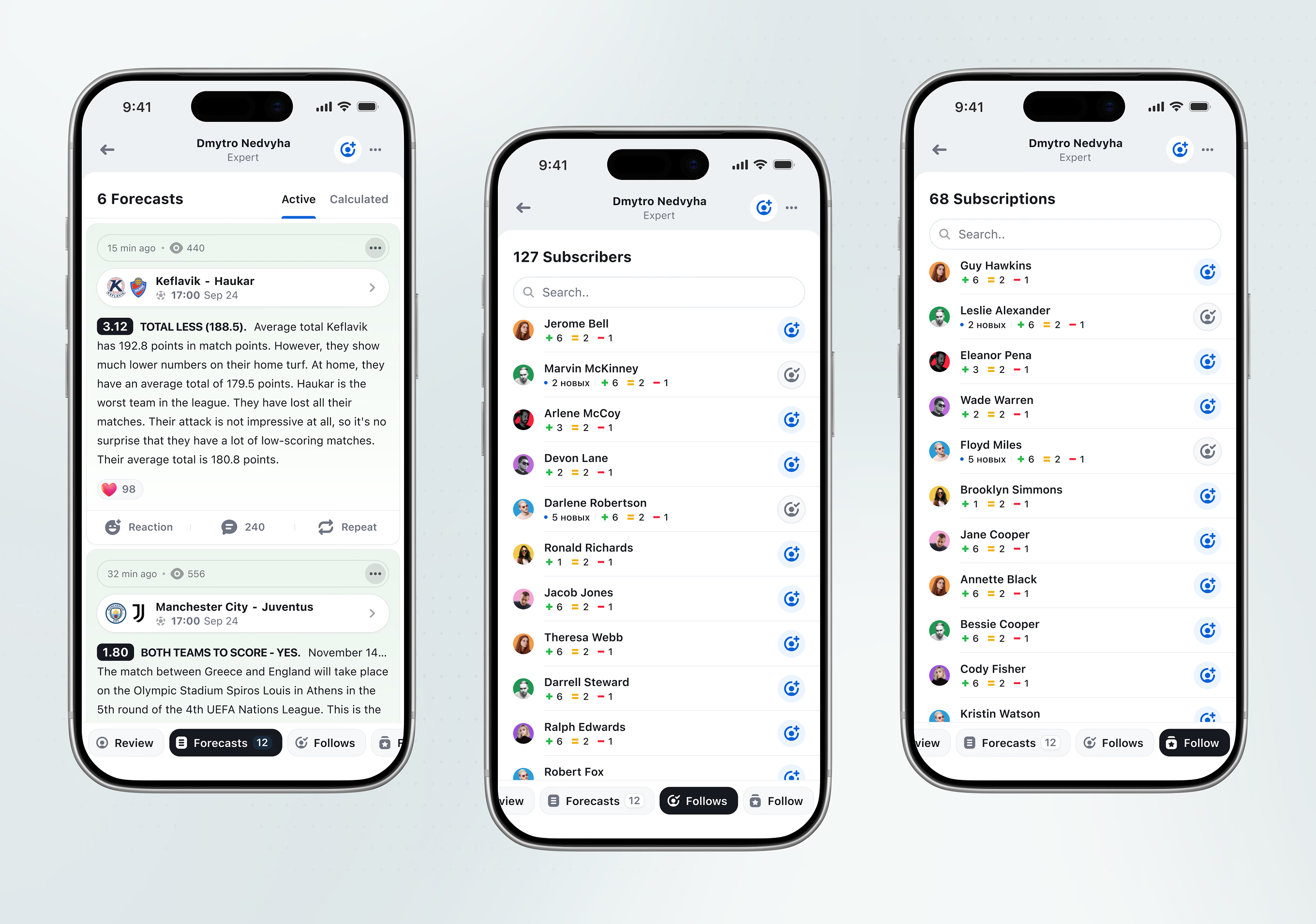
A predictioner’s Forecasts tab splits Active from Calculated picks, each carrying a reaction count and a Repeat action. Separate searchable lists cover their subscribers and who they follow.
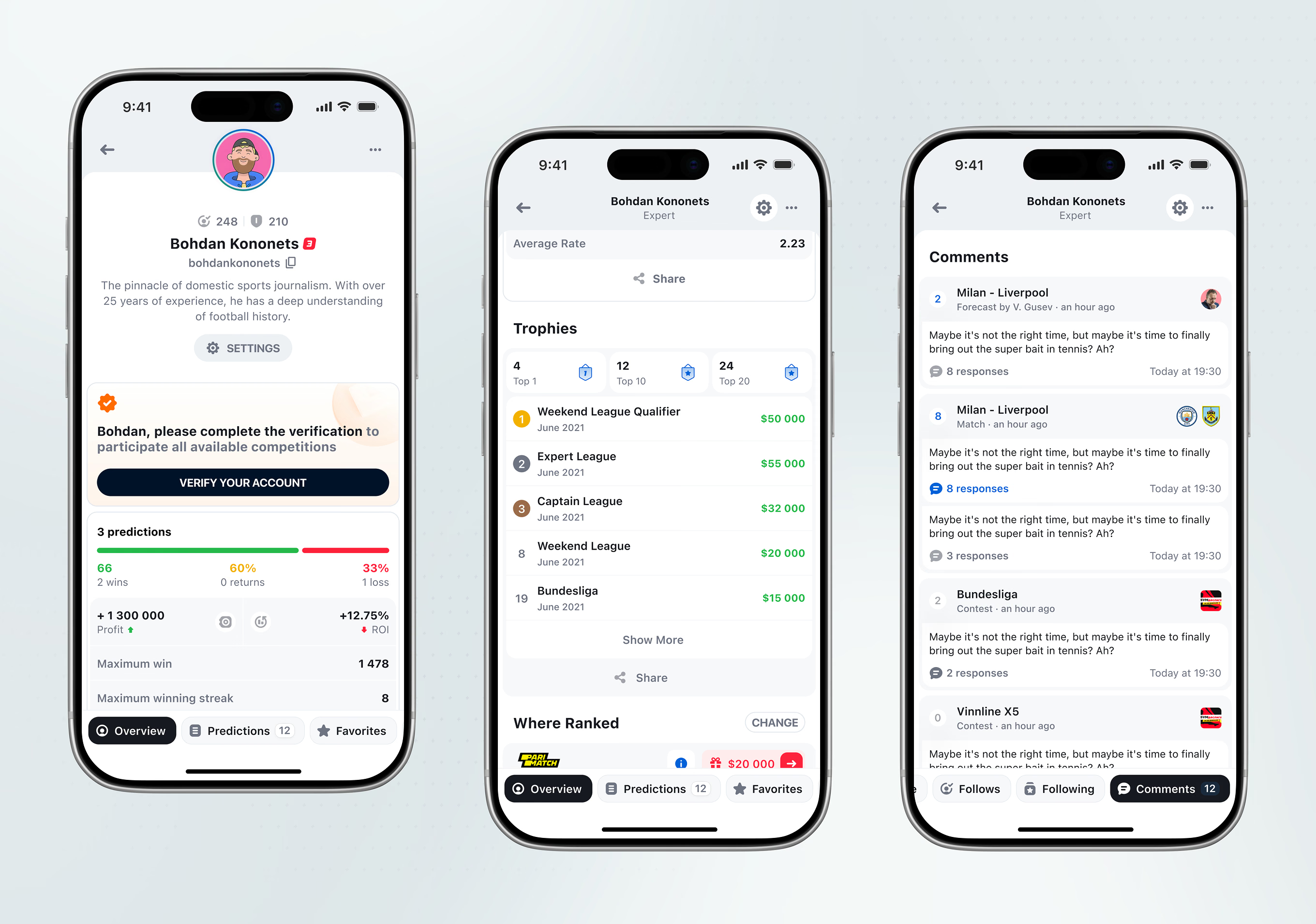
The logged-in user’s own profile replaces the Subscribe button with account settings. A Trophies tab tracks tournament placement history alongside the account’s overall ranking.
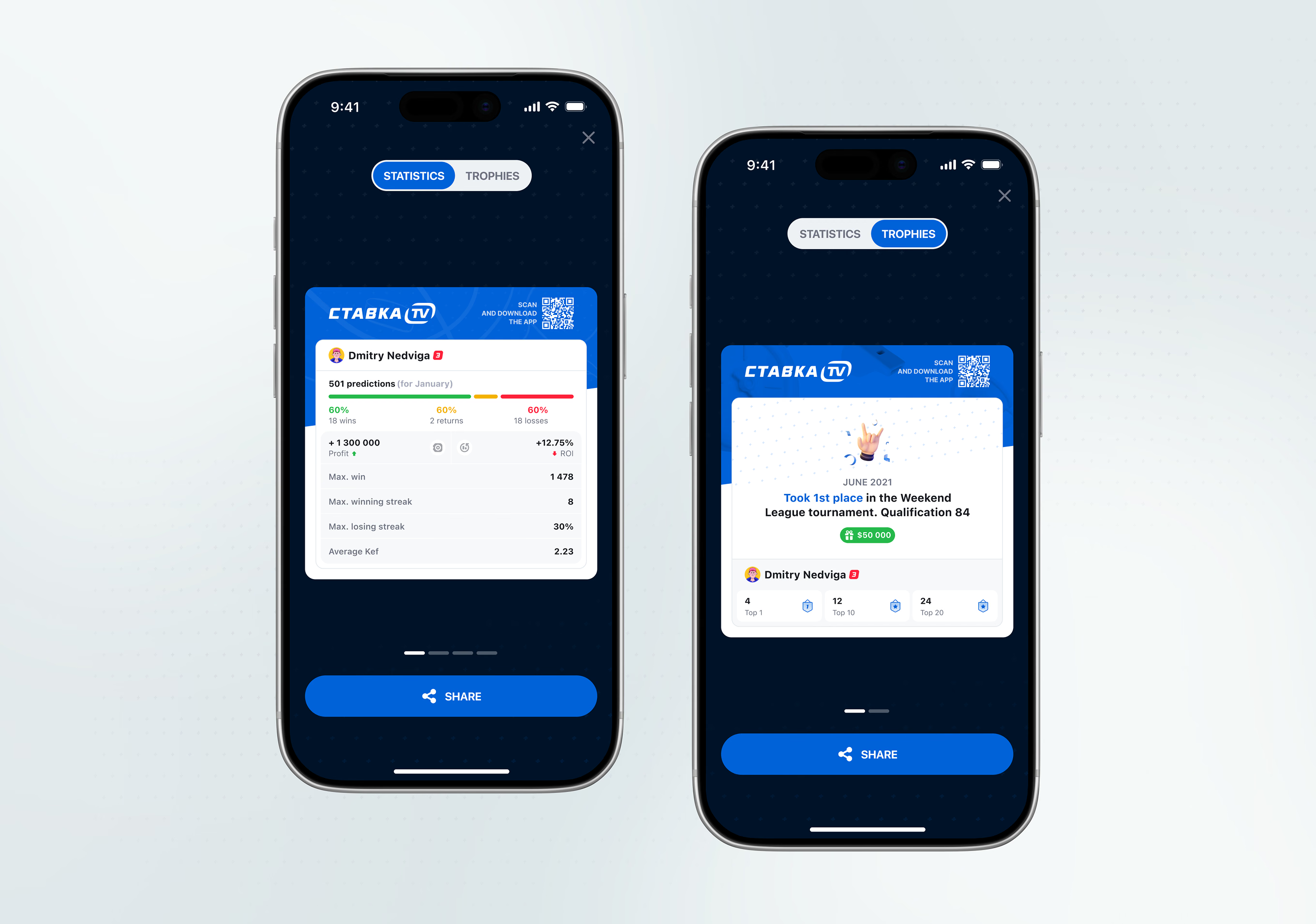
Statistics and Trophies export as a branded card carrying Stavka’s logo and a QR code to download the app. The same template works for a win record or a single tournament placement.
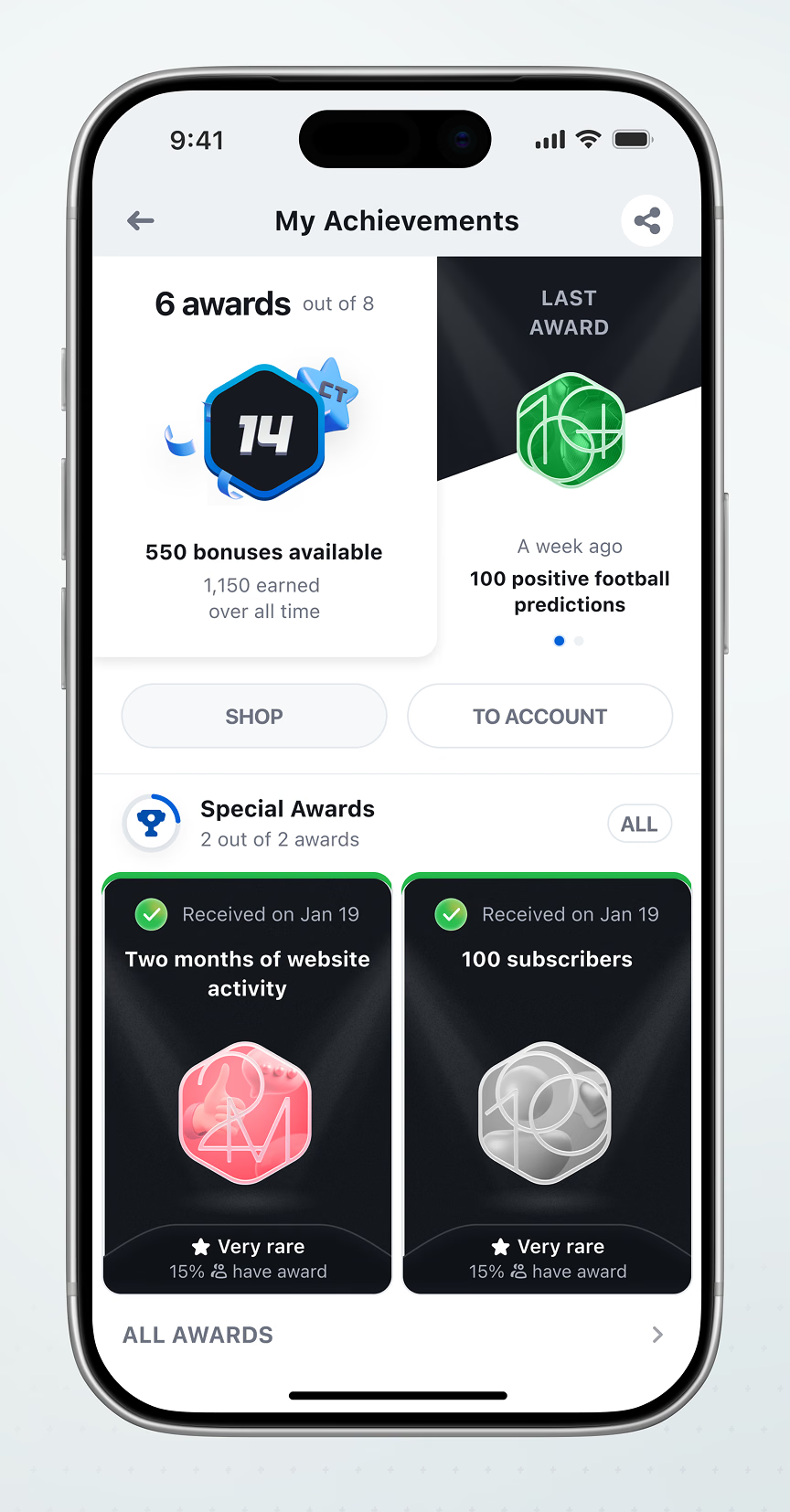
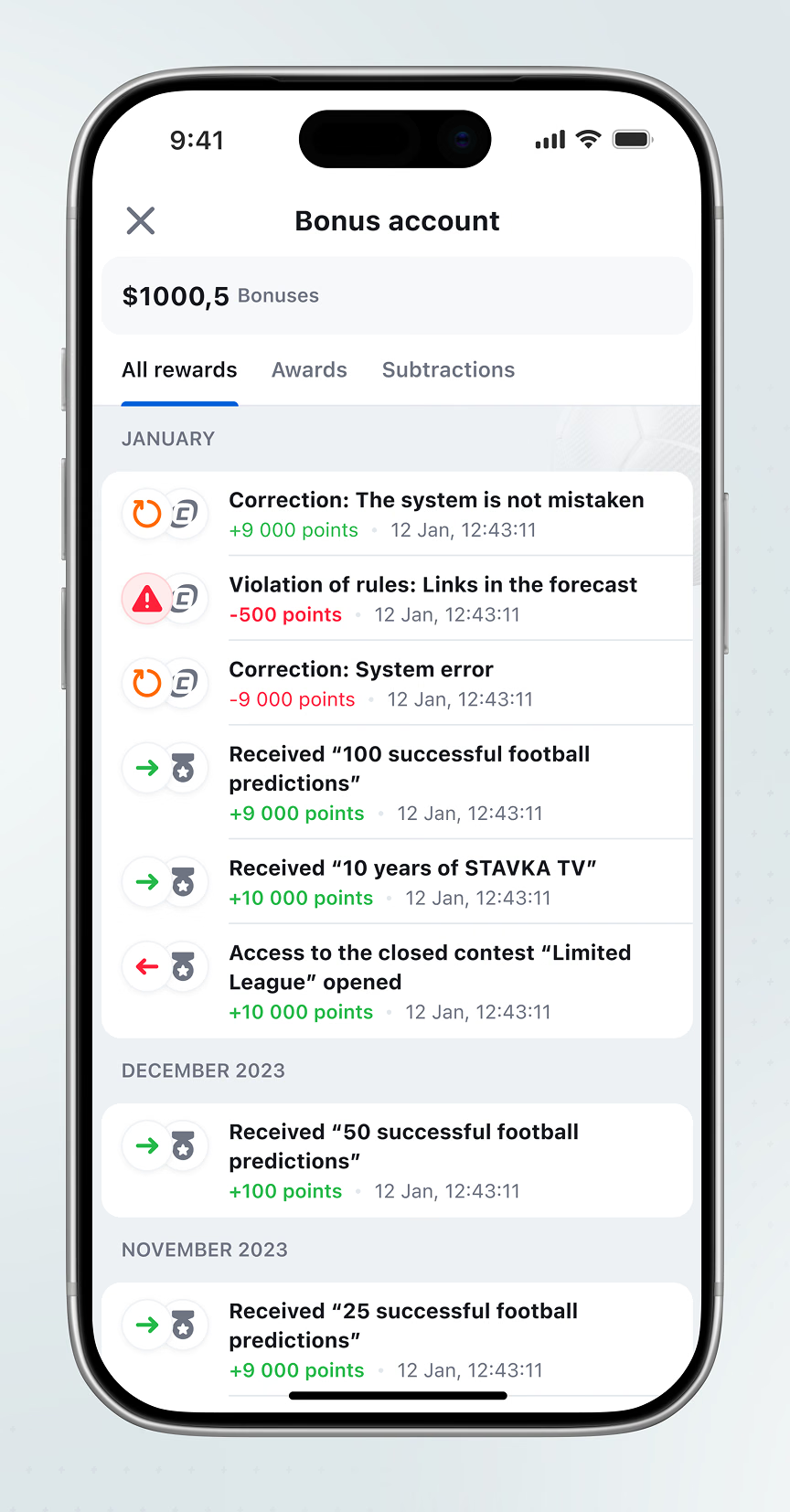
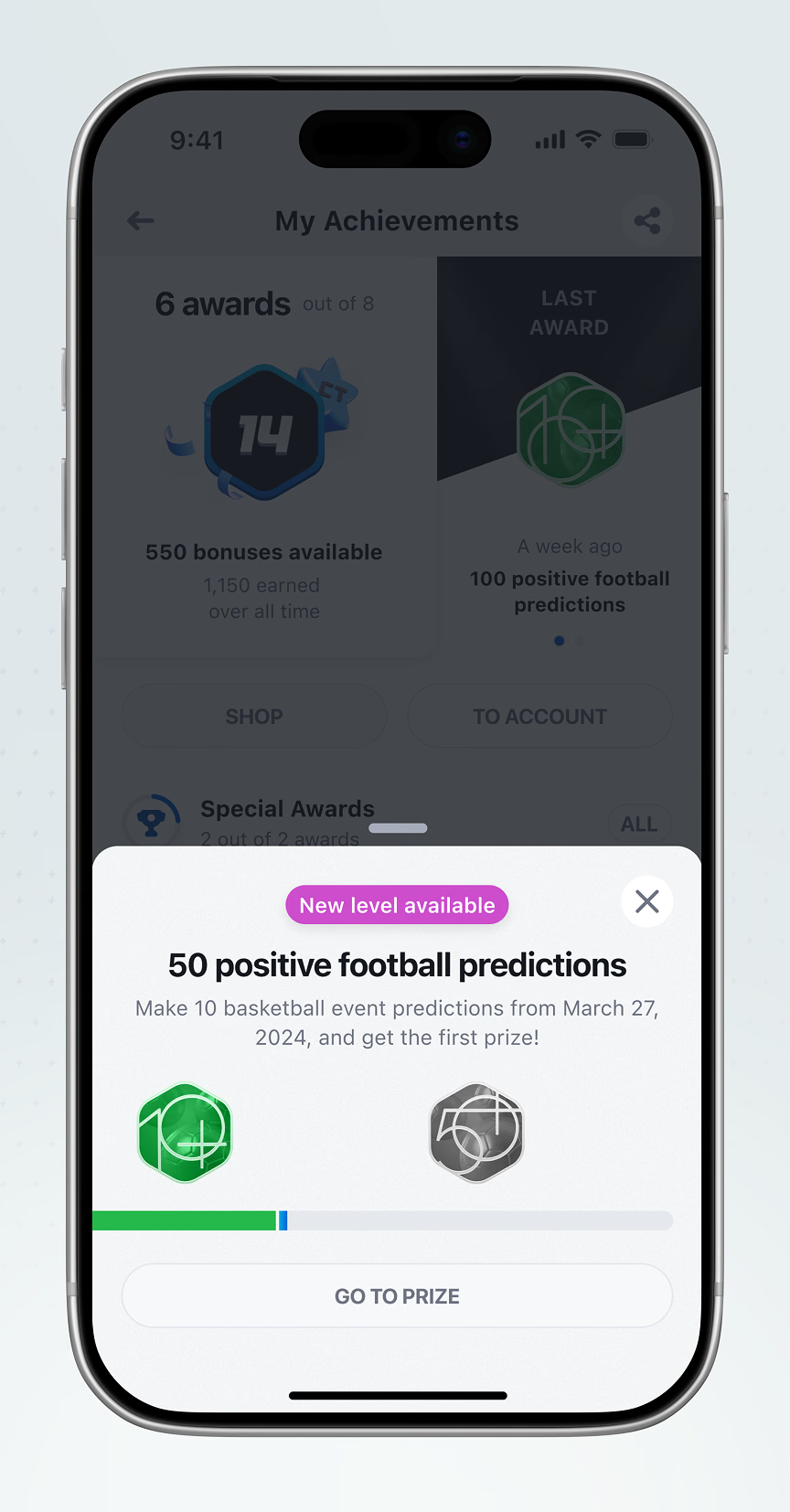
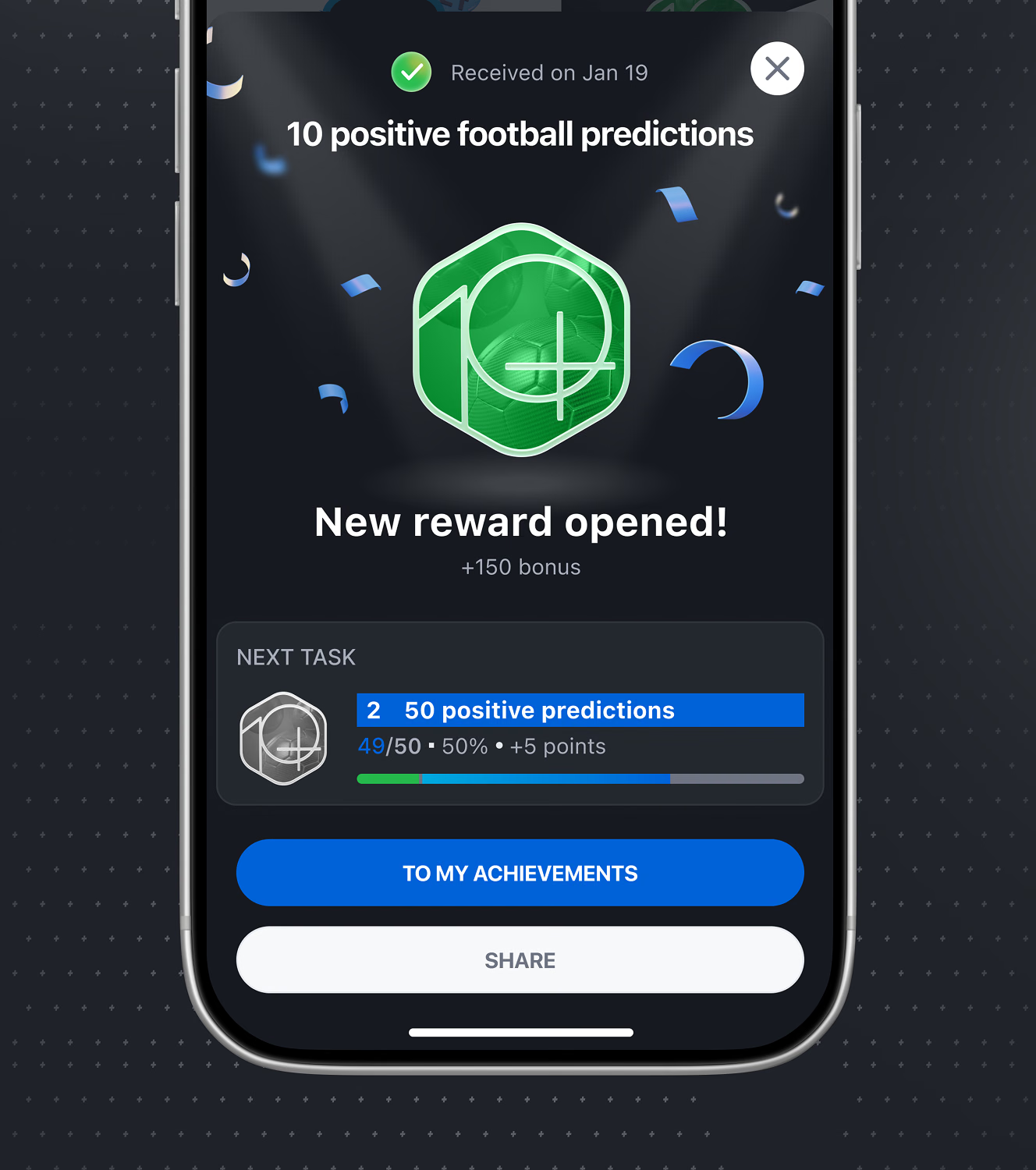
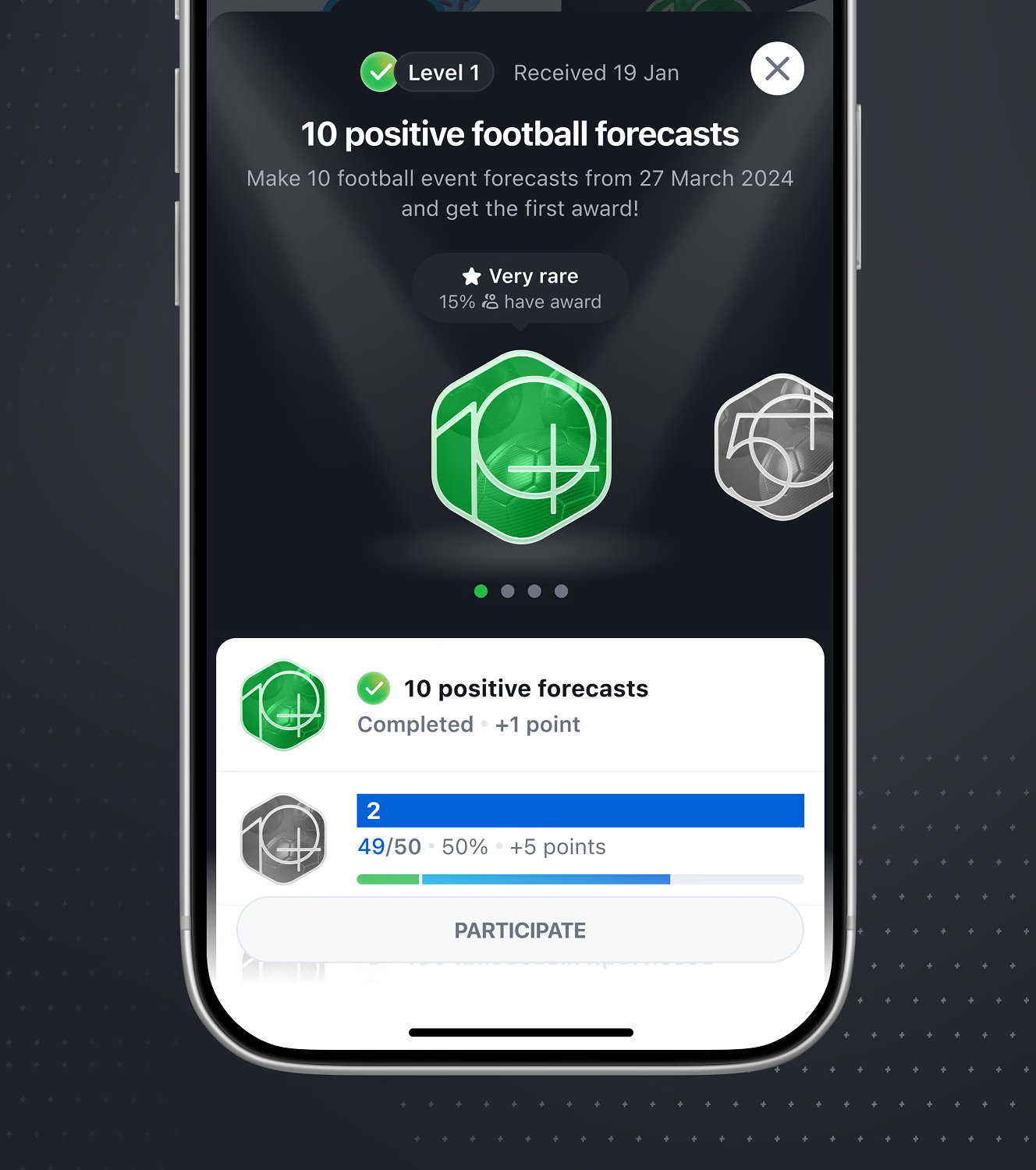
Stavka’s achievements screen tracks awards earned against a bonus-point balance, with a ledger logging each credit and deduction by date. Reaching a goal opens a reward screen before the next tier starts.
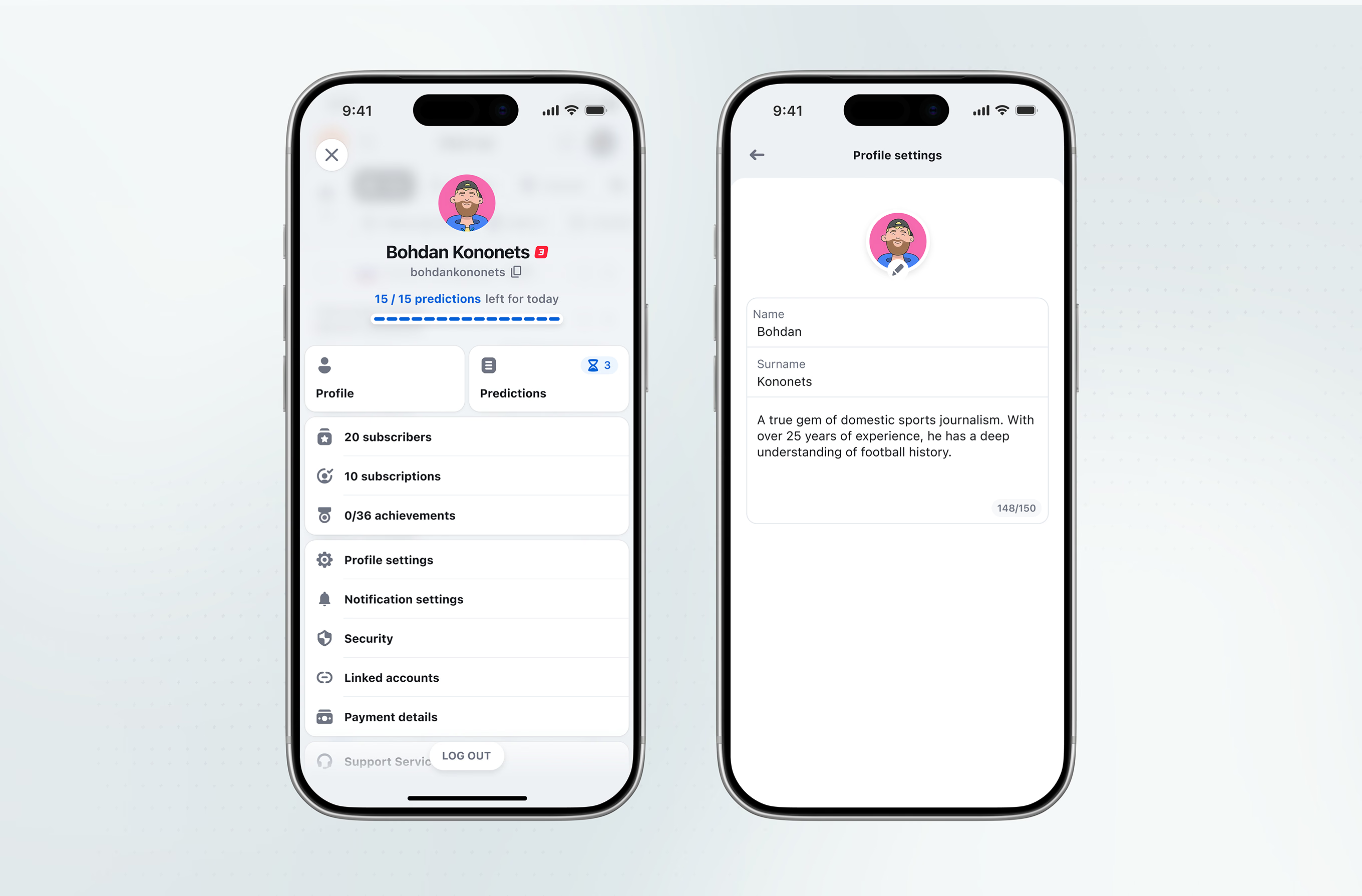
A daily prediction counter sits above the profile menu, which lists settings, security, linked accounts, and payment details. Predictions left for today reset the quota rather than blocking entirely.
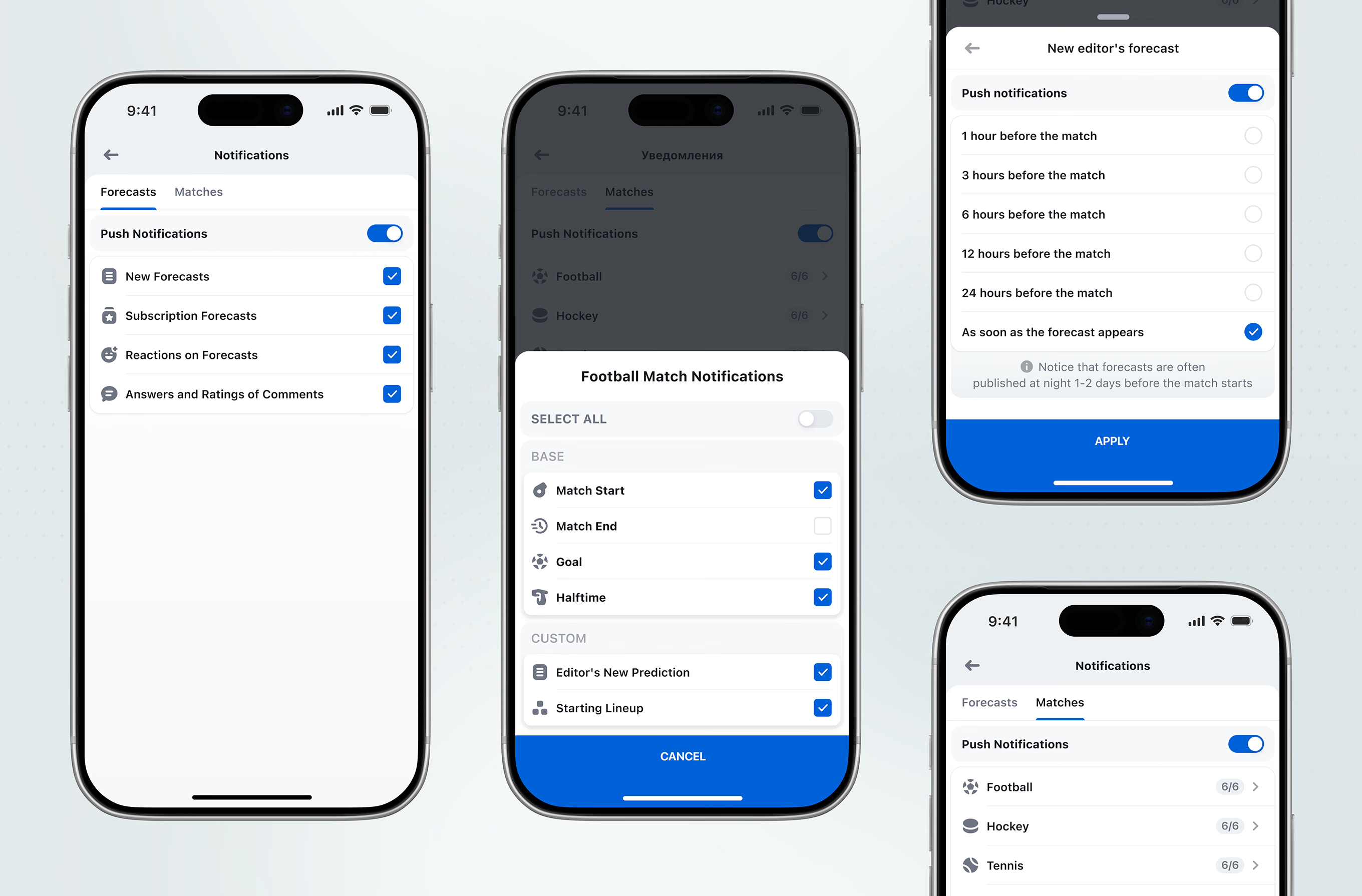
Notifications split into Forecasts and Matches tabs, each toggled per sport down to individual events like goals or halftime. A separate timing picker sets how far ahead of a match forecasts should alert.
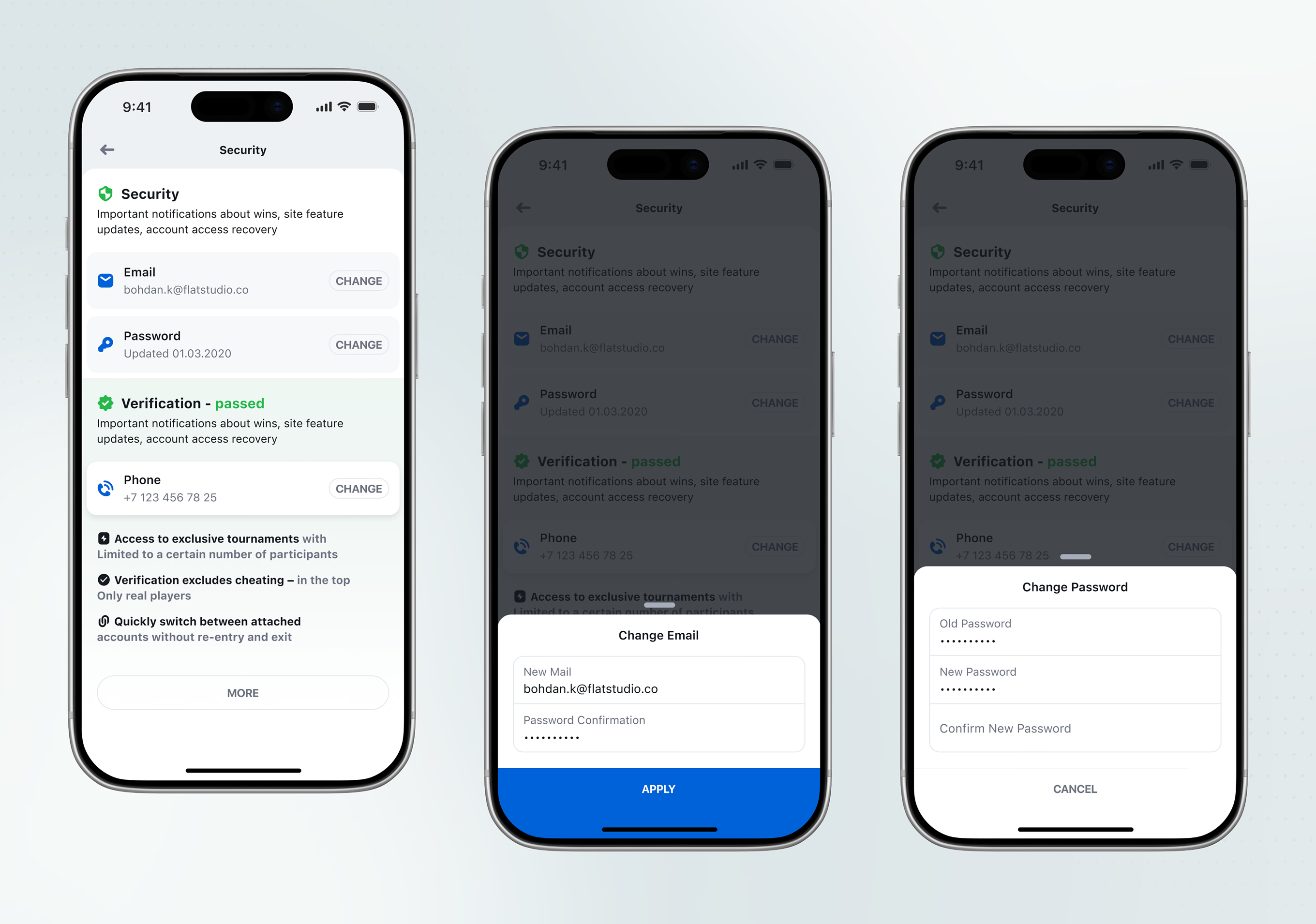
Security settings list email, password, phone, and a passed verification status with individual Change actions. A note ties verification to exclusive, cheat-restricted tournaments for real players only.
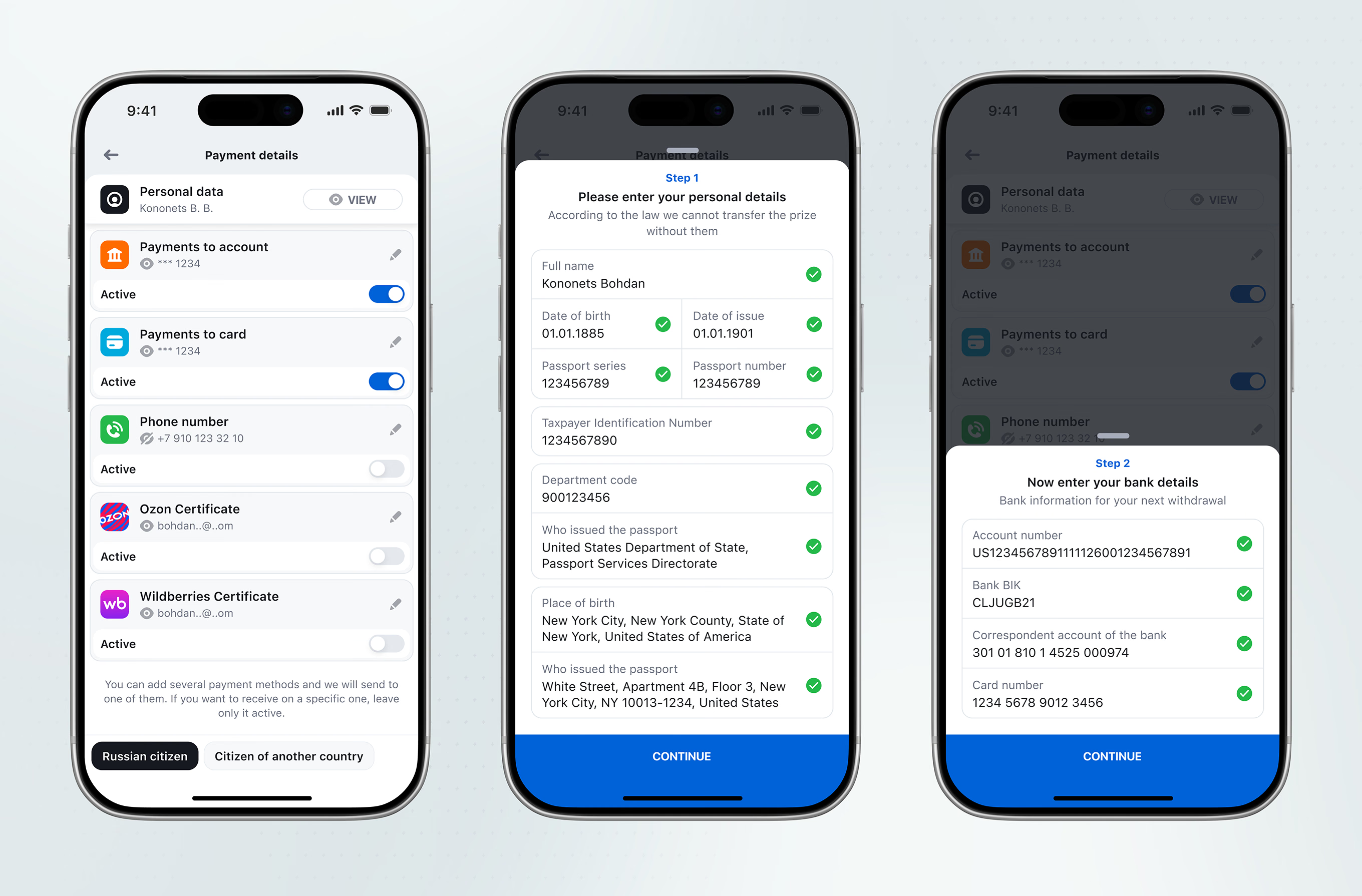
Withdrawals route through a two-step form collecting legal identity details, then bank account and card information, each field confirmed with a checkmark before continuing to the next step.
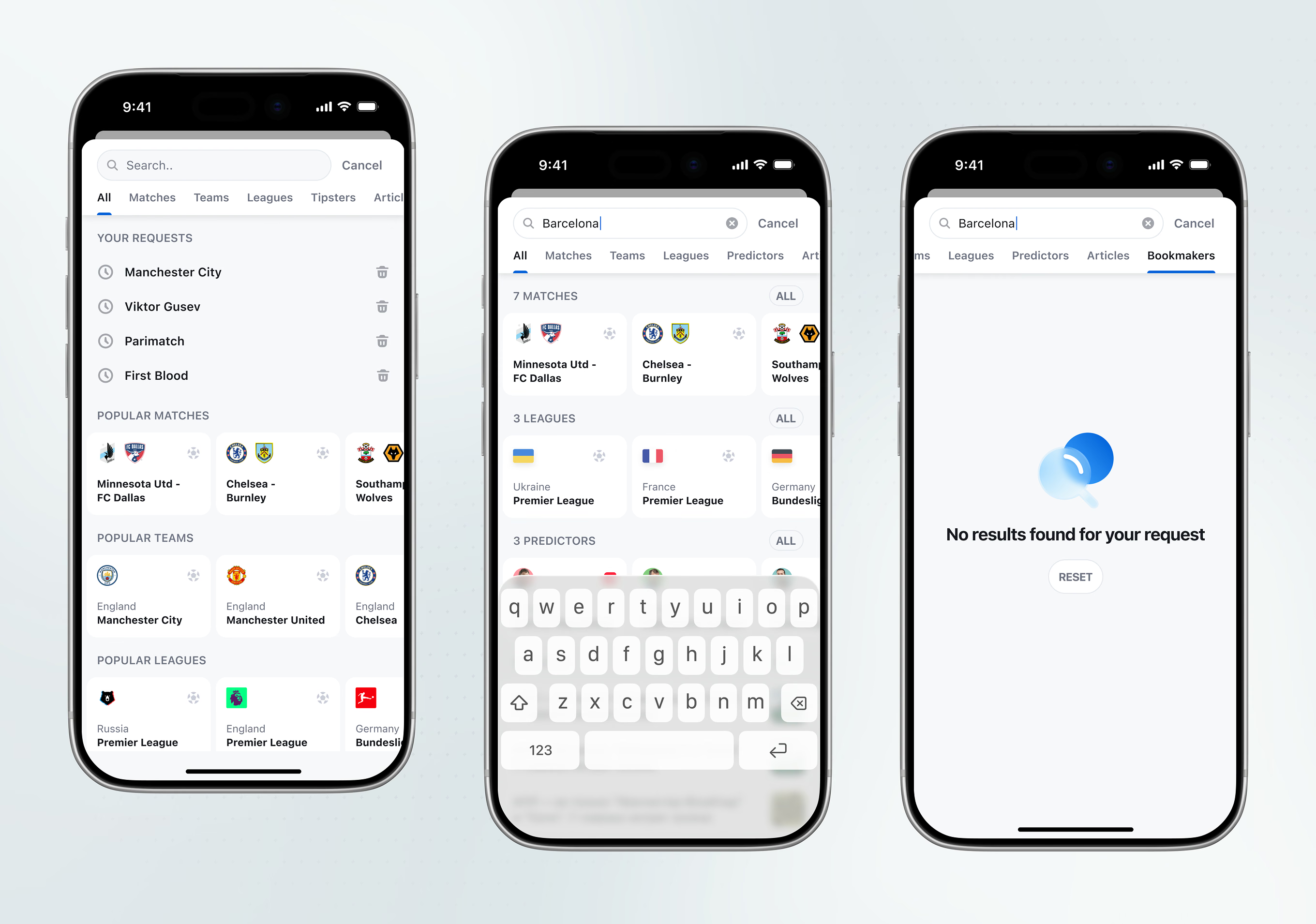
Search spans several content types as separate result tabs, with recent and popular entries shown before typing. Each tab handles its own empty state rather than one generic message.
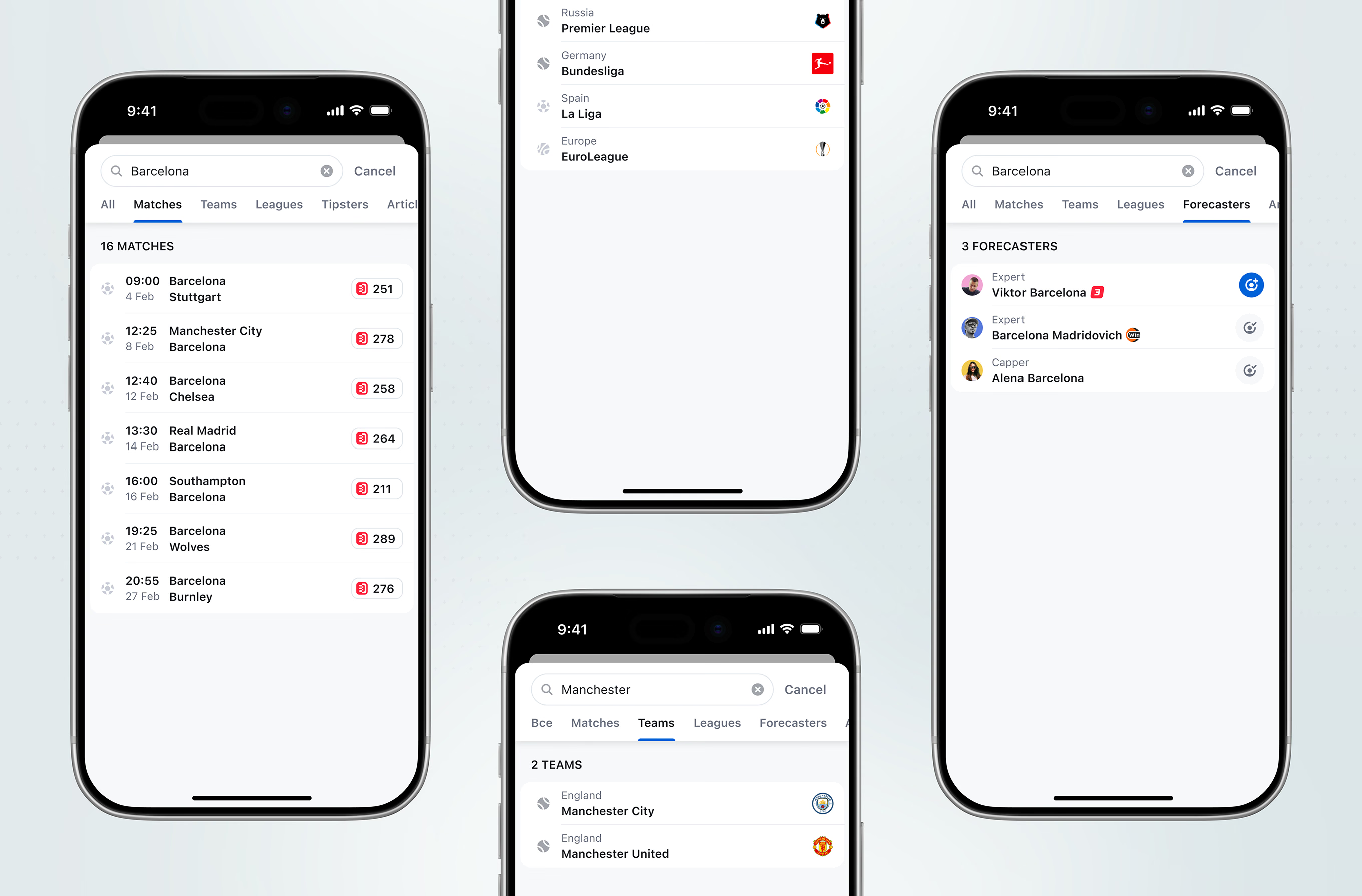
Each search tab renders its own list format: matches carry a view count, leagues show flag icons, and forecasters are labeled by role, like Expert or Capper. A Teams tab narrows the same pattern by country.
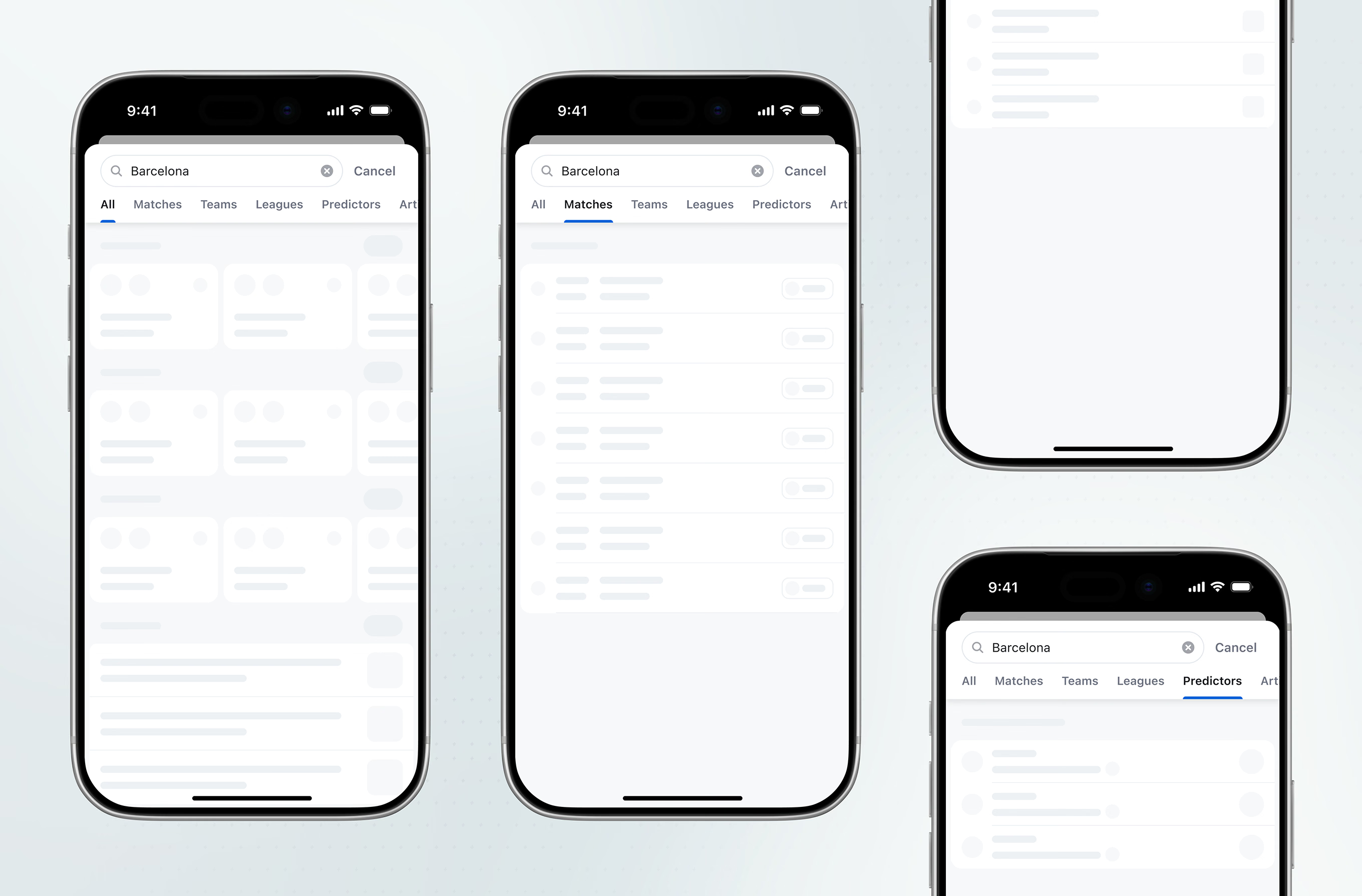
Each search tab renders its own skeleton state while results load, instead of one generic spinner. Card and list layouts stay fixed, so content fades in without reflow.
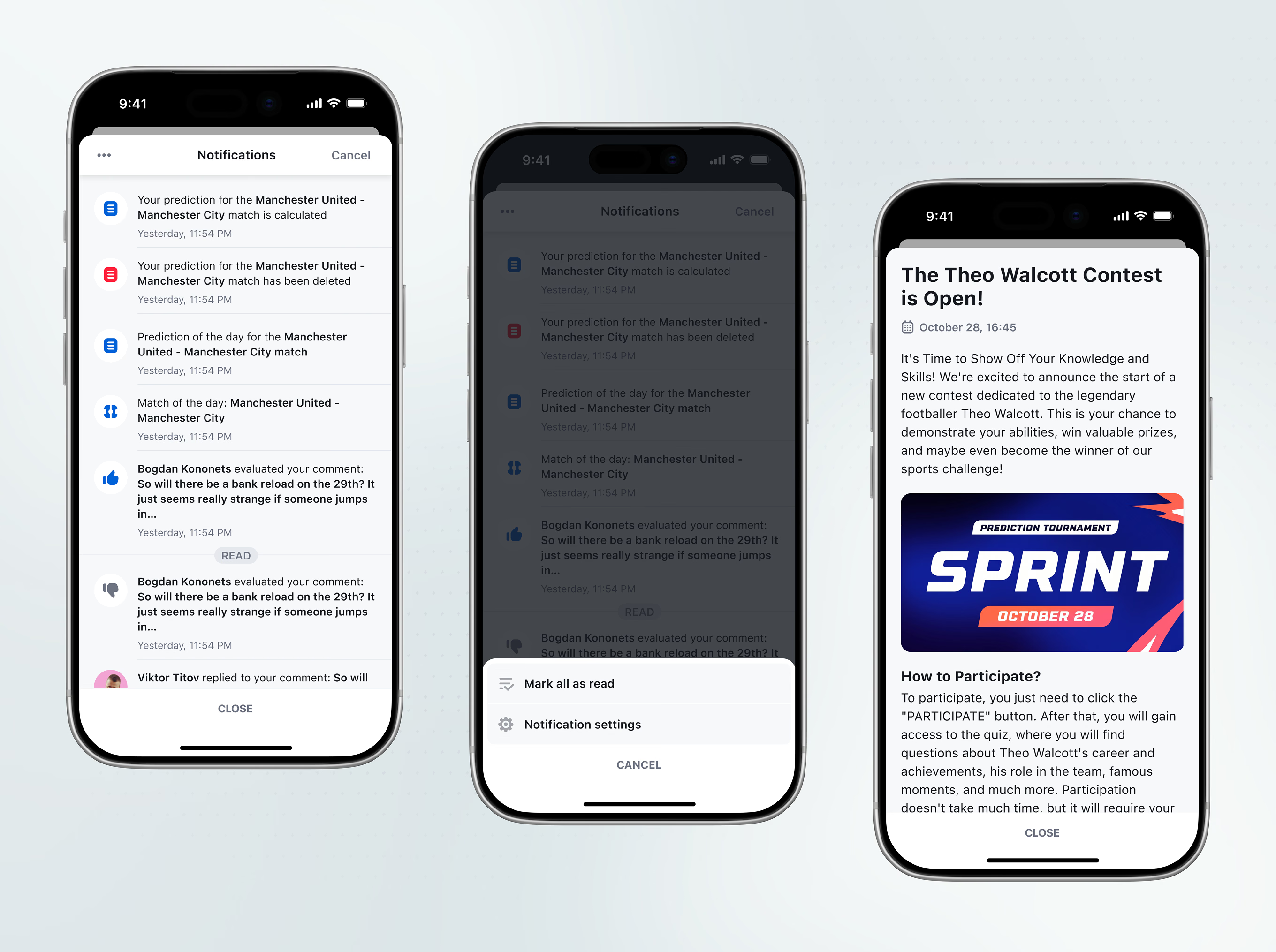
Notifications list calculated predictions, comment replies, and match-of-the-day picks in one feed, with a menu to mark all as read. Tapping a promo notification opens a trivia contest tied to a retired footballer.
A dedicated icon set covers sport categories, alongside status icons for verification, reports, gifts, and comments, sharing one visual language across both sets.


Each sport category gets its own cover tile instead of a shared placeholder image. The full set stays organized as one visual family across the app.

Stavka iOS shows how Flatstudio designs sports prediction apps for iPhone: a forecast feed, match center, contests, and achievements built on the web platform's design system, so features ship to both without a redesign. It continues our work on the Stavka web platform and brand identity. Planning a sports prediction or betting app for iOS? Talk to us.