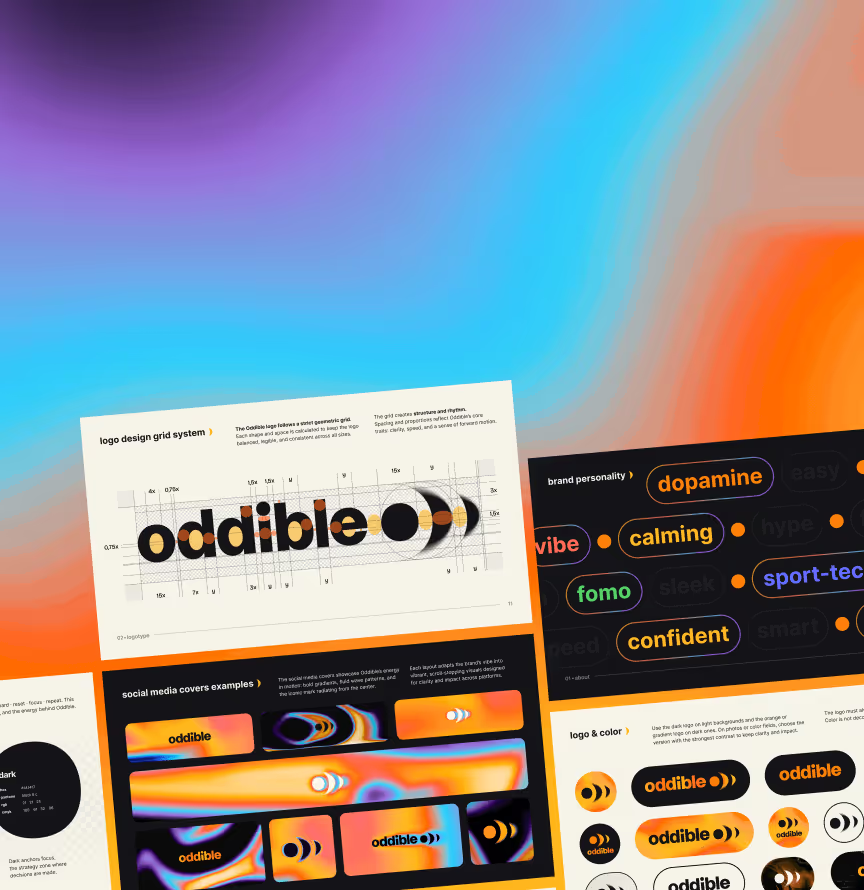
















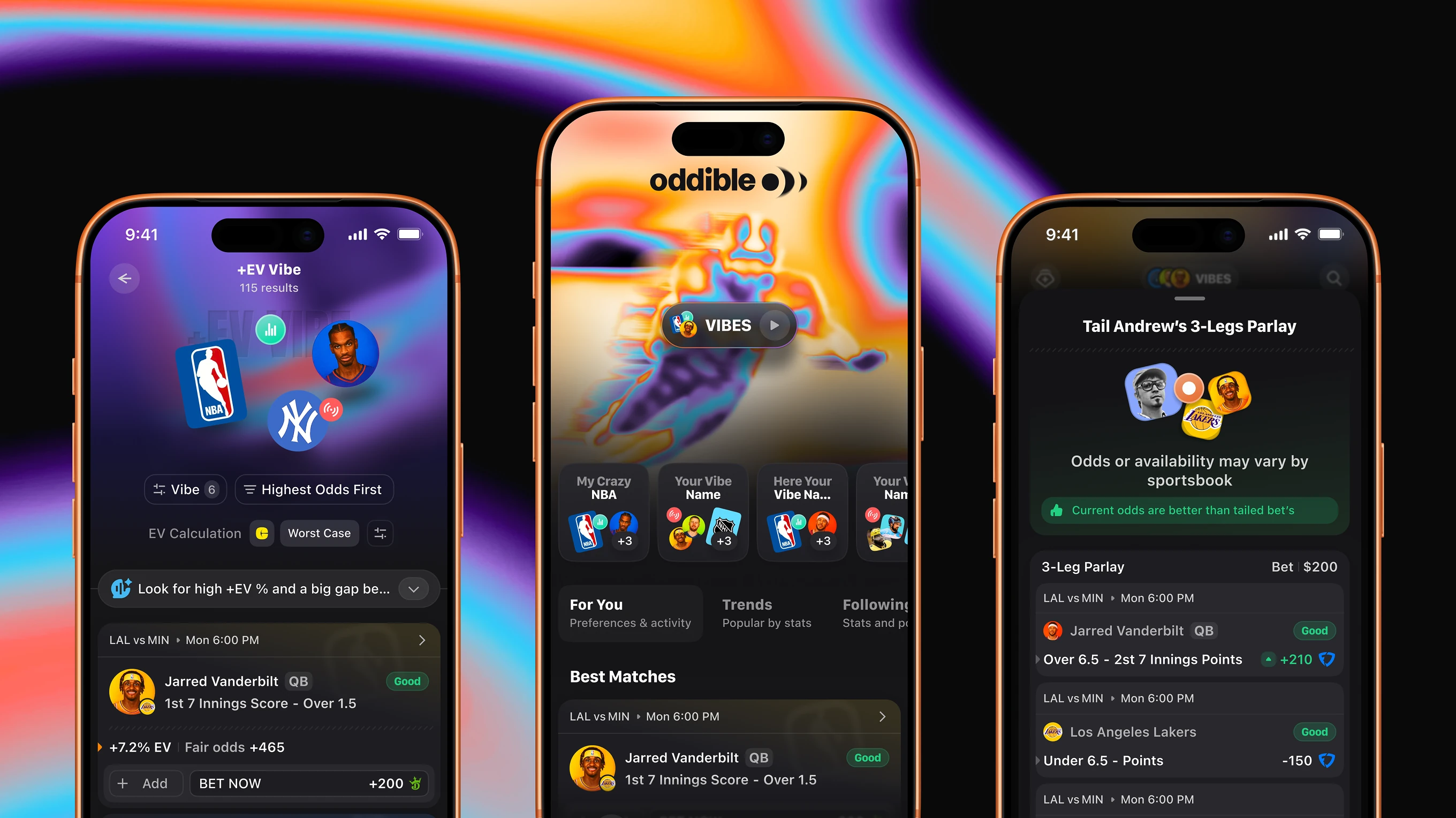
We designed it from a one-sentence brief, mapping every user scenario and component variation at the wireframe stage before UI. Developers needed zero clarification cycles during implementation – and the handoff delivered exactly that: zero dev clarification cycles post-handoff.
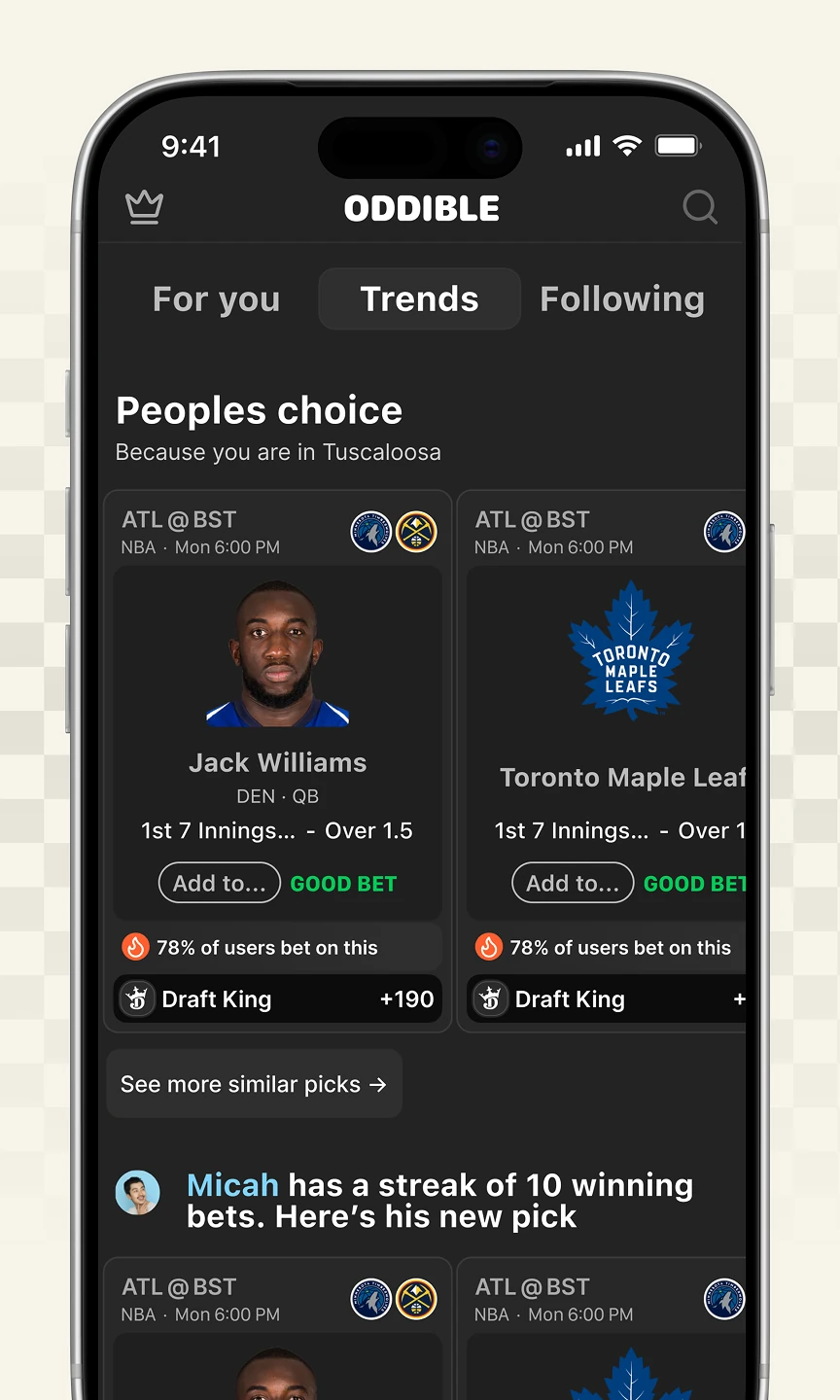
A first look at the social betting app built for US sports bettors. Screens cover pick discovery, live odds charts, AI bet grading, and a two-book arbitrage slip.

Two competing directions for Oddible's core discovery screen, tested before locking the wireframes. One built around a single circular vibe entry point, the other around per-league icons.

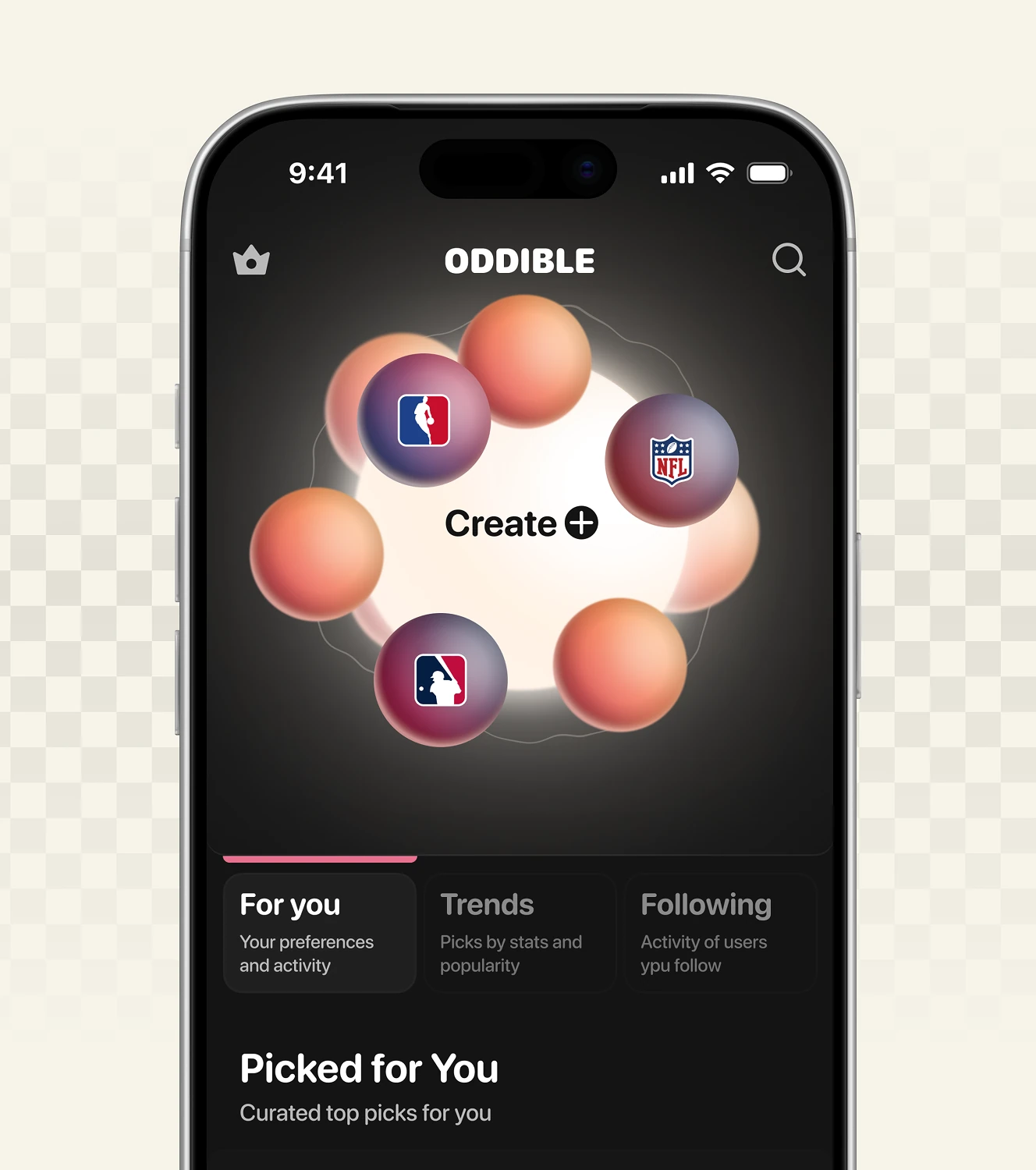
Three visual treatments explored for the same "Create my vibe" entry point. Options ranged from an illustrated hand motif to a live counter and a soft gradient blob.


Wireframes mapping how a bettor moves from a game's Top Picks list to a single player prop. The prop screen carries a Smart Score, a GOOD BET tag, reaction counts, and a game hit-rate chart.

Feed structures for trend-based and arbitrage picks inside this sports betting app. Cards surface local context, the share of users on a bet, and per-pick arbitrage profit.


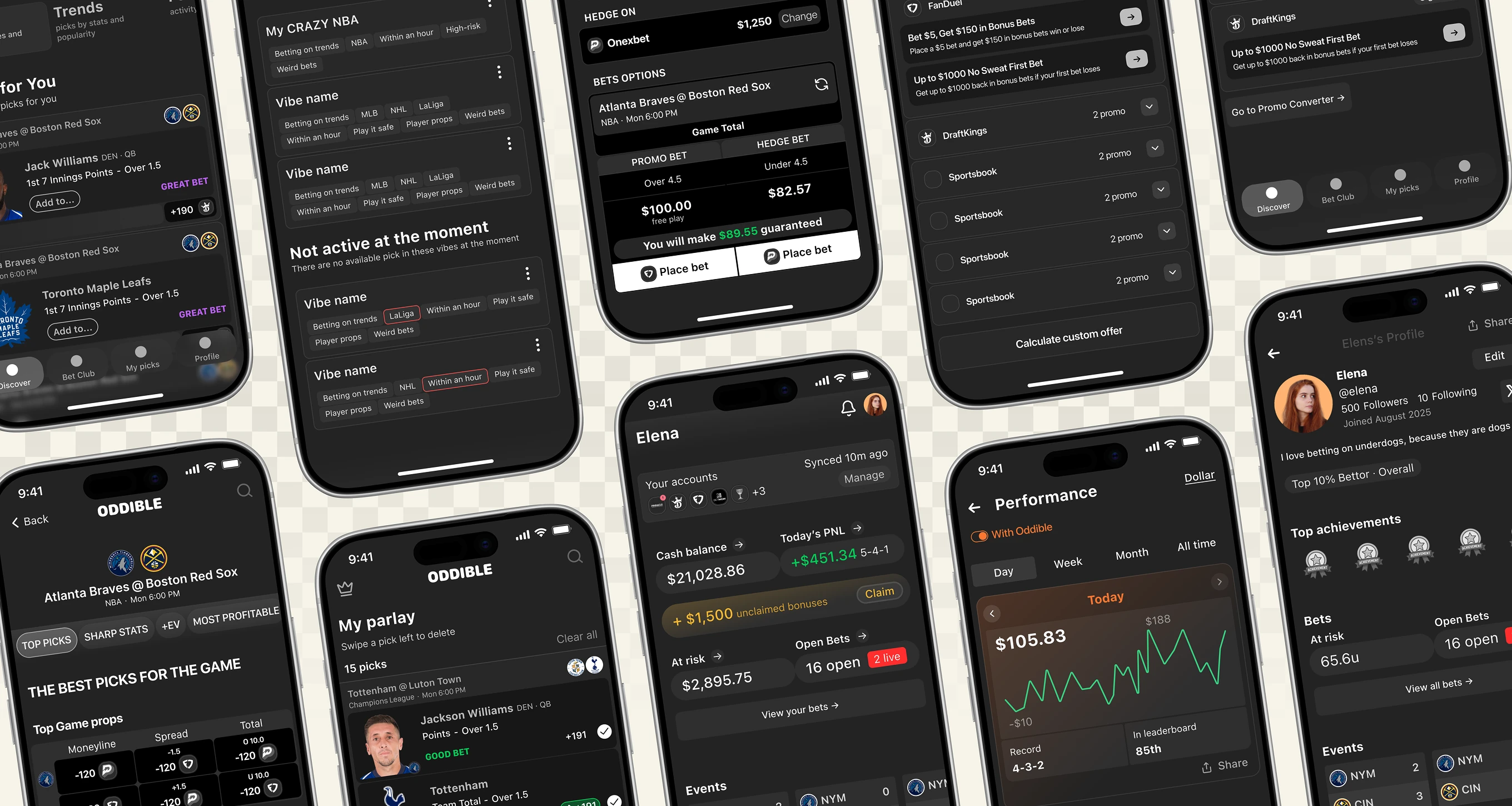
The full architecture behind Oddible, covering onboarding through daily use. Flows include a hedge-bet calculator, promo-to-cash conversion, a wallet with real-time P&L, and a swipe-to-delete parlay builder.
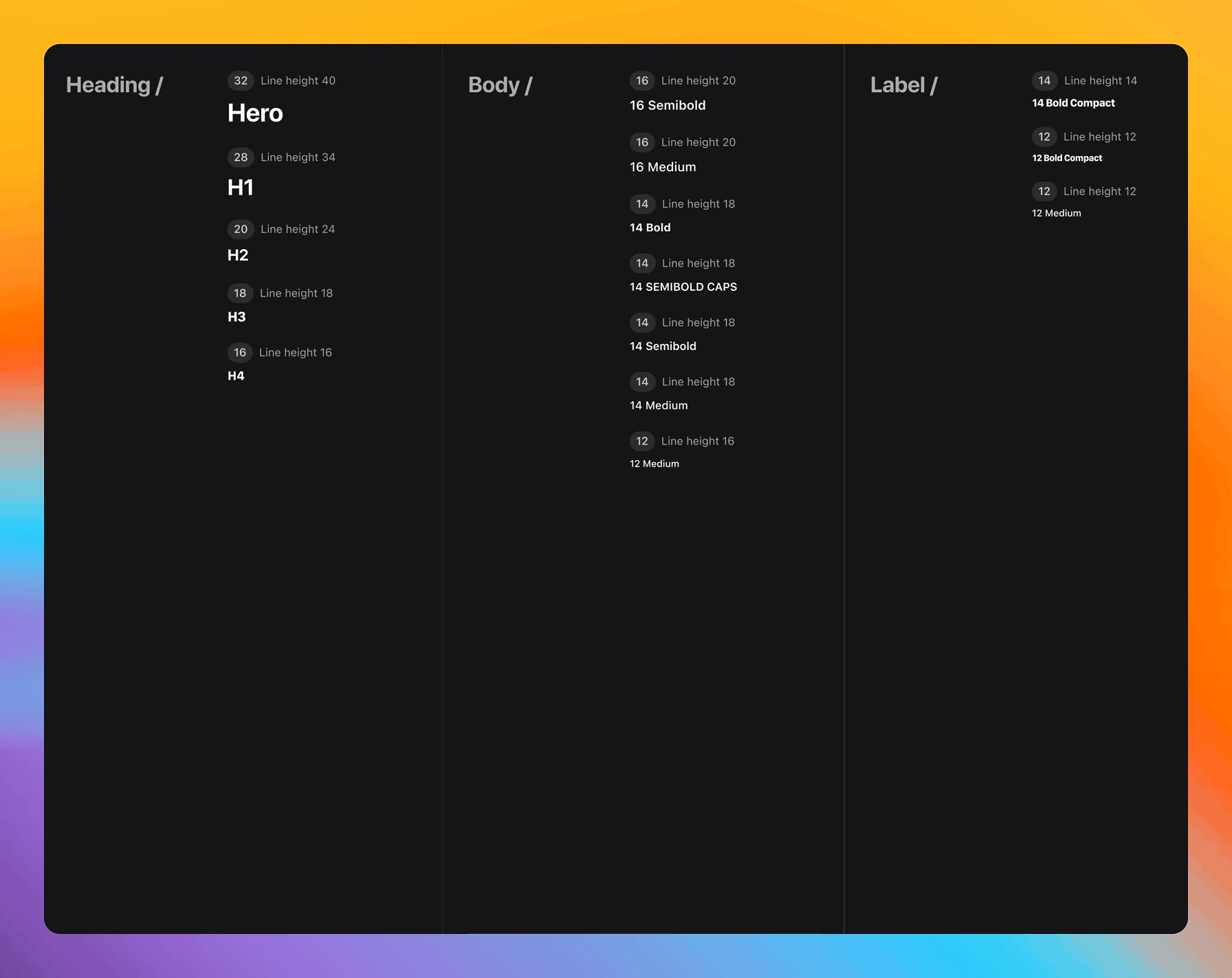
Typography tokens built for engineering handoff. The system uses Apple's SF Pro Text, SF Pro Display, and SF Compact across a Hero-to-H4 scale with defined weights and line heights.

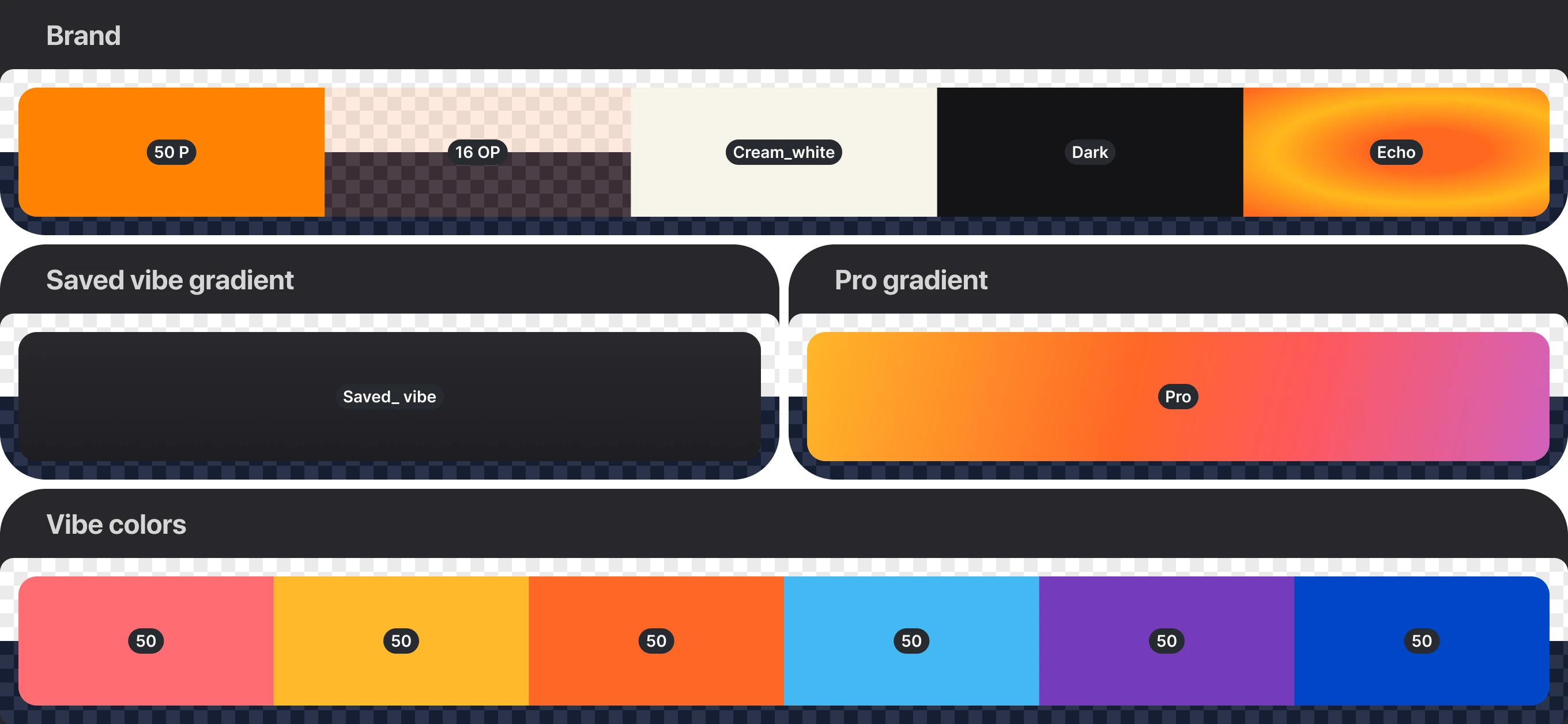
Color tokens covering brand, subscription, and personalization layers of the app. The palette pairs a core orange/cream/dark brand set with a Pro-tier gradient and six distinct "vibe" colors for personalized feeds.
Spacing rules documented for developer handoff on the main discovery screen. Cards sit 8 pixels from the edge, while the text content grid carries 20 pixels of padding.

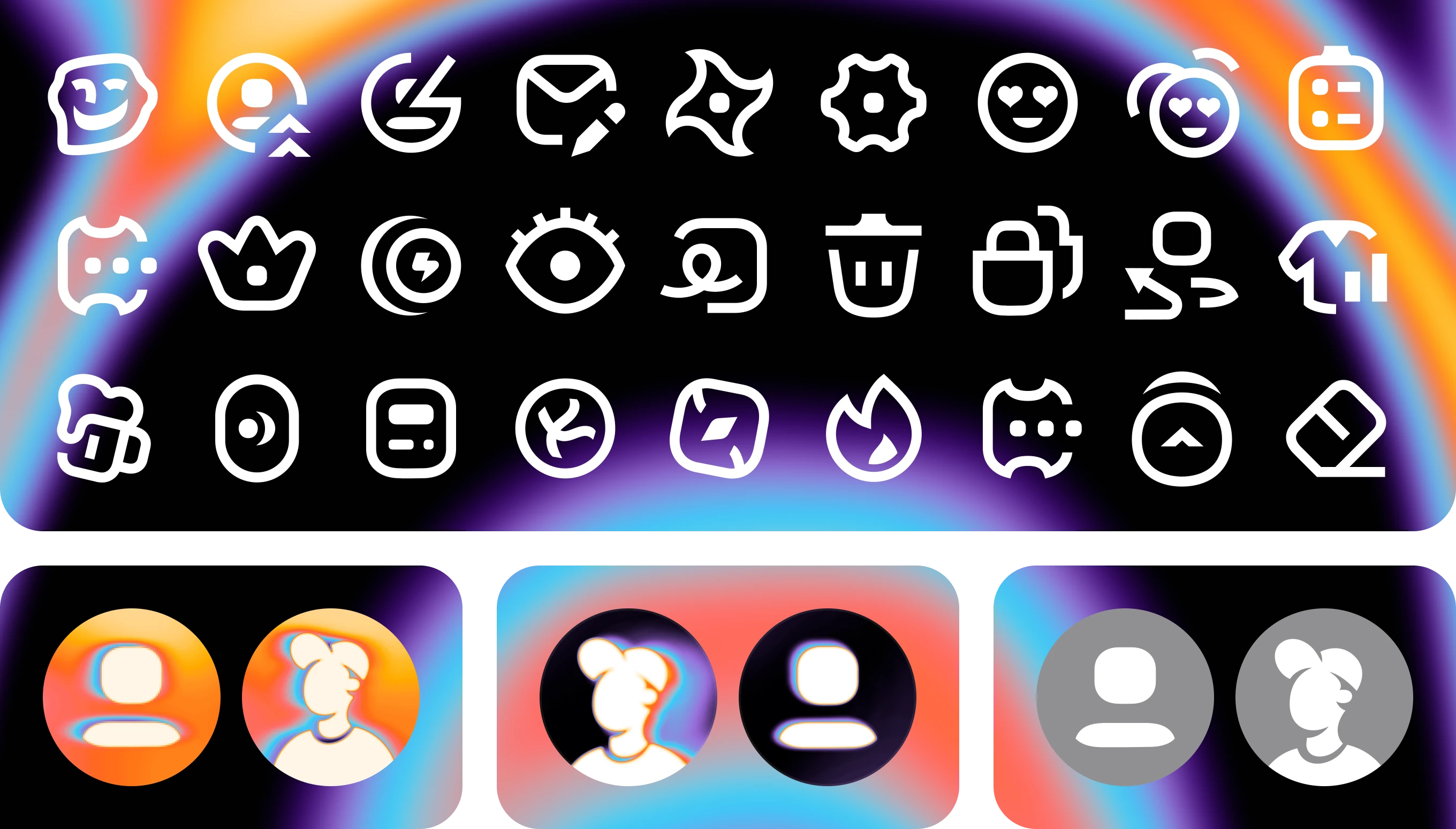
A custom icon library and avatar system built for the app's social and betting features. The set includes functional icons plus avatars in duotone, gradient, and grayscale states.
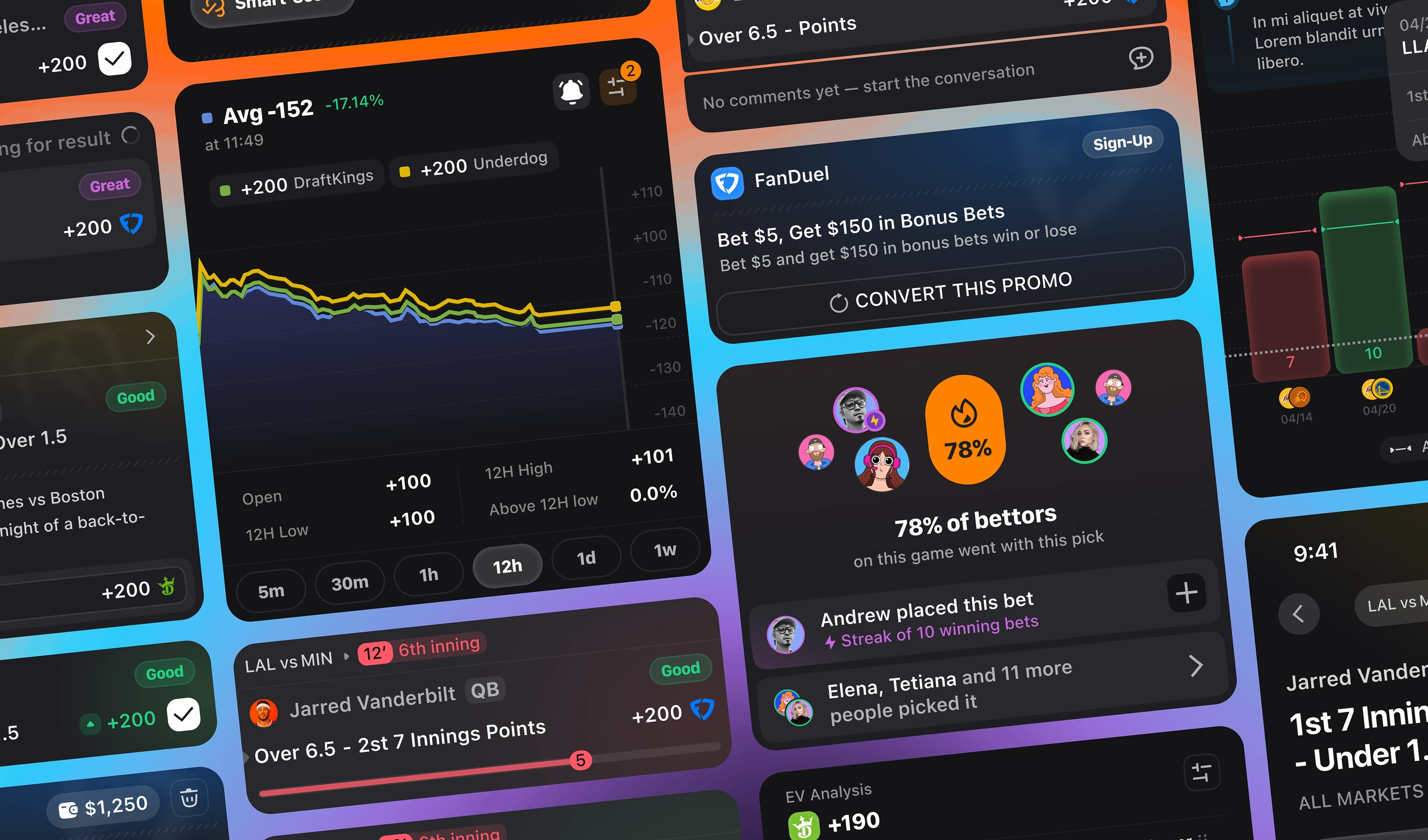
A component library covering every betting-card state used across Oddible. States include won/lost bet chips, sportsbook promo cards, line-movement charts, and social proof cards showing bettor percentages.
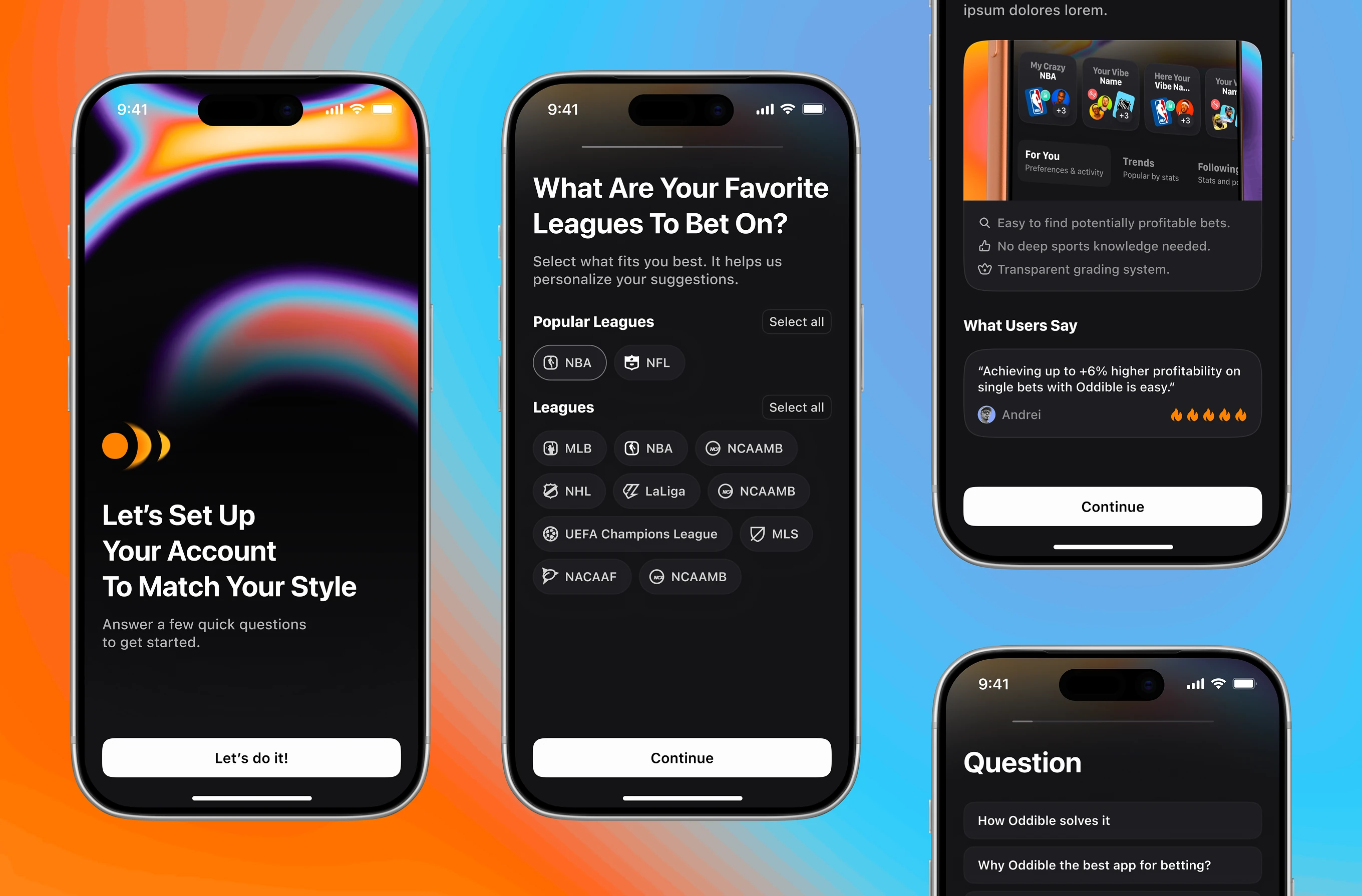
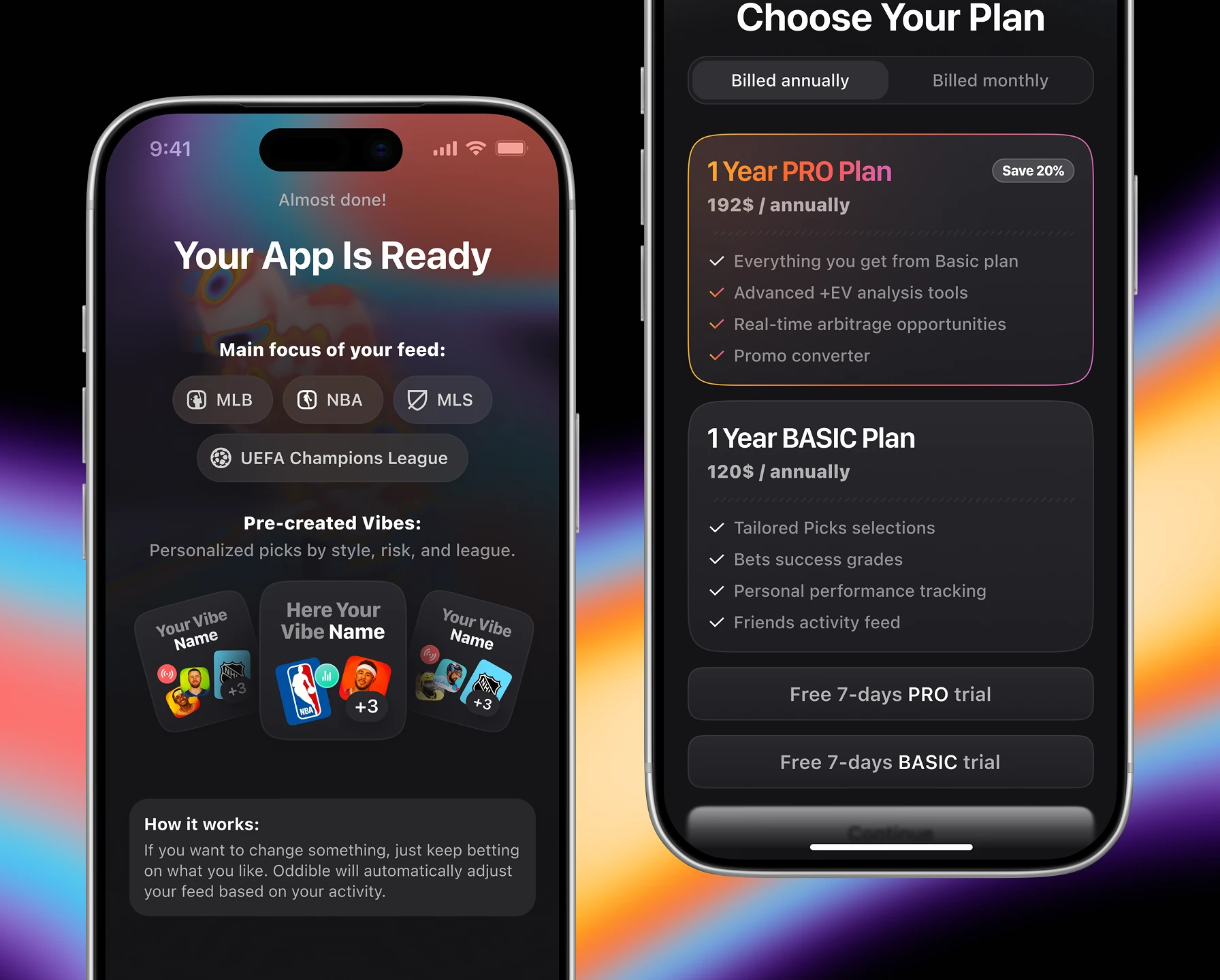
The first-run flow for new users of this sports betting app. Steps include a league picker, a value-prop screen with a user testimonial, and FAQ-style prompts before sign-up.
A feedback loop and paywall shown right after onboarding. Users can rate the app and leave comments, then start a free trial of the subscription plan.


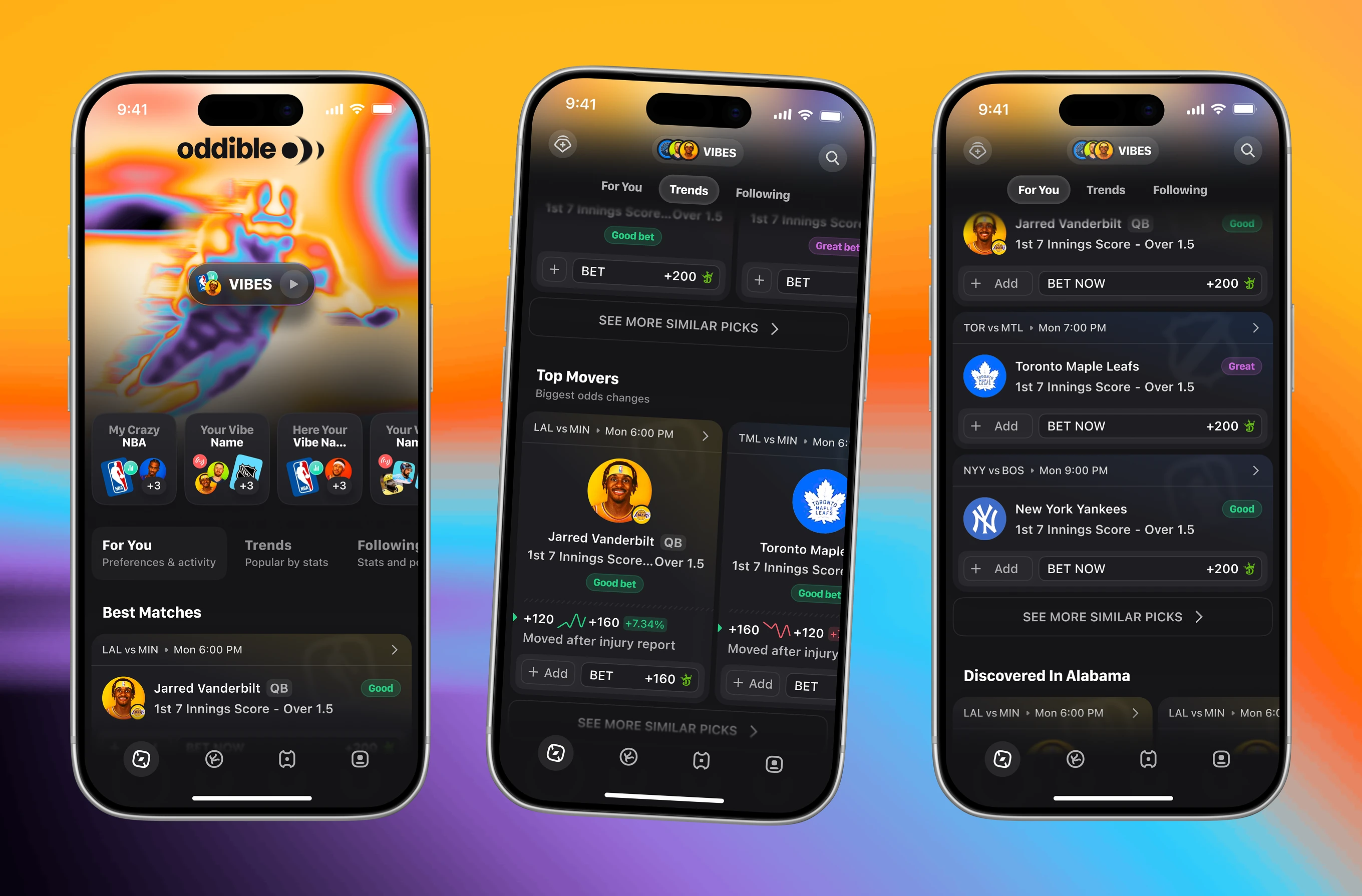
Discovery screens inside this sports analytics app for bettors comparing best matches and trending picks. Top Movers tags show why a line changed, such as after an injury report, next to each pick.
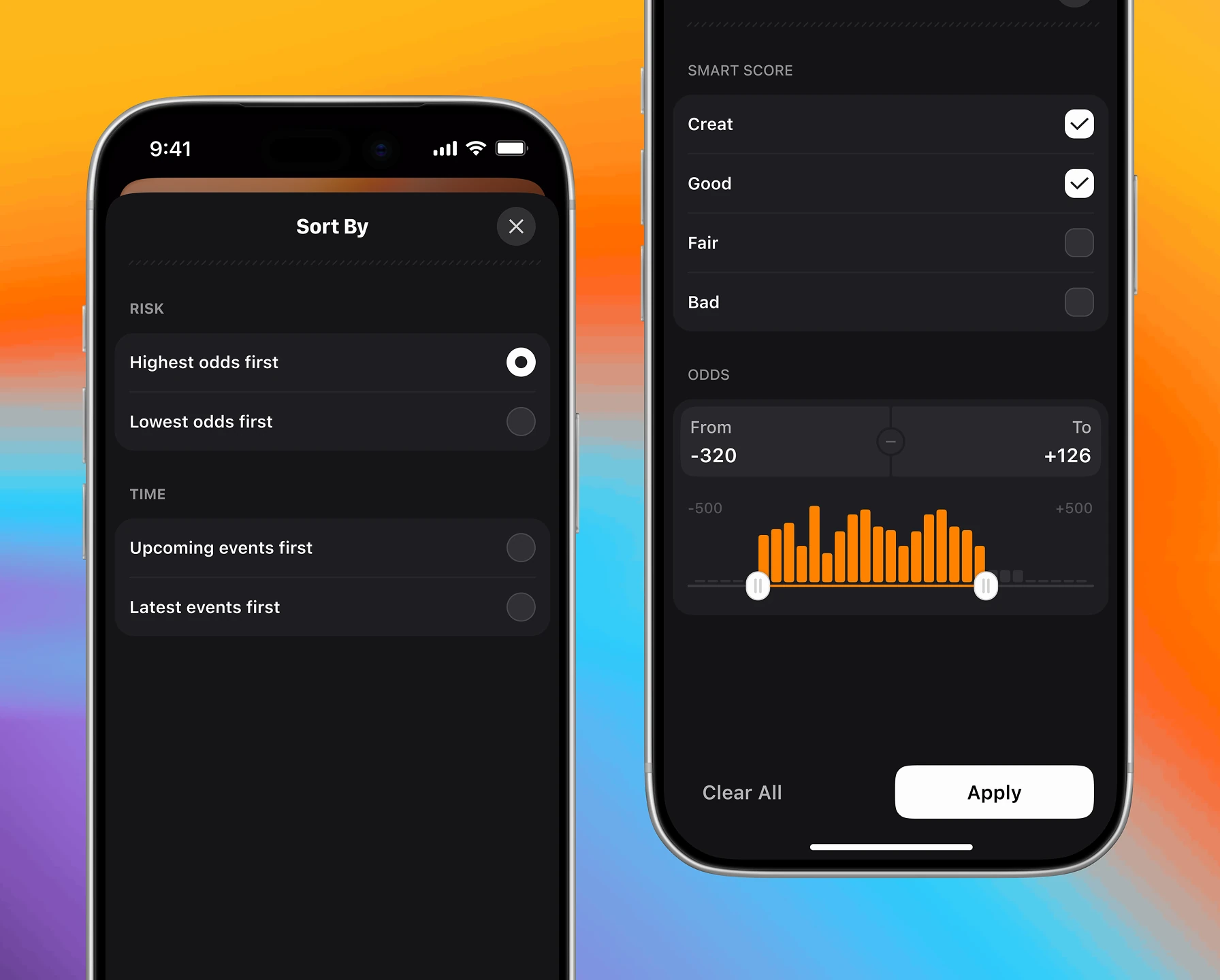
Filtering tools for the Best Matches feed of picks across sportsbooks. Bettors can toggle sources, then sort by risk, event time, or popularity.


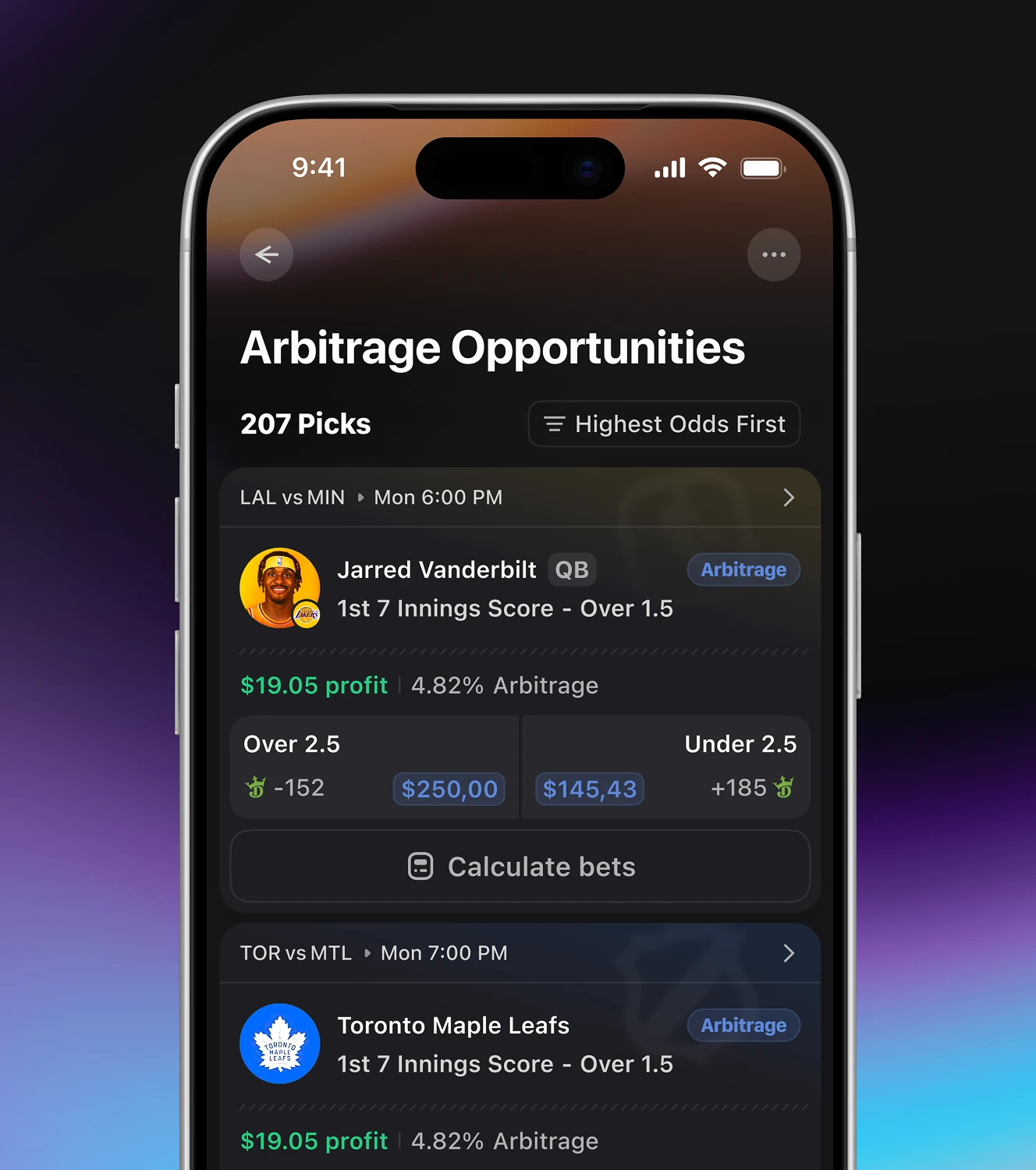
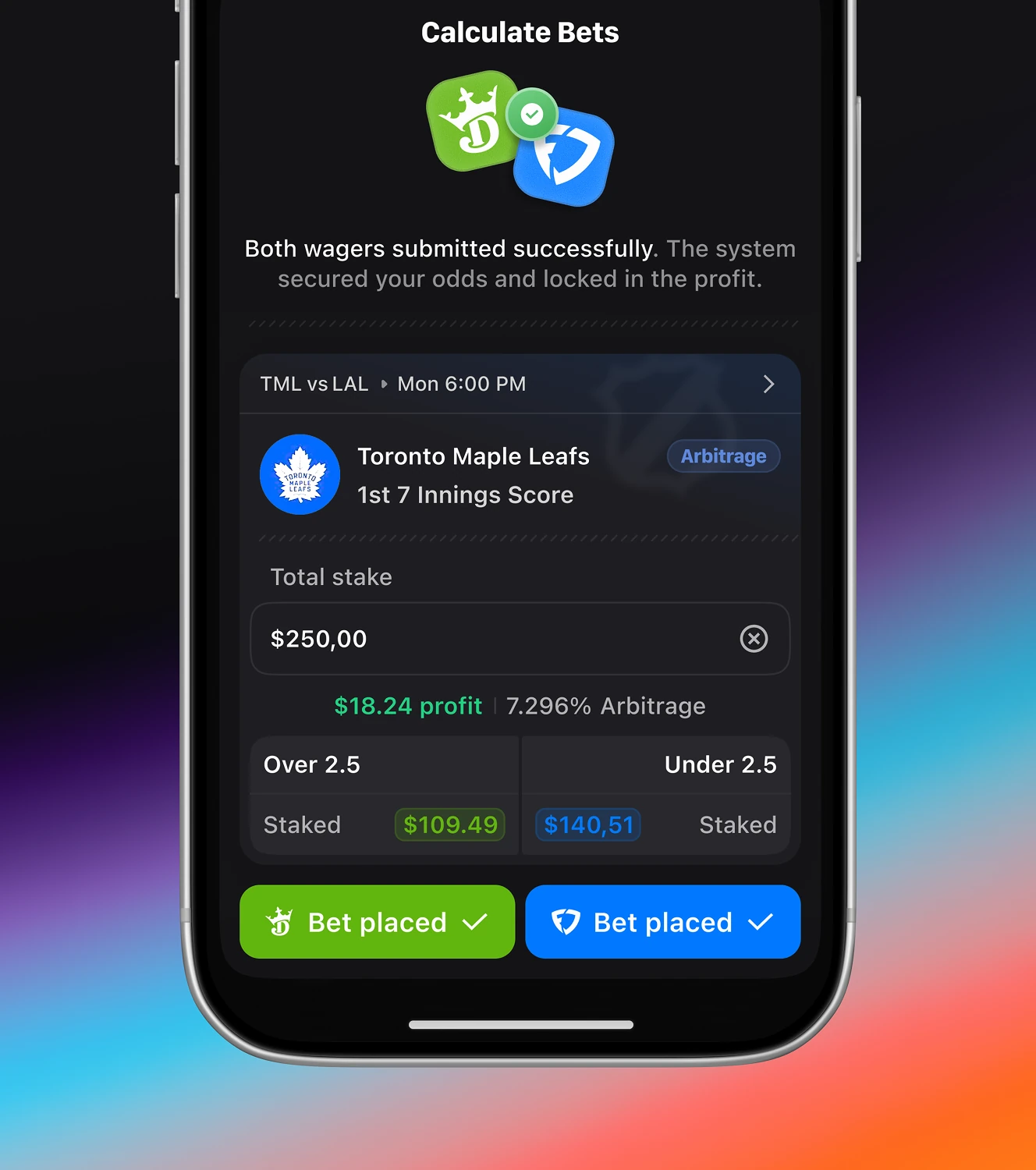
An arbitrage calculator for flagged picks. Entering a stake splits it across two books, then confirms both bets as placed.
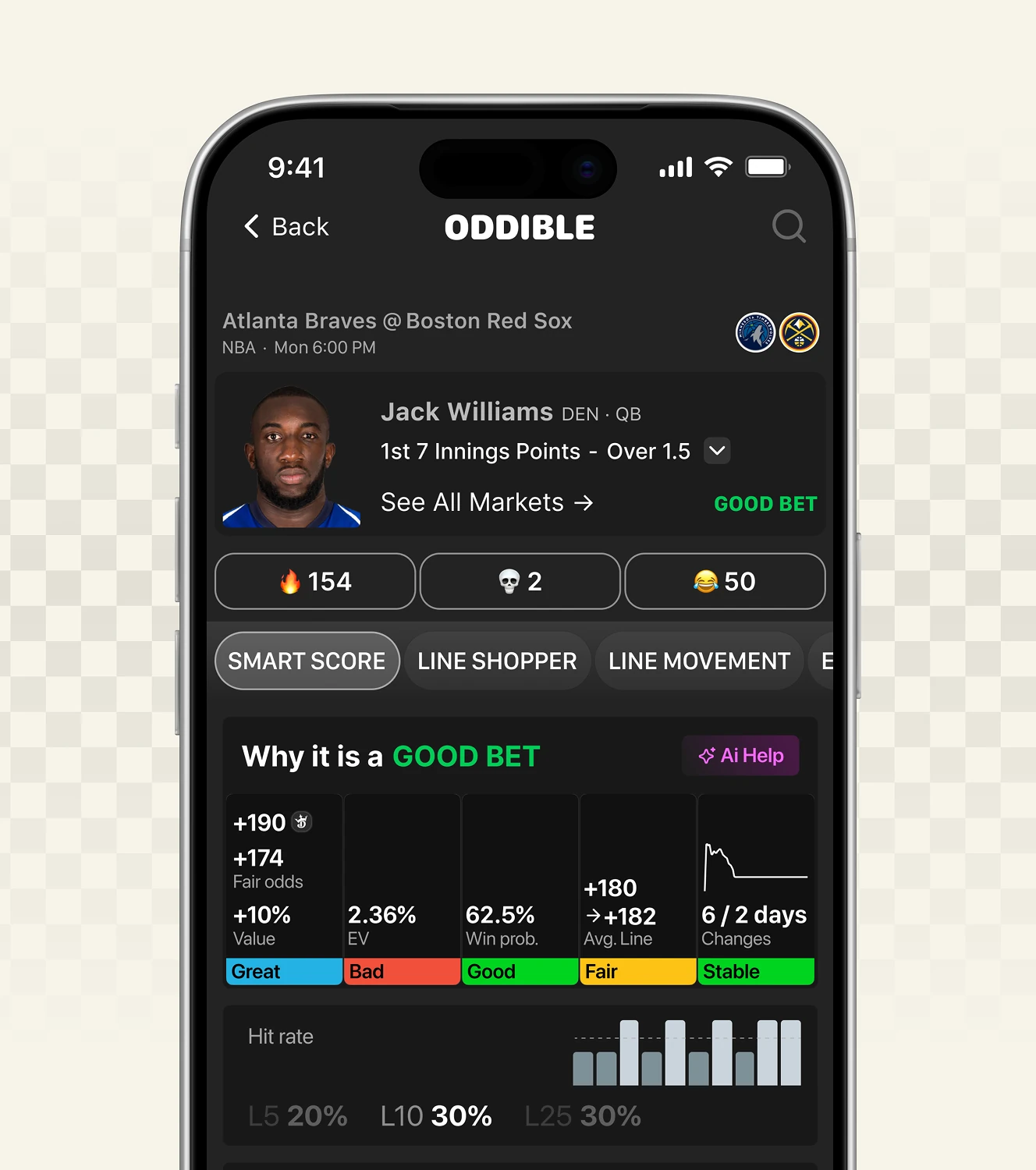
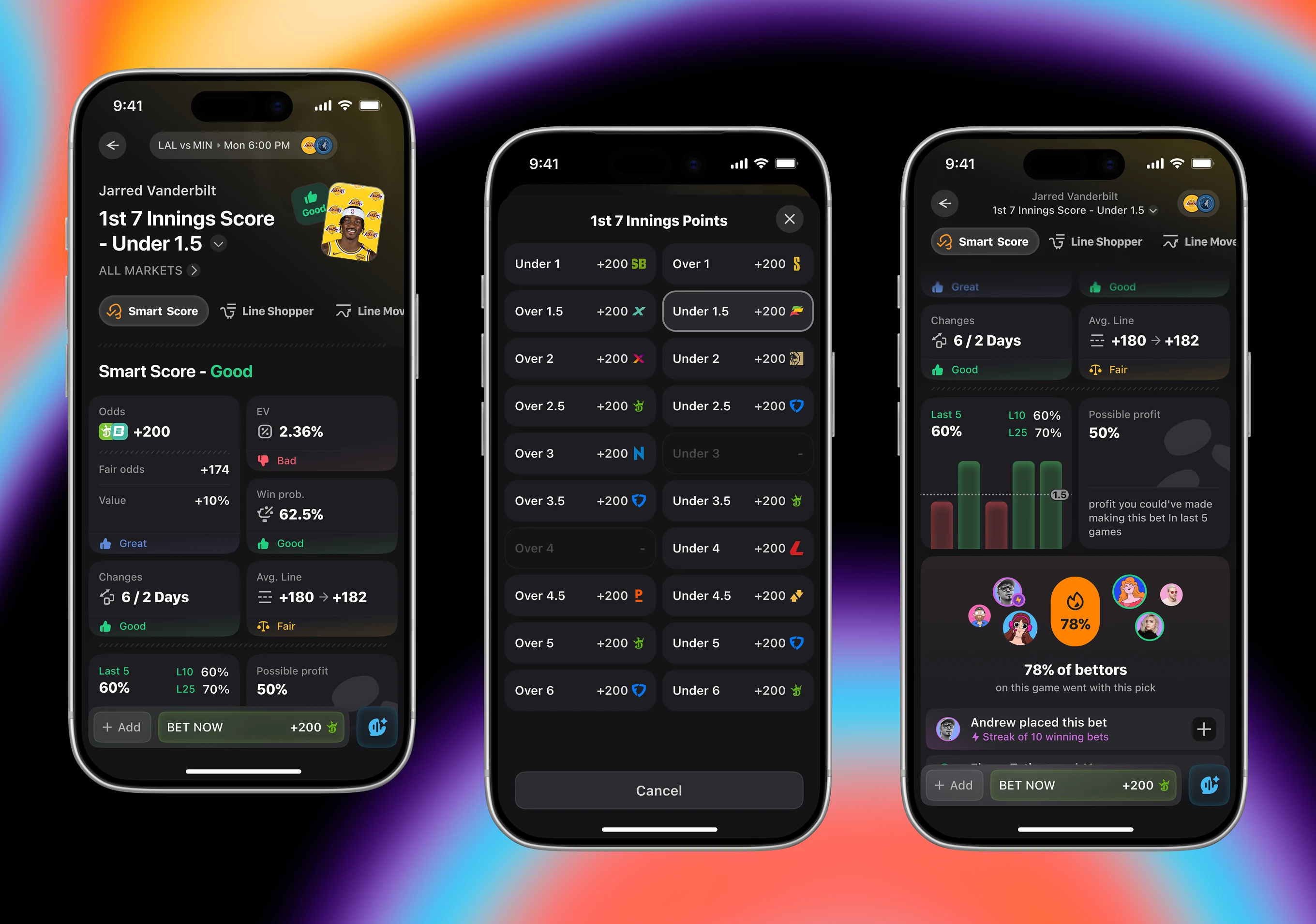
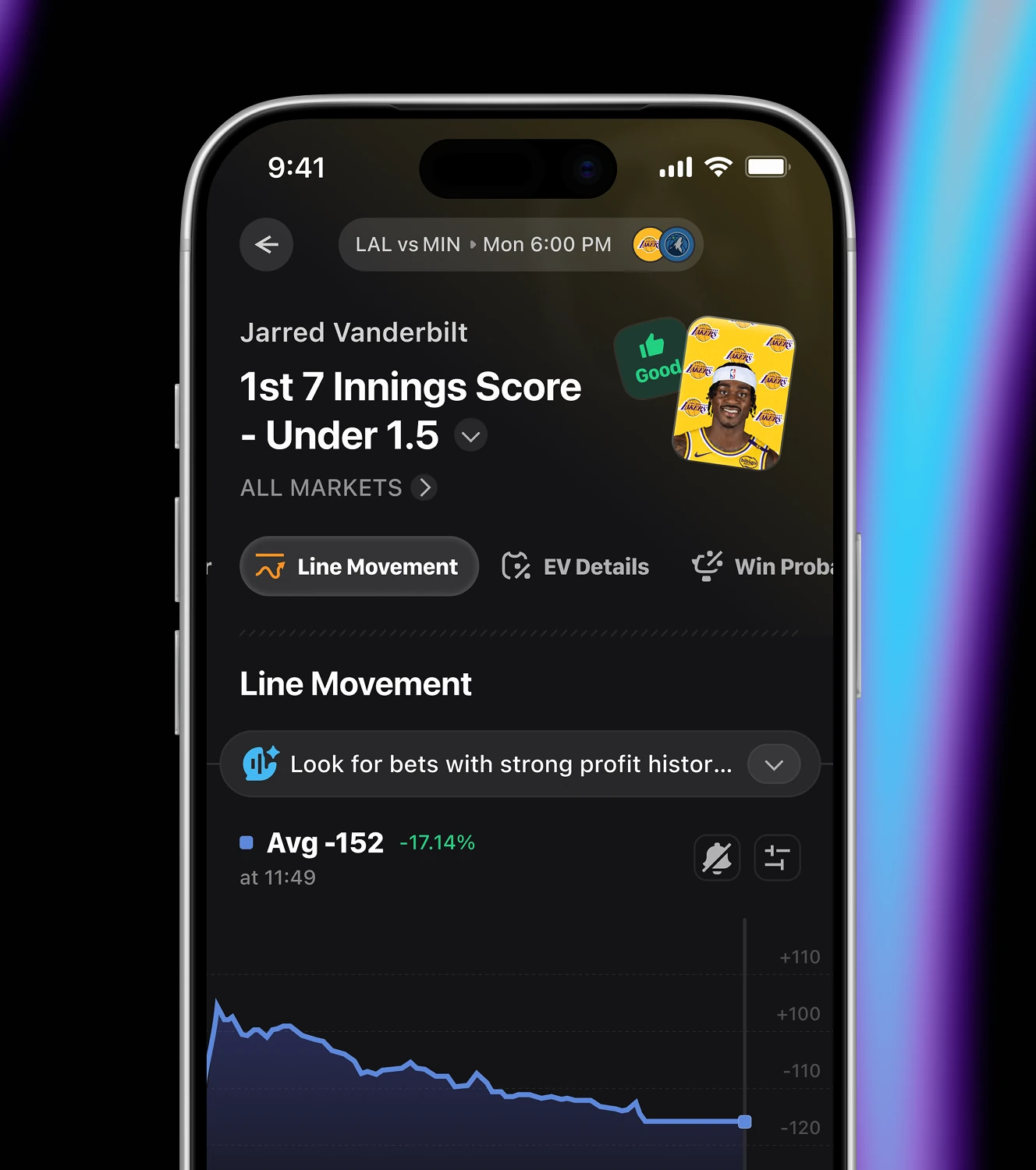
The detail screen for a single player prop pick, built for casual and semi-serious bettors. It surfaces odds, fair odds, EV, win probability, line movement, and last game hit rates in one view.
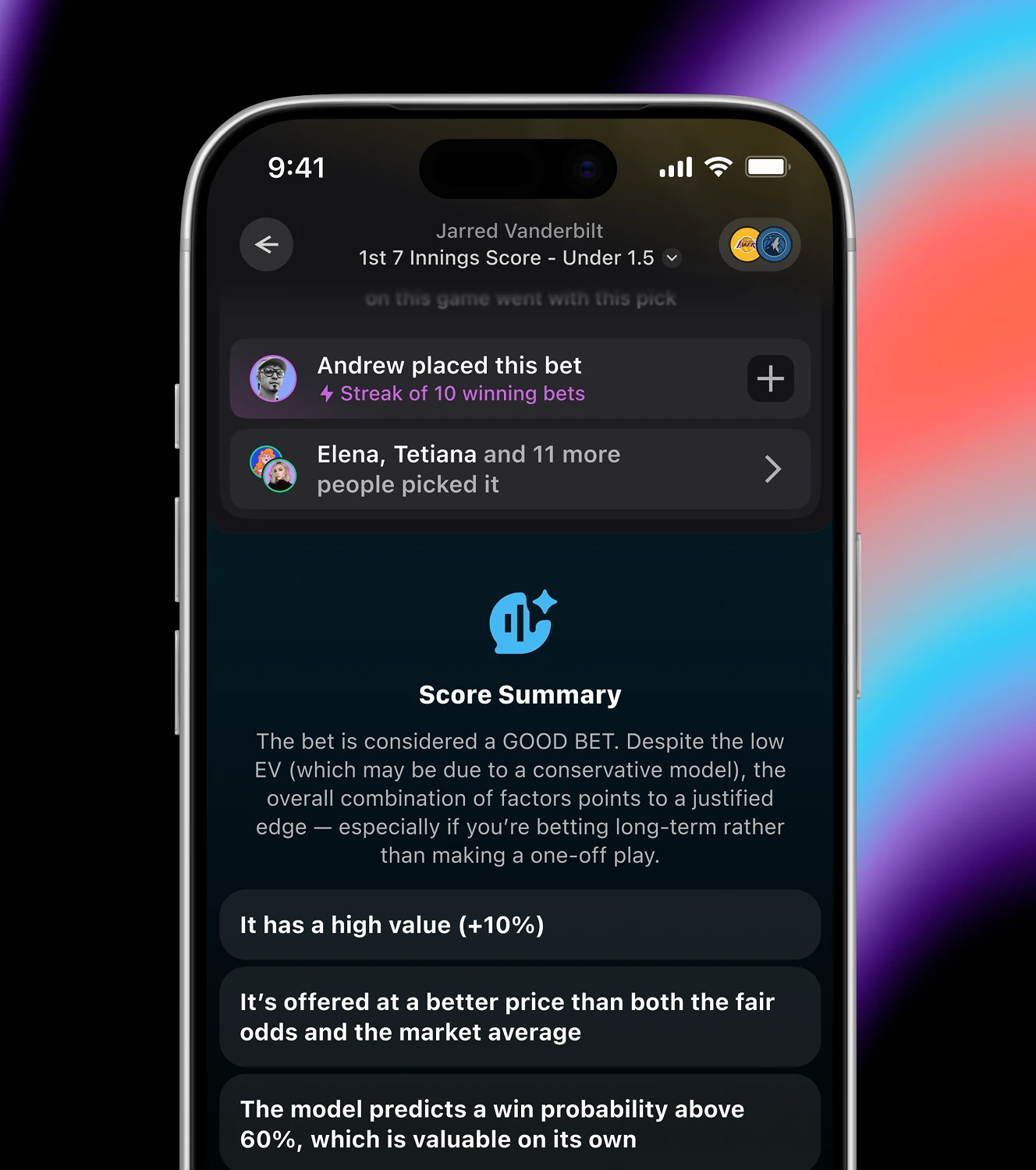
An AI-written explanation behind each bet grade, aimed at bettors who don't want to read raw odds data. The summary states the grade in plain language, then lists supporting factors like value percentage and win probability.
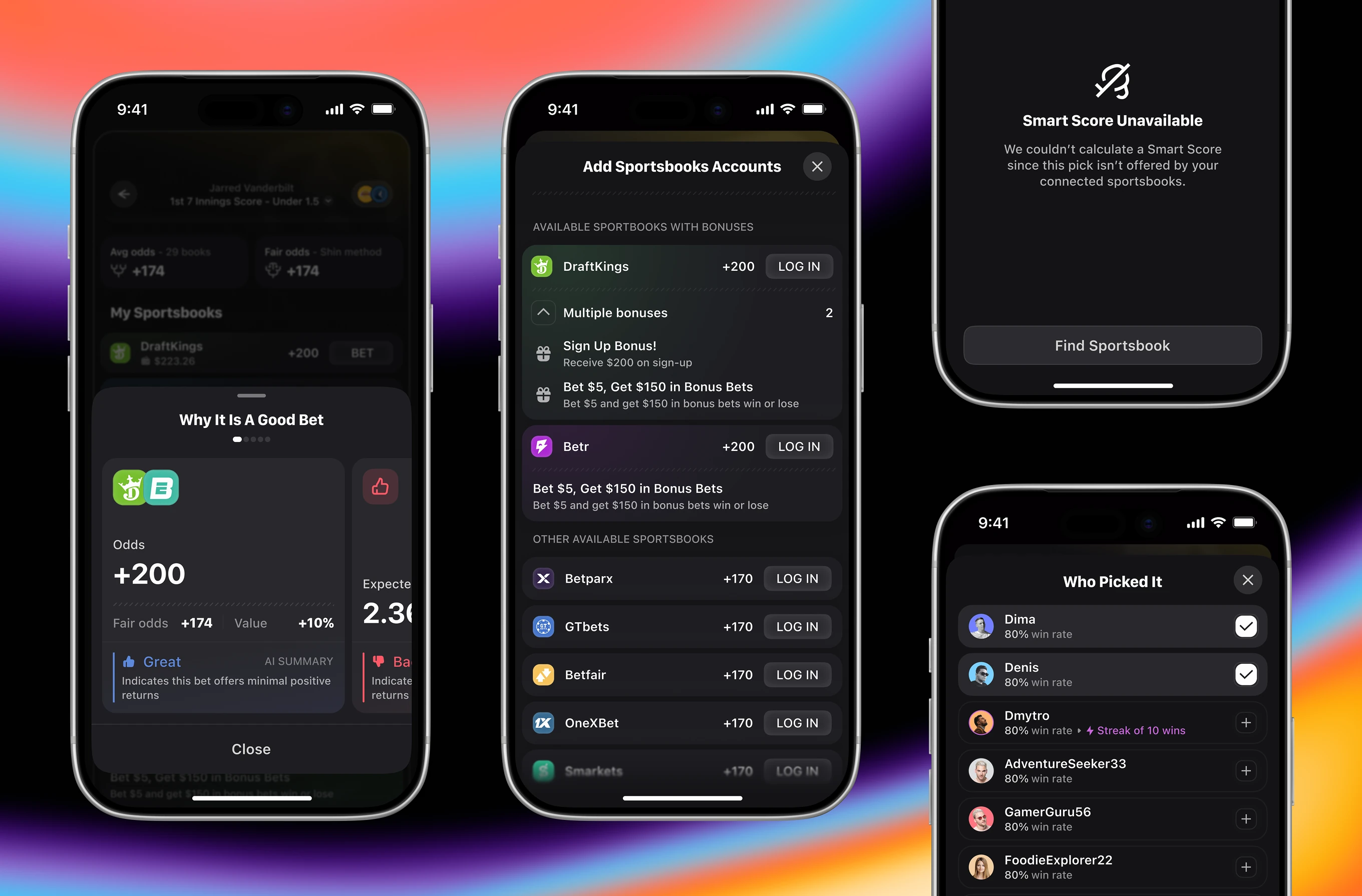
Supporting screens behind each Smart Score verdict in the betting app. Users see why a pick is graded (odds, fair odds, value), log into sportsbooks for full coverage, and check who else picked the same bet.
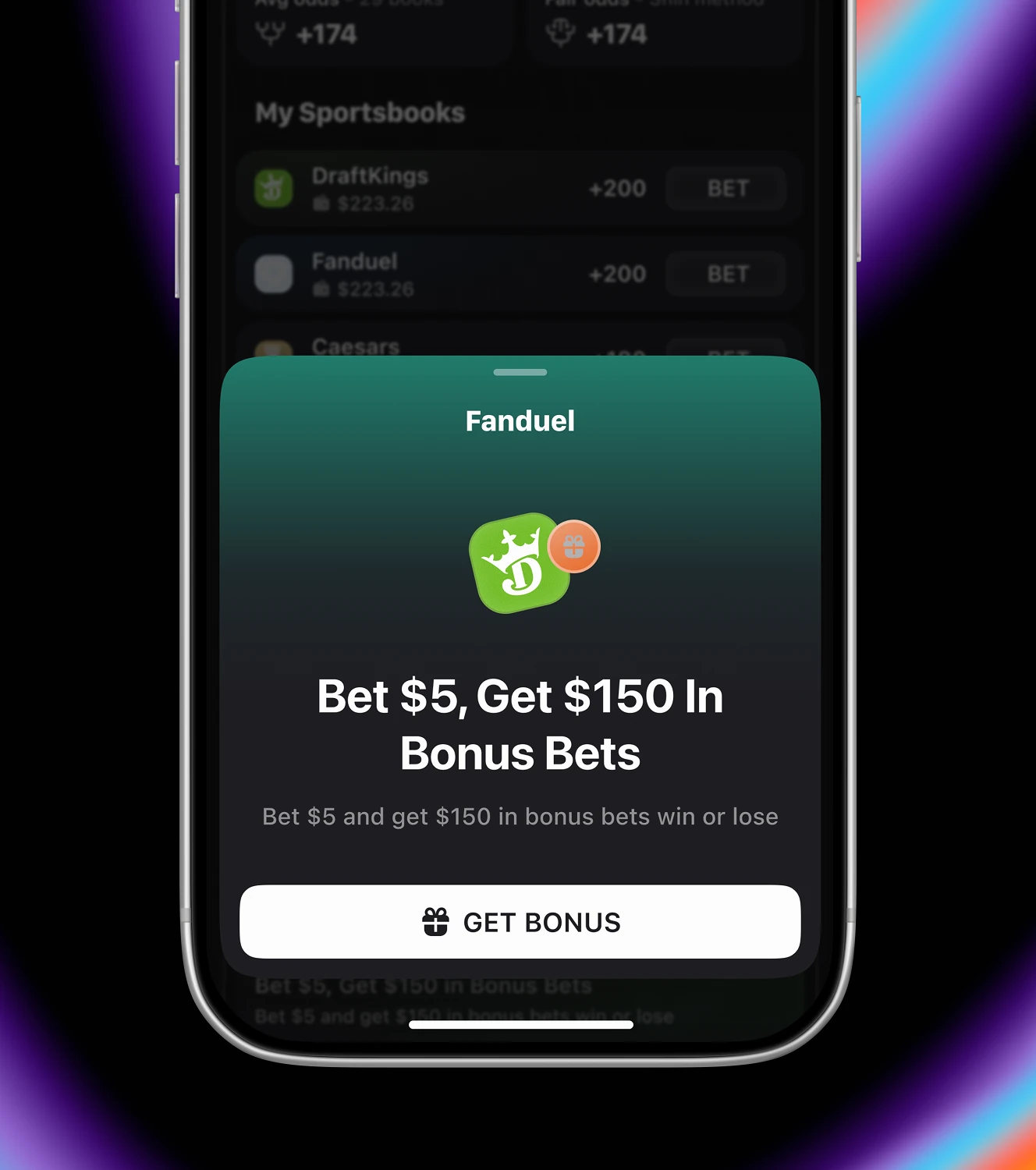
The Line Shopper tab compares a pick's odds across every connected sportsbook. Alongside price, bettors see sign-up offers in Bonus Bets.

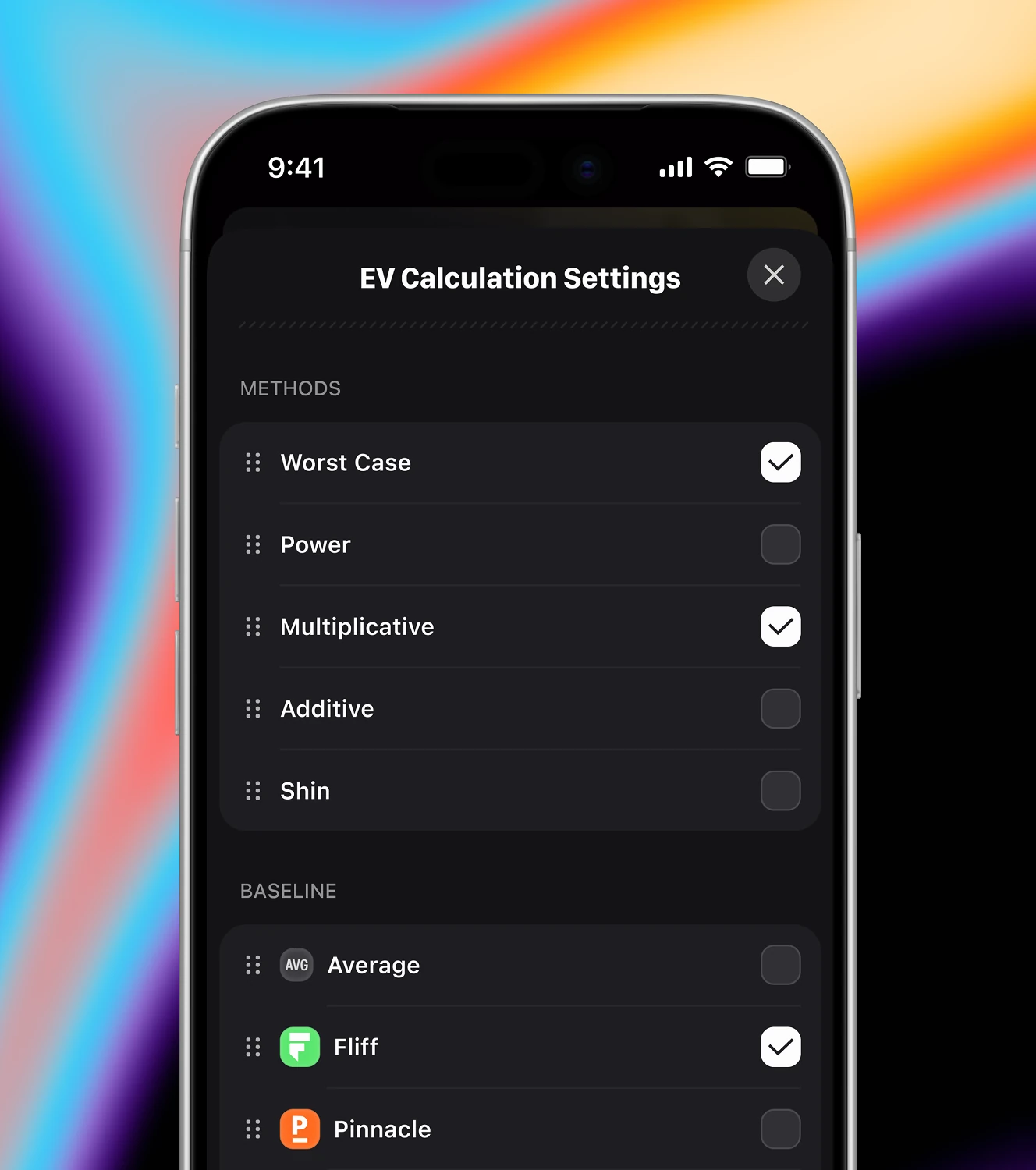
Expected-value tooling for bettors who want to see how a pick's edge is calculated. The settings let users choose between Worst Case, Power, Multiplicative, Additive, or Shin methods, with Pinnacle or Fliff as the no-vig baseline.

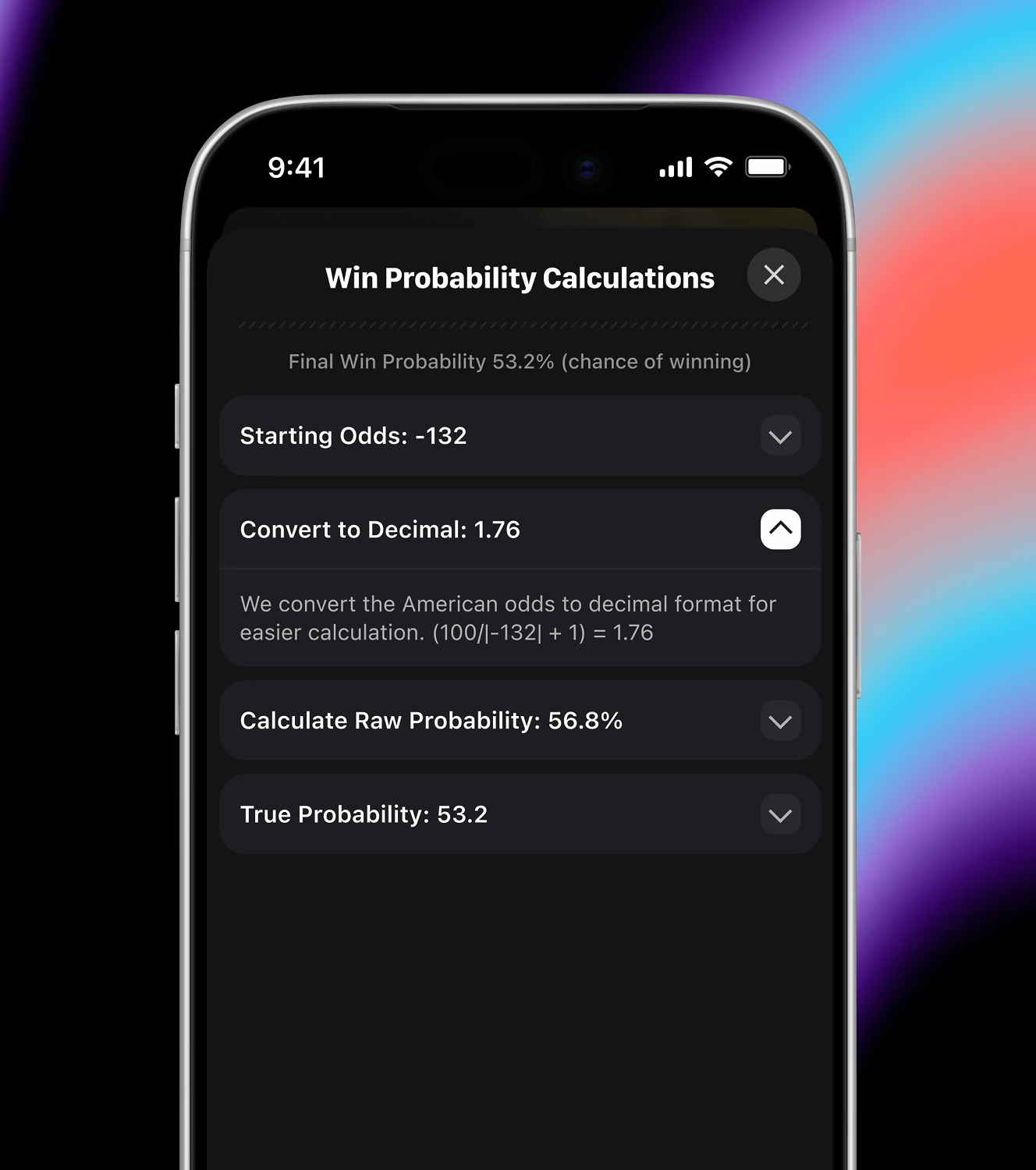
A transparent breakdown of how win probability is derived from market odds. The panel shows a consensus across books, then walks through converting odds to a true probability.

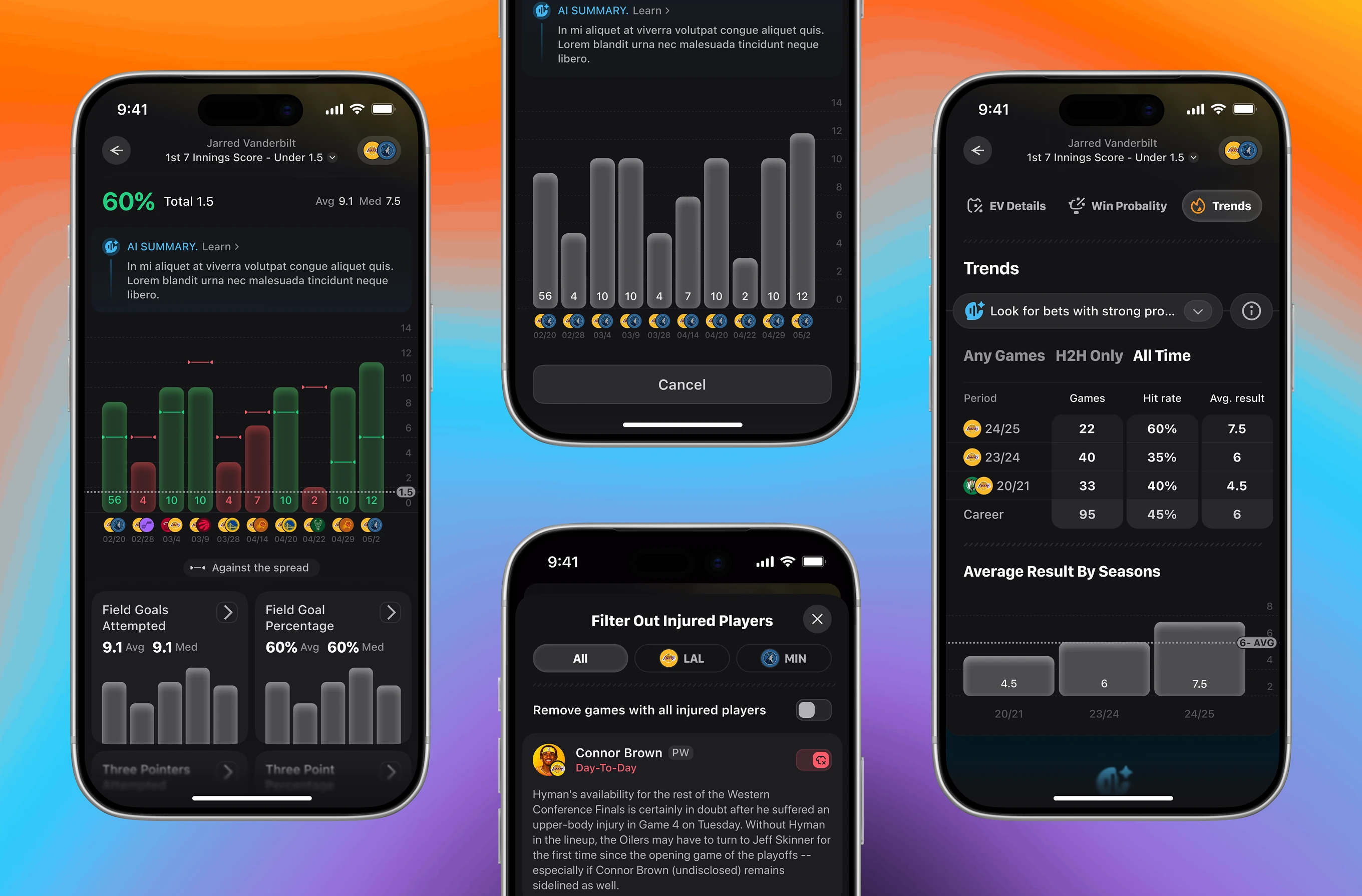
Historical trend data behind a single player prop, filterable by season or head-to-head matchups. Hit rates range from recent games to career averages, with a filter to exclude injured players.
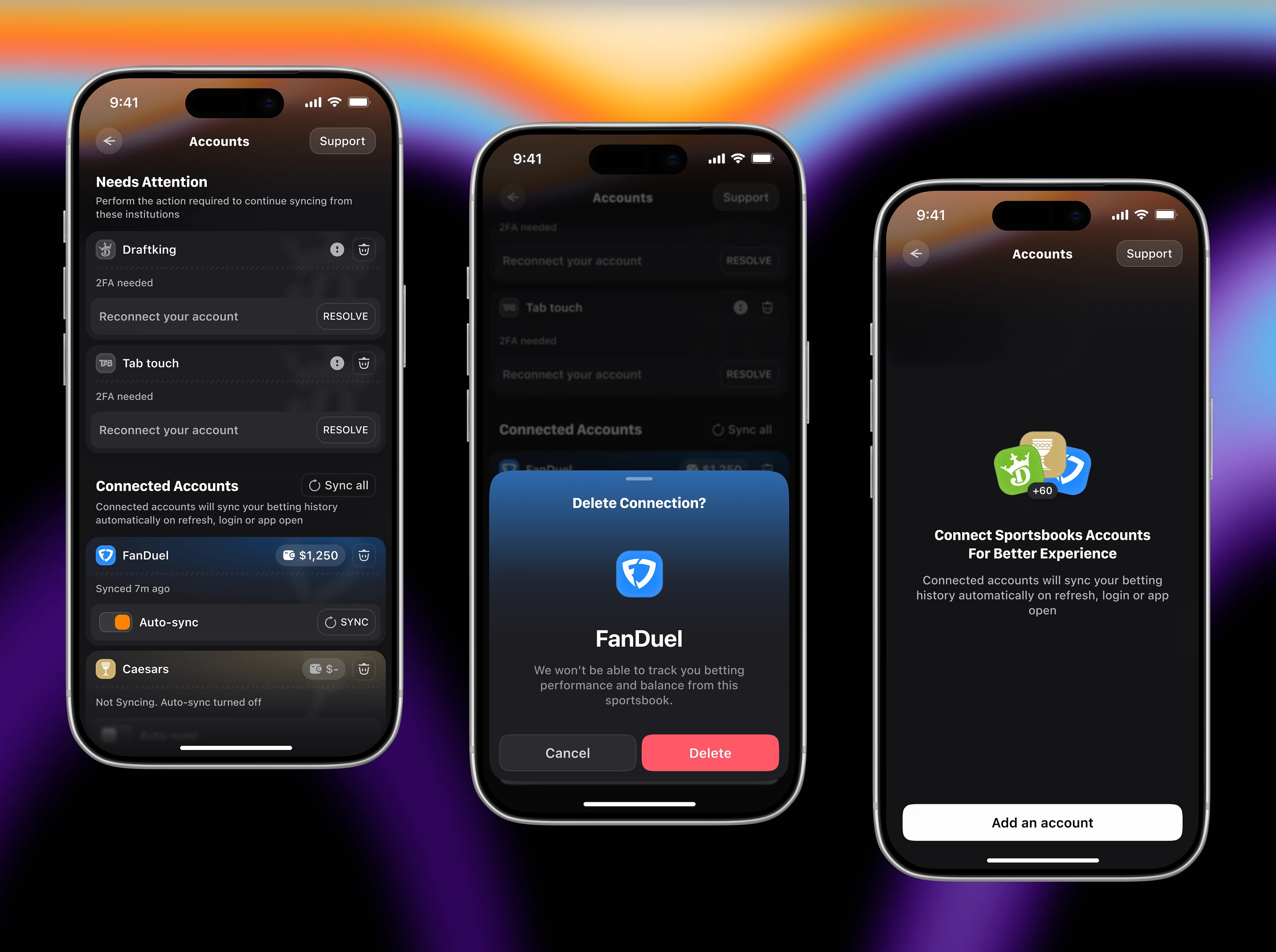
Account management for every sportsbook synced into the app. Screens flag accounts that need 2FA re-authentication, toggle auto-sync per book, and confirm before deleting a connection.
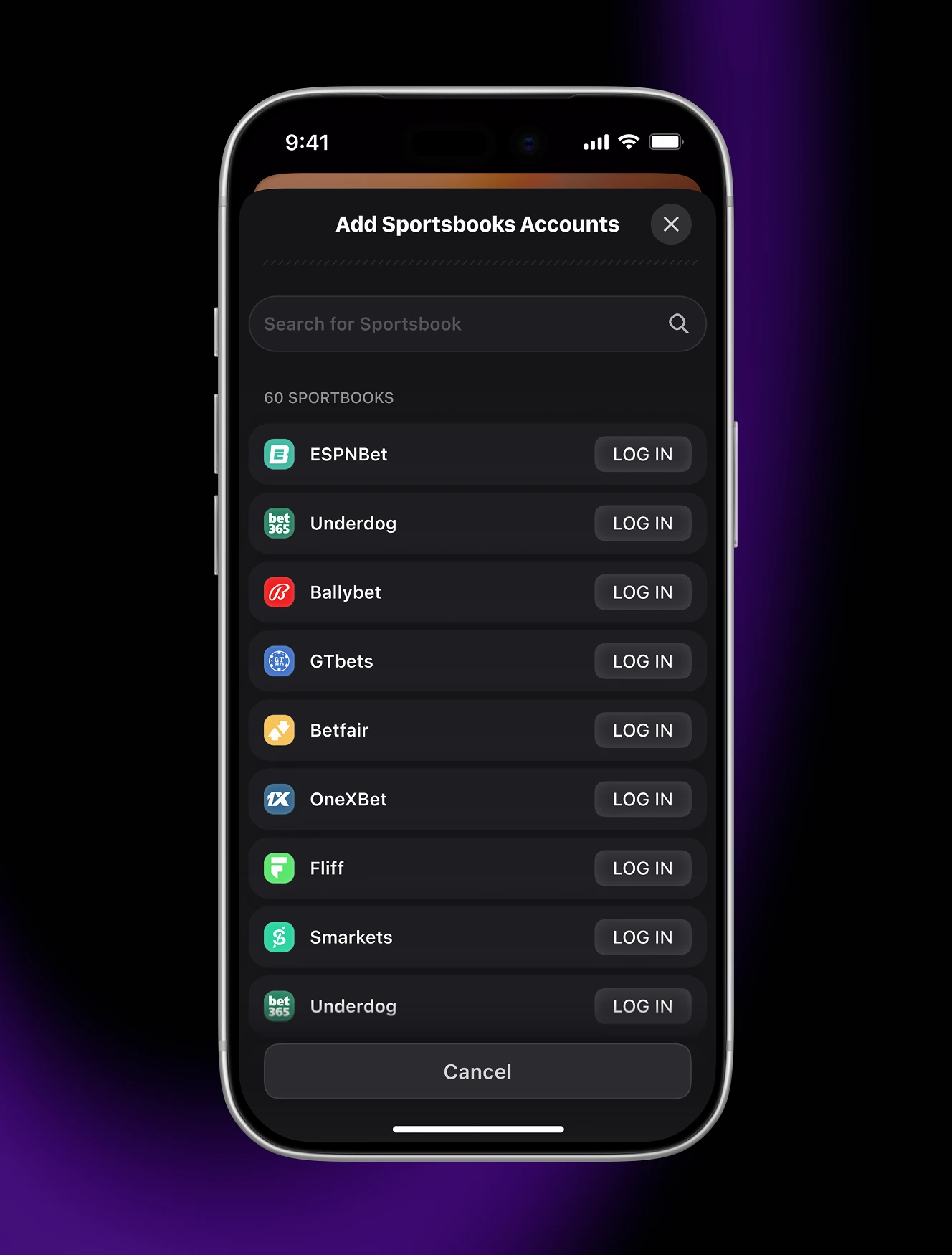
The sportsbook picker bettors use to link accounts before betting through the app. The full list spans sportsbooks, narrows instantly as users type, and shows an empty state when nothing matches.

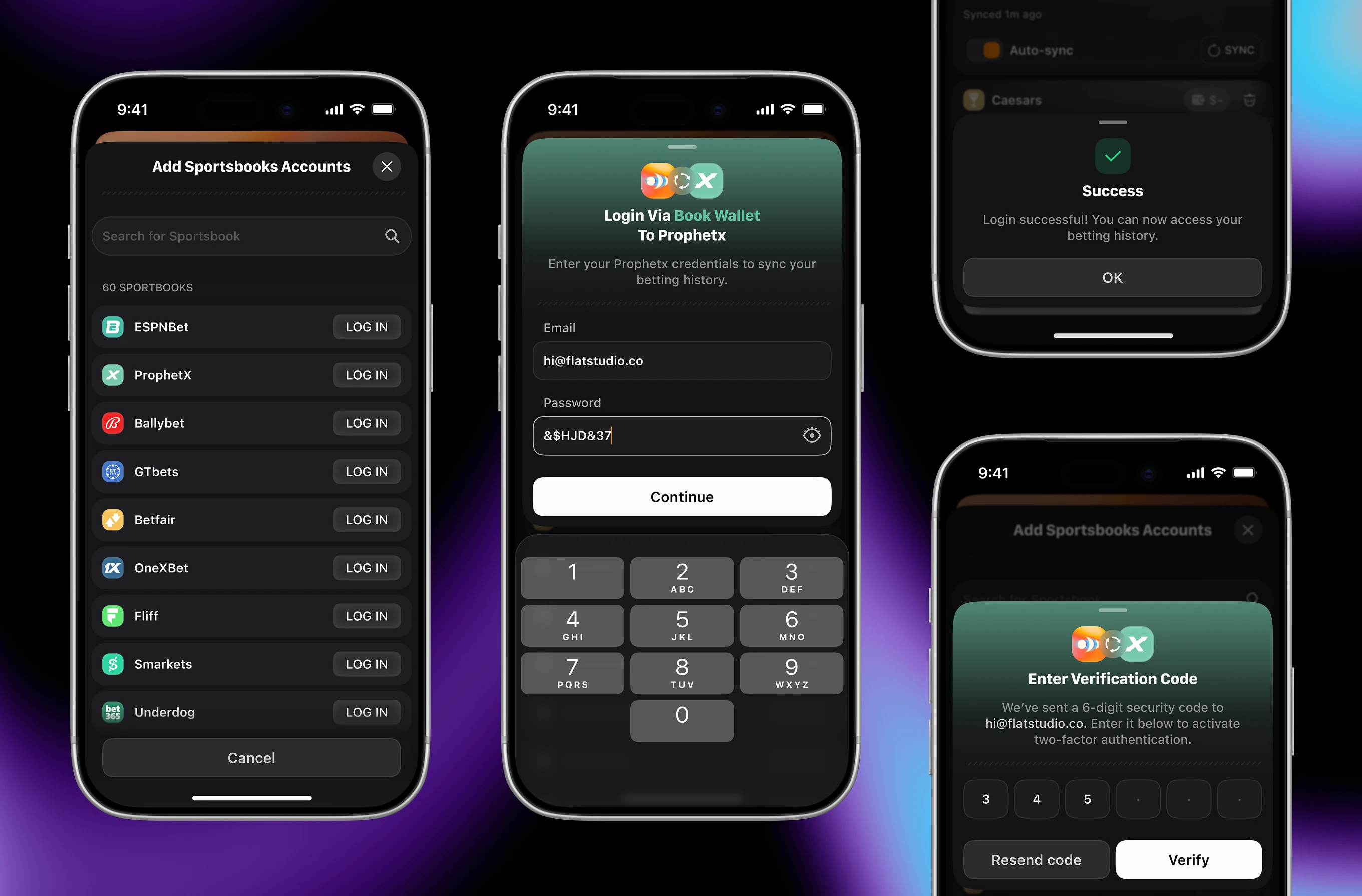
The login flow for linking a sportsbook account from inside the app. Users enter email and password, confirm a 6-digit verification code, then see a success screen unlocking their betting history.
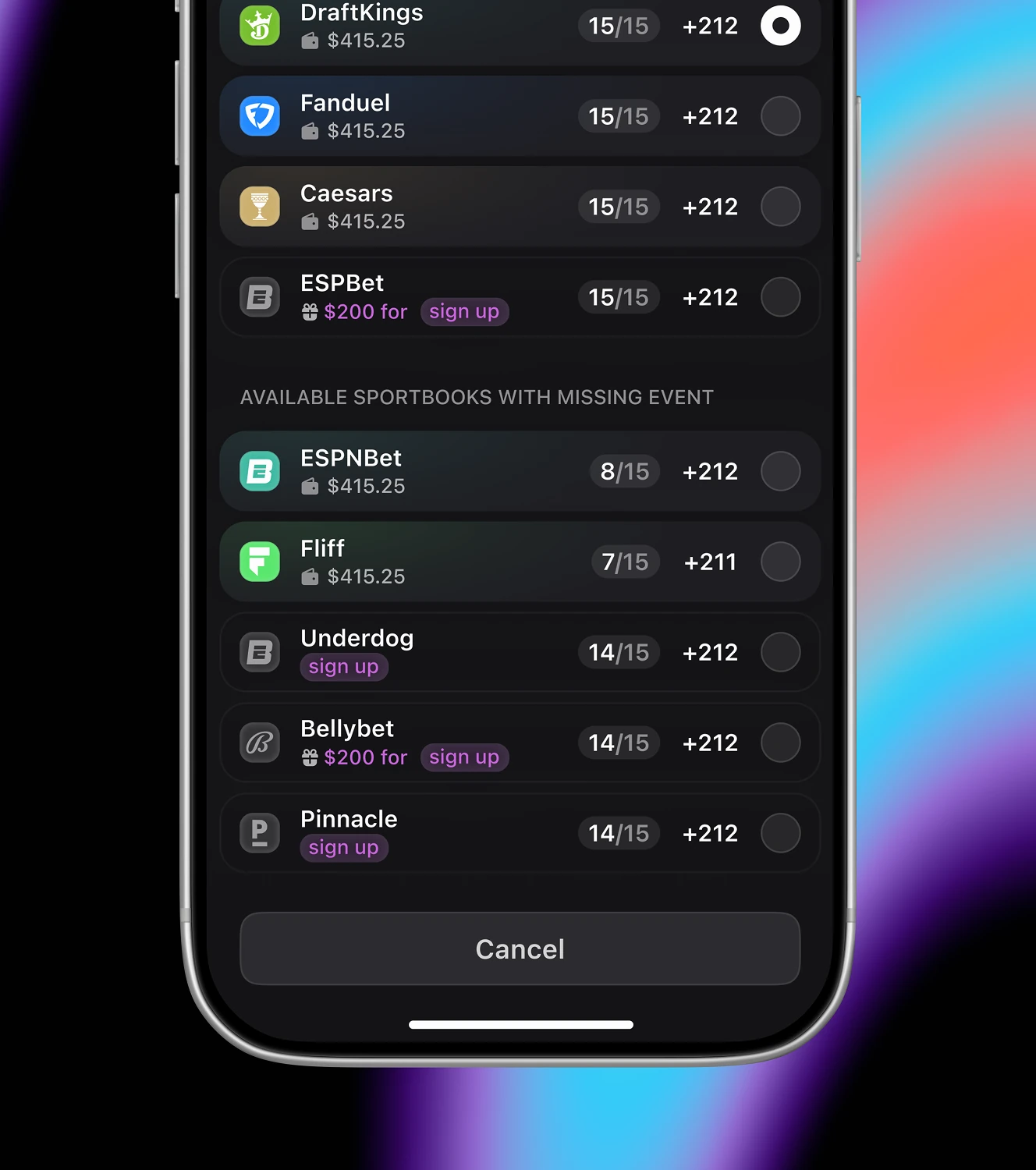
A parlay builder that stacks multiple picks and checks which sportsbook covers all of them. Parlay payouts are shown, while books missing an event display a lower leg count.

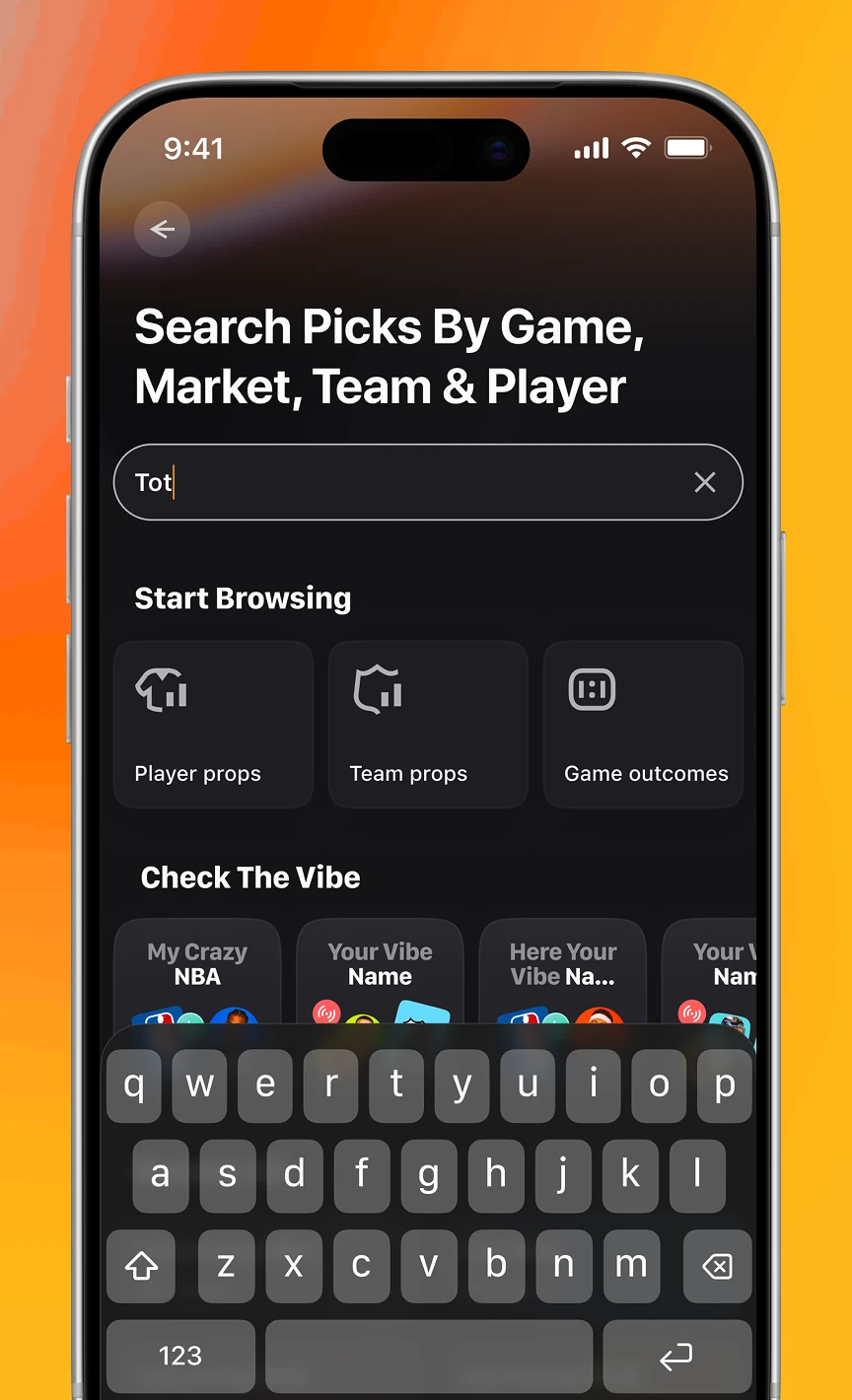
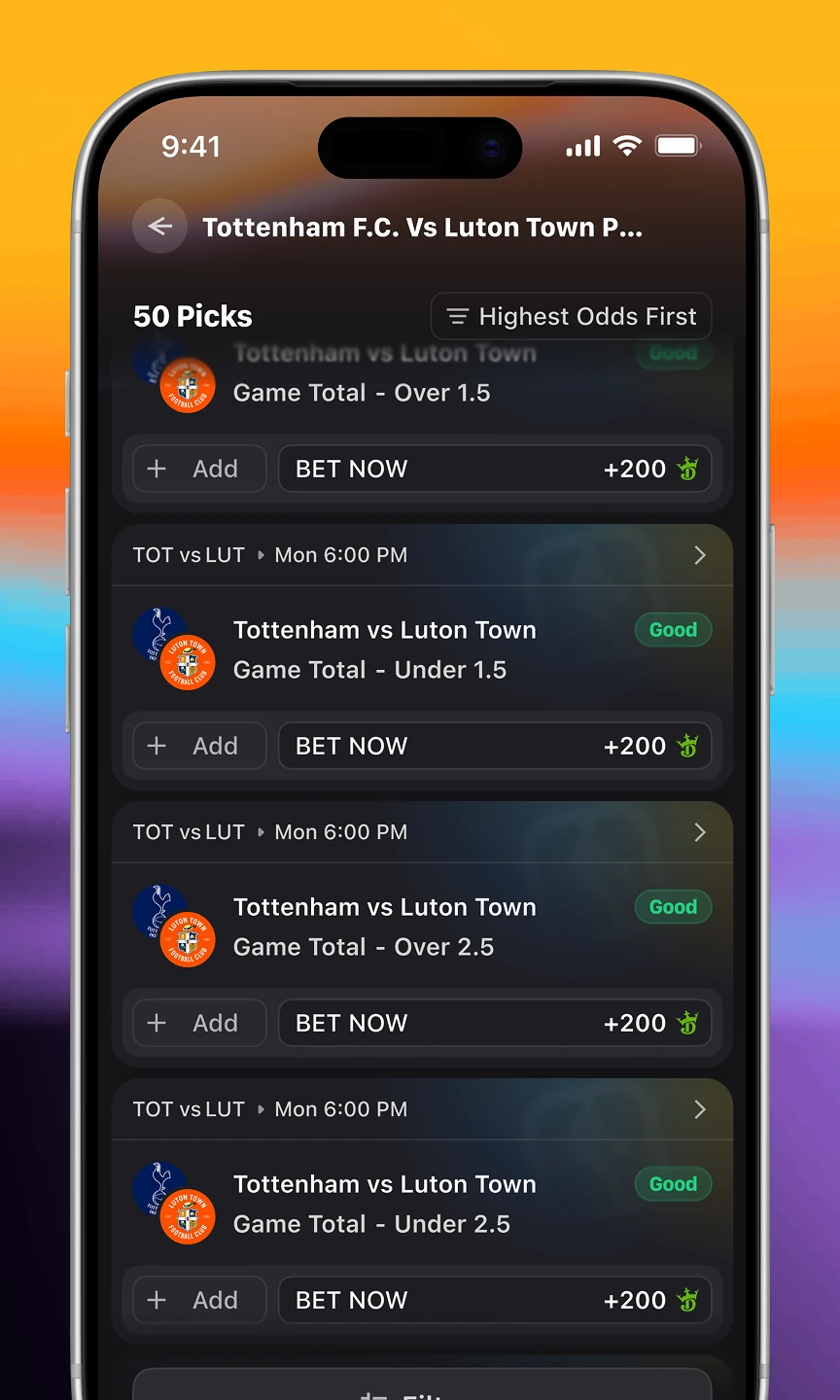
A unified search across games, teams, players, and markets for finding a pick fast, with results filterable by Smart Score grade or odds range.


The main game page, switching between Top Picks, Sharp Stats, and full game props. Sharp Stats tags each pick with hit rates, while picks are sorted by the highest odds.
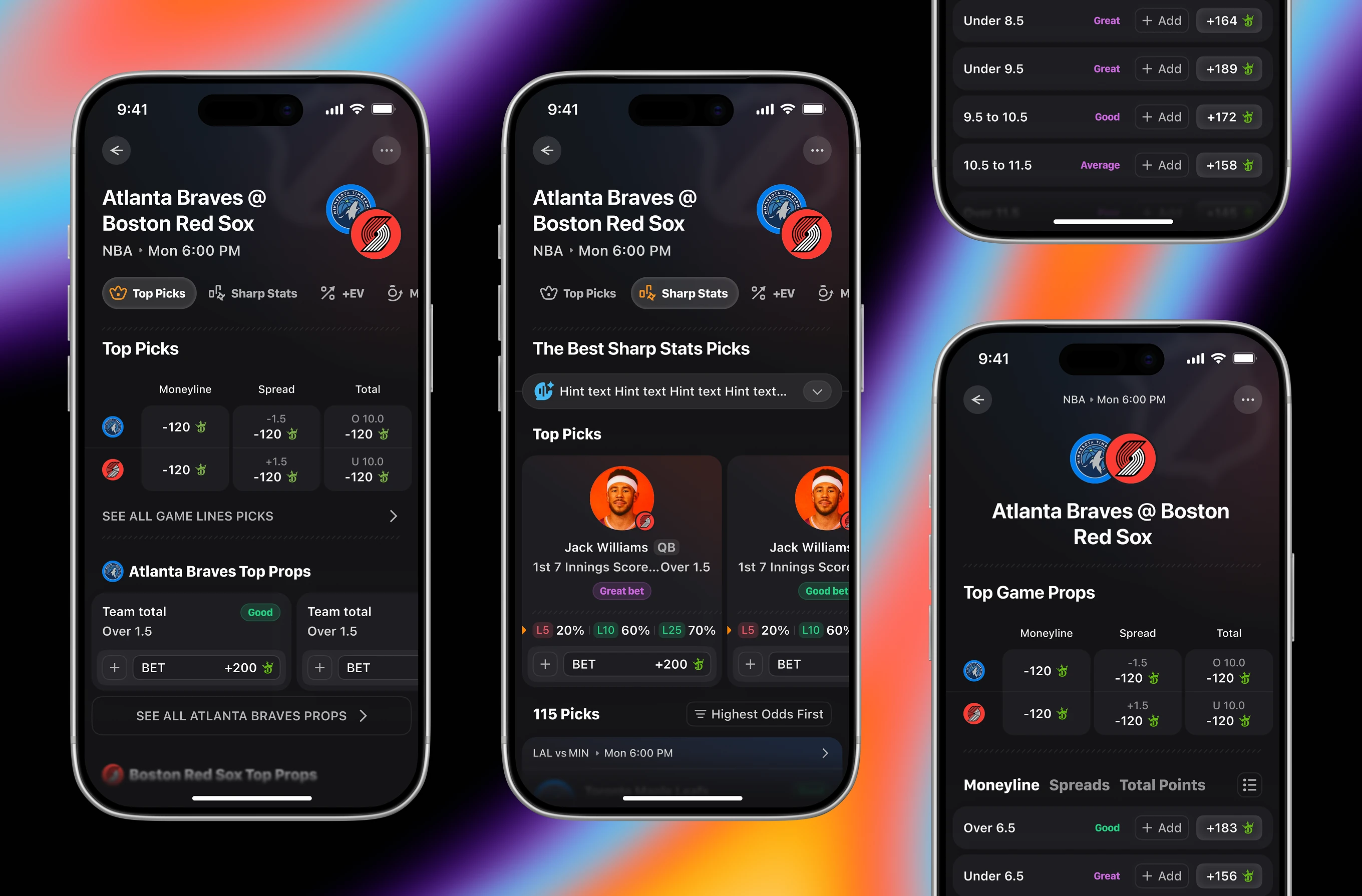
Player-level prop markets grouped by stat type for a single game. The page splits Points, Rebounds, Assists, and Threes, with each line tagged Good or Great alongside its odds.
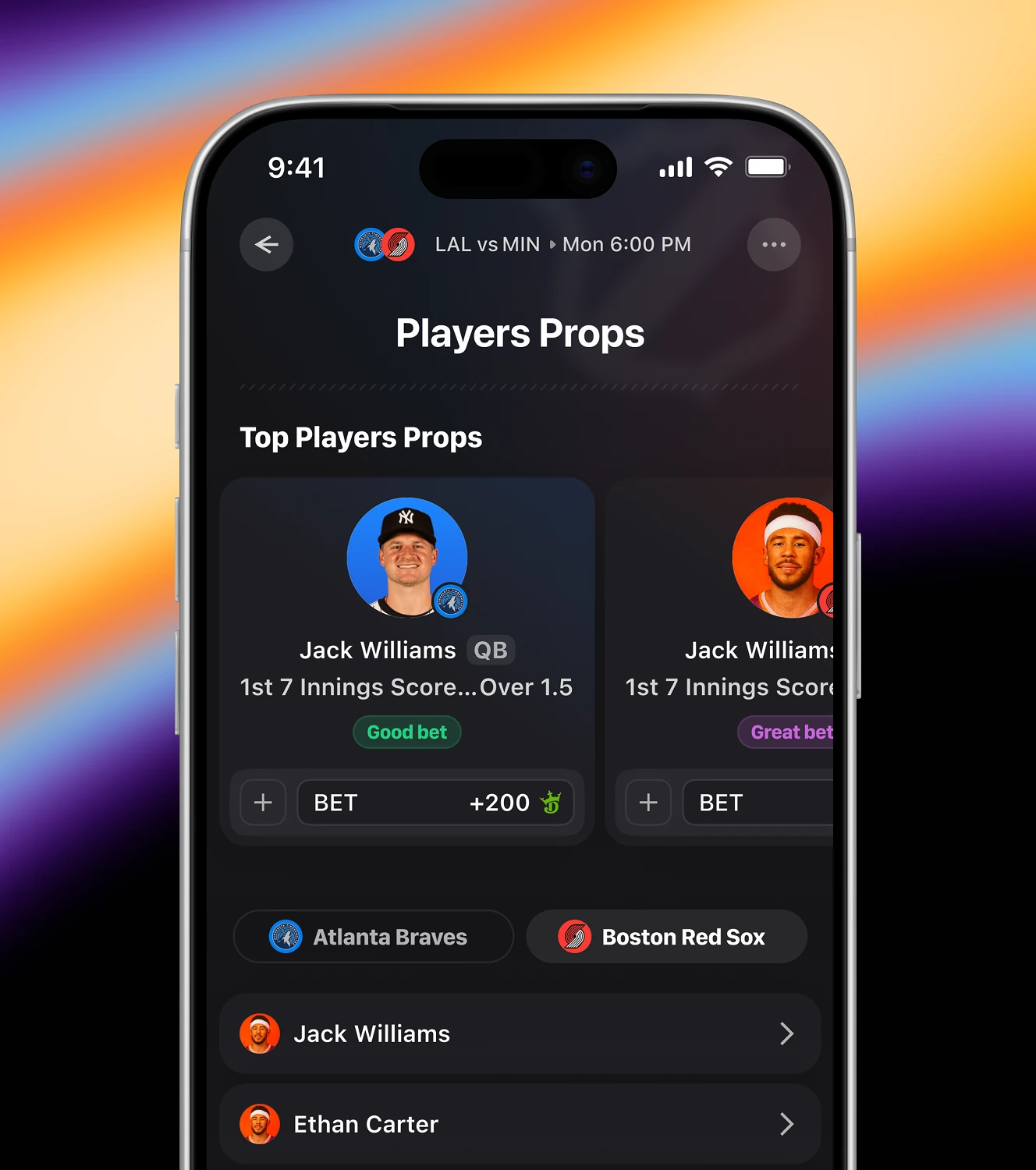

A social feed where bettors share vibes, tail each other's parlays, and follow top performers. Suggested profiles list win rate next to follower count.

Threaded comments attached to a shared bet or vibe post. Users can reply, edit or delete their own comment, report one from others, and see an empty state prompting the first reply.


The flow for copying another user's parlay into your own slip. Each leg can be removed before placing, and a banner flags whether your current odds are better or worse than the original tailed bet.


Sharing tools for a placed bet, from posting it to the feed to sending it as a direct message. A separate leaderboard ranks users by ROI or profit in units, filterable by day, week, month, or all time.


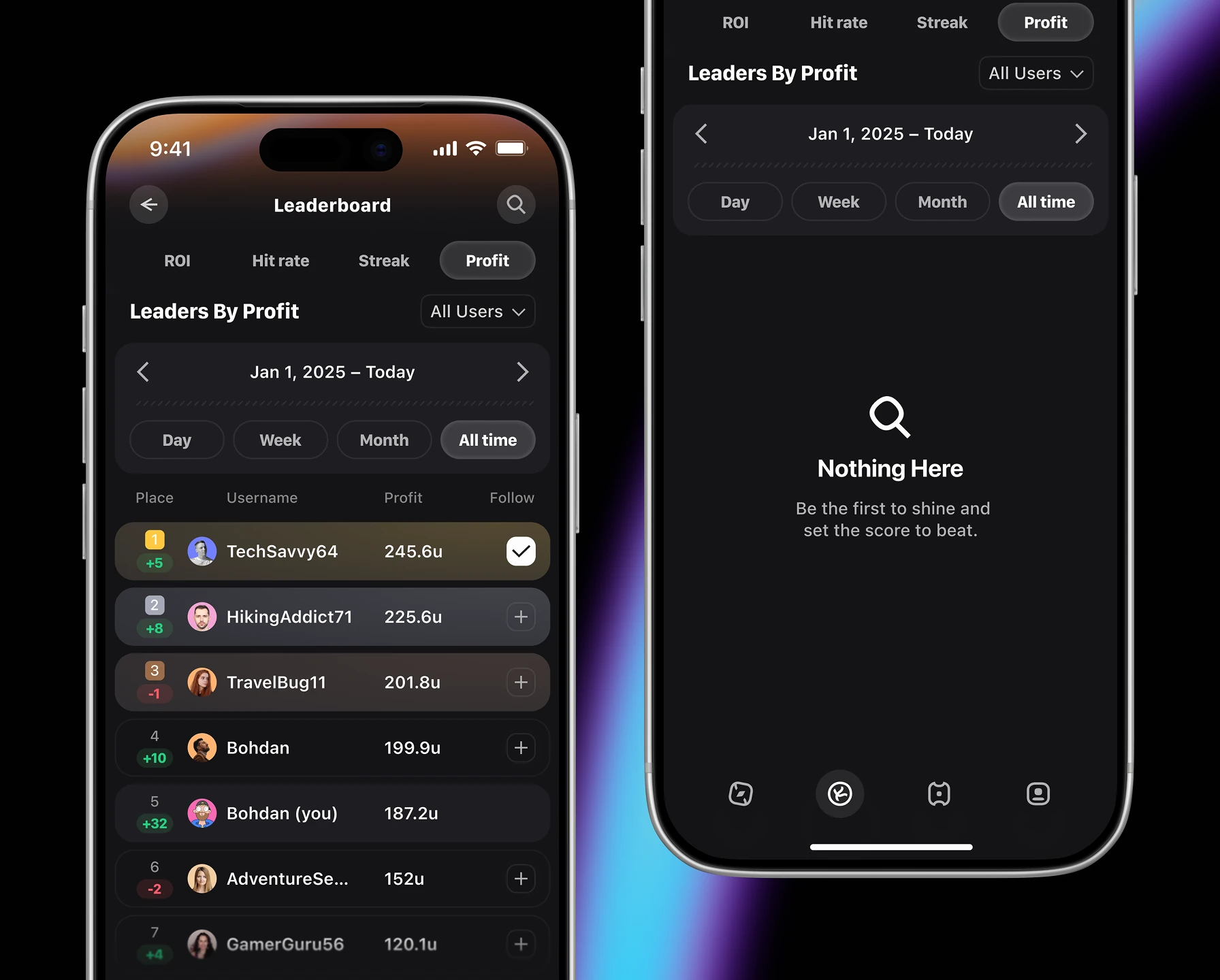
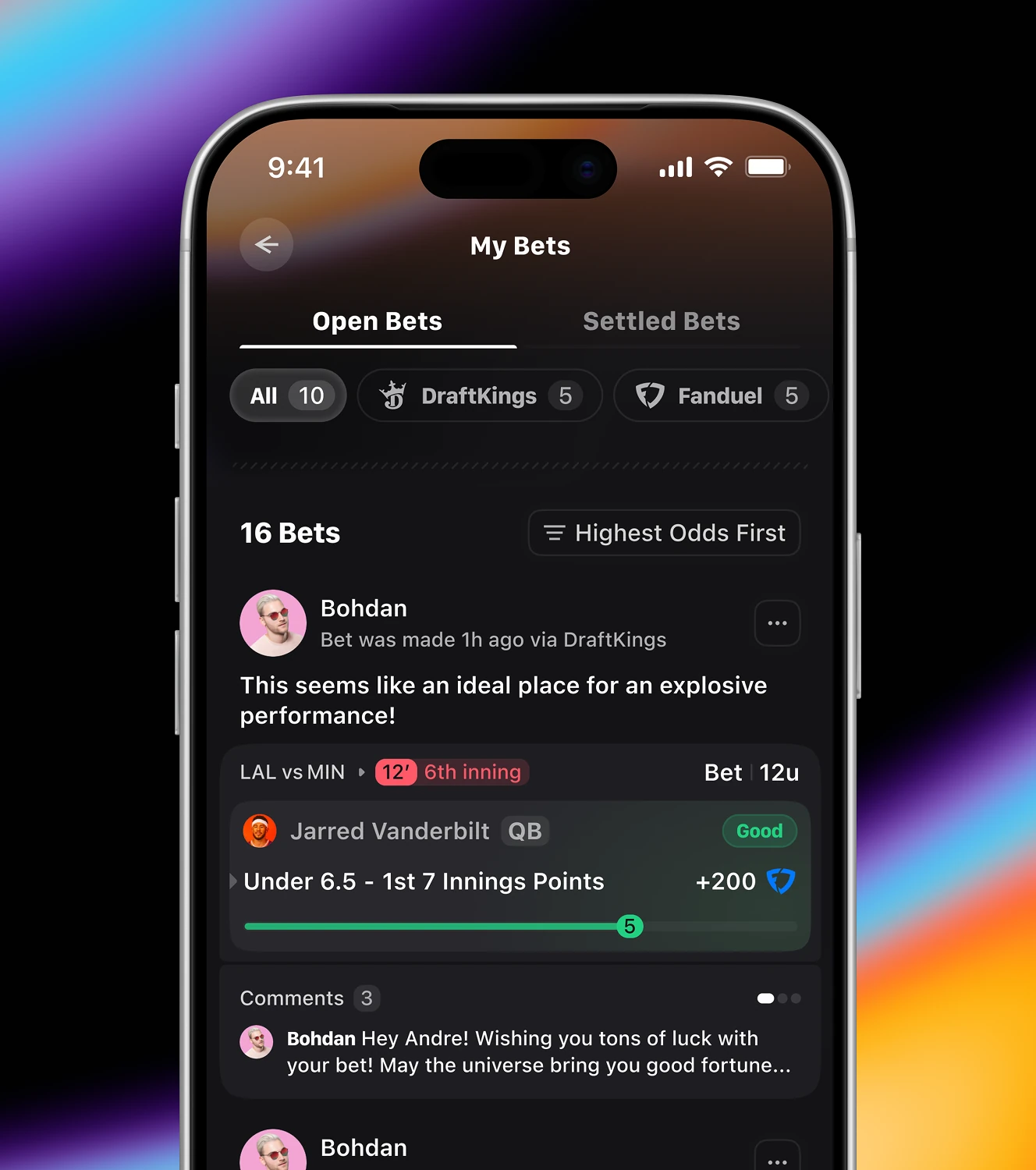
A bettor's public profile, alongside their private bet history. The profile shows followers, tailed bets, and a badges, while My Bets lists open positions with a live progress bar toward the line.

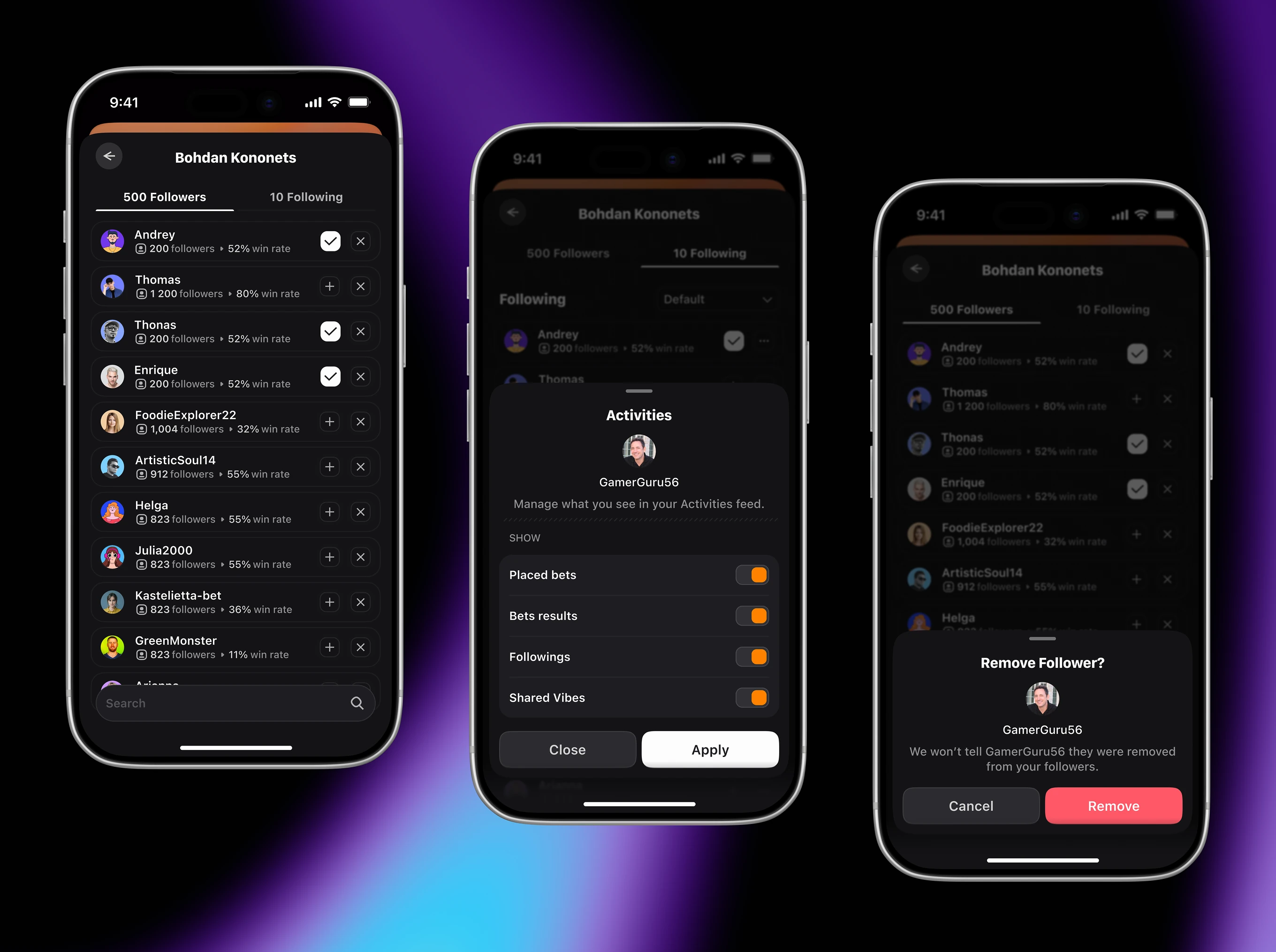
Follower and following lists showing each person's win rate next to a follow toggle. Users can filter their Activities feed by placed bets, results, followings, or shared vibes, and remove a follower without notifying them.
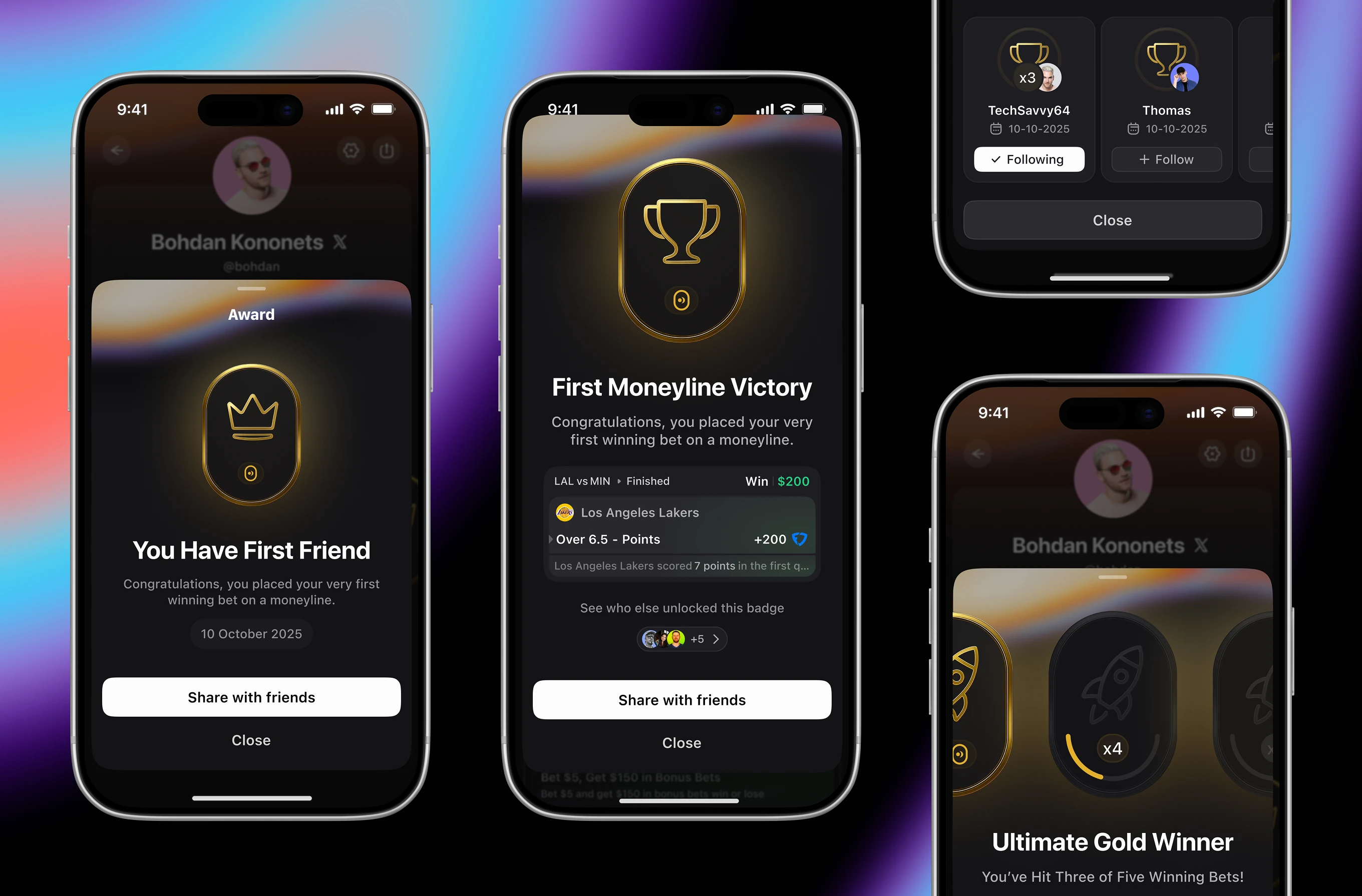
Unlockable badges tied to real betting milestones, from a first follower to a first moneyline win. Each award, including one for three of five winning bets, can be shared or compared with other users who unlocked it.
The home dashboard bettors land on, tracking setup progress alongside money in play. A checklist nudges users to connect bookies and create vibes, while a Cash Balance modal breaks down balances by sportsbook.

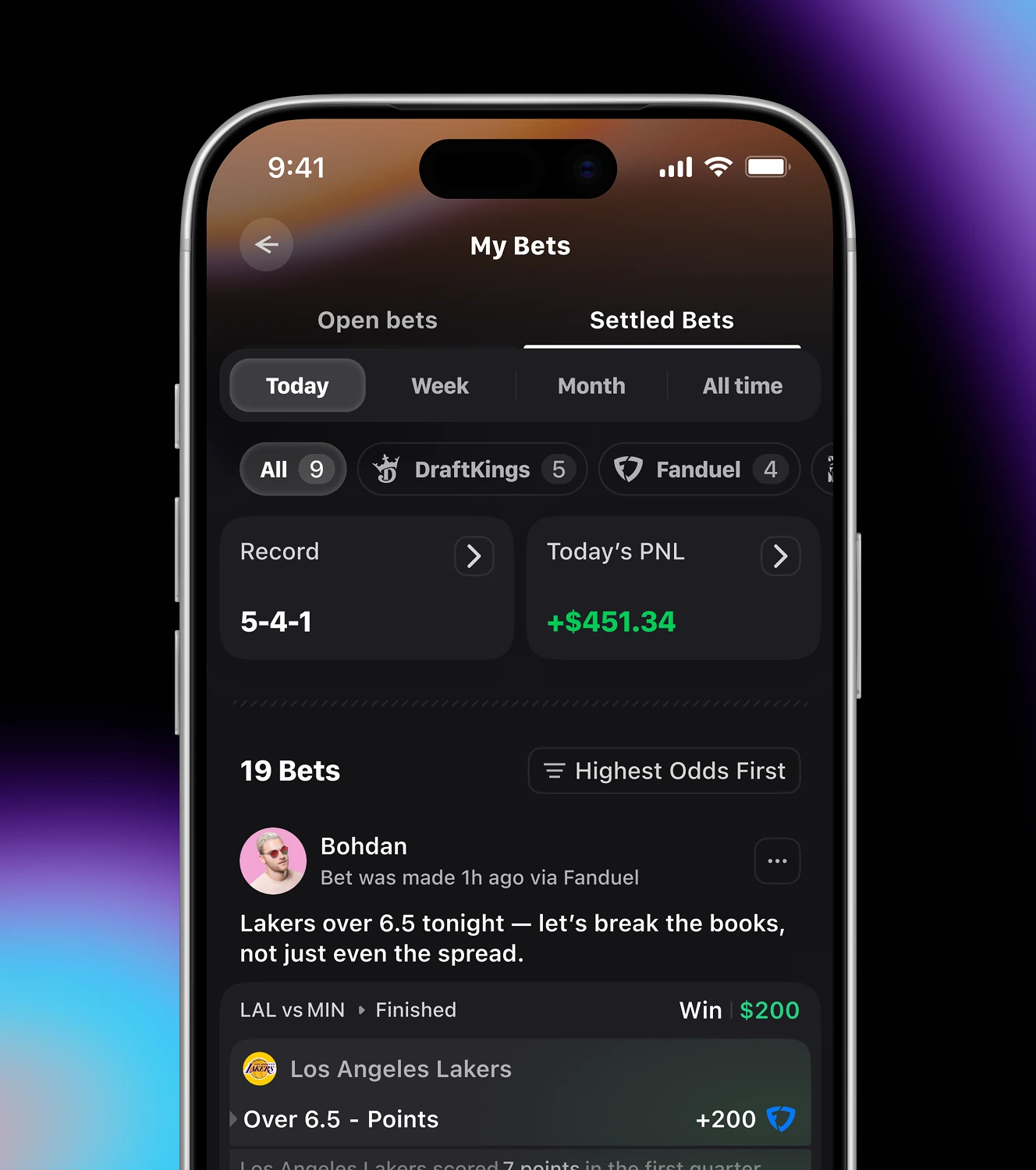
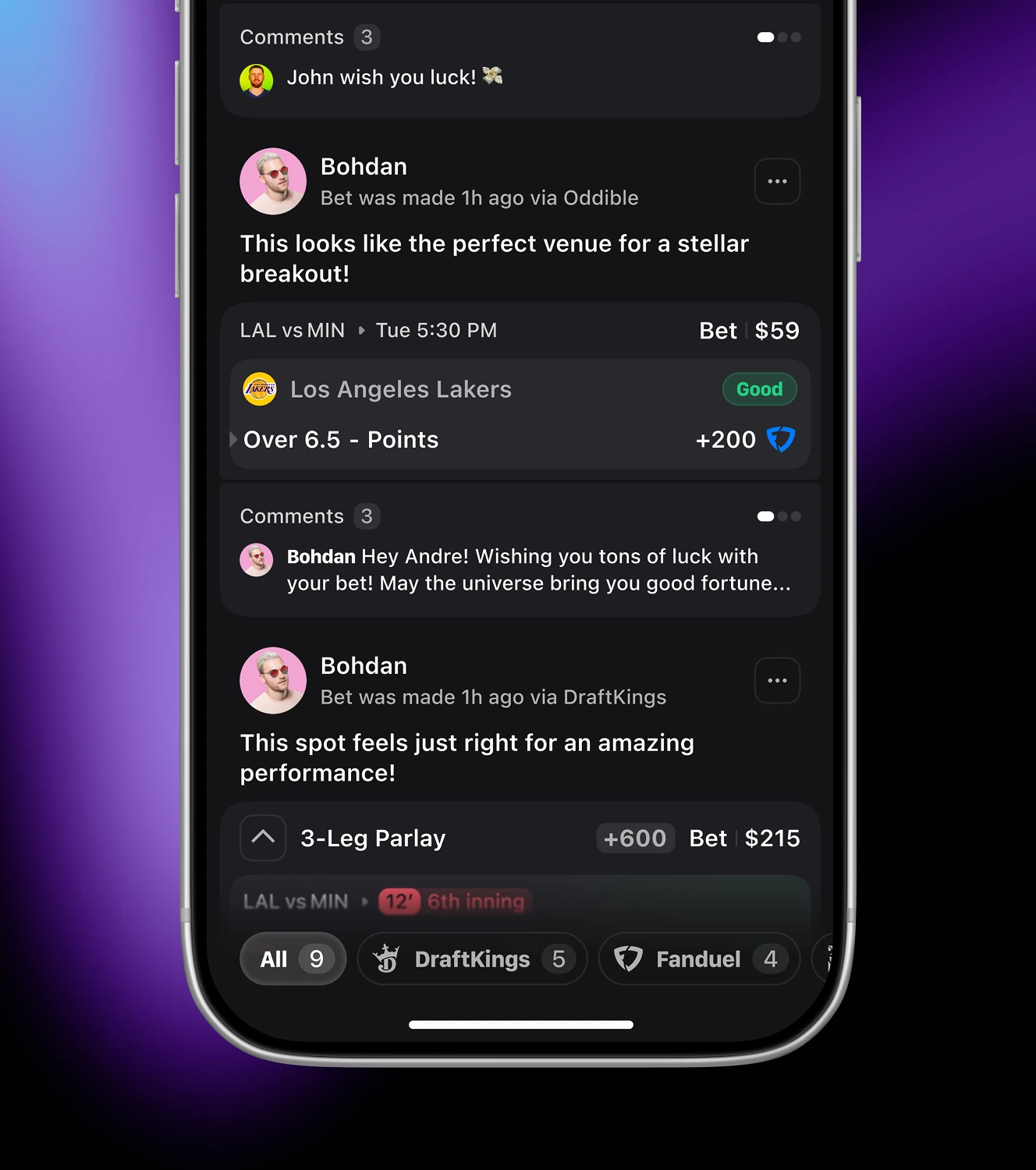
A bettor's full history, split between open and settled bets across every connected sportsbook. Each entry carries a personal caption, a comment thread, and results.
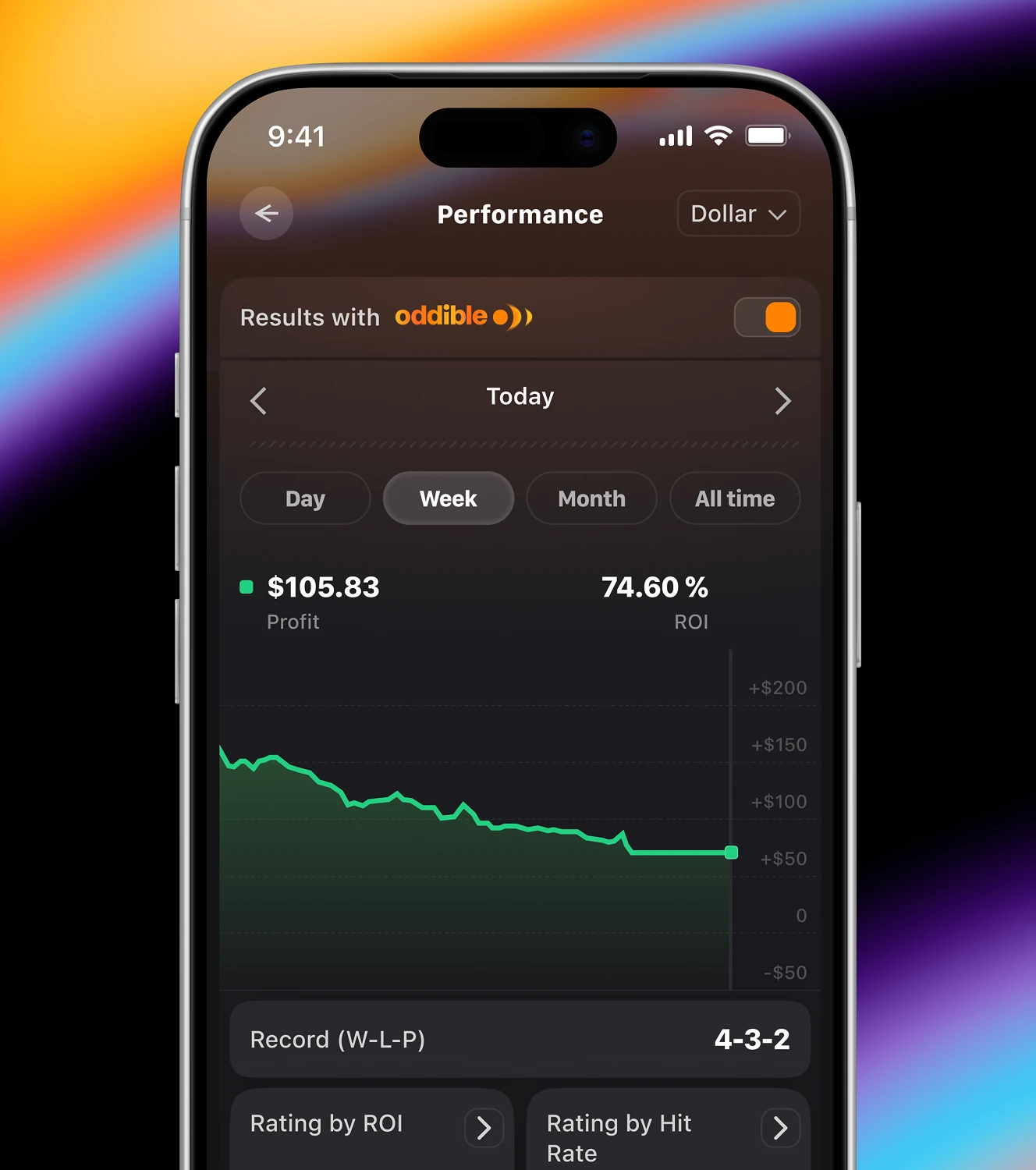
A daily profit-and-loss calendar paired with bankroll management settings. Each day shows a dollar result, an AI summary flags moneyline bets as the strongest category, and unit size is set as a percentage.

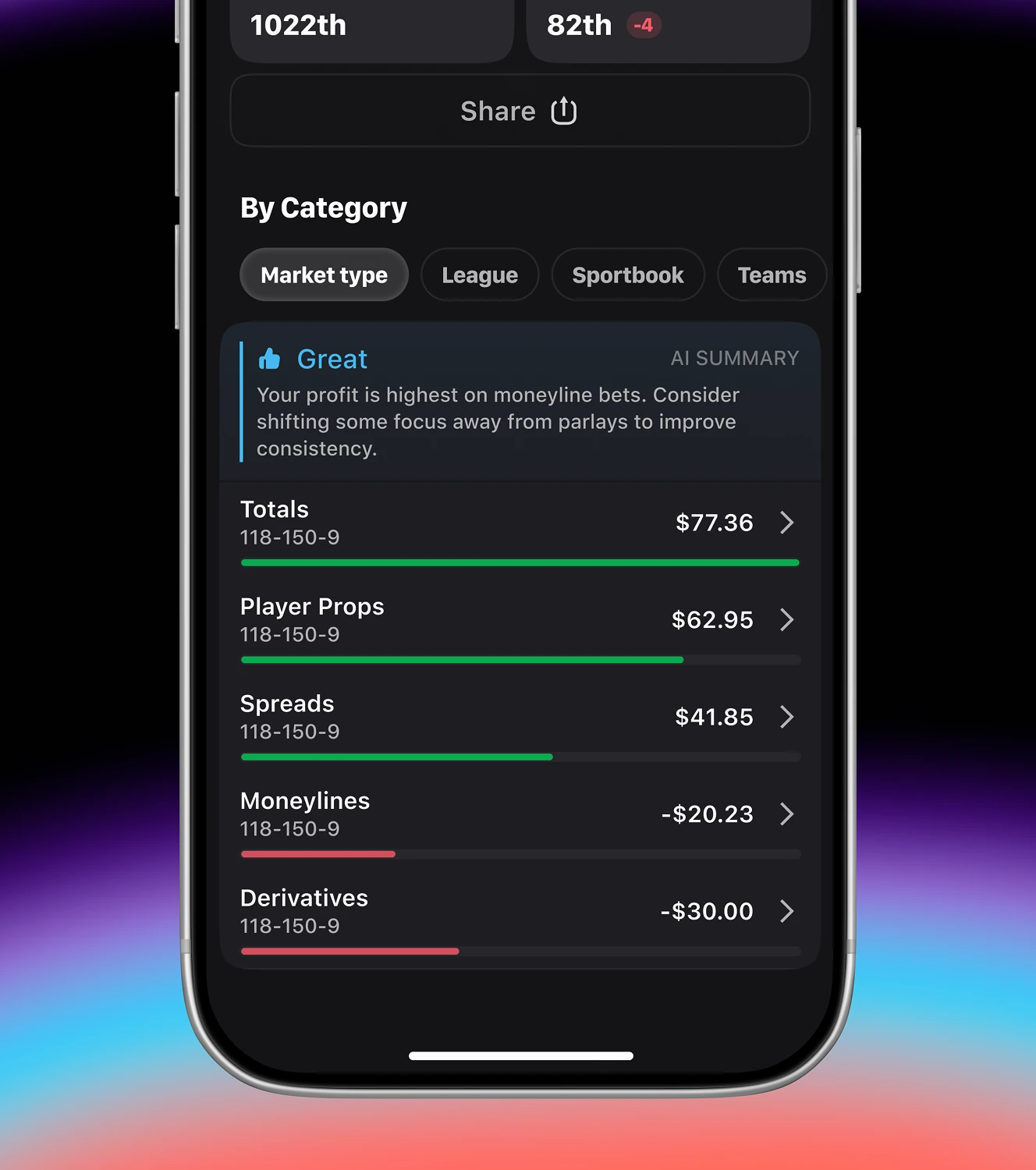
Profit and ROI tracking broken down by market type, league, sportsbook, or team. ROI ranks a bettor overall, while category data compares Totals against Moneylines.
The settings hub covering account, privacy, and notification preferences in one place. Push and in-app alerts can be toggled separately for bet results, sportsbook promos, and Oddible's own promo messages.
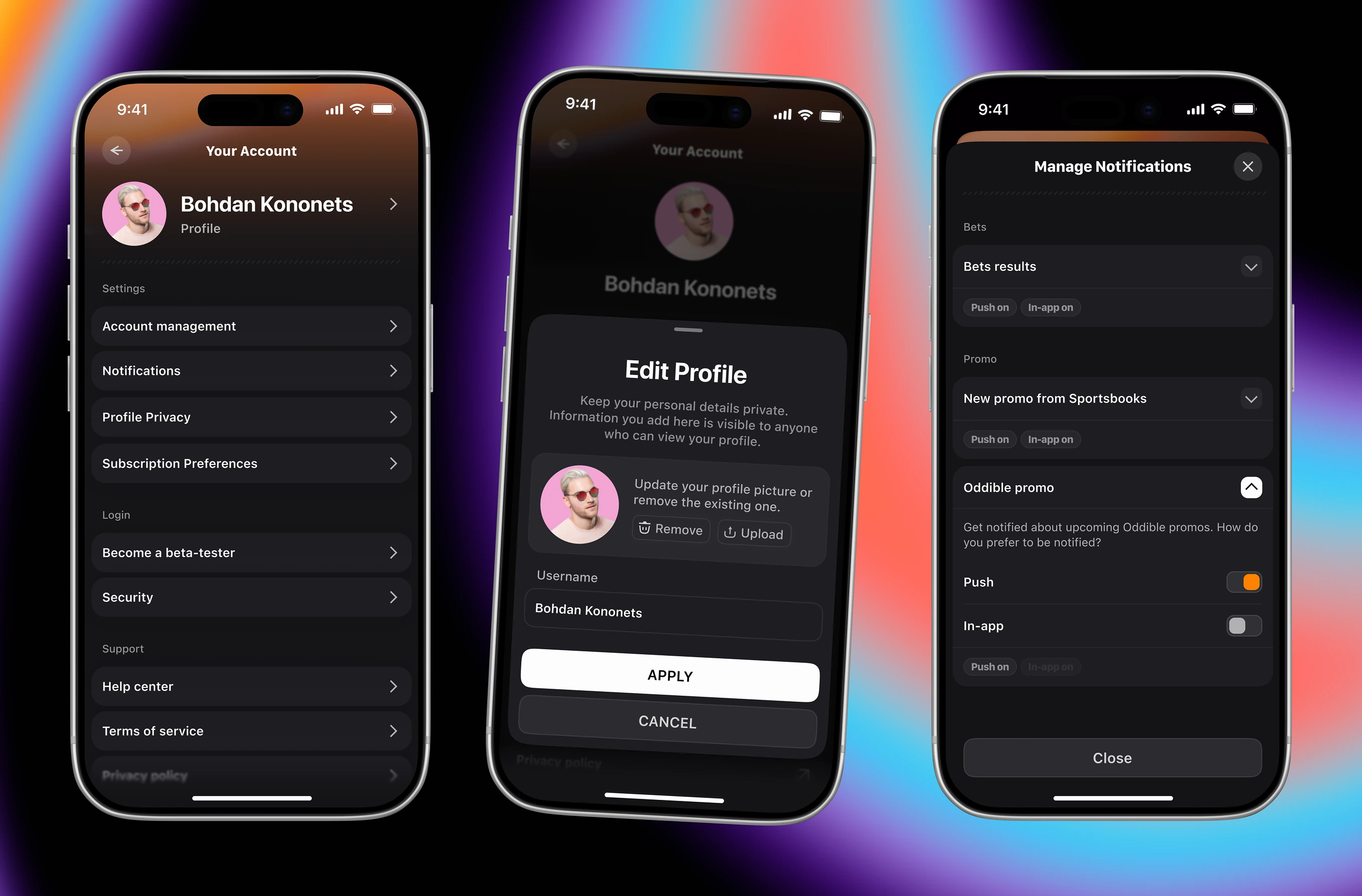
Core account fields a bettor can edit directly, including state, verified email, and password. A dedicated flow handles email or password changes, and a separate action permanently deletes the account and its data.

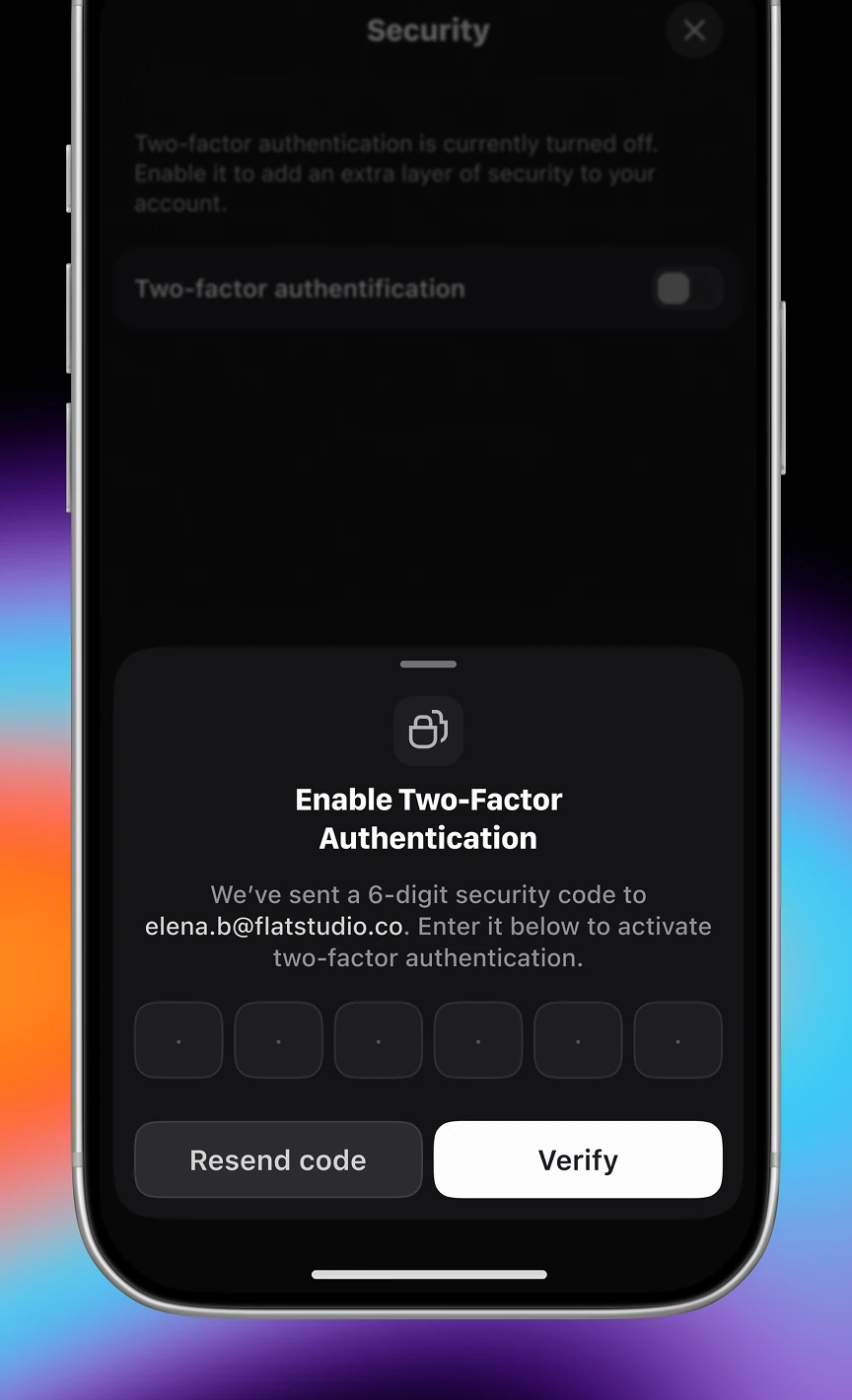
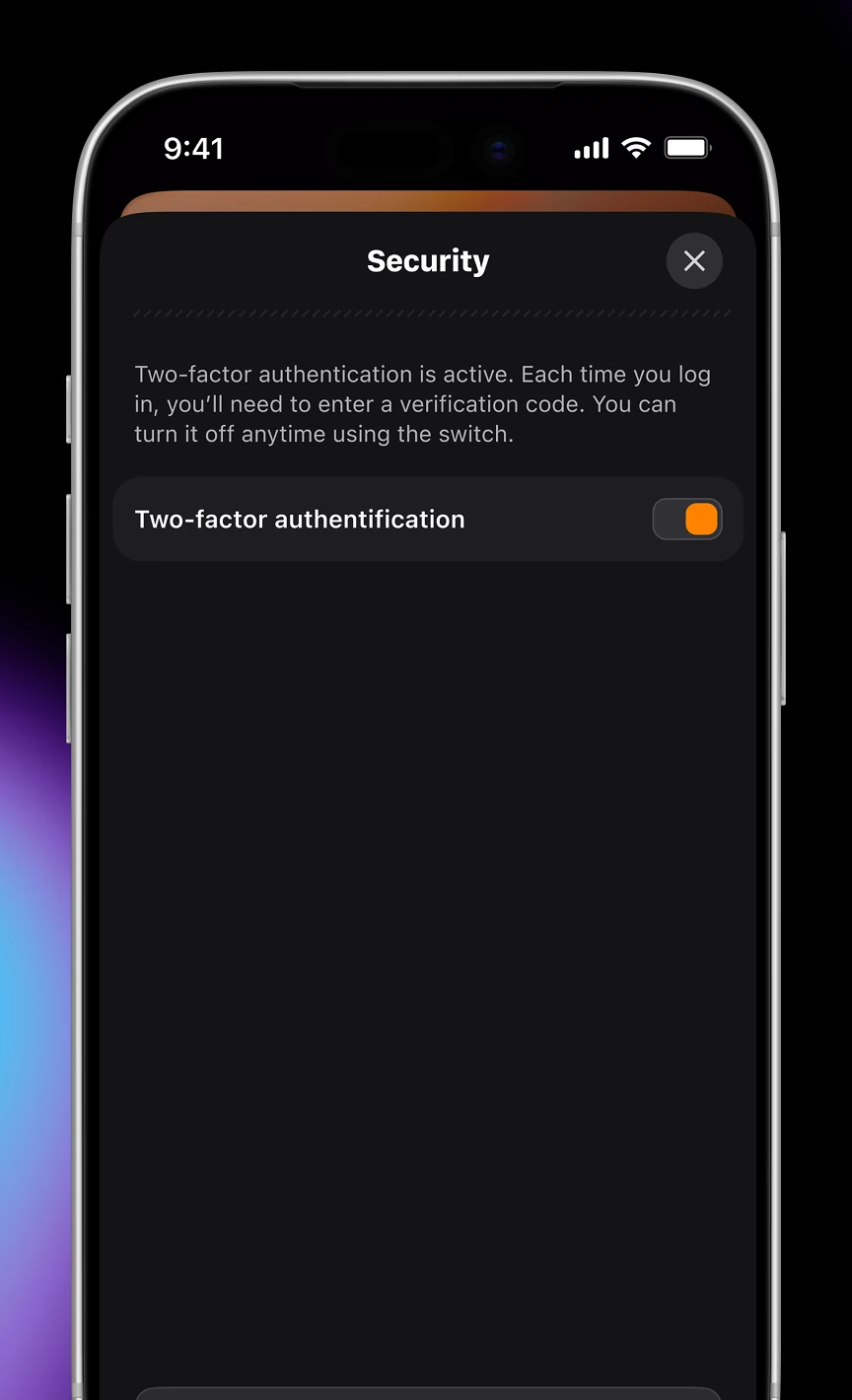
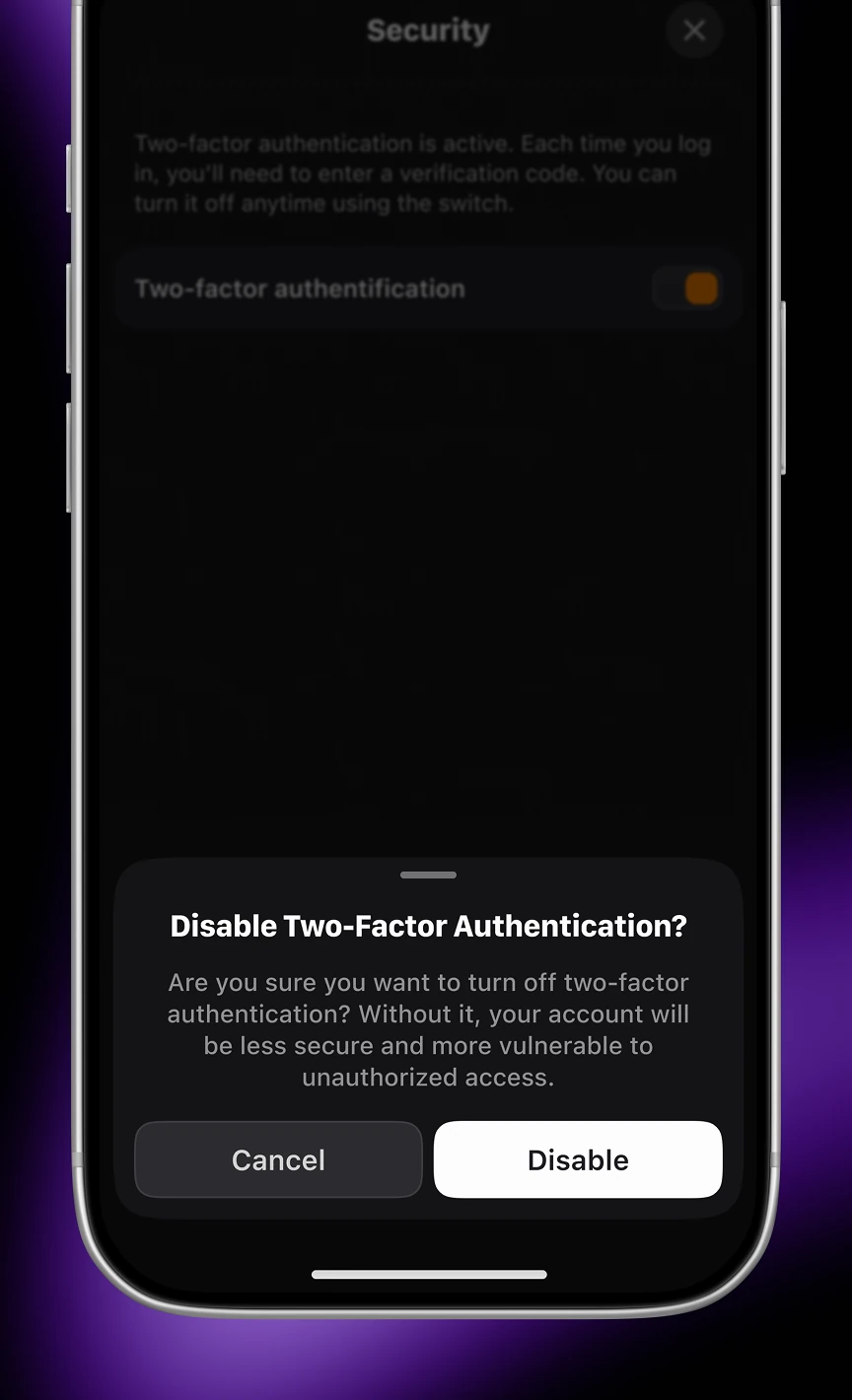
Security controls for enabling or disabling two-factor authentication on a betting account. Turning it on sends a 6-digit code by email, and turning it off requires an explicit confirmation step.
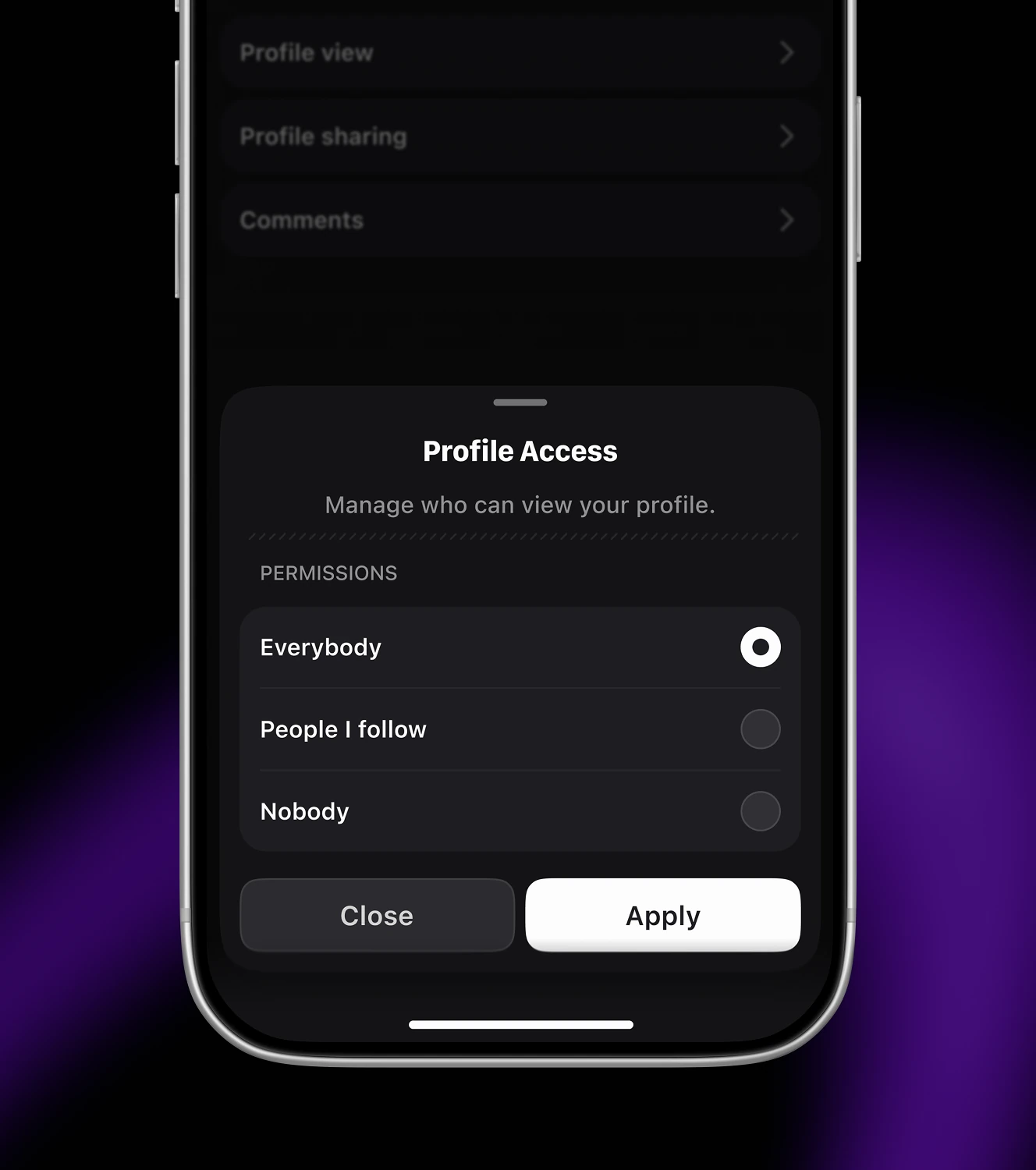
Privacy controls covering who can view a profile, share it, or comment on it. Each setting has its own three-tier choice: Everybody, People I follow, or Nobody.

The configuration flow behind a personalized "vibe" feed, choosing a betting style, leagues, and timing. Picking "+EV Betting" generates a saved Vibe feed showing EV picks at fair odds.
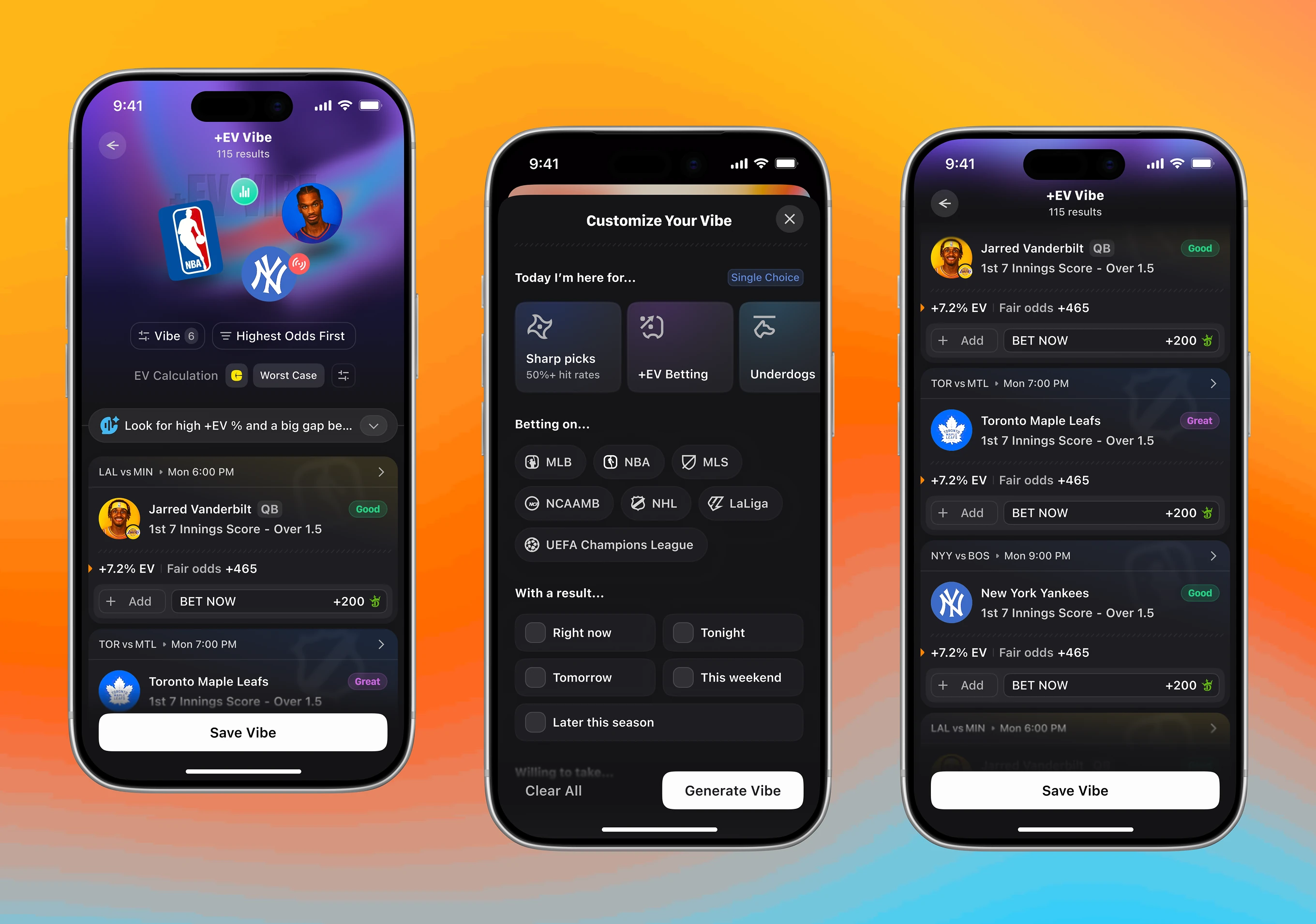
Filter controls for tuning a saved vibe feed's math and order. Bettors choose an EV method, set a baseline sportsbook, then sort by odds, time, popularity, or highest EV.


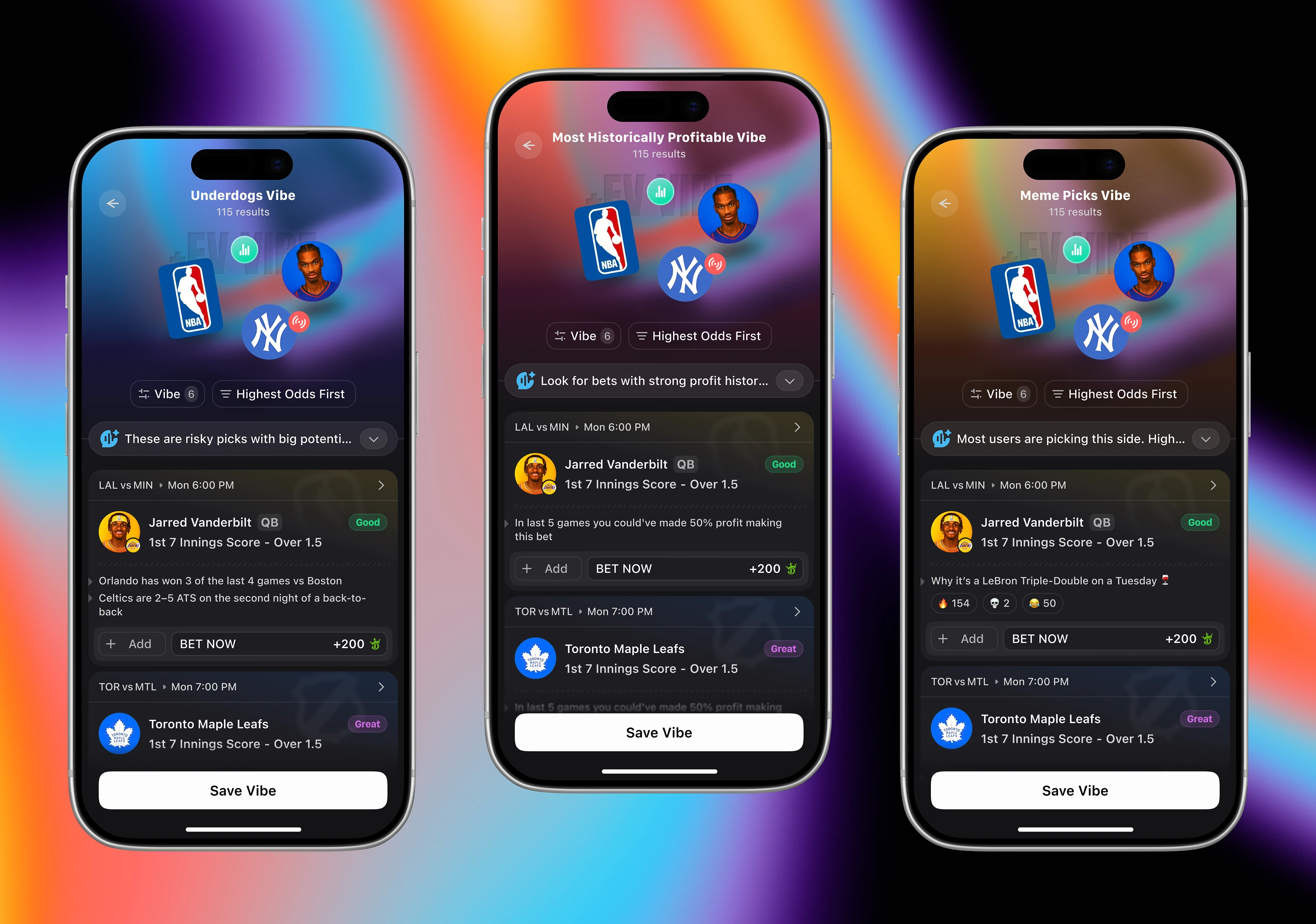
Ready-made vibe presets for different betting styles, from Underdogs to Most Historically Profitable. Each preset returns results with its own AI hint, alongside bonus and promo cards bettors can convert or hedge against.

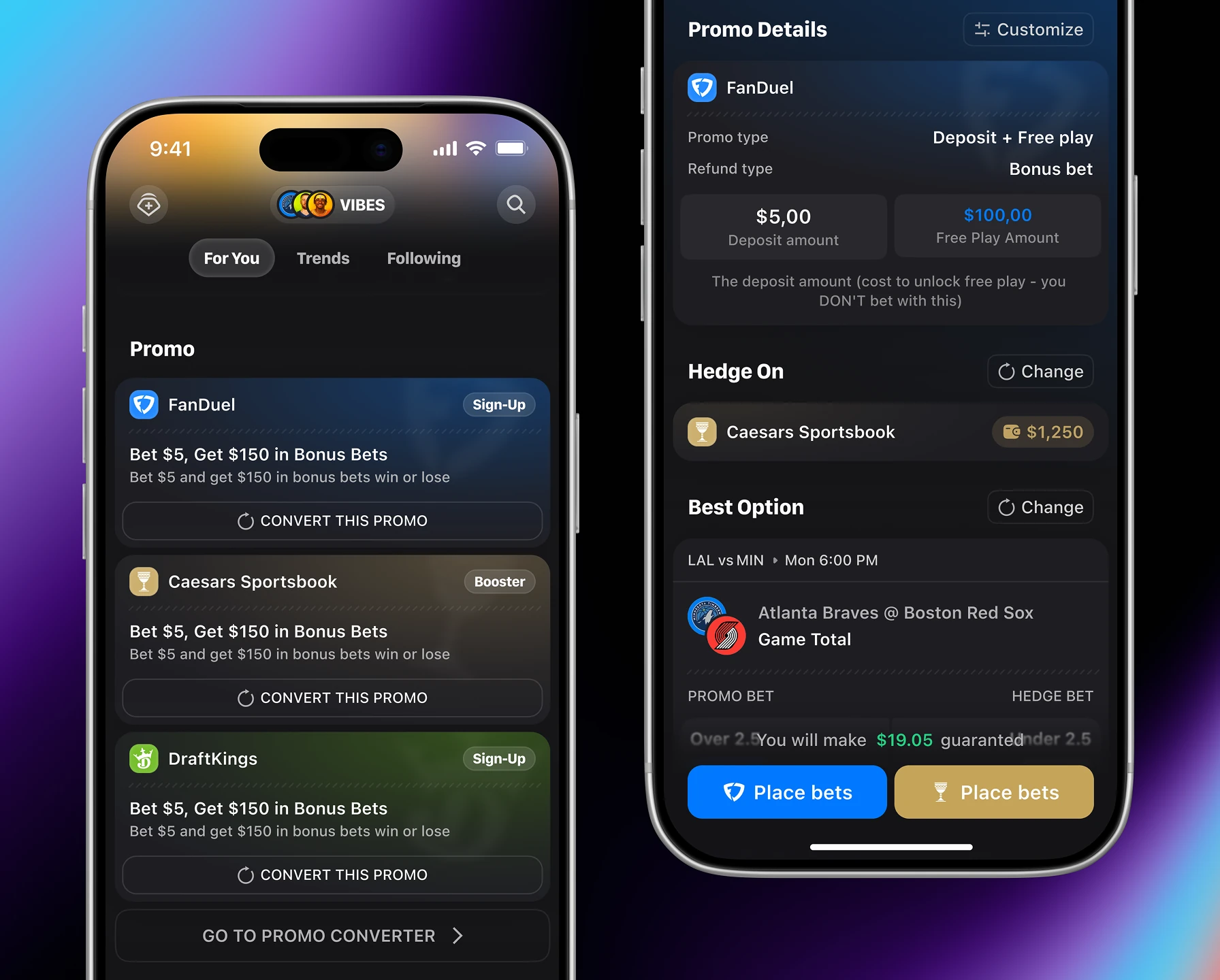
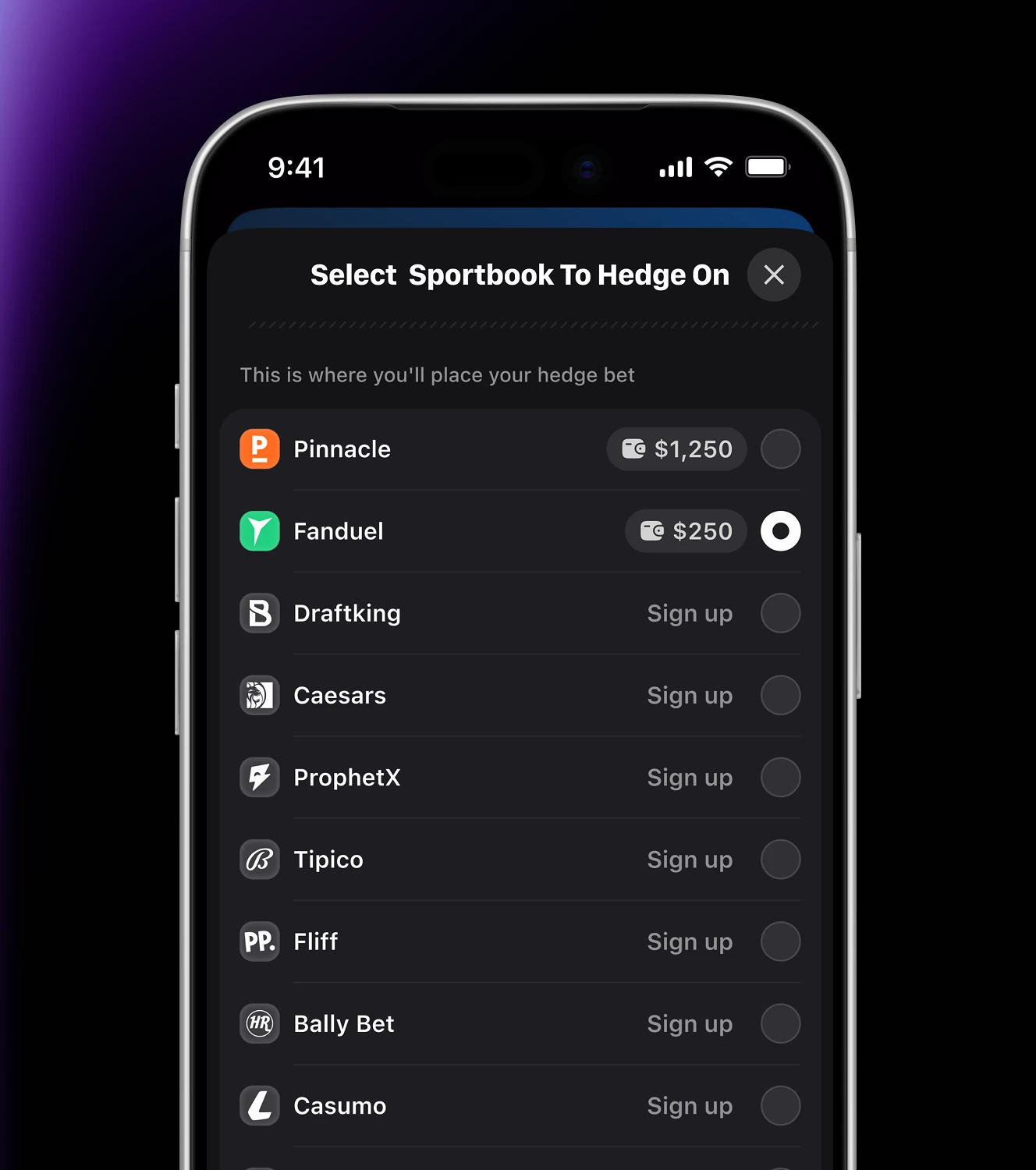
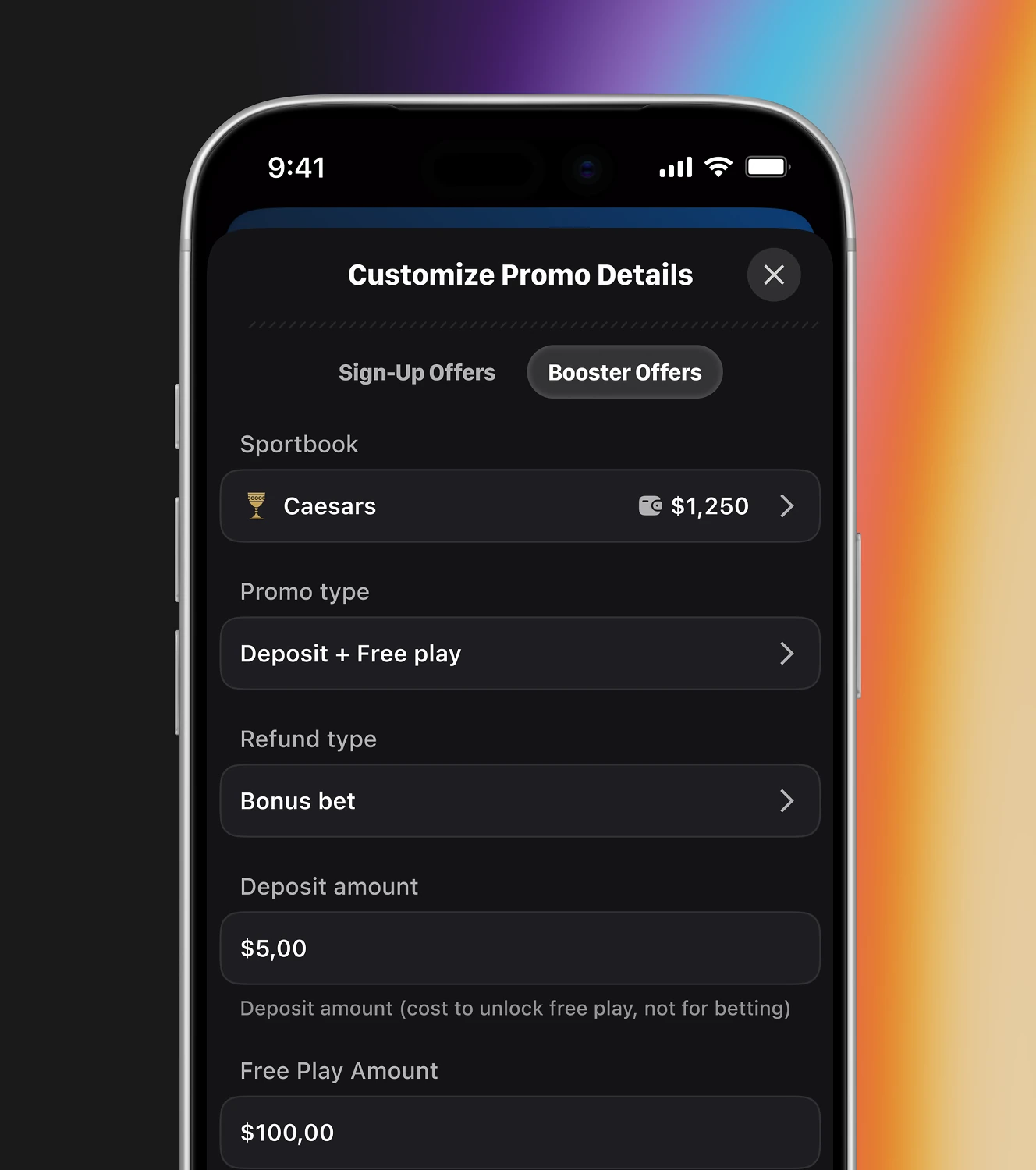
Setup screens for hedging a signup promo against a second sportsbook. Bettors pick a hedge book, then define the promo's type, refund method, and exact deposit and free-play amounts.
If your developers keep pinging designers mid-sprint, the problem is the handoff, not the team. A system that answers implementation questions upfront removes those cycles. Ask us how it's built.