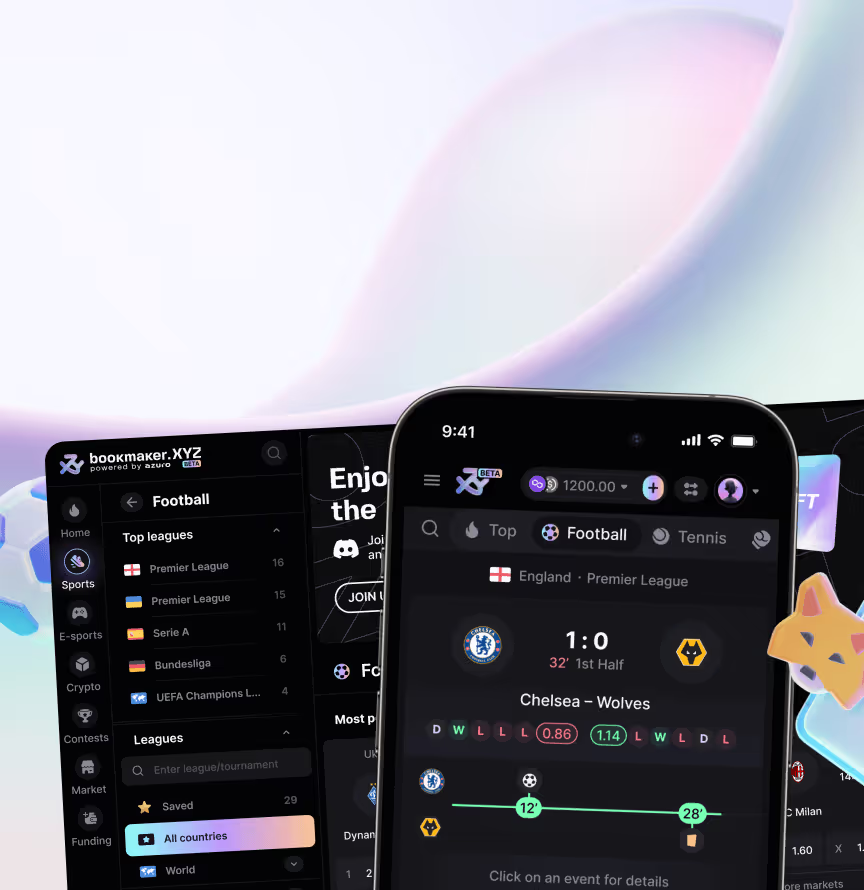












We designed it as a functional Web3 product interface, covering liquidity pools, staking, AZUR nodes, rewards, airdrops, vesting, governance, and wallet-connected user dashboards in one design system. The protocol needed to stay credible and technically precise without becoming a hostile crypto control room – and the interface now carries all of these operational layers in one coherent product.
A first look at the wallet-connected product interface built for the Azuro DeFi protocol. Screens shown: token dashboard, protocol icon set, a rewards and airdrop modal, the mobile liquidity view, and the Azuro Waves leaderboard.

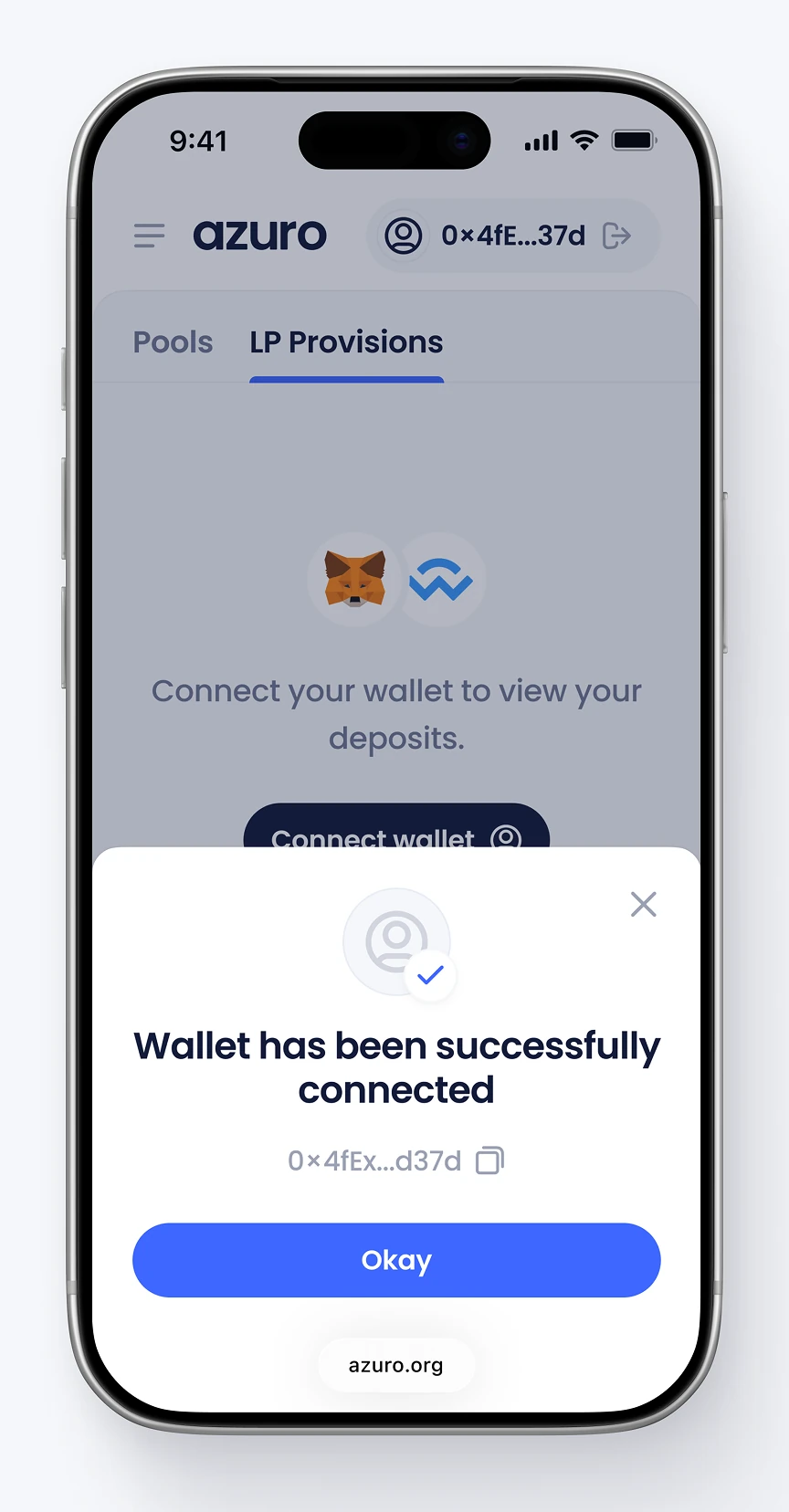
Authentication screens for connecting a crypto wallet to the protocol's liquidity and staking tools. States include awaiting confirmation, connection canceled, and wallet connected successfully.


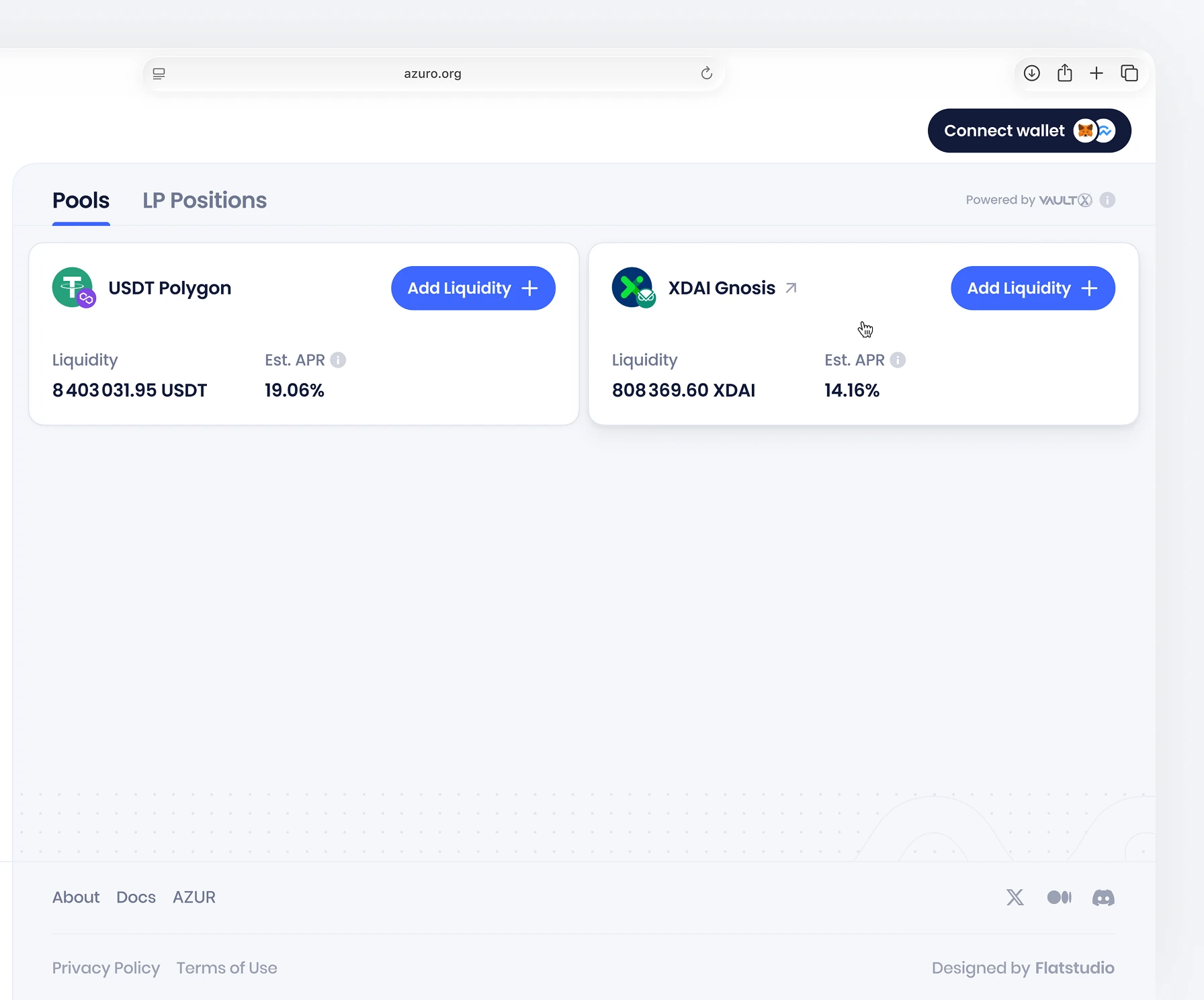
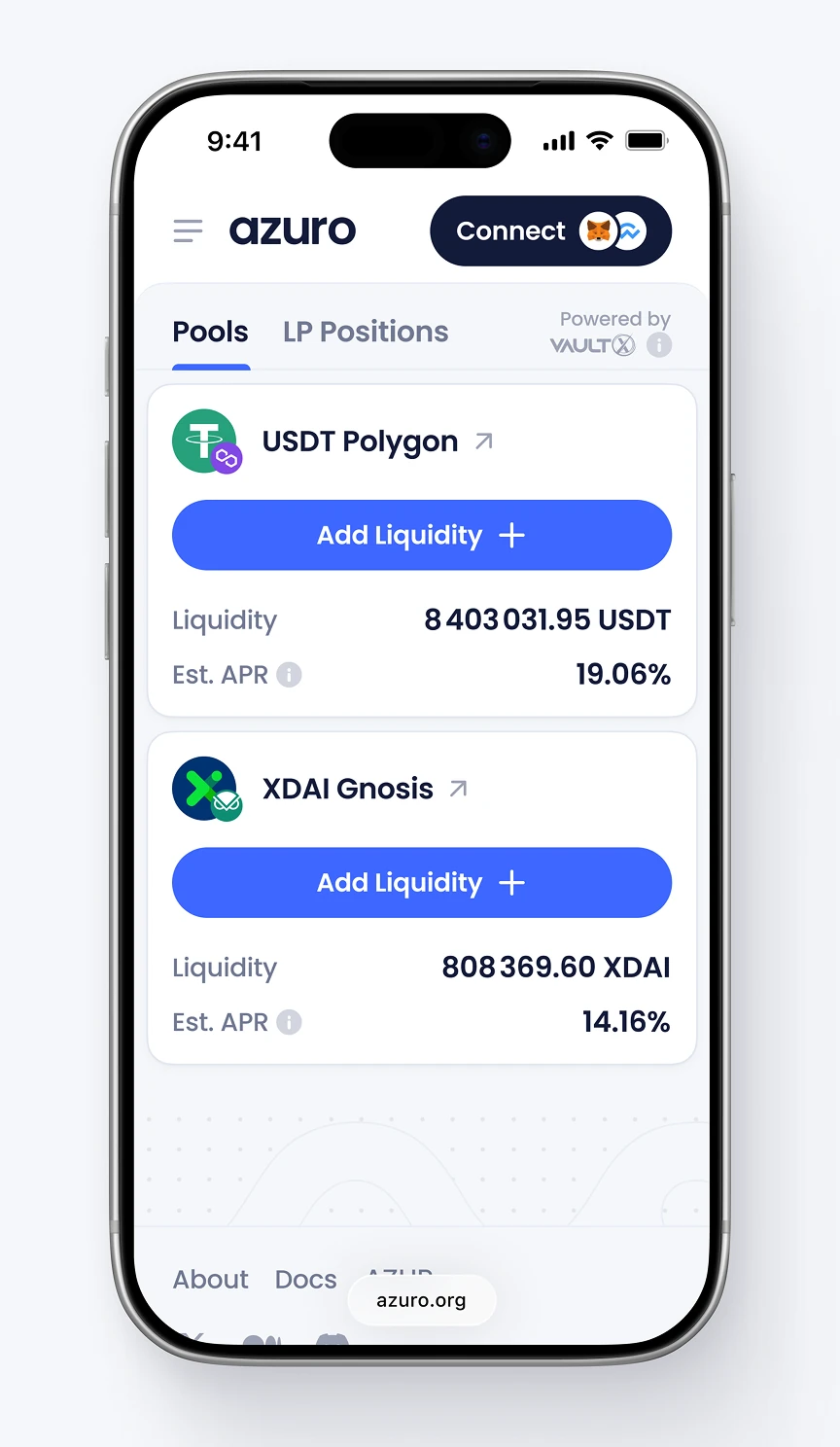
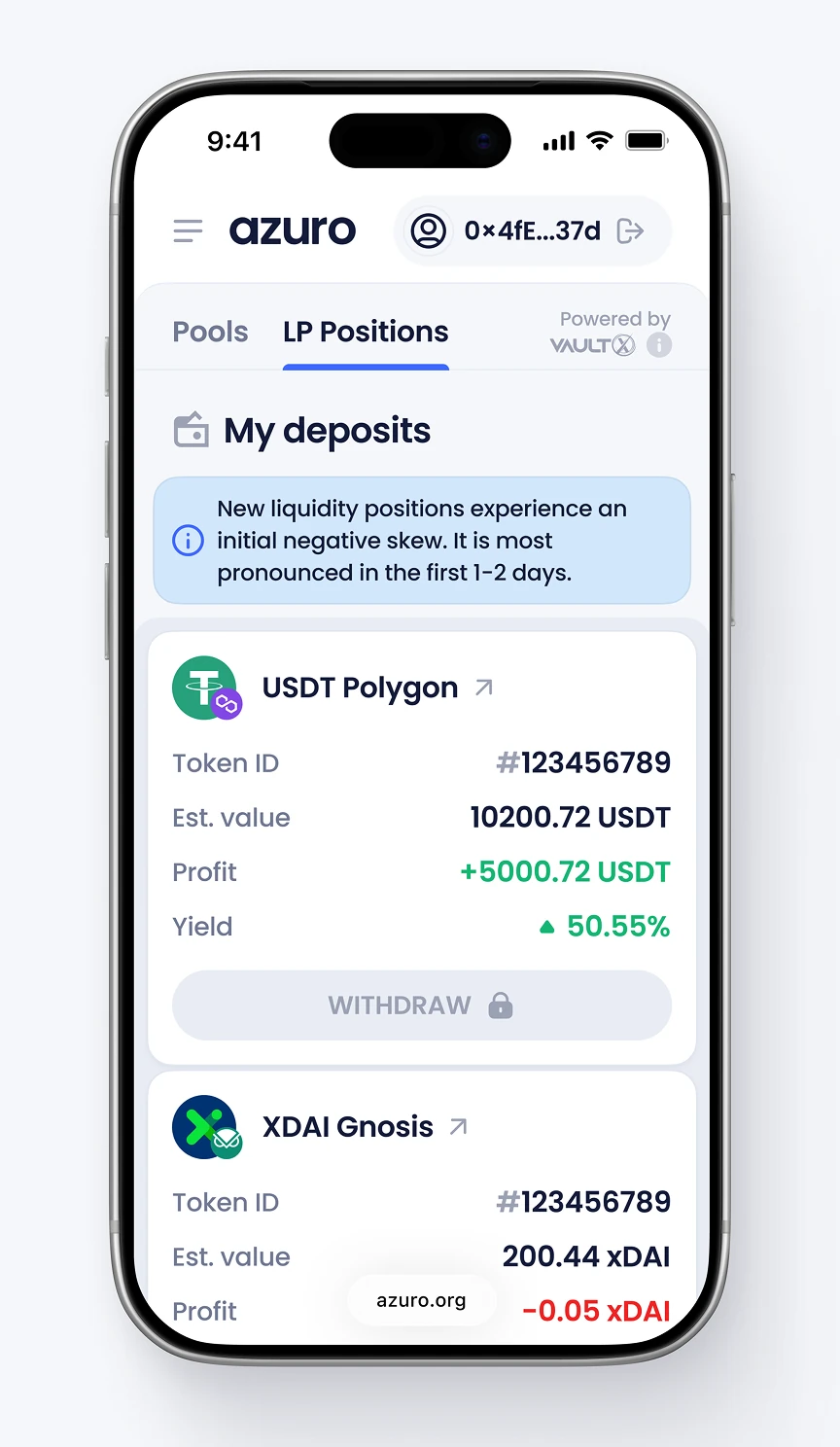
The Pools and LP Positions tabs let liquidity providers manage USDT and xDAI deposits. Each position lists value, profit, and yield, with a withdraw action and a skew warning for deposits.

A filter panel narrows the transaction history log by operation type, network, token, and status. Users can isolate withdrawals or switch to a simplified operations filter for deposits and withdrawals only.


The deposit modal shows USDT available and converts a liquidity provider's contribution into a single position NFT. Two checkboxes confirm that the user accepts the risk of loss before approval.

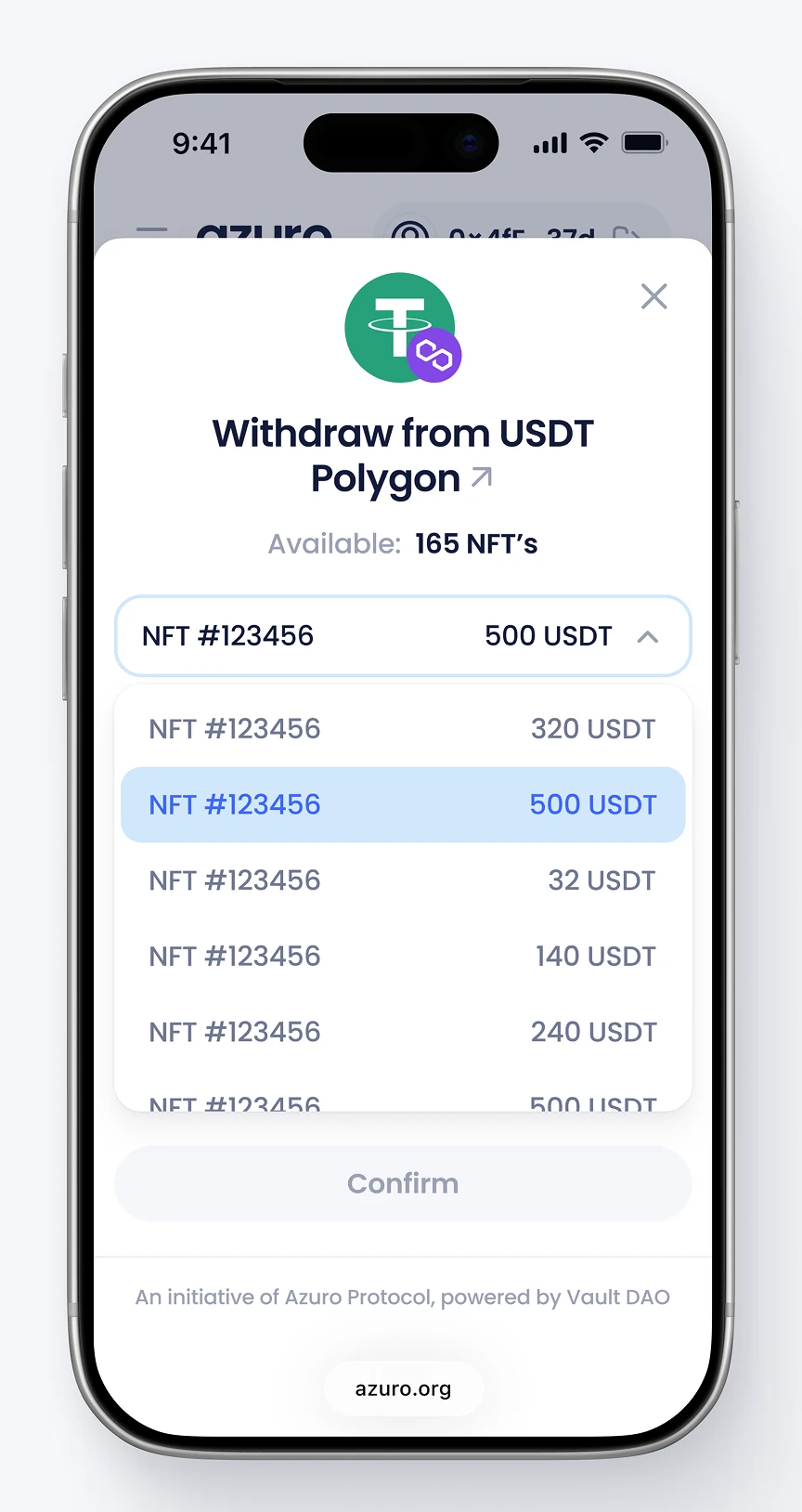
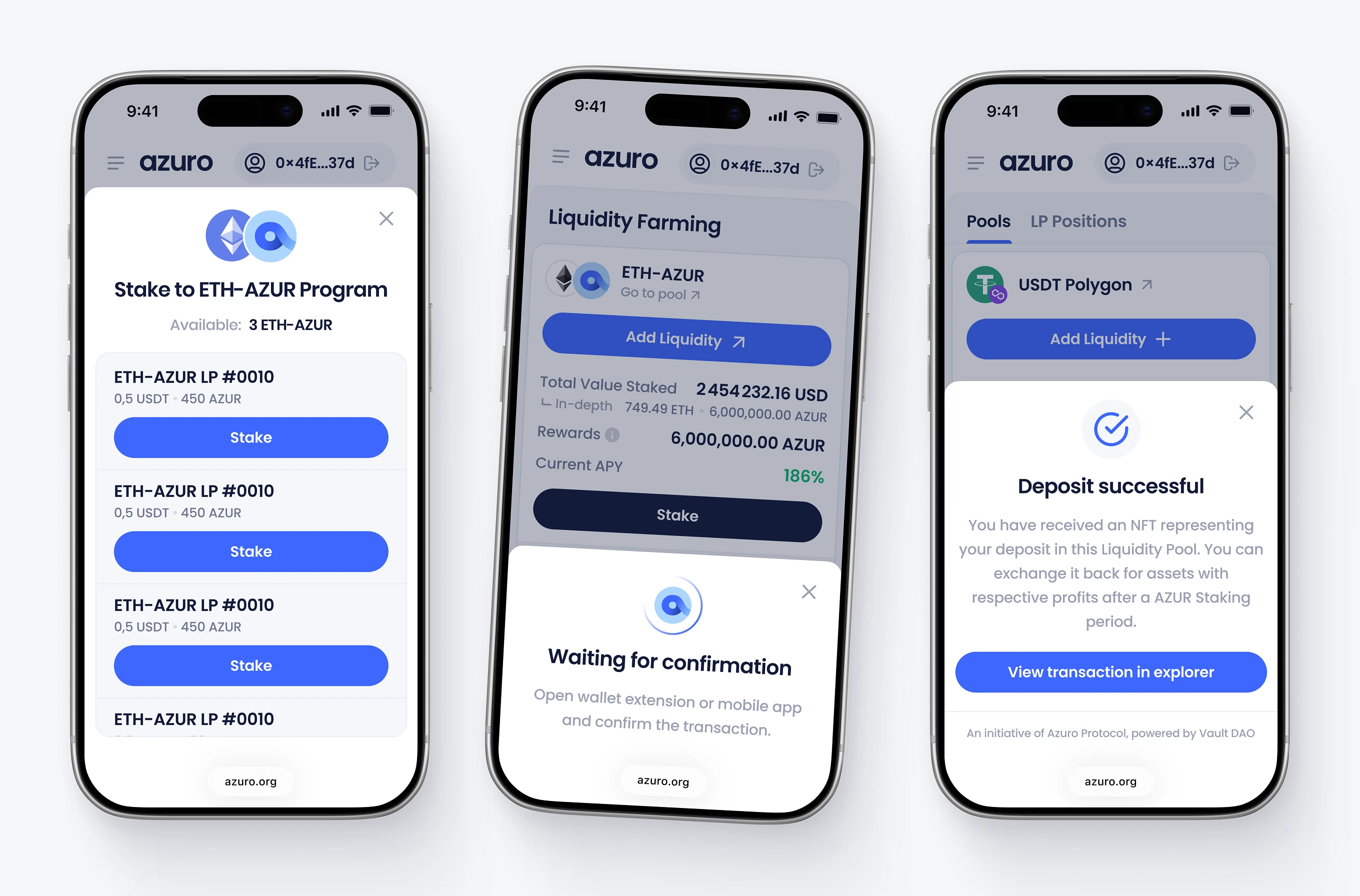
The withdrawal modal lets a user pick a specific position NFT and enter a partial or full amount to remove from a pool. A separate success state confirms the deposit and links out to view the transaction on a blockchain explorer.



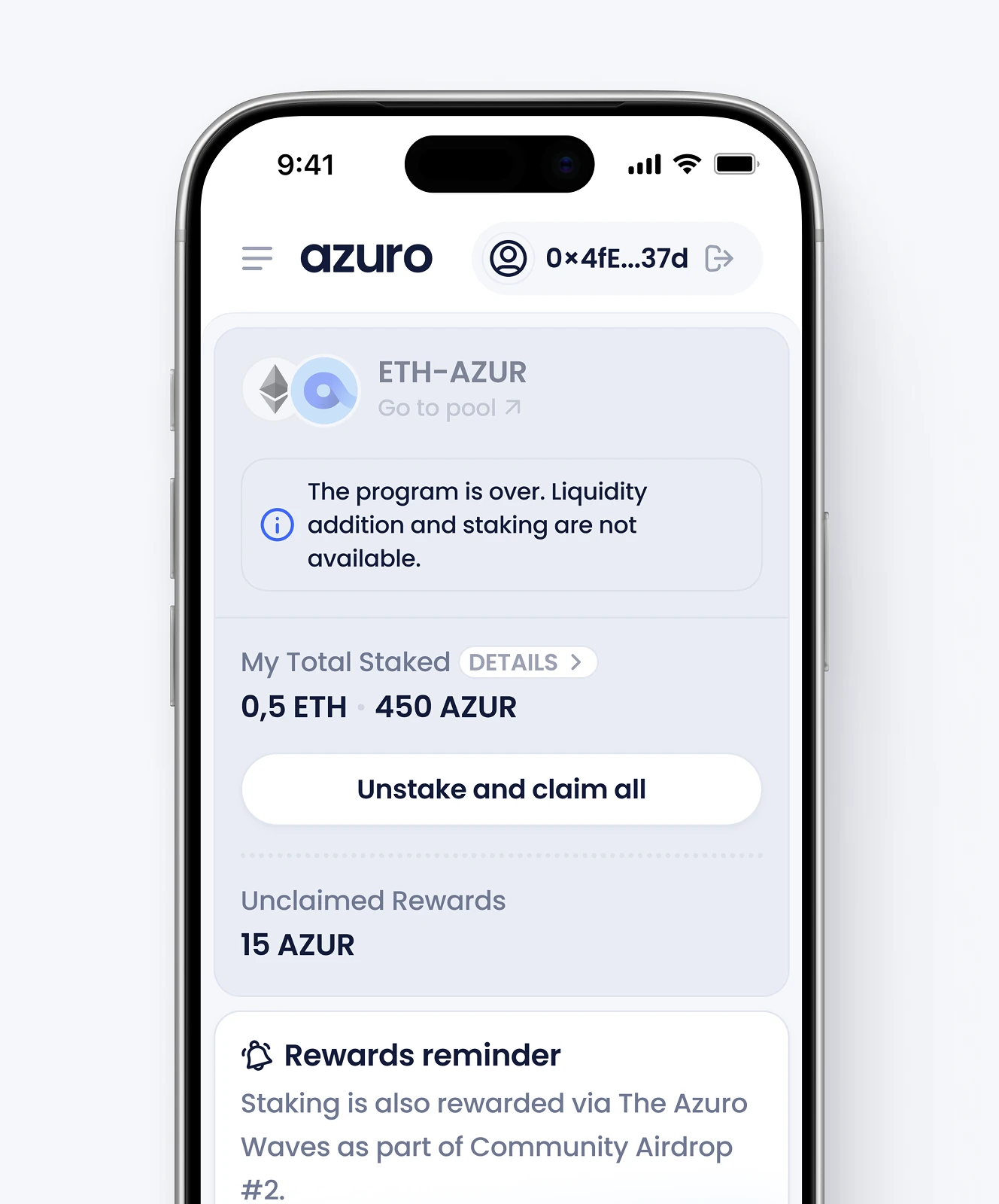
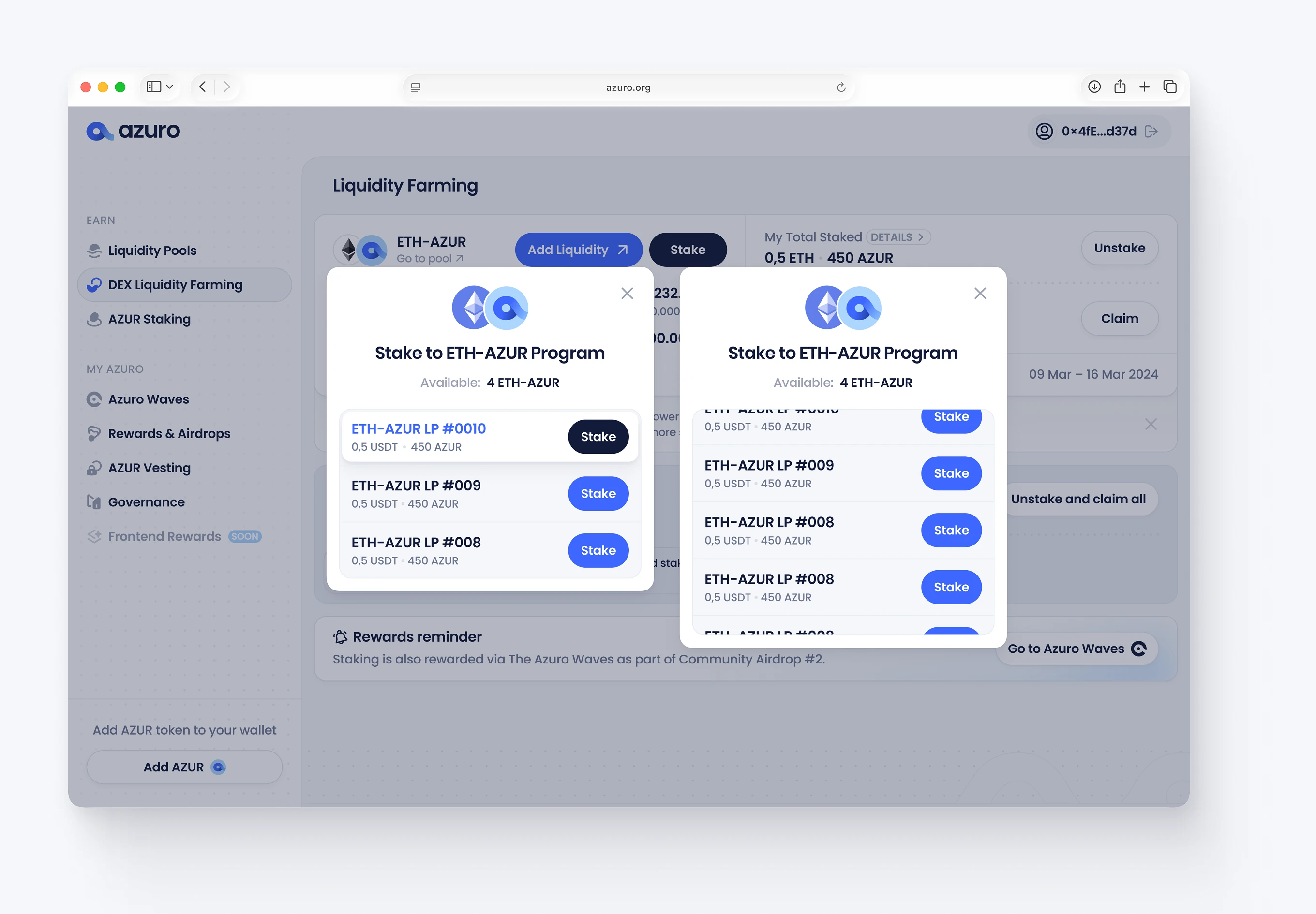
The Liquidity Farming screen tracks a pool, showing the current APY and unclaimed rewards. A closed-program state replaces the stake action once a farming round ends, while still surfacing unstake and claim options.


This modal expands into asset price change and unclaimed fees. Users can review multiple LP tokens from the same panel without leaving the farming screen.


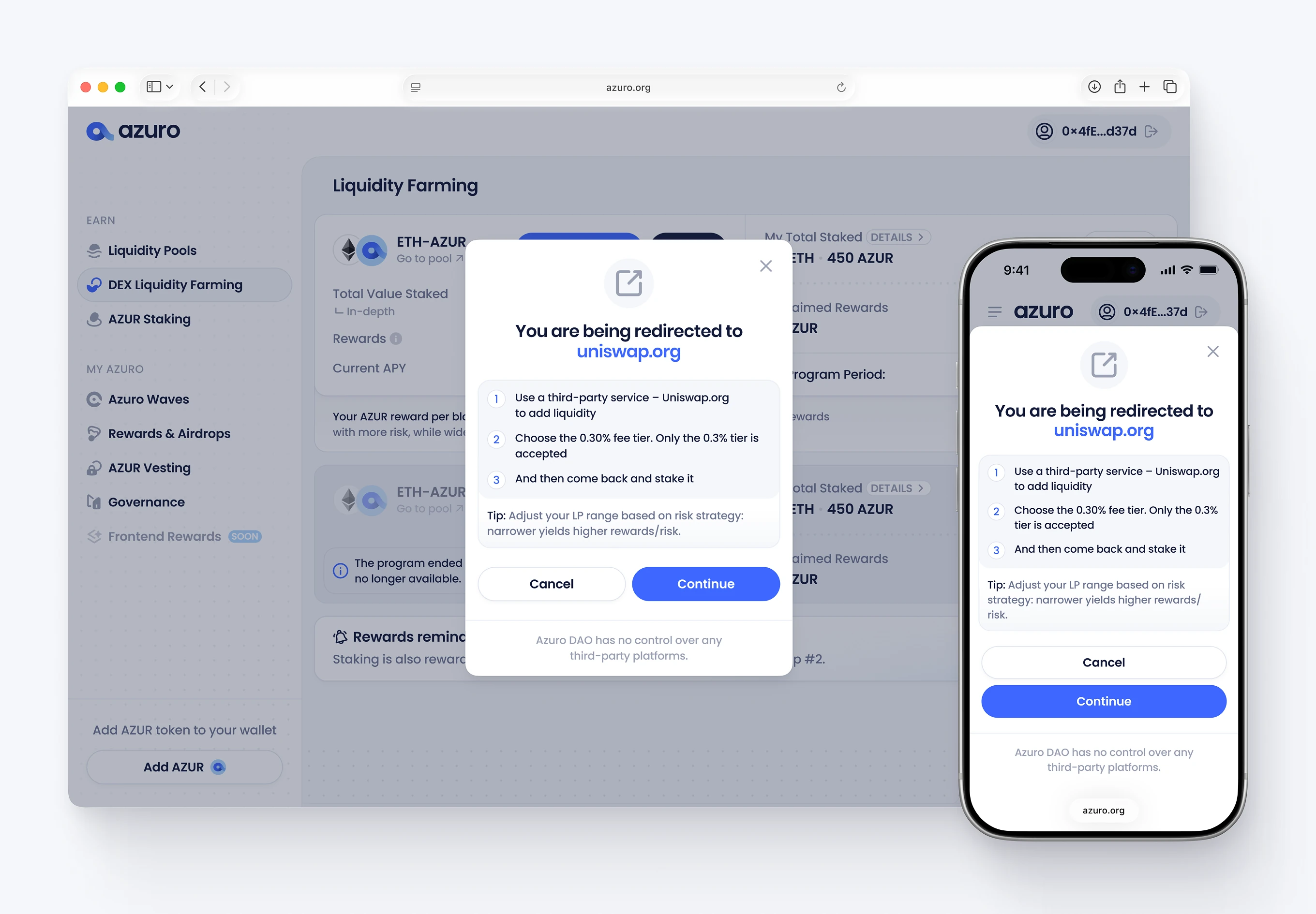
A redirect modal warns users before sending them to add liquidity, noting the required fee tier. A second modal lists every eligible position for staking, reusing the same Design System components as the rest of the app.
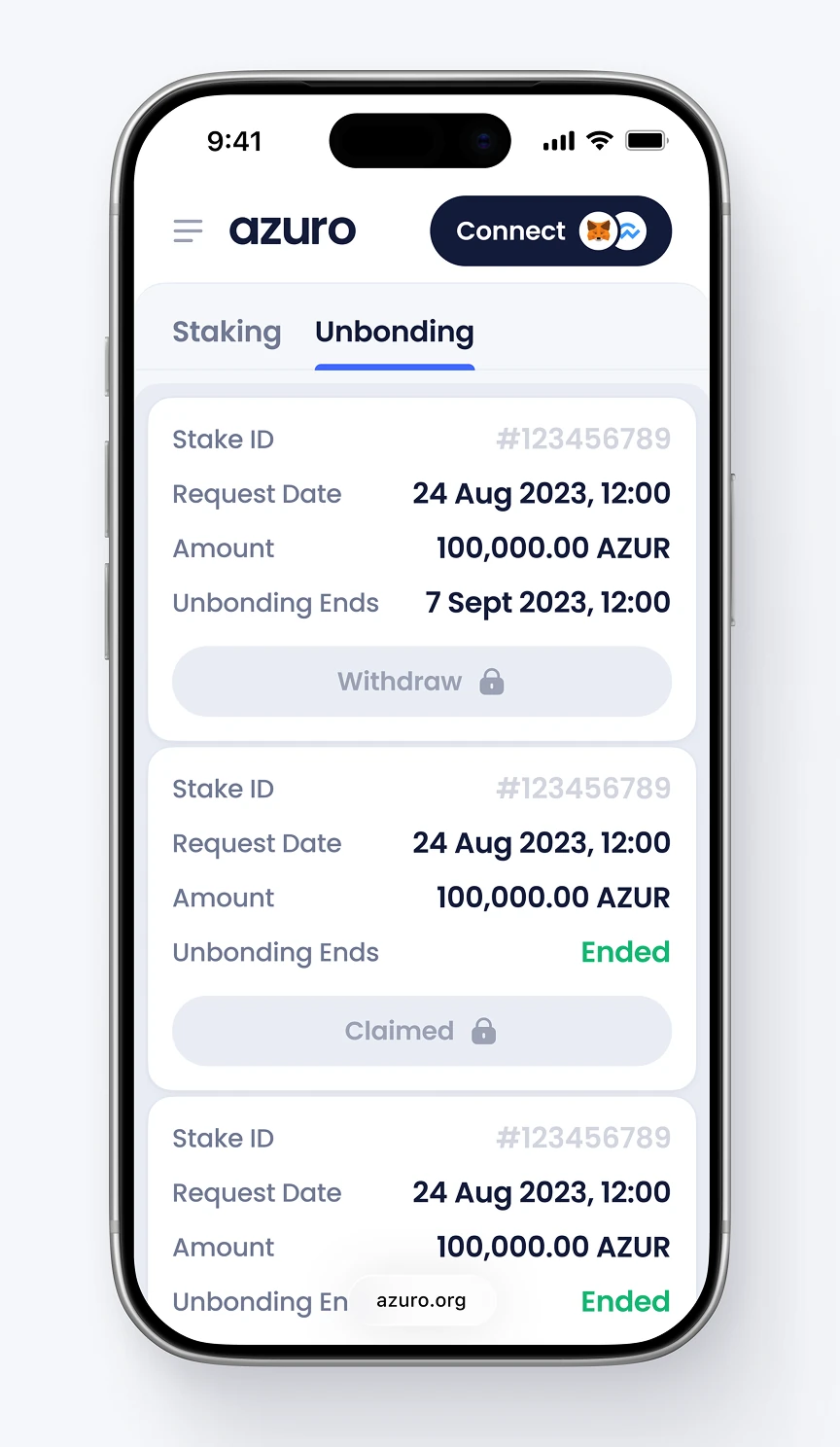
Holders see the total value locked and their own staked balance. The Unbonding tab lists each stake request's date, amount, and end date, with Withdraw and Claimed actions.



The staking modal shows the available balance and converts the entered amount into a single token position. Two checkboxes confirm that the user accepts that rewards are not guaranteed and that unstaking triggers a two-week unbonding period.

The token dashboard breaks total AZUR into vested, claimed, and available-to-claim amounts. Delivered under an ongoing Post-MVP Evolution engagement, it also lists each schedule's amount, cliff, and vesting period.

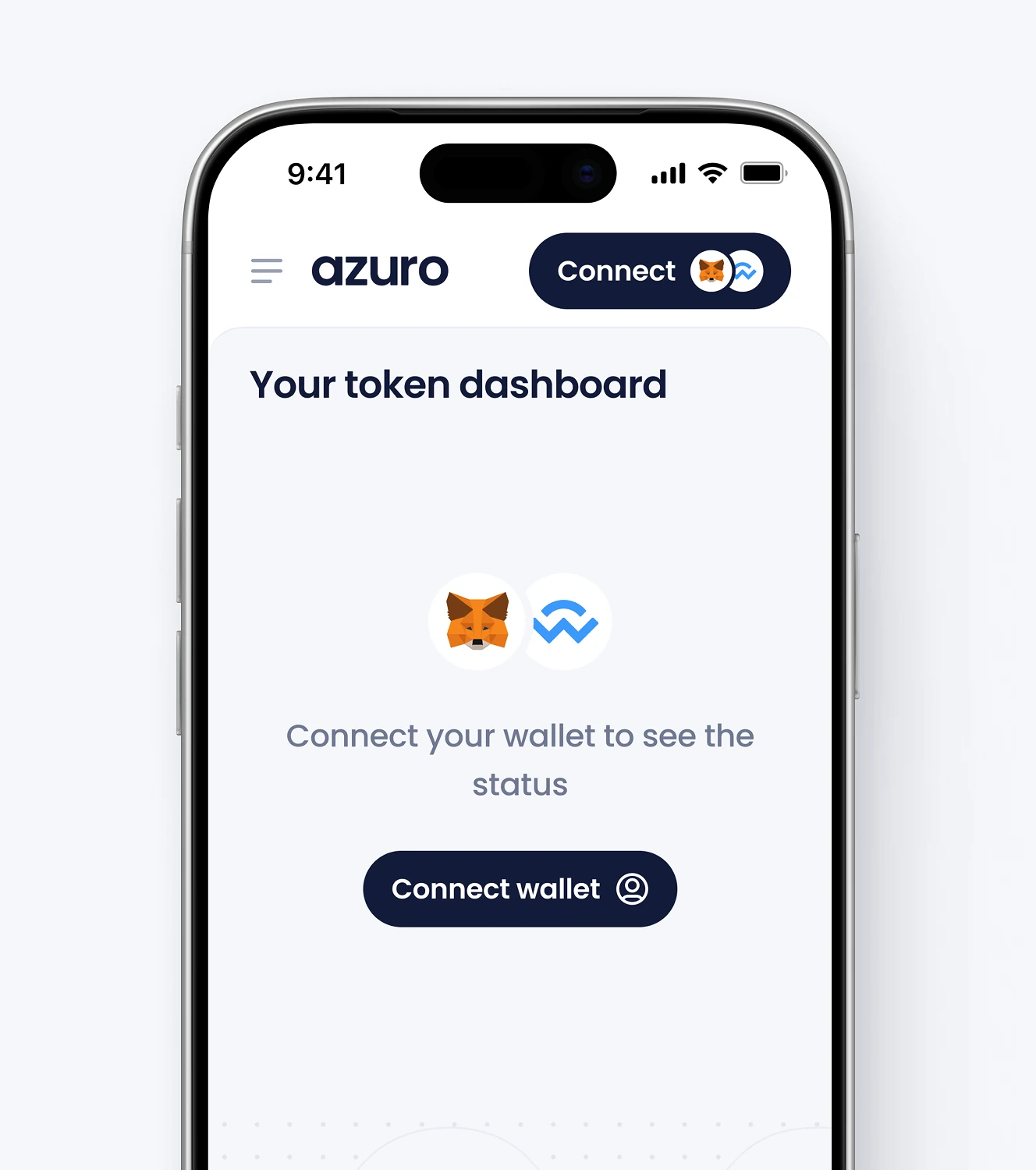
The vesting dashboard adapts to mobile with the same total, vested, claimed, and available figures stacked for a single-column layout. A disconnected state replaces the dashboard with a prompt to connect a wallet before any token data loads.

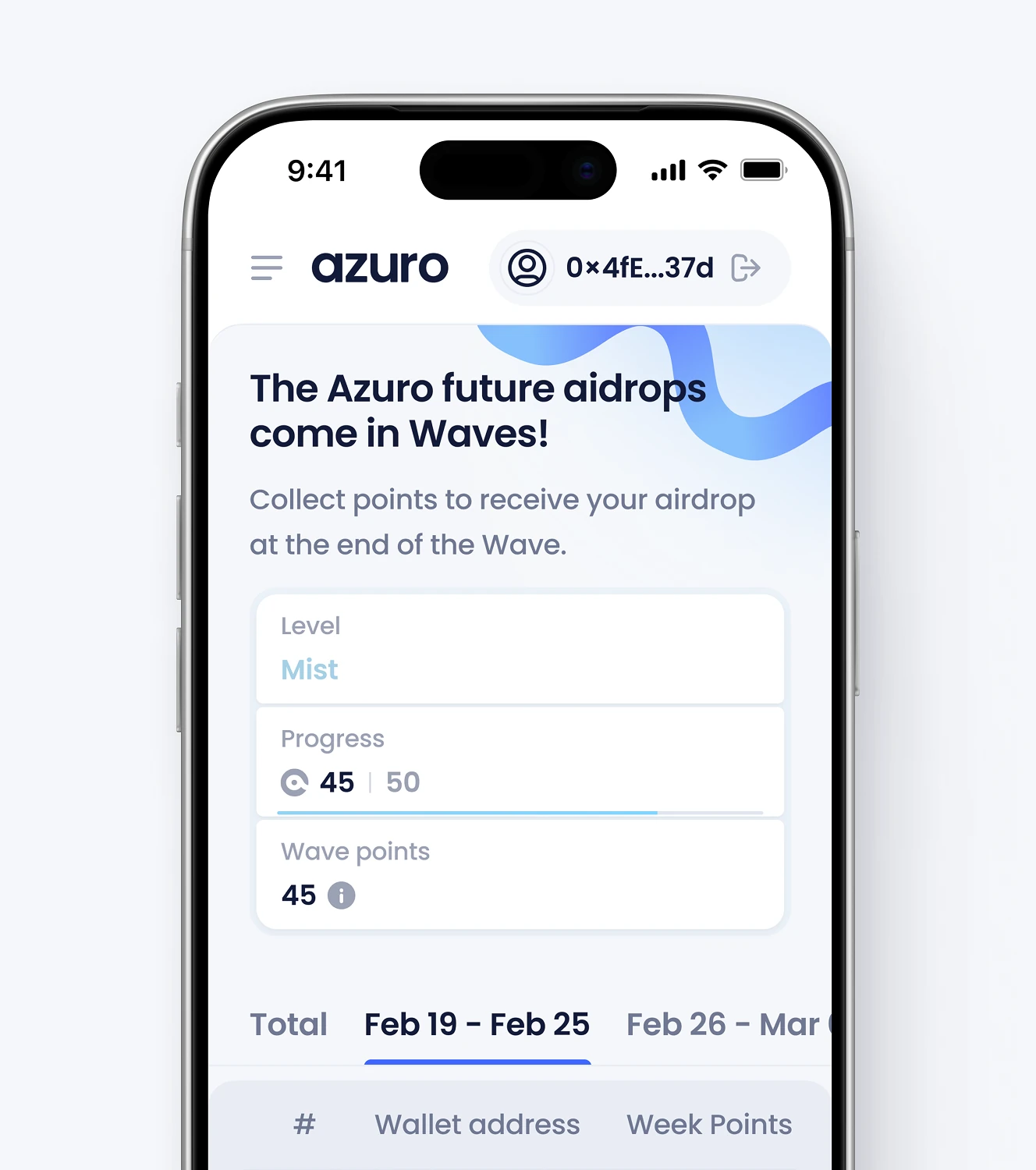
Azuro Waves ranks wallet addresses on a weekly leaderboard by points, with bonus multipliers. Delivered through a Dedicated Product Team engagement, it links directly to the claimable rewards and airdrops screen.



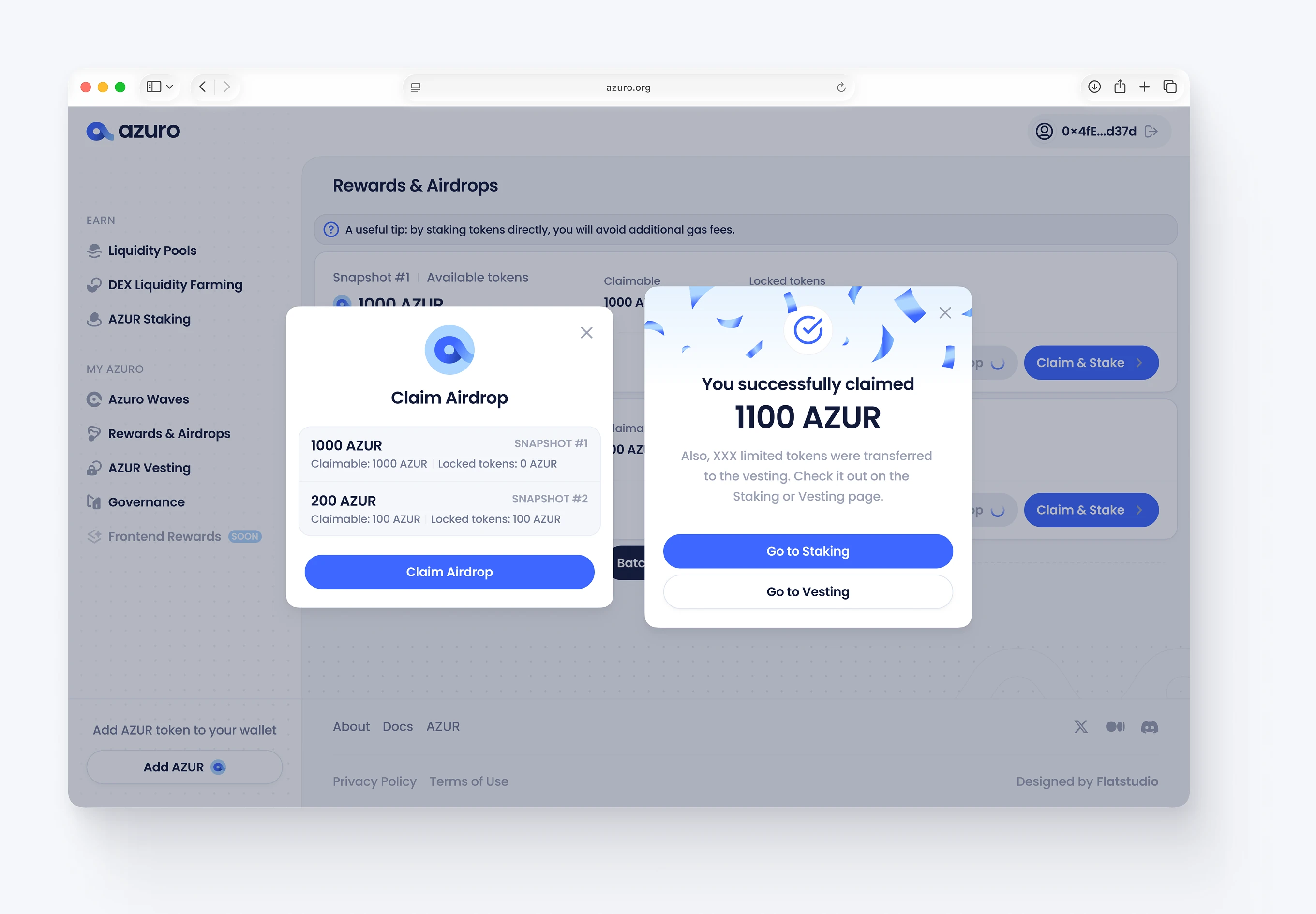
The claim modal lists each airdrop snapshot with its claimable and locked token amounts before the user confirms. A success state confirms the claim and routes the user straight to staking or vesting.


If your DeFi product is growing operational layers – staking, governance, vesting – faster than the interface can absorb them, a unifying design system stops the sprawl.
Get in touch.

.avif)