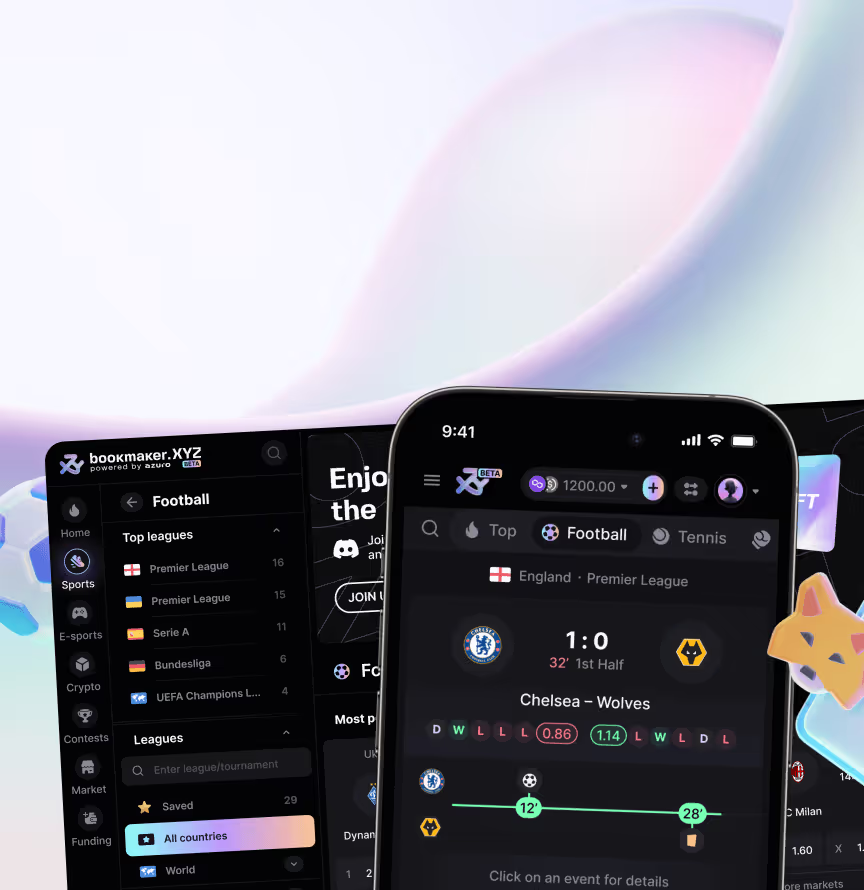











We designed it as a consumer-facing iOS app on the Azuro protocol, covering information architecture, UX, UI, and prototyping for a swipe-based betting flow. Decentralised betting mechanics needed to feel like scrolling, not using a technical sportsbook – and the result hides protocol complexity behind fast, simple market discovery.
A first look at Azuro Lite's core loop for Web3 bettors. Swipe-bet-win mechanics sit alongside bet tracking, a social feed preview, 3D visuals, and a reward icon system.

The home screen for the iOS betting app built on the Azuro protocol, surfacing matches Web3 bettors can act on fast. Cards show the crowd split on each match plus saved collections by sport.
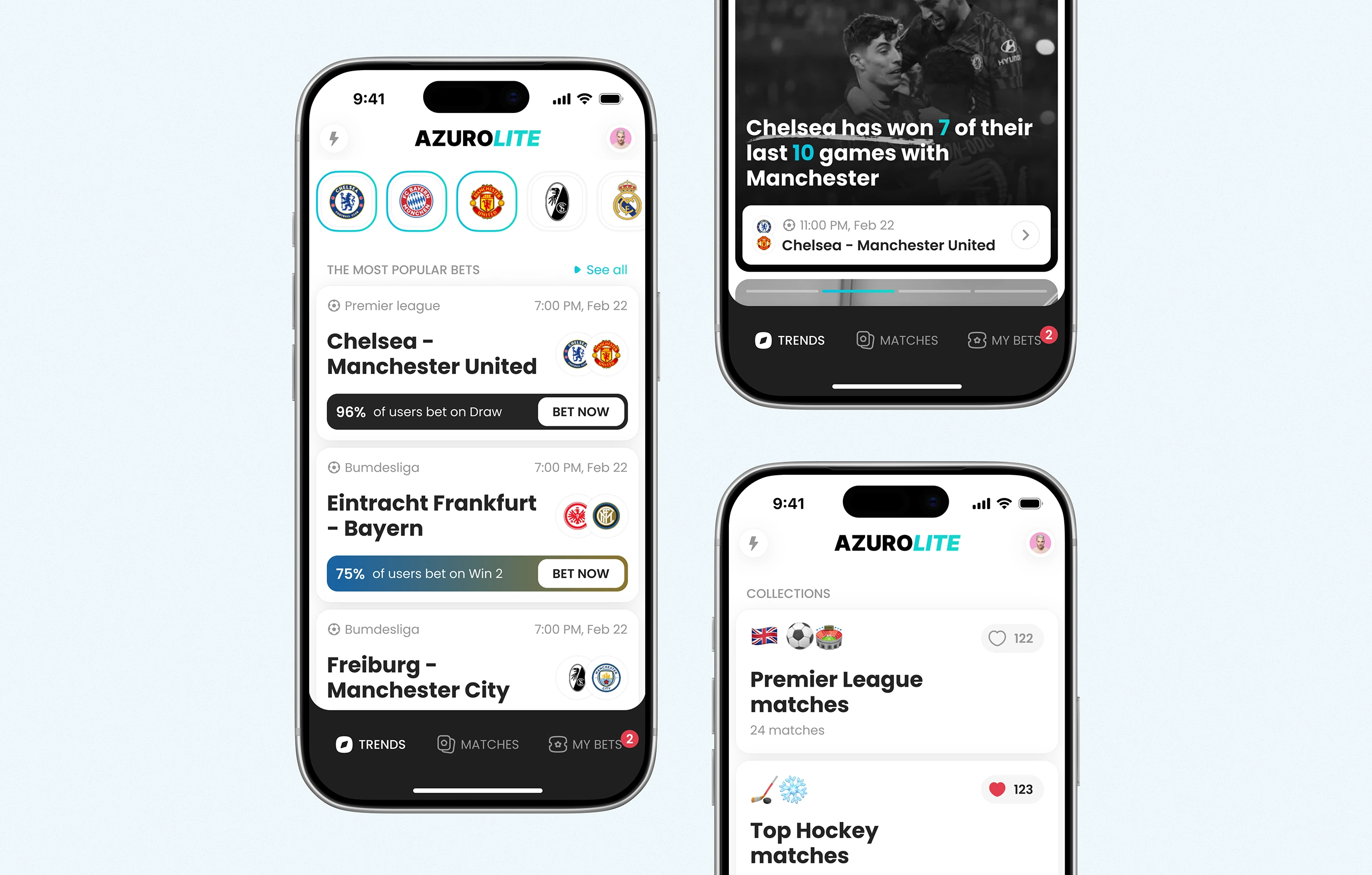
A ranked leaderboard shows each bettor's win rate next to a full-screen story format for match news. Tapping a story links directly to the related fixture and a Create Combo action.


Bettors browse upcoming fixtures by swiping through full-screen match cards instead of scrolling a list. Each card carries kickoff time, a stake field, and Win 1 / Draw / Win 2 odds inline.

Built during the app's original Pitch & Product Concept phase, this onboarding walks bettors through building a multi-match combo by swiping the card feed. A running slip tracks picks, total odds, and payout.

Placing a bet is reduced to a single tap on one of three odds, with the selection locking in place immediately. A success modal confirms the bet without leaving the match feed.


Opening a match surfaces the data bettors need before staking, from popular bet splits to head-to-head form. The same screen lists the biggest live stakes by user and both lineups.

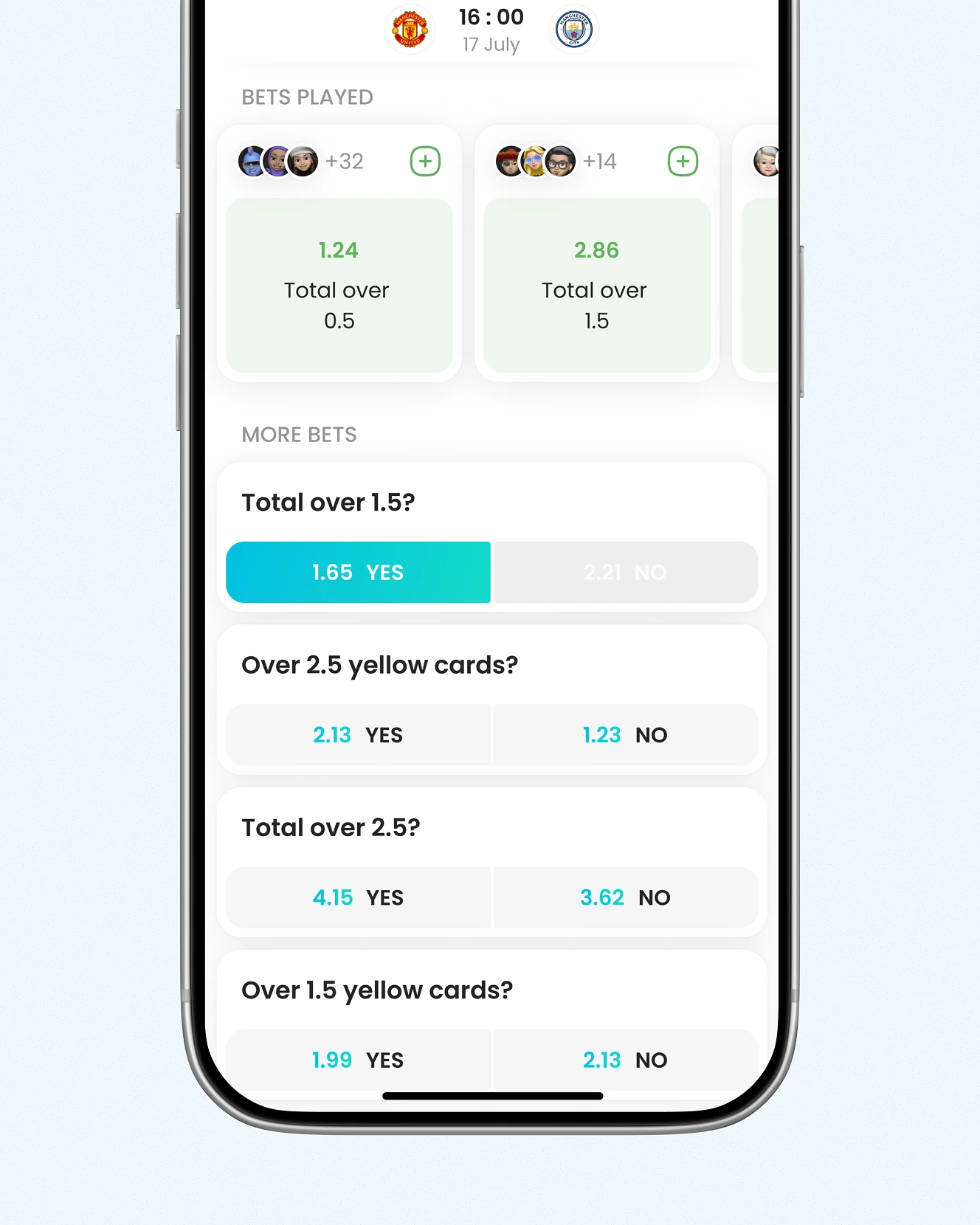
Beyond the main match odds, bettors can pick totals and yellow-card lines priced as Yes/No. Selecting one opens a numeric keypad to enter the stake amount in USD before confirming.

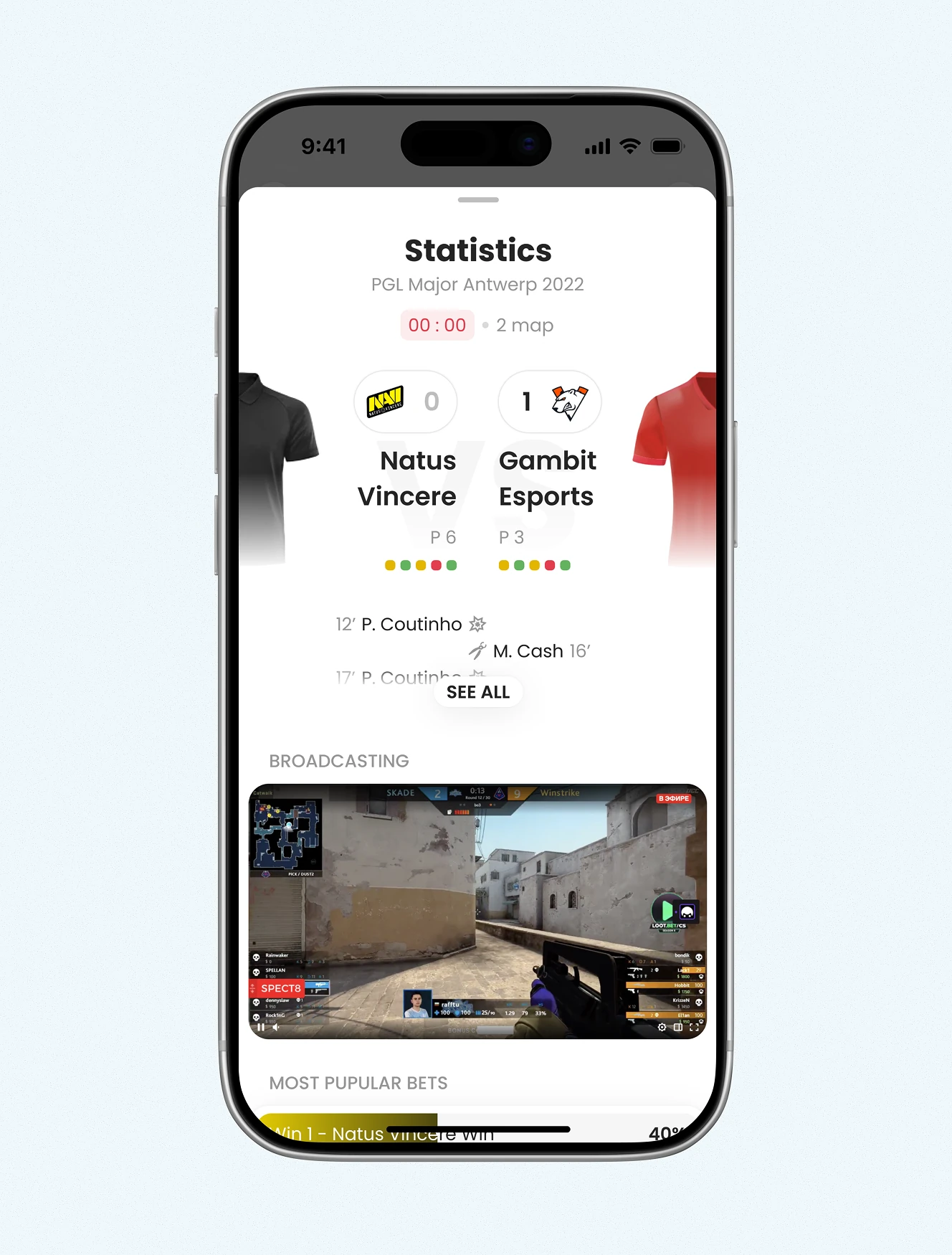
Esports coverage was added under Post-MVP Evolution, extending the same match structure to live esports. An embedded stream sits next to the live score and a handicap line.

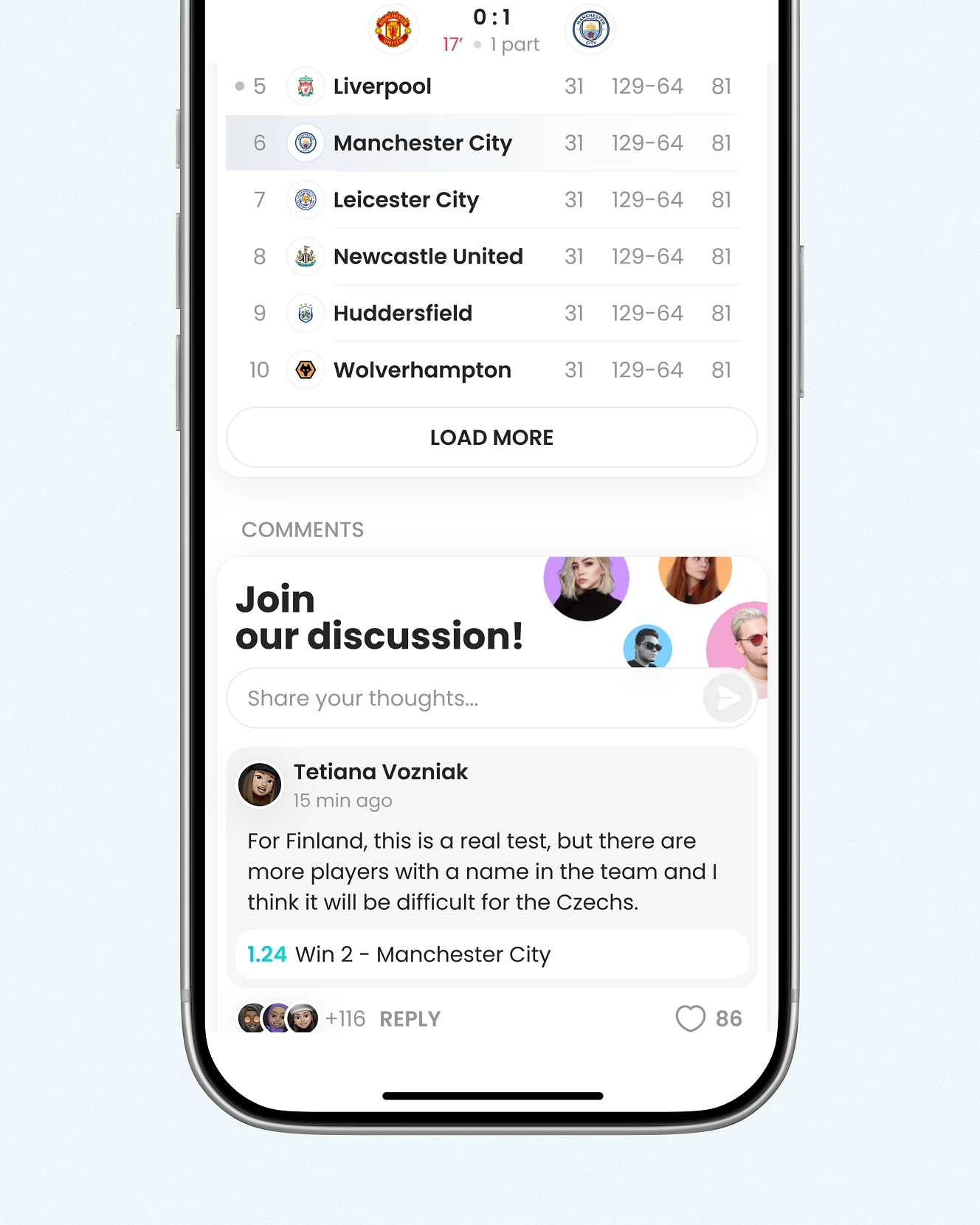
Each match has its own chat room. Replies can carry an odds pick directly in the message, next to a league standings table.

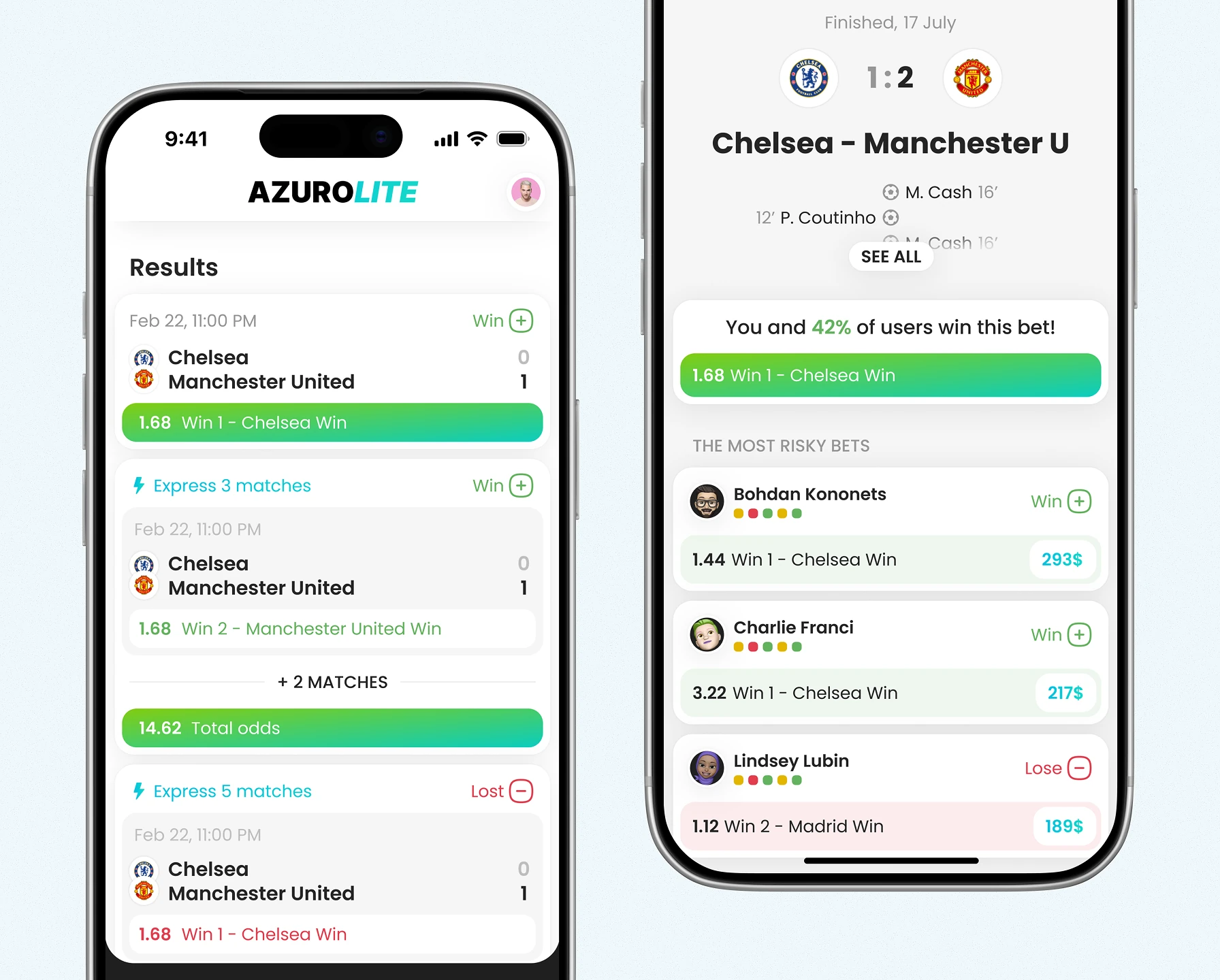
Bettors track every pick's state – accepted, won, or lost – including combo results with total odds. Each settled bet shows the percentage of users who won the same bet, plus a riskiest-bets leaderboard.

This screen keeps wallet state visible for bettors using a Fintech and Web3 protocol product, showing balance in ETH with a USD equivalent. E-wallet and the network can be changed here, next to badge progress.
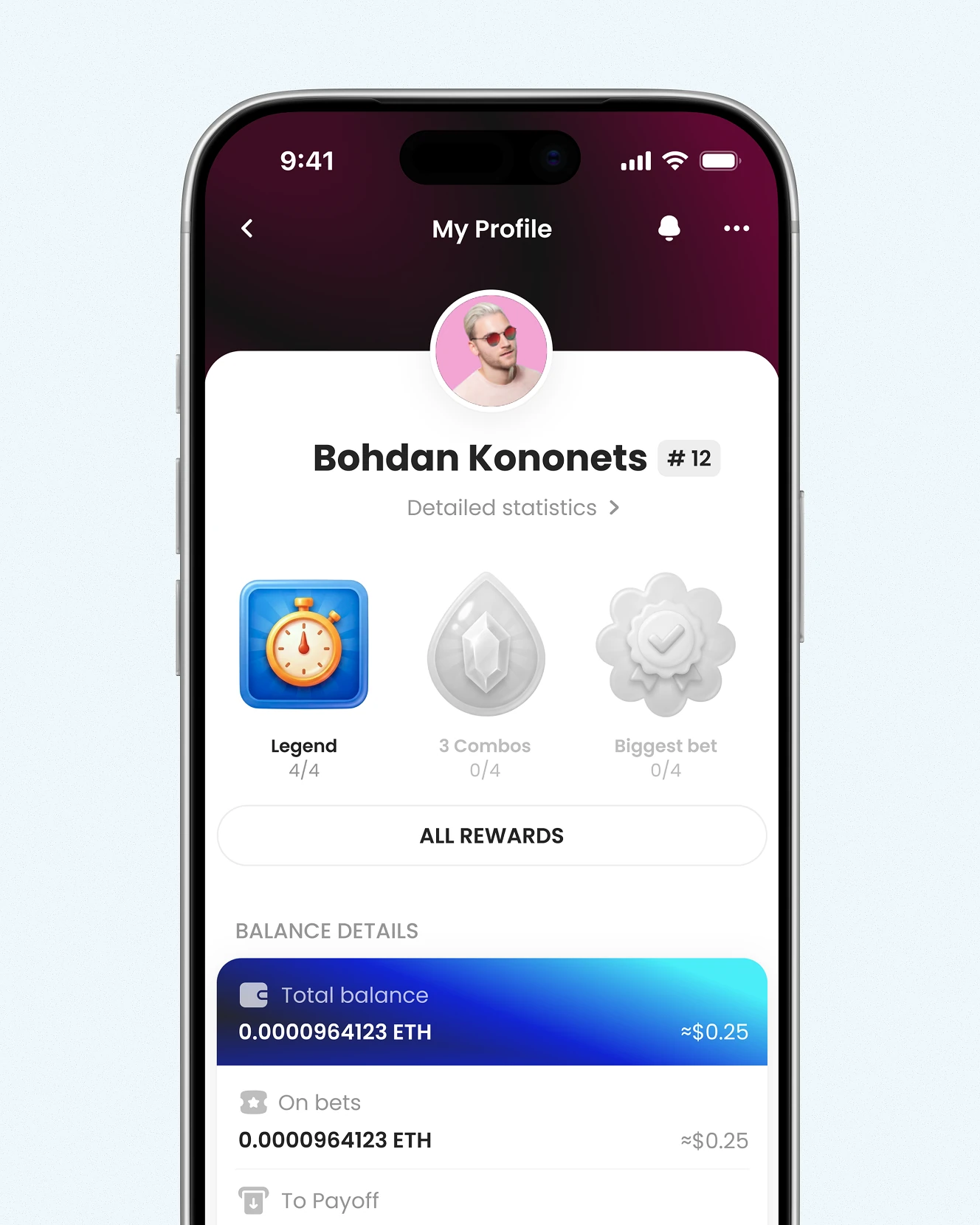

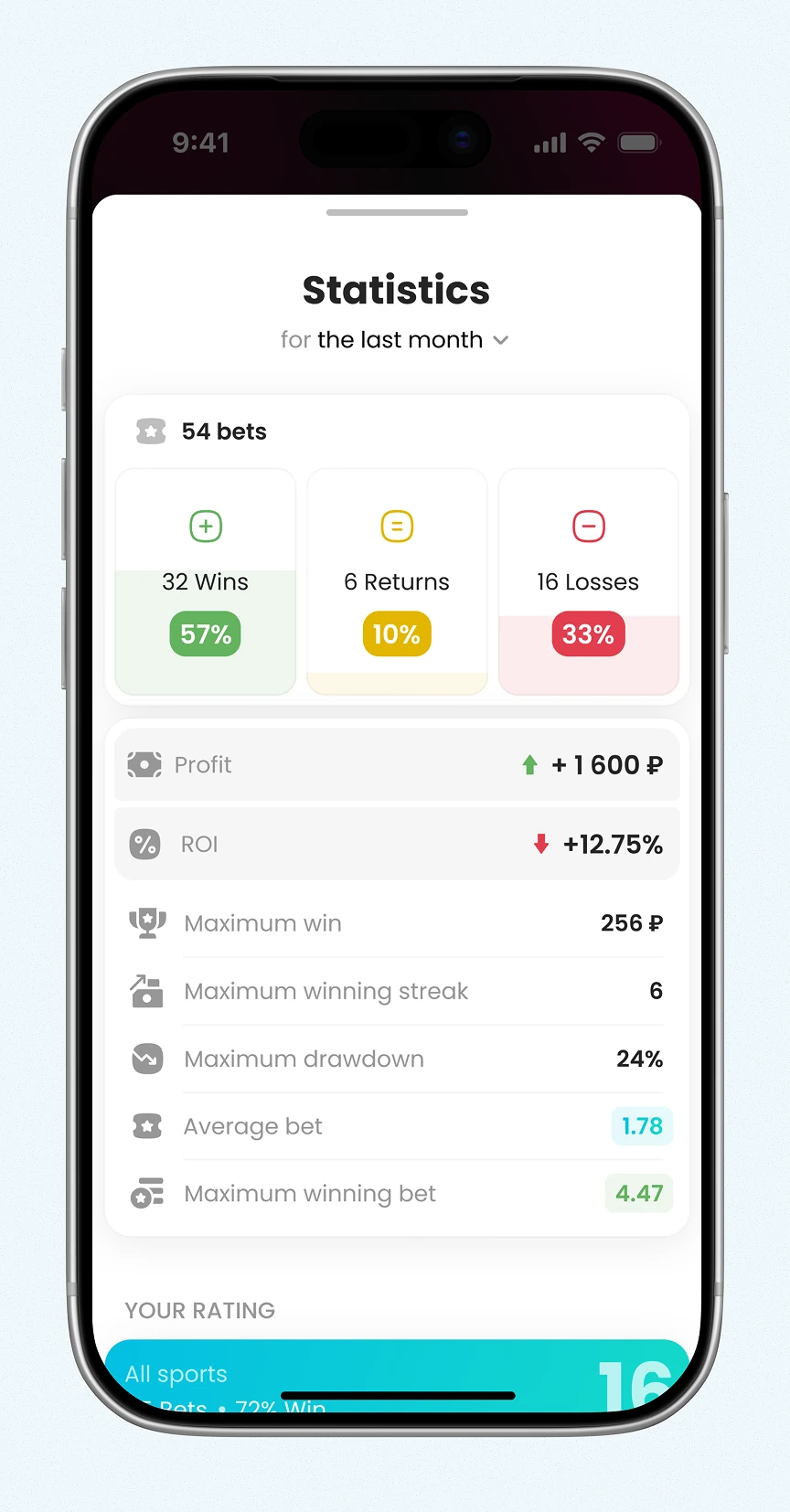
Badges track milestones like first 10 bets or biggest stake, each with a condition checklist before the reward can be claimed. A separate statistics screen breaks down monthly ROI, drawdown, and win streak.


Notifications cover both betting and social activity in one feed – match start alerts, chat replies, likes. A won bet shows its payout amount directly in the notification, not just a status update.

A built-in Betting School gives newer bettors guide cards on how bookmakers work before they place a bet. Below it, bet types are organised into an alphabetical glossary from Outcome bets to Total.


Individual guide articles walk beginners through concepts like spreads, using a worked example rather than a definition alone. Tags, view and like counts, and related articles sit below the text.

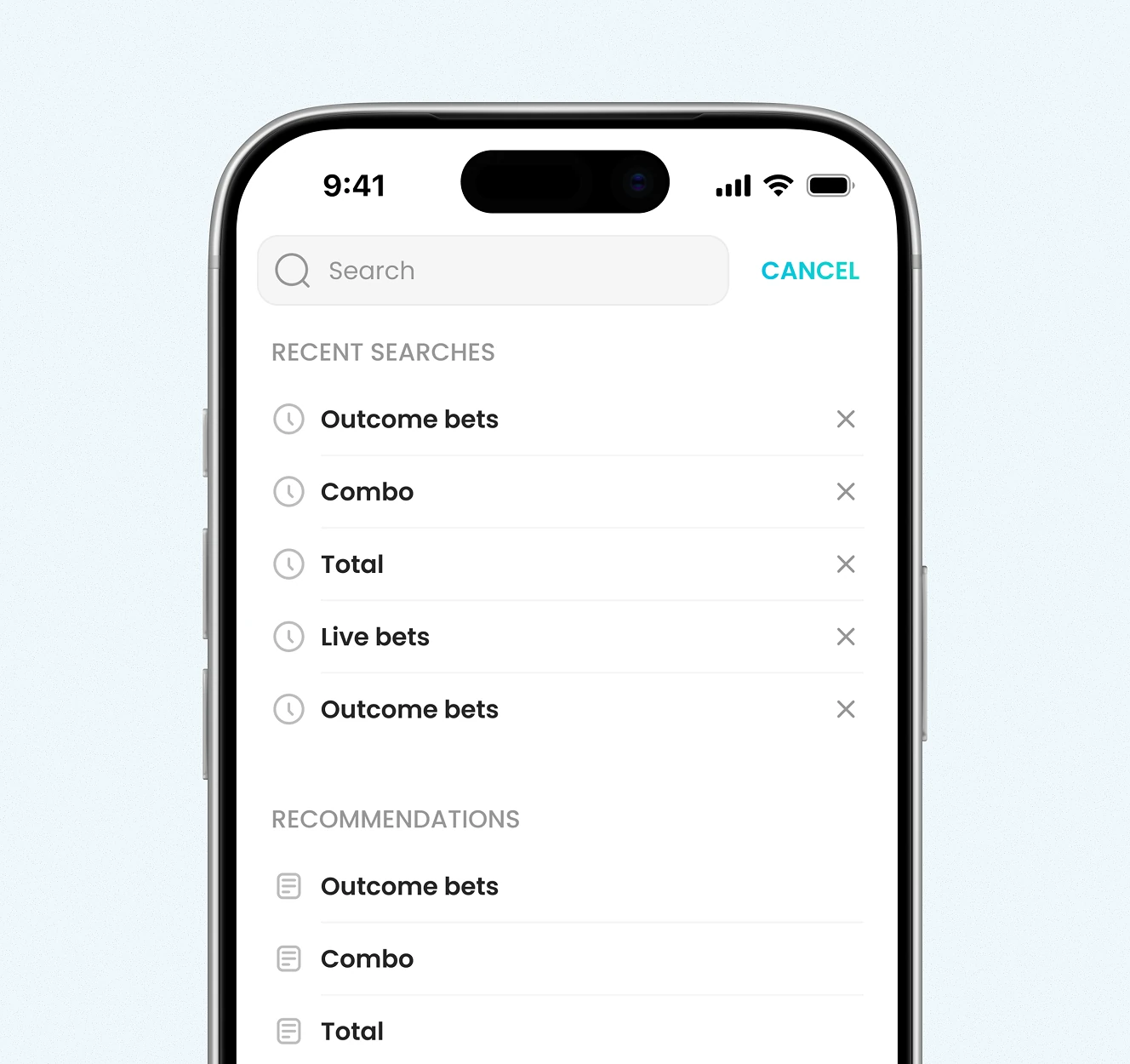
Search surfaces betting-school content as bettors type, matching partial terms like 'Co' to glossary entries such as 'What Does Combo Mean?'. Recent searches and recommendations appear before any input.

Building a consumer product on Web3 infrastructure your users shouldn't have to understand? Hiding that complexity is an interface discipline, not a compromise. Show us your protocol.



.avif)