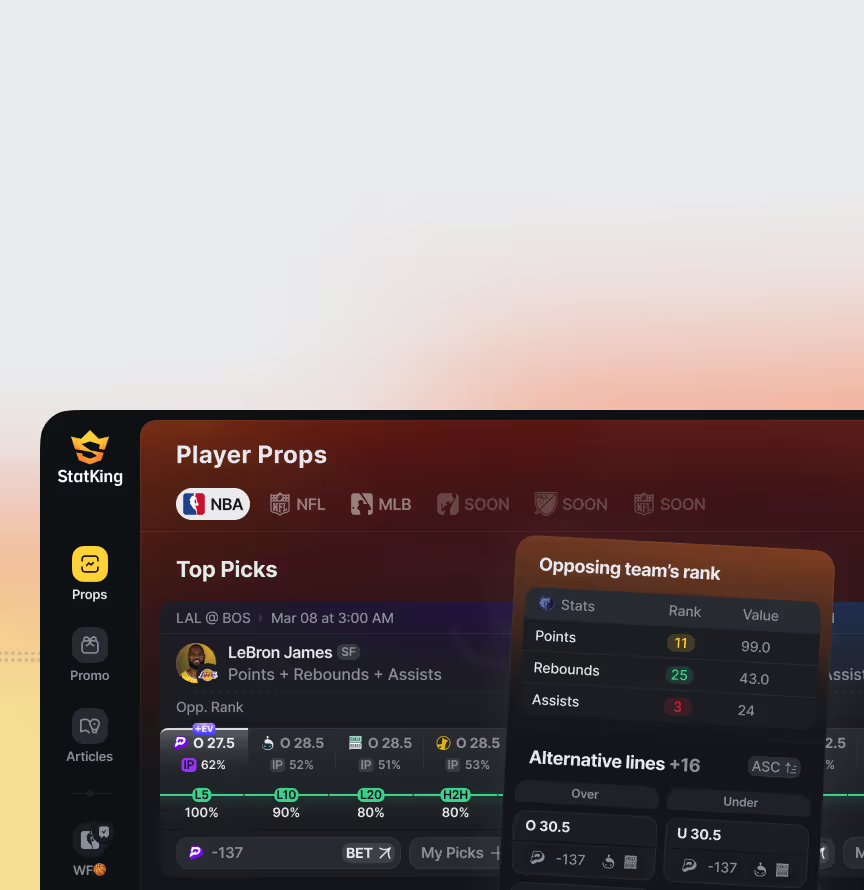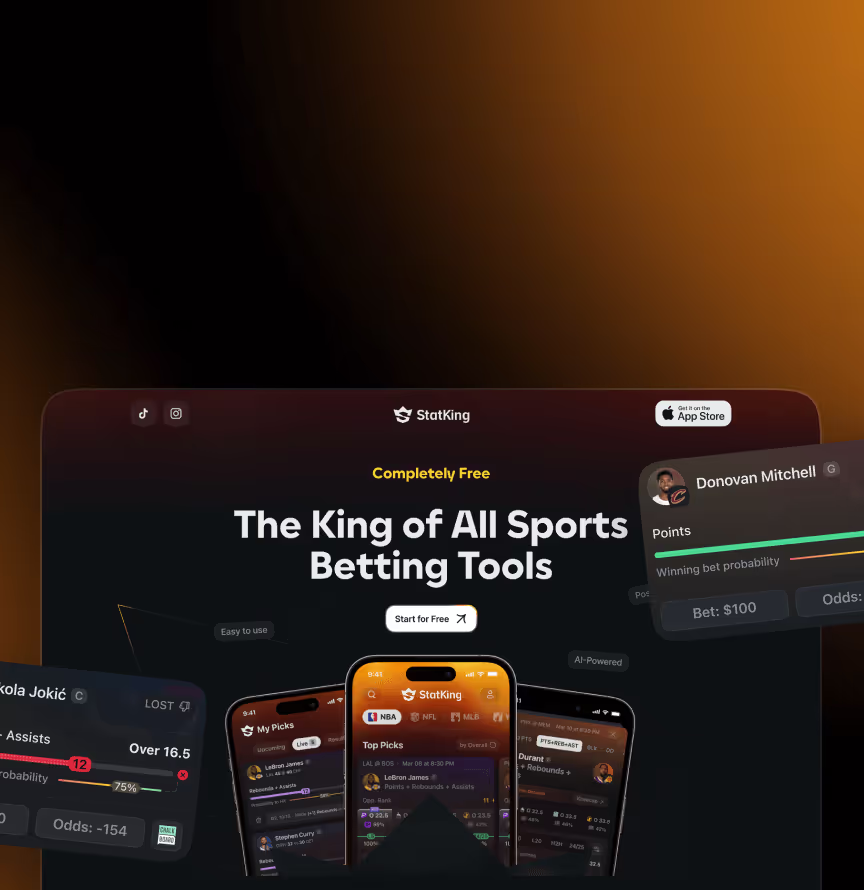















StatKing is a free US sports betting analytics app for player props, live on the App Store. We designed the iOS product around a mobile-first props flow: a props list with hit rates, opposing-team stats, and odds side by side, edge states for every scenario, and prop detail screens with supporting statistics for deeper evaluation before a bet.
The core challenge was making dense betting data feel like a "one-look" interface. Users build their own workflow through an advanced filter system with saved filters and screen personalisation, then track their picks in real time — upcoming, live with play-by-play updates, and settled results — without leaving the app. Onboarding, authorization, profile, articles, and promo screens complete the product, all built on a shared design system in the black-and-yellow StatKing brand.
A player props app for bettors, combining probability-to-hit bars, game-by-game logs, and side-by-side player comparisons in one view.
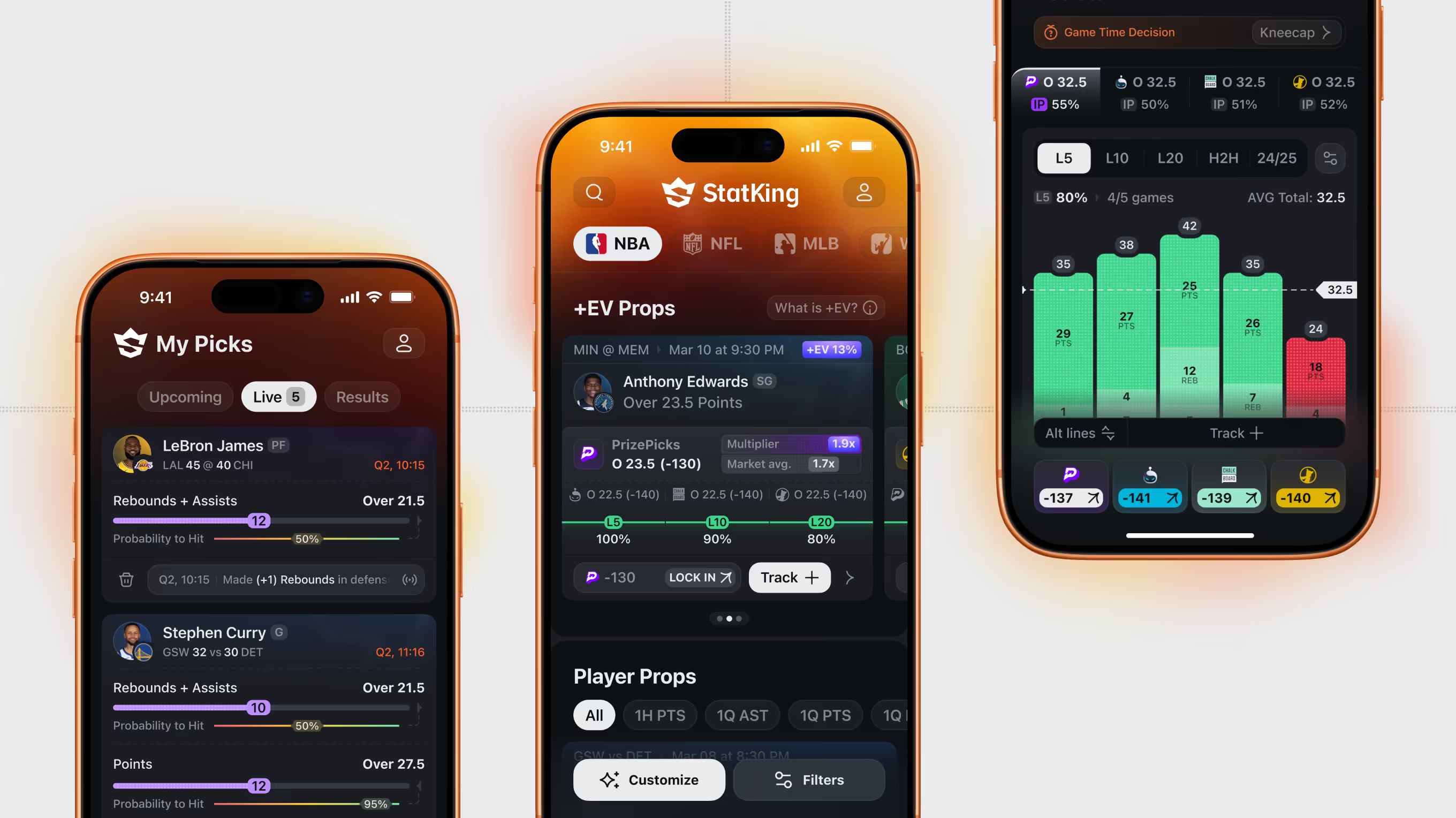
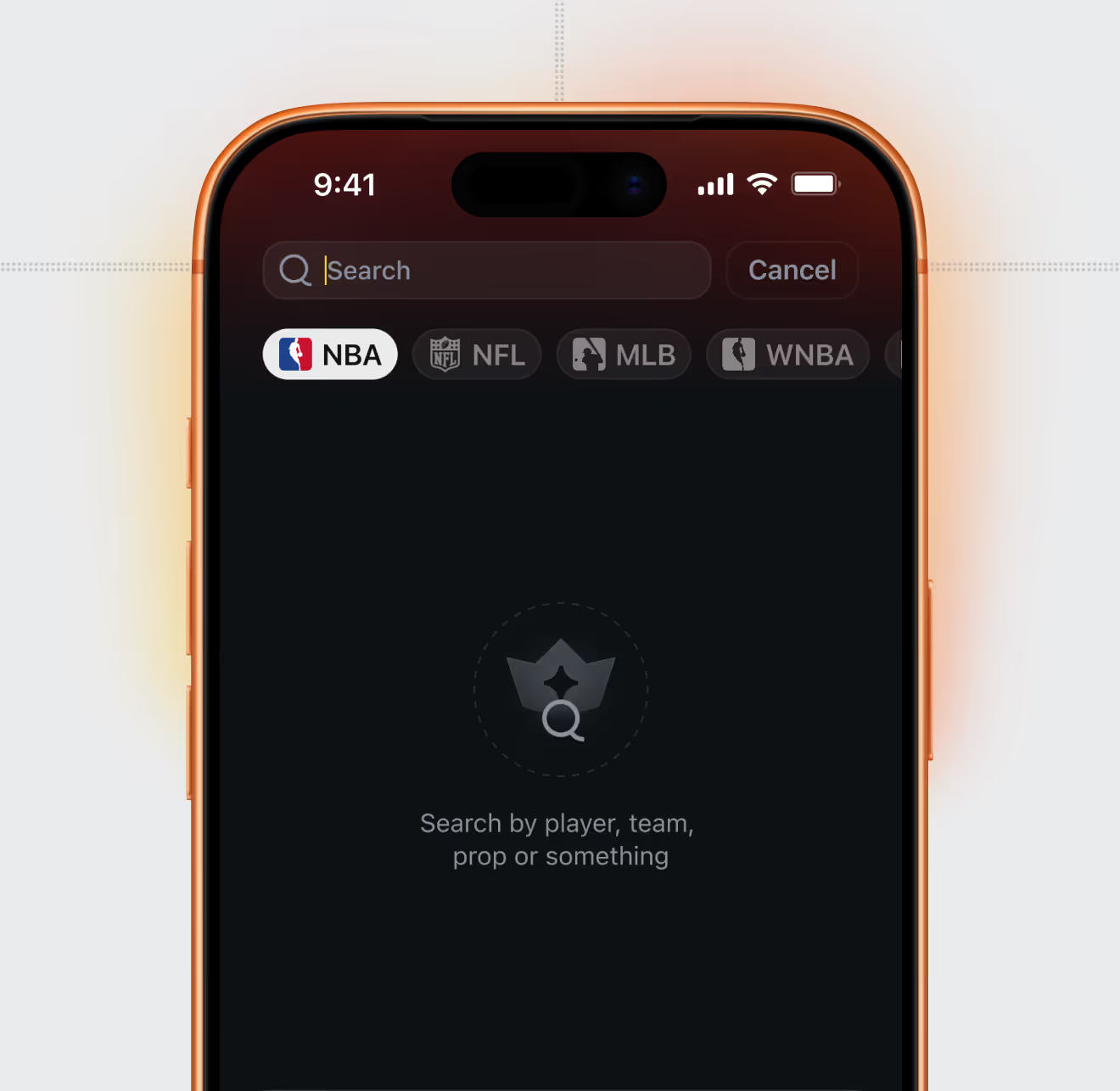
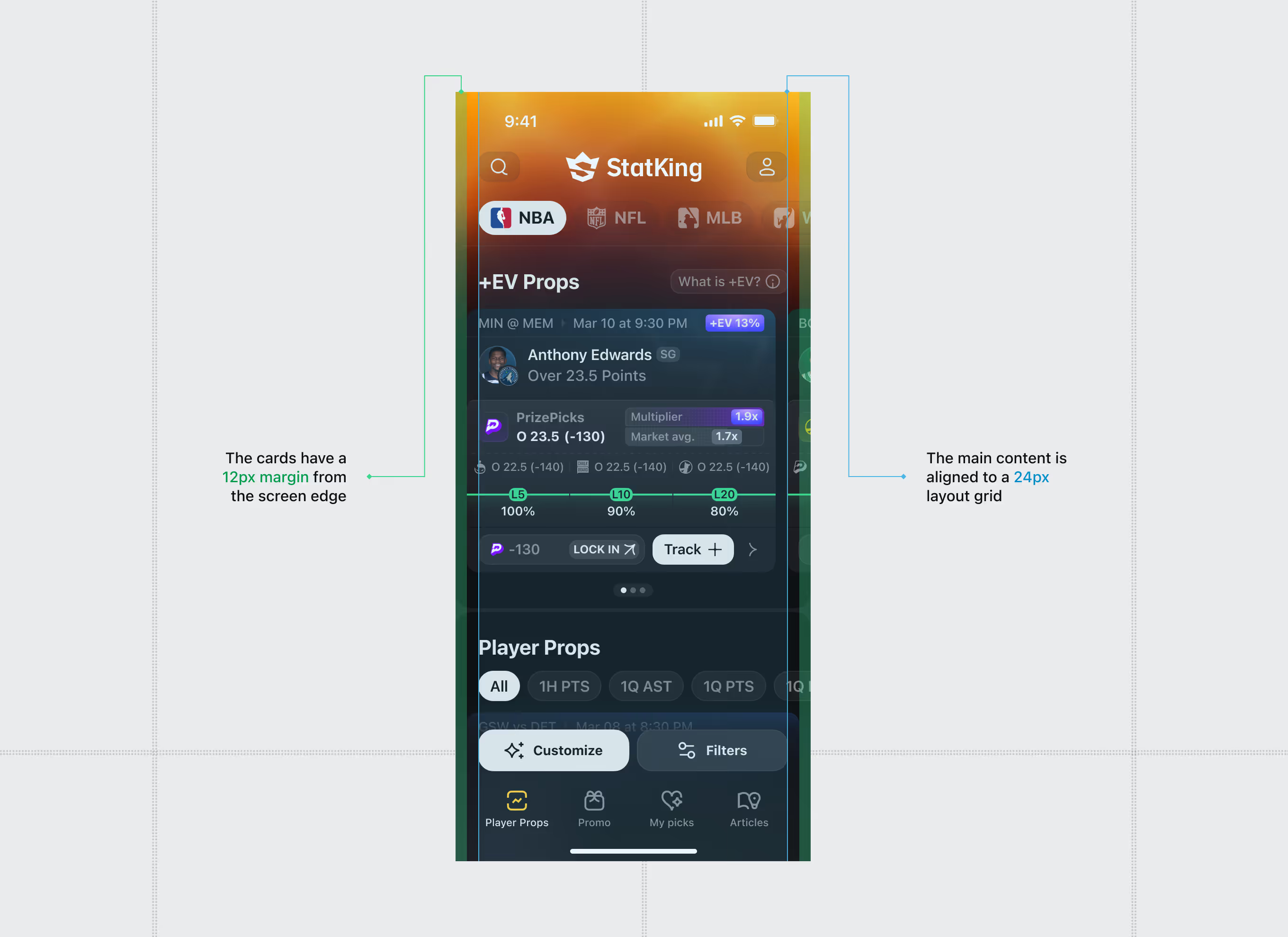
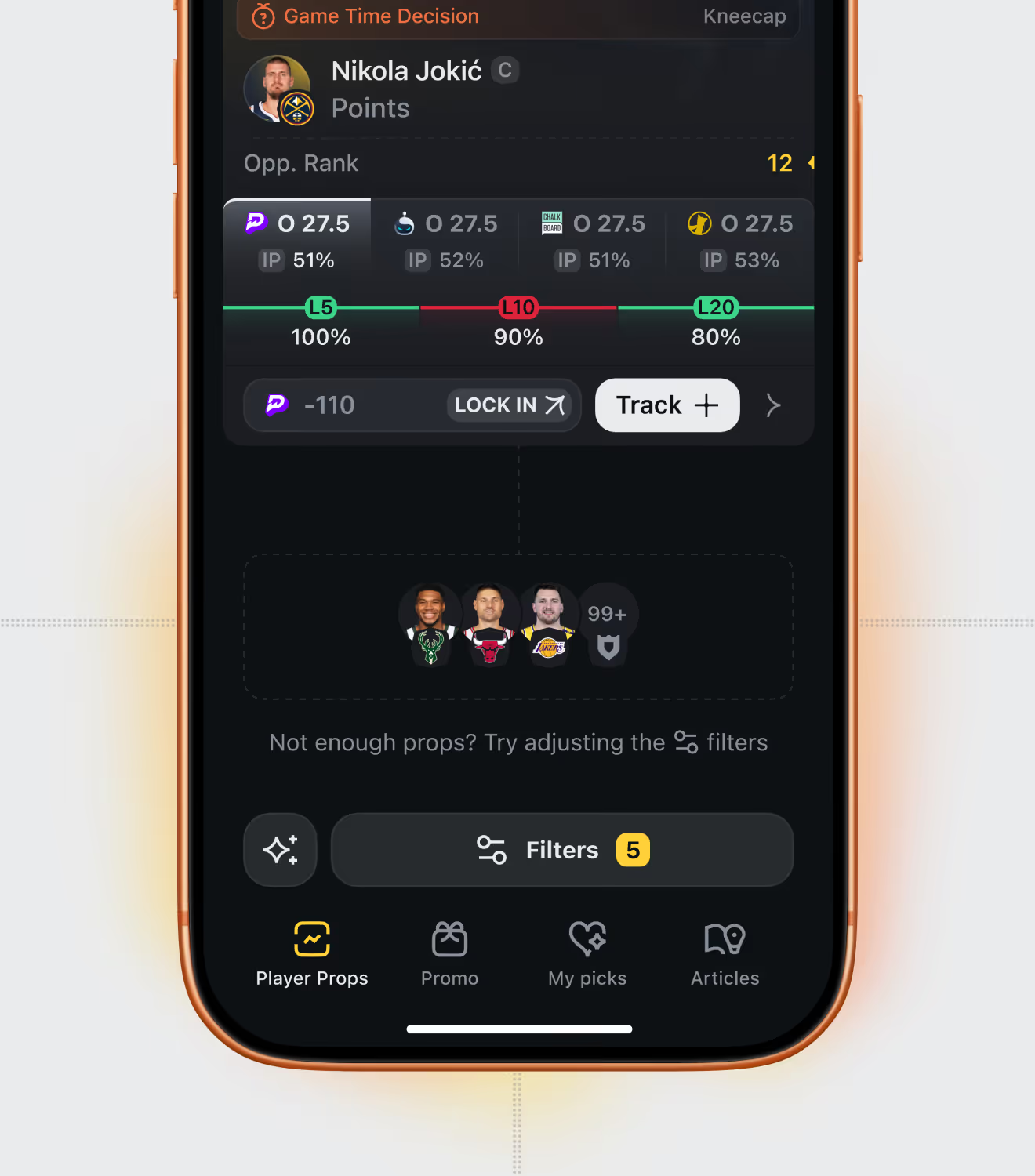
The core player props screen for StatKing users, filterable by sport – NBA, NFL, MLB, WNBA. Each prop card shows hit rate, odds across sportsbooks, and a fast search by player or team.
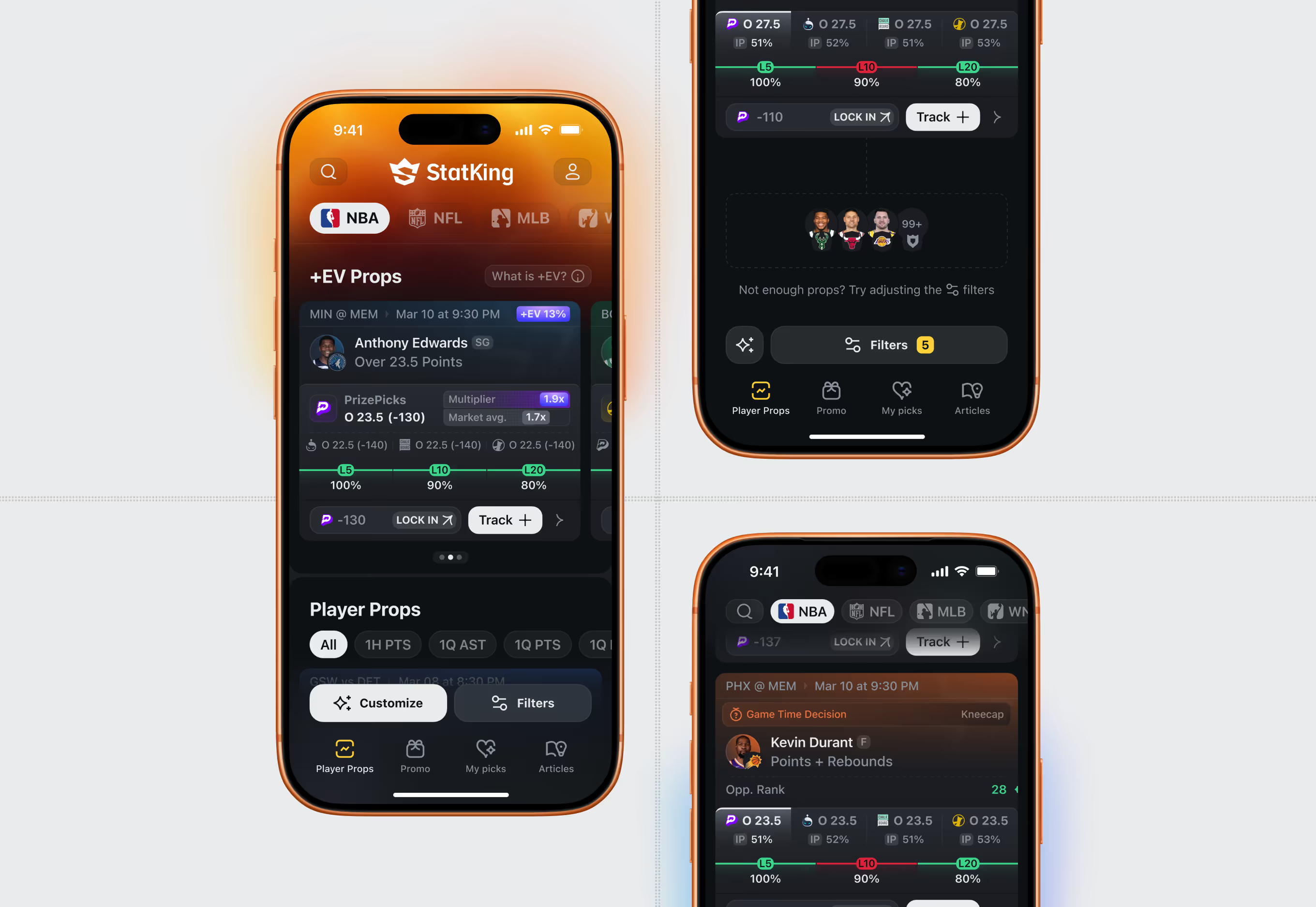
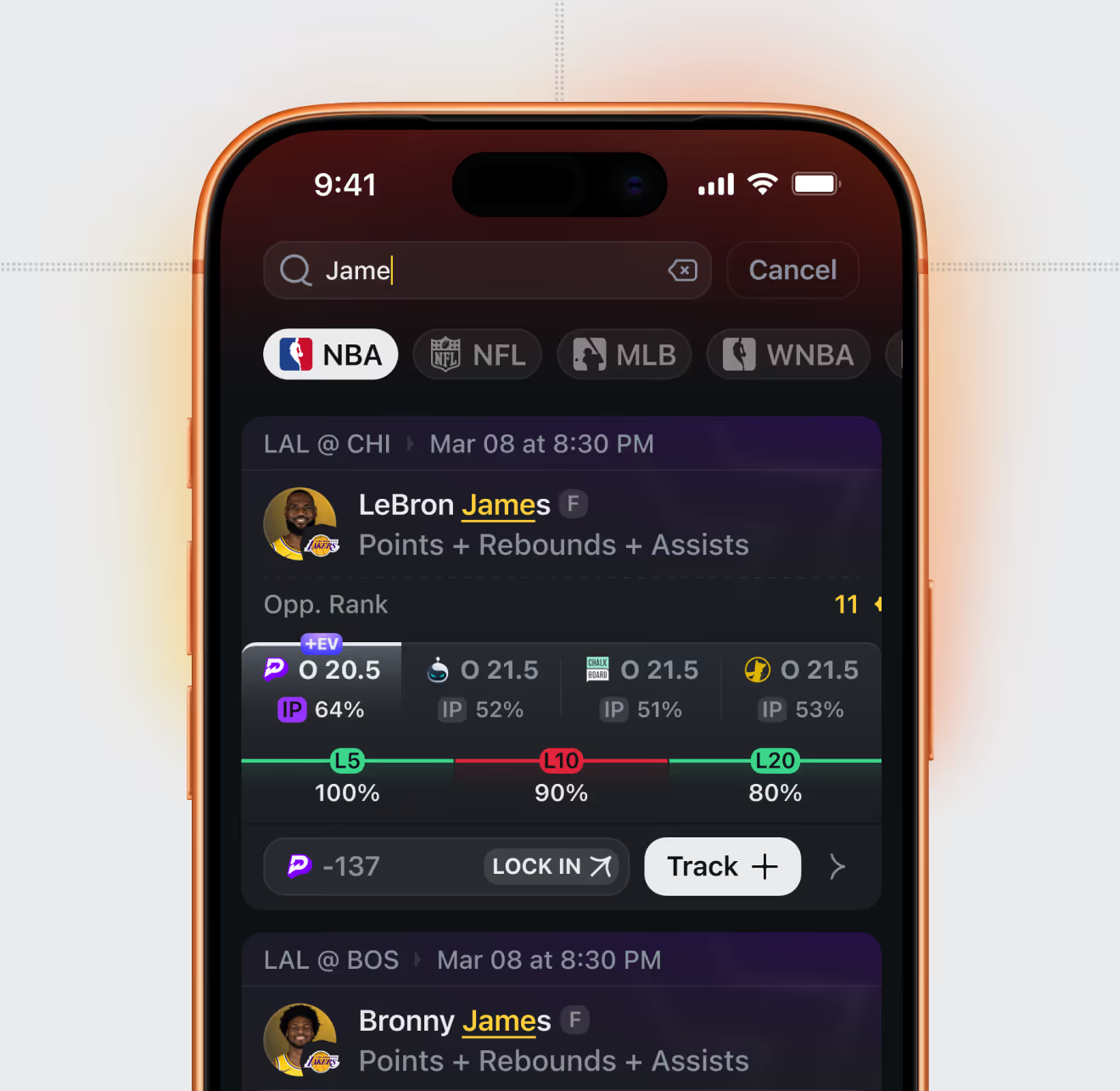
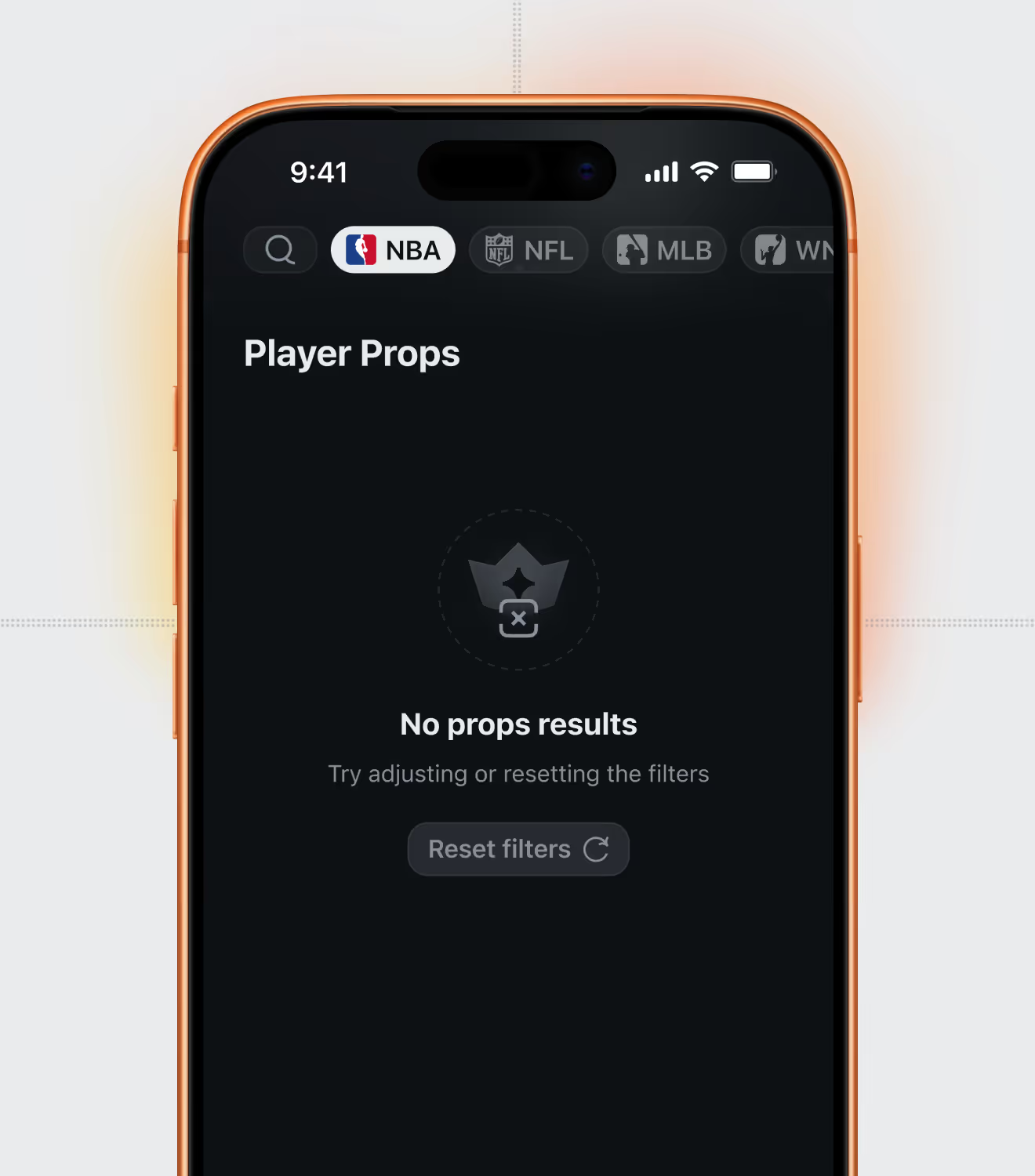
Edge-case screens for the props list: a no-results state with a reset-filters action, and a Game Time Decision tag surfacing a player's injury status before a bet is placed.
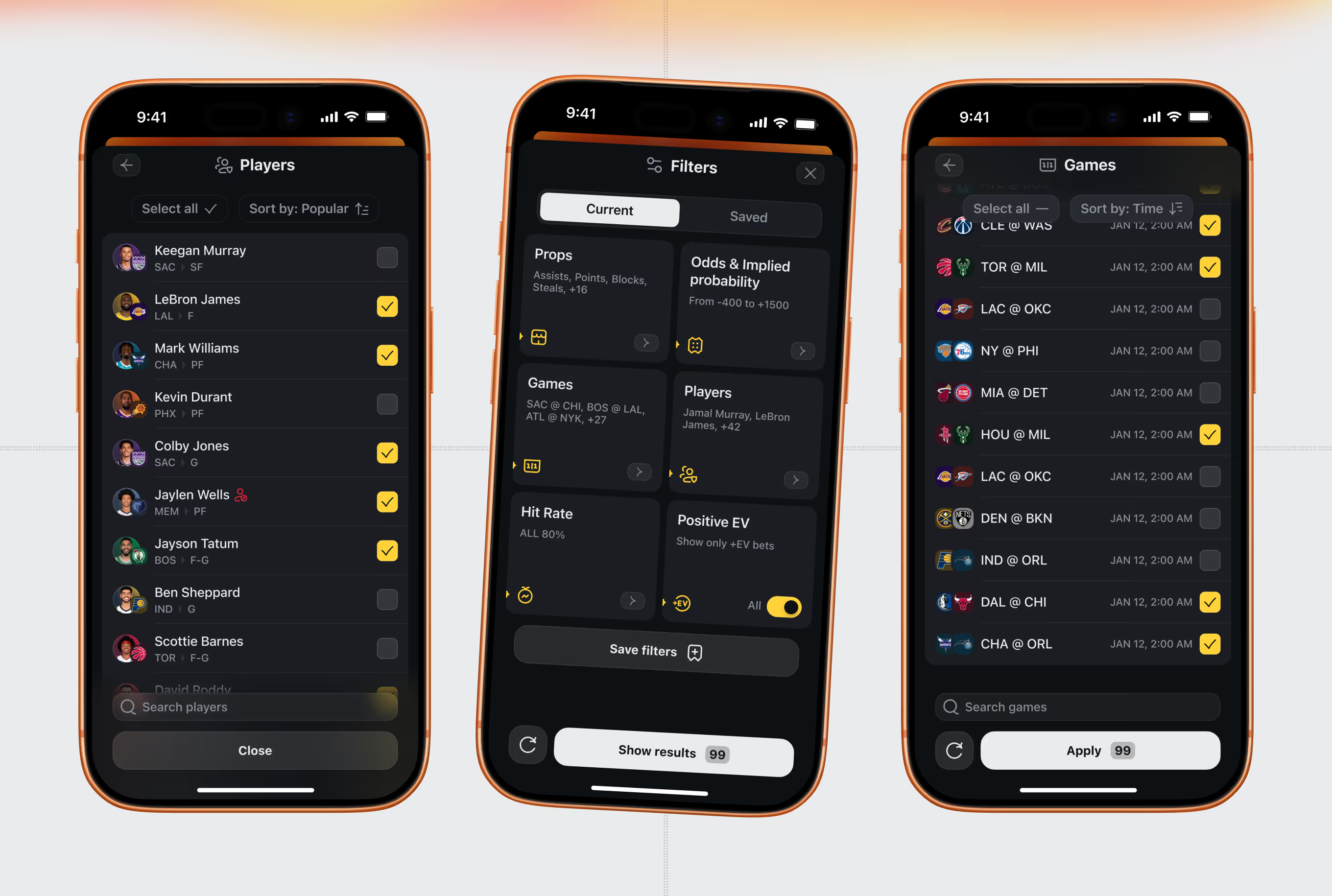
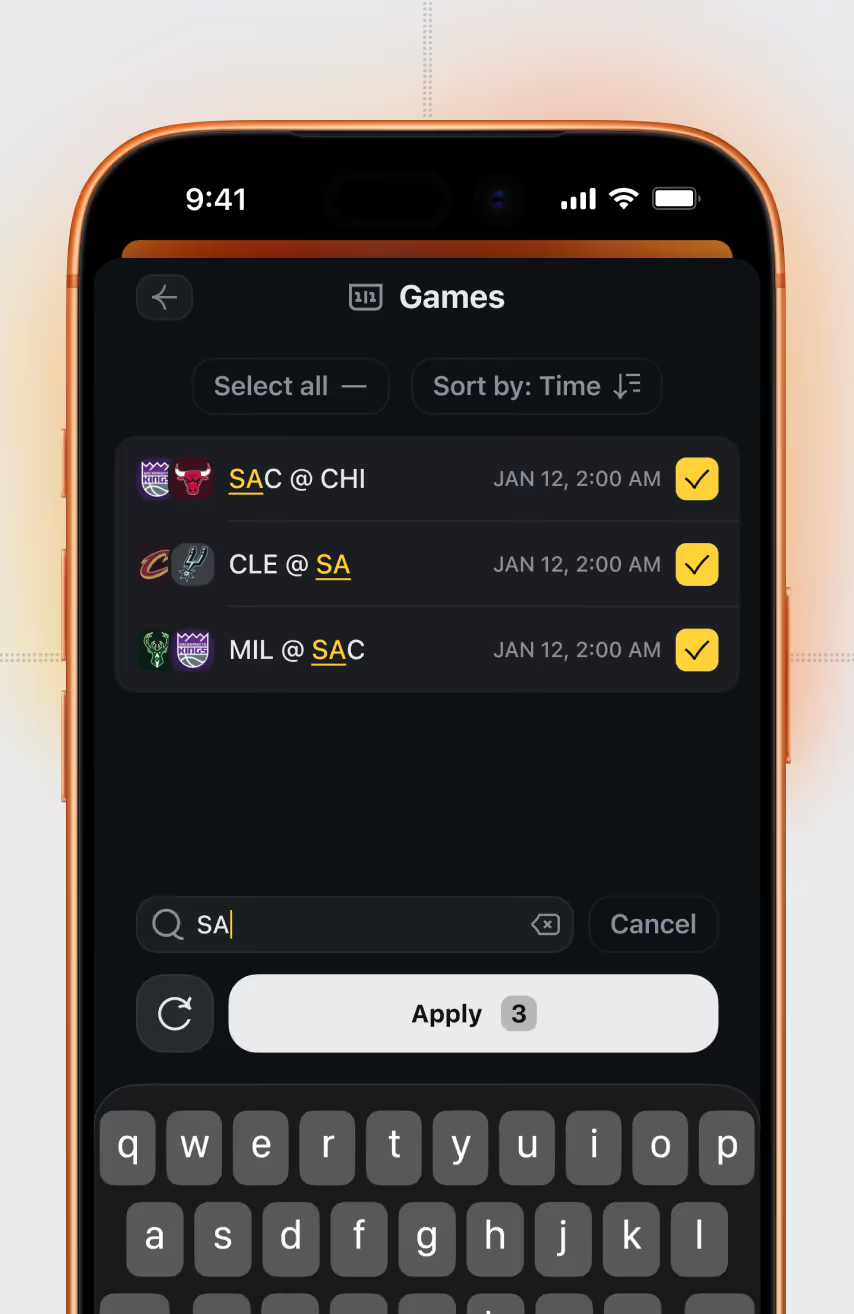
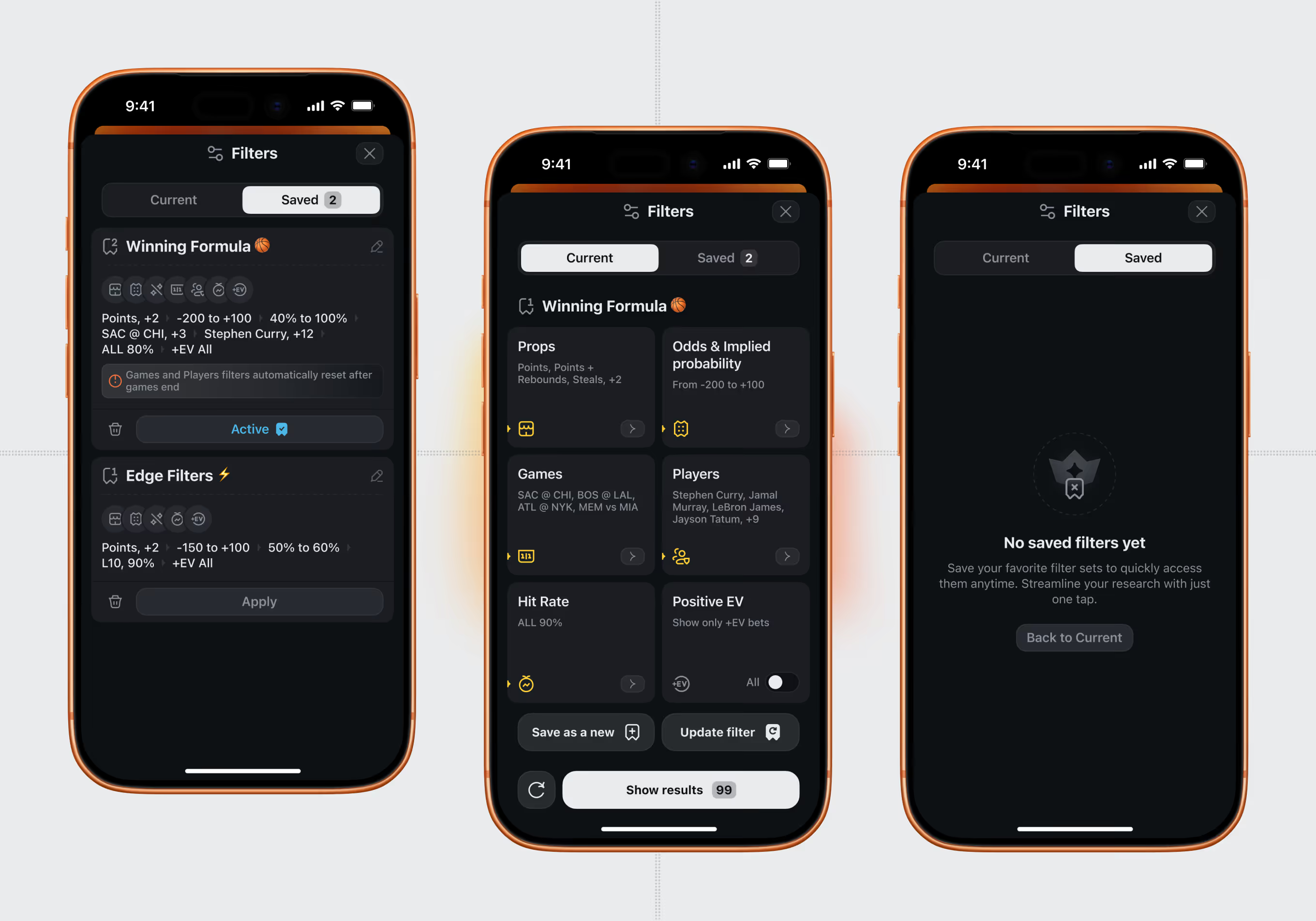
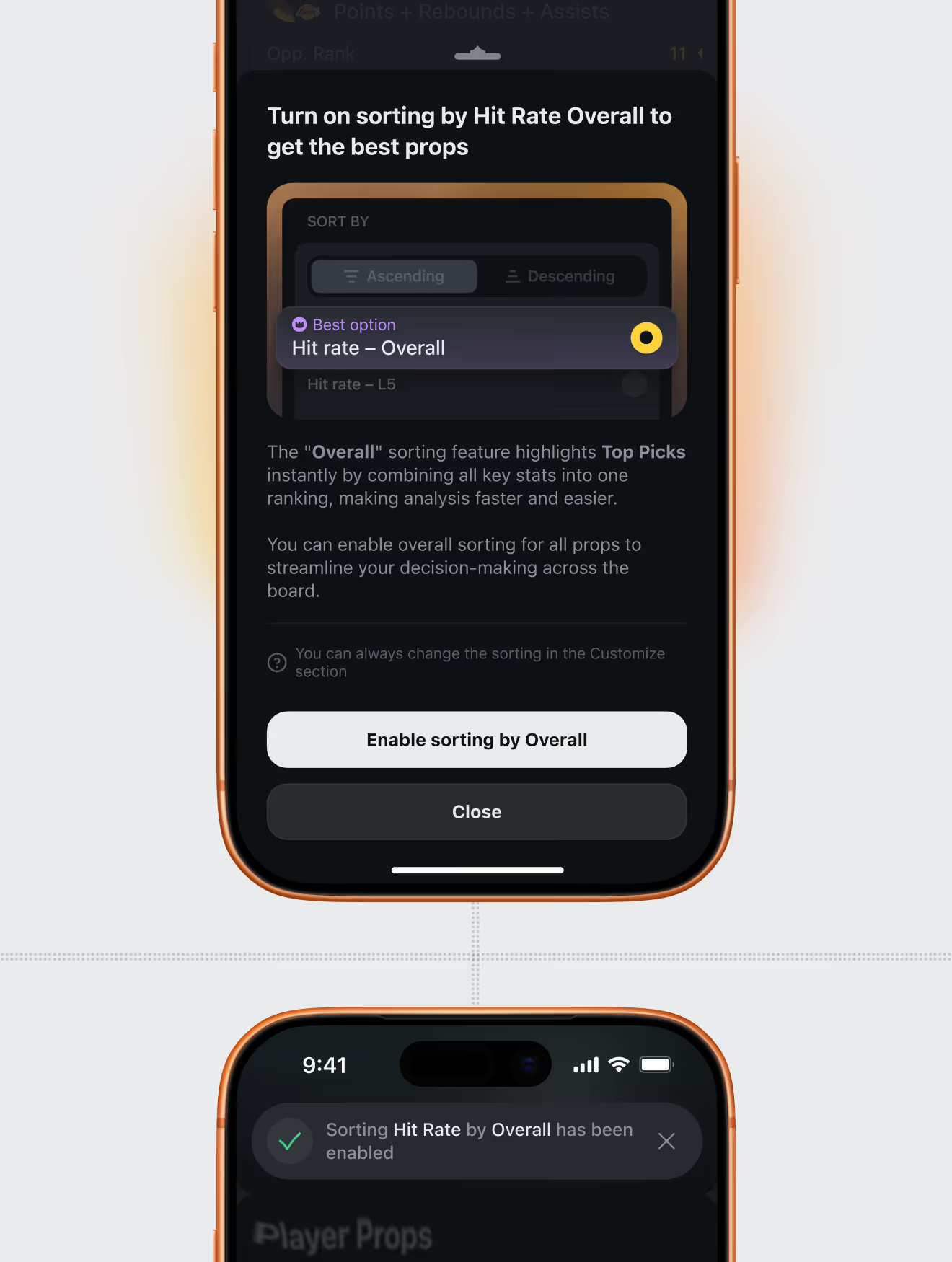
Bettors narrow the props list by player, game, prop type, odds range, and hit-rate history. Filters combine into a single result count, with an option to save the set for reuse.
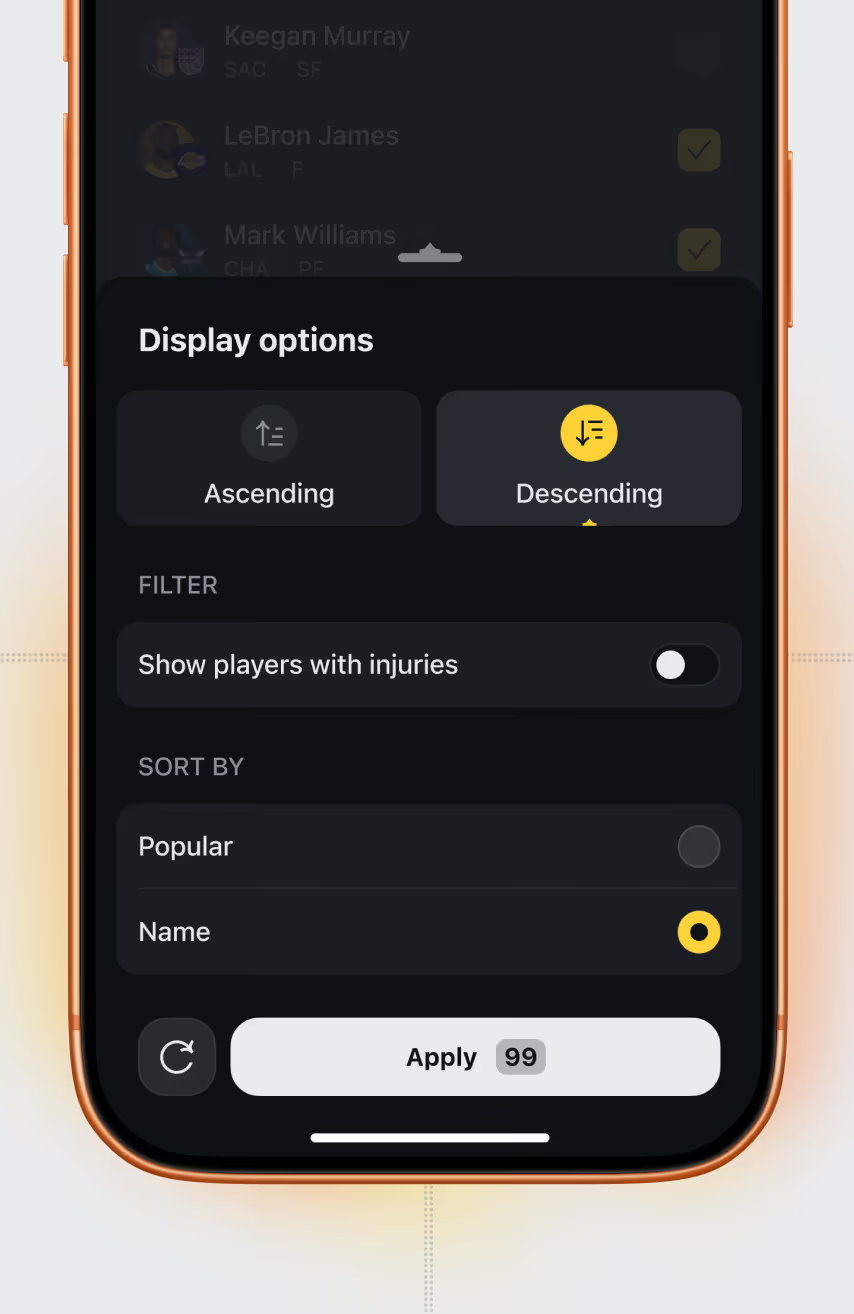
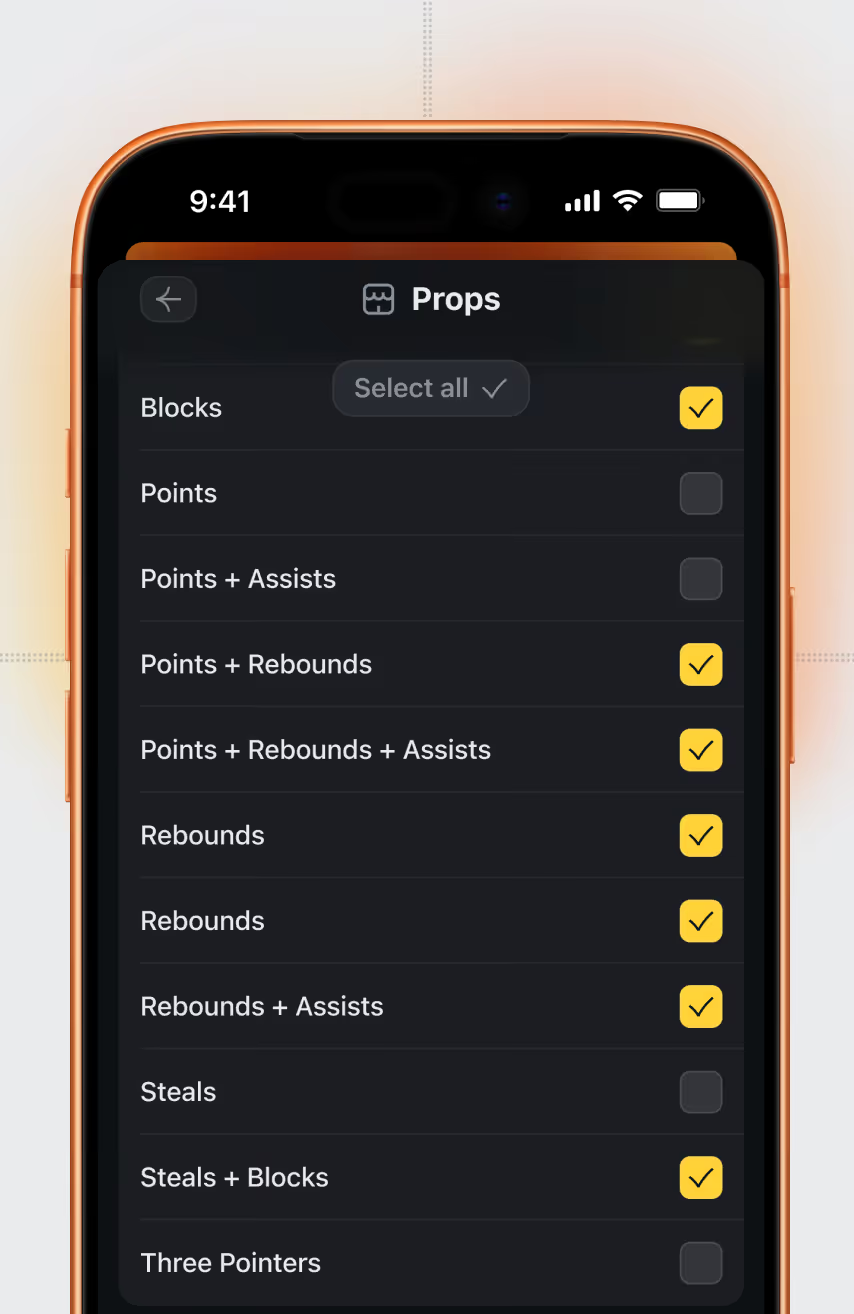
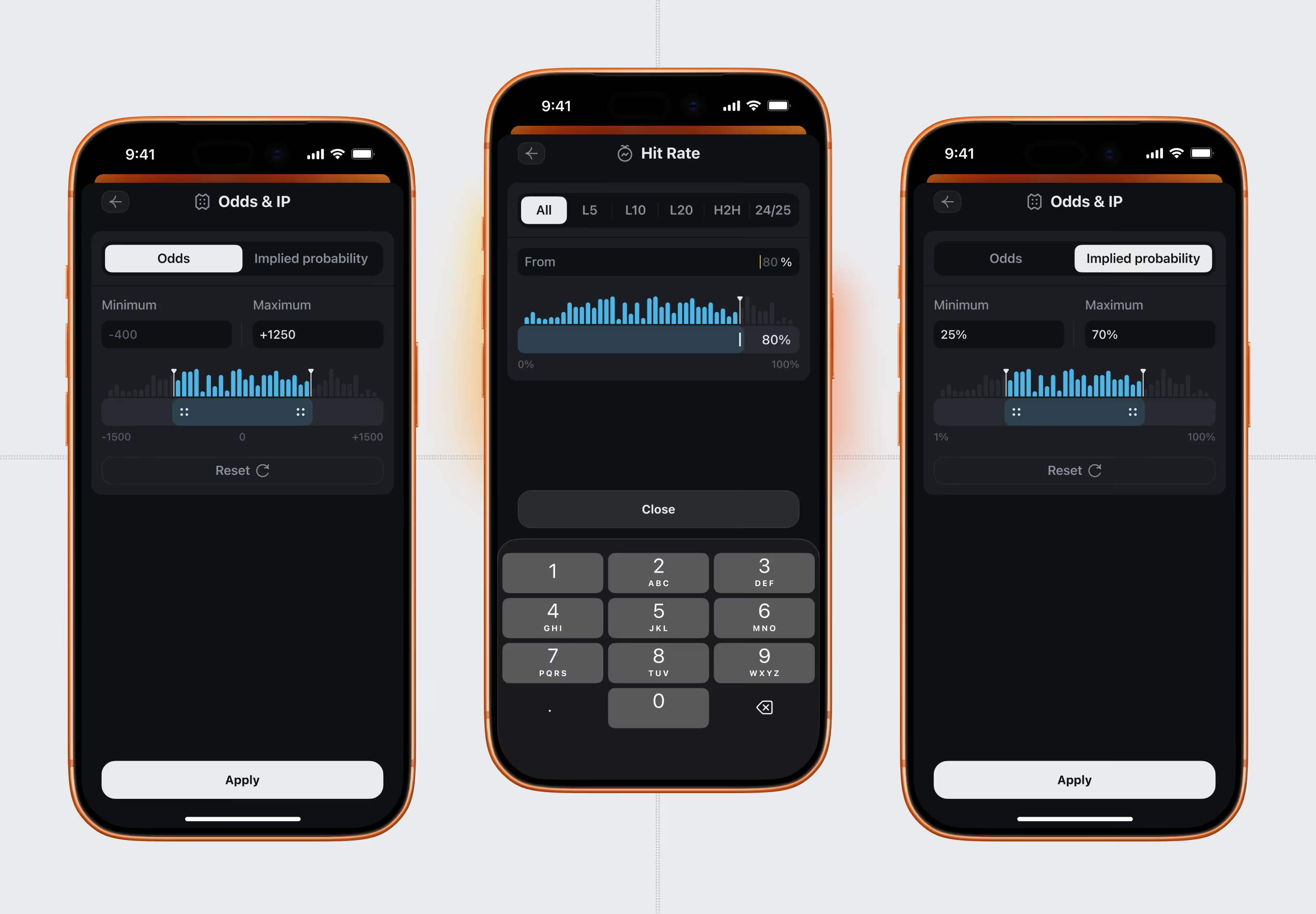
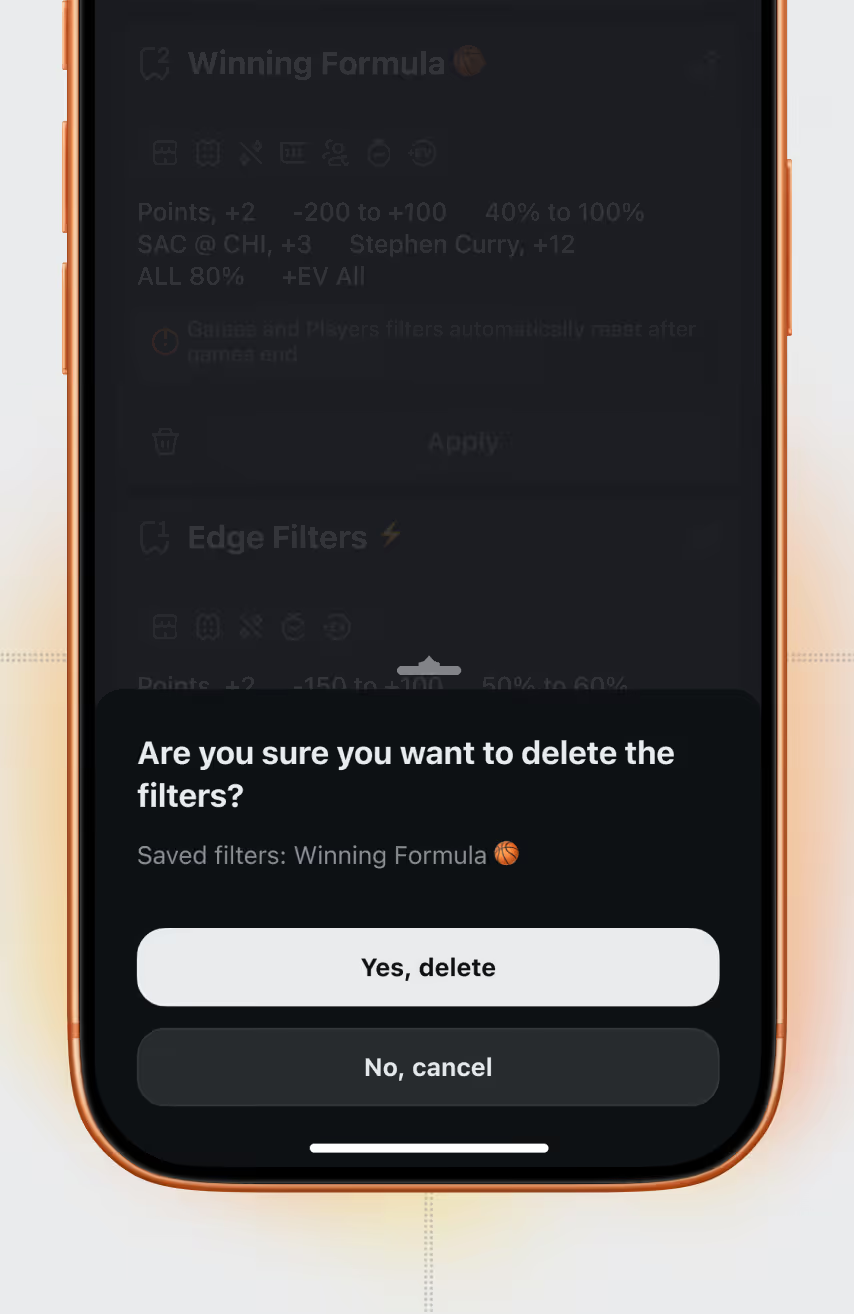
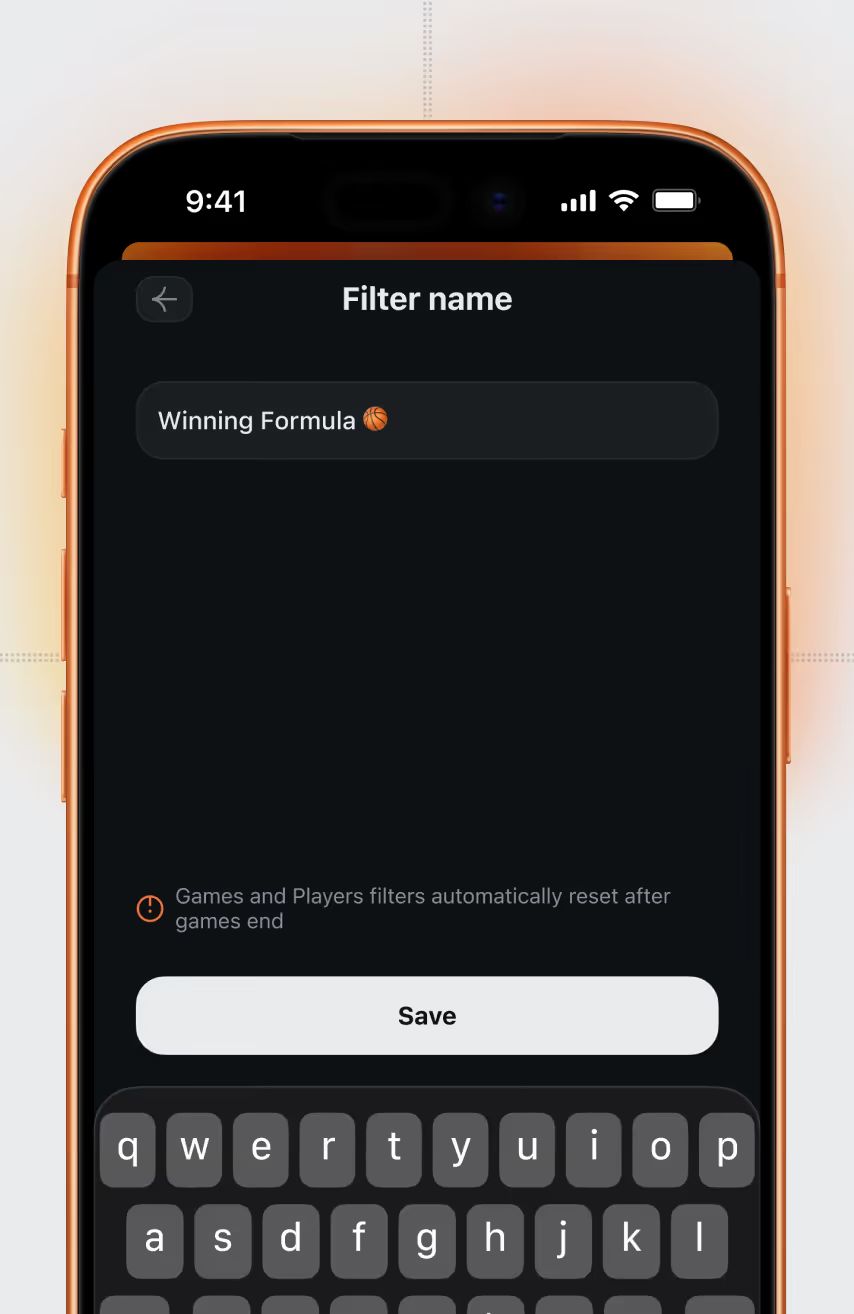
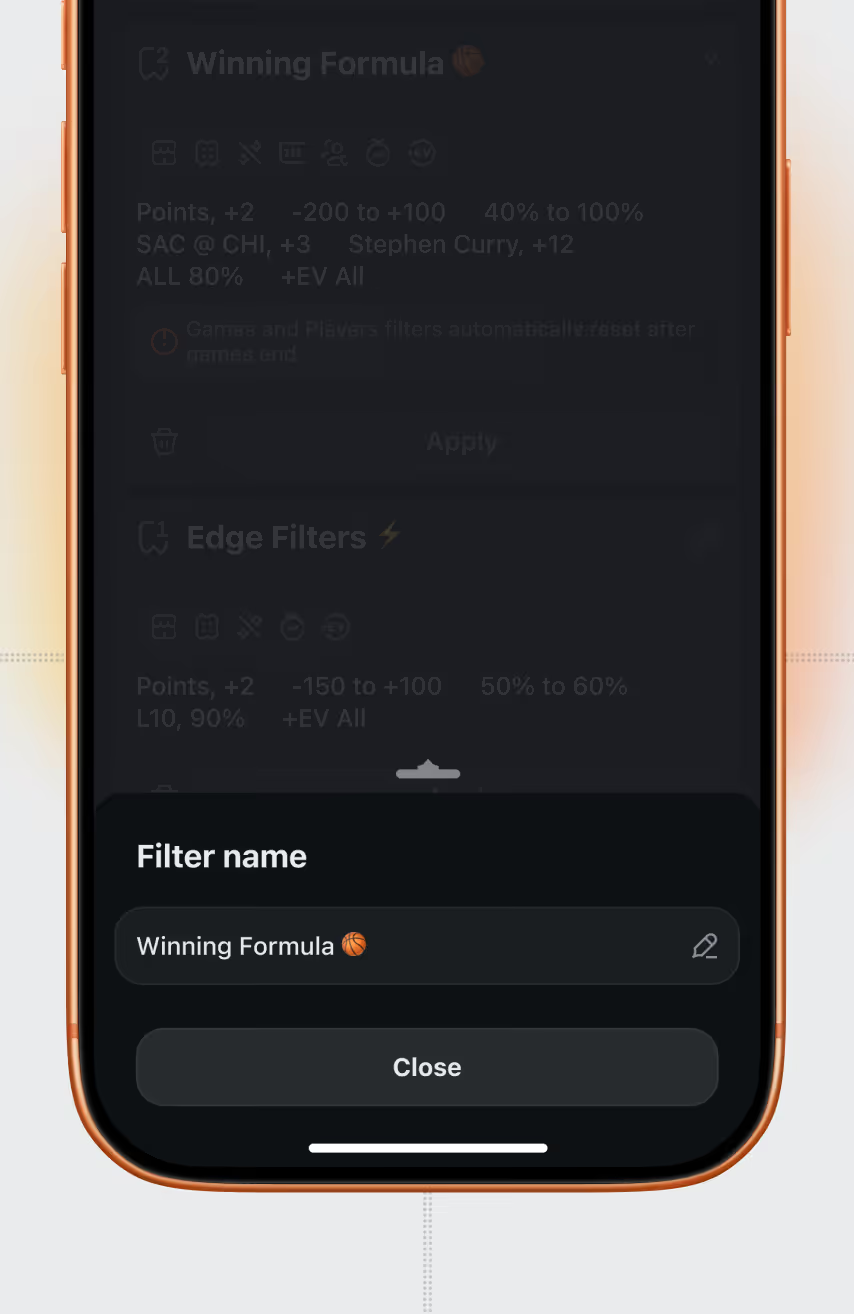
Once built, a filter combination can be named, activated, edited, or deleted – for example "Winning Formula," bundling props, odds, games, and hit-rate conditions into one preset.
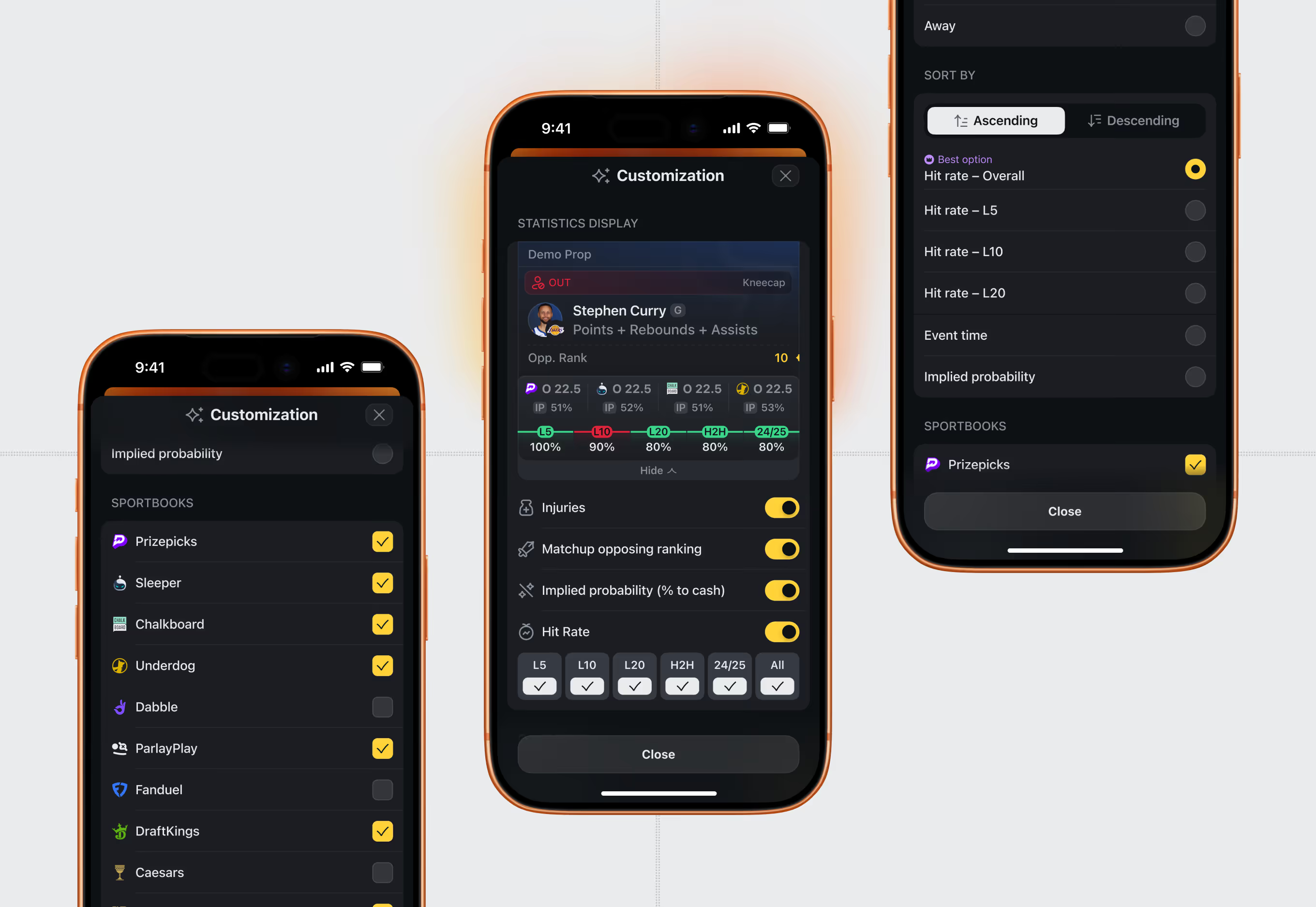
Sportsbook and stat-display preferences mirror the same customization logic used on the StatKing Web App – users toggle books, plus injury and hit-rate overlays.
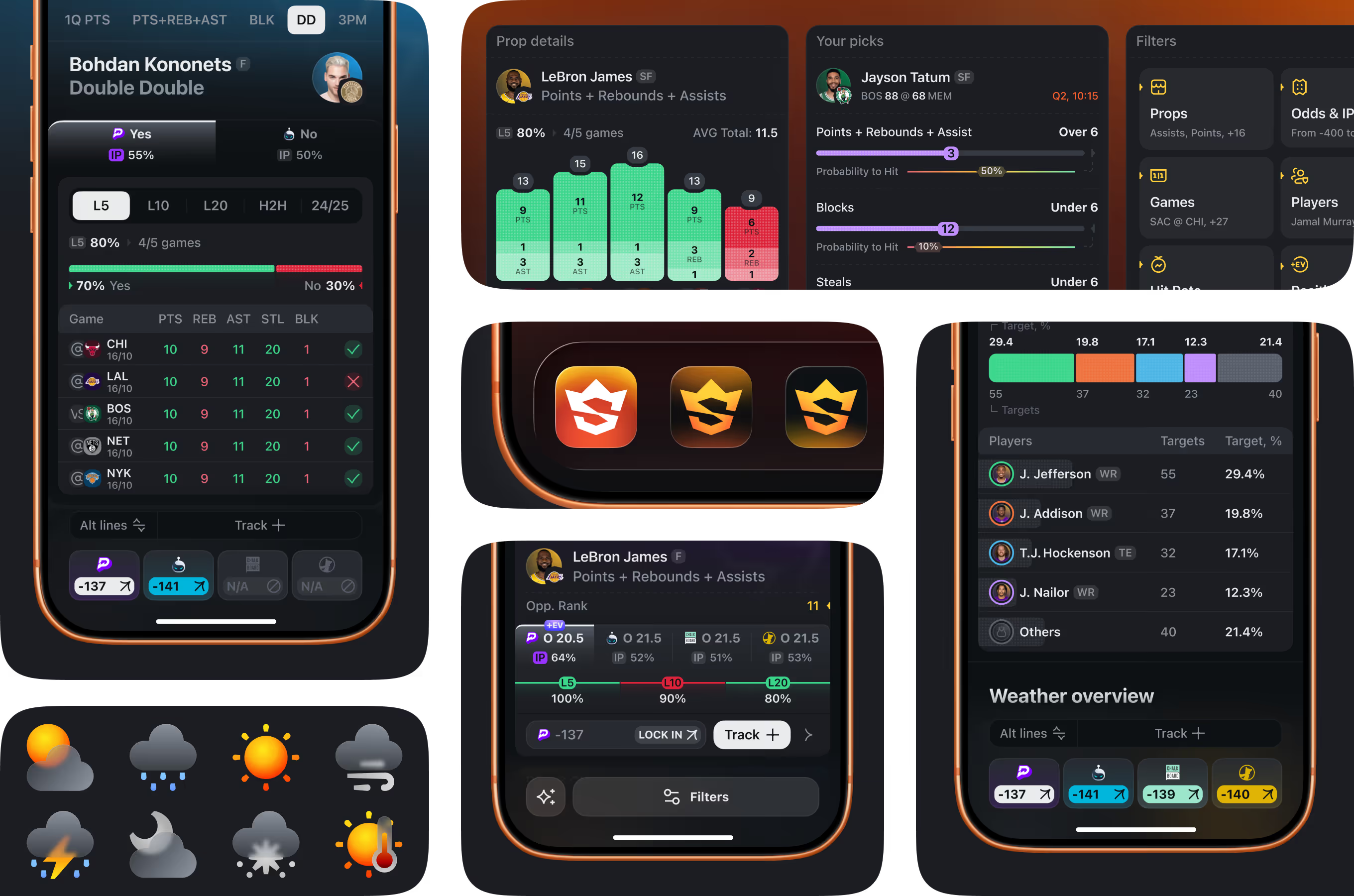
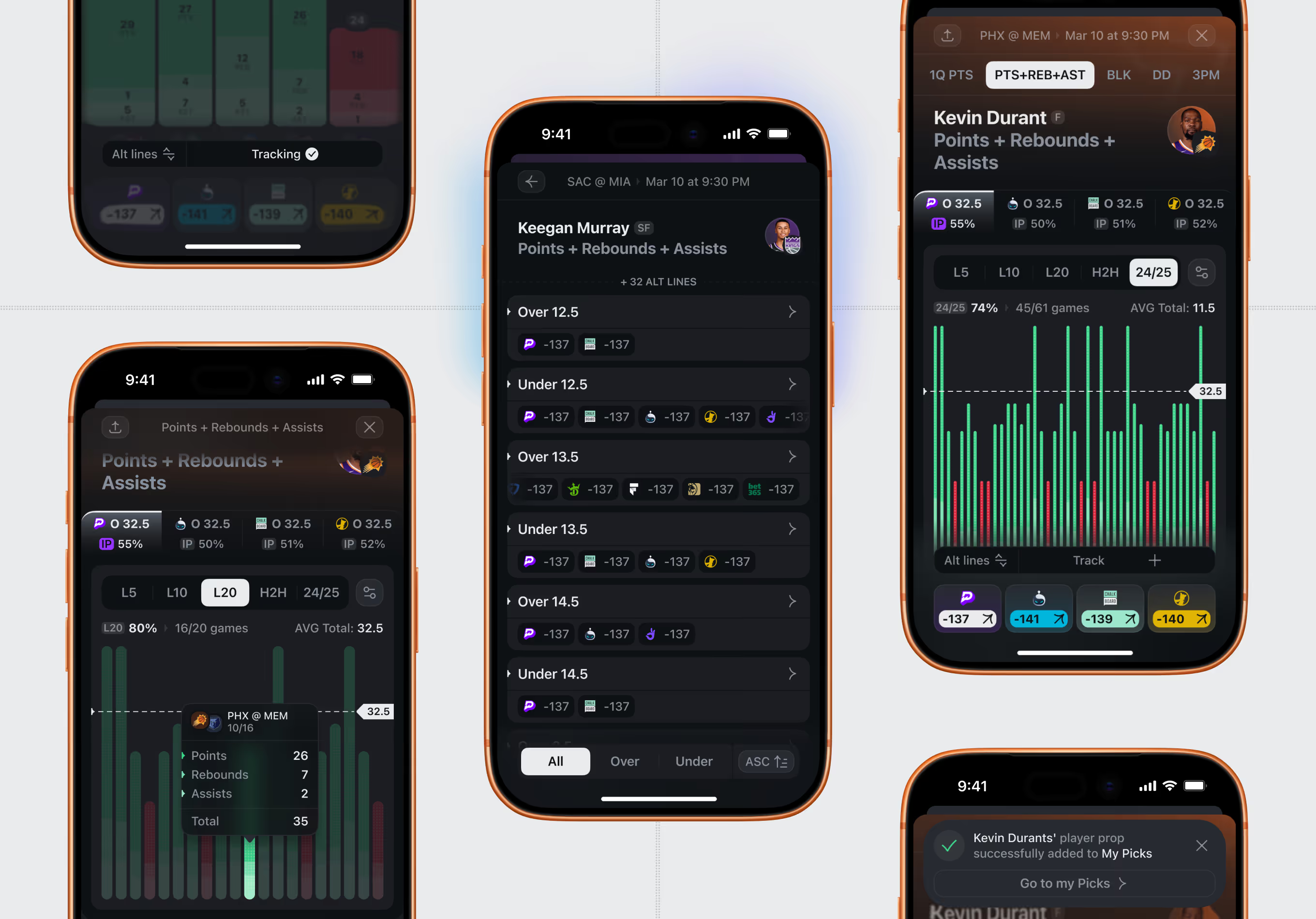
Each player prop opens into a detail screen with a hit-rate bar chart across the last 5, 10, and 20 games, alternate lines, and side-by-side odds across sportsbooks.
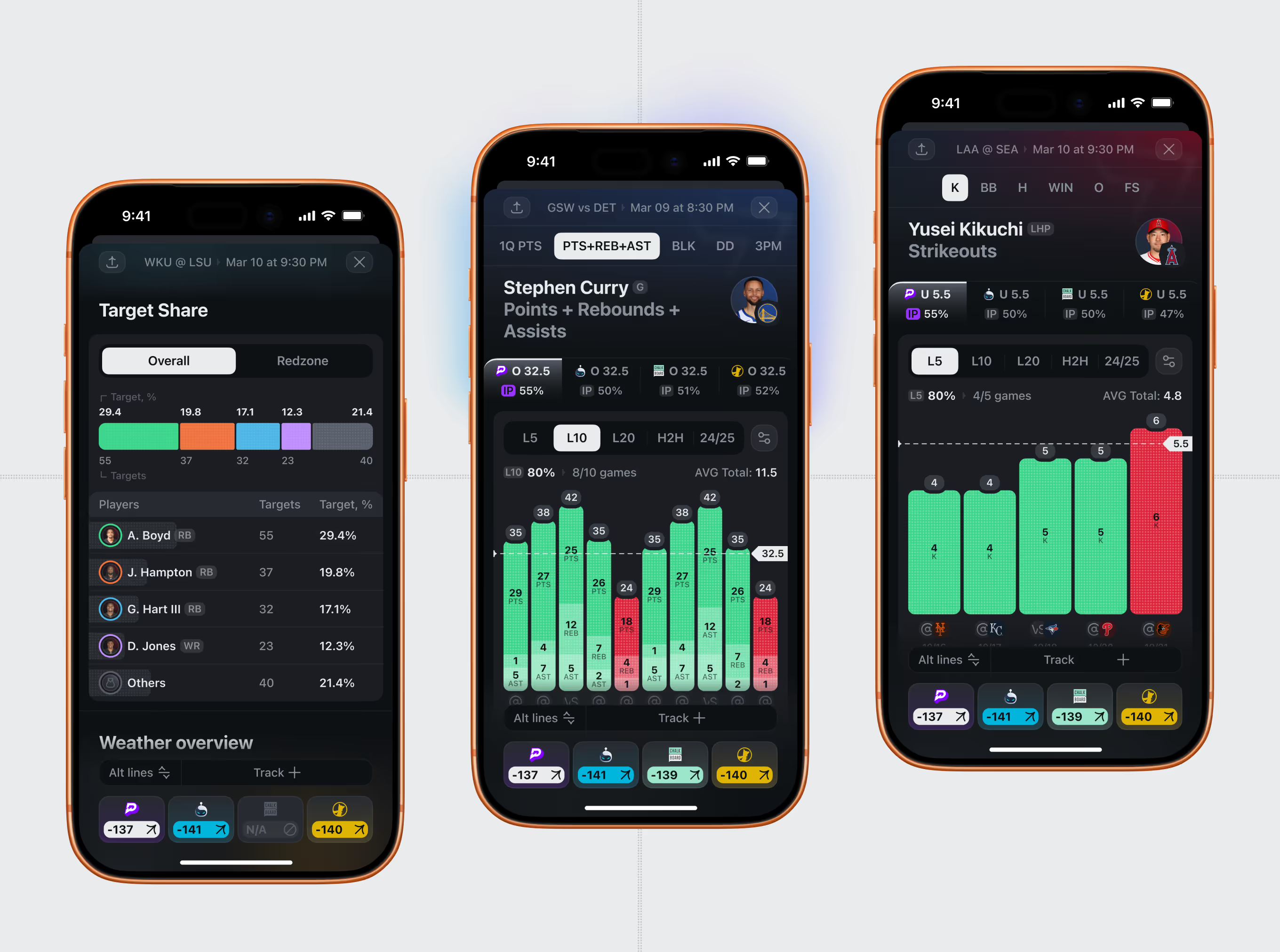
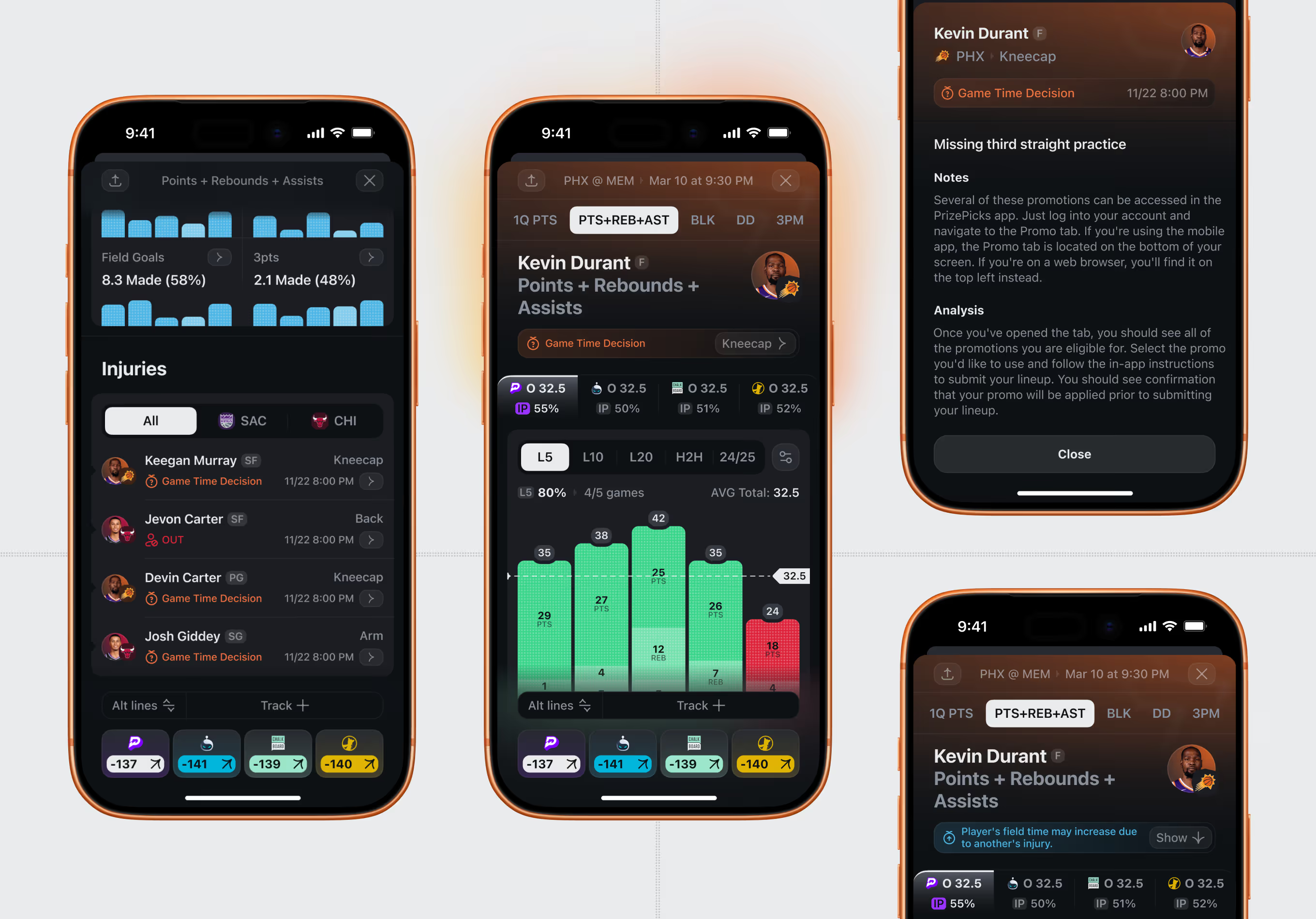
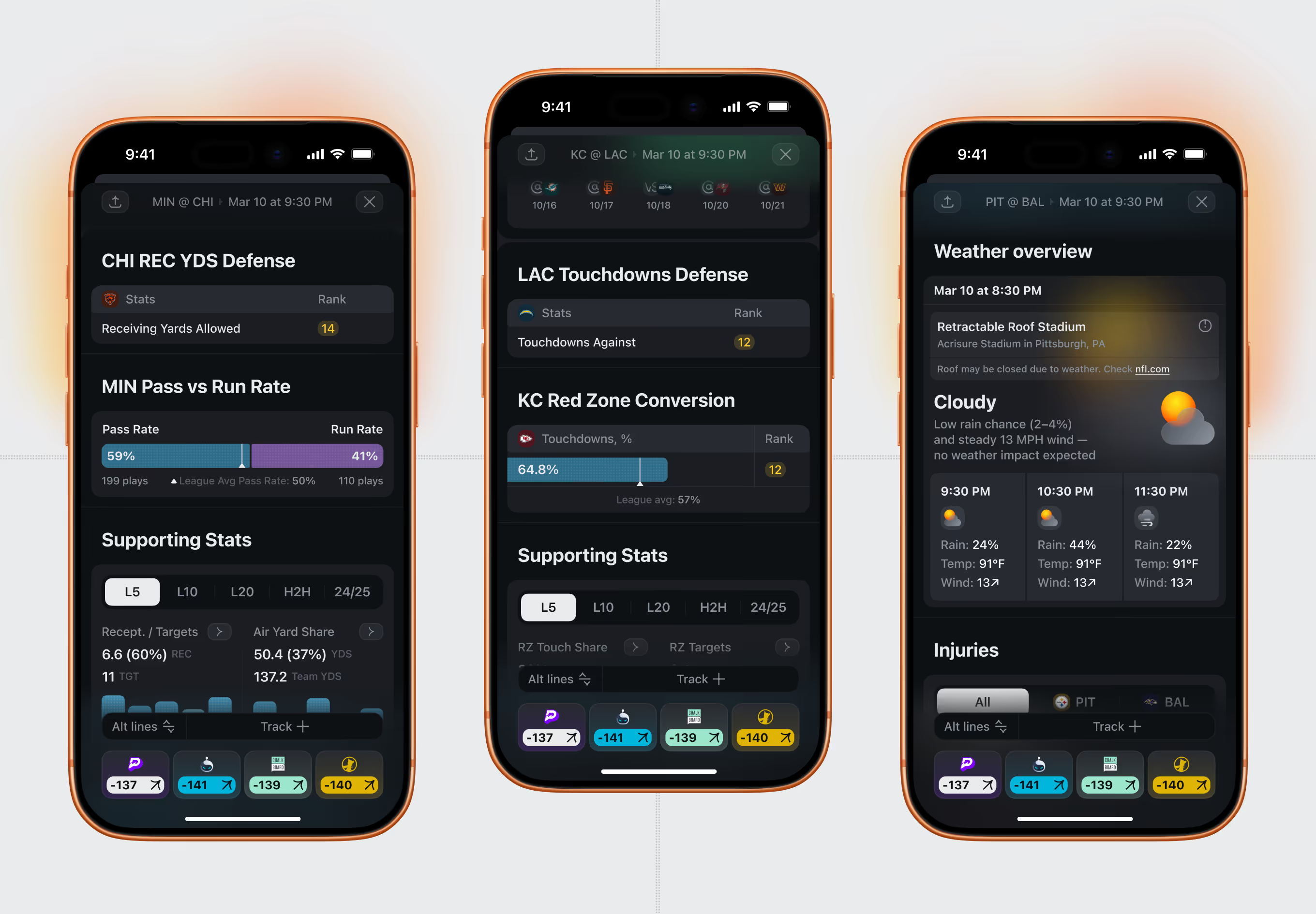
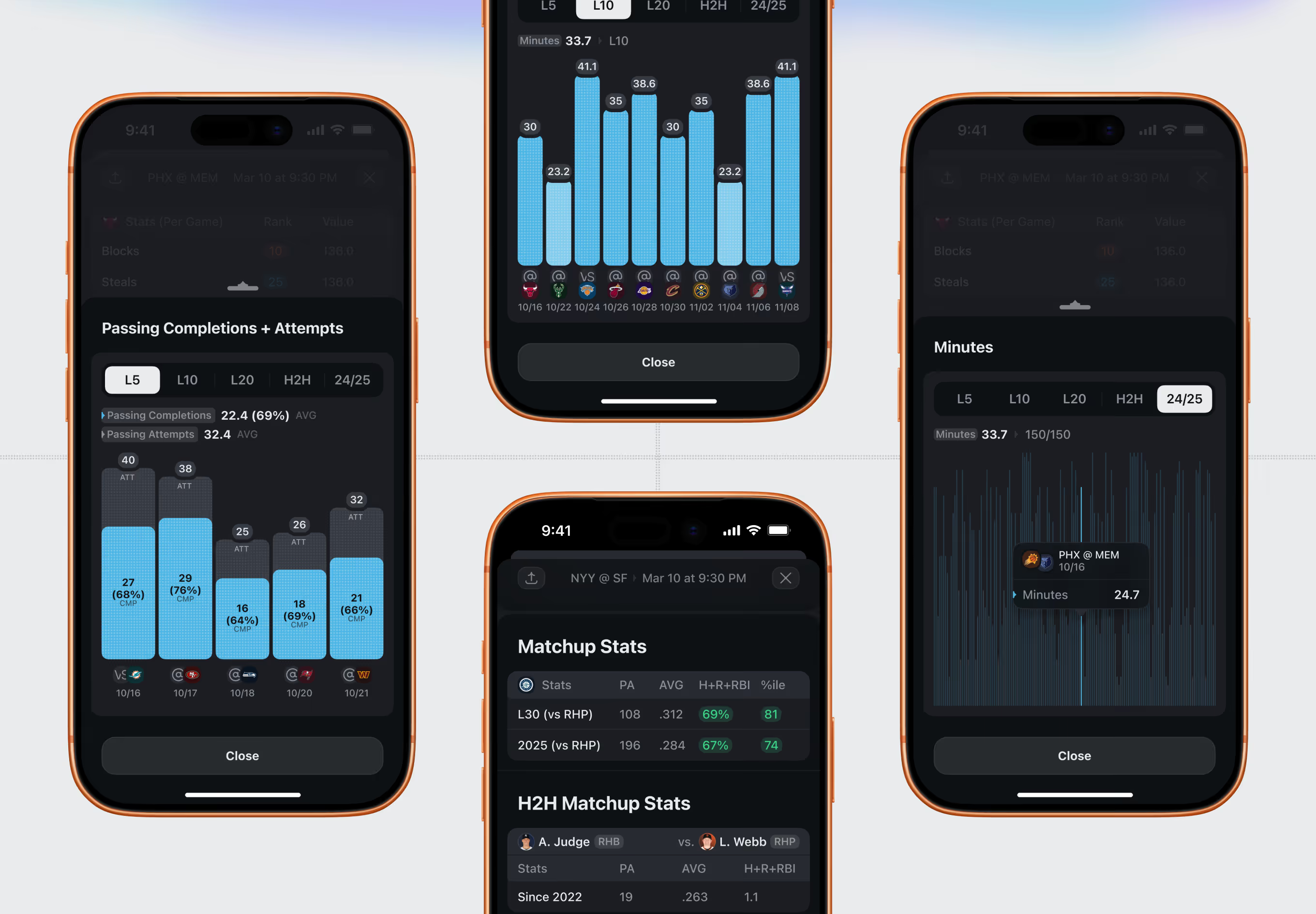
Supporting context behind each prop: opposing-defense rankings, red-zone conversion rates, minutes played, and a live weather forecast for outdoor games – all one tap from the prop card.
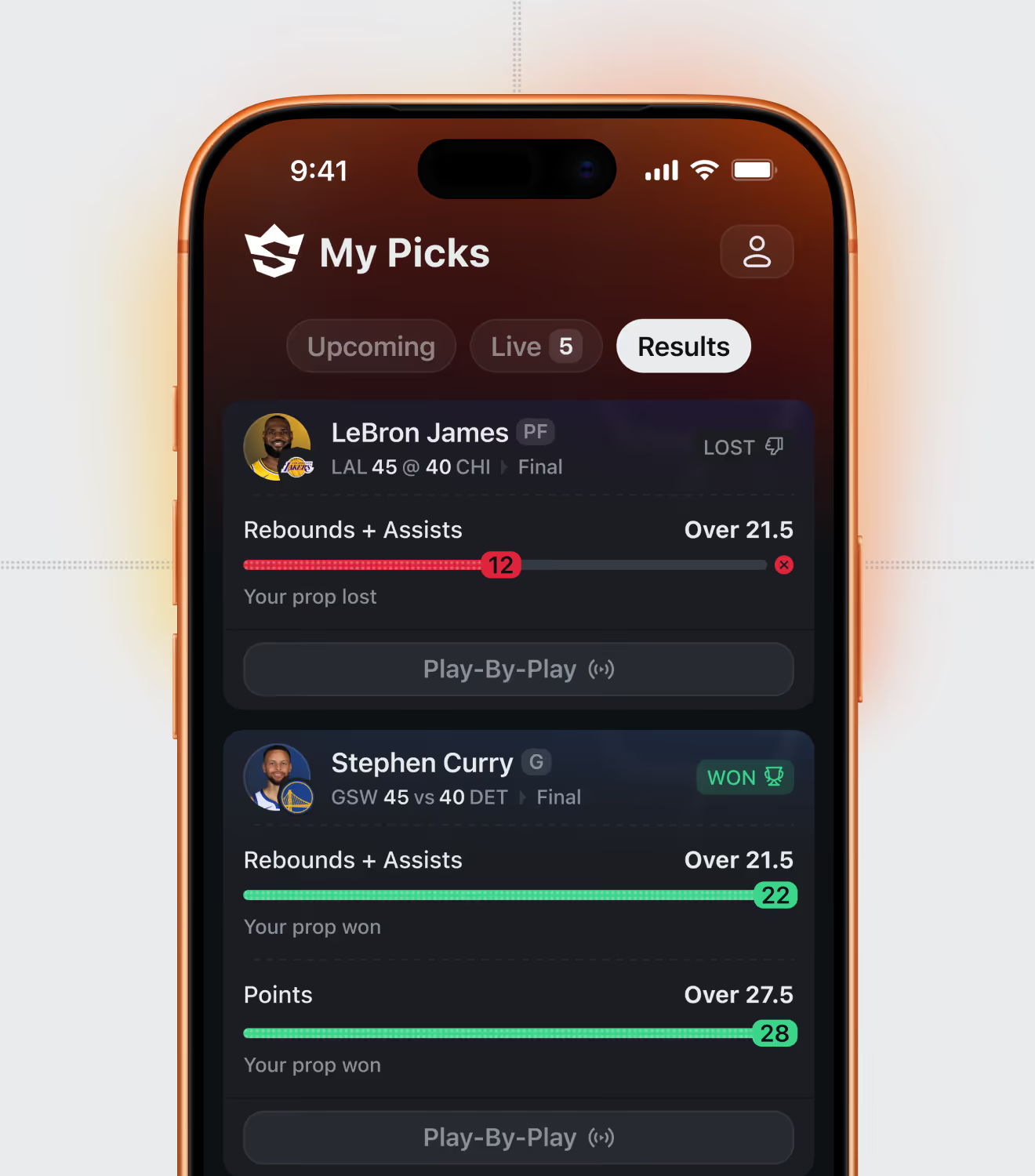
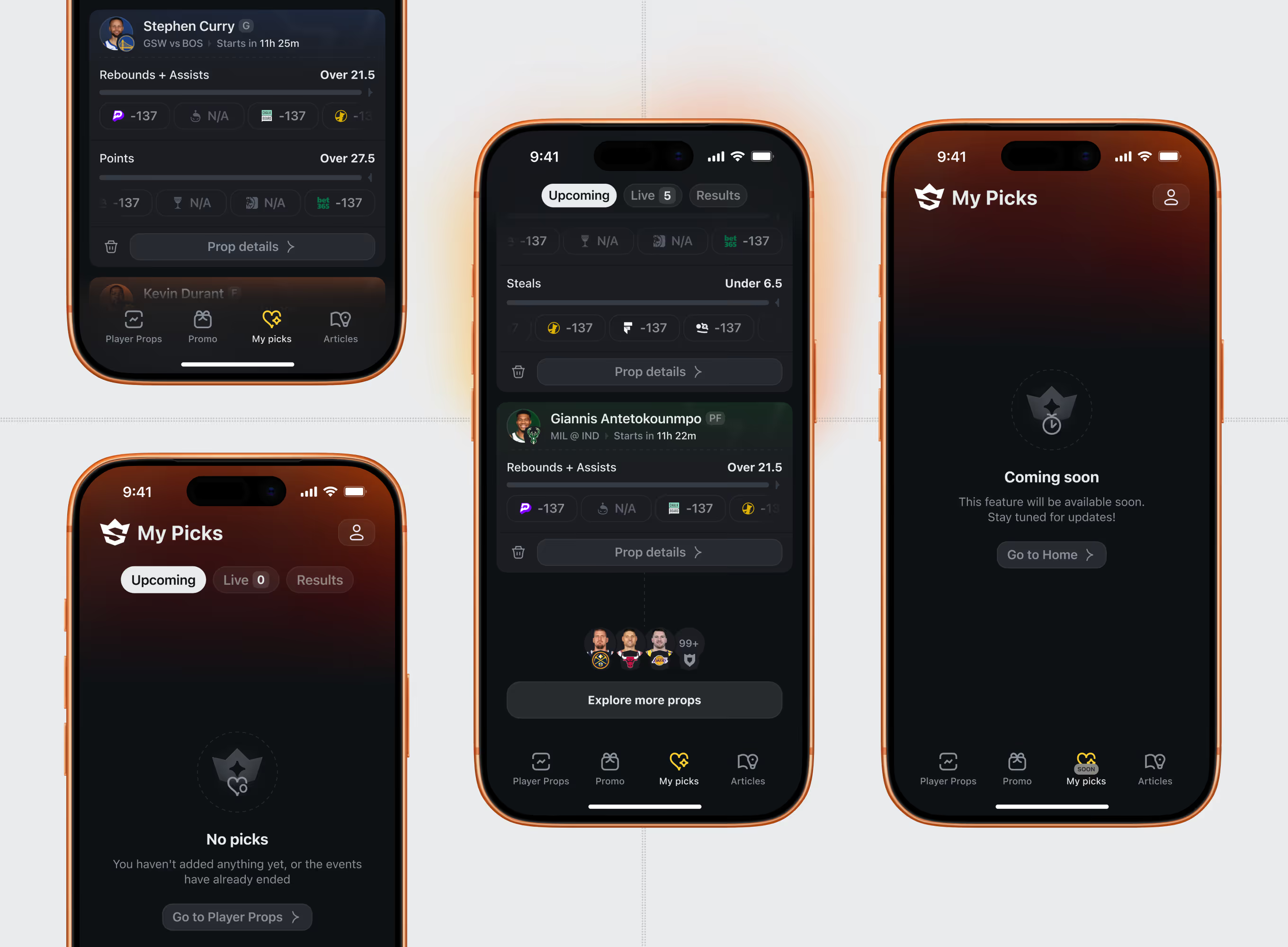
Bettors track saved props through three states – upcoming, live, and settled results – with a running probability-to-hit bar and a clear won or lost outcome per pick.
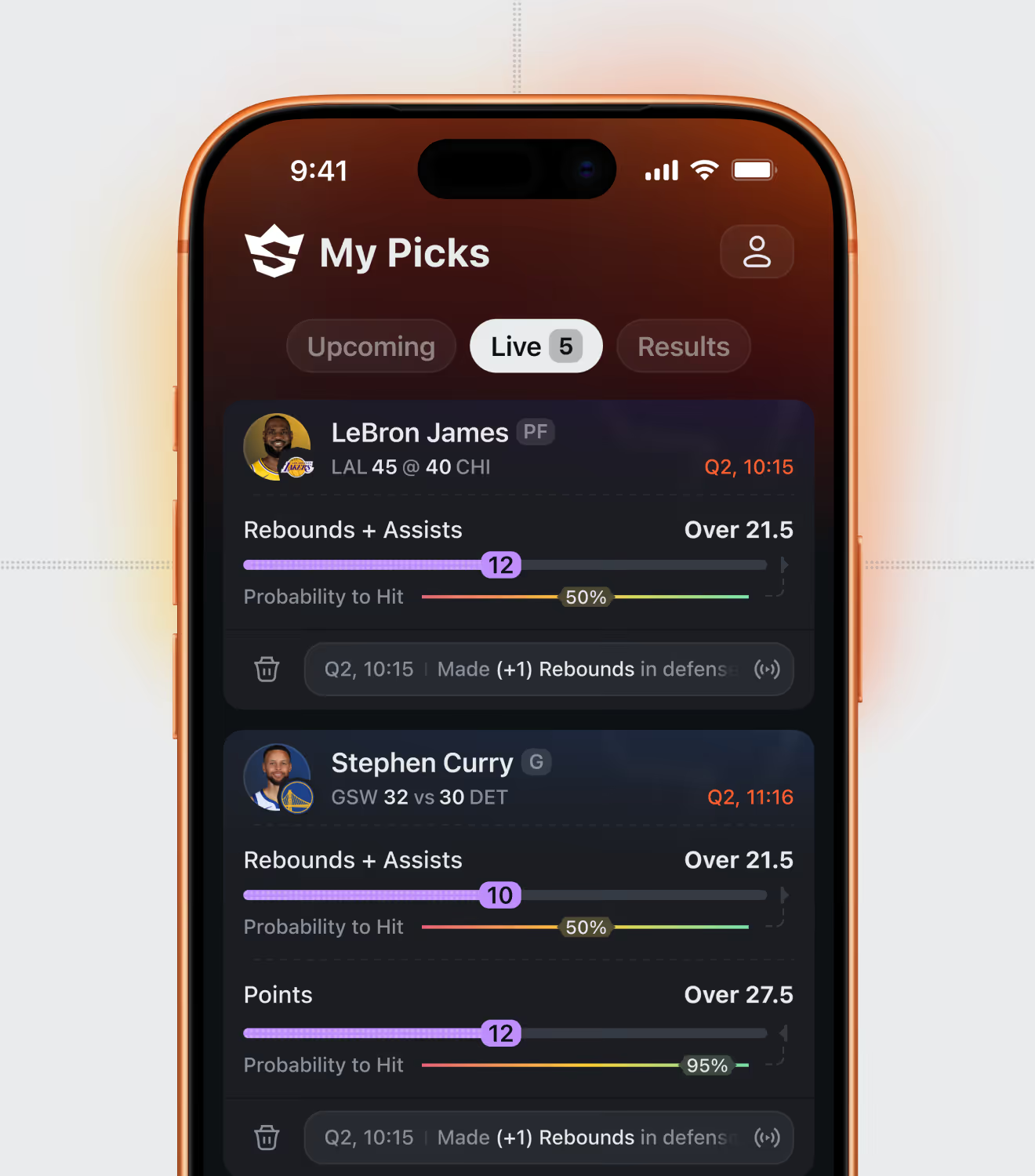
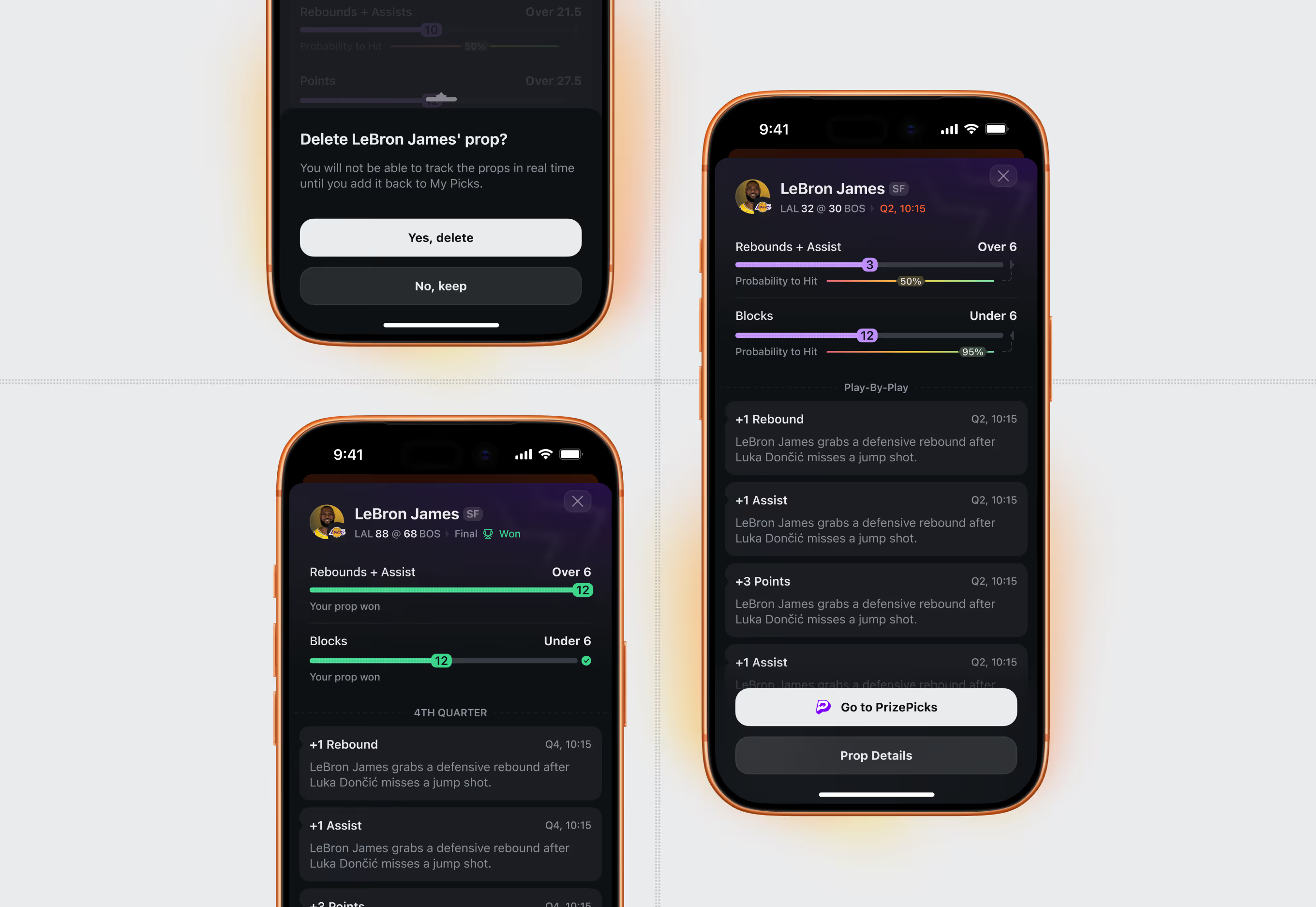
Each live pick links to a quarter-by-quarter play log – for example a rebound prop updating in real time – plus a direct link back to the sportsbook to place the bet.
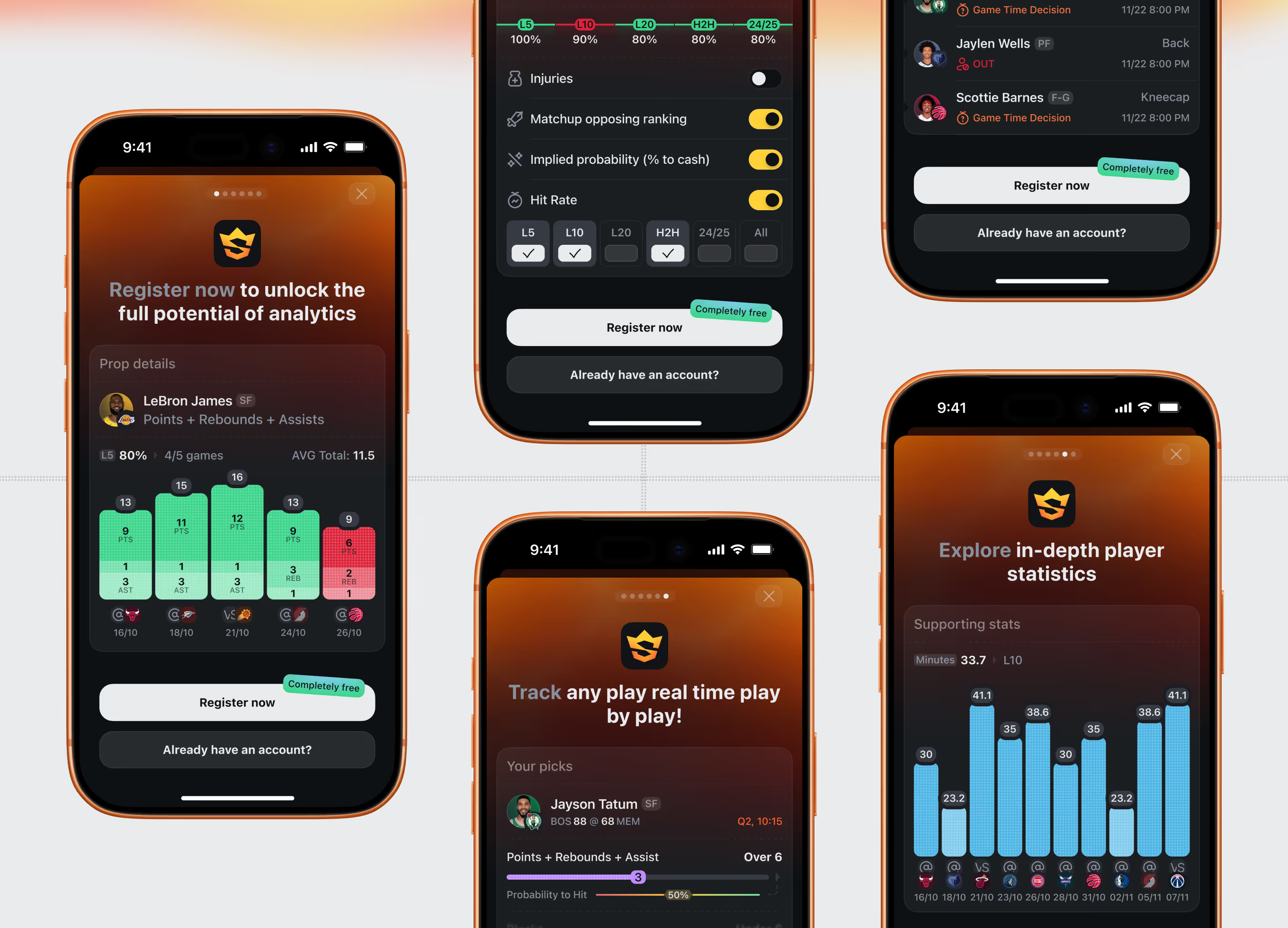
New users see a locked preview of props, filters, and play-by-play tracking, prompting free registration before full access – a common pattern for sports betting analytics apps.
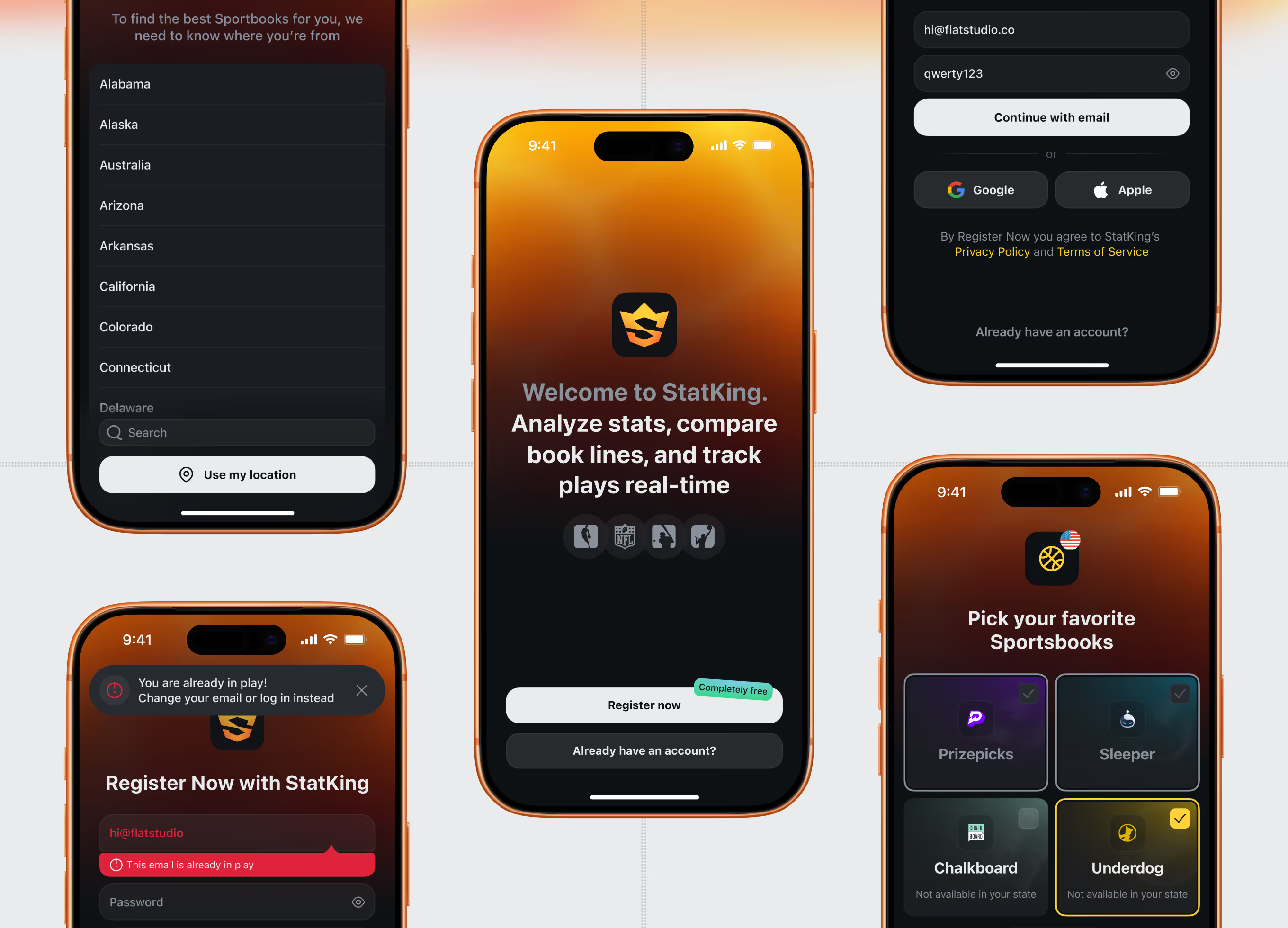
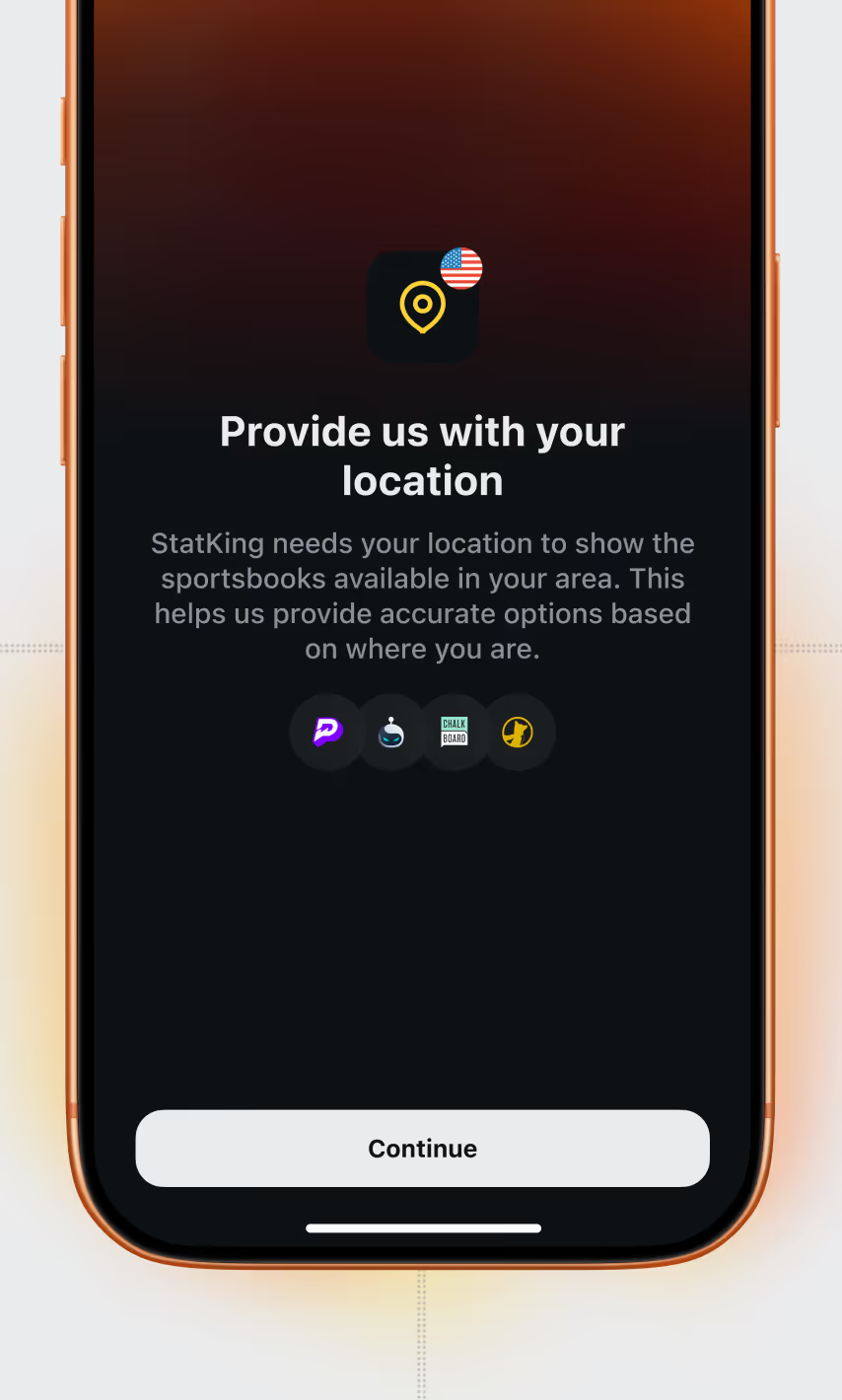
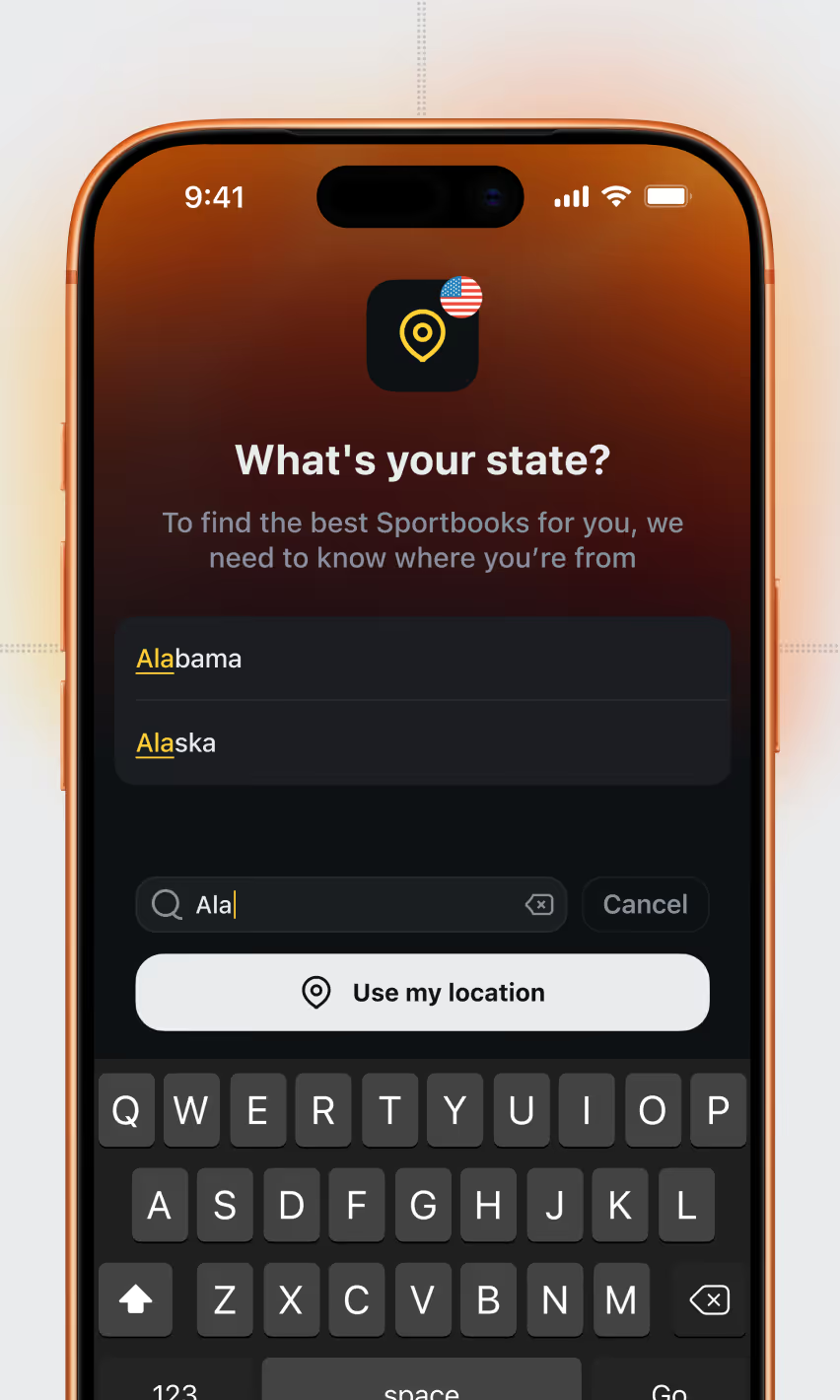
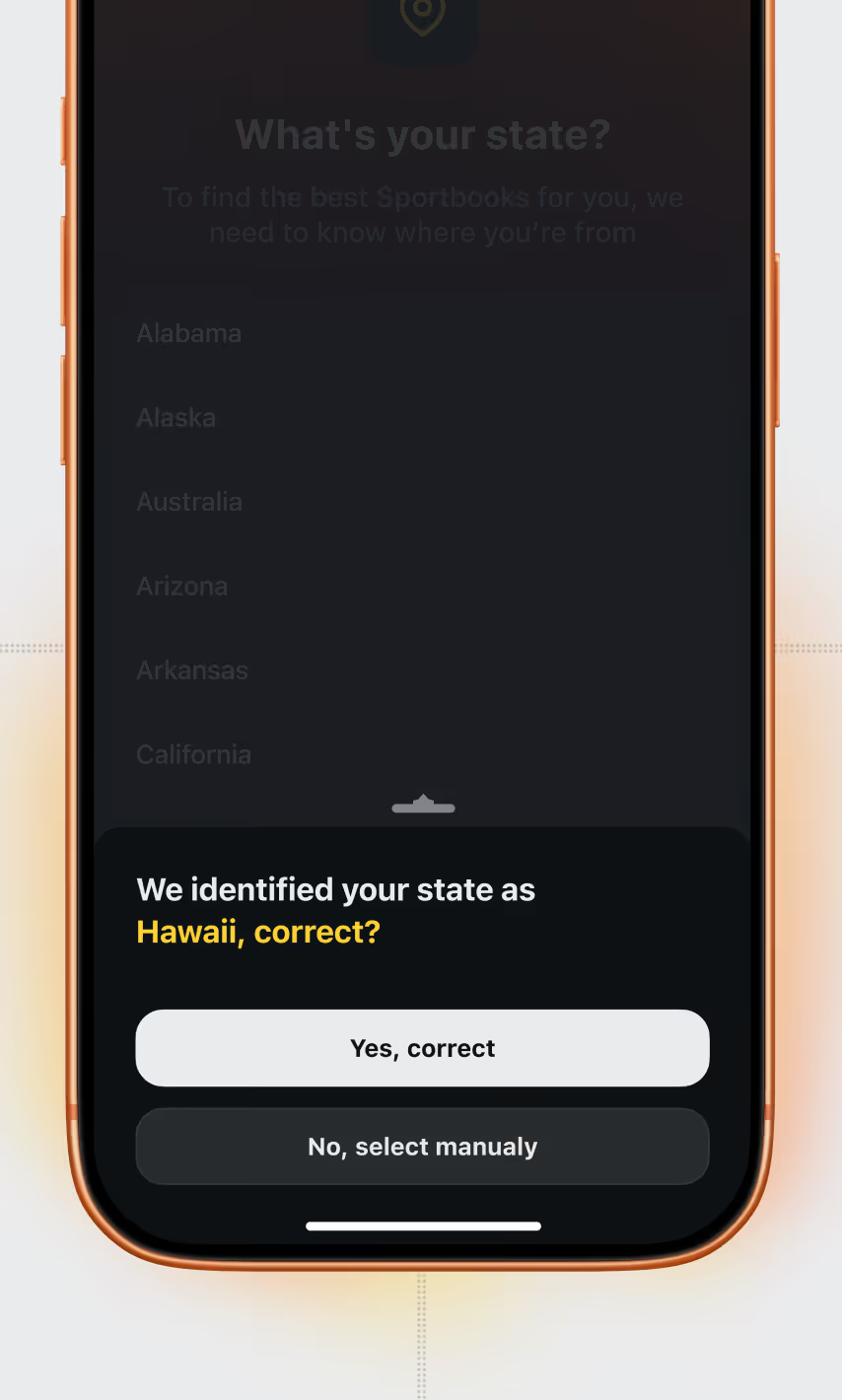
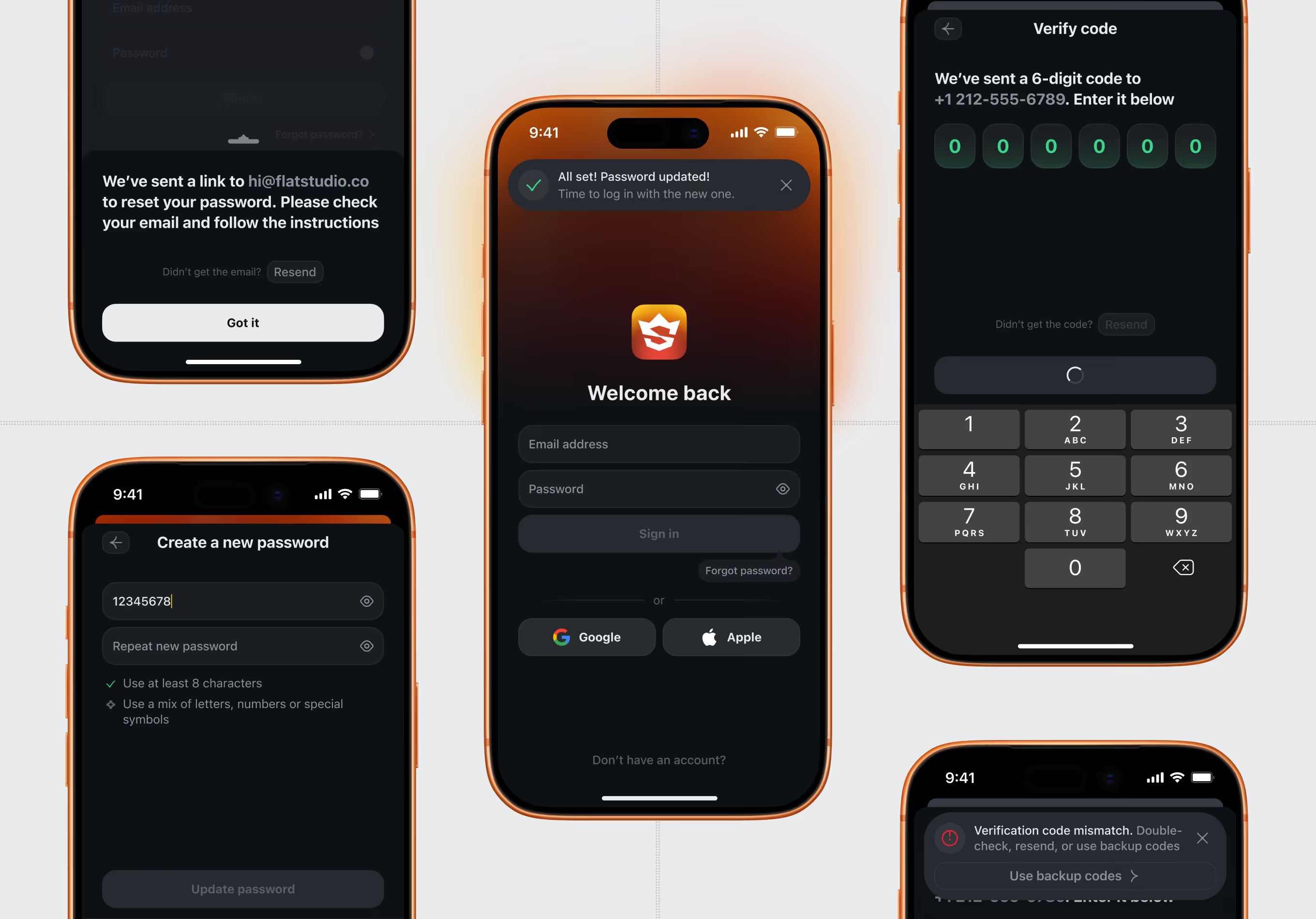
Sign-up asks for location, then state, before showing books available in that region. The flow also handles duplicate accounts, password resets, and a mismatched verification code without dead-ending the user.
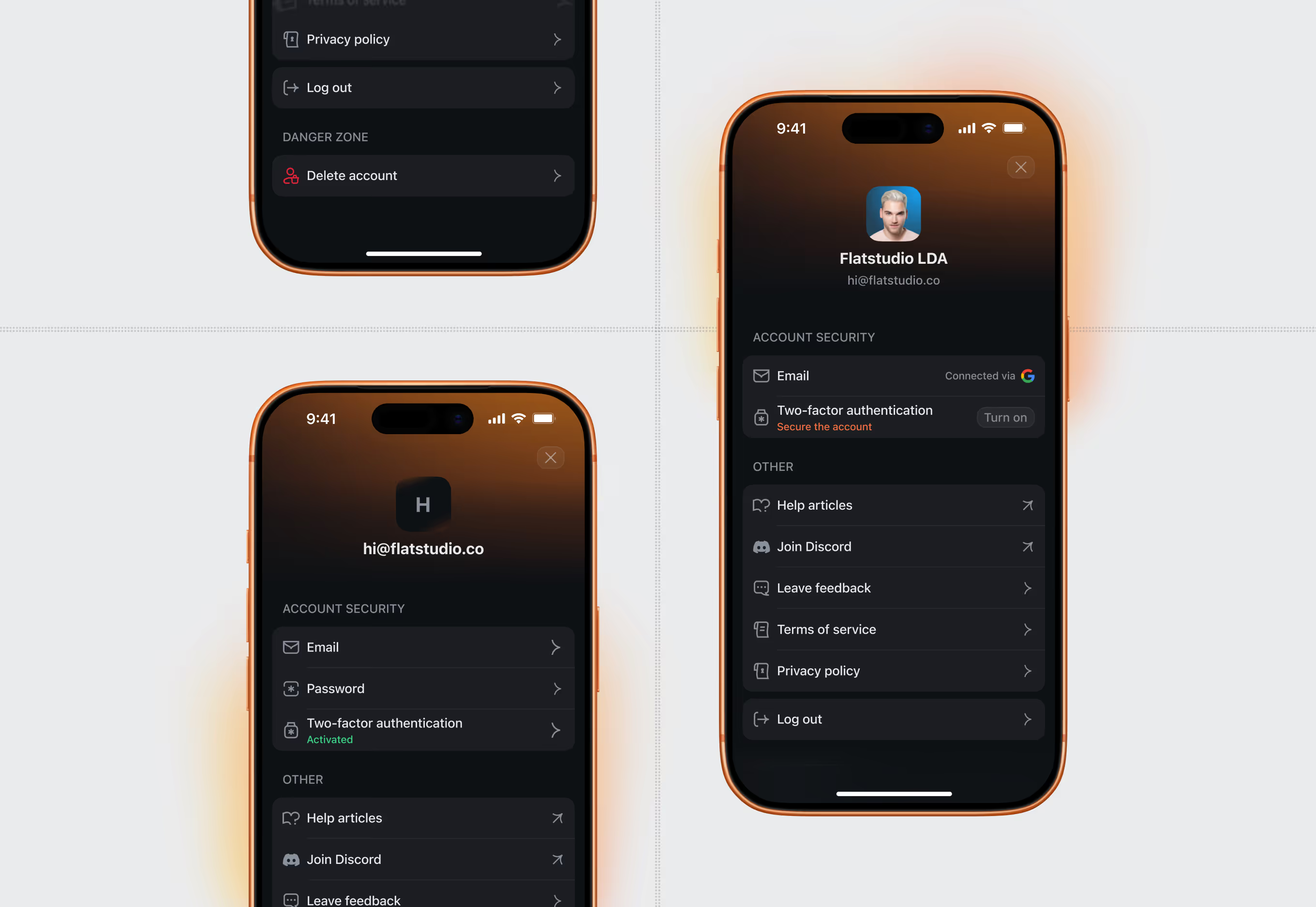
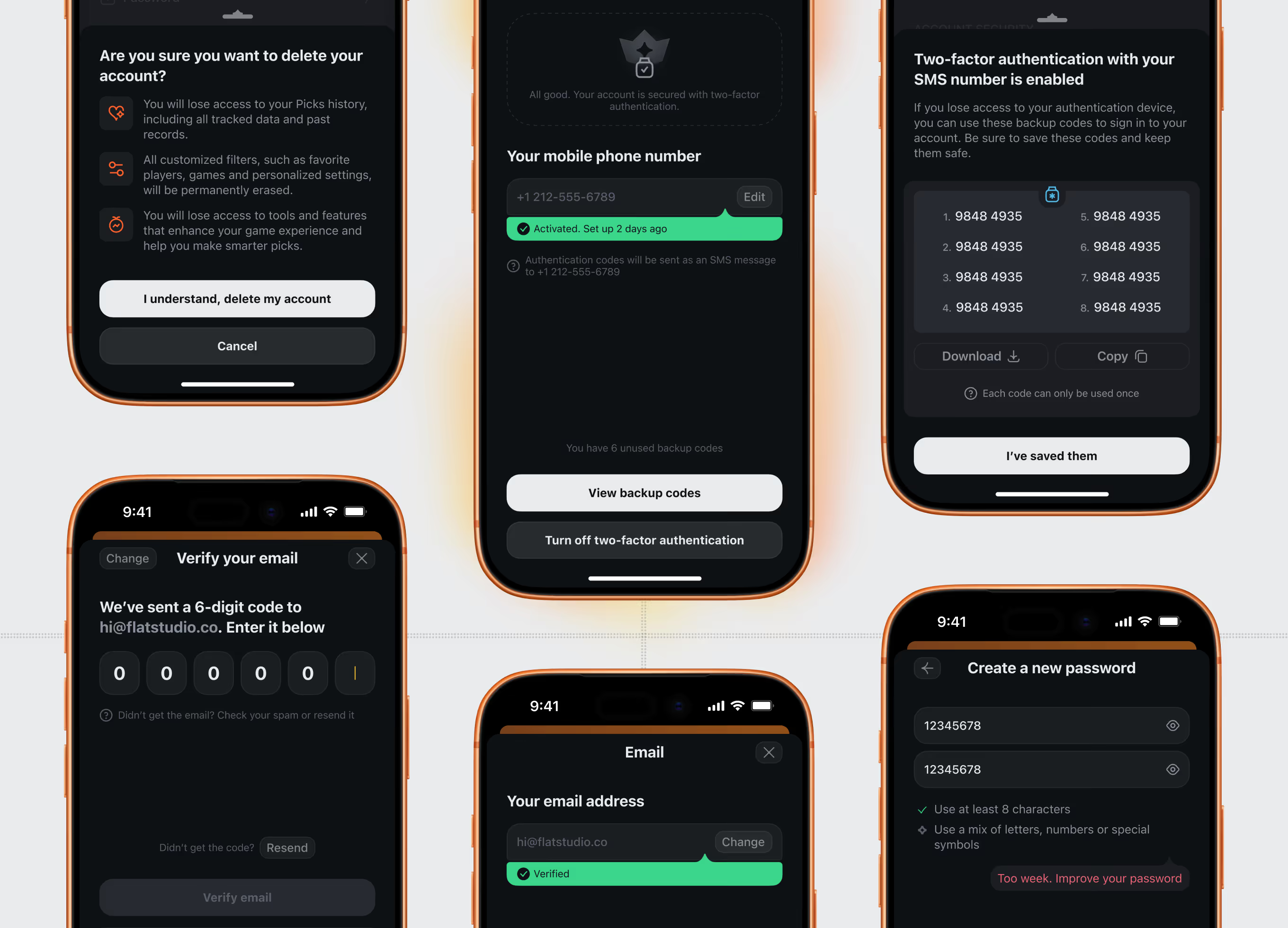
Profile settings cover two-factor authentication with backup codes, email and password changes, and an account-deletion flow that explicitly warns users about losing pick history and saved filters.
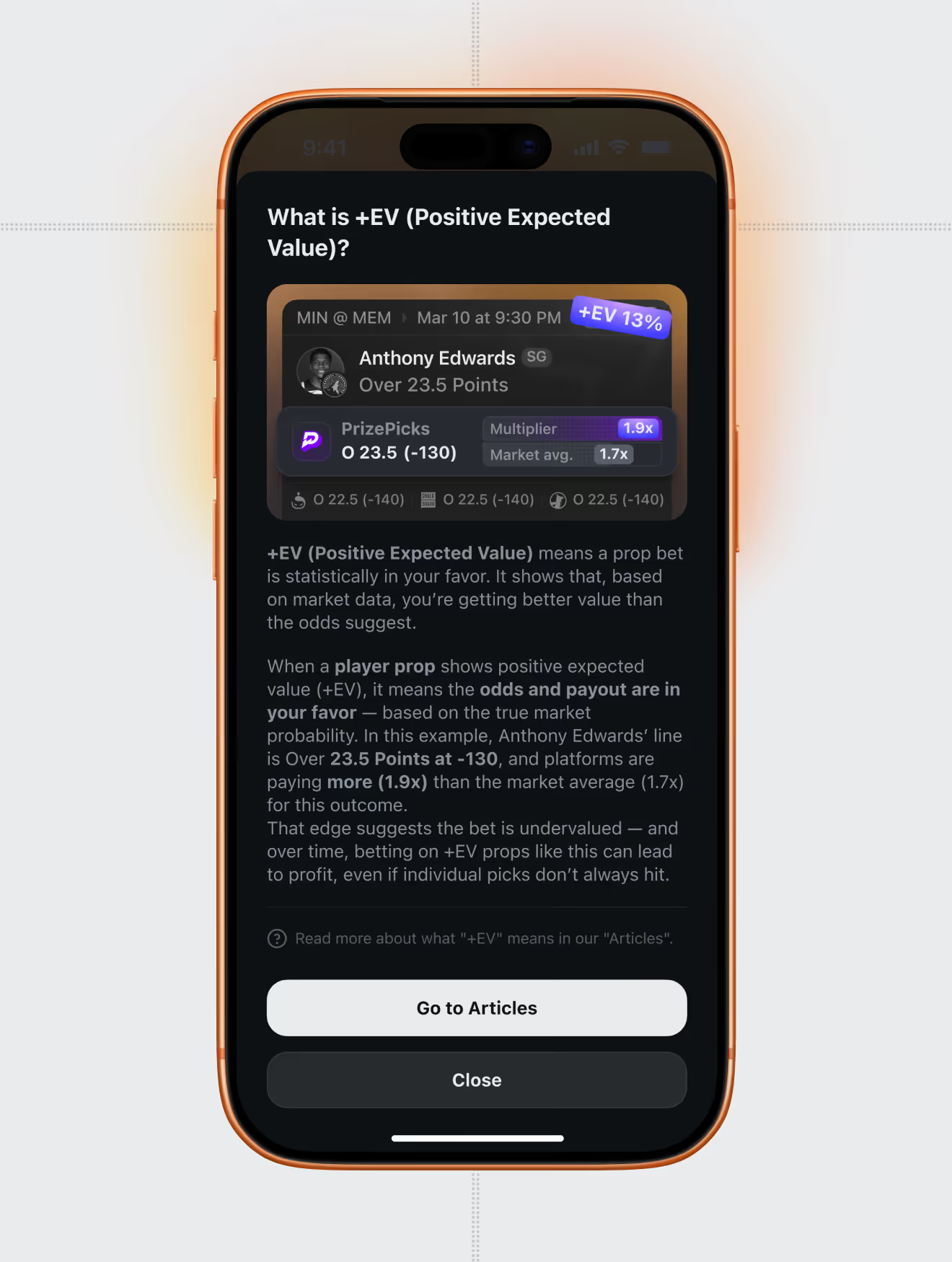
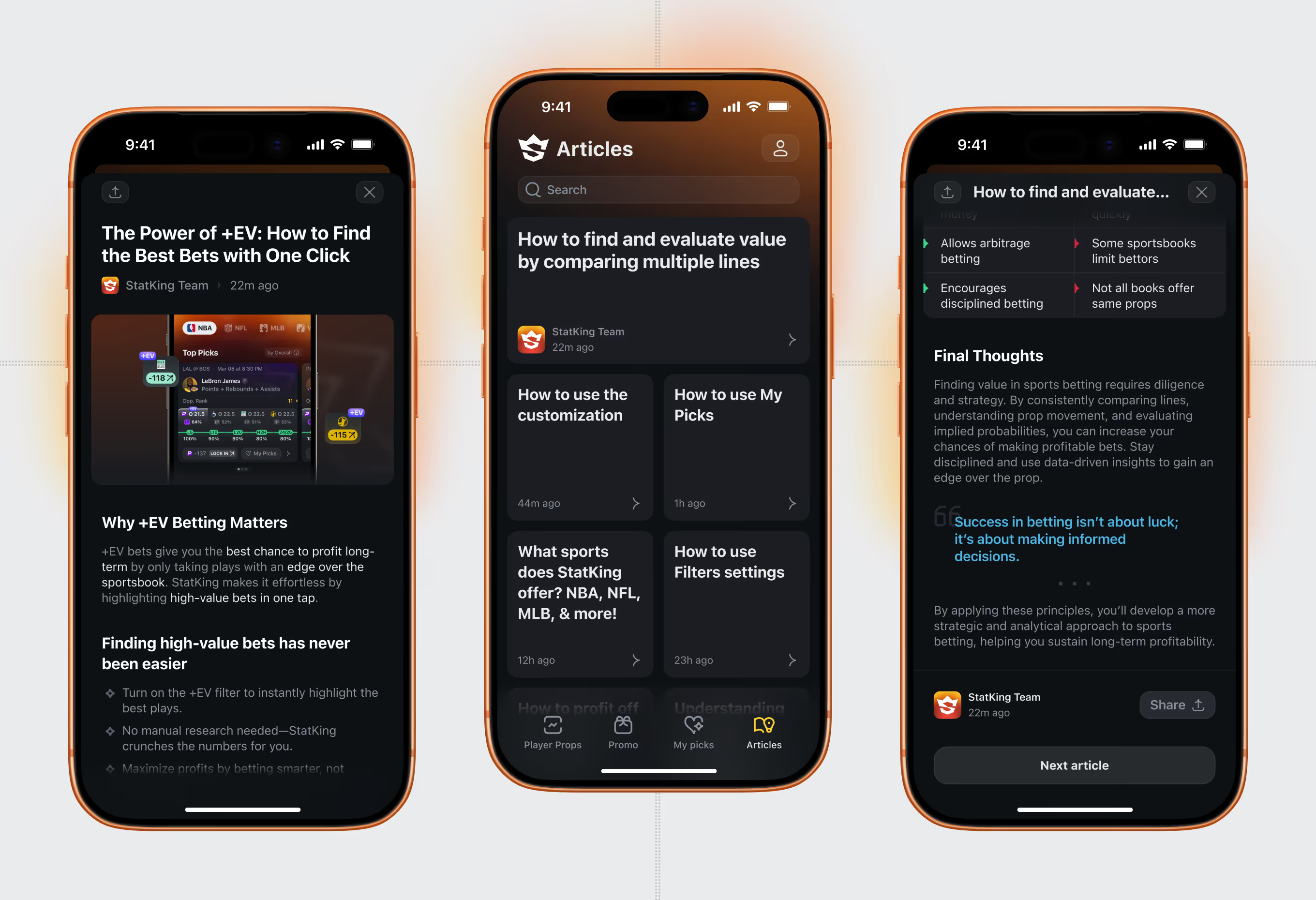
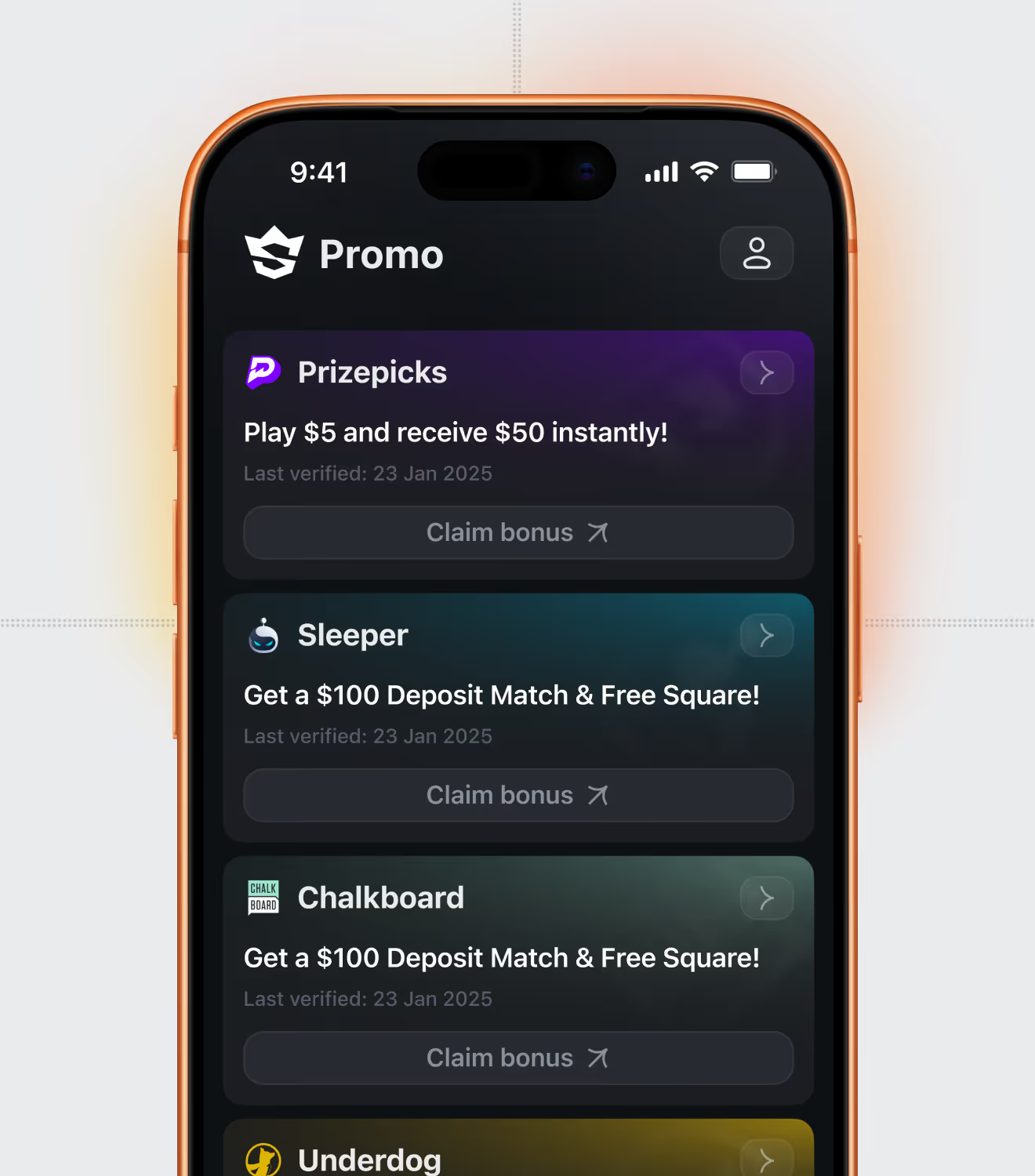
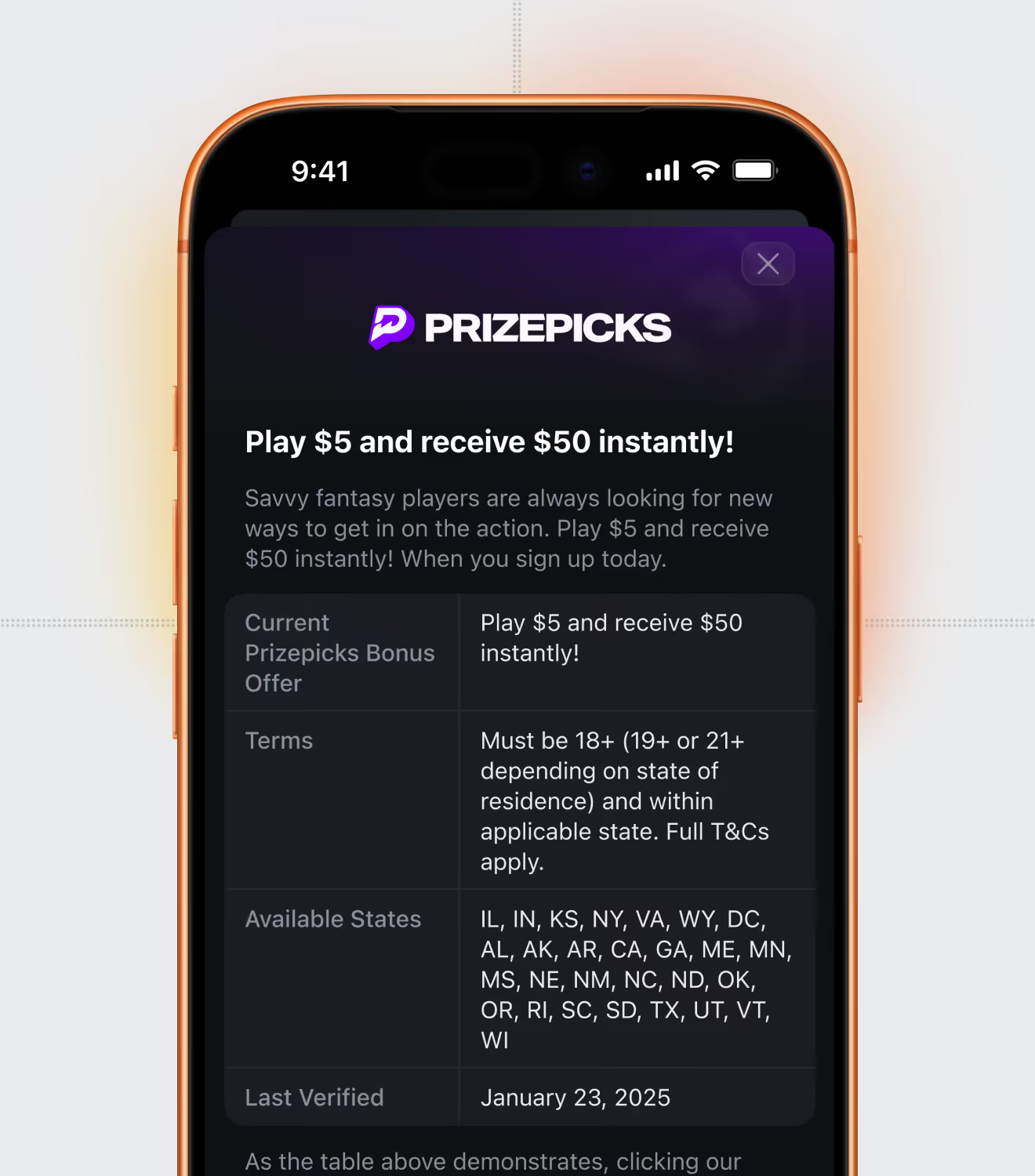
An in-app Articles tab explains +EV betting, filters, and My Picks in short guides, while a separate Promo tab lists sportsbook sign-up bonuses with eligibility rules and last-verified dates.
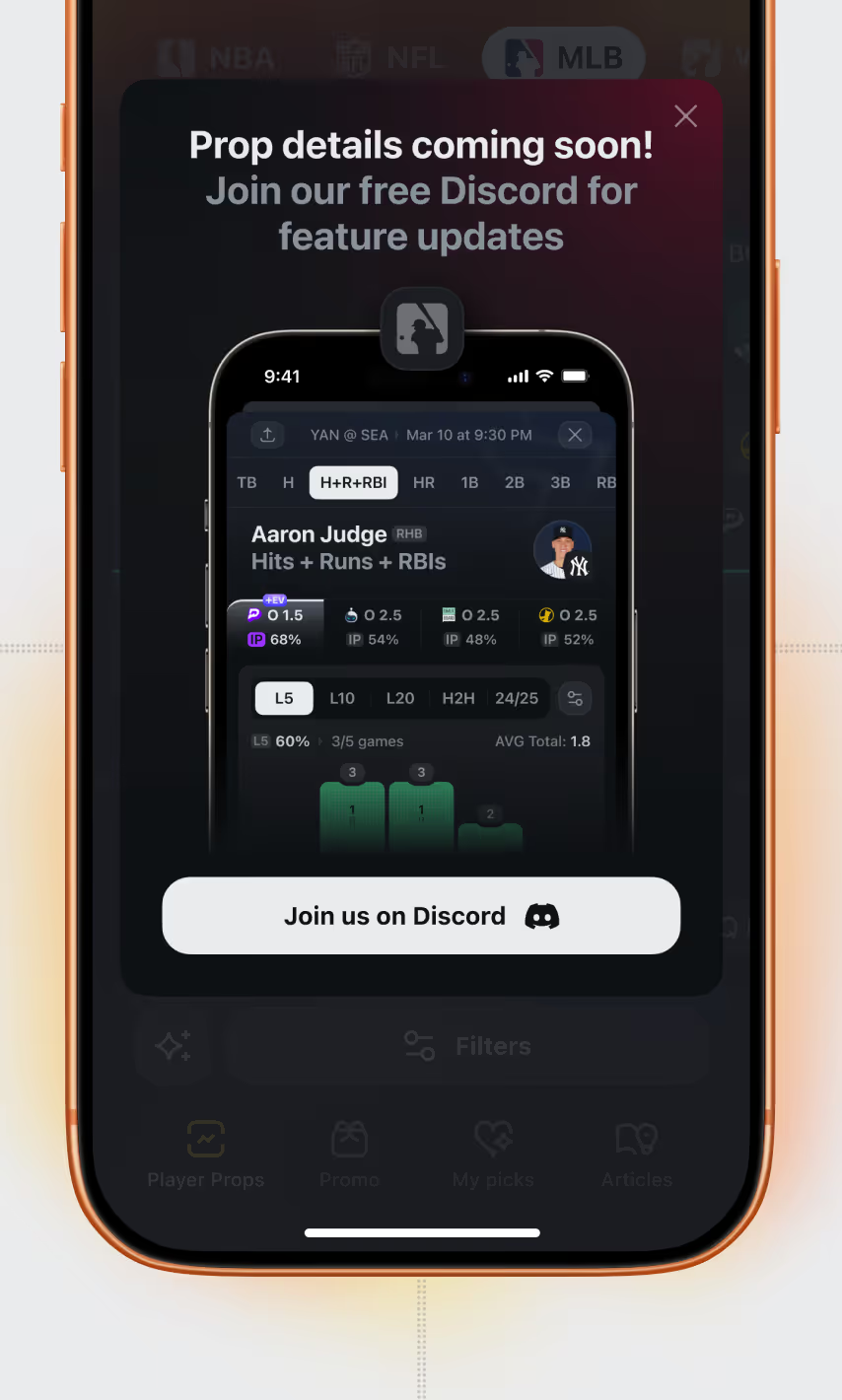
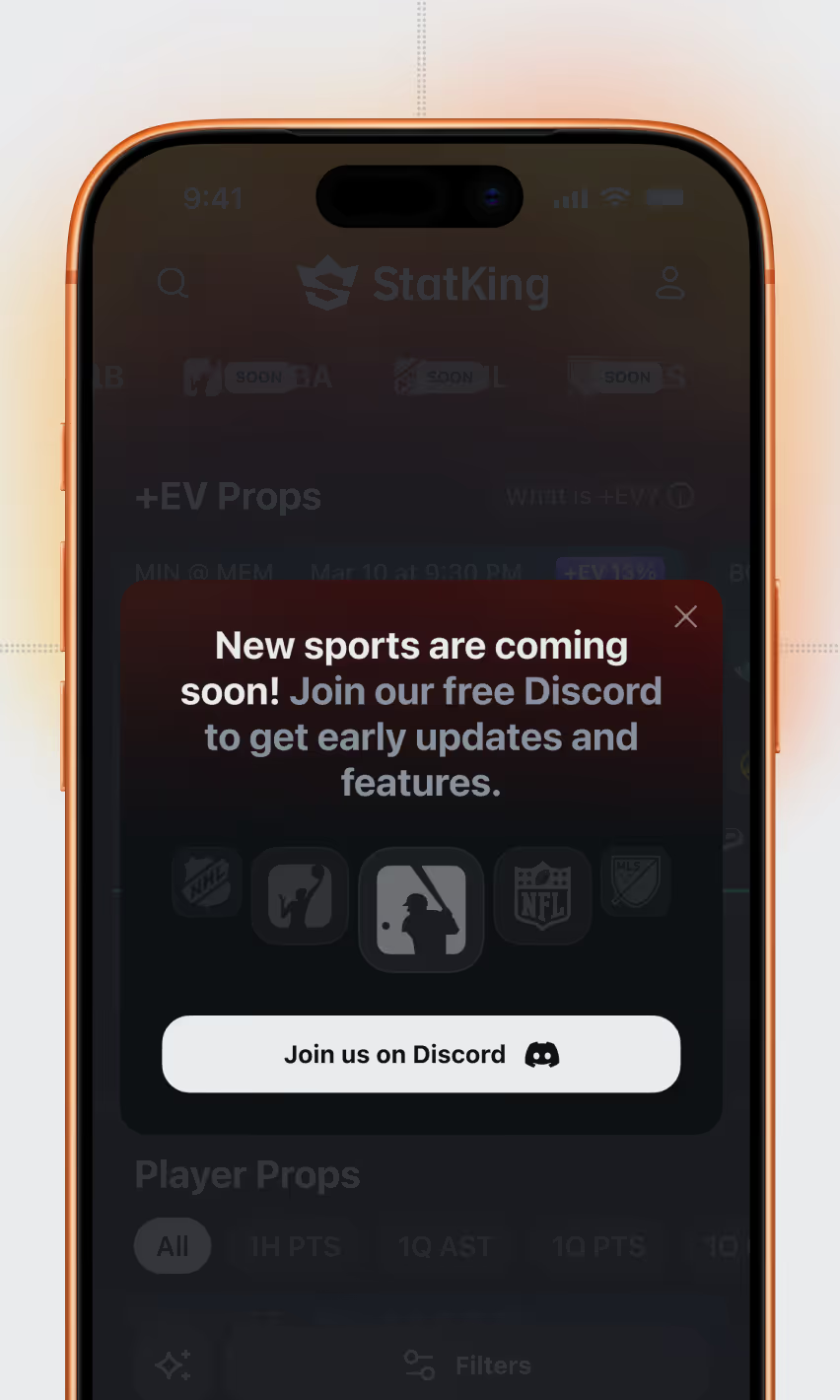
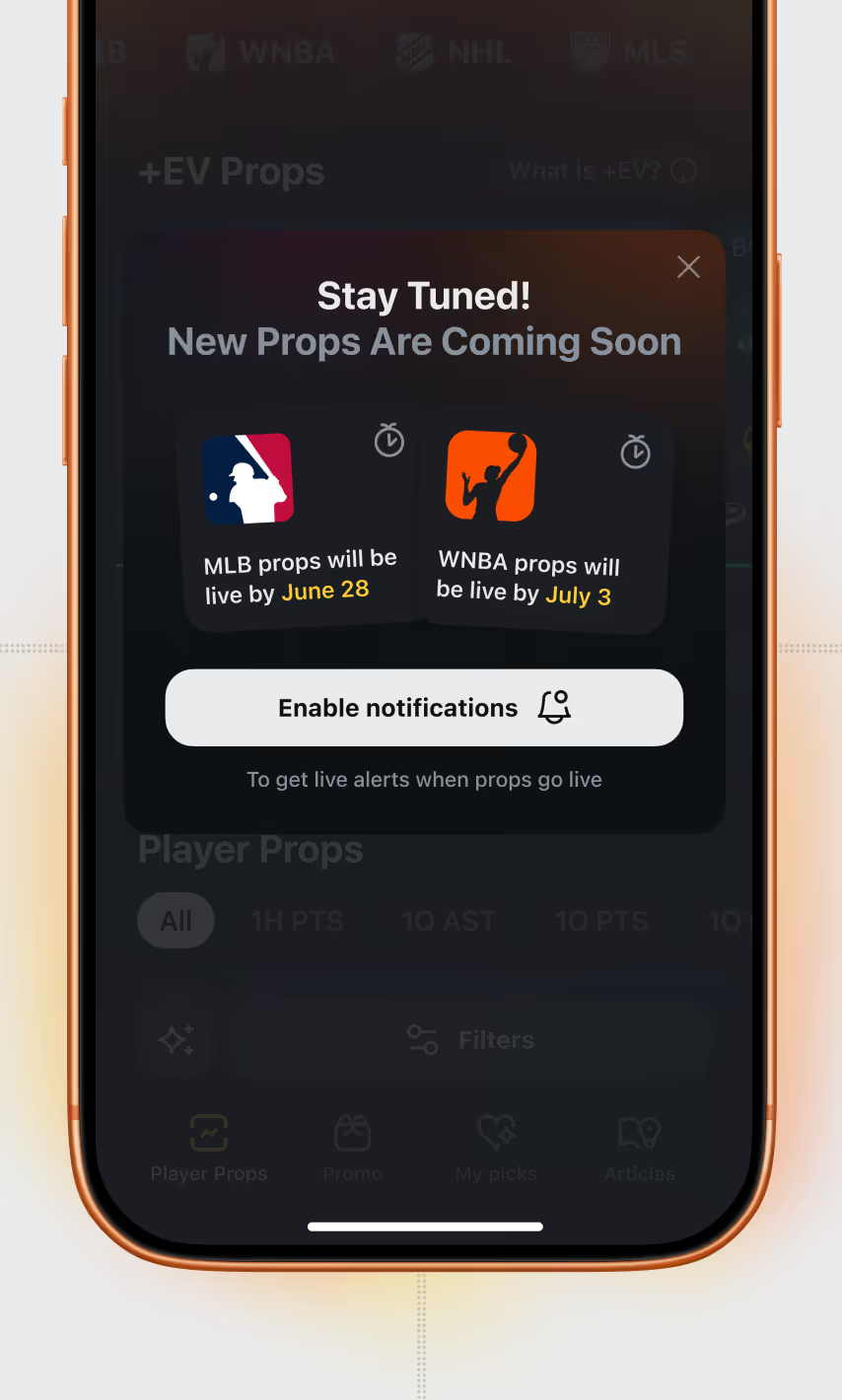
Placeholder modals announce upcoming coverage – player props with target launch dates – and route users to Discord or push notifications instead of a dead end.
Turning a dozen live data points per prop into something that still reads in one glance is a filtering problem, not a data visualization one. Ask us how we built this personalization system.