






Novo Banco. Classy bank, neo experience.
Check
Website
Partnership
1+ years


Services
UX Design
UI Design
iOS App Design
Product Redesign
Deliverables
iOS App Build
Figma Source Files
Engagement
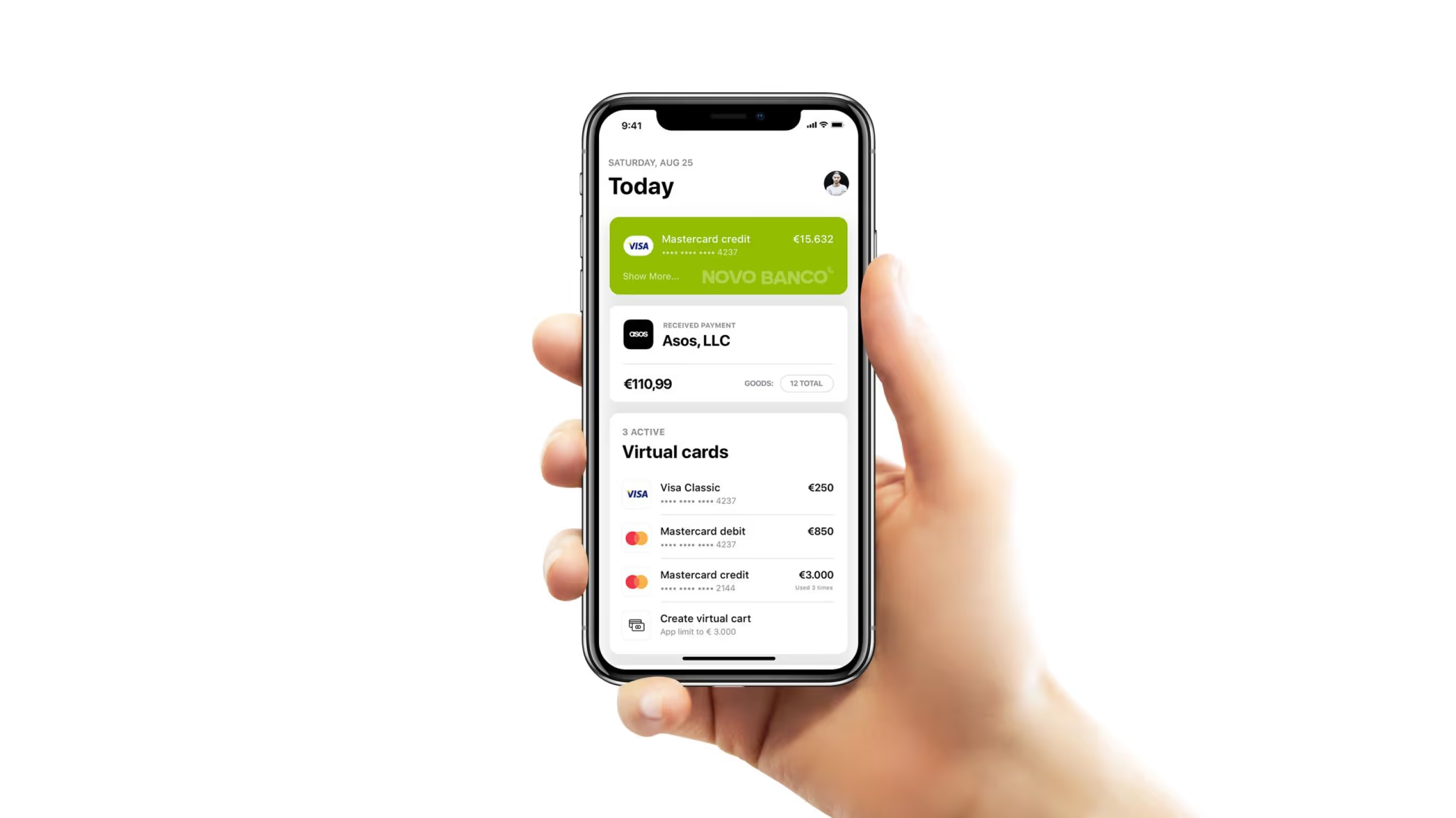
Novo Banco is a major Portuguese bank.
We redesigned it as an iOS app, unifying fragmented legacy banking flows within existing system and compliance constraints. Everyday banking needed to feel clearer and more modern without breaking user trust — and the redesign delivered that within a major bank's regulatory boundaries.
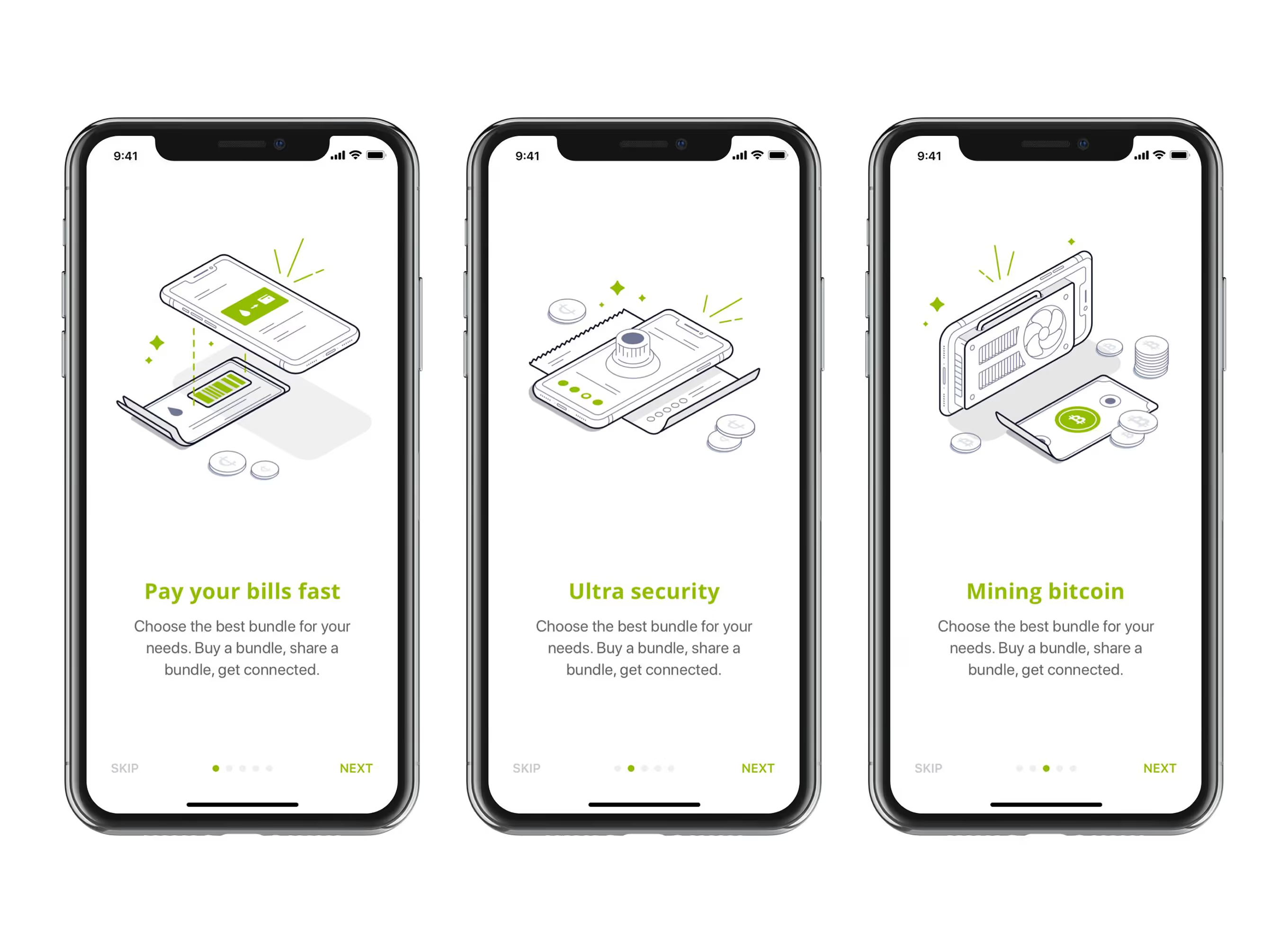
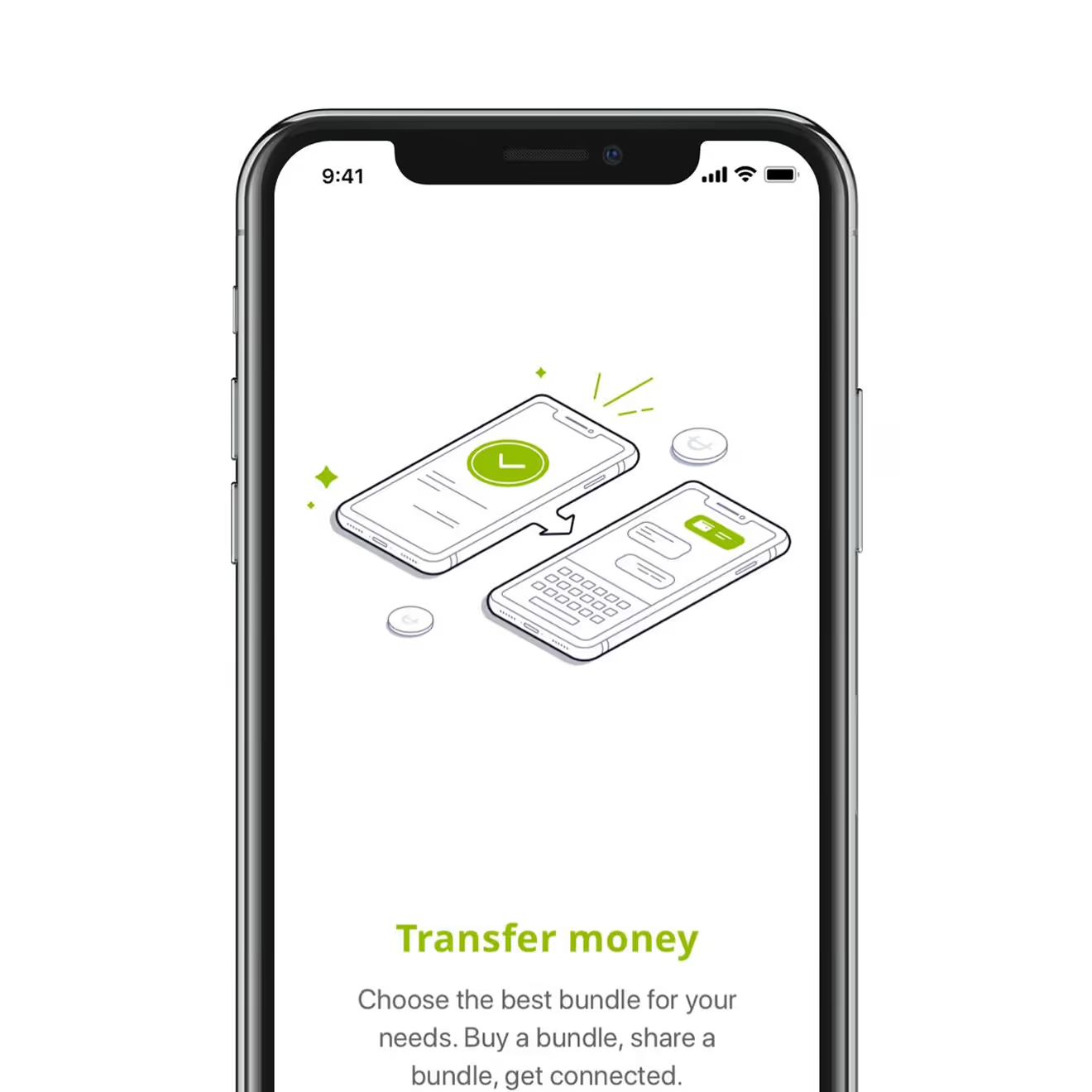
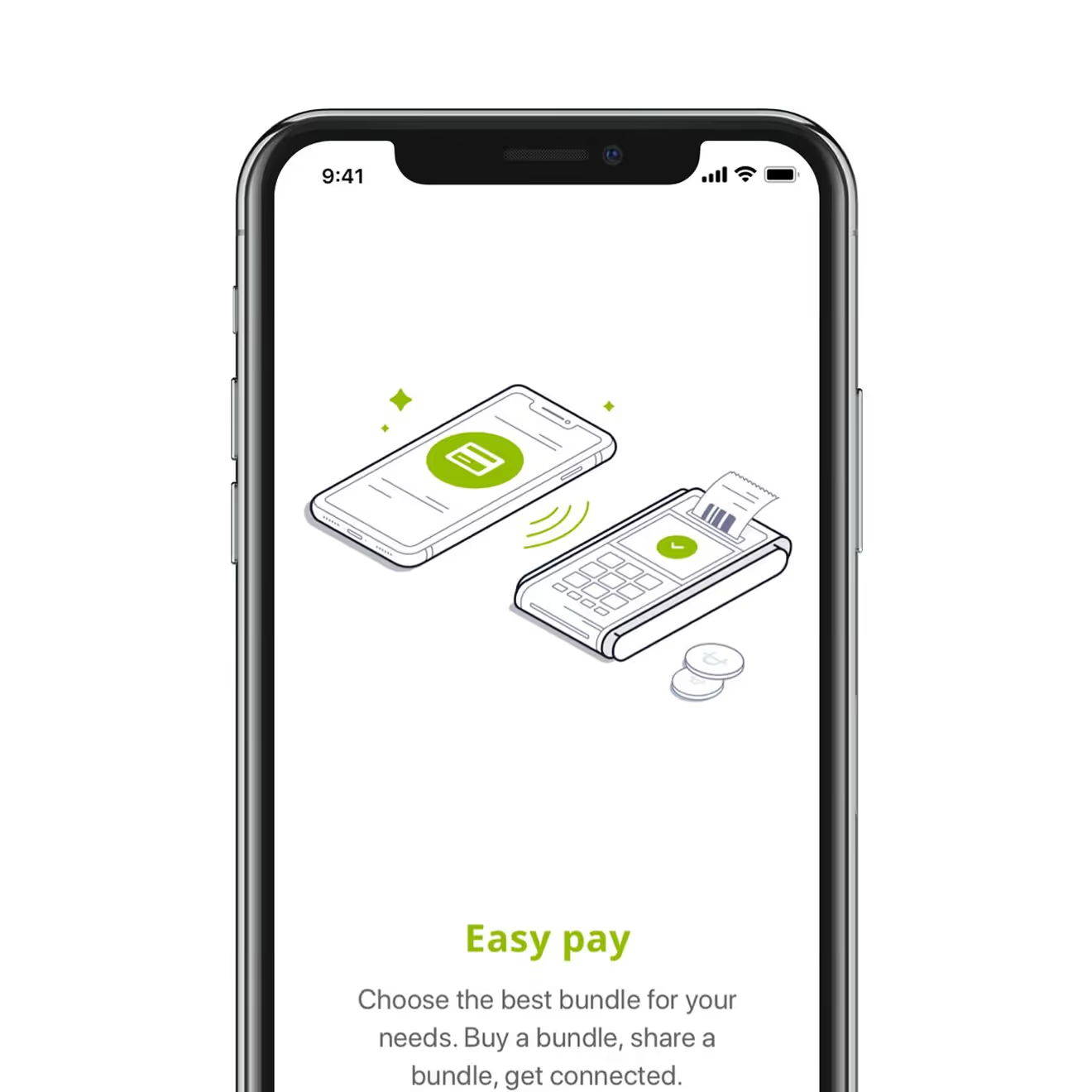
Onboarding Tour of Five Bank Features
A five-screen onboarding carousel introduces first-time users to bill payments, security, crypto, transfers, and contactless pay before the dashboard. Each screen pairs one feature with an illustration.
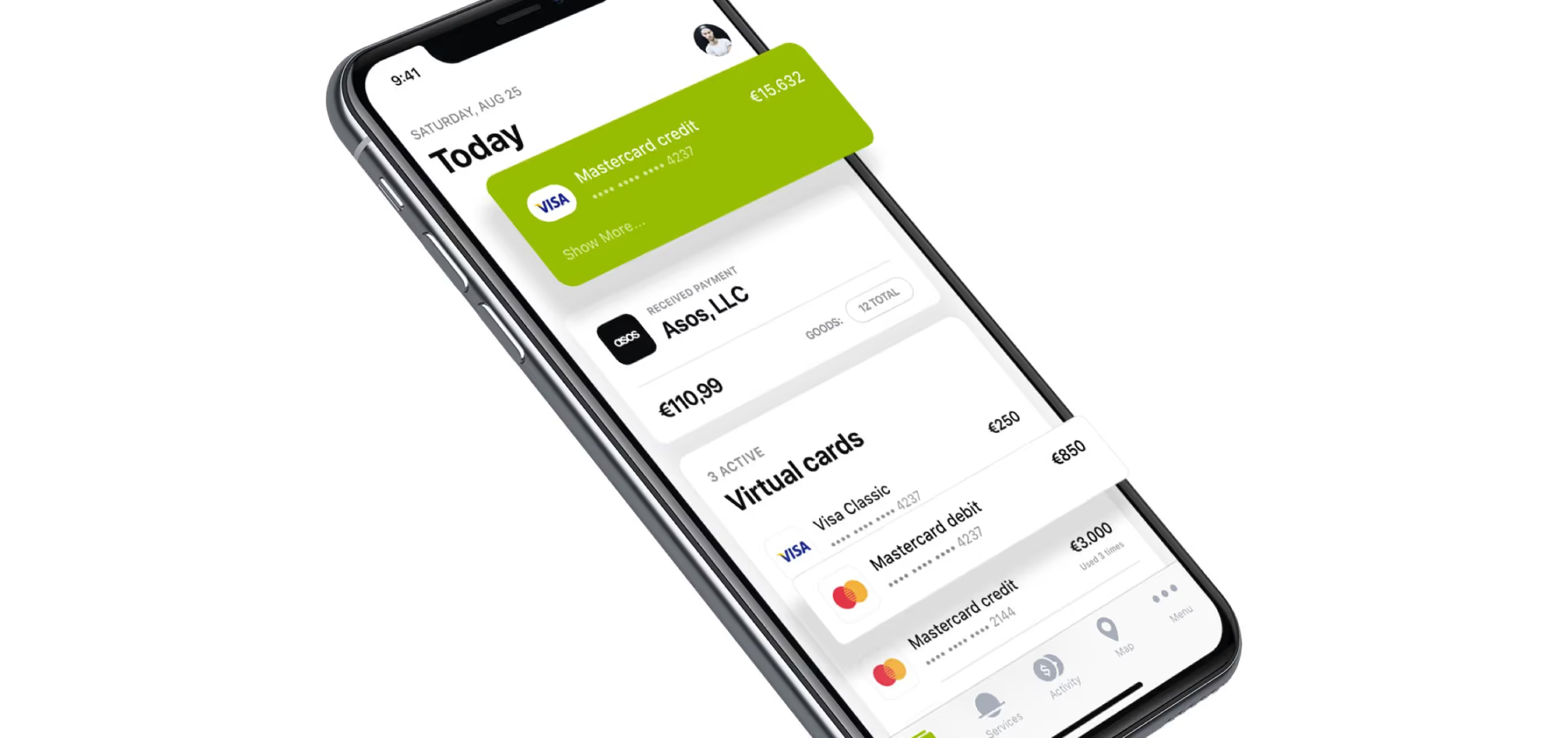
Home Dashboard for Cards and Investments
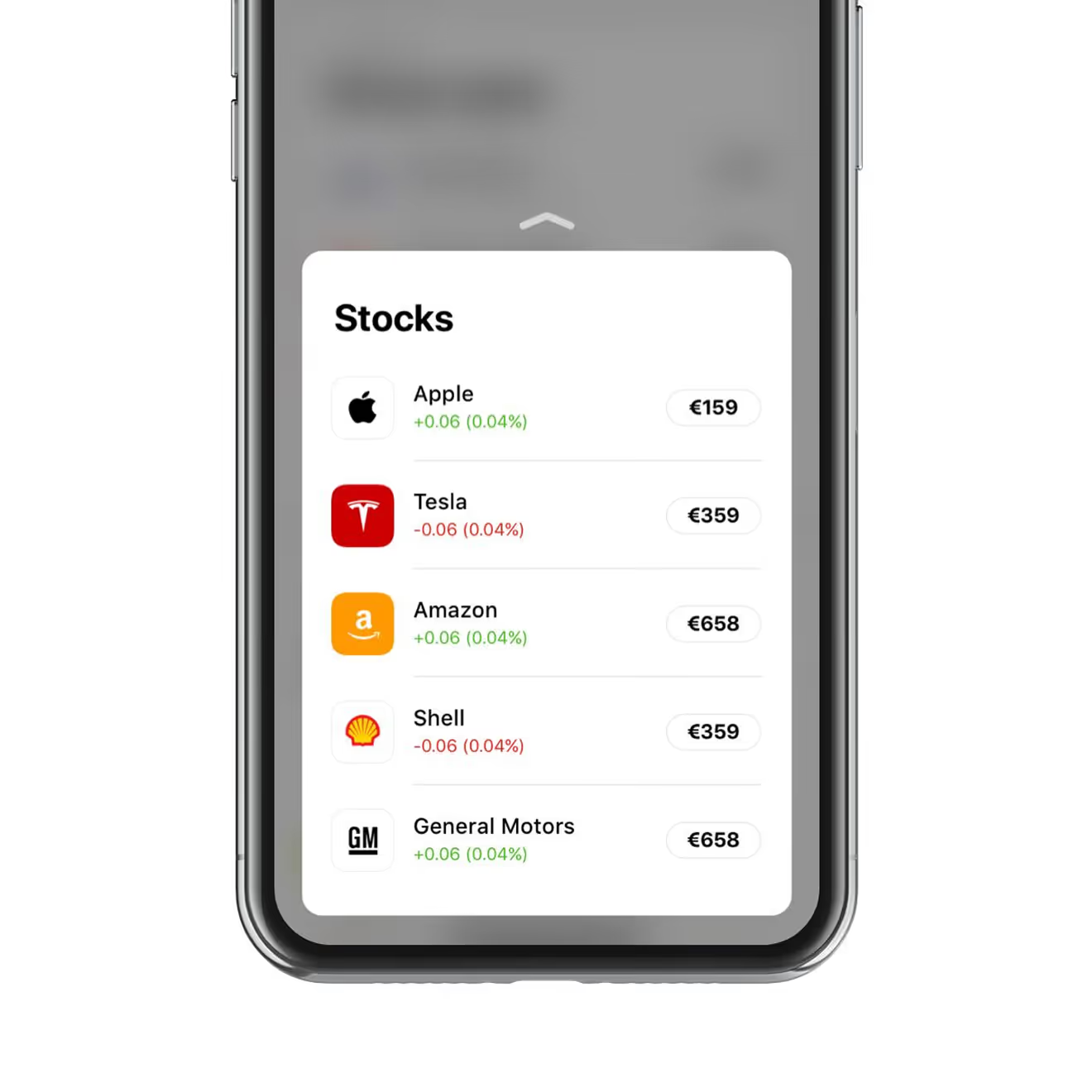
The Today dashboard for the Novo Banco iOS app surfaces card balances, virtual cards, and savings goals in one scrollable view. A second tab lists live stock, crypto, and metals prices for the same account.
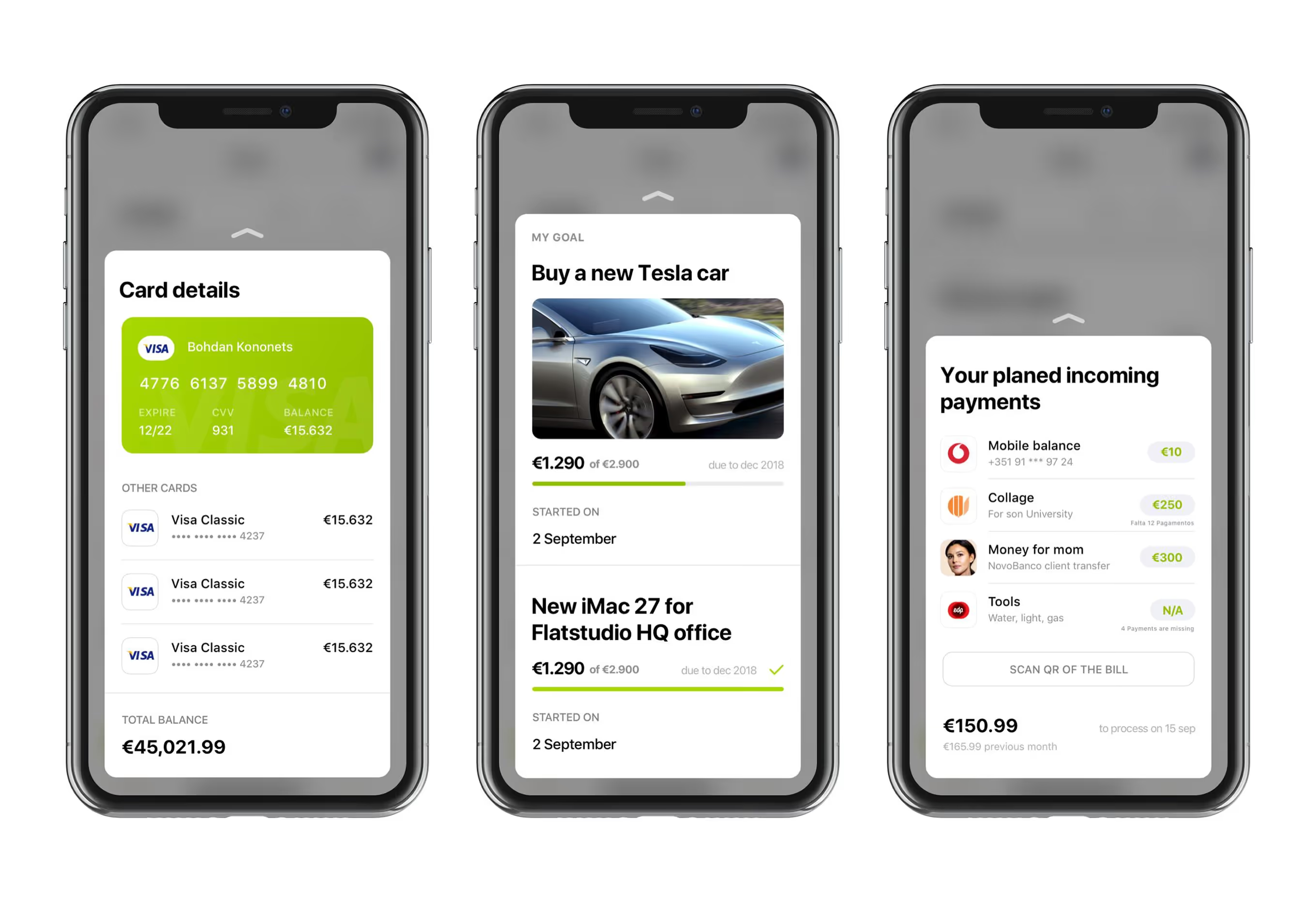
Card Details and Savings Goal Screens
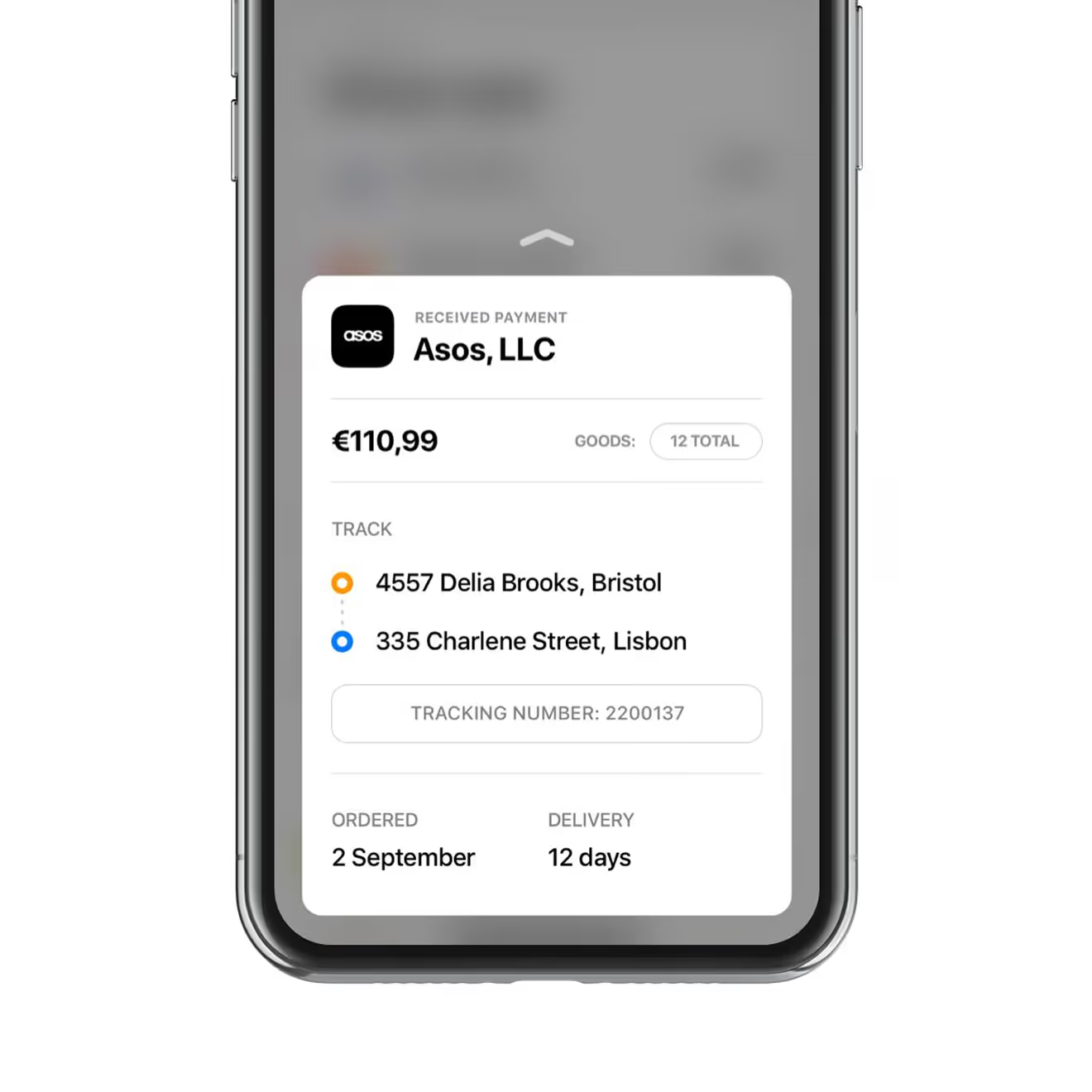
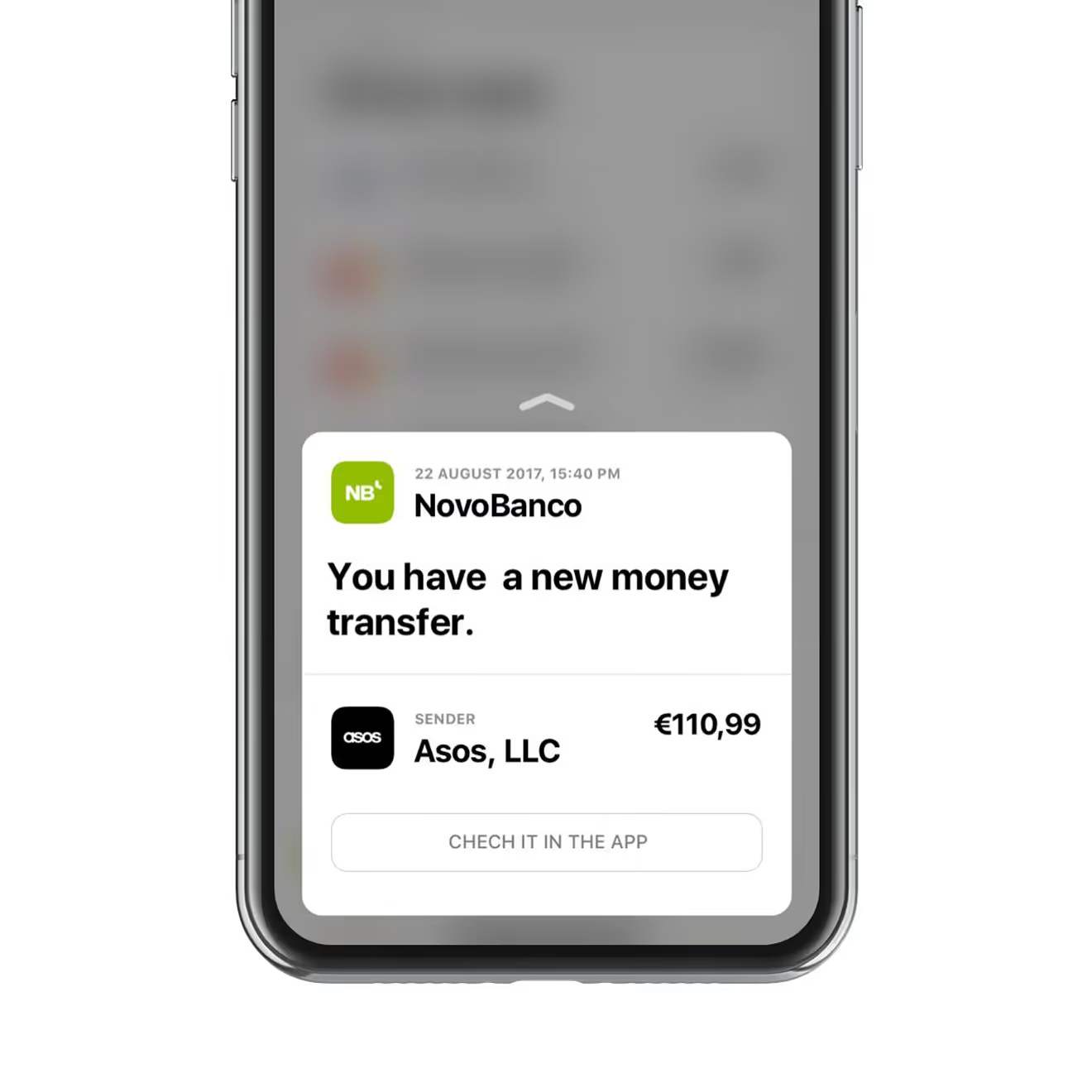
Card details, savings goals, and planned incoming payments each sit on their own screen within the same navigation pattern. Goals show a progress bar and due date; the notification banner confirms an incoming transfer.
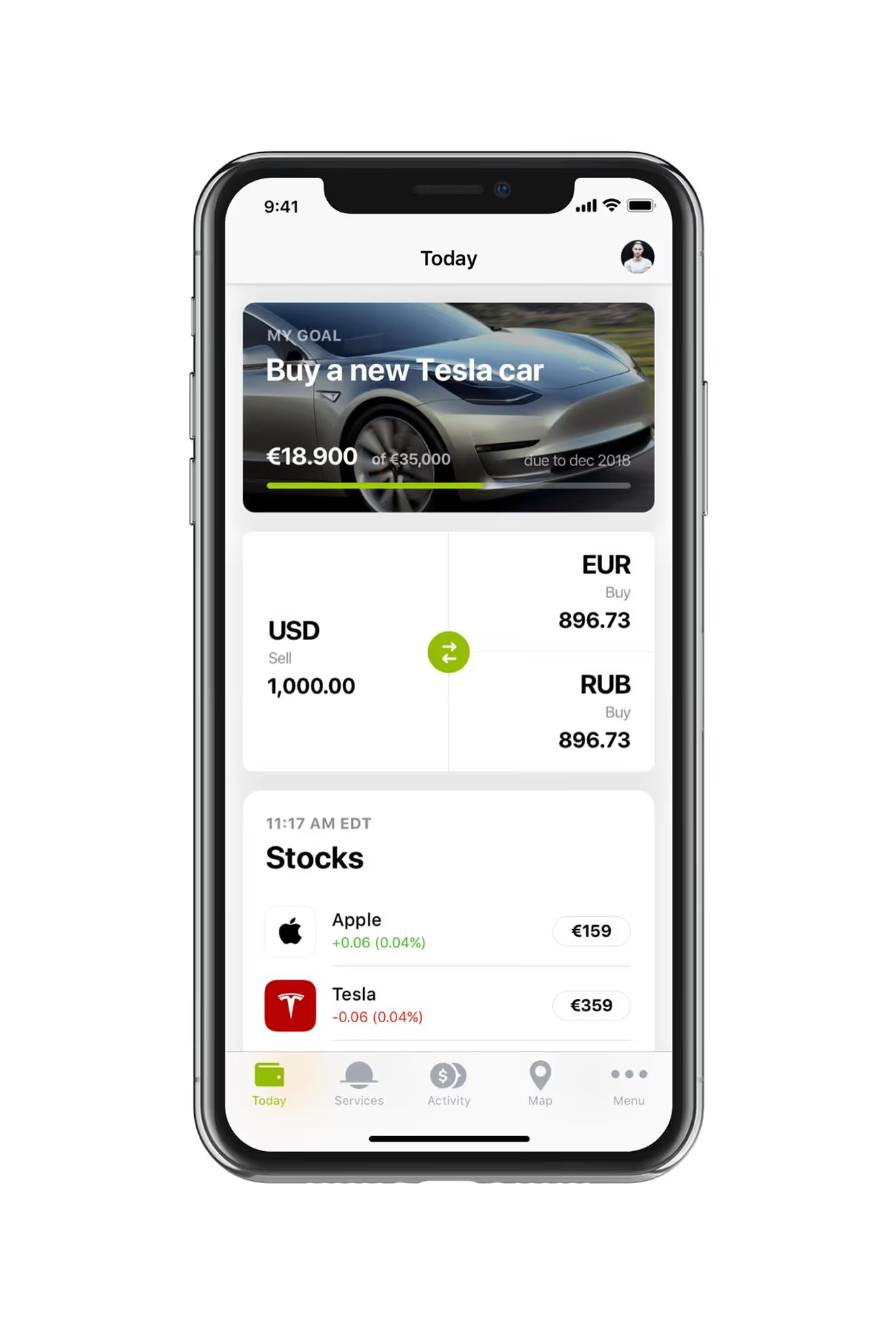
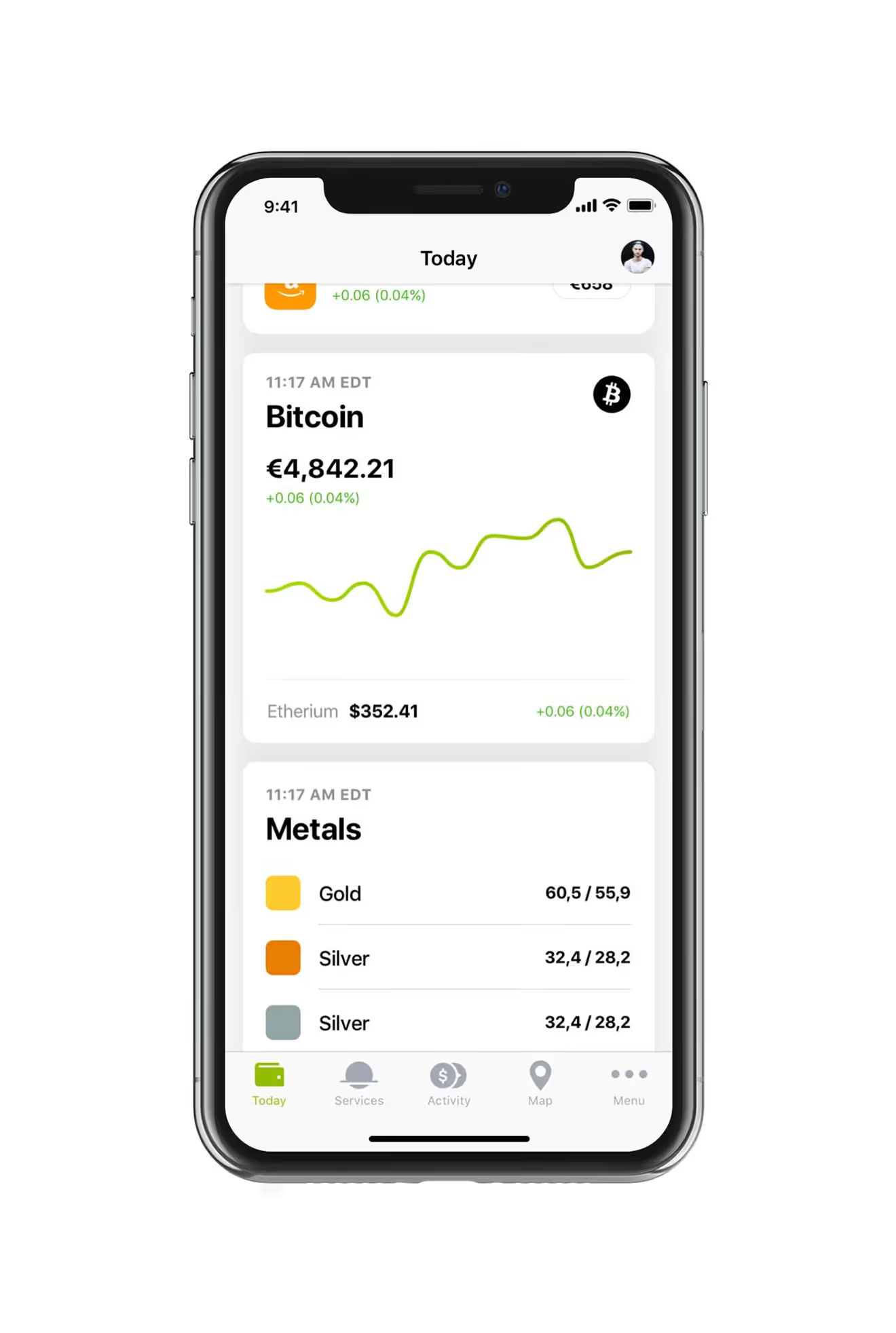
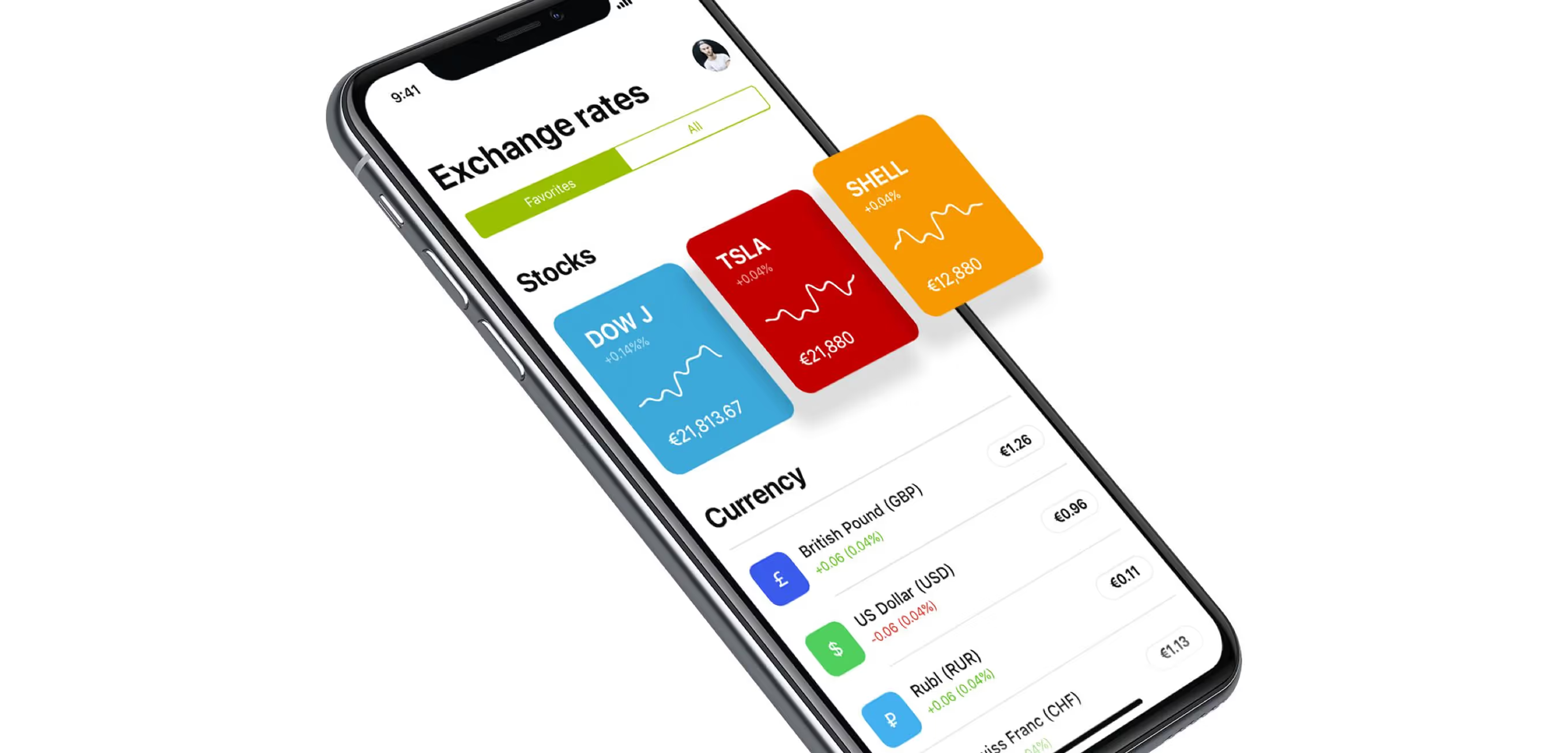
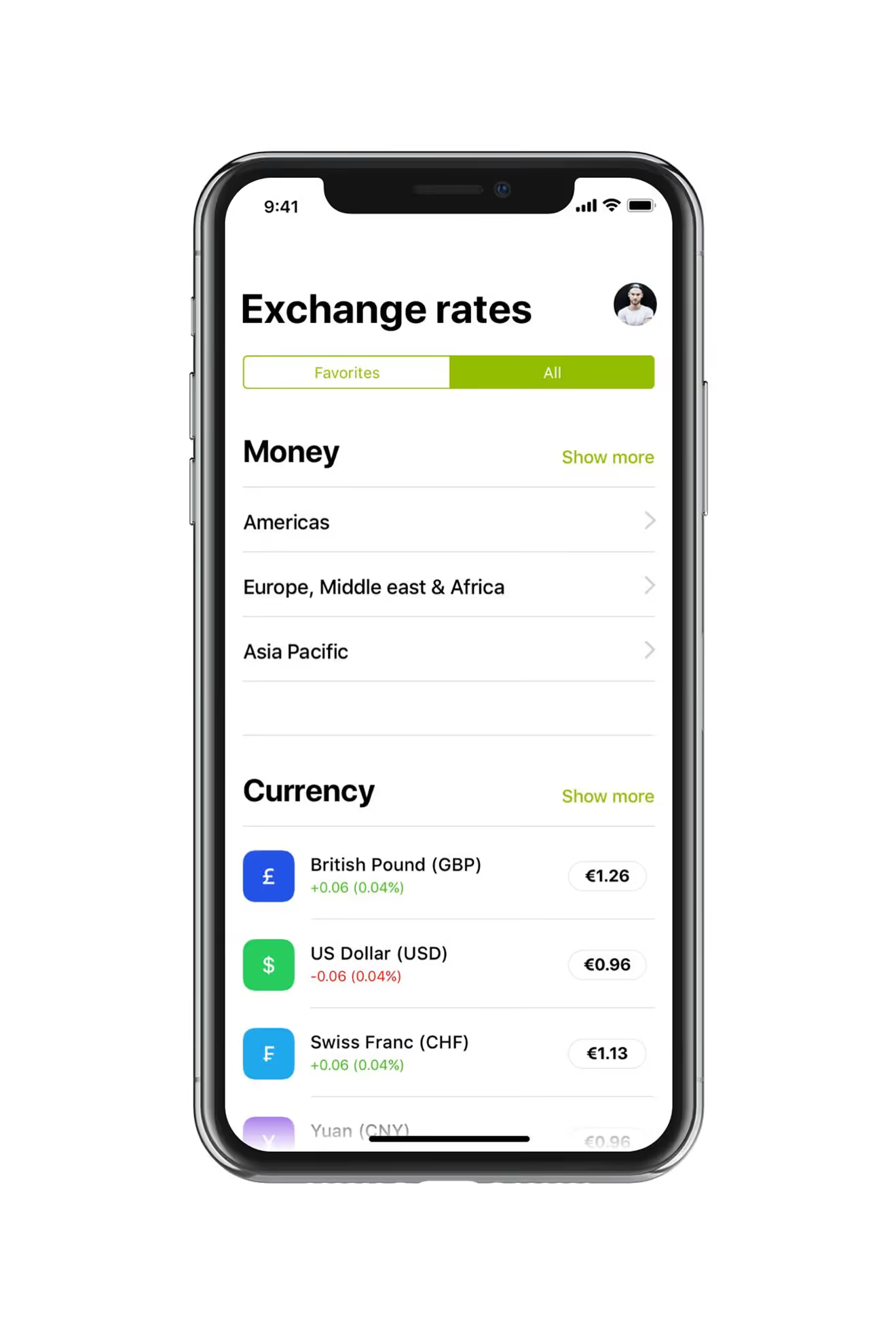
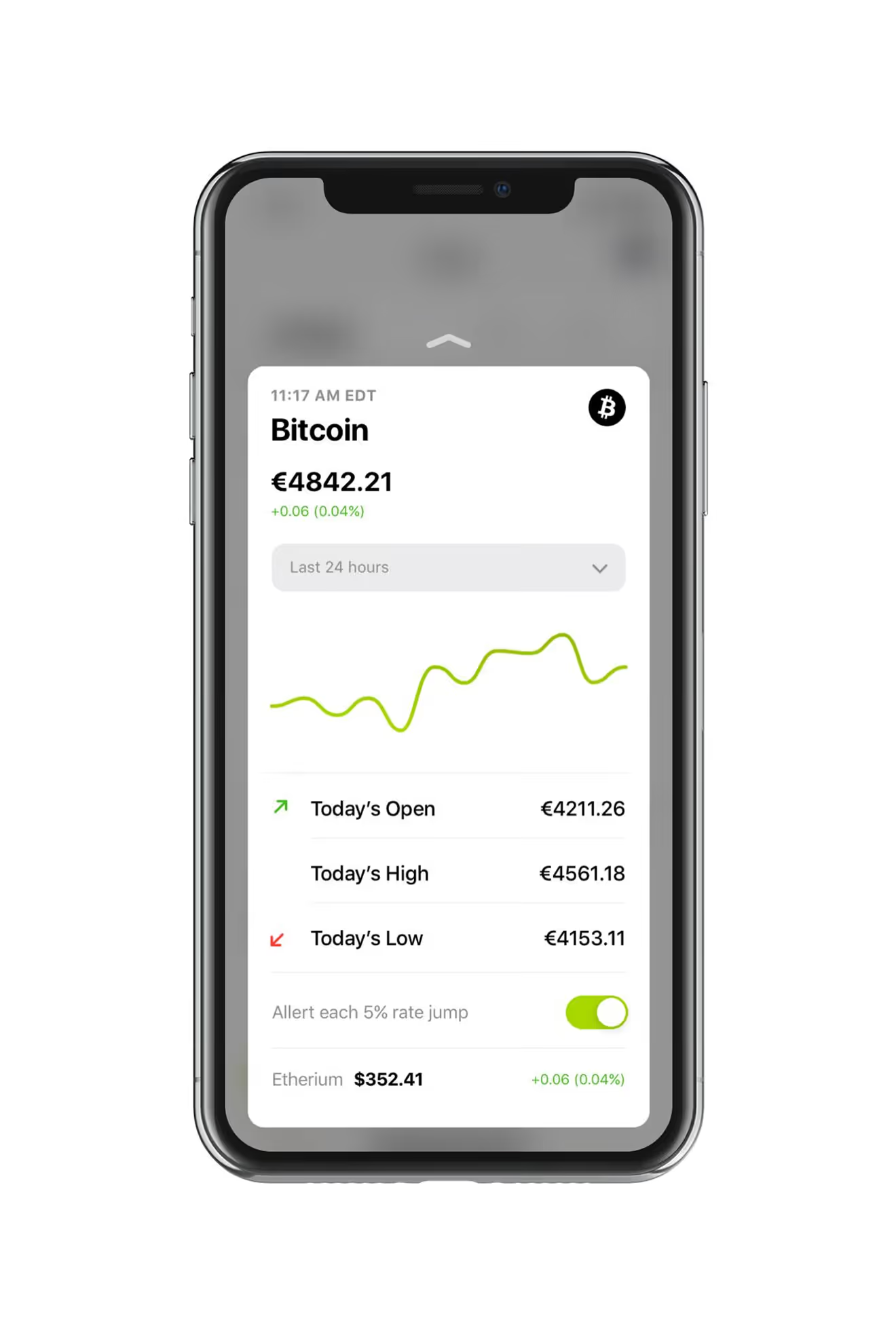
Live Rates for Stocks and Crypto
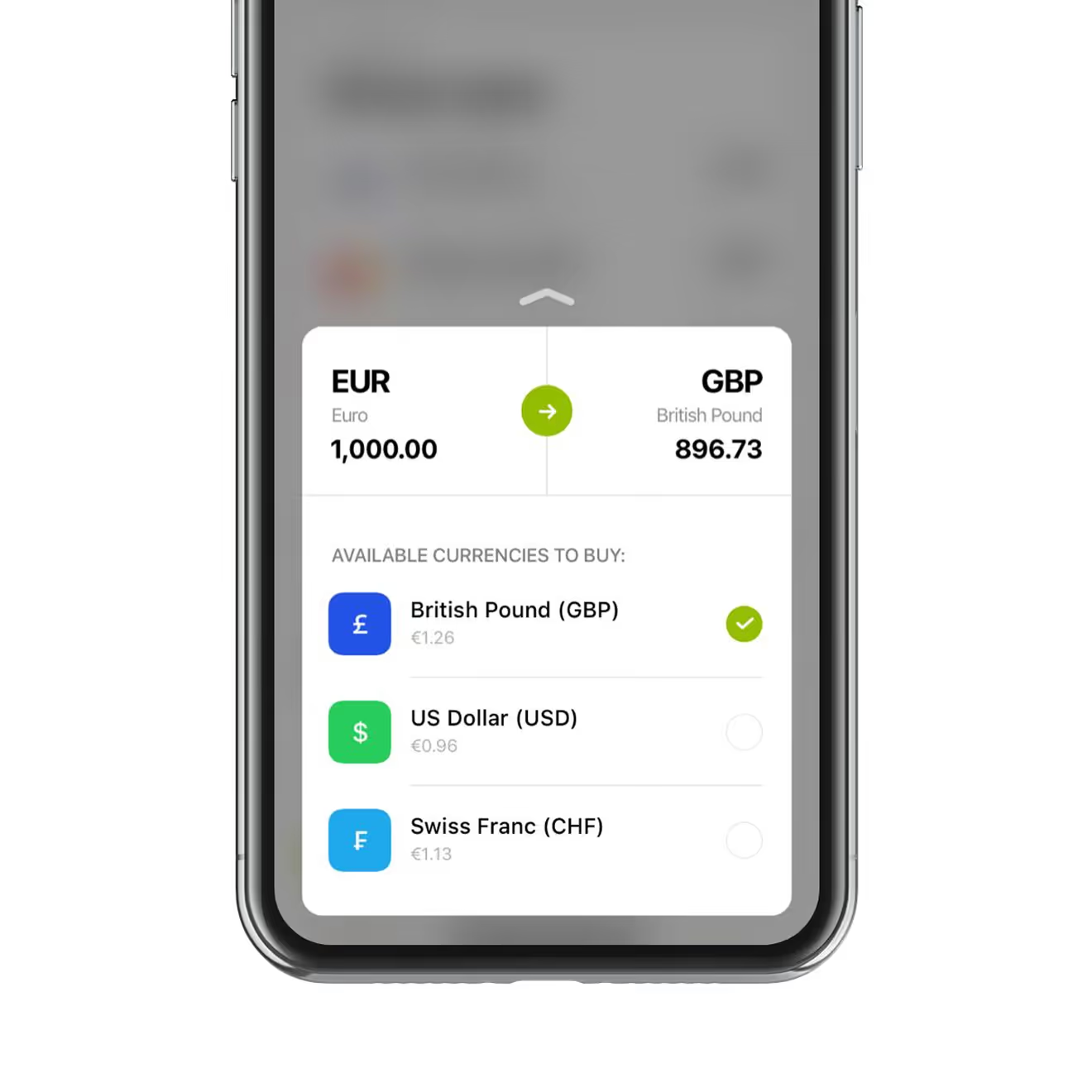
The exchange-rates screen lists stocks, currencies, and crypto side by side for the same account. A dedicated Bitcoin view adds today's open, high, and low plus a price-alert toggle.
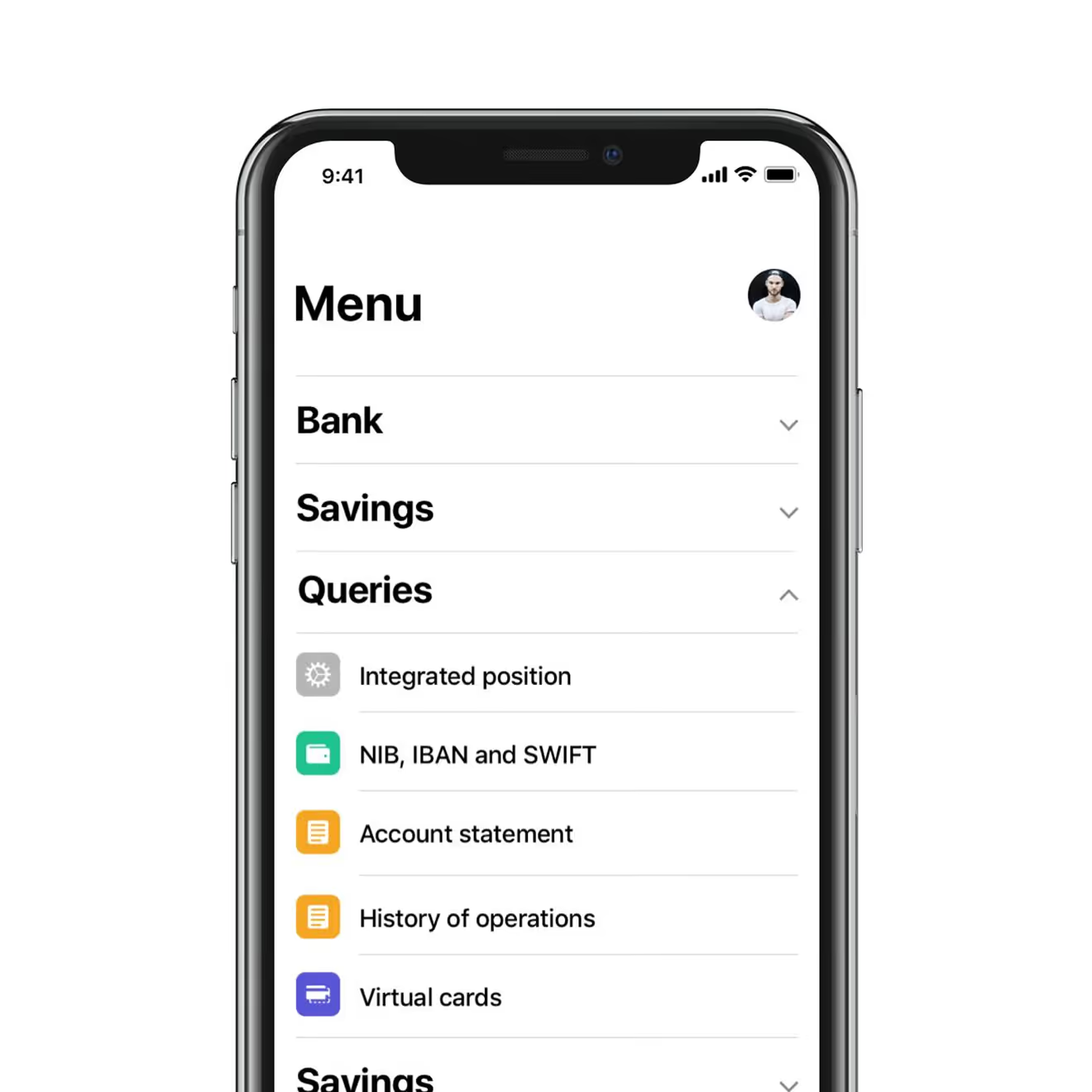
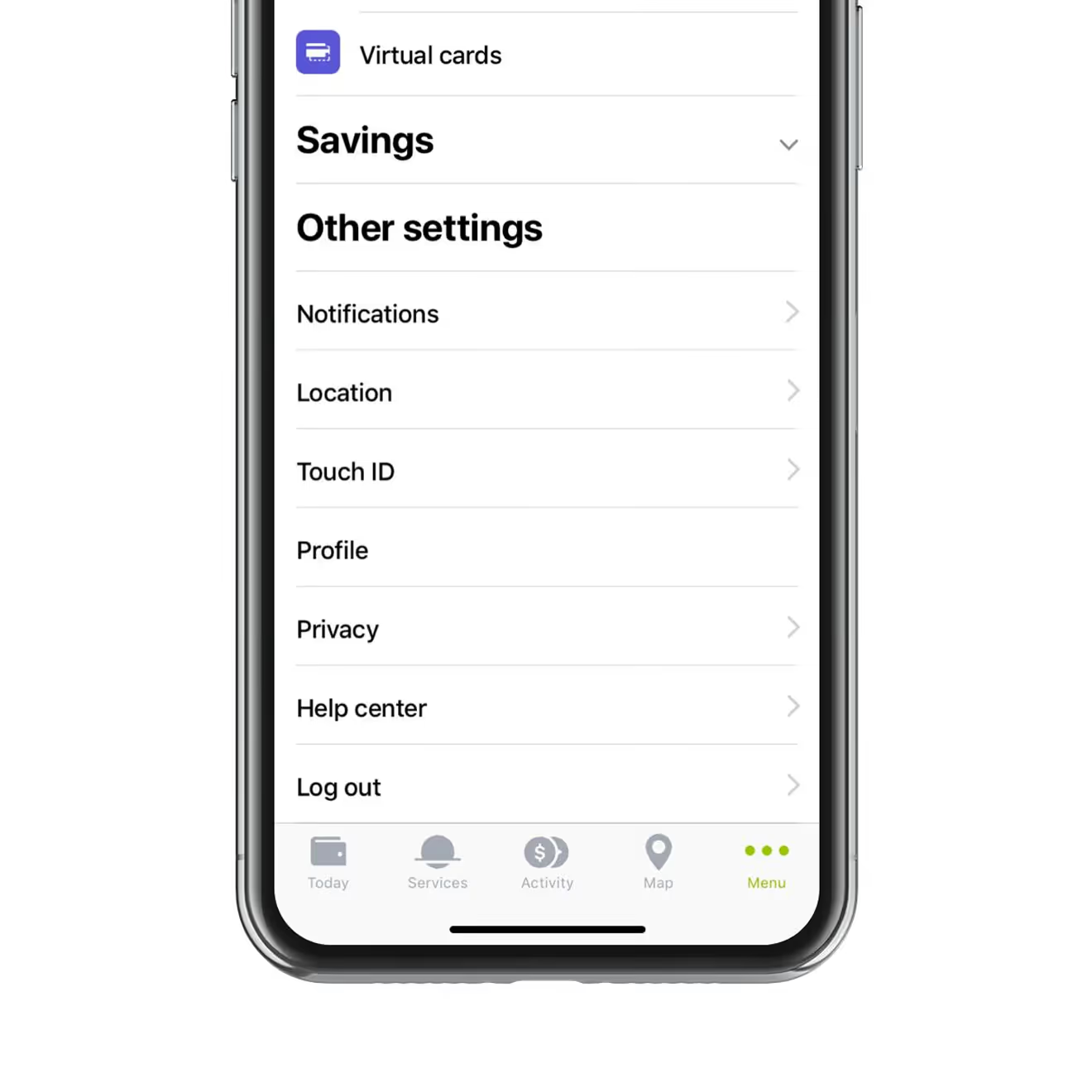
Navigation Menu for Banking Features
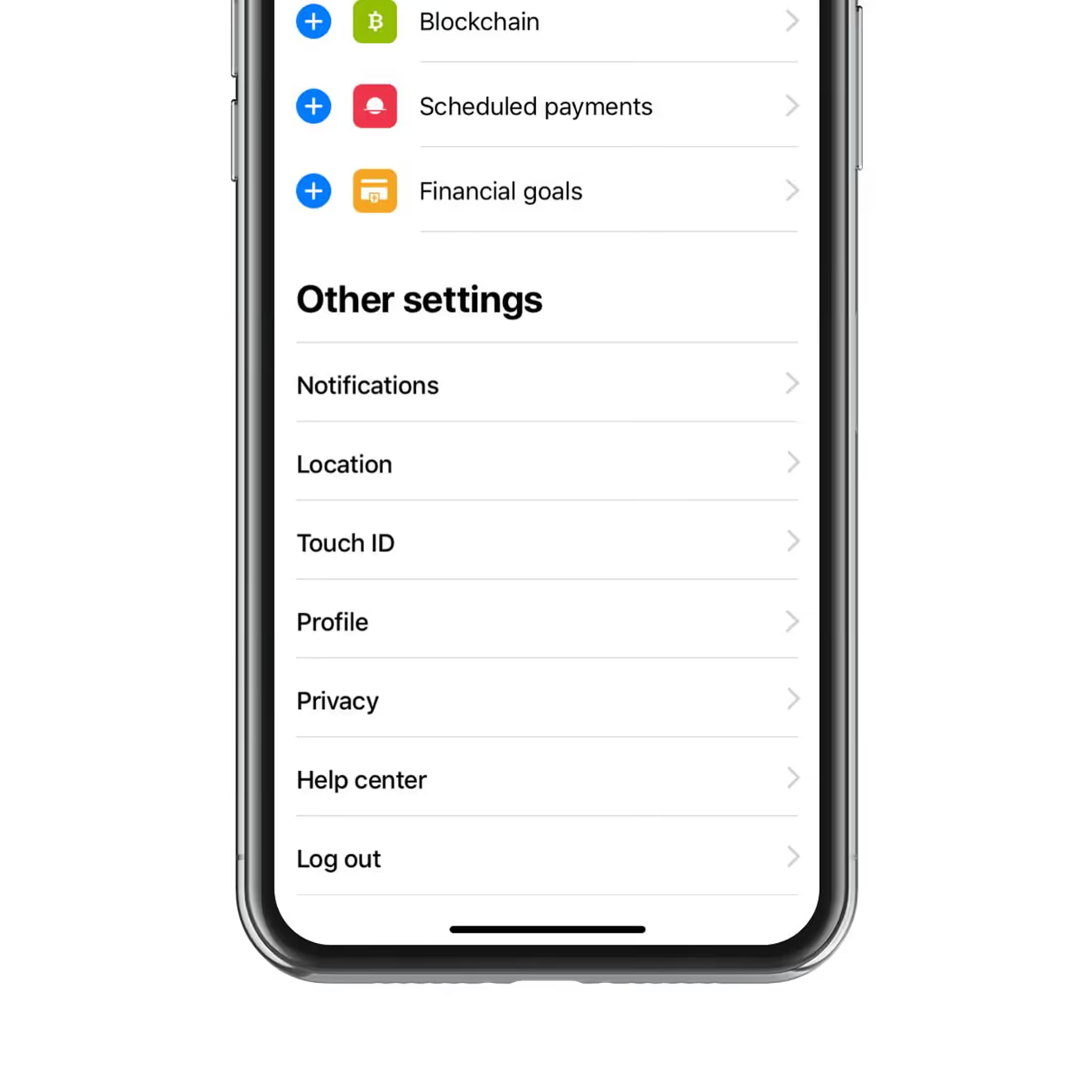
The main menu groups Bank, Savings, and Queries into collapsible sections, including NIB/IBAN/SWIFT details and operation history. A separate settings list covers notifications, location, Touch ID, and privacy.
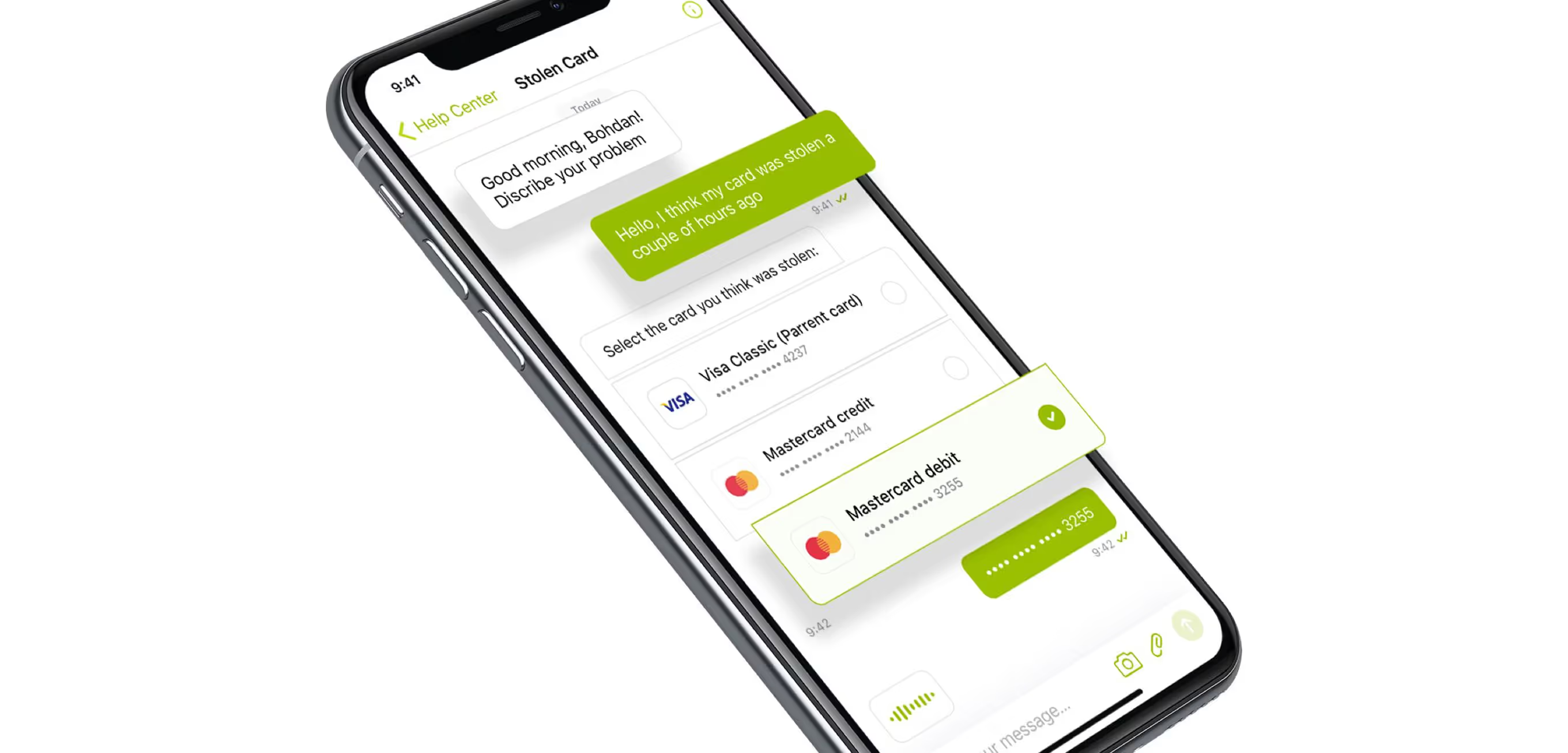
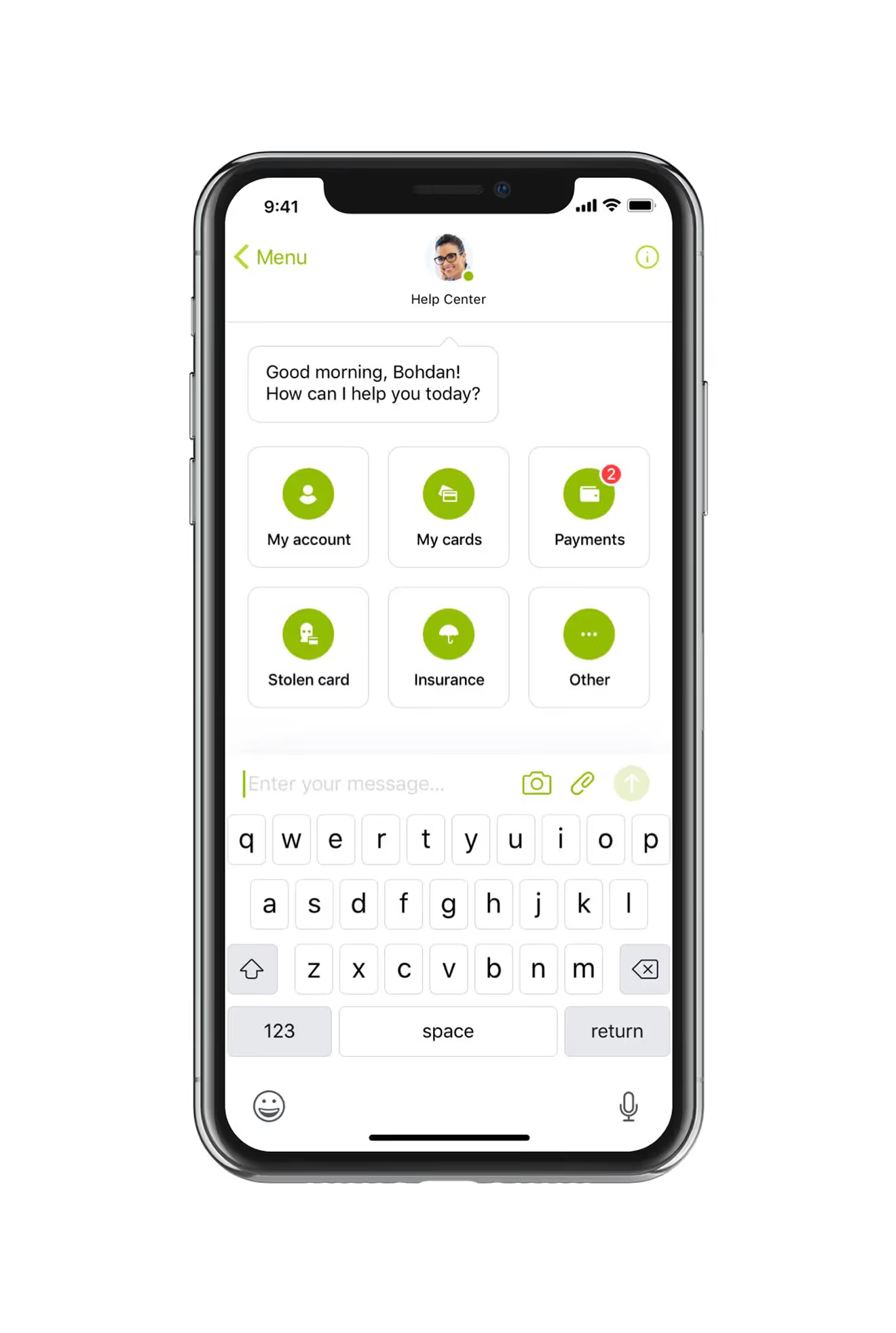
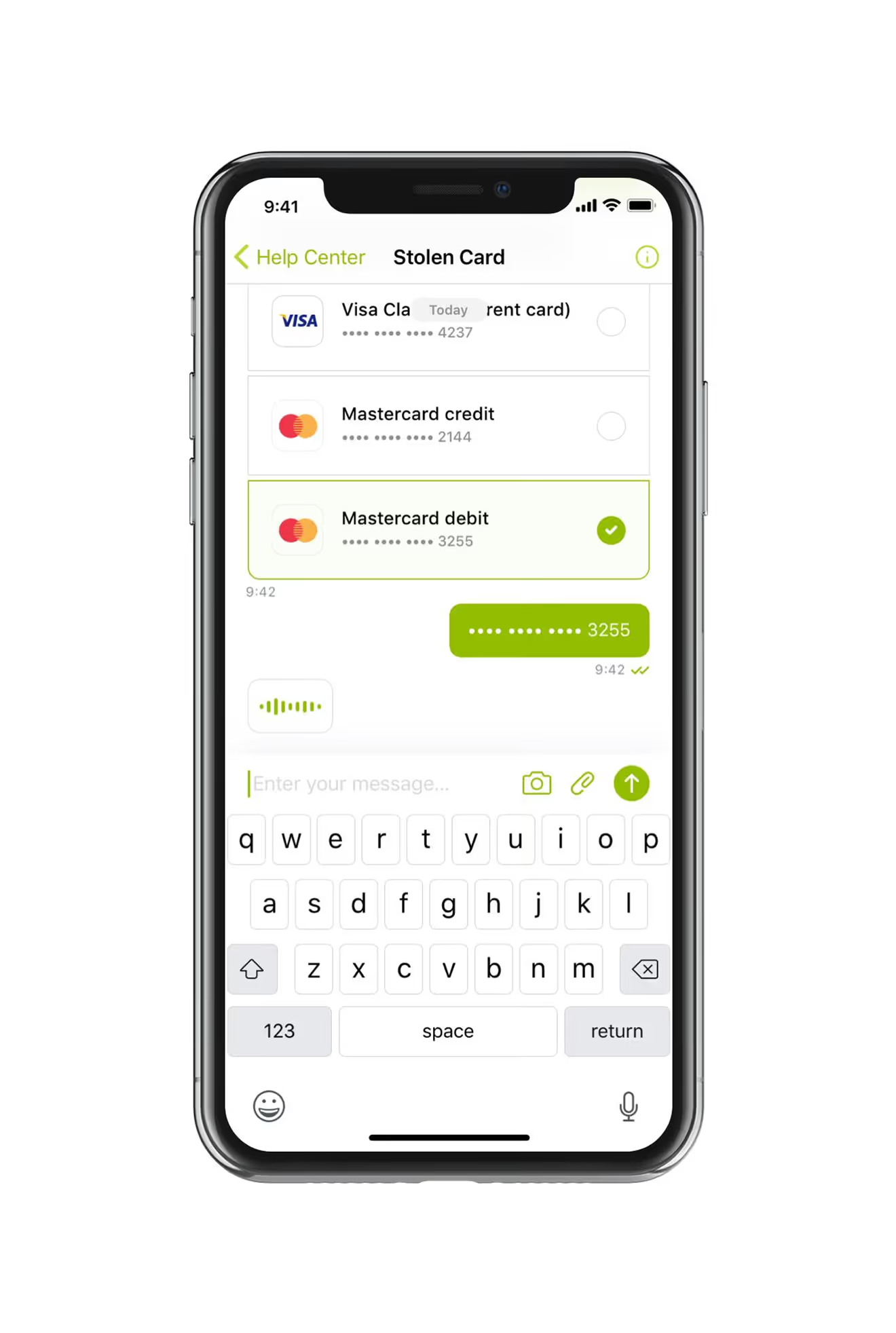
Chat Support for a Stolen Card
The Help Center opens as a chat with quick-reply buttons for account, cards, payments, and a stolen-card report. Selecting "Stolen card" walks the user through choosing the affected card before escalating.
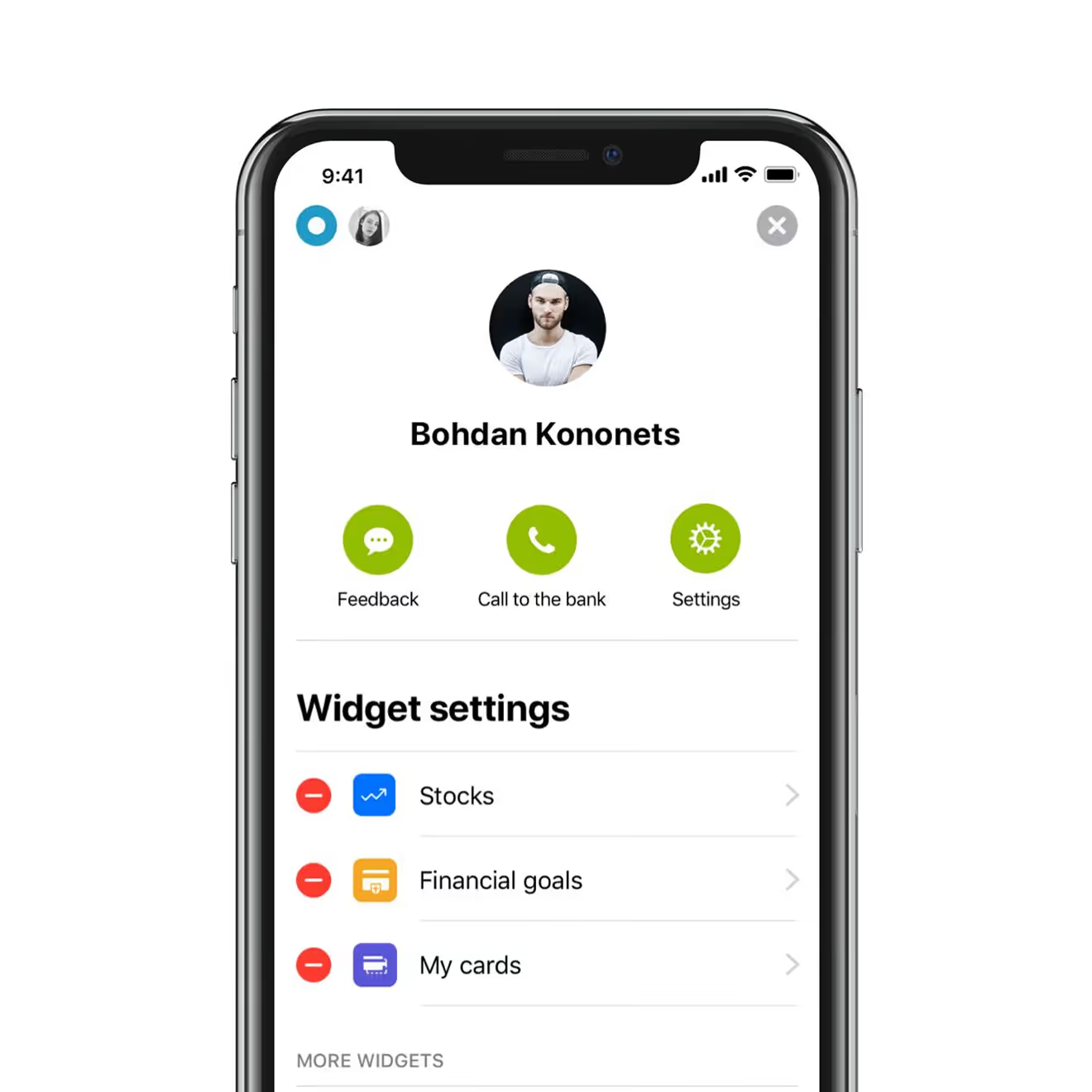
Widget Controls for the Home Screen
A dedicated settings screen lets users add or remove dashboard widgets – stocks, financial goals, cards, blockchain, and scheduled payments – independently of the main settings menu.
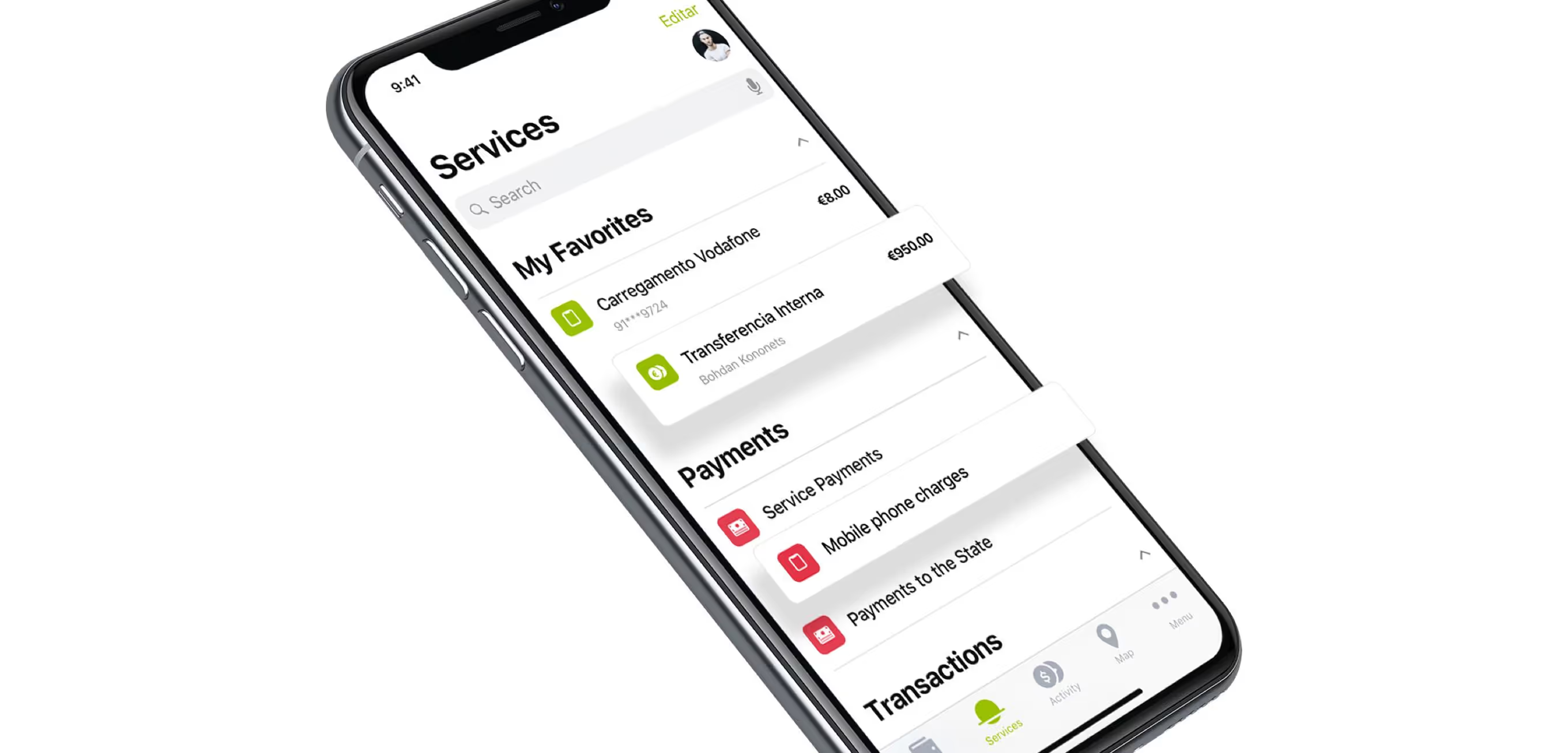
Services Hub for Bills and Transfers
The Services screen lists favorite actions, mobile top-ups, and state payments alongside a running transactions feed. Search and quick-access favorites reduce taps for repeat bill payments.
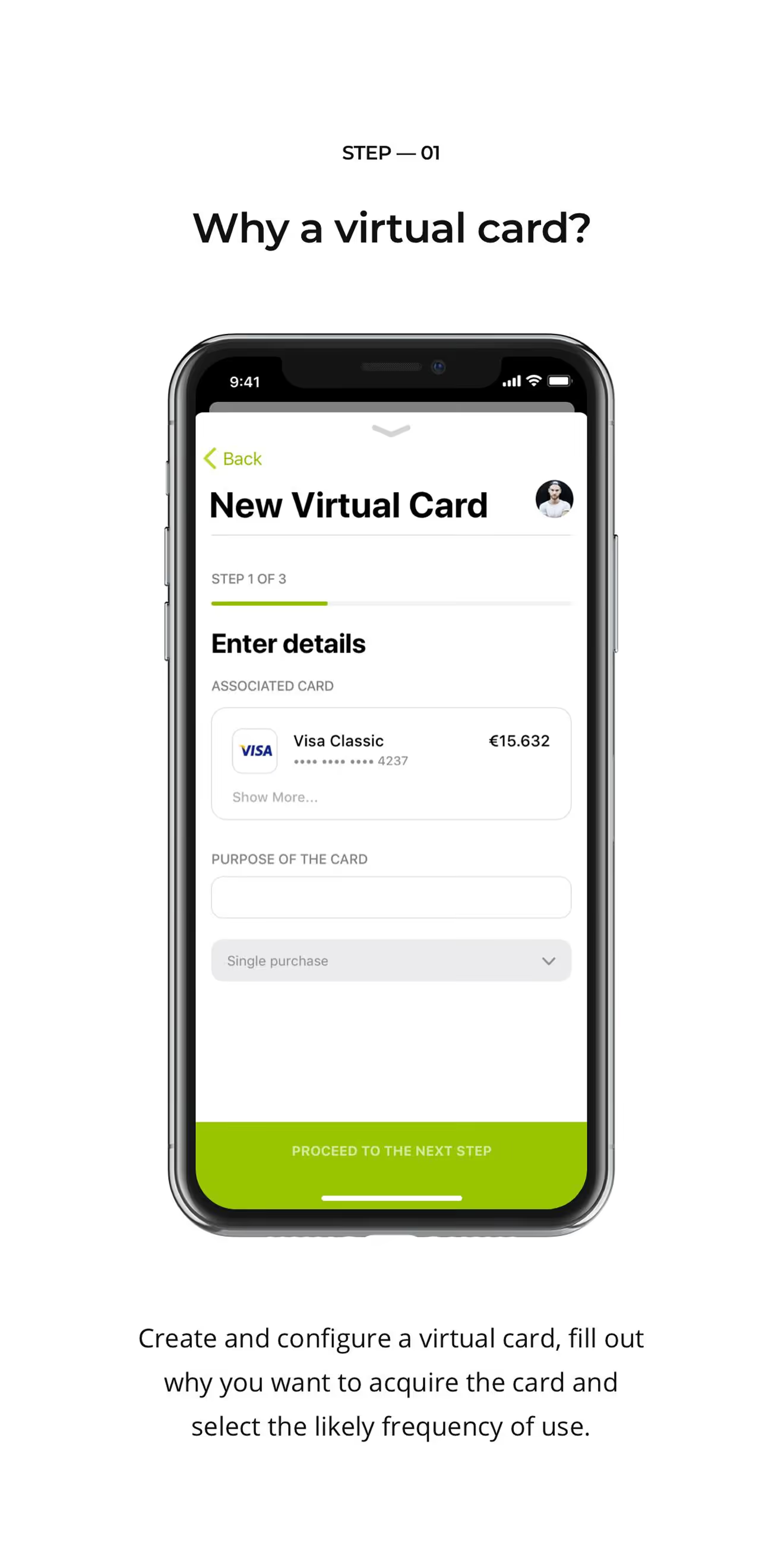
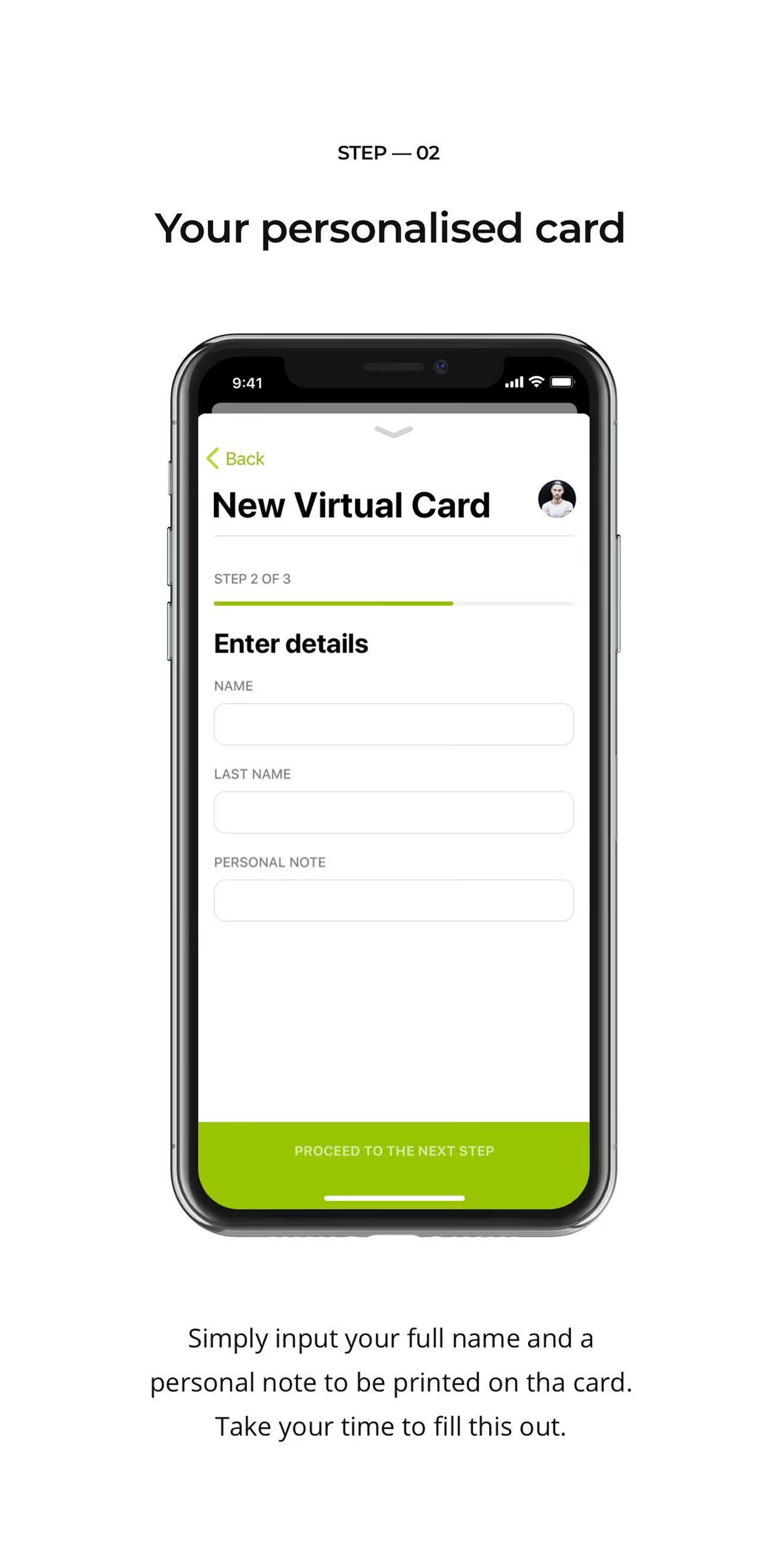
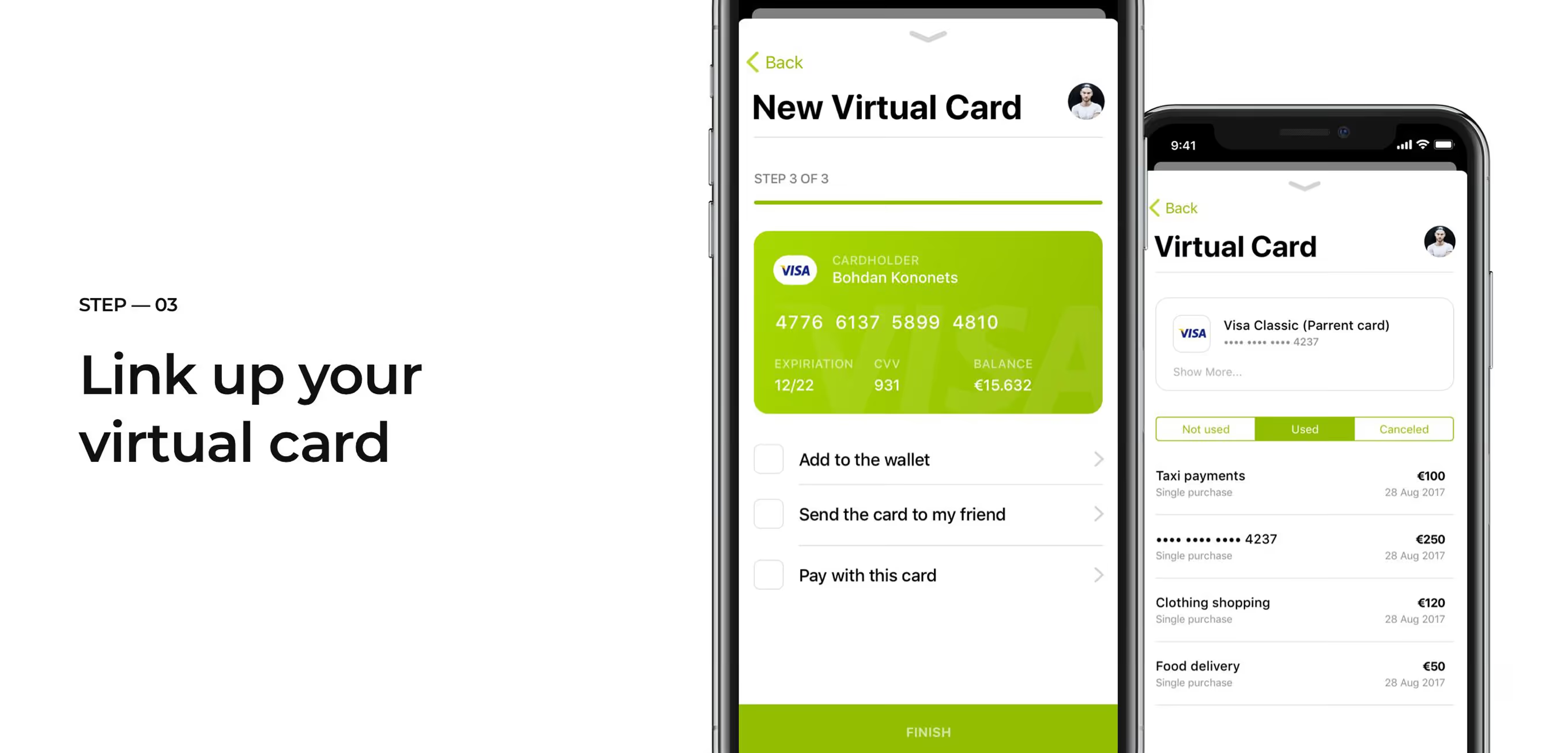
Three-Step Flow for Virtual Cards
Creating a virtual card takes three steps: pick the linked card and its purpose, add a name and personal note, then link the finished card to a wallet, a contact, or a payment. A progress bar tracks each step.
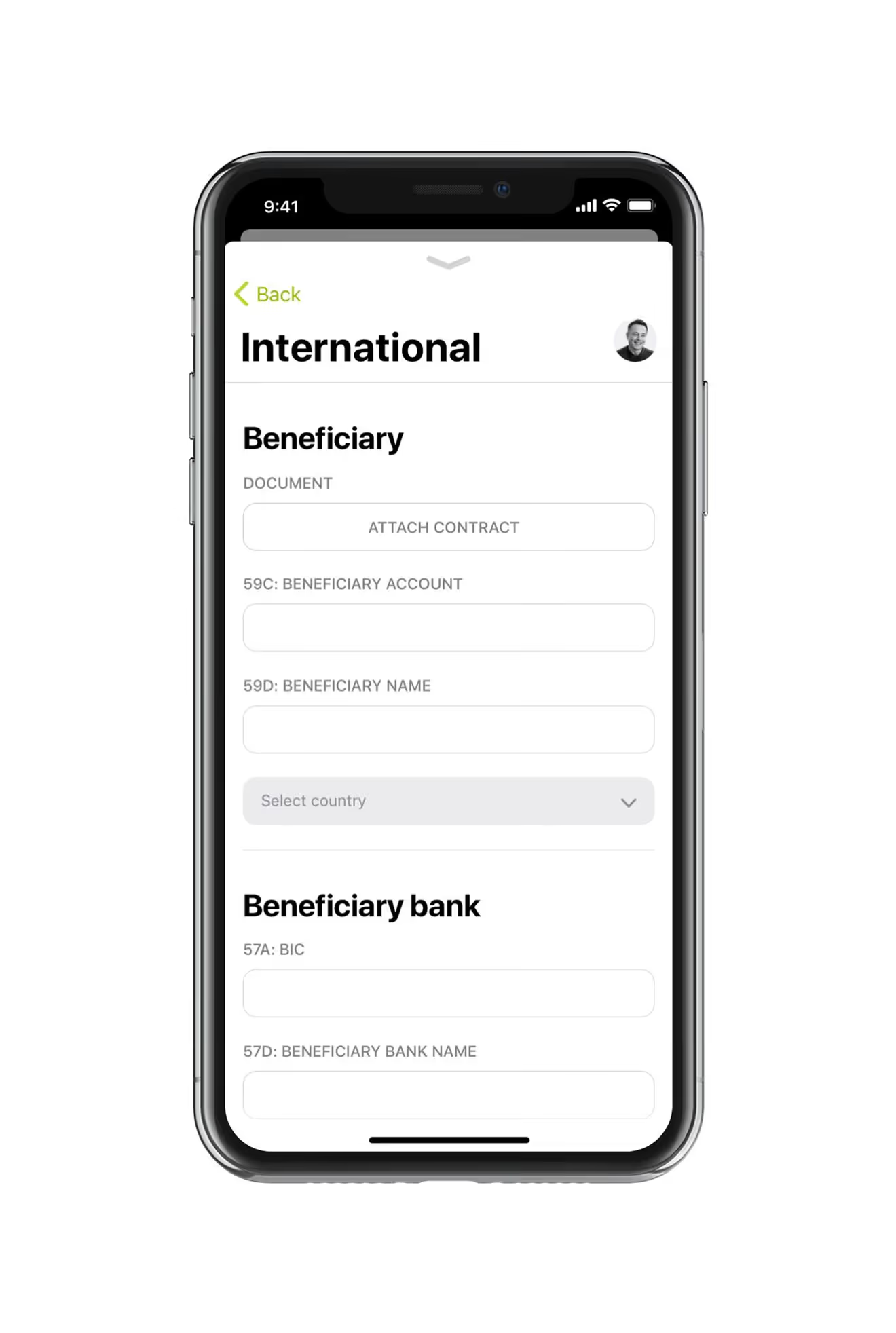
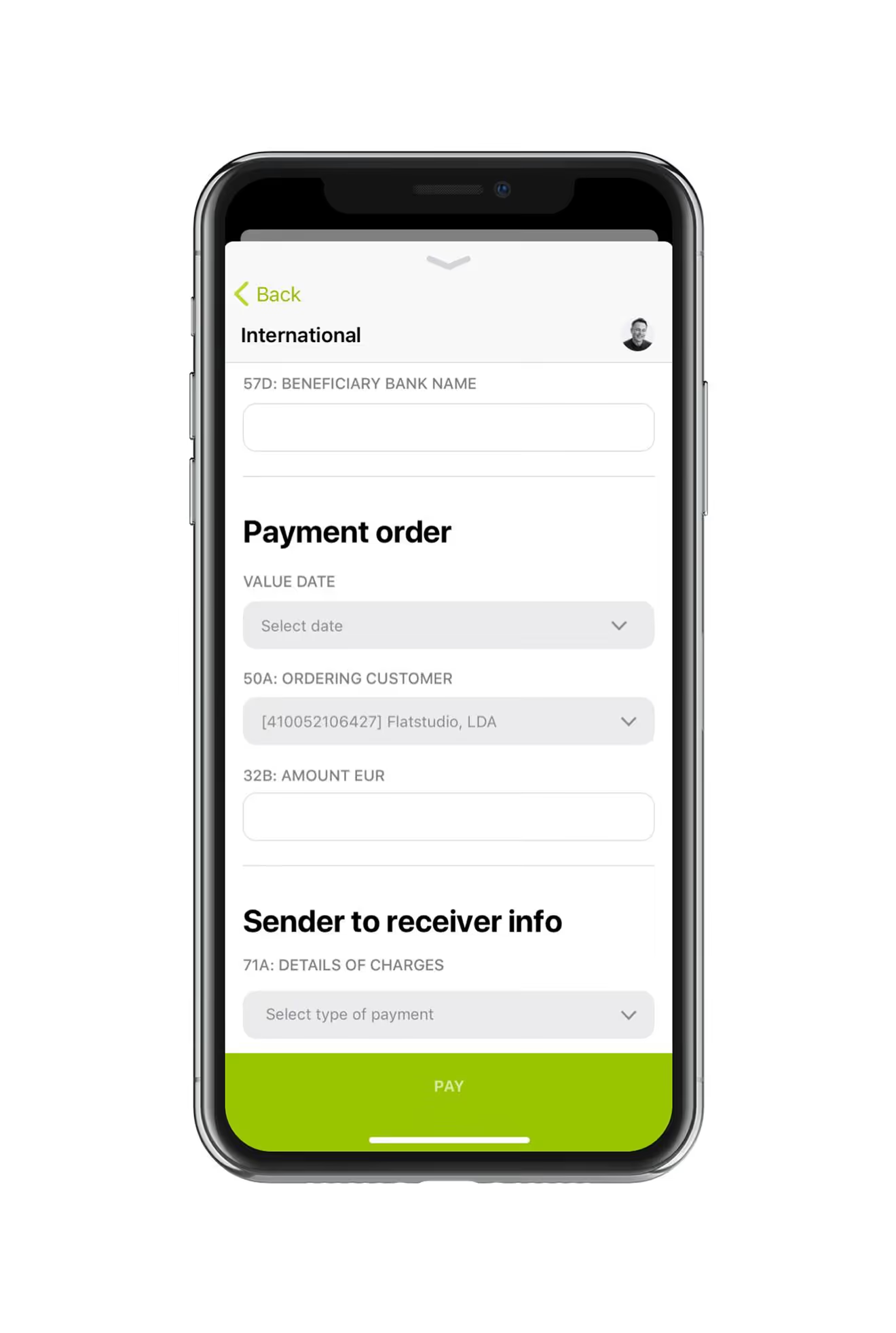
Form for International SWIFT Transfers
The international transfer form collects beneficiary details, IBAN, and BIC under compliance rules typical of regulated Fintech products. A second screen sets the value date, amount, and charge type.
QR and Biometric Payment Verification
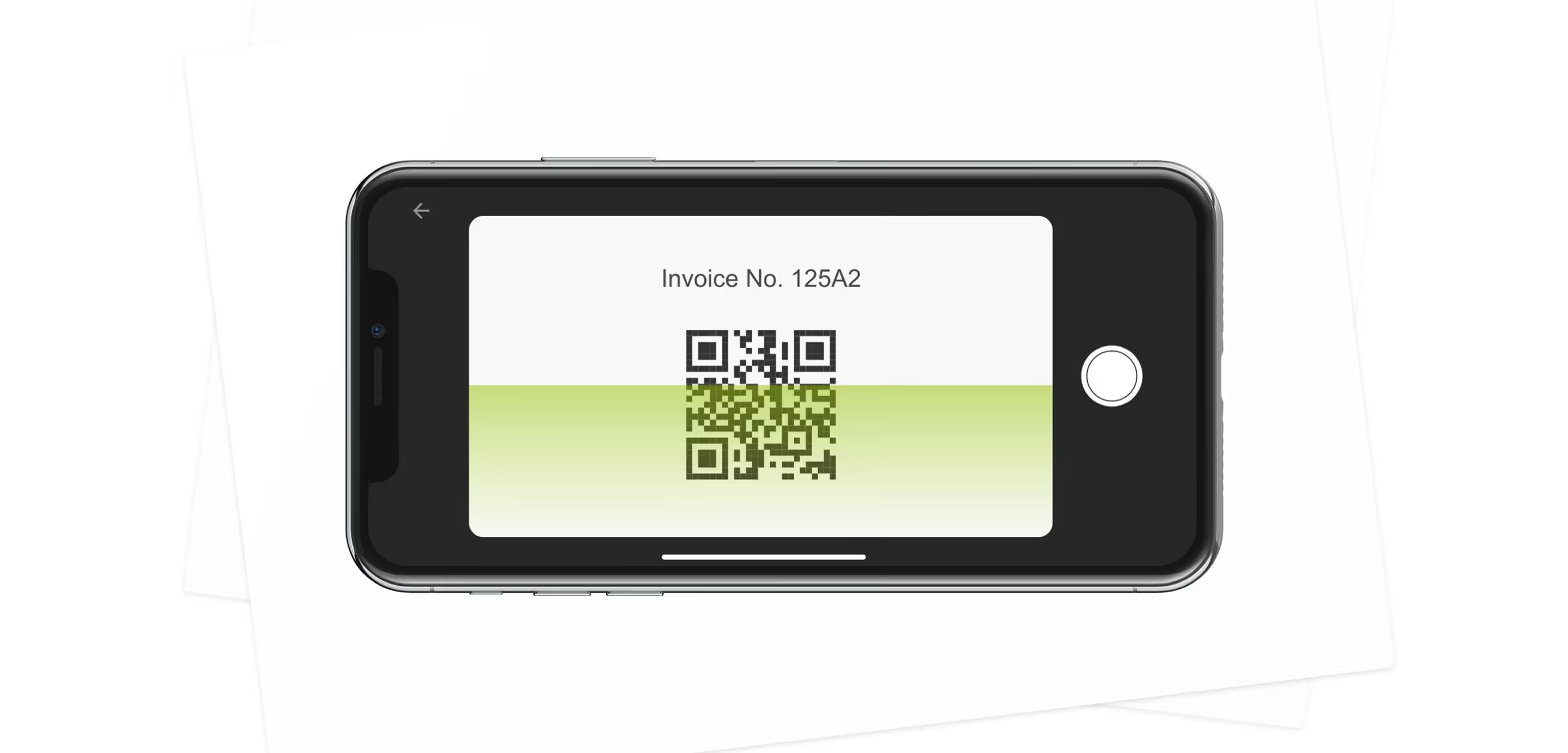
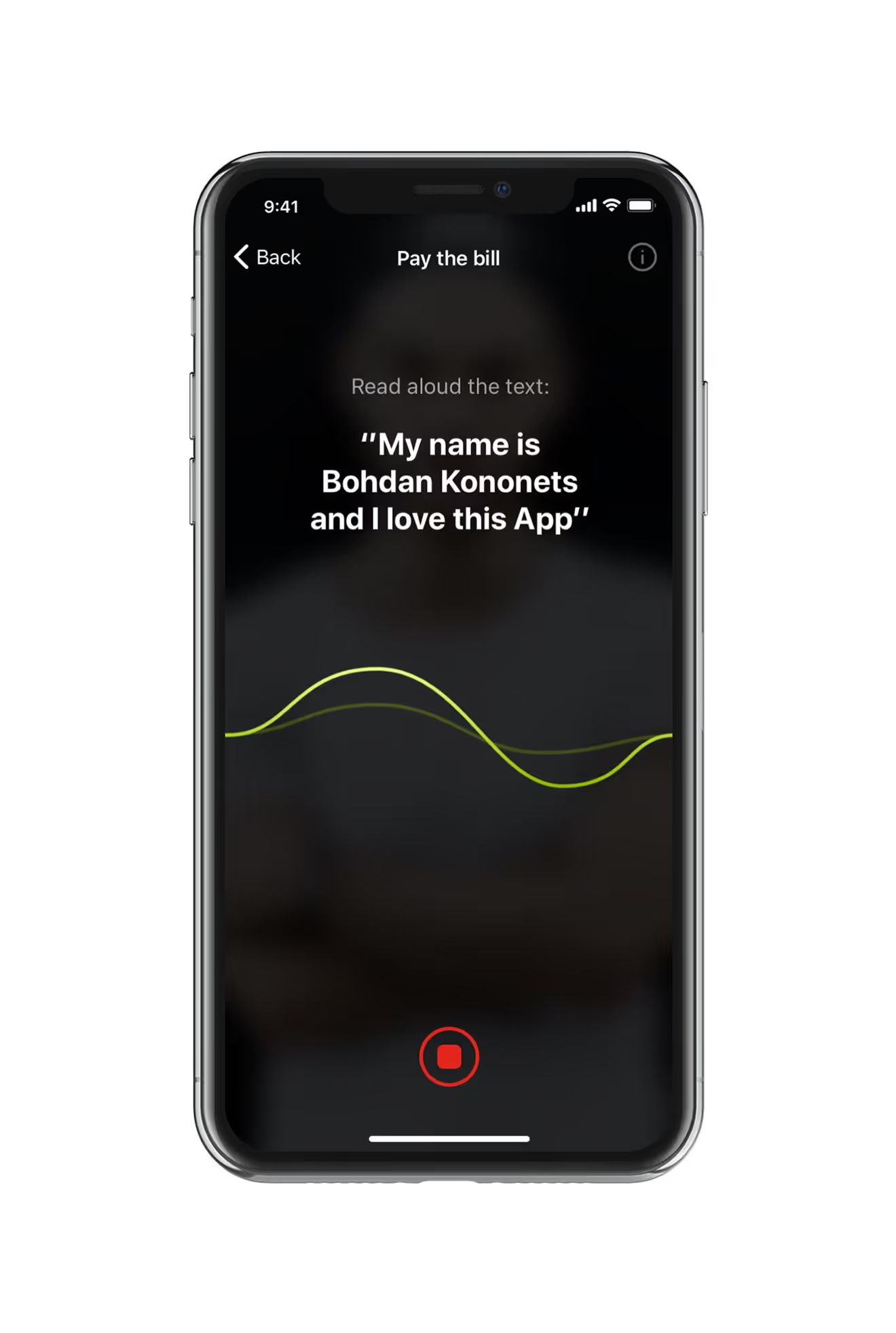
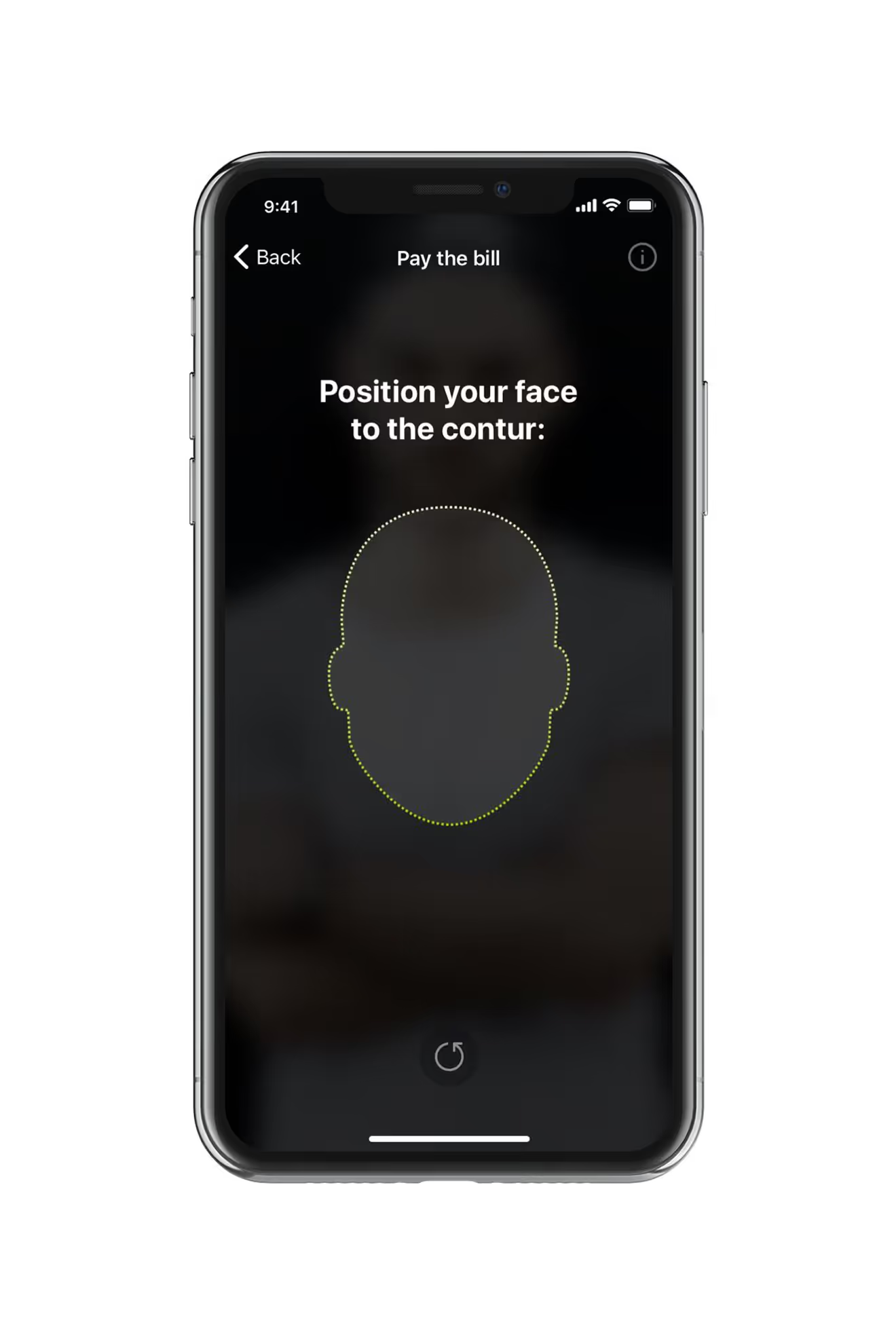
Paying an invoice starts with scanning a QR code, then confirming identity through a voice phrase and a face-position check before the payment completes. Both biometric steps run inside the same flow.
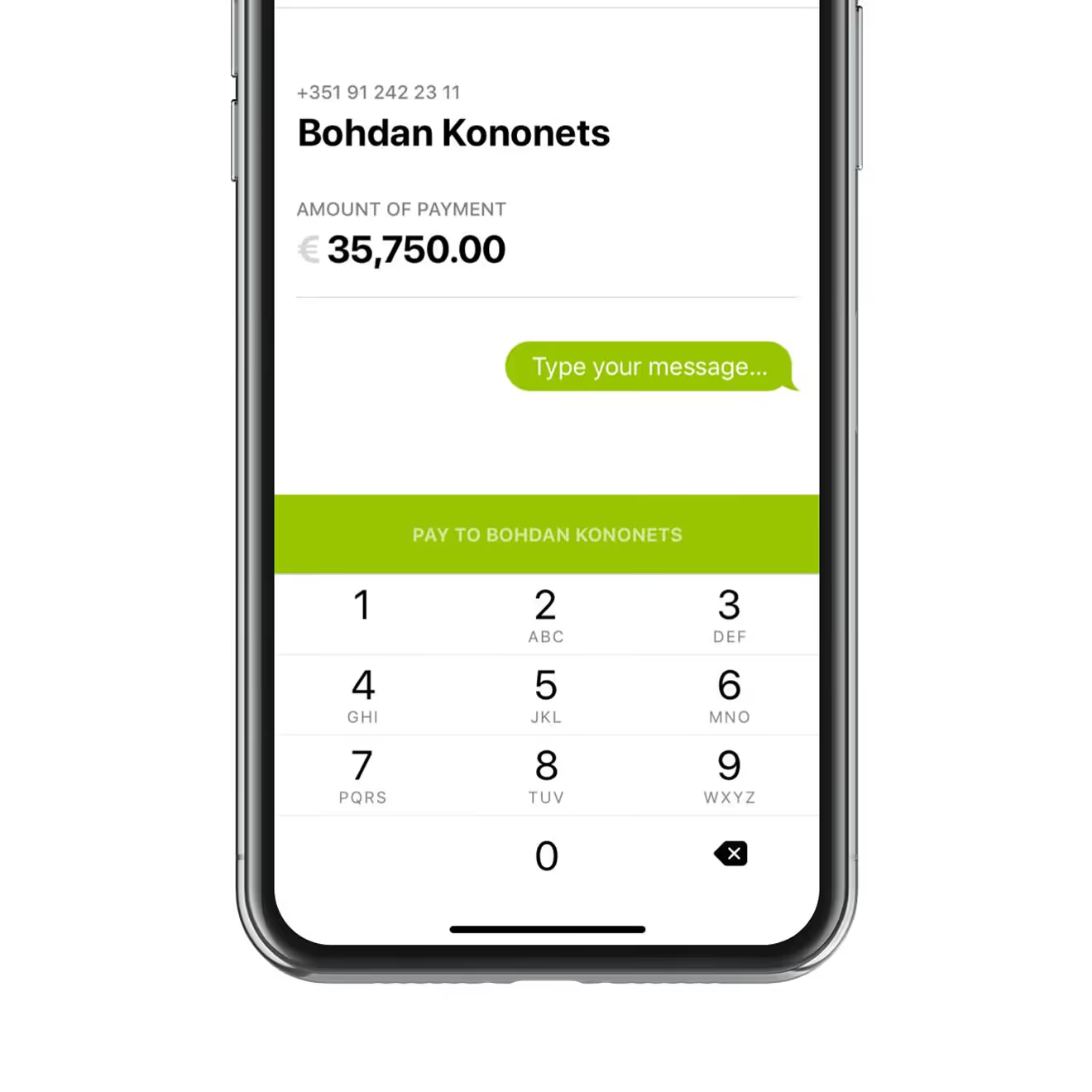
Chat-Style Peer-to-Peer Transfers
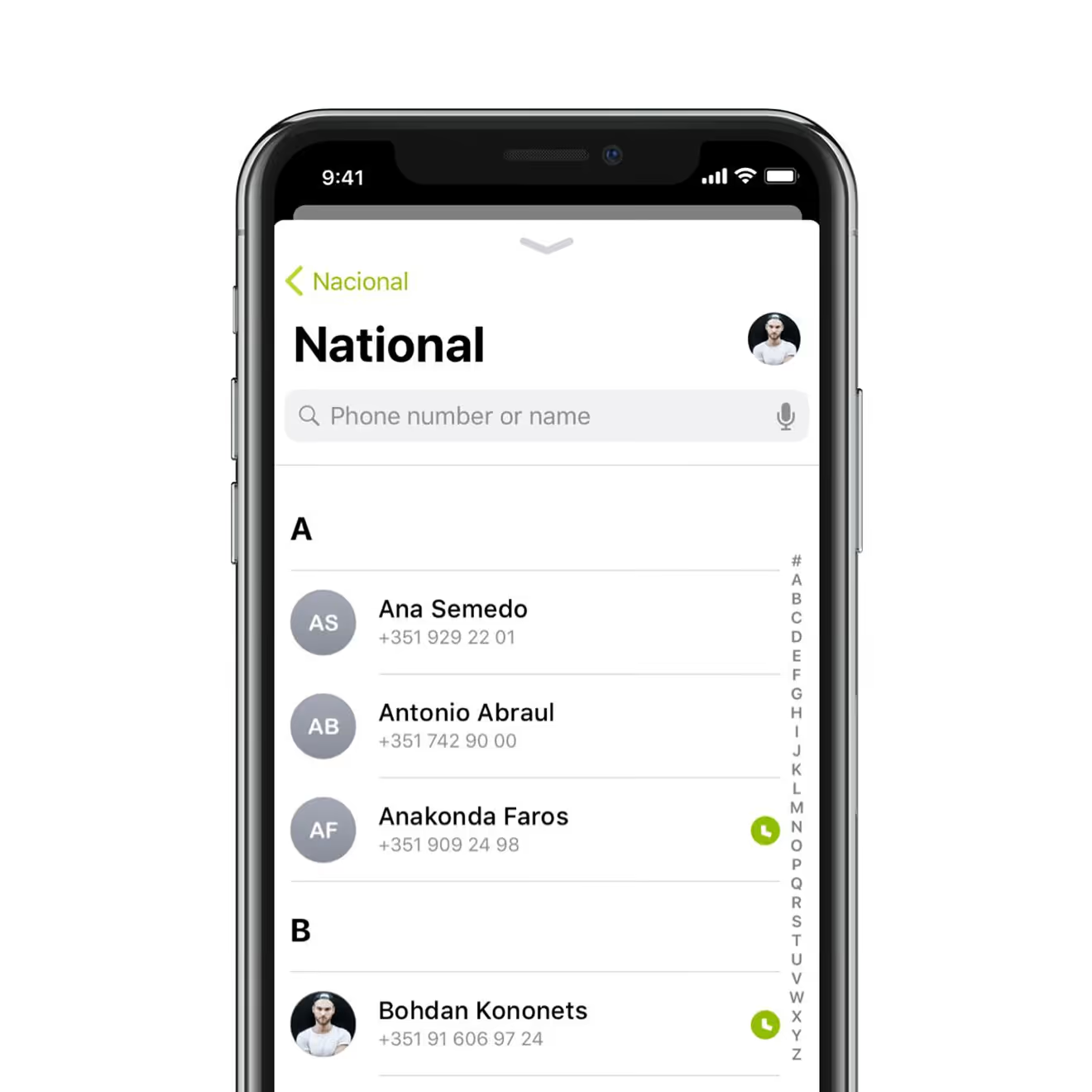
Sending money starts from the national contacts list, searchable by phone number or name. The transfer screen then opens as a chat, with a numeric keypad and a message field next to the amount.
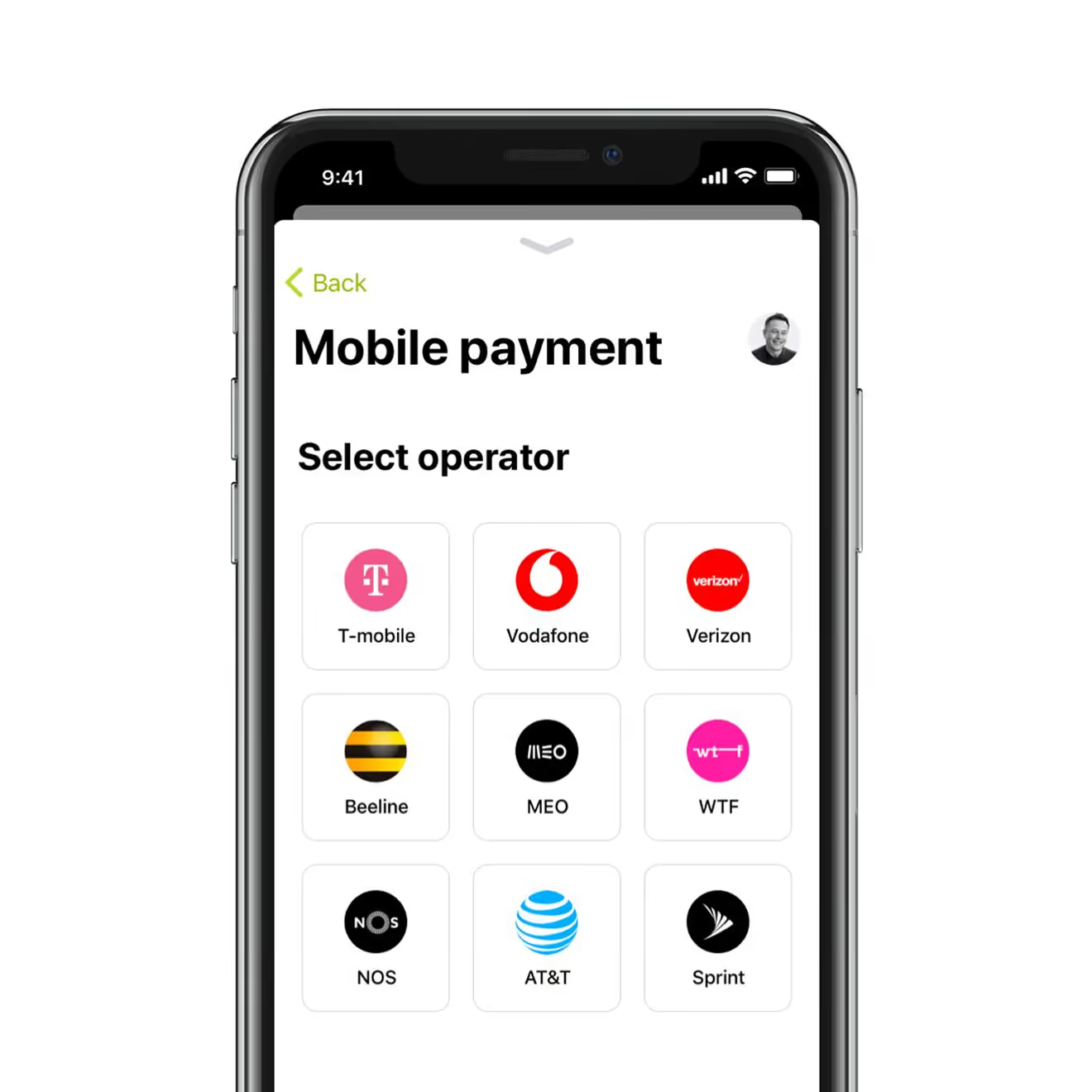
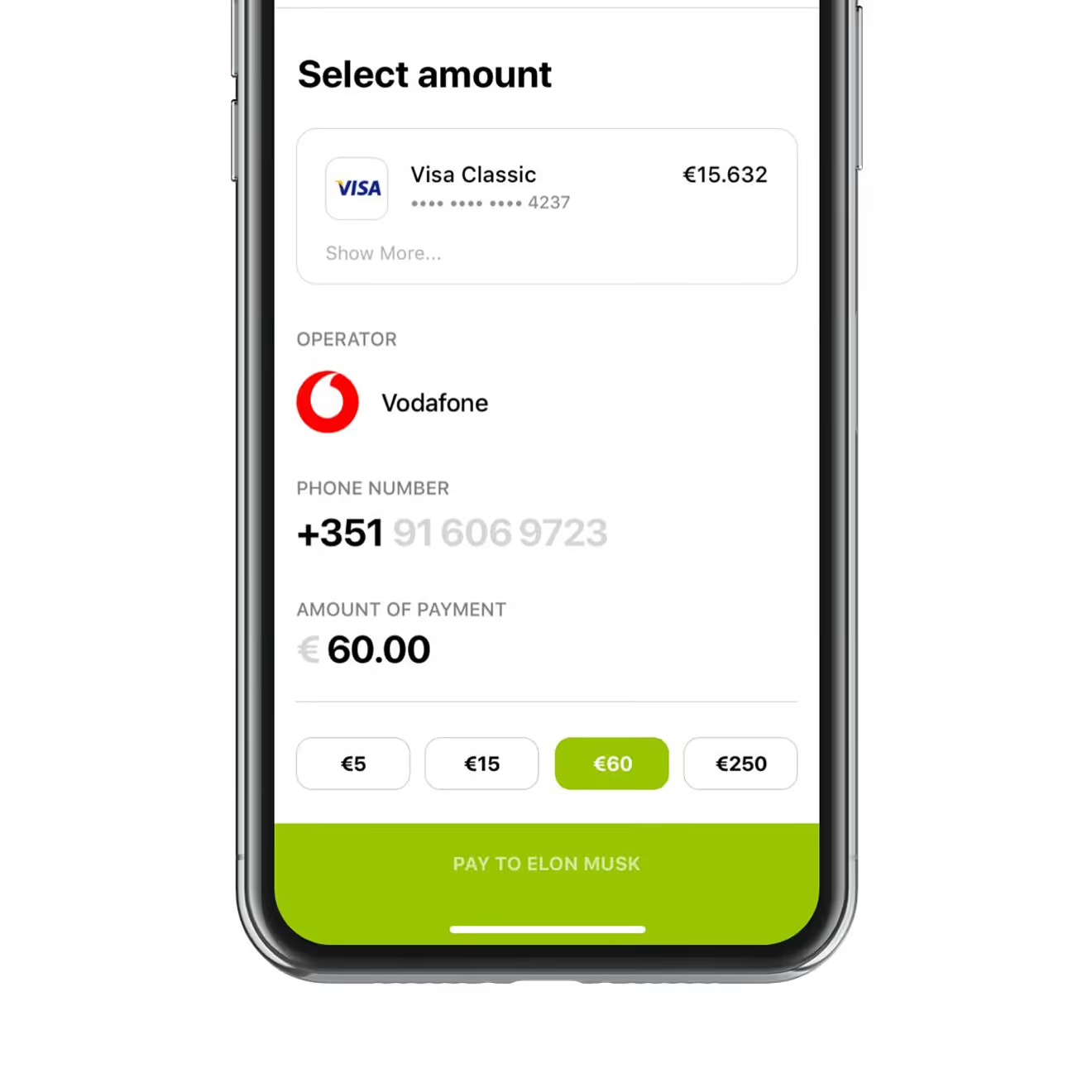
Mobile Top-Up for Nine Carriers
Topping up a phone starts with picking one of nine carriers, from Vodafone to AT&T, then a fixed phone number and preset amount buttons – €5, €15, €60, or €250 – complete the payment in two taps.
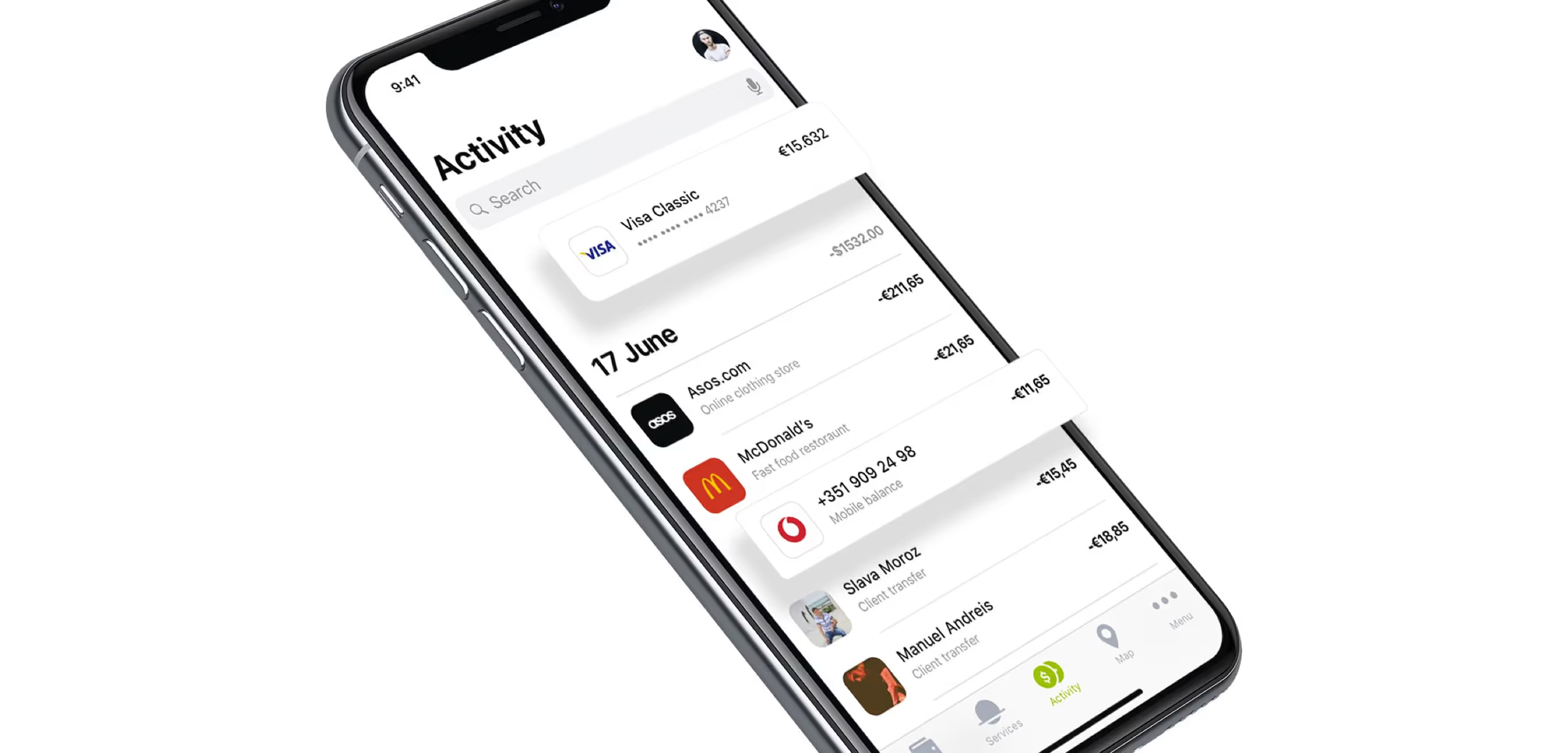
Transaction Feed with Merchant Detail
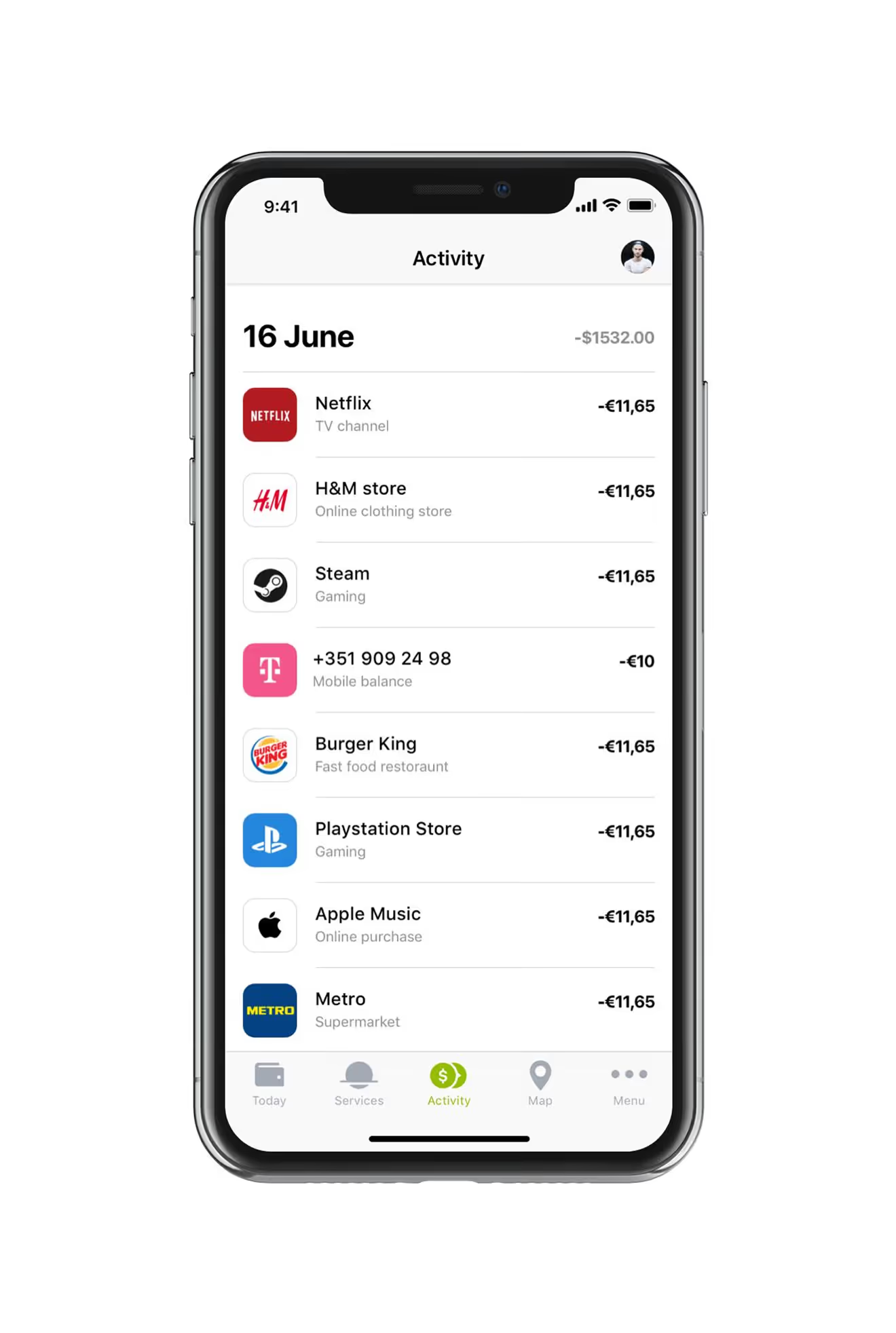
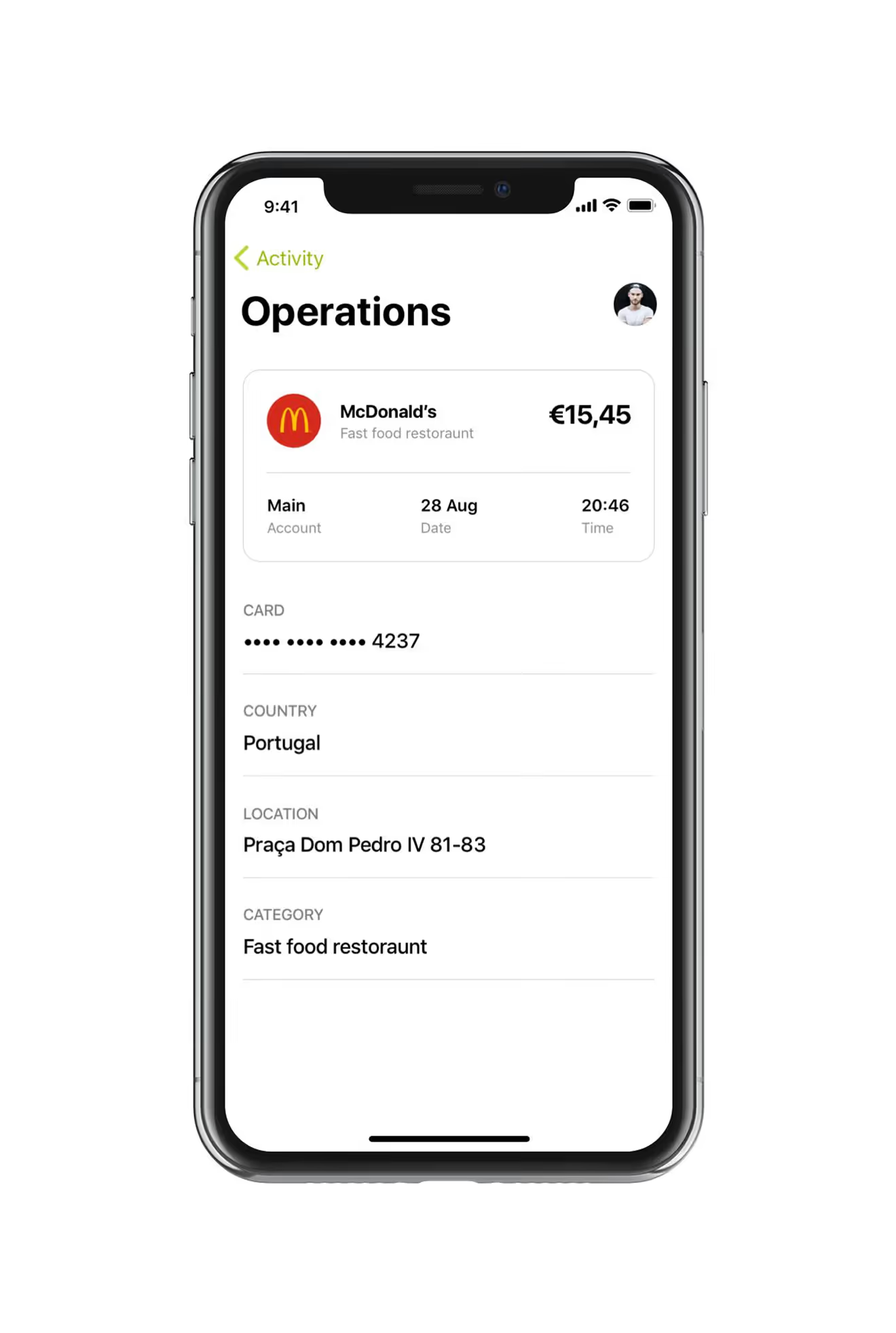
The activity feed groups transactions by day and merchant, from streaming subscriptions to mobile top-ups. Tapping any line opens a detail screen with card, location, and category.
Branch Map with Live Busyness Data
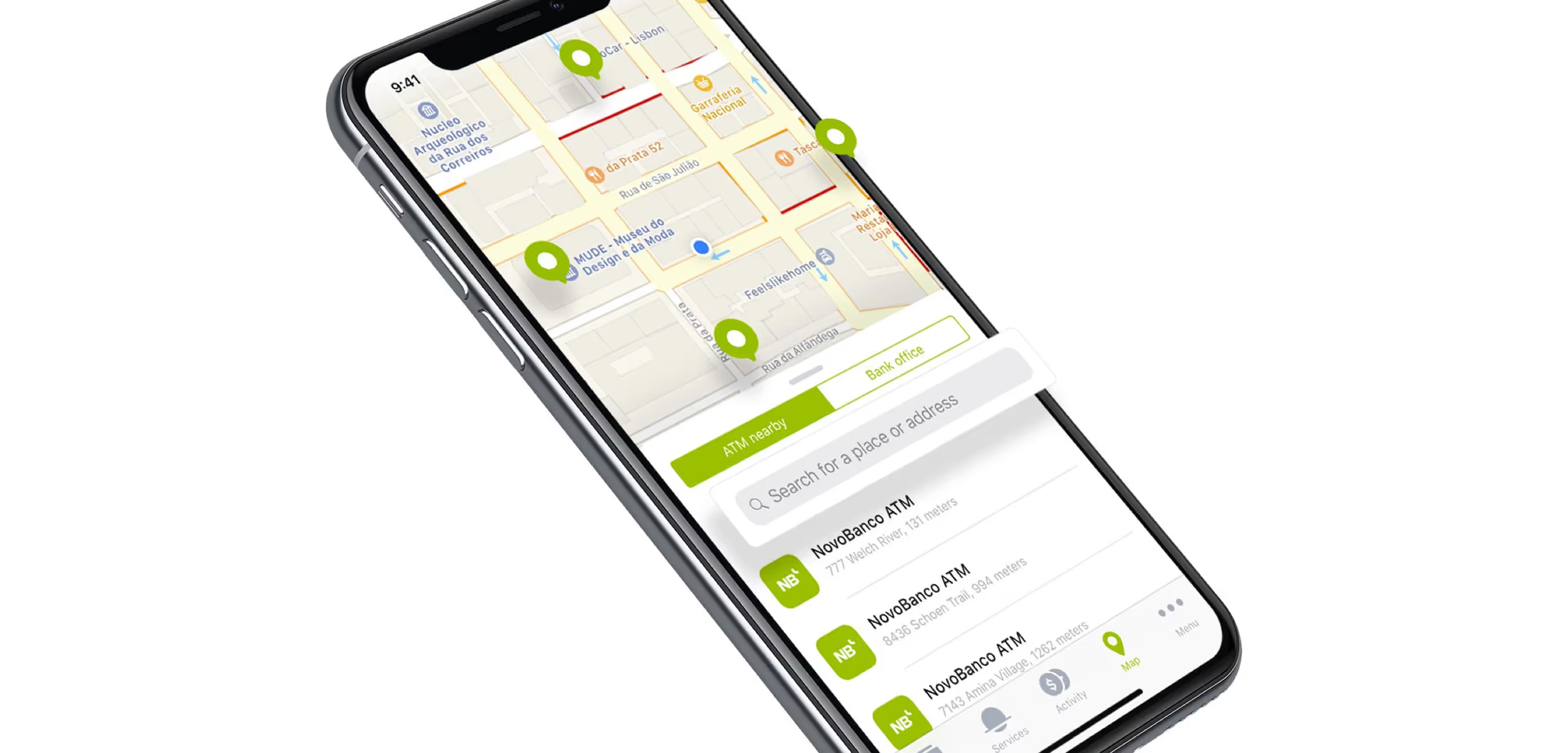
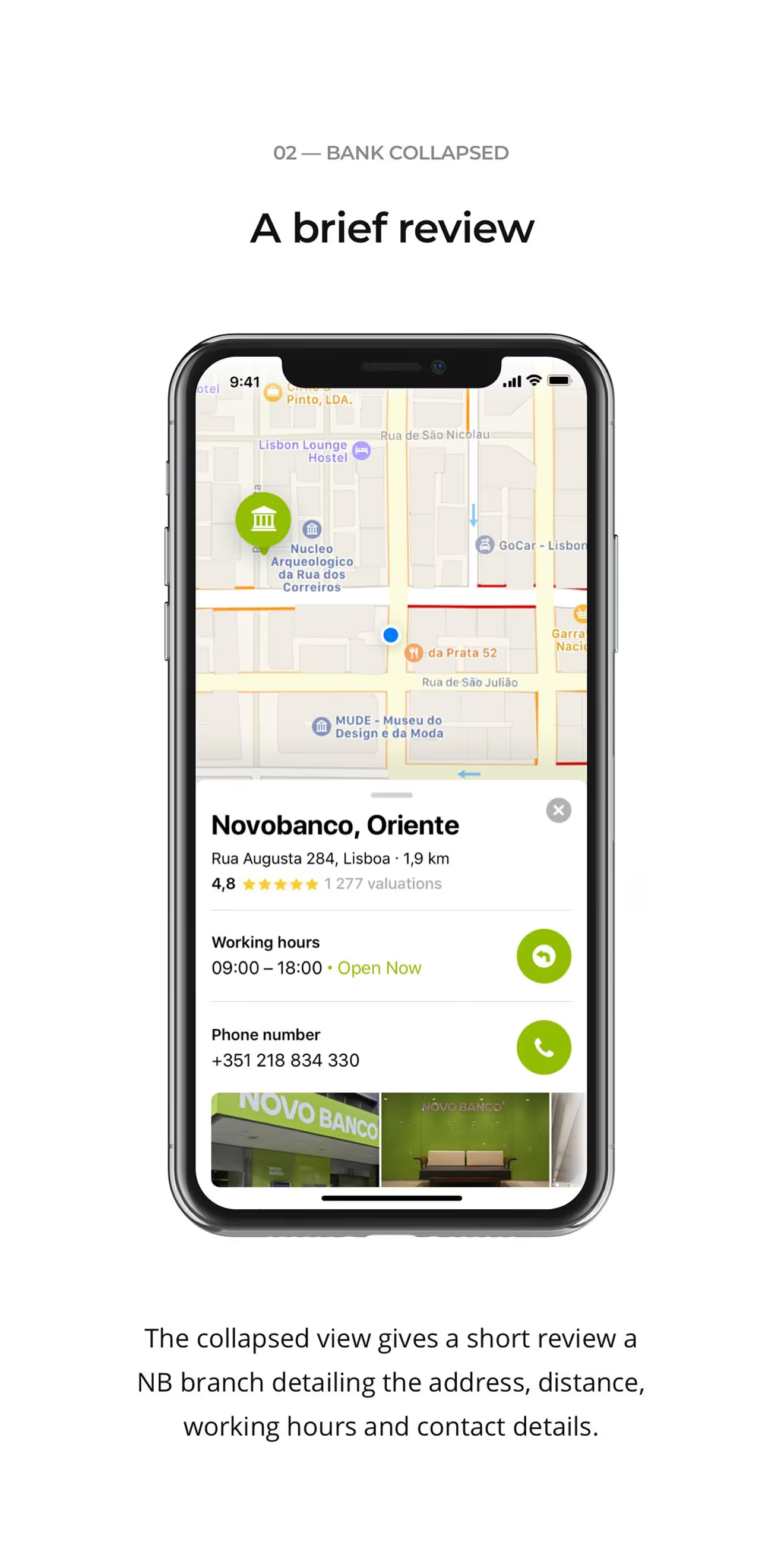
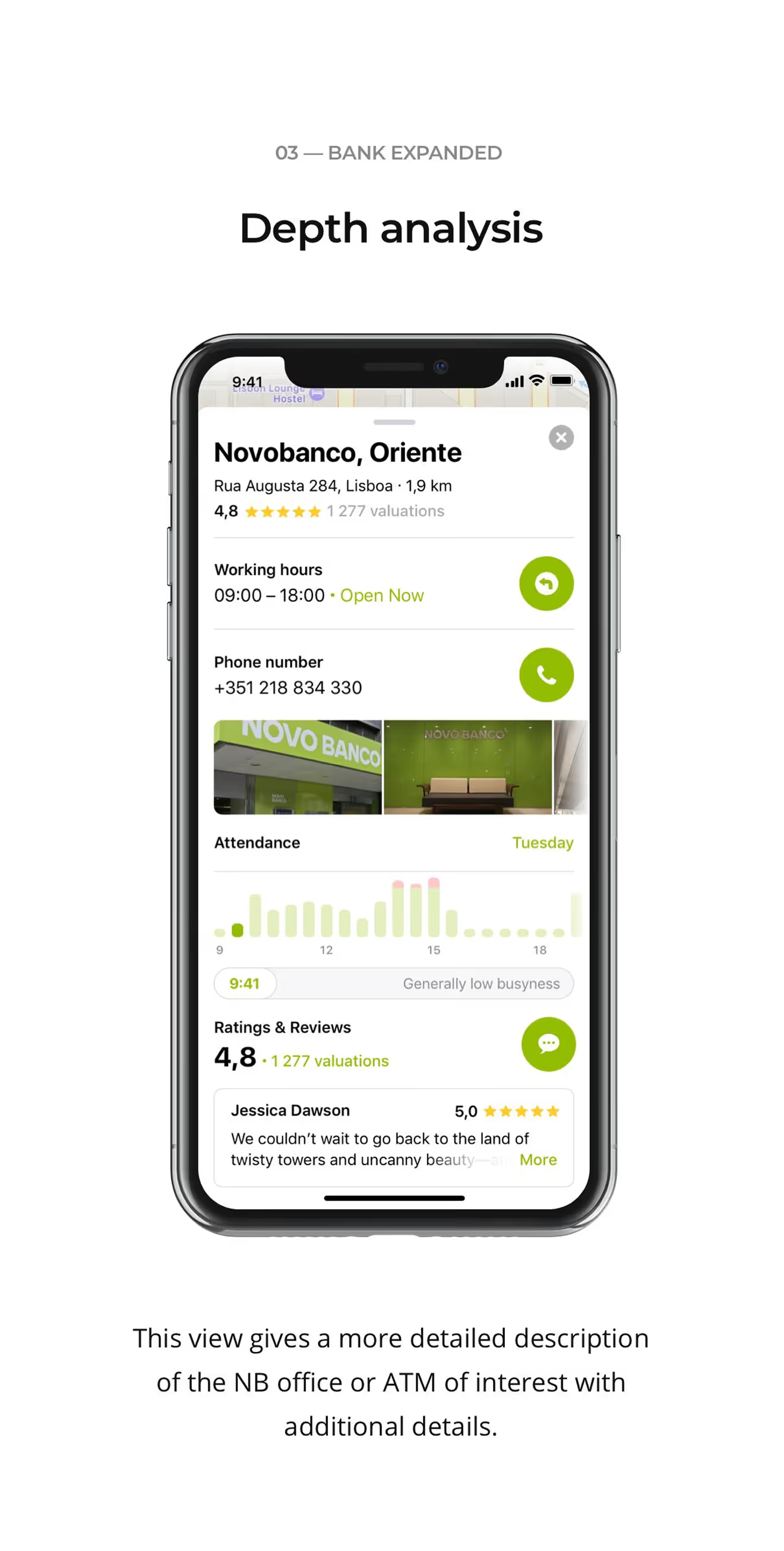
The branch and ATM map shows a collapsed pin with hours and distance, or an expanded view with phone number, photos, and an hourly busyness chart. Both states share the same card layout.
Modernising a banking or fintech app inside compliance constraints and inherited system logic? We design within those boundaries, not around them – reach out with your setup.
Ready to start your own project?
