















We evolved it section by section, with old and new UX patterns coexisting on the live product while new features were designed from scratch alongside it. Real-estate agents on the team were conservative users needing structured onboarding, not just an interface change — and the system now supports both experienced and cautious user groups, plus reusable website and flyer templates the team runs independently.
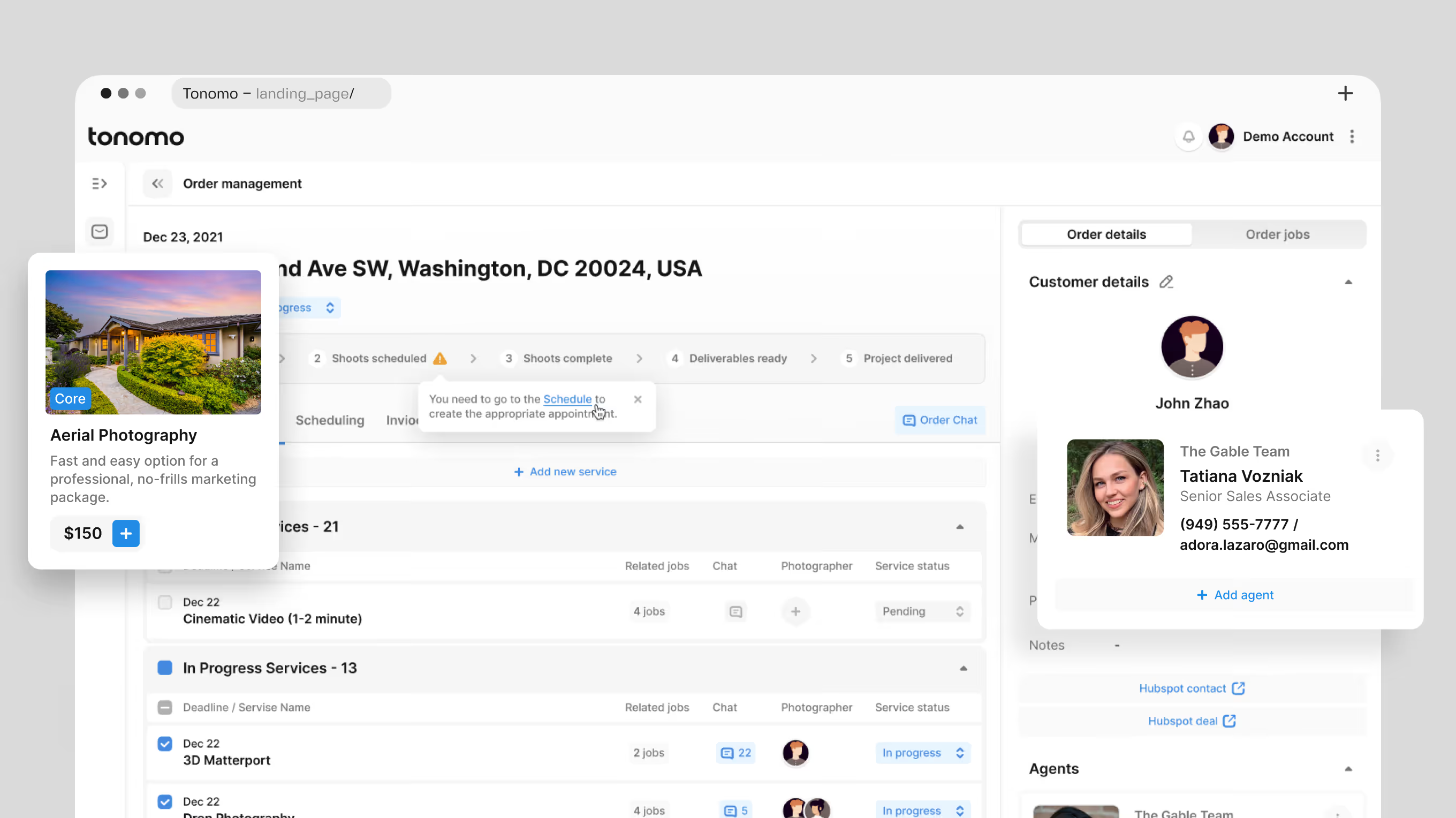
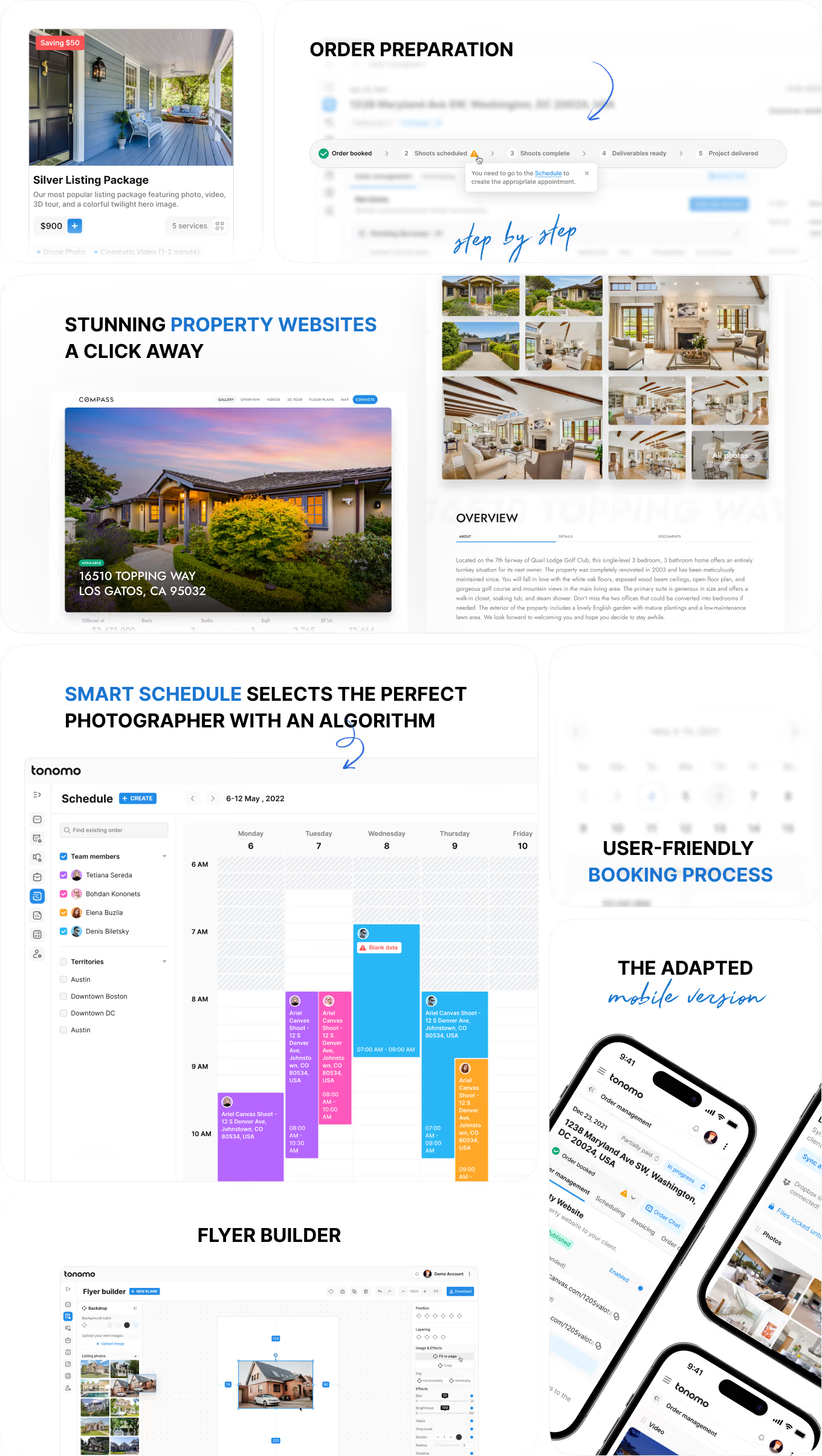
A first look at Tonomo's real-estate media operations hub: listing packages, auto-matched photographer scheduling, and instant property websites. A status tracker follows each shoot from booking through delivery.
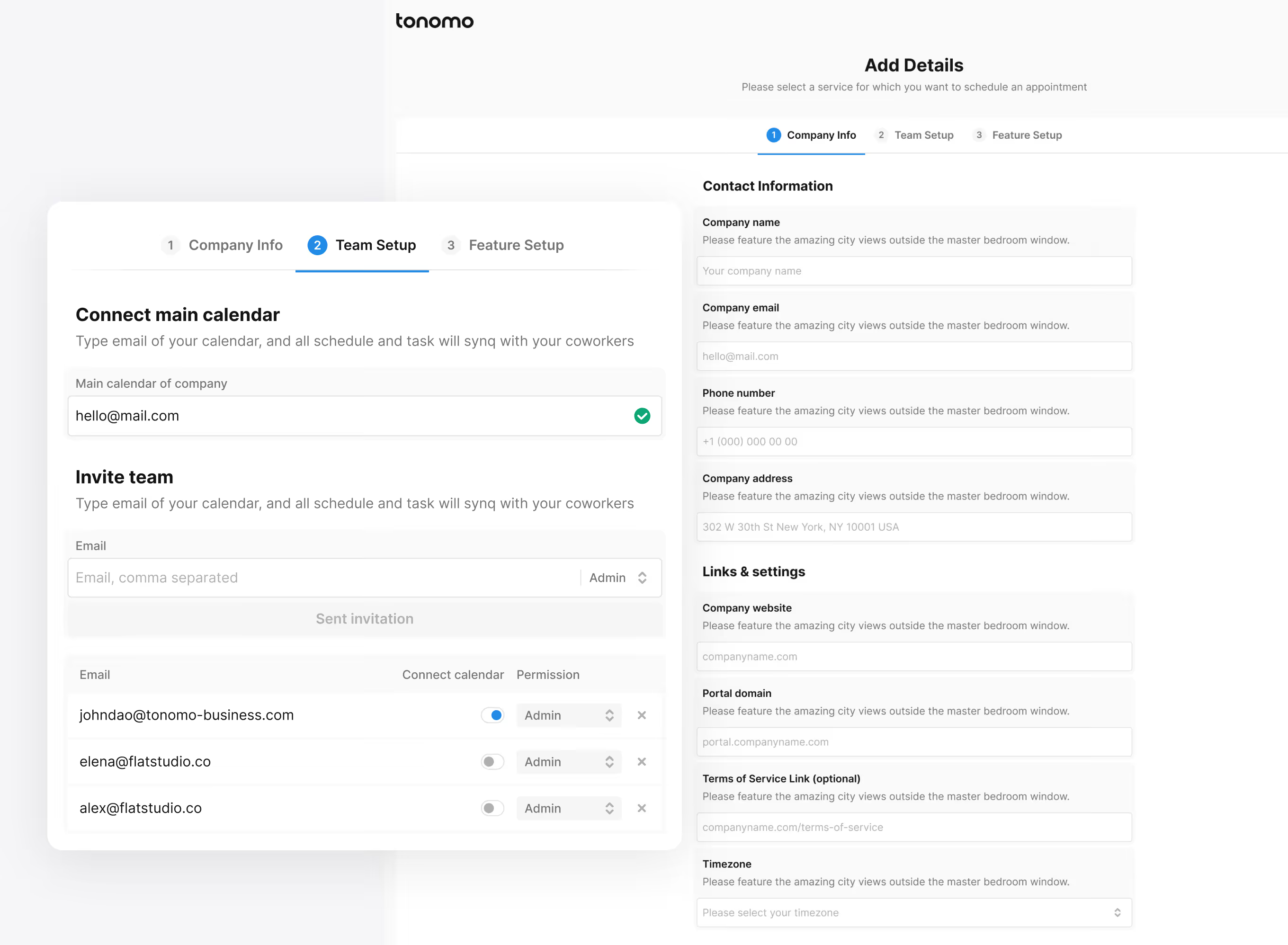
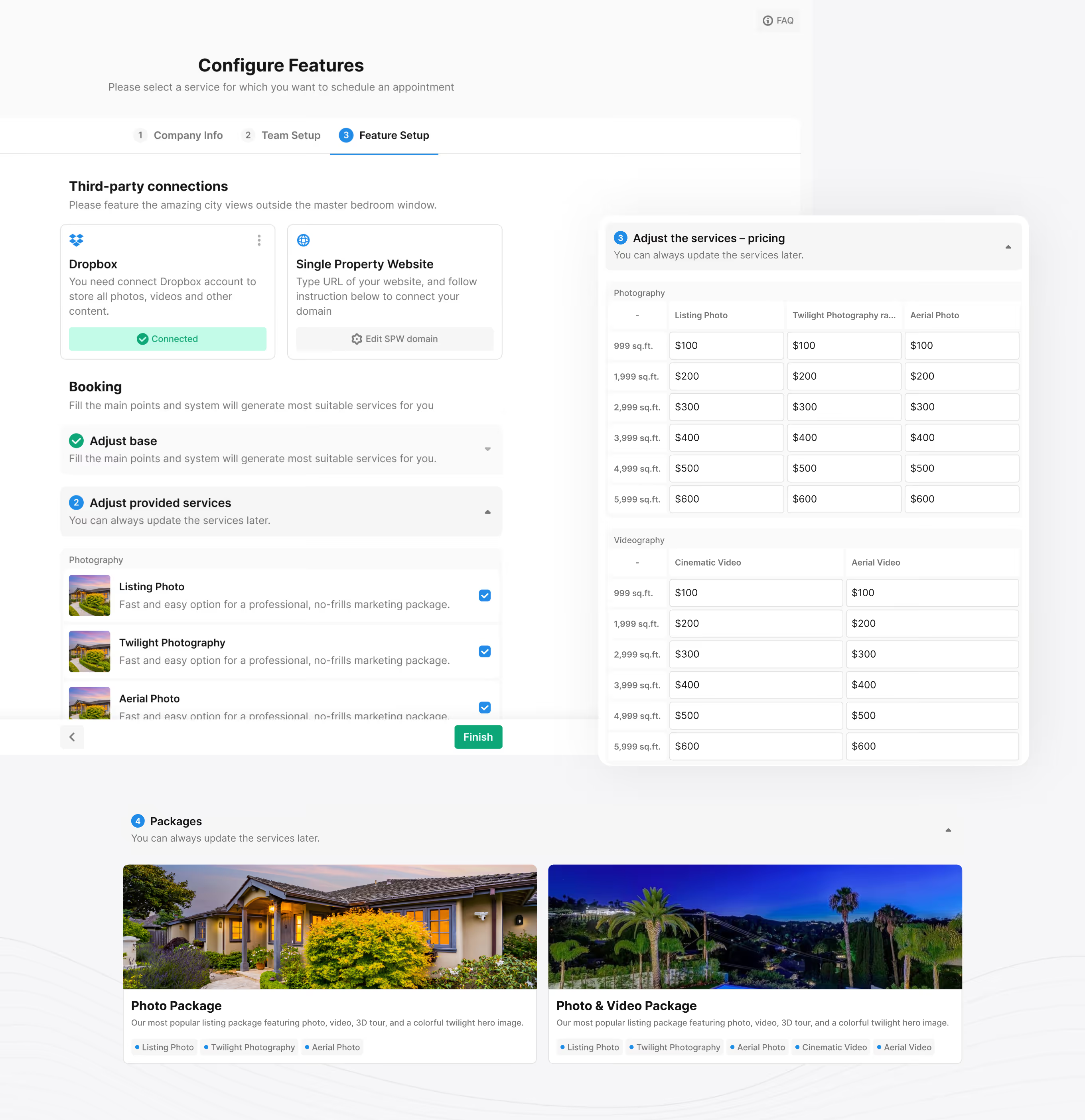
A structured onboarding screen for real-estate teams setting up their Tonomo account. Three steps – Company Info, Team Setup, and Feature Setup – connect calendars, invite teammates, and configure service pricing.
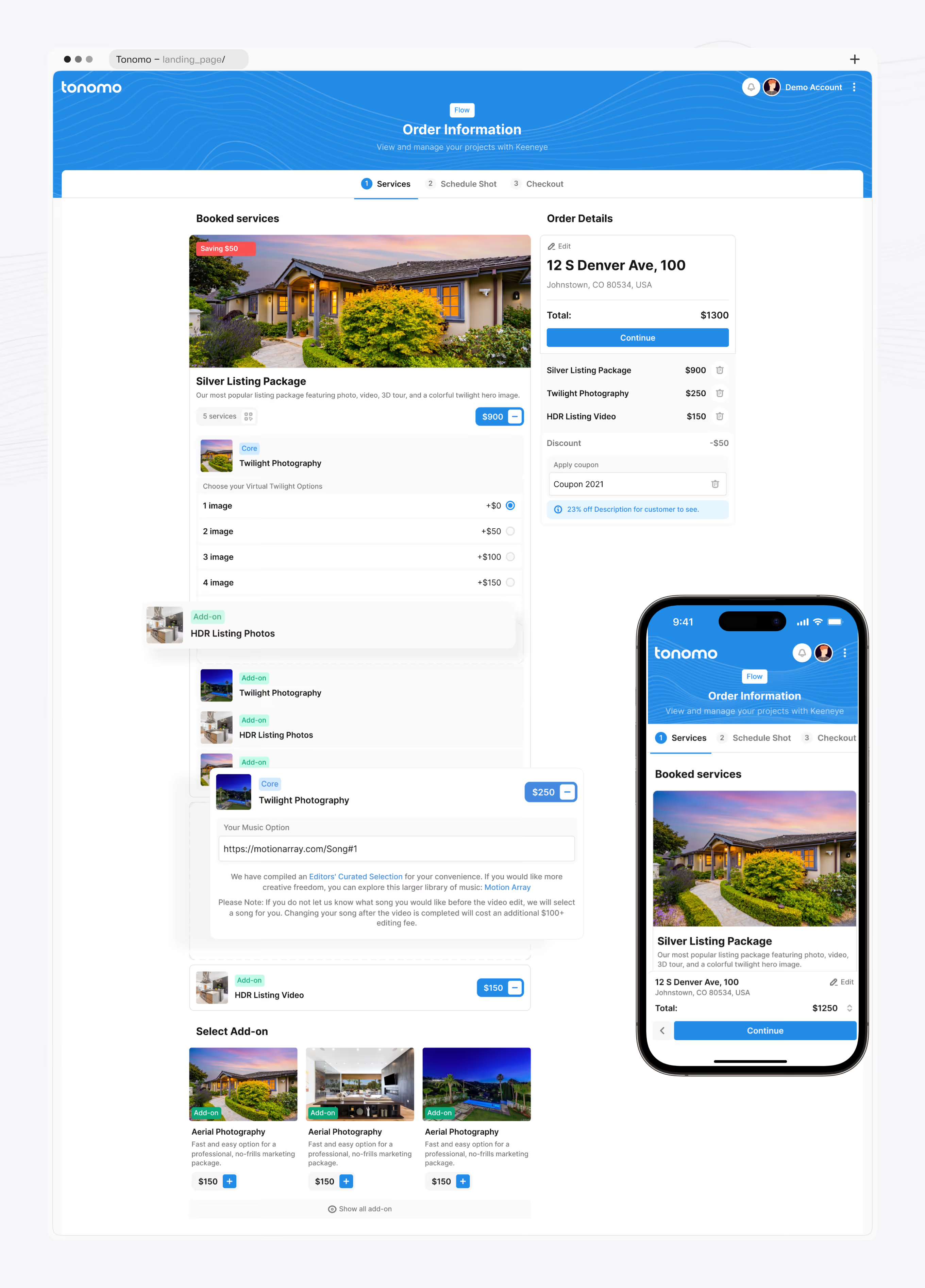
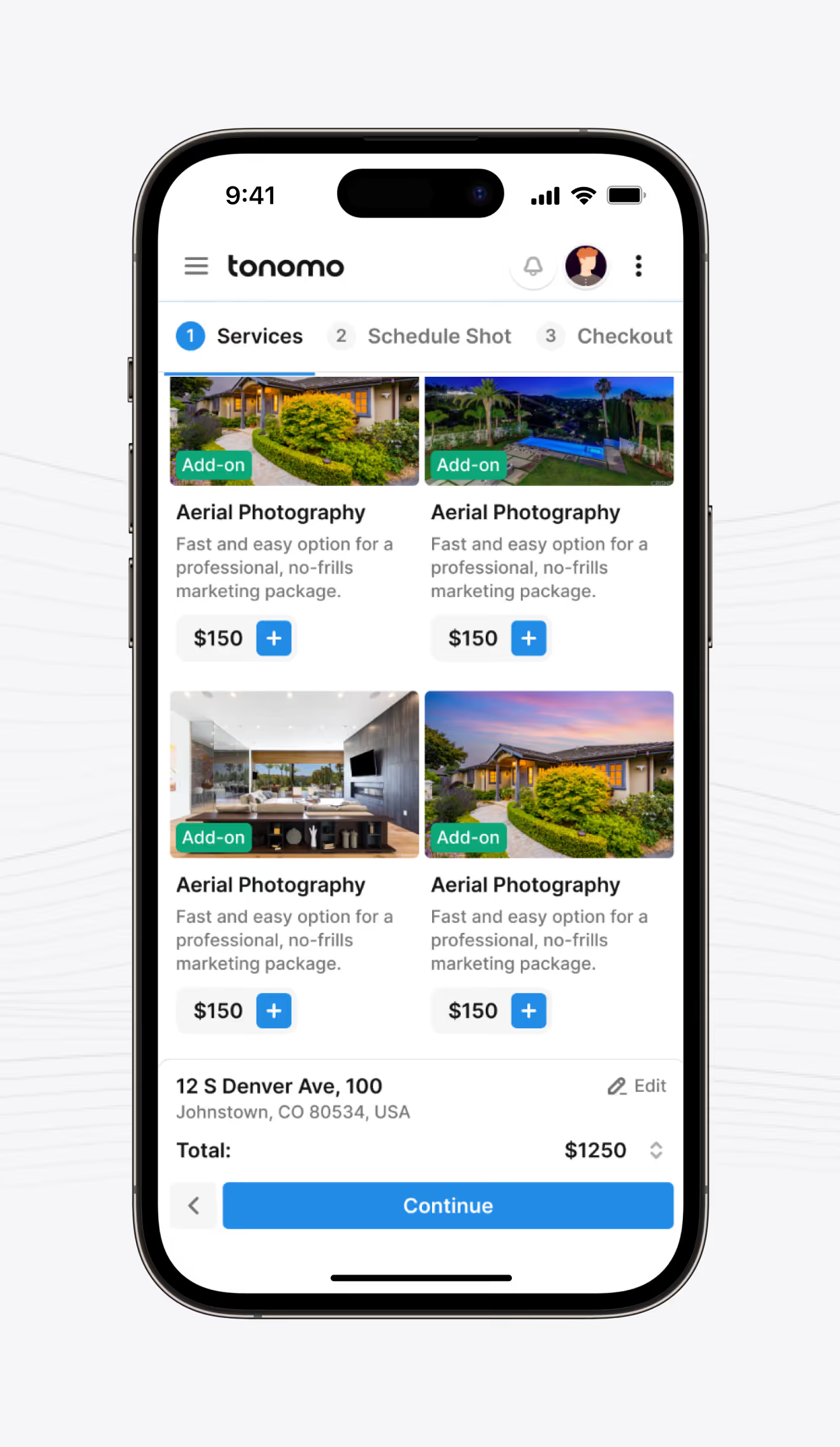
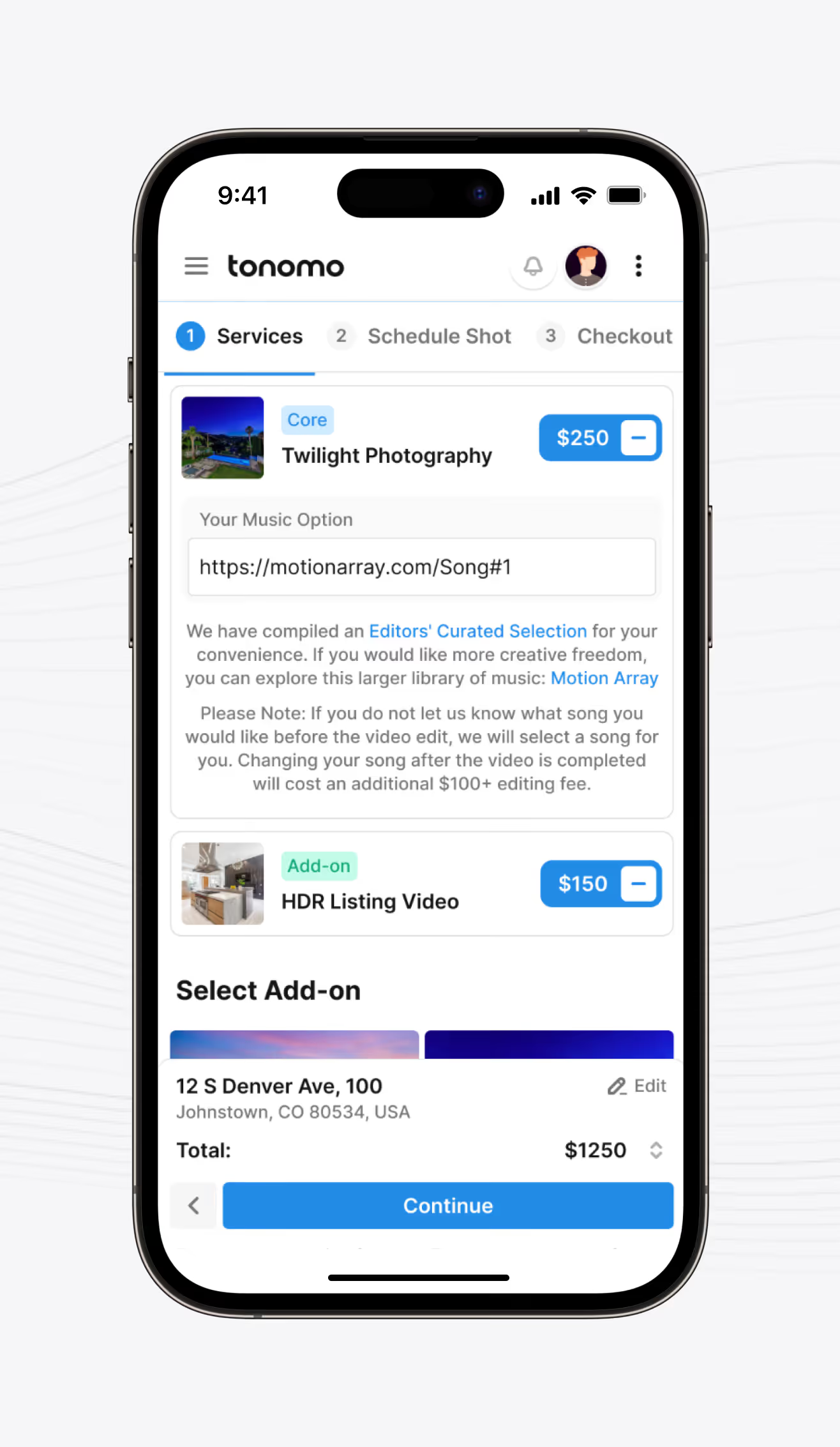
A property listing order screen where real-estate agents choose photo, video, and 3D tour add-ons. The Order Details panel totals price live, applies coupon codes, and stays in sync on mobile.
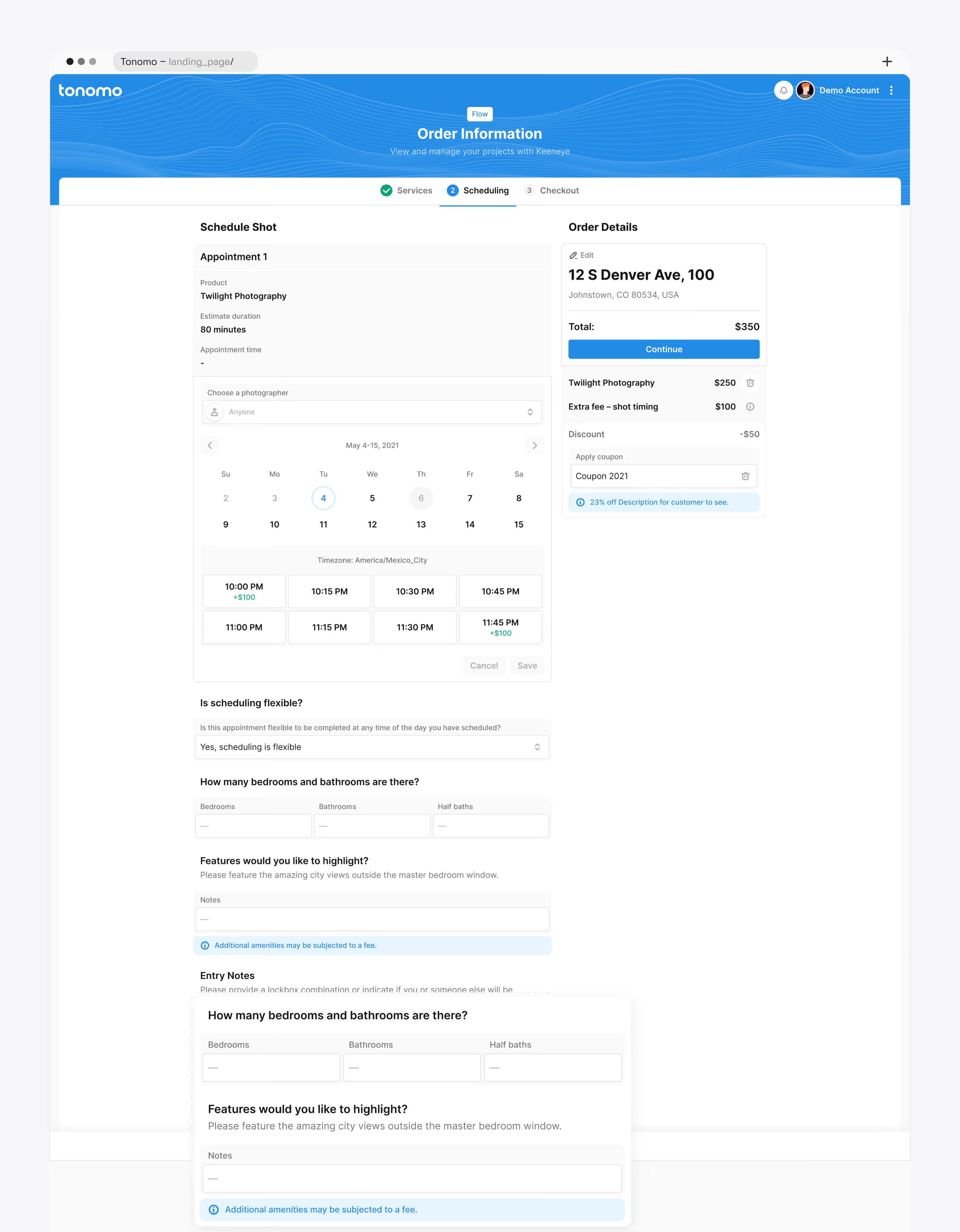
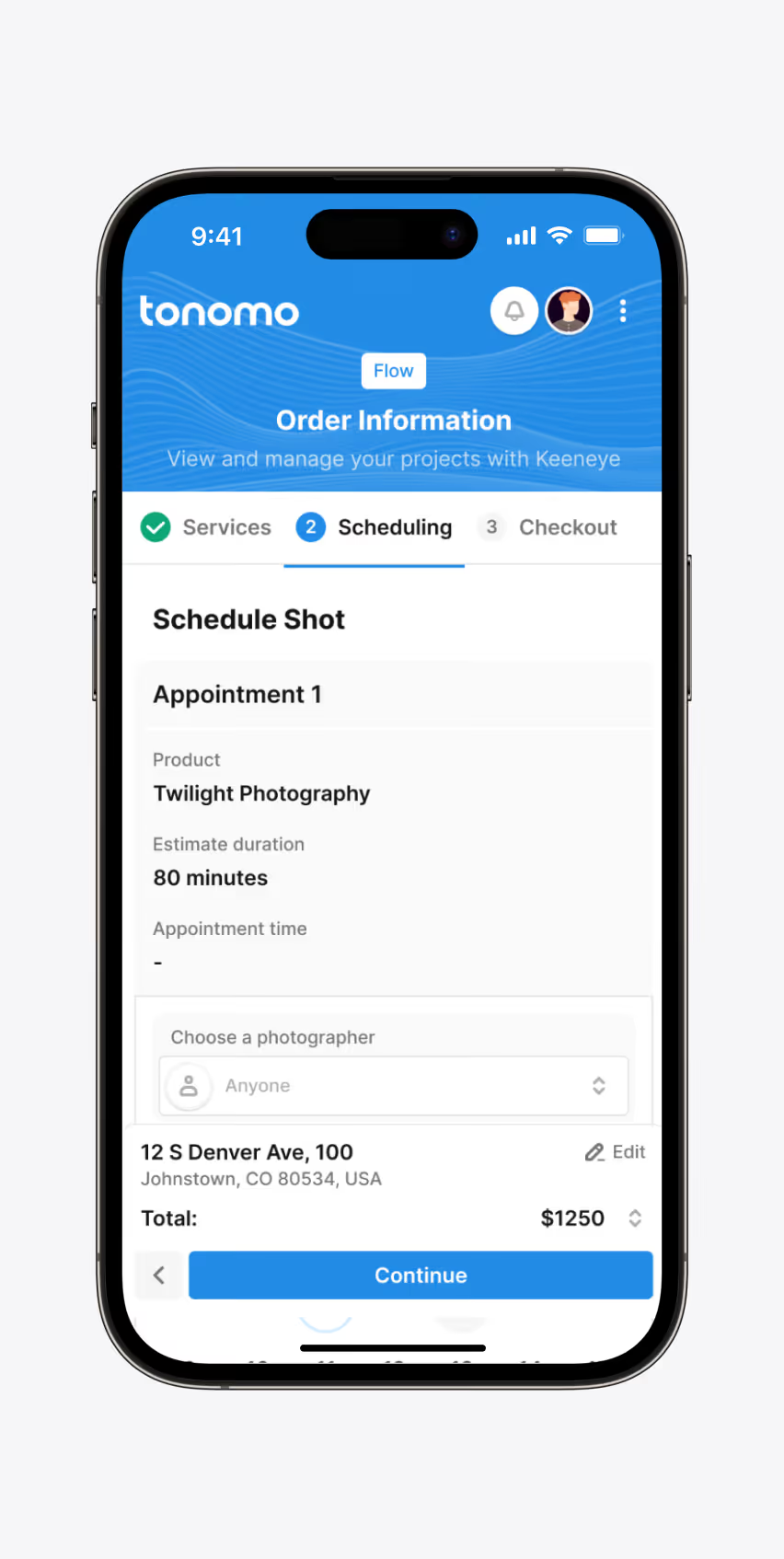
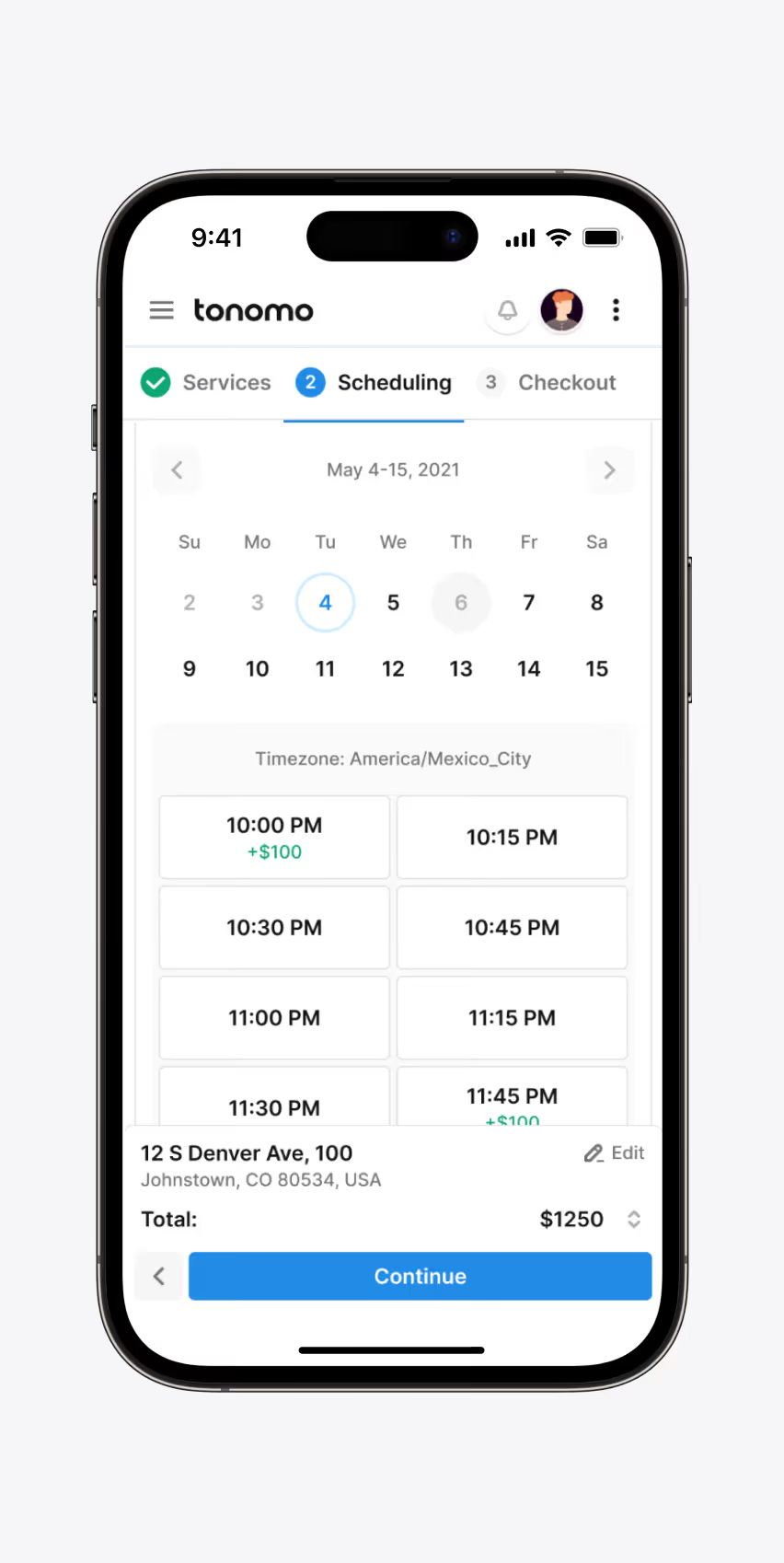
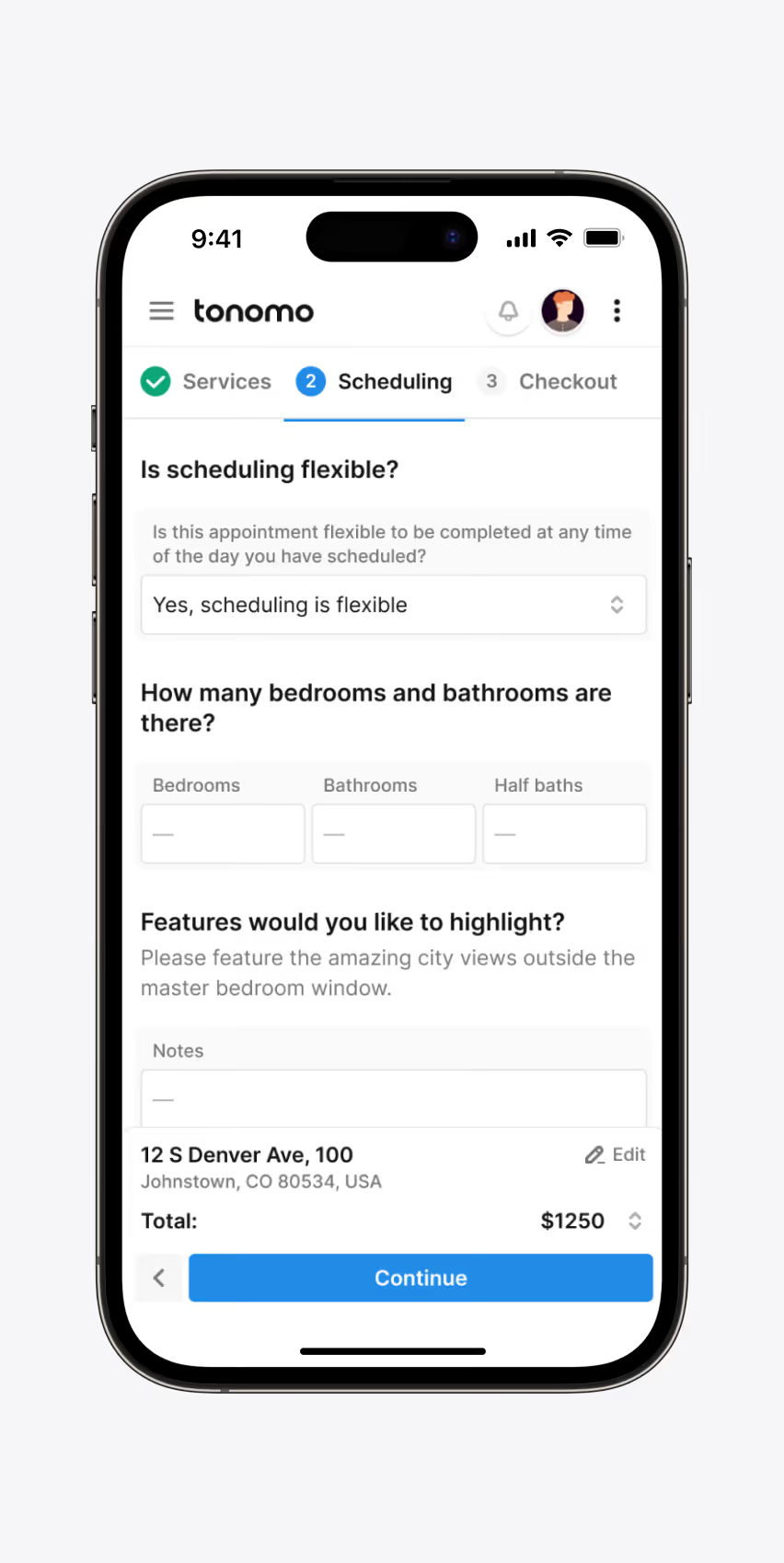
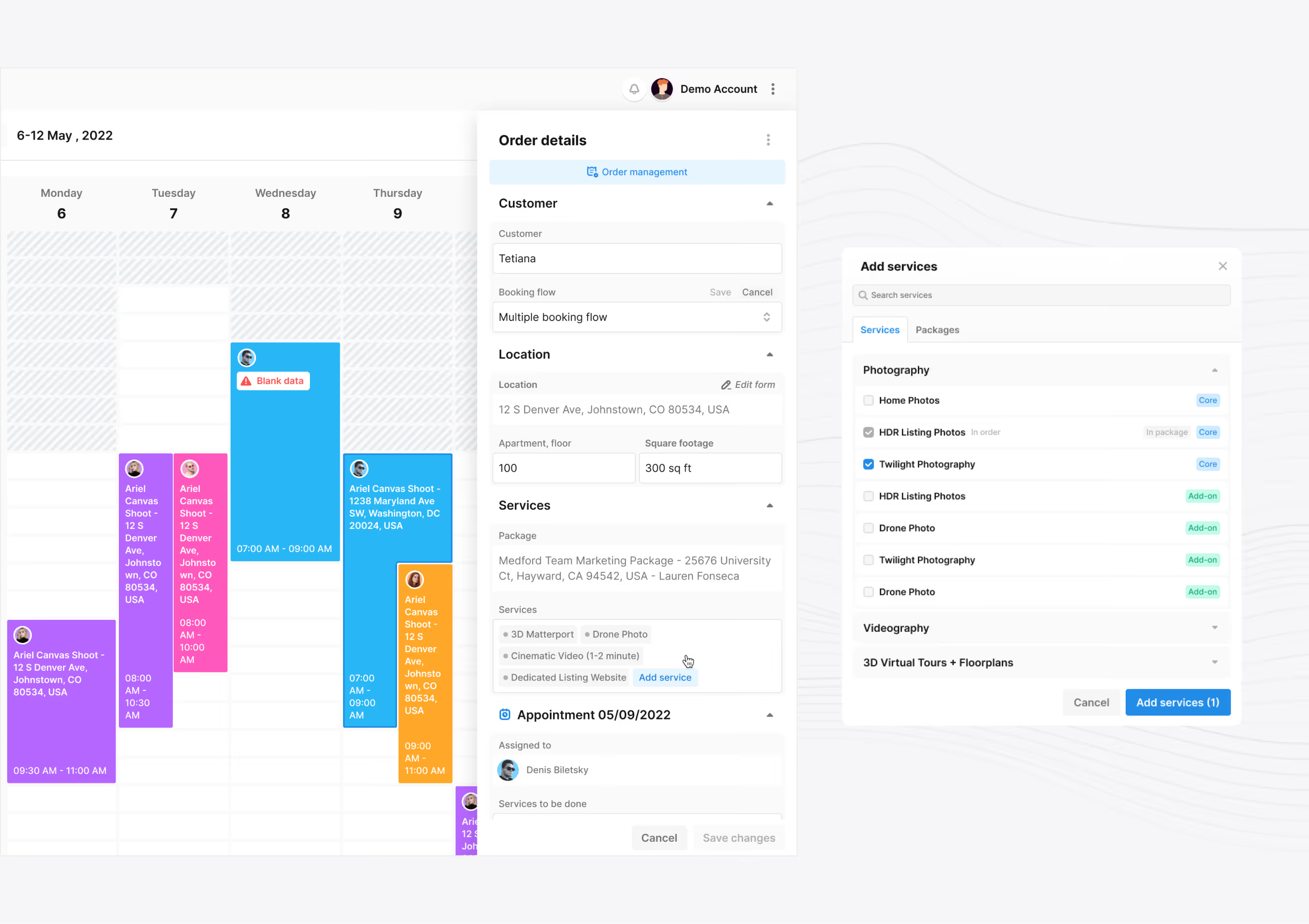
A scheduling screen for picking a photographer, date, and time for a listing shoot. Bedrooms, bathrooms, and entry notes are captured on the same screen.
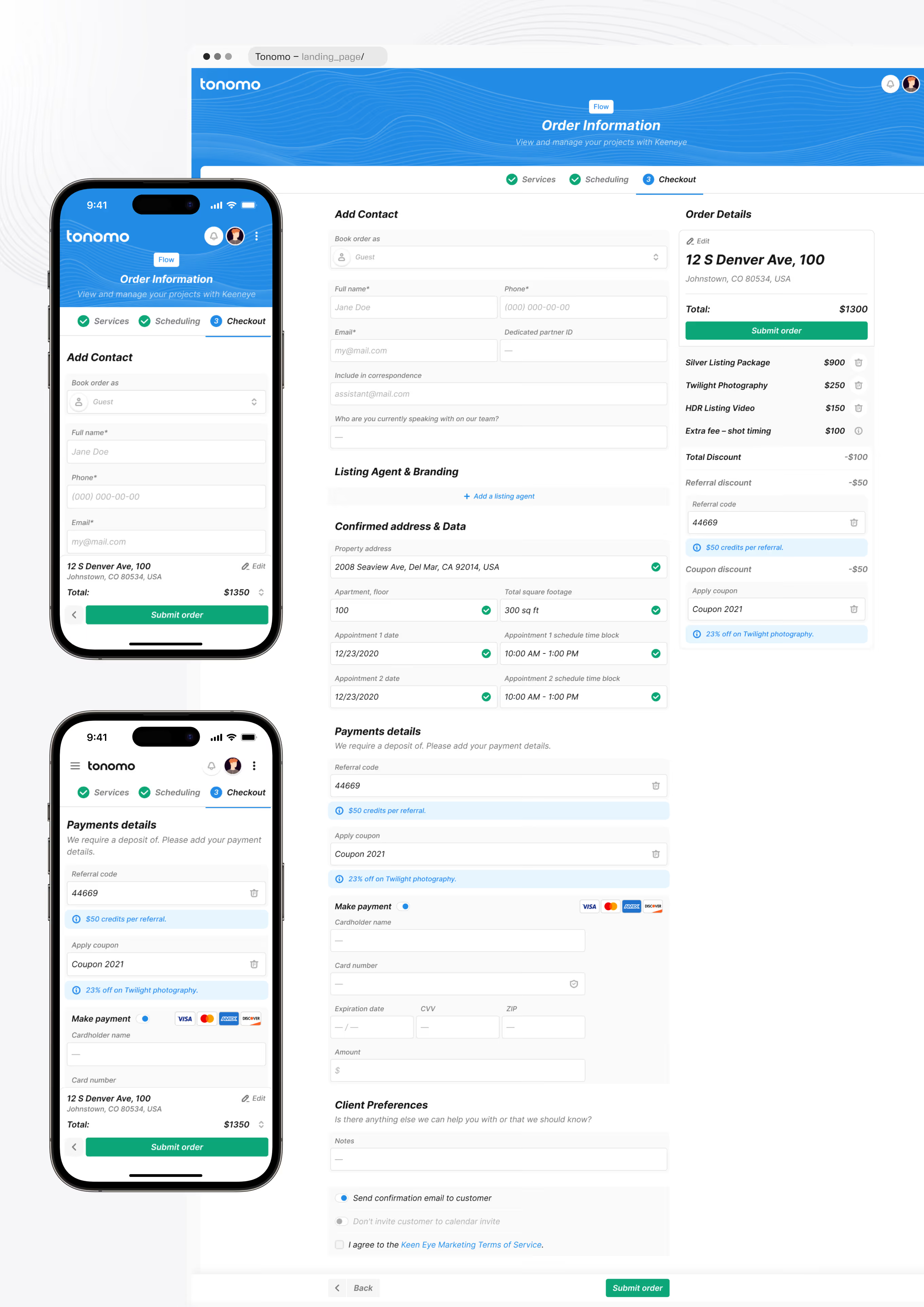
The final booking step covers contact details, a confirmed property address, and card payment for a real-estate media order. Referral codes and coupons apply directly in the order summary before submission.
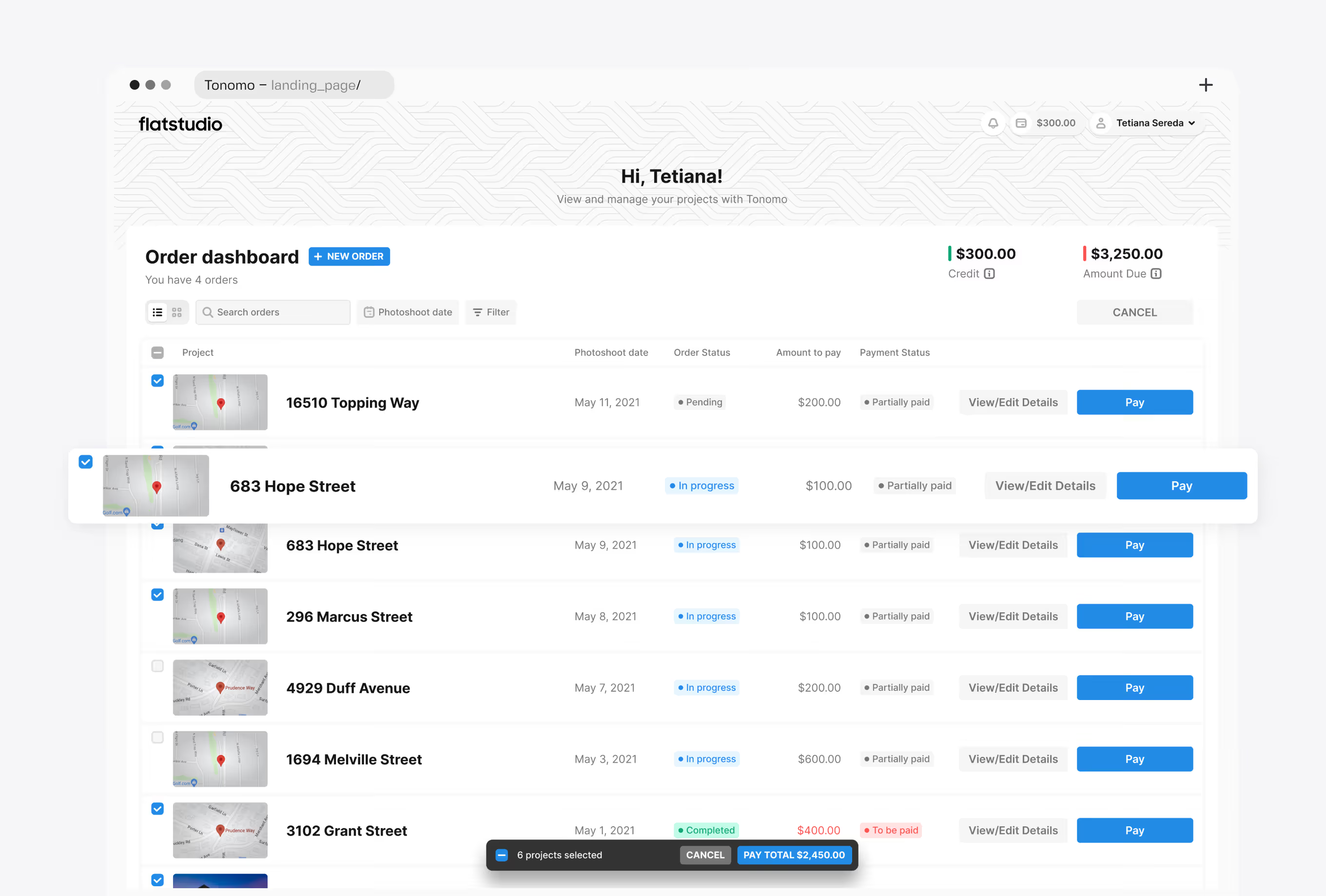
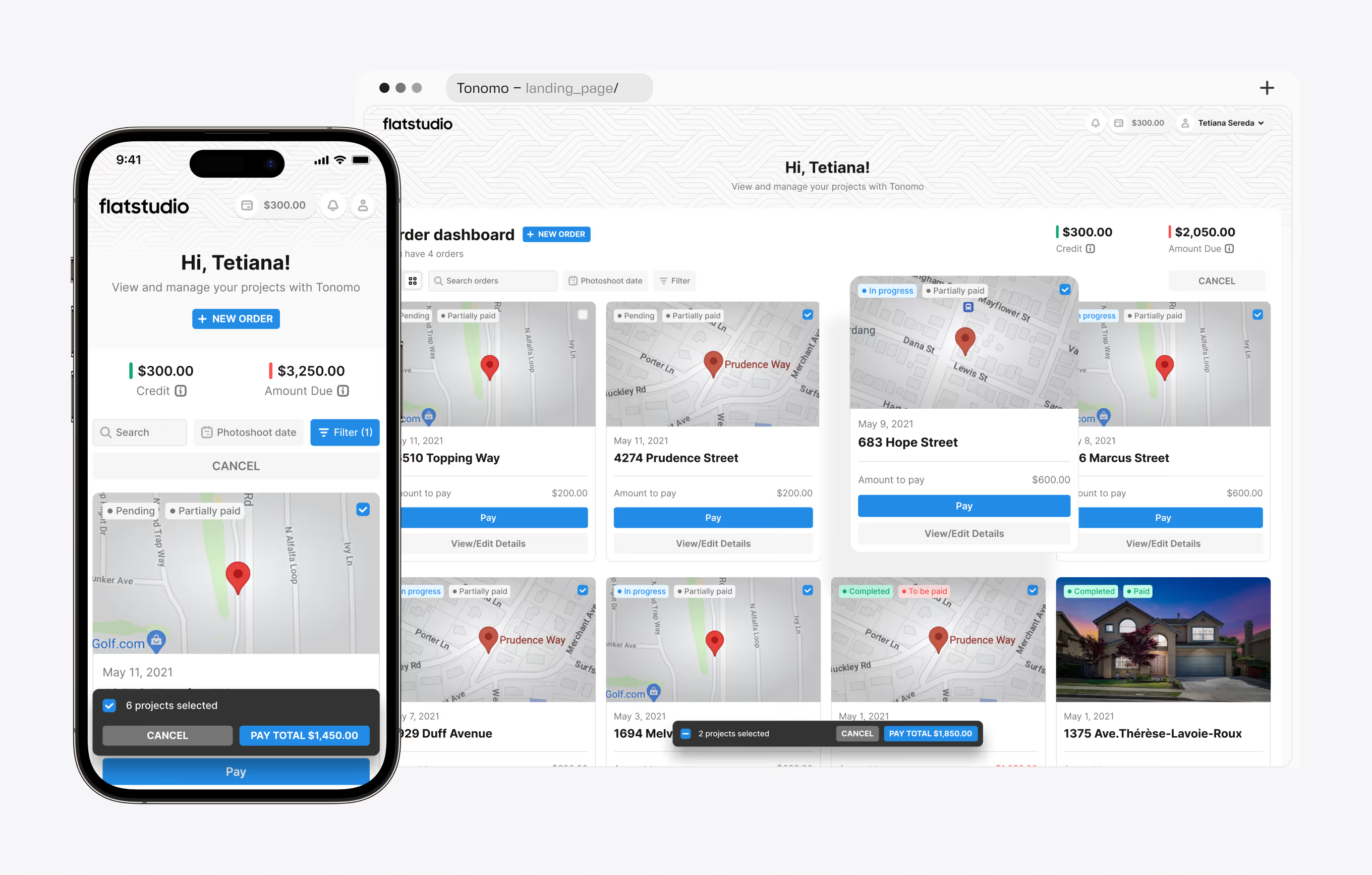
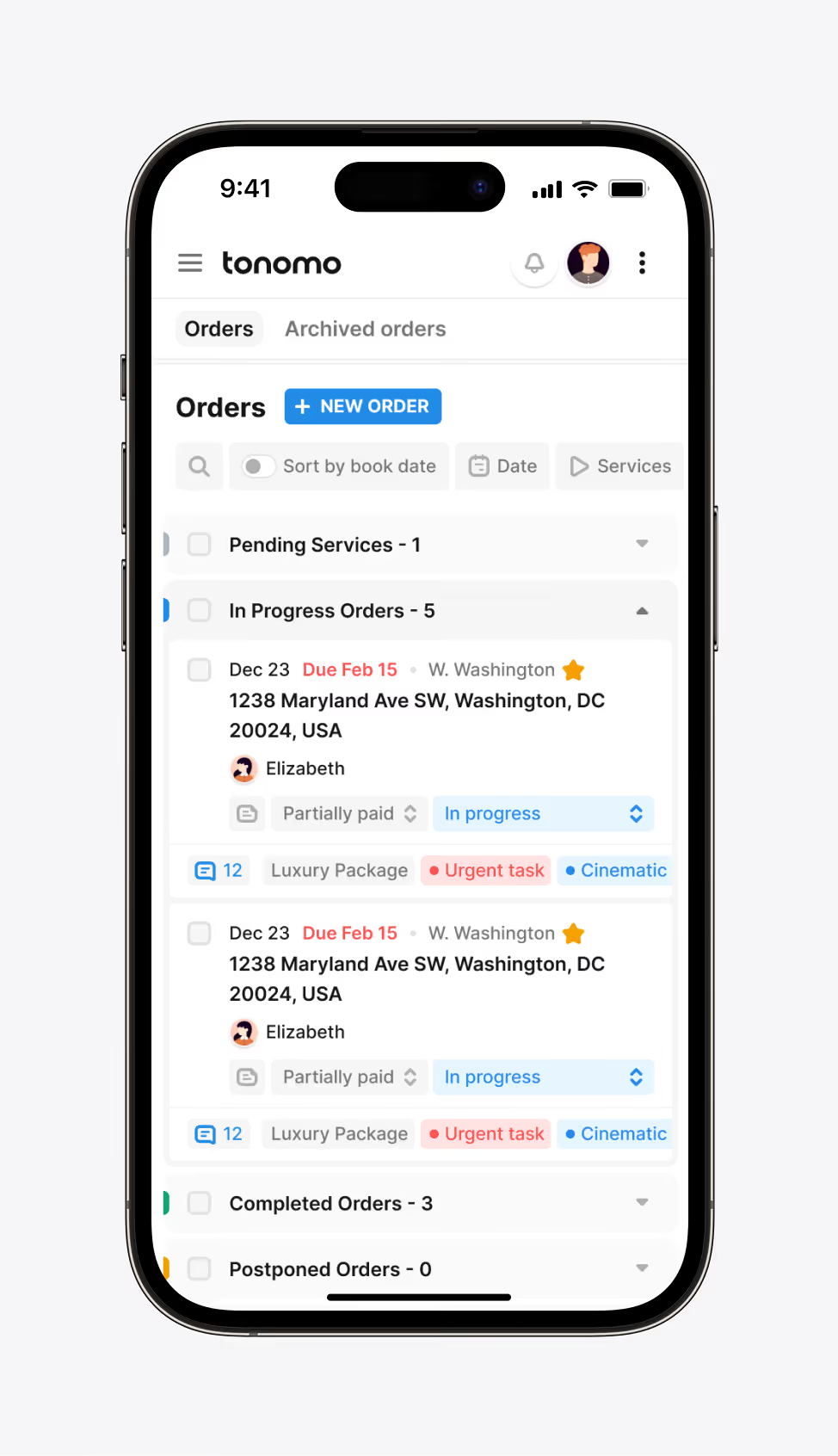
A self-service dashboard inside Tonomo's real-estate media operations hub, where agents track every active order, credit balance, and amount due across properties. Orders can be filtered, selected in bulk, and paid from the list.
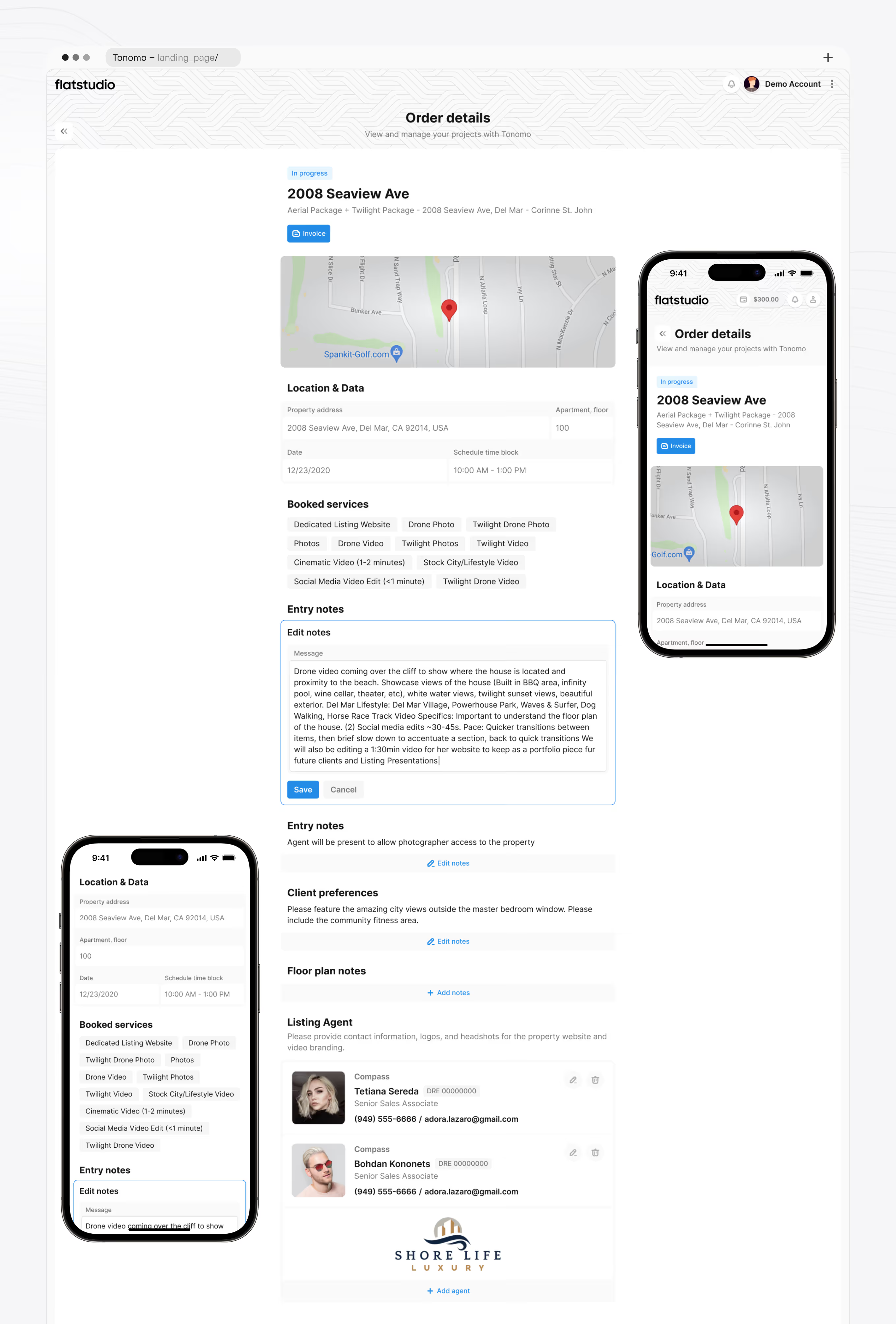
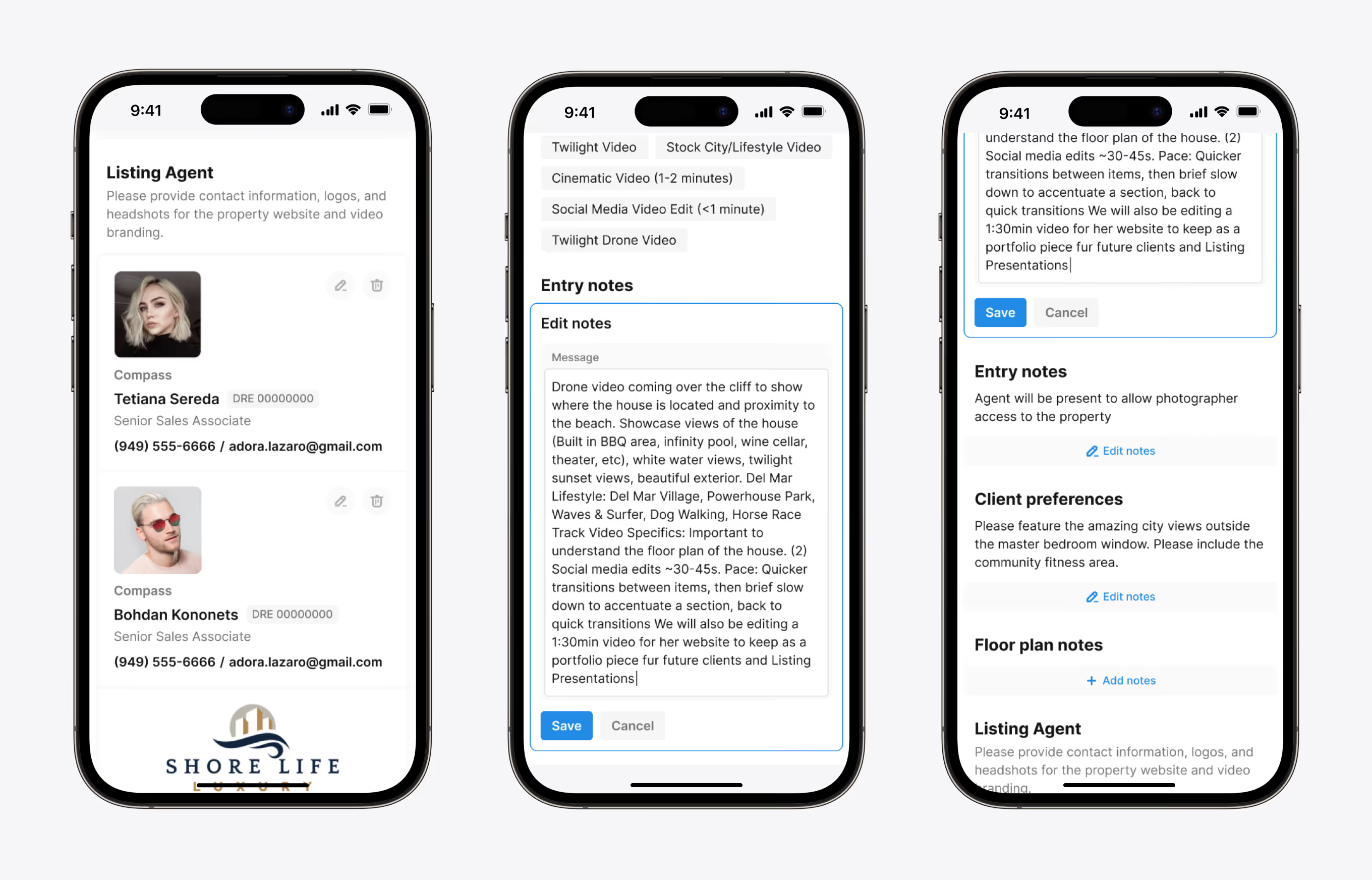
A single-property view shows location, scheduled time block, and every booked service for one listing shoot. Agents edit entry notes and floor-plan notes directly, so photographers arrive with full context.
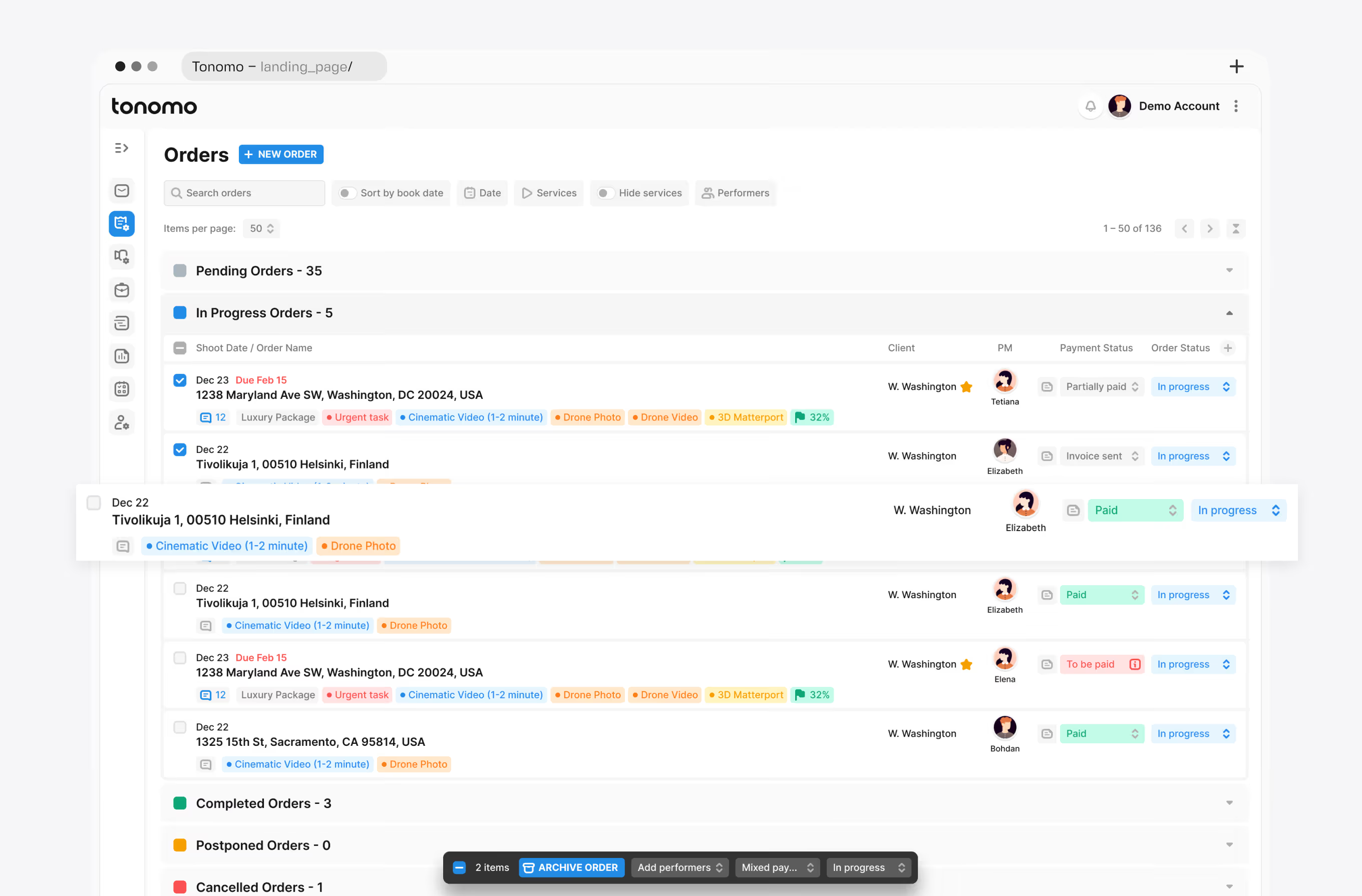
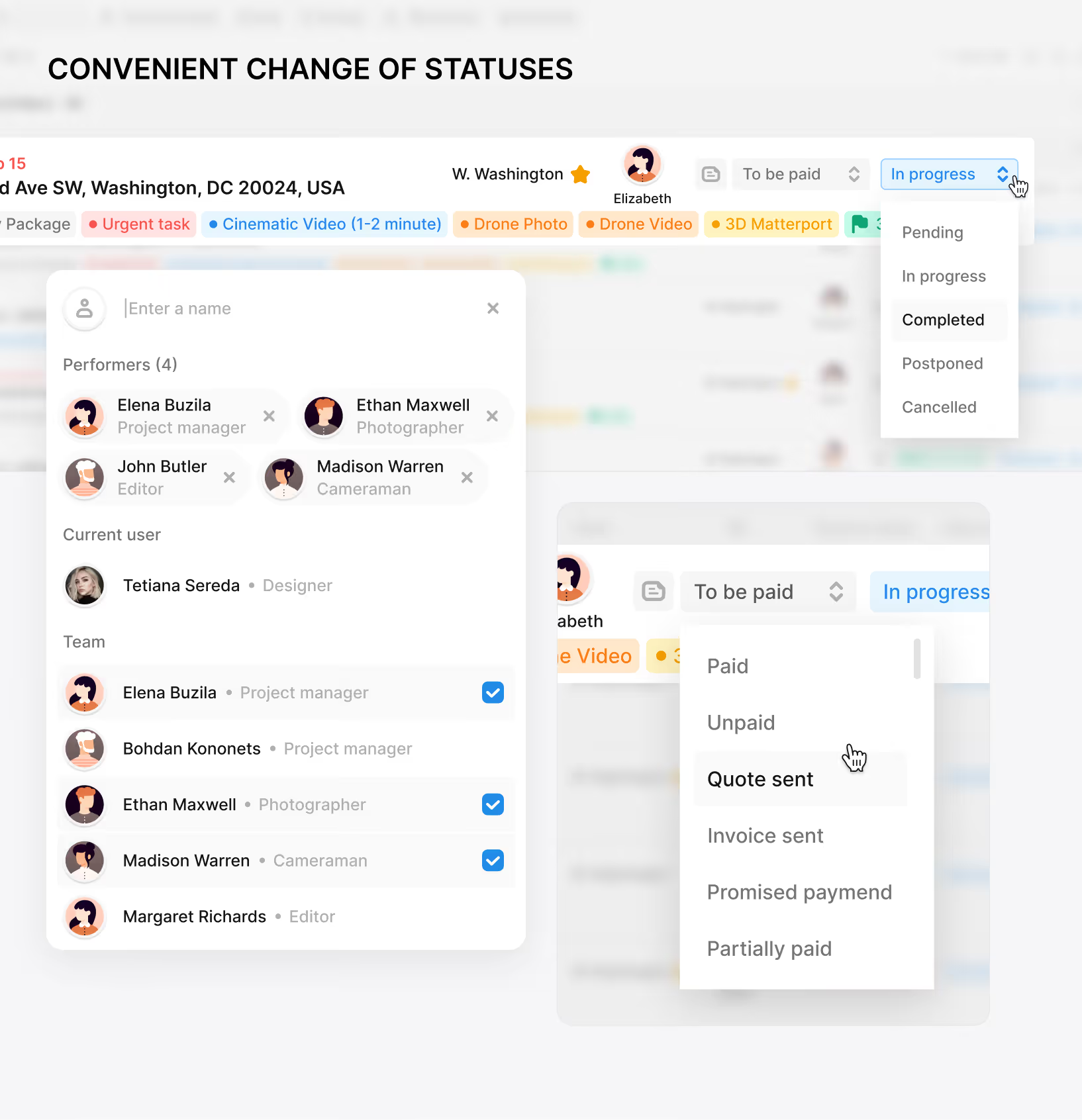
A company-wide order queue for Tonomo's production team, grouped into pending, in-progress, completed, postponed, and cancelled. It works as an internal dashboard for a real-estate media SaaS product, with status changes updating inline.
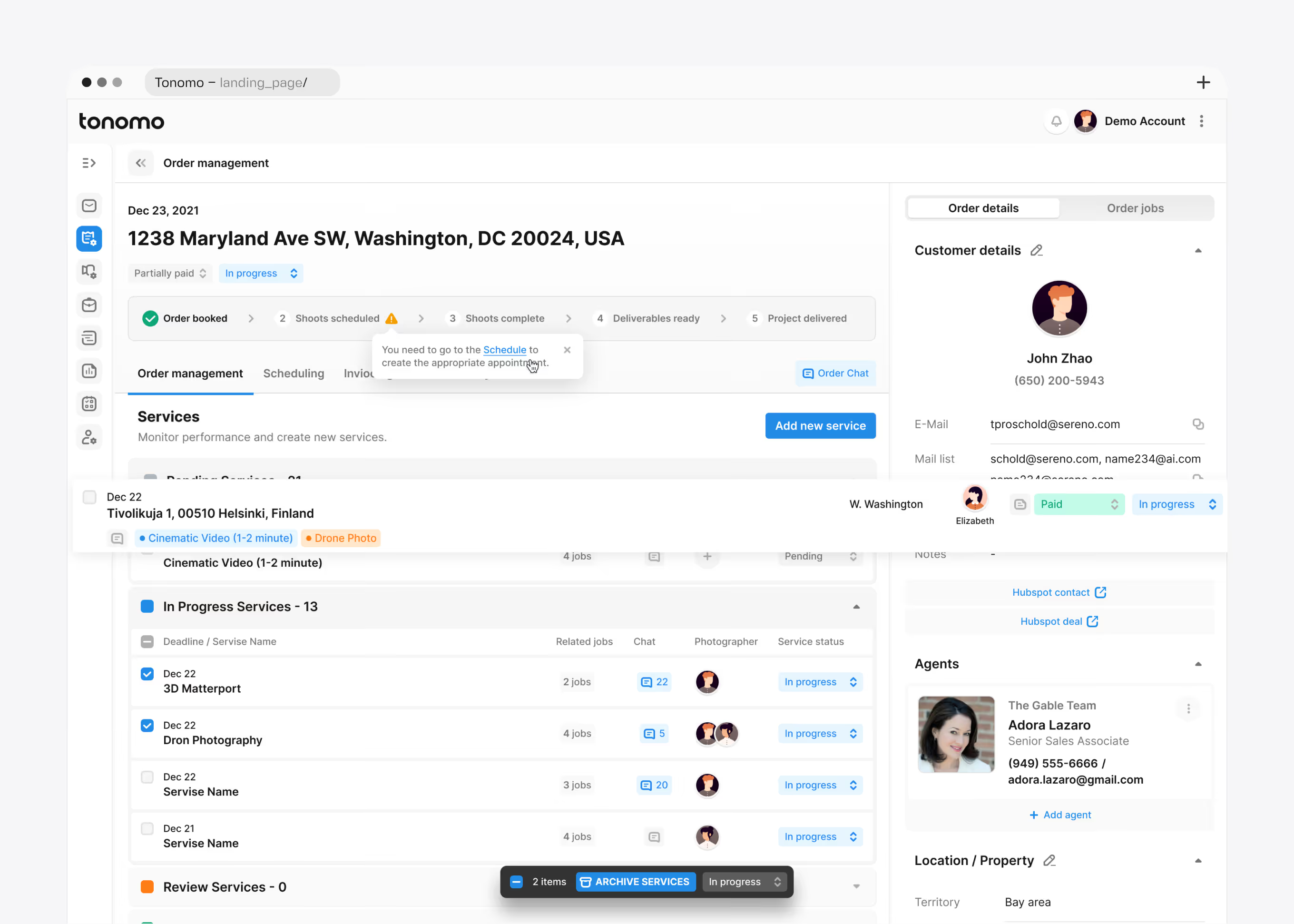
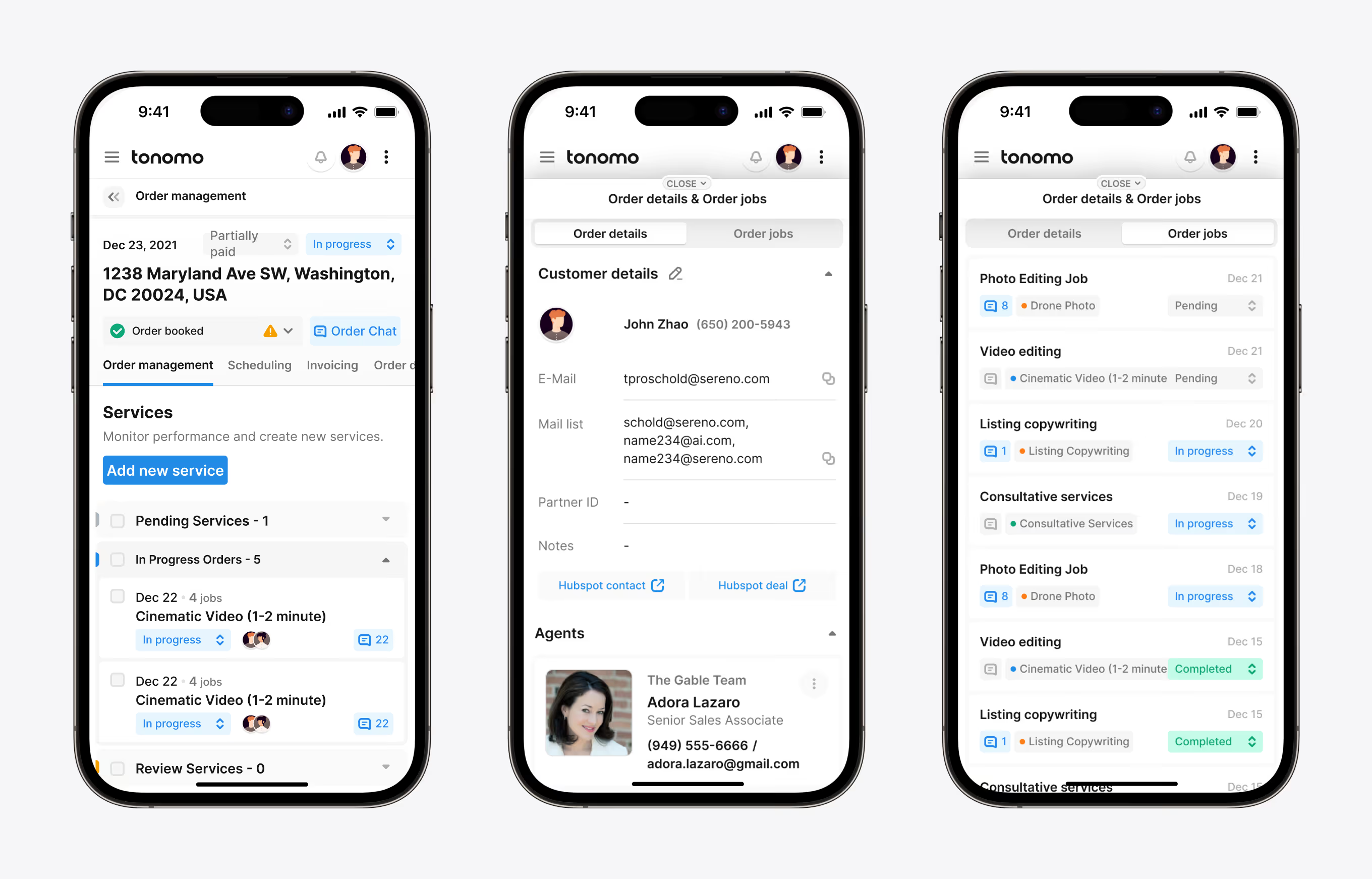
Inside a single order, production services are grouped into pending, in-progress, and review states with linked jobs and photographer assignments. A sidebar keeps customer contact, agent, and property details visible.
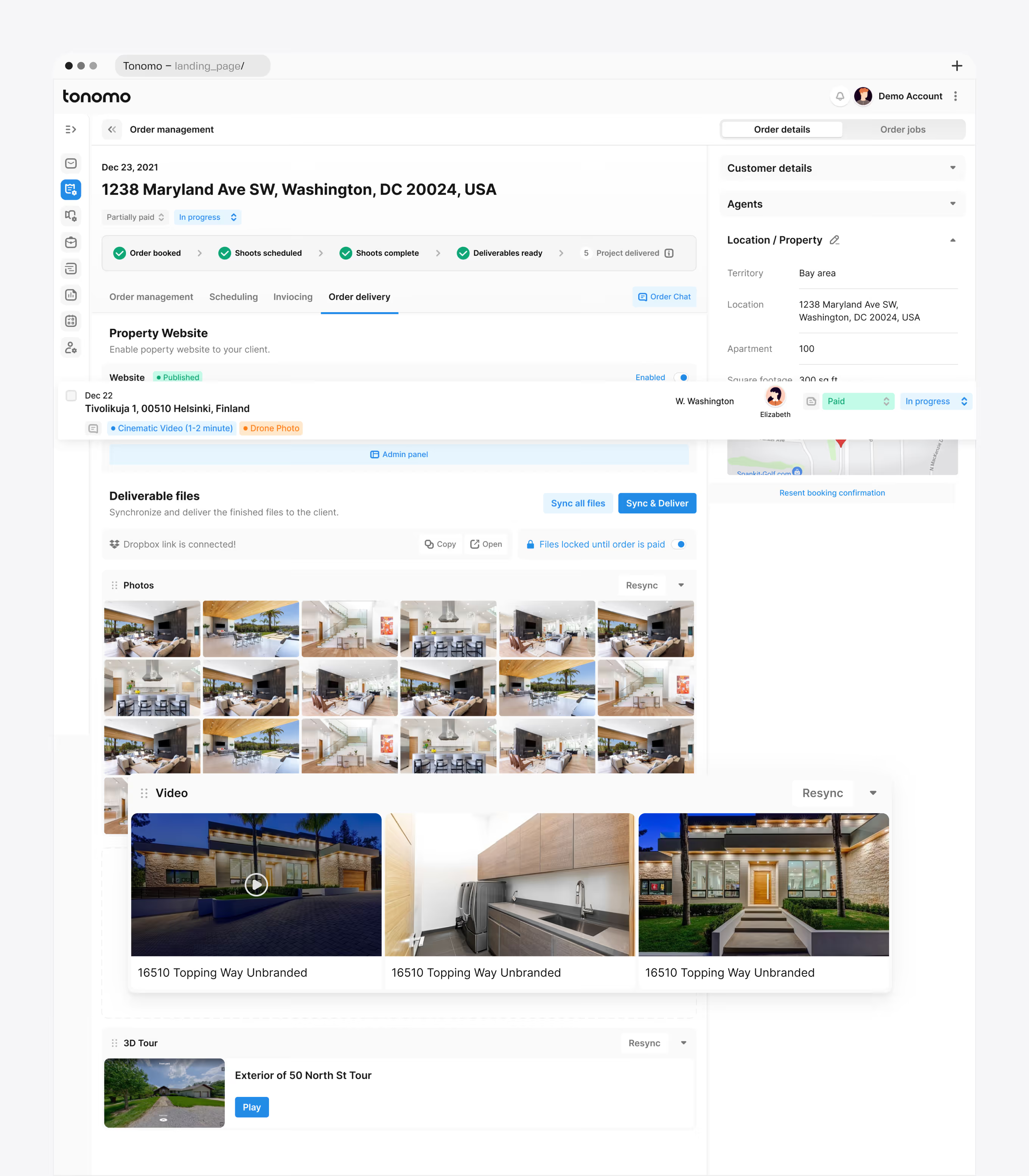
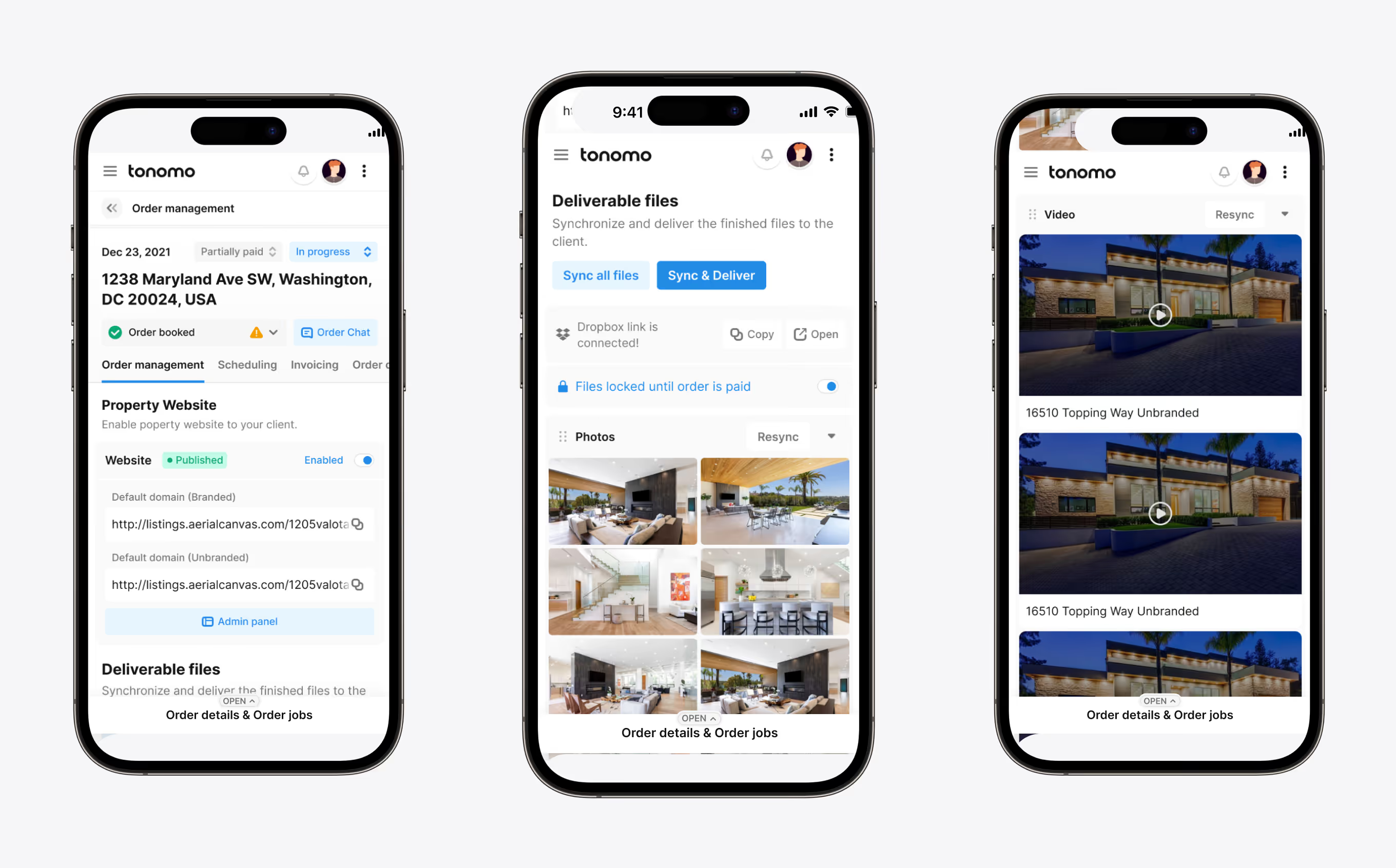
At the delivery stage, finished photos, video, and 3D tours sync from Dropbox and publish straight to a client-ready property website. Files stay locked until the order is marked paid.
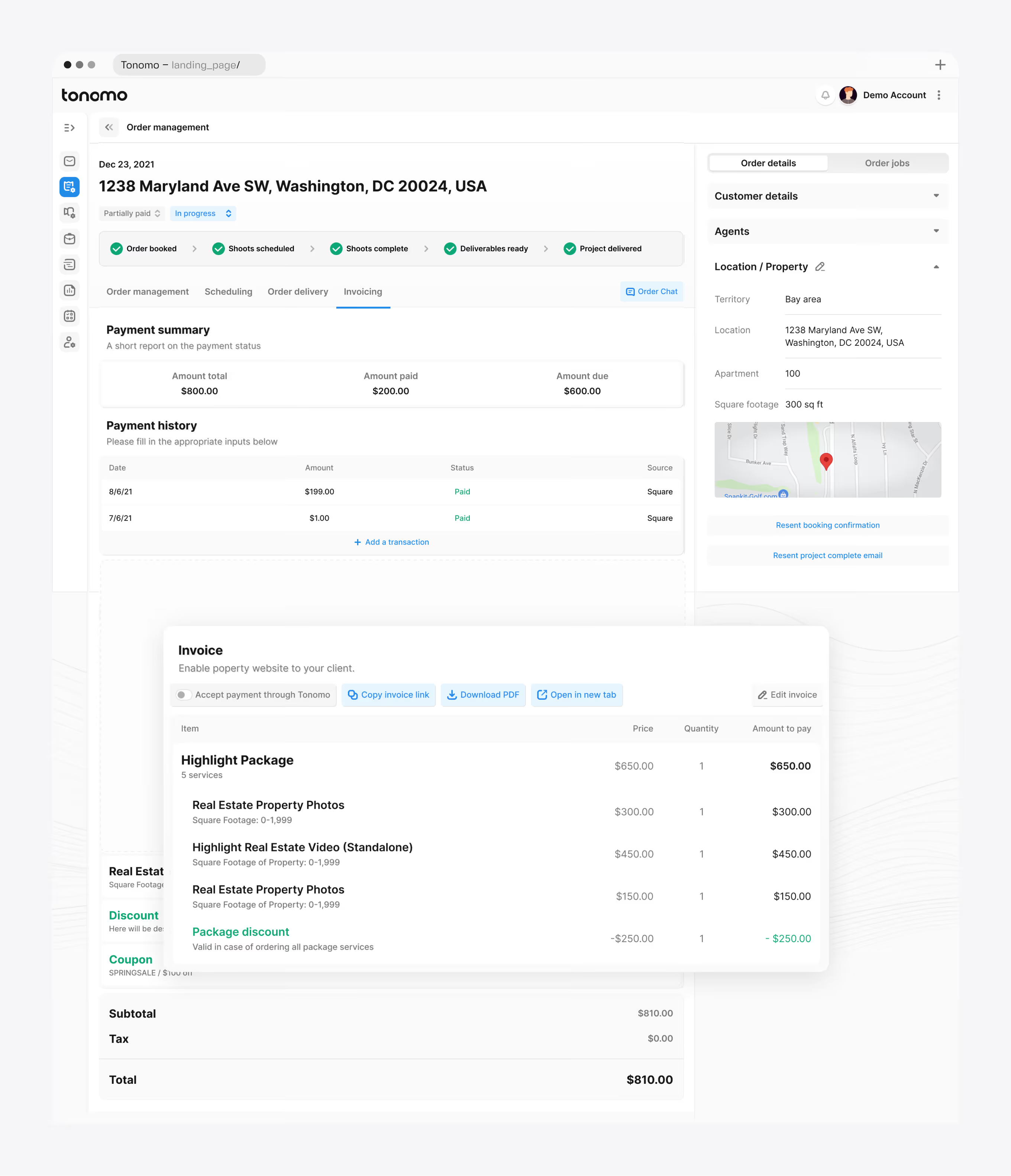
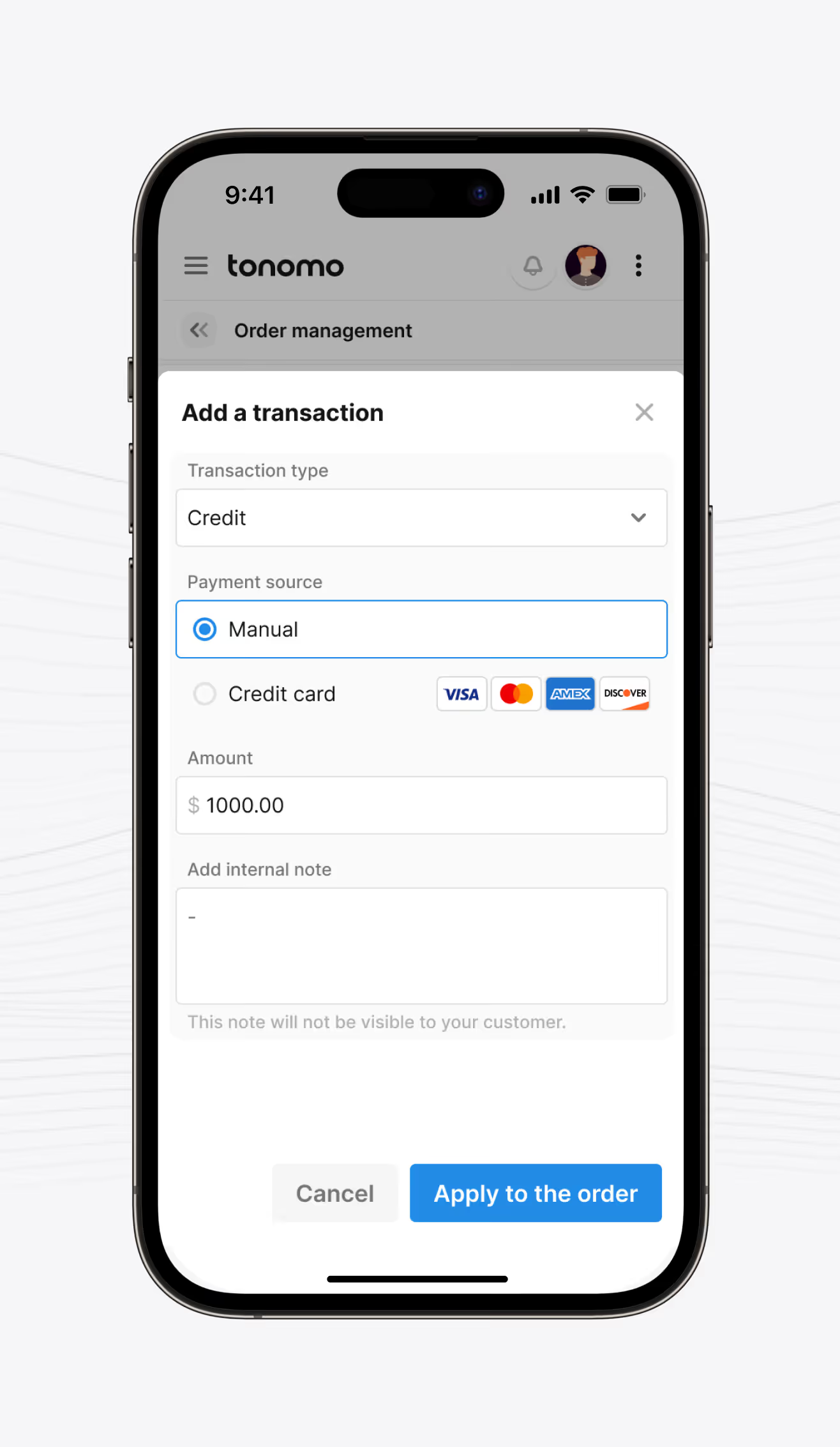
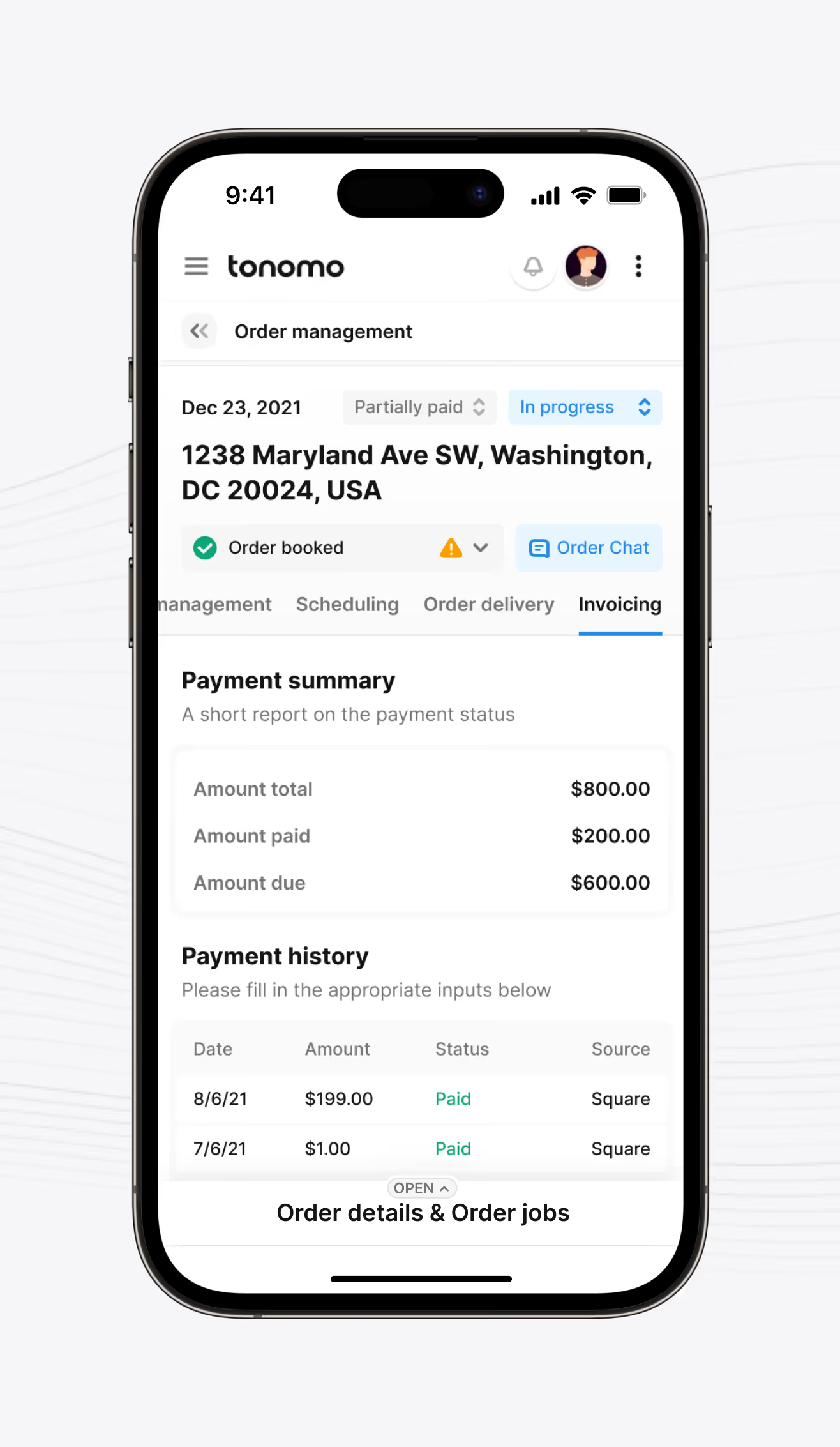
A mobile view for logging manual or card transactions against an order and reviewing payment history. The payment summary shows amount total, amount paid, and amount due at a glance.
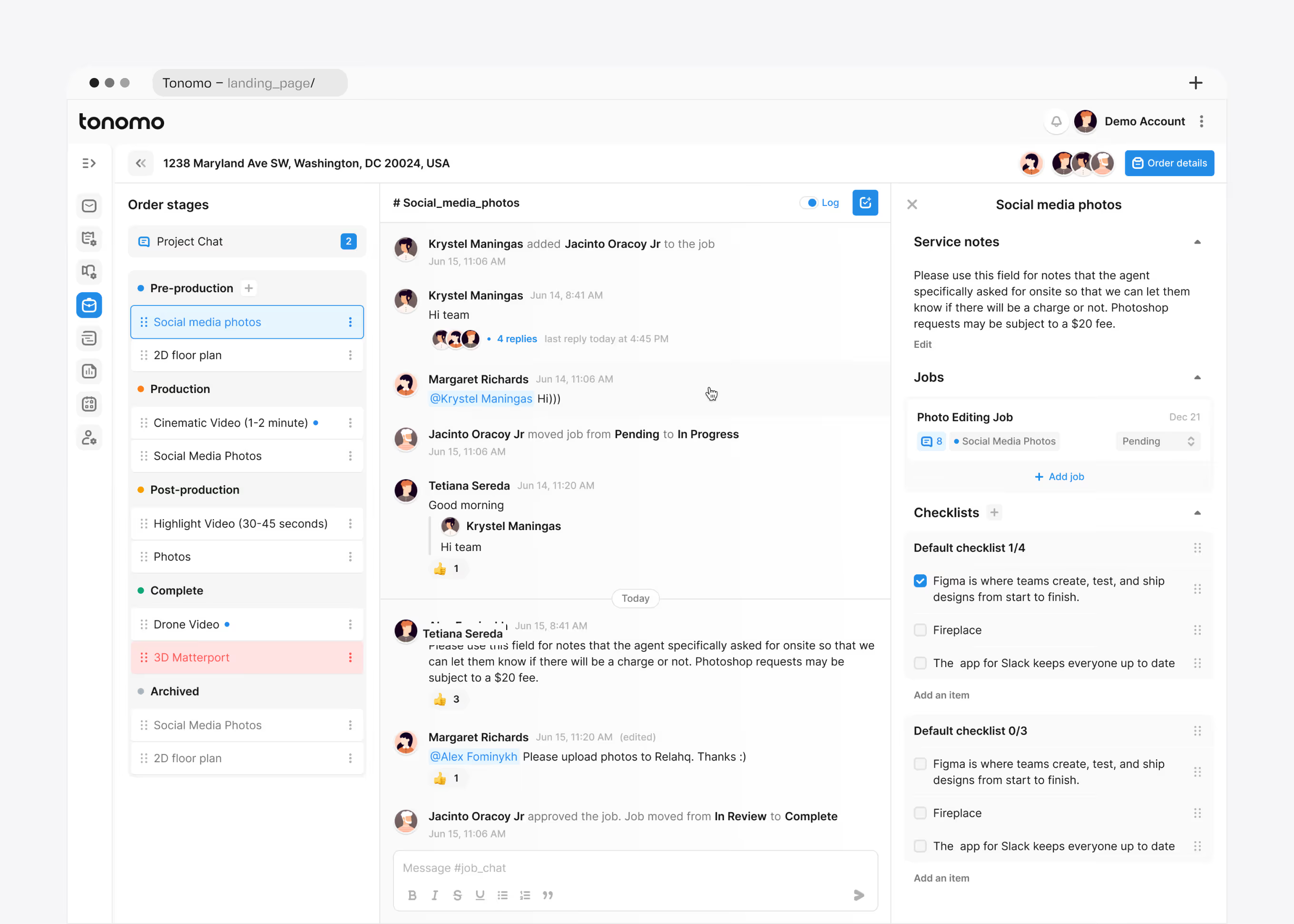
Order stages run from pre-production through production, post-production, completion, and archive, each with its own job chat. This pipeline view grew out of ongoing Post-MVP Evolution work, alongside checklists and linked jobs.
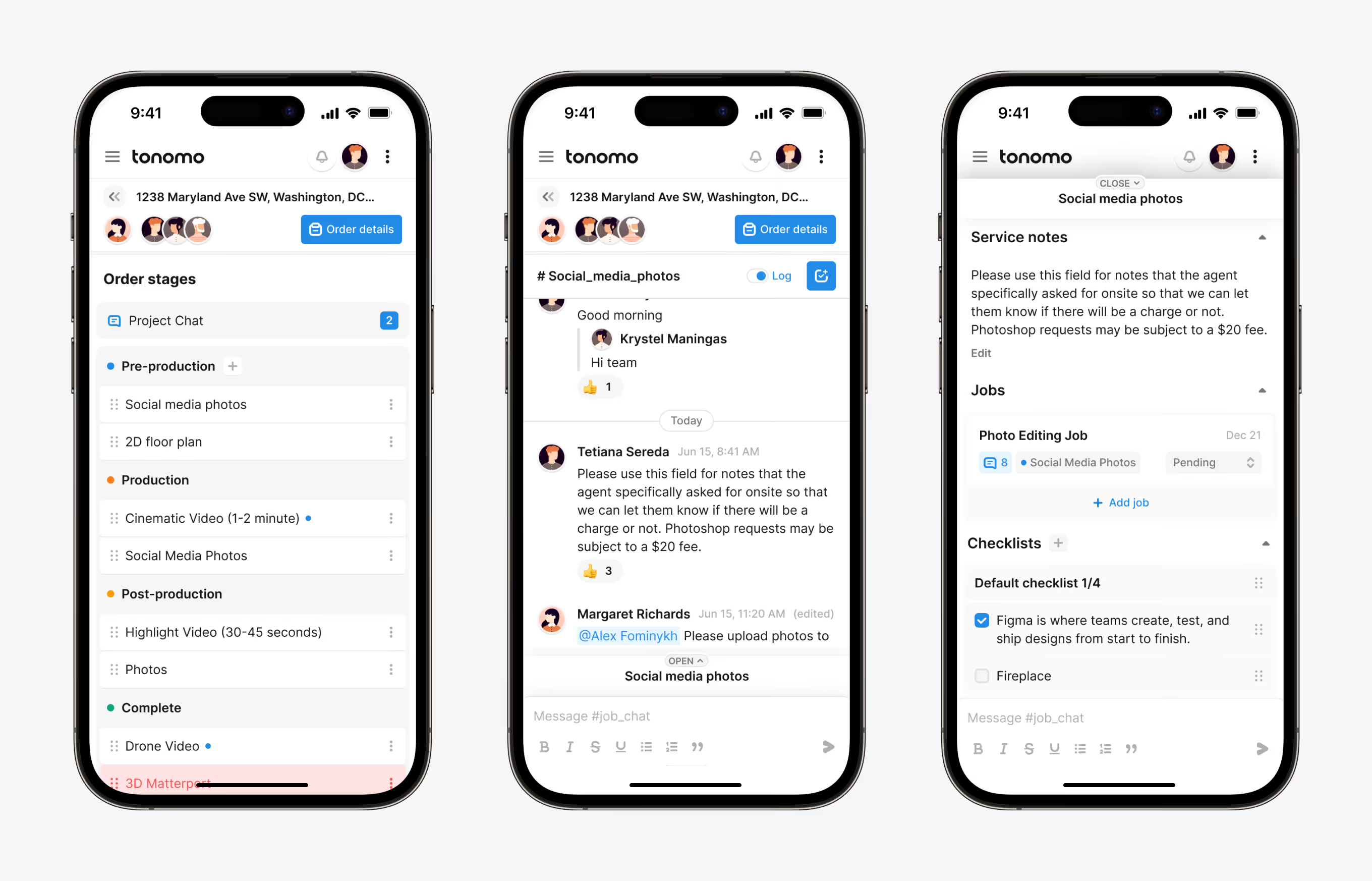
Day and week schedule views color-code each photographer and filter by territory, such as Austin, Downtown Boston, or Downtown DC. The calendar shares the same Product & Interface Design system as the client-facing booking screens.
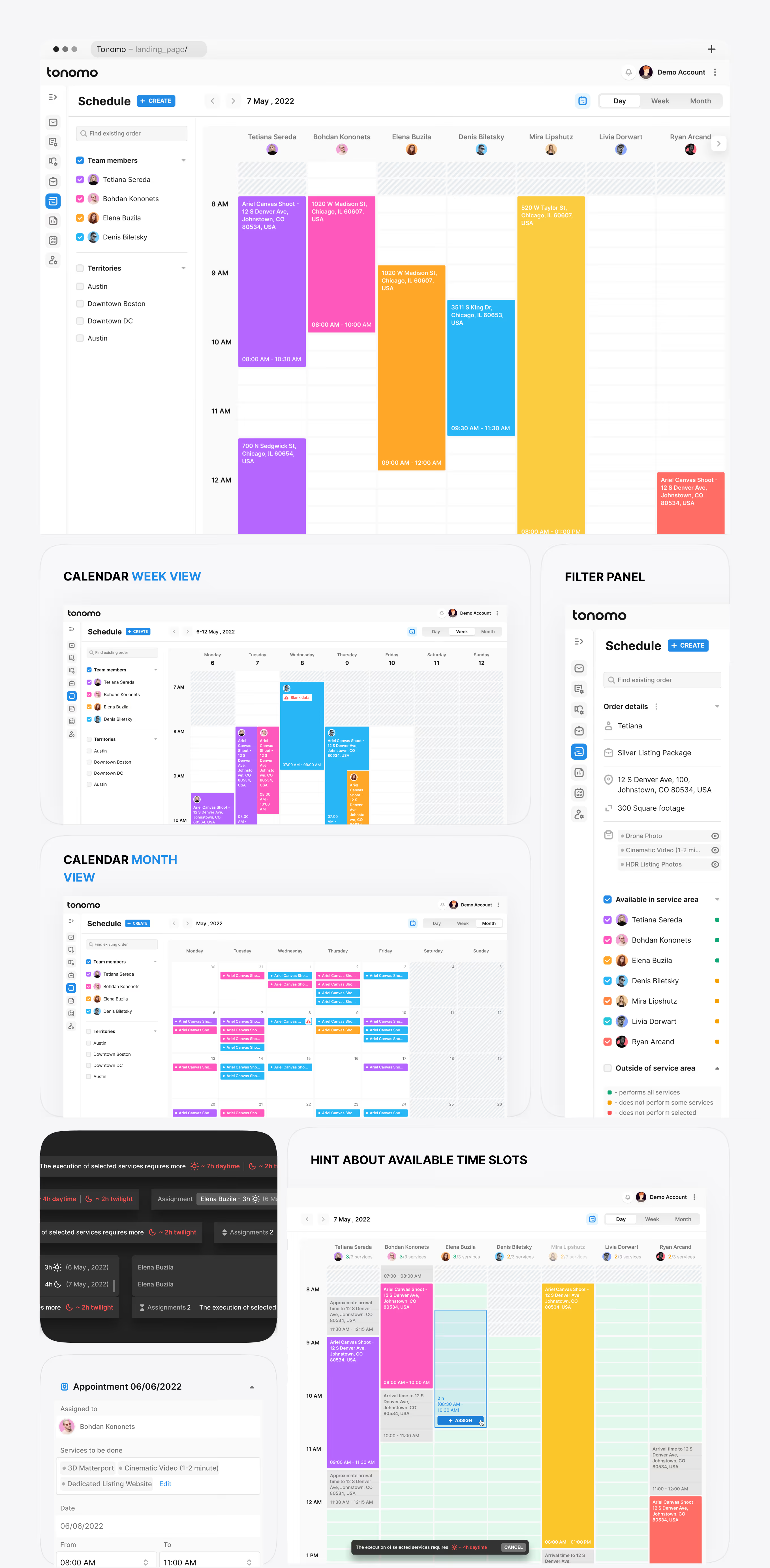
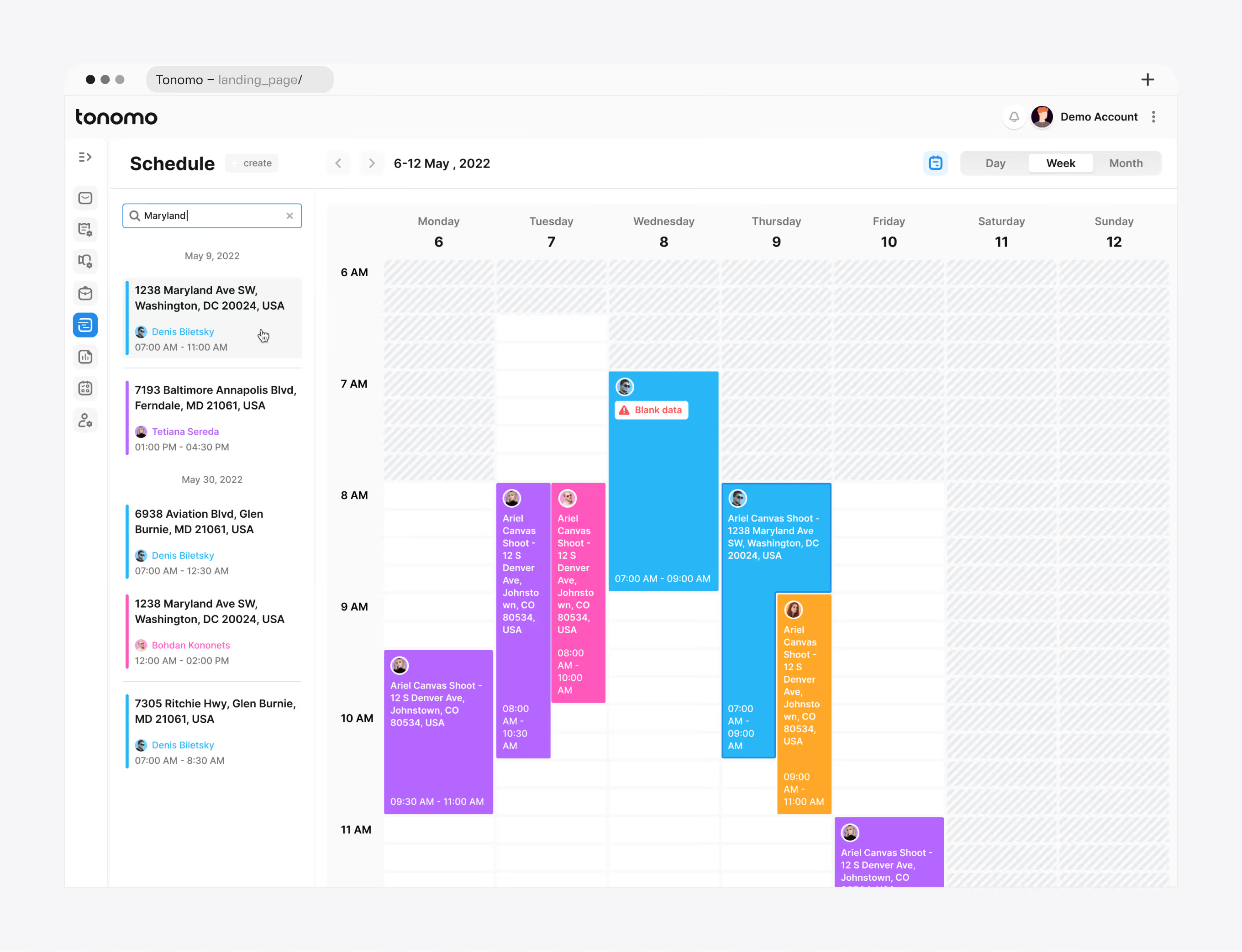
Typing a street name surfaces every matching appointment across the team's calendar, tagged with date, time, and assigned photographer. Selecting a result opens full order details without leaving the calendar.
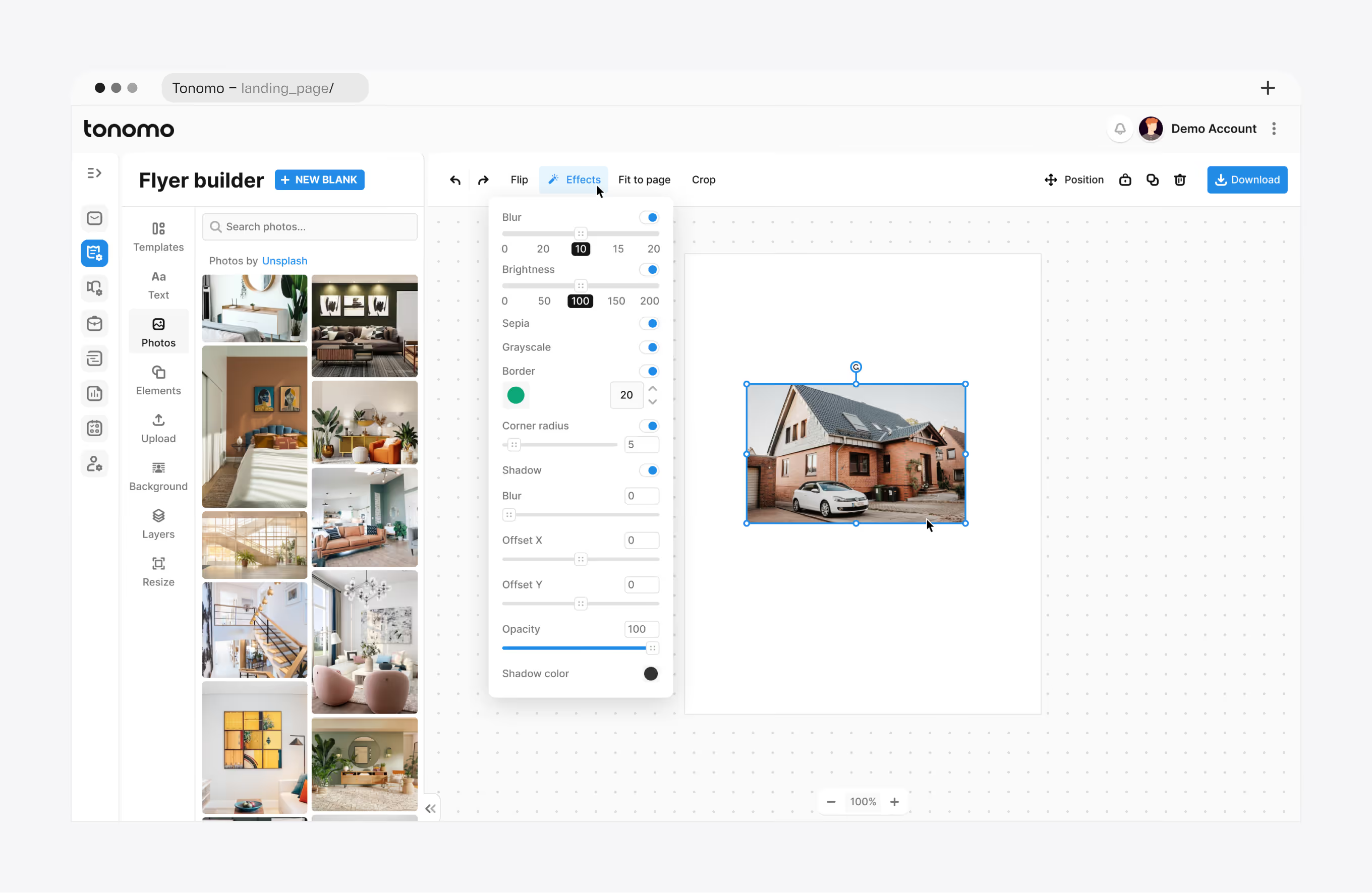
An in-app design tool, delivered through Marketing Design & Assets work, lets the team assemble listing flyers from templates and stock photos. An effects panel adjusts blur, brightness, and shadow per image.
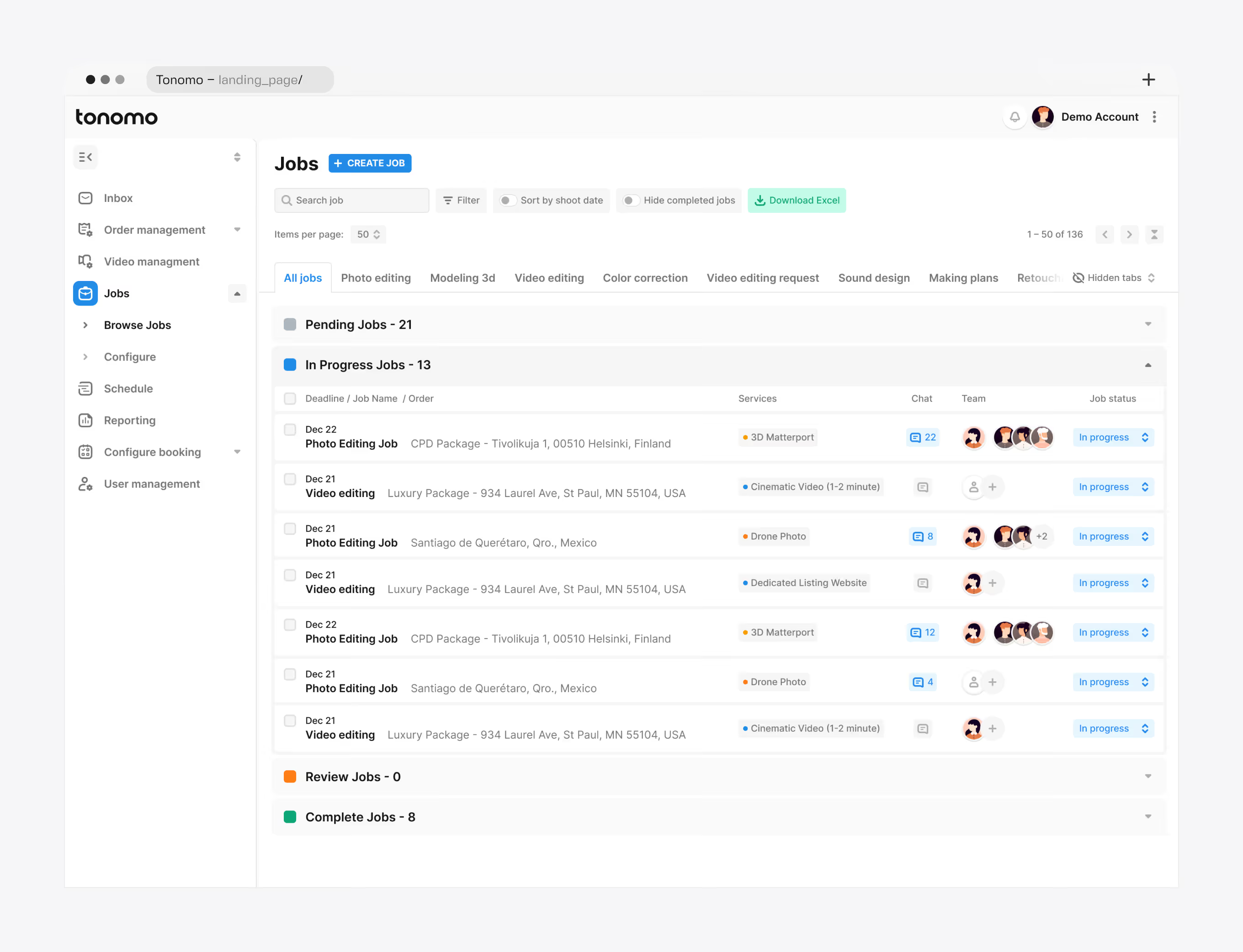
Every production job, including photo editing, video editing, 3D modeling, color correction, and sound design, sits in one filterable queue inside Tonomo's real-estate media operations hub. Editors export the list to Excel.
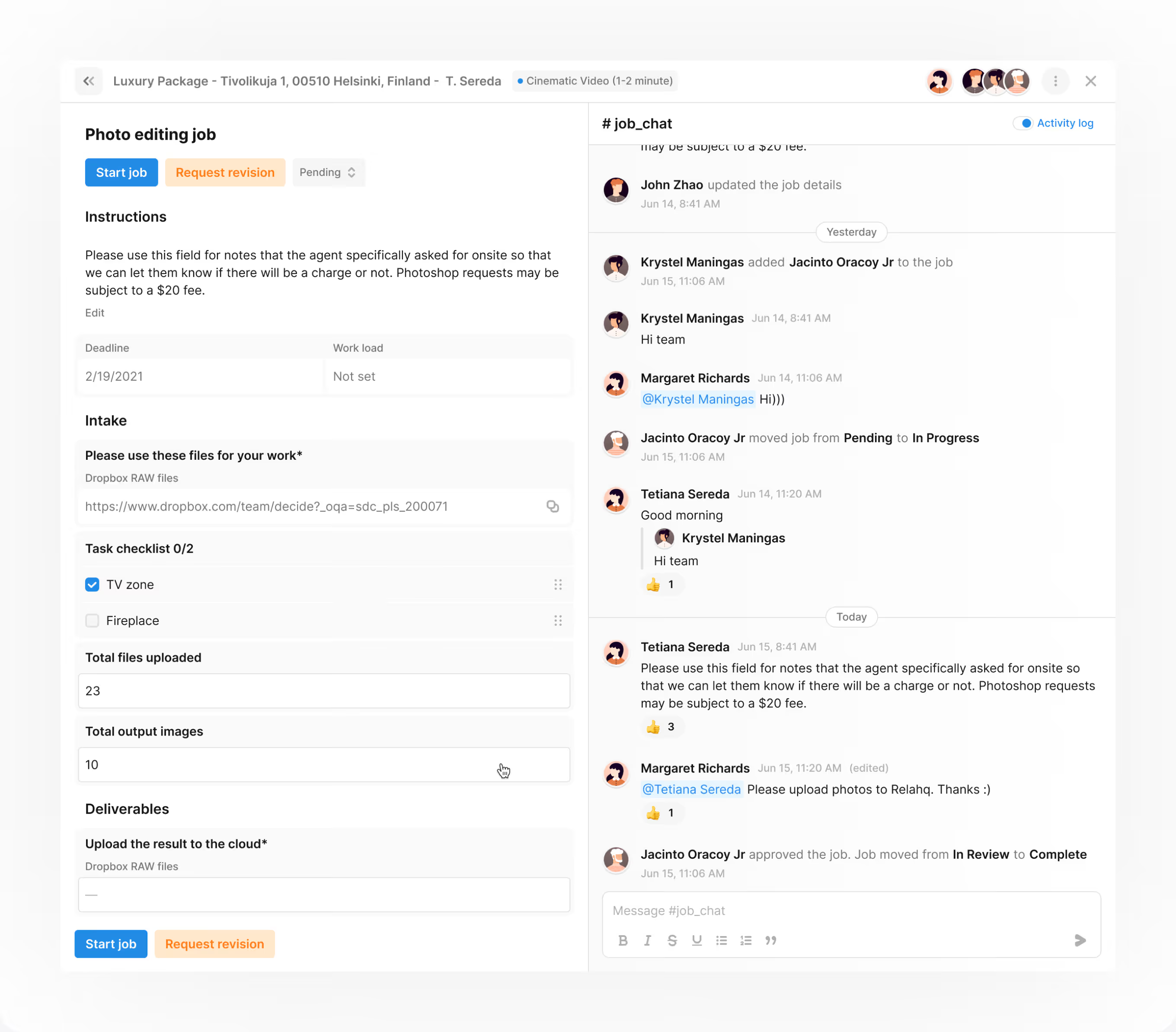
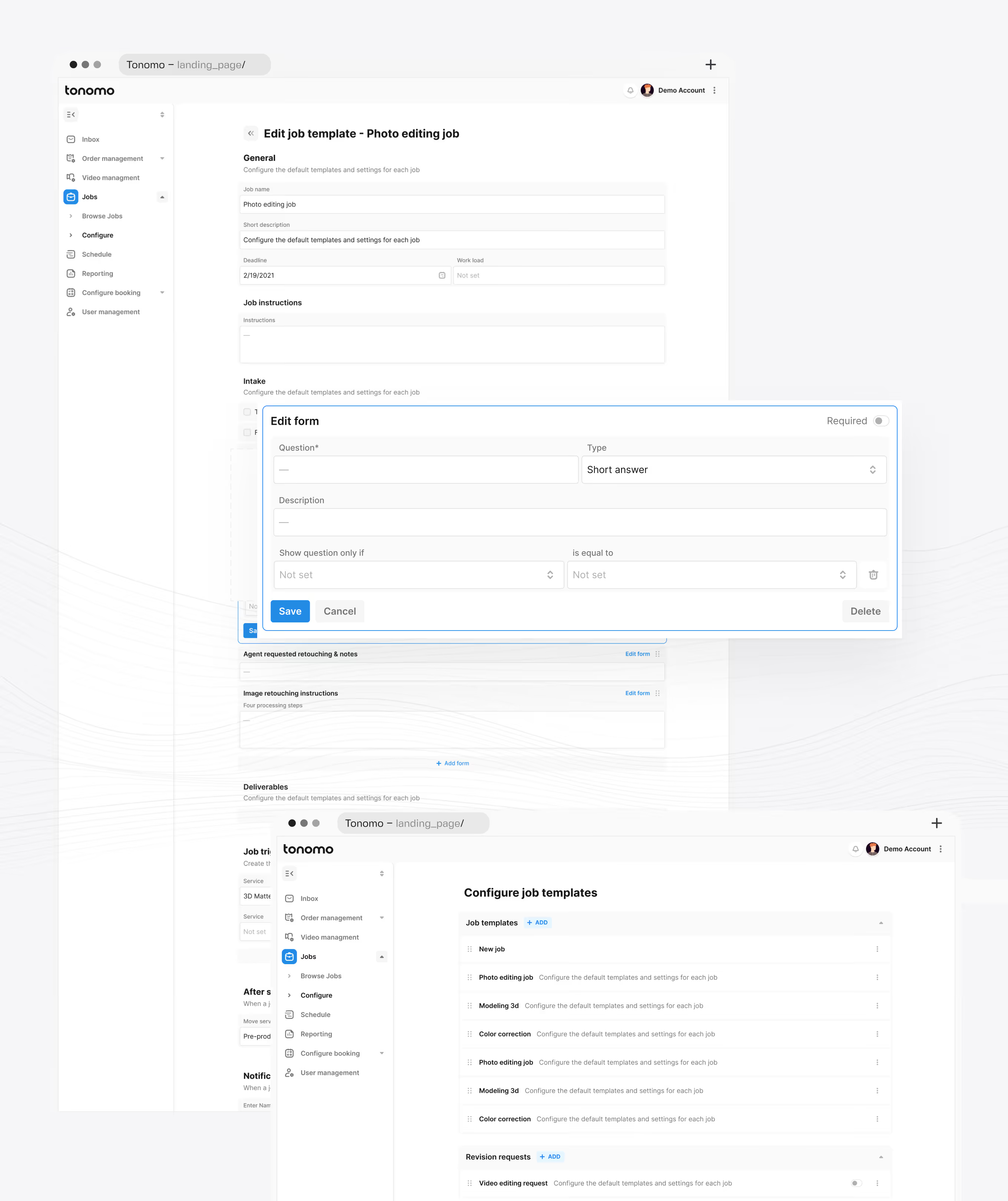
Each editing job pairs task instructions, a checklist, and file counts with a live chat thread, keeping editors and project managers in the same view. Job templates standardize instructions for repeat services.
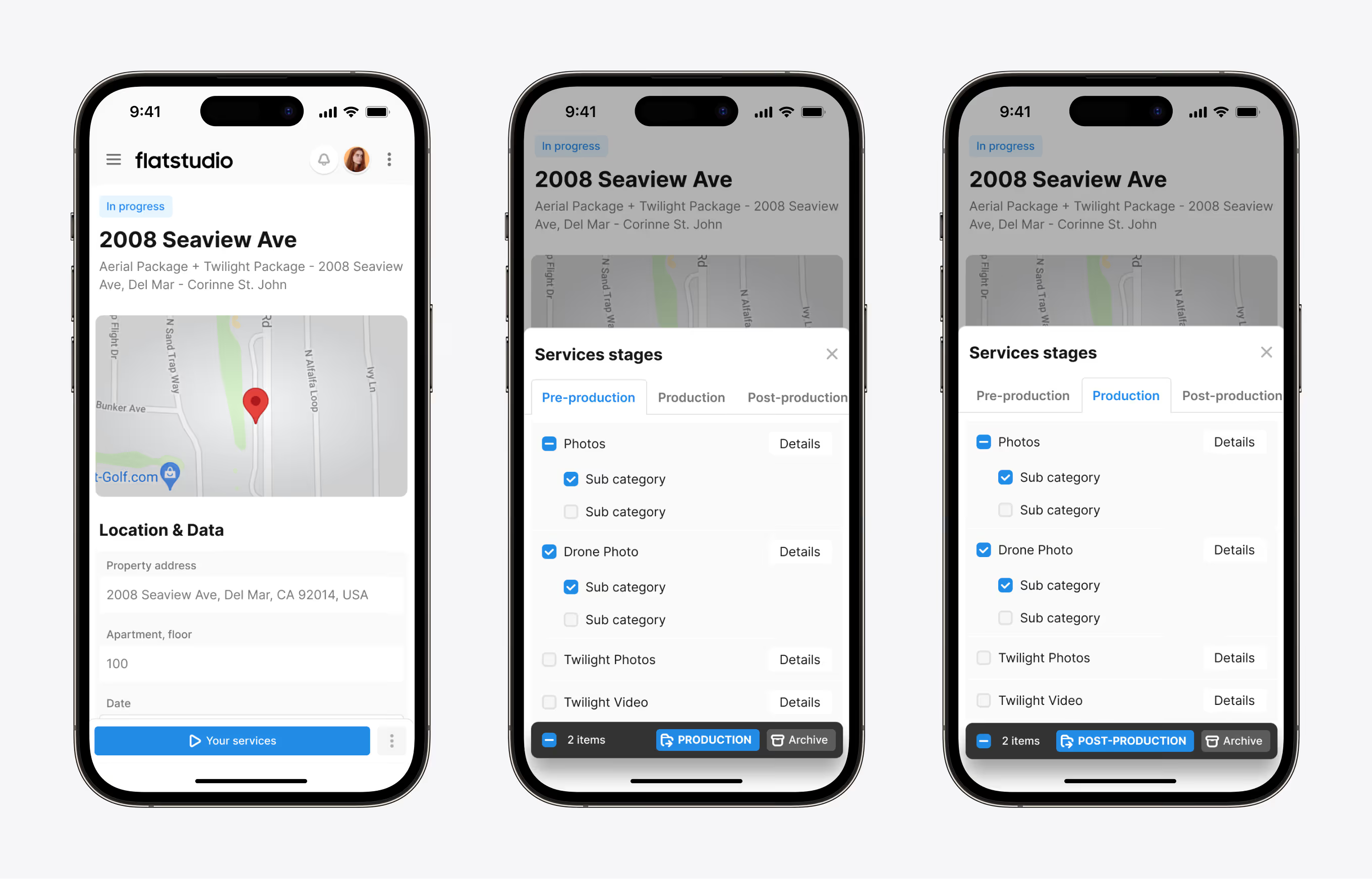
On mobile, photographers and editors move a property order through pre-production, production, and post-production tabs. Sub-categories such as Drone Photo and Twilight Video are checked off as each is completed.
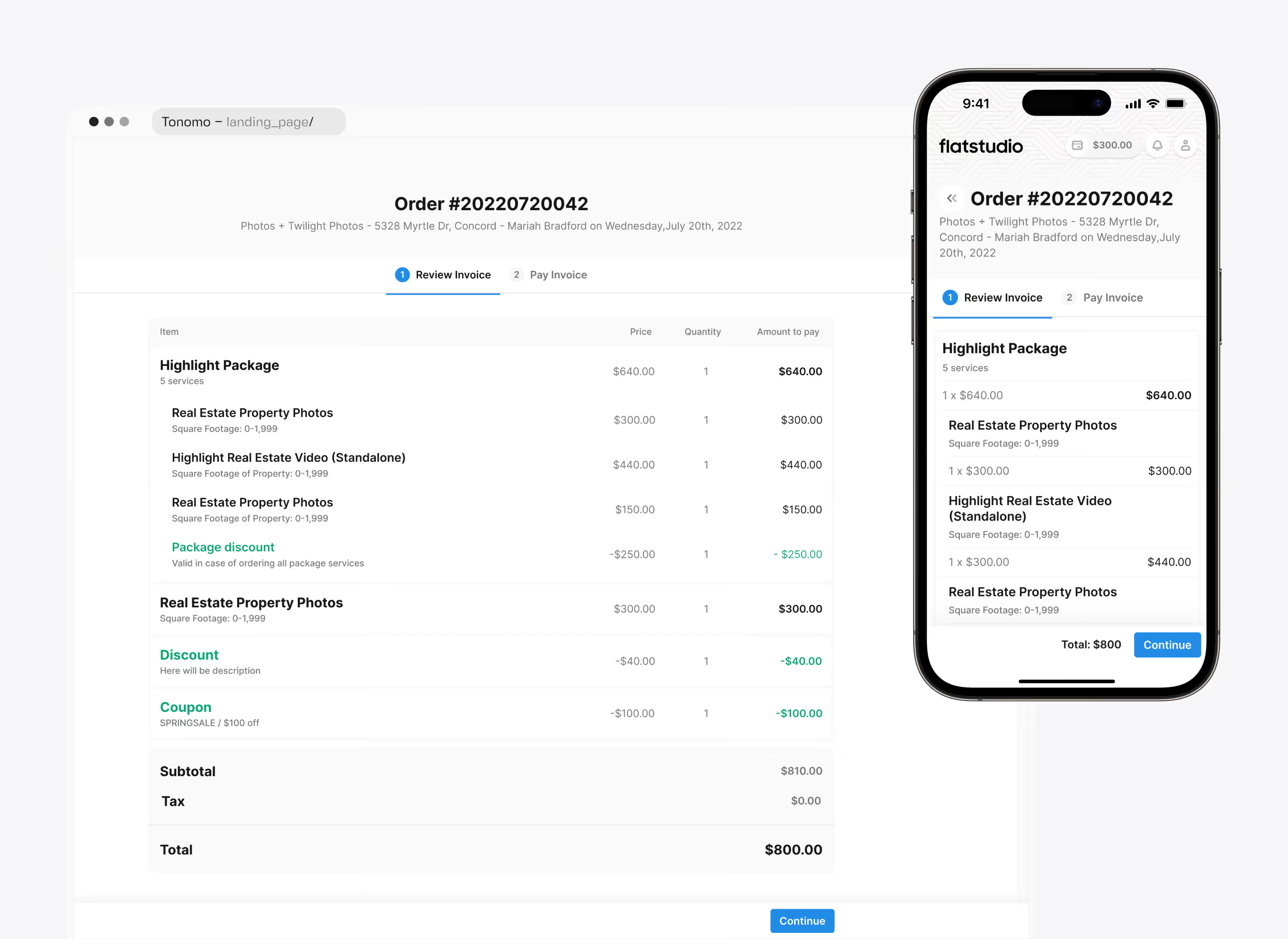
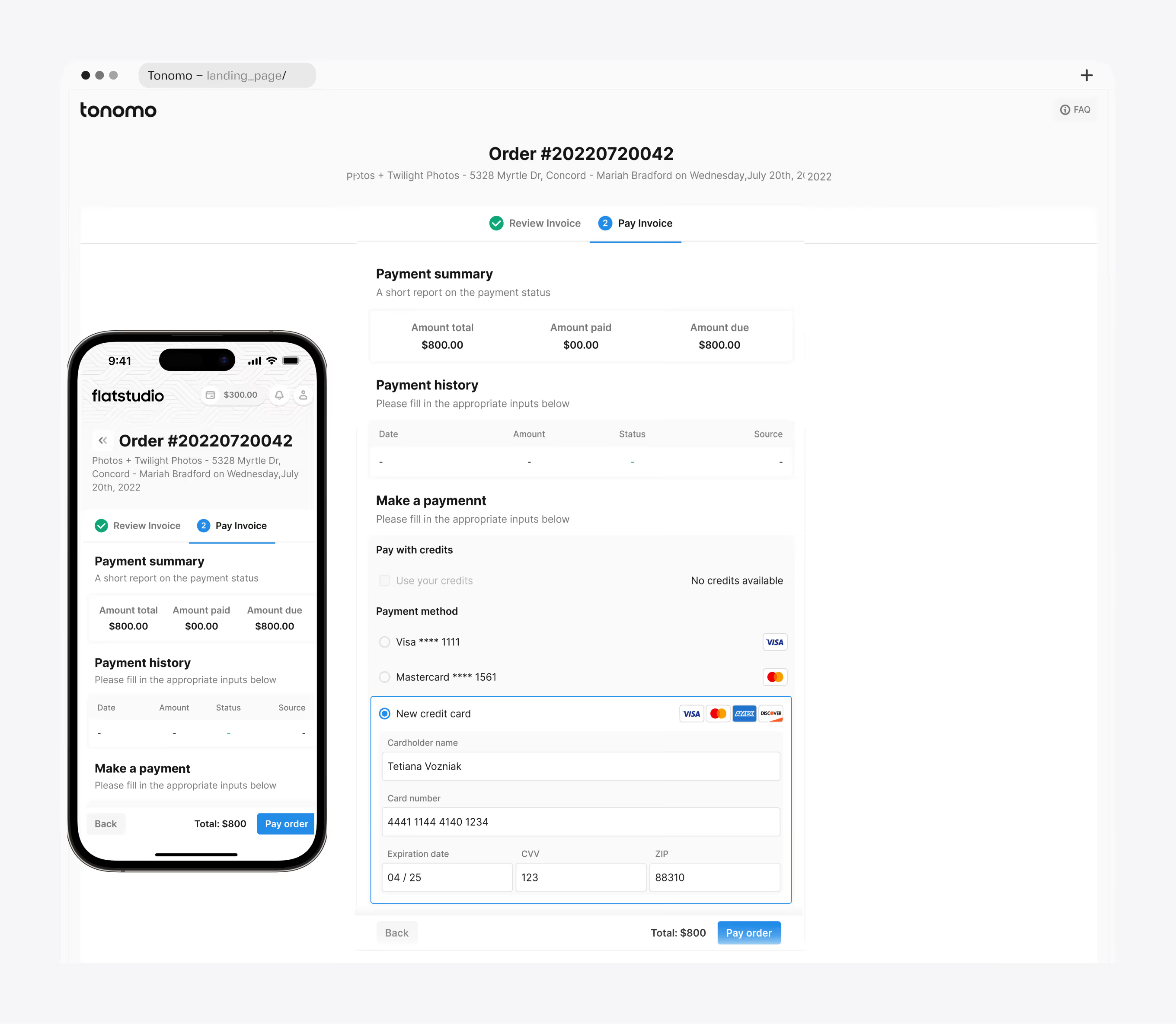
An itemized invoice breaks into individual services, a package discount, and a coupon code, ending in one final total. Clients pay with saved cards, account credit, or a new card, on desktop or mobile.
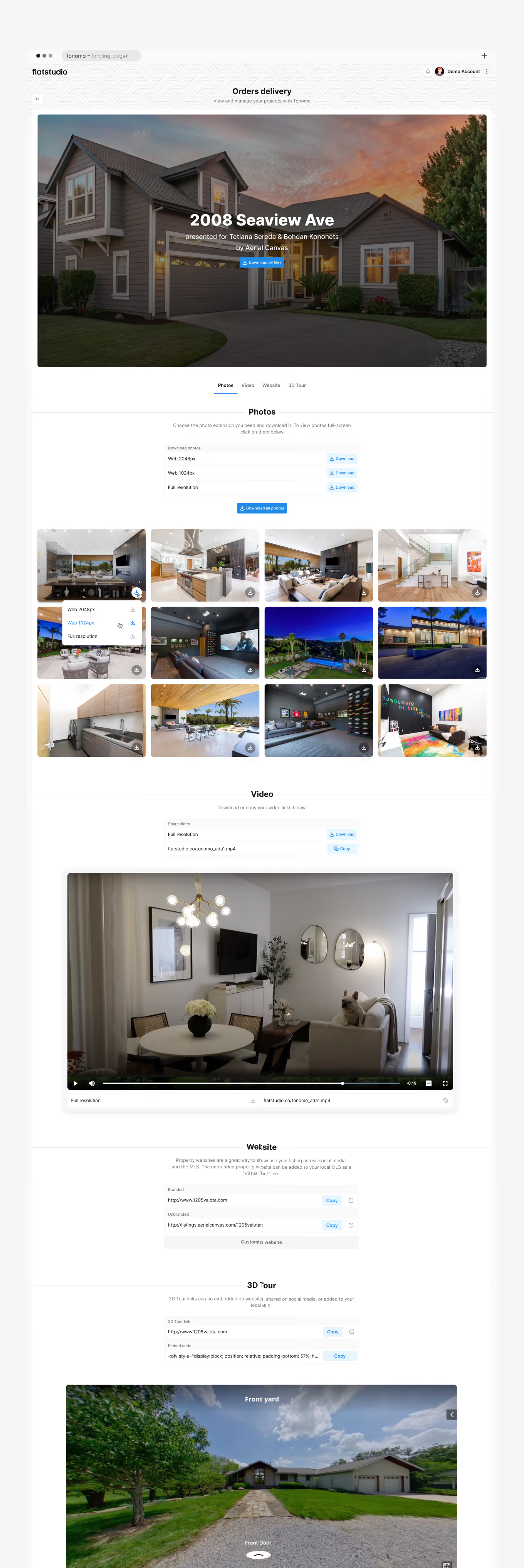
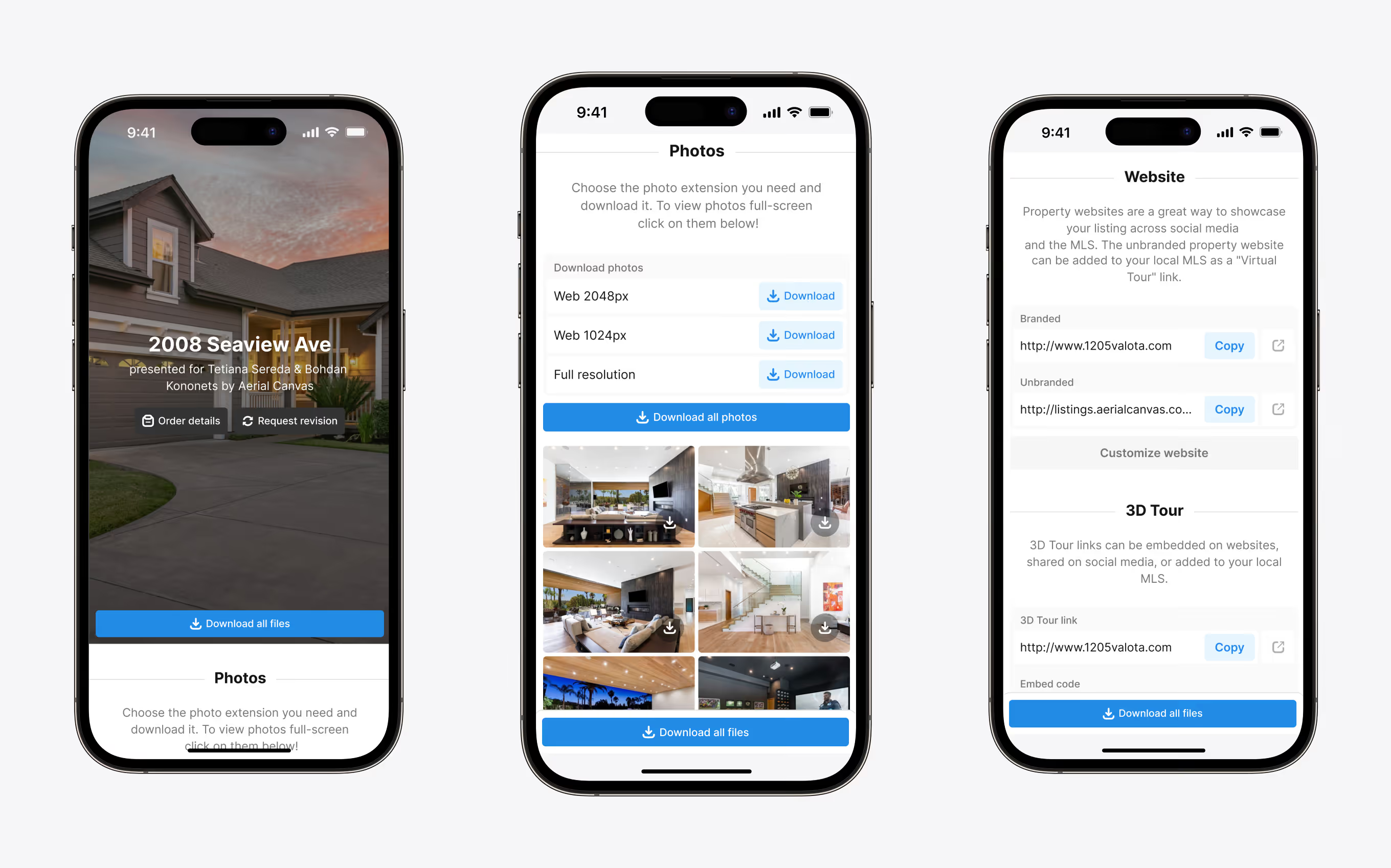
A branded delivery page presents the finished shoot for one property, credited to the photographer and agent by name. Photos, video, website, and 3D tour sit in separate tabs, downloadable at web or full resolution.
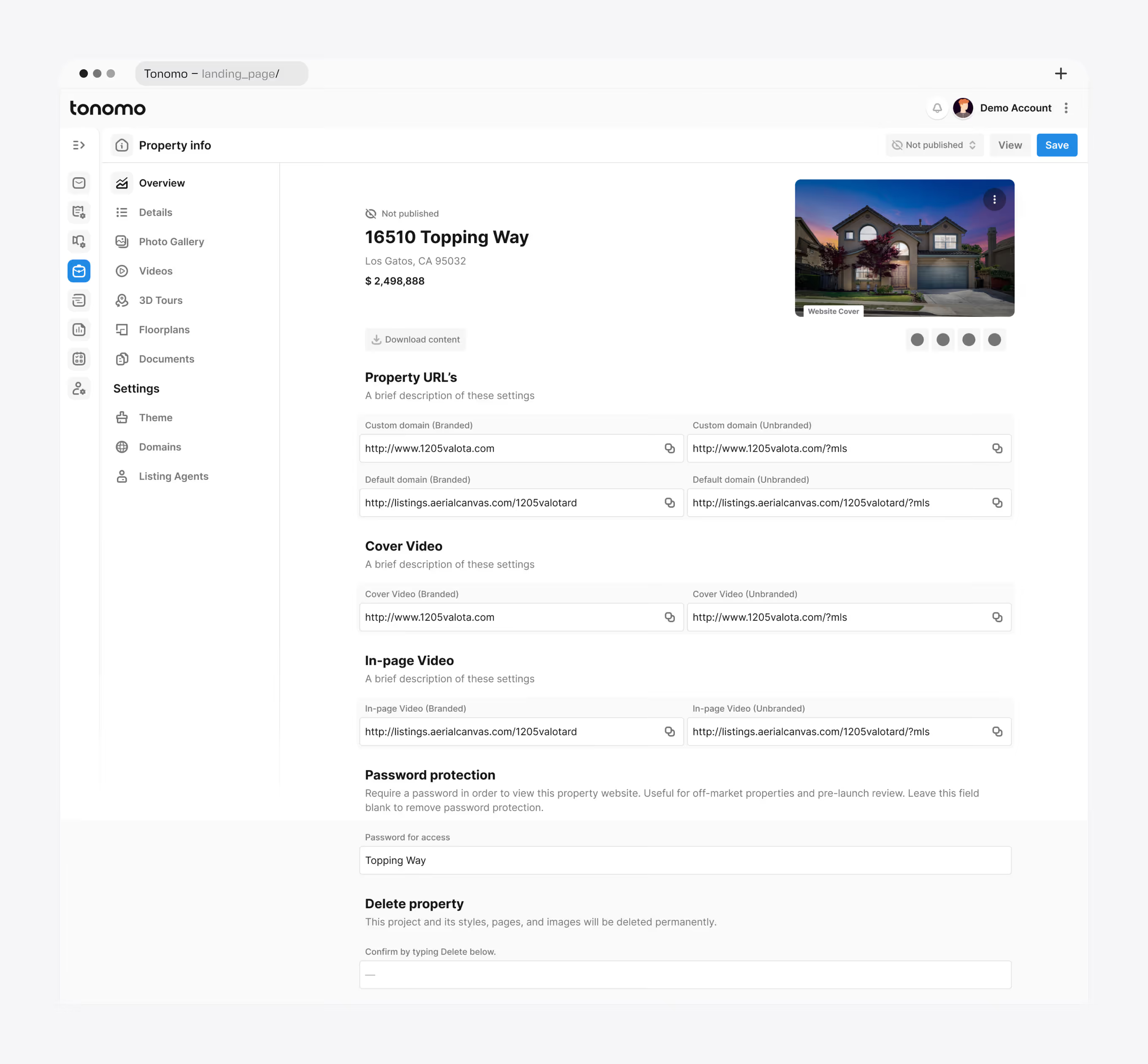
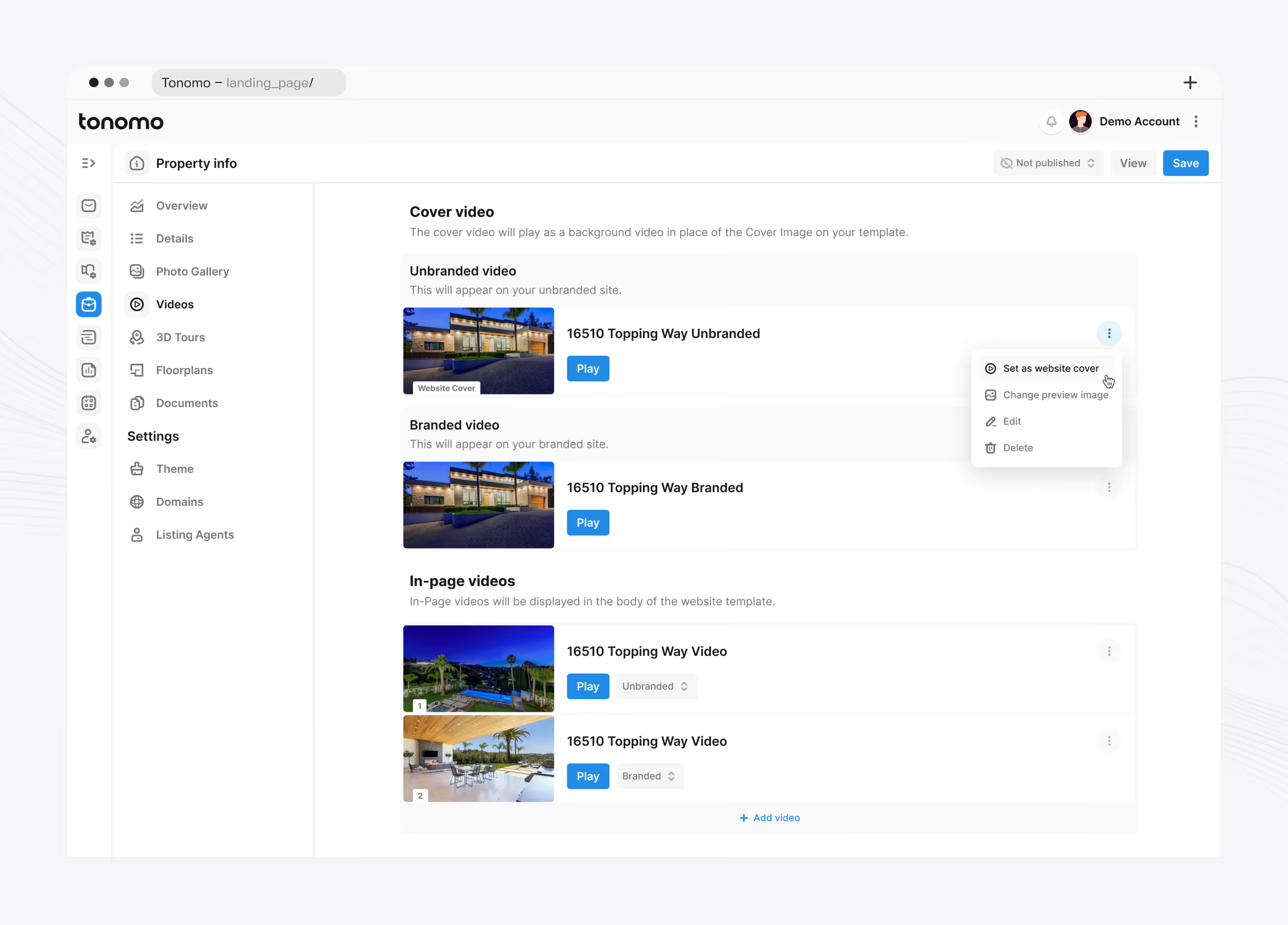
Overview screen for the auto-generated property website: price, cover image, and branded versus unbranded domain links for the site, cover video, and in-page video. A password field can restrict access before a listing goes public.
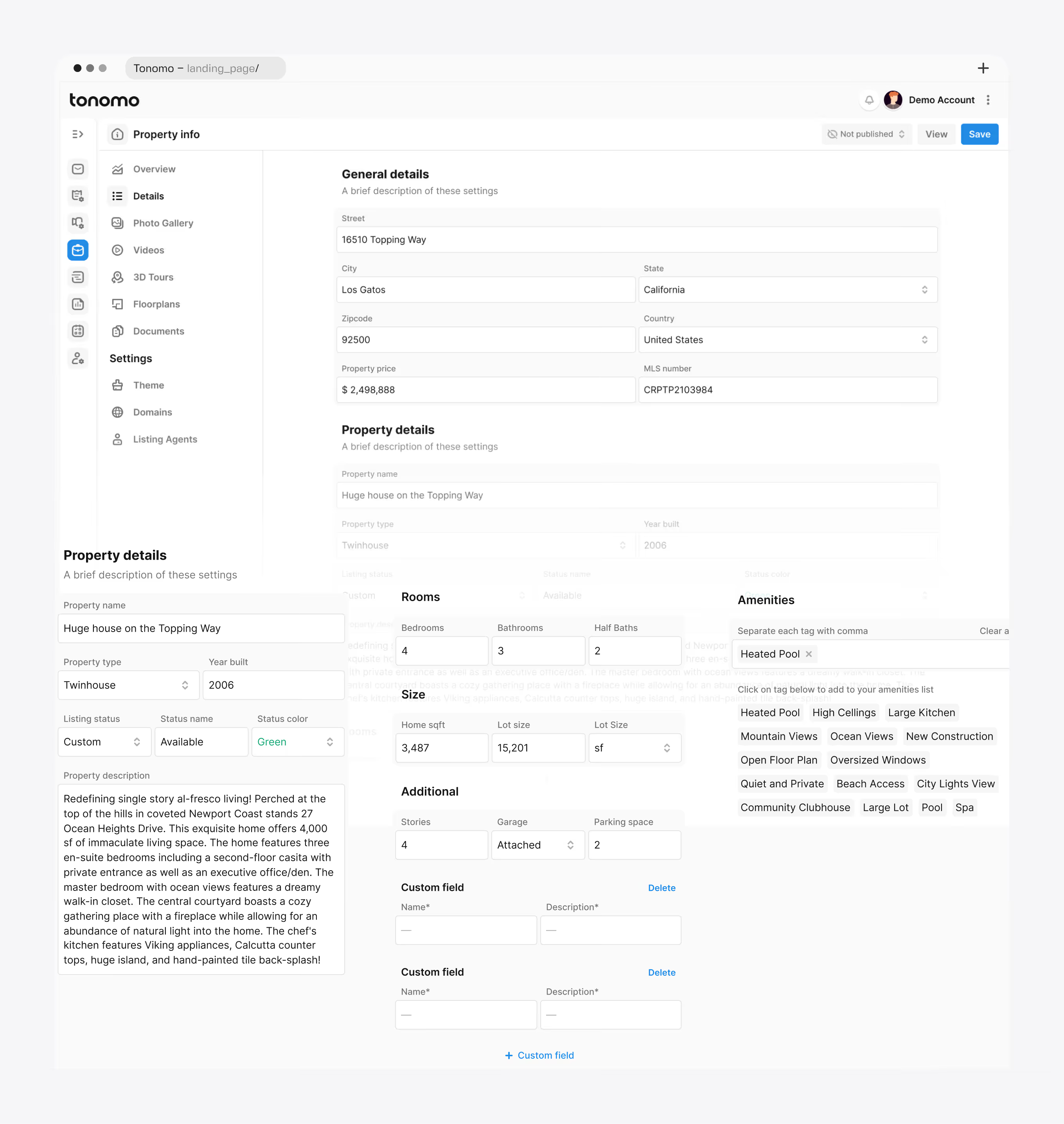
Data entry screen behind the property website: address, price, MLS number, room counts, square footage, and a tagged amenities list. Listing status and its color coding are set on the same screen.
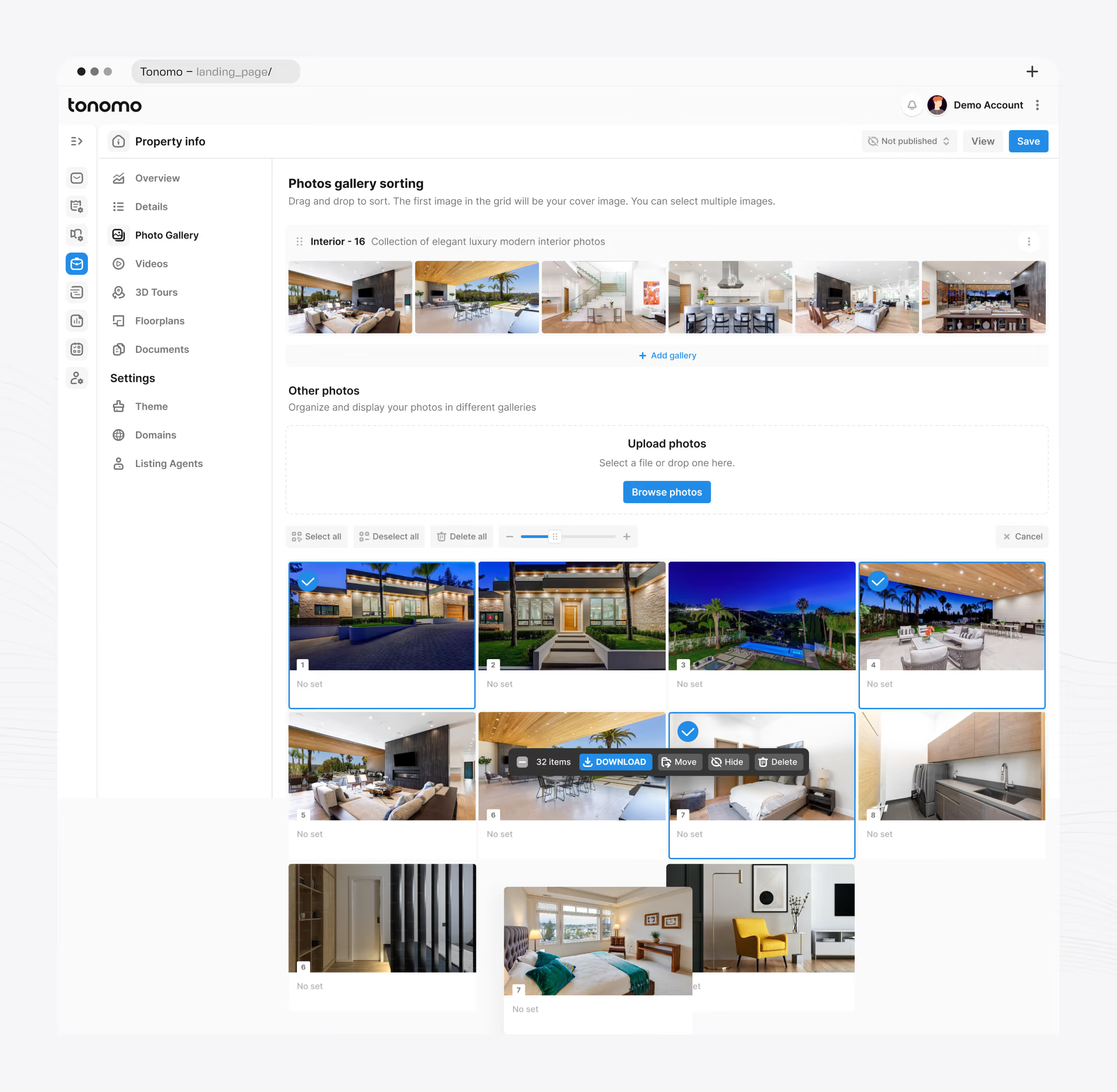
Interior and exterior photos upload by drag-and-drop into named galleries, with the first image in the grid set as the cover. Bulk actions download, move, hide, or delete selected photos across the set.
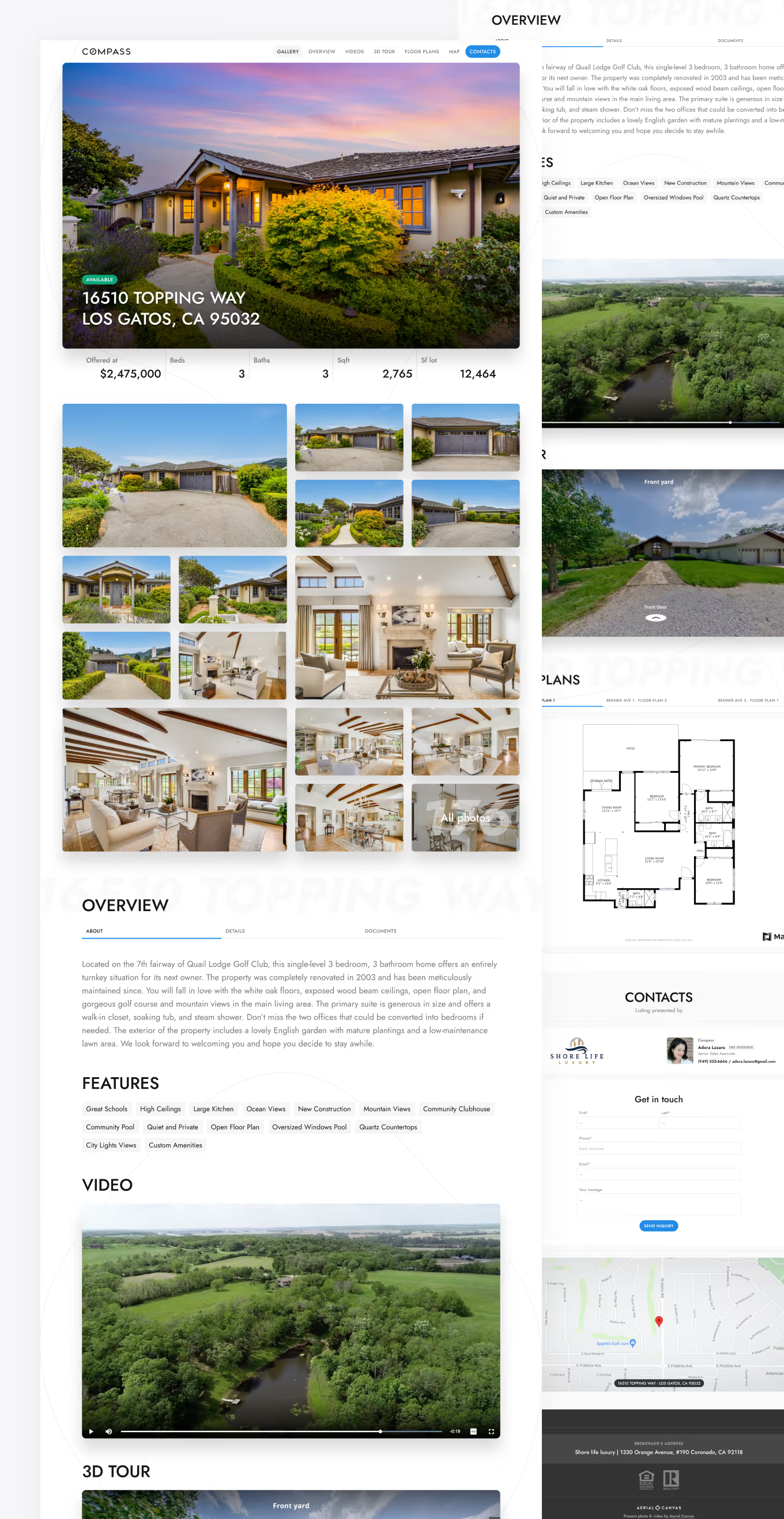
The finished property site pairs an offer banner, price, and specs with a full photo grid, an overview description, an aerial shot, and a floor-plan viewer. Interactive markers on exterior photos let visitors move between views.
If your live product needs to evolve without a big-bang relaunch – old and new coexisting while conservative users stay onboard – that staged approach is how we work weekly.
Get in touch.